FreeTaxUSA is the best free tax software for self-employed filers, with free federal filing even for Schedule C and state returns at $15.99. Cash App Taxes is the only fully free option for federal and state, while 1040.com charges a flat $34.99 for every form.
How we make this list: we compare pricing pages, product documentation and public user reviews, then re-check every price before each update. No product paid for a place. Disclosure.
FreeTaxUSA files Schedule C free at the federal level; only the state return costs $15.99.
Cash App Taxes is the only tool here with no paid tier at all: federal and state are both $0, for one state.
1040.com charges one flat $34.99 for federal and state, with Schedule C included and no per-form upsells.
TaxSlayer, TaxAct, TurboTax and H&R Block all have free tiers, but none of them covers Schedule C for free.
Keeper is the only tool built for freelancers year-round, at $199 a year with a tax pro reviewing each return.
Trustpilot ratings run from 1.2 to 4.8 out of 5, so price and support matter as much as the free tier.
What self-employed filers should check first
Self-employed filing means Schedule C, and that is where most free tiers stop. Several tools in this list advertise a free plan, then charge once you add business income, so check whether Schedule C is in the free tier before you start.
State filing is the second cost to watch. FreeTaxUSA charges $15.99 per state, TaxSlayer charges $39.99, and TurboTax charges $64, while Cash App Taxes and H&R Block Free Online include a state return at $0.
Support matters more for freelancers than for W-2 filers. Free tiers usually offer chat or email only, while paid tiers add phone help or a tax pro review. Our guide on creating an invoice in WooCommerce covers the paperwork side of freelance income.
Prices move through the season and are set when you print or e-file. The figures in this list are the regular prices shown on each pricing page on 25 November 2026.
The 9 best free tax software tools for self-employed filers
01
FreeTaxUSA
2.6/5on Trustpilot (197 reviews, checked Nov 2026)
Paid from$7.99/yr
Best free tax software for self-employed filers
Free federal filingYes, all forms
Schedule CFree
State return$15.99
Paid planDeluxe, $7.99
freetaxusa.com
FreeTaxUSA homepage, captured Nov 2026.
FreeTaxUSA is an online tax service with free federal filing for every tax situation, including self-employment. Its homepage lists federal returns at $0 with all forms included, and it covers Schedule C, depreciation and home-office deductions without an upgrade. State returns cost $15.99 each.
The trade off is support and polish. Live chat costs extra with the $7.99 Deluxe plan, and reviewers on Trustpilot give it 2.6 out of 5, citing glitches and slow help. It suits confident filers who want the lowest possible bill and can work without hand-holding.
What we like
Federal filing is free for every form, including Schedule C
State returns cost $15.99, less than most rivals
Deluxe support costs only $7.99
1099 import by photo or upload
Watch out for
Trustpilot rating of 2.6 out of 5 from 197 reviews
4.4/5on Trustpilot (27,875 reviews, checked Nov 2026)
PriceFree
Best fully free filing, federal and state
Free federal filingYes
Free state filingYes, one state
Schedule CFree
Paid planNone
cash.app
Cash App Taxes homepage, captured Nov 2026.
Cash App Taxes is the free tax service from Cash App, and it charges $0 for federal and state filing with no paid tier. It covers 1099 income, investments and self-employment, and the company says it has filed more than 12 million returns without charging anyone. You need the Cash App mobile app to sign in.
The trade off is help and scope. There is no live tax help, no 1099 import, and filing covers one state only, so multi-state filers pay elsewhere. It suits single-state freelancers with a straightforward return who want to pay nothing at all.
What we like
Completely free, with no paid tier or upsells
Covers Schedule C, investments and crypto
More than 12 million returns filed
Refund up to 5 days early into Cash App
Watch out for
Trustpilot rating covers Cash App overall, not tax filing alone
4.5/5on Trustpilot (39,895 reviews, checked Nov 2026)
Starts at$34.99/yr
Best flat-rate filing for every form
Free federal filingNo, free preview
Schedule CIncluded
State returnIncluded
Paid planFlat $34.99
1040.com
1040.com homepage, captured Nov 2026.
1040.com is an online filing service with one flat price: $34.99 for federal and state together, whatever forms you need. Schedule C is included at no extra cost, as are multiple state returns, and you can preview the full return free before you pay. It is an IRS-authorized e-file provider.
The trade off is that nothing here is free at filing time. There is no free tier, no phone support, and paying with your refund adds a $29.95 fee. It suits self-employed filers who want one predictable price instead of tier upgrades.
What we like
Flat $34.99 covers federal, state and Schedule C
Rated 4.5 out of 5 from 39,895 Trustpilot reviews
Free preview before paying
Multiple states at no extra cost
Watch out for
No free filing tier
No phone support, chat and email only
Pay-with-refund adds a $29.95 fee
The $34.99 flat rate is the only price; nothing else to buyVisit 1040.com
04
TaxSlayer
4.2/5on Trustpilot (31,406 reviews, checked Nov 2026)
Paid from$19.99/yr
Best low-cost paid tier for Schedule C
Free federal filingYes, simple returns
Schedule CClassic, $19.99
State return$39.99
Paid planClassic, $19.99
taxslayer.com
TaxSlayer homepage, captured Nov 2026.
TaxSlayer is a long-running online filing service with a free tier and low paid tiers. Simply Free covers a federal and one state return at $0, while Classic costs $19.99 and adds every major form, including Schedule C, rental income and investments. Each state return on paid tiers costs $39.99.
The trade off is that Simply Free does not cover self-employment. A freelancer needs Classic at $19.99, and the $39.99 state fee can double the bill. It suits budget filers who want a guided interview and free phone and email support.
4/5on Trustpilot (8,721 reviews, checked Nov 2026)
Paid from$59.99/yr
Best guided filing under $60
Free federal filingYes, Form 1040 only
Schedule CSelf-Employed, $109.99
State returnExtra
Paid planDeluxe, $59.99
taxact.com
TaxAct homepage, captured Nov 2026.
TaxAct is a guided online filing service that has helped more than 90 million filers since 1998. Its Free Edition covers Form 1040 only, with no attached forms or schedules, and TaxAct says about 40% of filers qualify. Deluxe costs $59.99 for federal filing, while the Self-Employed tier costs $109.99.
The trade off is the free tier's narrow scope. Any Schedule C, investment or rental income moves you to a paid tier, and state returns cost extra on every tier. It suits filers who want step-by-step guidance and are willing to pay for the Self-Employed tier.
What we like
Rated 4.0 out of 5 from 8,721 Trustpilot reviews
Xpert Assist adds live help from tax experts for $45
Prior-year import carries data forward
Free Edition covers dependents and credits
Watch out for
Free Edition excludes Schedule C and all schedules
State filing costs extra on every tier
Self-Employed tier costs $109.99 federal
Self-Employed tier adds business expense guidance for $109.99Visit taxact.com
06
E-file.com
4.3/5on Trustpilot (407 reviews, checked Nov 2026)
Paid from$29.99/yr
Best budget filing for simple side income
Free federal filingYes, simple returns
Schedule CPremium Plus, $49.99
State return$32.99
Paid planDeluxe Plus, $29.99
e-file.com
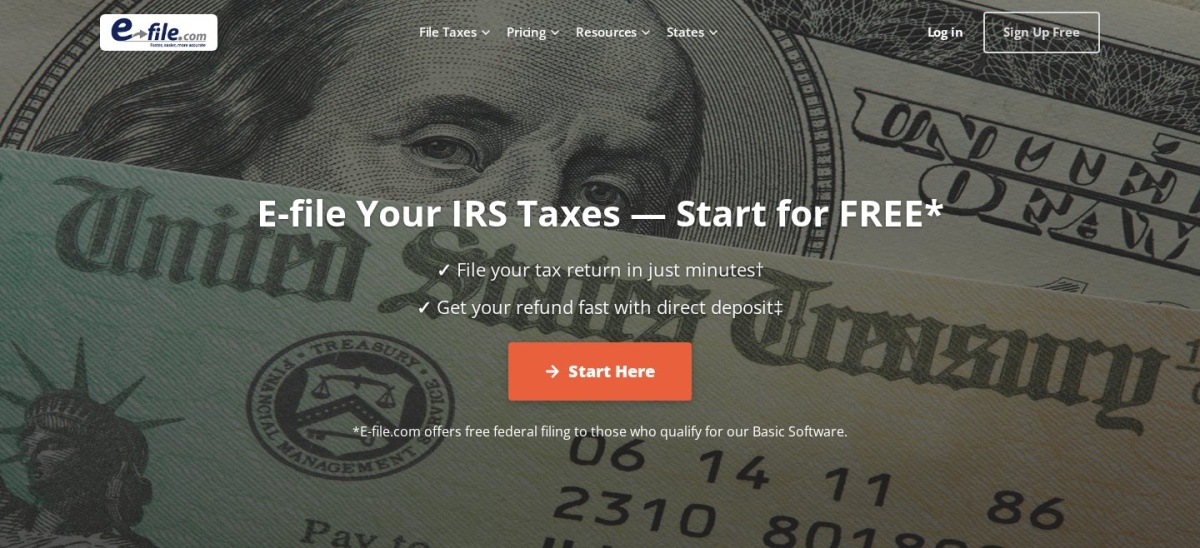
E-file.com homepage, captured Nov 2026.
E-file.com is an IRS-authorized filing service with a free Basic tier for simple single or joint returns. Deluxe Plus lists at $29.99 and Premium Plus at $49.99, with the Premium tier covering business income, itemized deductions and audit assistance. Each state return costs $32.99.
The trade off is the free tier's limits. It covers wage income only, with no dependents and income under $100,000, so most self-employed filers need Premium Plus. It suits filers who want a low flat state fee and a plain, form-led workflow.
What we like
Rated 4.3 out of 5 from 407 Trustpilot reviews
Premium Plus covers business income for $49.99
Flat $32.99 state fee on every tier
Phone support on Deluxe and Premium tiers
Watch out for
Free Basic tier excludes dependents and business income
List prices are usually cut by a 15% coupon, so totals vary
Paying with your refund adds a $39.99 fee
Premium Plus adds business income and audit help for $49.99Visit e-file.com
07
Keeper
4.8/5on Trustpilot (319 reviews, checked Nov 2026)
Starts at$199/yr
Best for freelancers who want year-round help
Free federal filingNo, 14-day trial
Schedule CIncluded
State returnsUp to 2 included
Paid planStandard, $199/yr
keepertax.com
Keeper homepage, captured Nov 2026.
Keeper is a tax service built for freelancers, contractors and sole proprietors. Its Standard plan costs $199 a year and pairs year-round expense tracking with federal and state filing, and every return is reviewed and signed by an in-house tax pro. It links bank accounts and finds deductions automatically.
The trade off is price. There is no free filing tier, only a 14-day trial, and $199 a year is far more than the free tools in this list. It suits freelancers who want deductions found through the year instead of a once-a-year filing session.
1.2/5on Trustpilot (1,331 reviews, checked Nov 2026)
Paid from$79/yr
Best guided filing with the most help
Free federal filingYes, simple returns
Schedule CPremium, $139
State return$64 per state
Paid planDeluxe, $79
turbotax.intuit.com
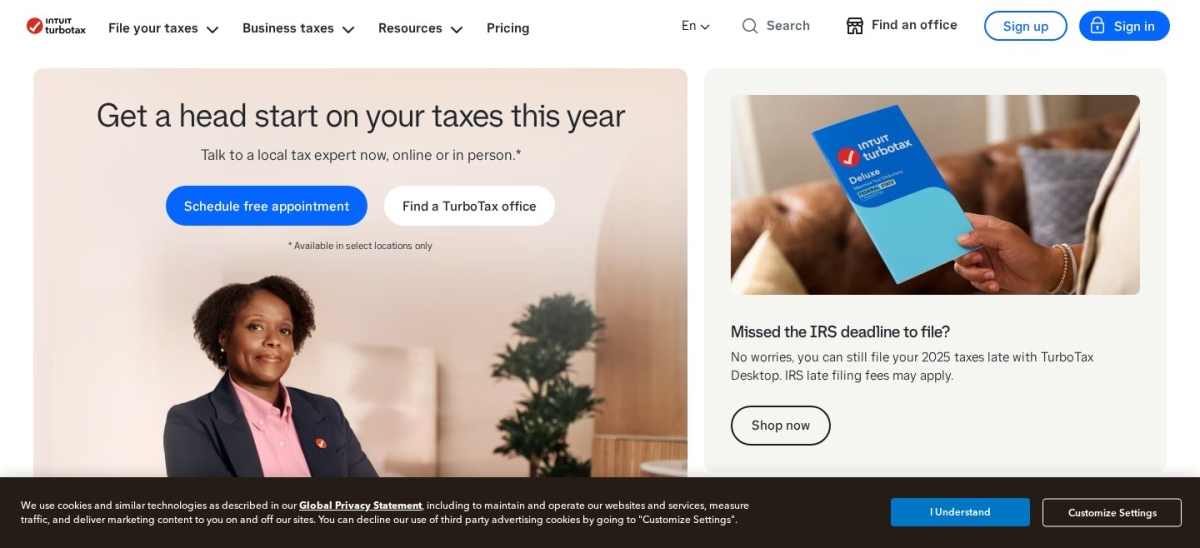
TurboTax homepage, captured Nov 2026.
TurboTax is the best-known online tax service, from Intuit, with the most polished interview and the widest import coverage. Free Edition covers simple Form 1040 returns only, Deluxe costs $79 for federal filing, and Premium at $139 covers Schedule C, rentals and investments. State returns cost $64 each.
The trade off is price and ratings. TurboTax is the most expensive DIY option here, and its Trustpilot rating is 1.2 out of 5 from 1,331 reviews, mostly about upsells and charges. It suits filers who want the smoothest guidance and are willing to pay for it.
What we like
Widest W-2 and 1099 import coverage
Expert Assist and Full Service options
100% accurate calculations guarantee
Free audit guidance year-round
Watch out for
Trustpilot rating of 1.2 out of 5 from 1,331 reviews
1.3/5on Trustpilot (1,498 reviews, checked Nov 2026)
Paid from$65/yr
Best free tier plus in-person backup
Free federal filingYes, simple returns
Schedule CSelf-Employed, $130
State return$49 per state
Paid planDeluxe, $65
hrblock.com
H&R Block homepage, captured Nov 2026.
H&R Block is a tax preparation company with online filing and thousands of offices for in-person help. Free Online costs $0 for federal and state on simple returns, Deluxe costs $65, and Self-Employed costs $130 for federal filing plus $49 per state. Paid tiers include unlimited expert help.
The trade off is ratings and scope. Free Online covers simple returns only, and Trustpilot reviewers give H&R Block 1.3 out of 5 from 1,498 reviews, mostly about fees and support. It suits filers who want an office to walk into if a notice arrives.
What we like
Free Online includes a state return at $0
Unlimited expert help on paid tiers
In-person help at offices across the country
AI Tax Assist included on paid tiers
Watch out for
Trustpilot rating of 1.3 out of 5 from 1,498 reviews
Only two tools in this list file Schedule C free: FreeTaxUSA at the federal level and Cash App Taxes for federal and state. Every other free tier stops at Form 1040, so a freelancer who starts free usually pays before filing.
The cheapest paid route for Schedule C is TaxSlayer Classic at $19.99, then 1040.com at $34.99 flat, then e-file.com Premium Plus at $49.99. TaxAct, TurboTax and H&R Block all charge $109.99 or more for their self-employed tiers.
A paid tier can still be the cheaper choice when it includes the state return. Cash App Taxes and H&R Block Free Online include one state return at $0, while TurboTax charges $64 per state on top of the federal price.
If you earn freelance income all year, a tracker like Keeper can pay for itself in found deductions. For a single return with a few 1099s, a free federal filer plus a $15.99 state return is usually the lowest bill.
How we chose
We started from the tax software most often recommended for self-employed filers, then kept the nine with a free tier, a flat low price, or a plan built for freelancers.
Prices come from each vendor's pricing page, checked on 25 November 2026. Ratings and review counts come from Trustpilot on the same day. Where a vendor shows a sale price, the list shows the regular price.
We left out tools with no public rating and filing services that do not publish prices. No vendor paid for a place, and we do not claim to have used these tools ourselves.
How to choose free tax software when you are self-employed
Start with Schedule C, then check the state fee before you enter any numbers.
Check whether Schedule C is free. Only FreeTaxUSA and Cash App Taxes include it at $0. Everywhere else, find the cheapest paid tier that covers it before you enter any numbers.
Add the state fee to the federal price. A $0 federal return can still cost $64 per state with TurboTax, while 1040.com and Cash App Taxes include the state return in the headline price.
Match the help to your return. Chat or email support is enough for a simple Schedule C, but a first return with depreciation or a home office is easier with live help or a pro review.
Save a copy before you file. Download the PDF of your return and keep your 1099s together. If the IRS sends a notice, you will need the exact figures you filed.
FAQ
What is the best free tax software for self-employed filers?
FreeTaxUSA is the best free pick for self-employed filers. Its federal return is free for every form, including Schedule C, and a state return costs $15.99. Cash App Taxes is the only option that is free for federal and state together, for one state.
Is Cash App Taxes really free for self-employed filers?
Yes. Cash App Taxes charges $0 for federal and state filing with no paid tier, and its own FAQ says 1099 income and self-employment are covered free. The limits are one state return, no live help and no 1099 import.
Why do most free tiers exclude Schedule C?
Free tiers are built for simple Form 1040 returns, and vendors charge for the forms that take more guidance. Schedule C adds business income, expenses and depreciation, so TurboTax, H&R Block, TaxAct and TaxSlayer all move it to a paid tier.
What does 1040.com cost for a self-employed return?
1040.com charges one flat $34.99 for federal and state together, with Schedule C included and no per-form upsells. There is no free filing tier, but you can preview the full return free before you pay.
Do I have to pay for state filing?
It depends on the tool. Cash App Taxes and H&R Block Free Online include a state return at $0, FreeTaxUSA charges $15.99, e-file.com charges $32.99, TaxSlayer charges $39.99 and TurboTax charges $64 per state.
Is Keeper worth $199 a year?
Keeper is worth it if you want deductions found through the year rather than at filing time. It tracks expenses and mileage, then files your return with a tax pro review. For a single simple return, a free filer costs far less.
Can I file for free if I have 1099 income?
Yes, with the right tool. FreeTaxUSA and Cash App Taxes both cover 1099 income free at the federal level. TaxAct, TurboTax and H&R Block free tiers exclude it, so you would need a paid tier there.
SaaS SEO and WordPress specialist with about 8 years of experience. Rakib compares WordPress plugins, themes, hosting and software using public pricing, documentation and user reviews. See how we rank.