Robinhood is the best stock trading app for beginners who prioritize straightforward order placement, offering commission-free stock trading and an optional $50 annual Gold subscription. Webull is better for practicing with simulated trades, while Public suits beginners interested in researching stocks and building diversified portfolios.
How we make this list: we compare pricing pages, product documentation and public user reviews, then re-check every price before each update. No product paid for a place. Disclosure.
Robinhood offers commission-free eligible stock trades, with Gold available for $50 a year.
Webull Premium costs $40 annually, but beginners can practice trading without a paid subscription.
Public Reserve costs $200 annually, while financial data and investment planning features are available without upgrading.
Fidelity earns 4.8/5 from 3.4M App Store ratings and supports fractional investing starting at $1.
M1 charges $3 monthly, with its platform fee waived for qualifying accounts holding more than $10,000.
What beginners should look for in a stock trading app
A beginner-friendly stock trading app should make researching investments, understanding order types and monitoring portfolio performance straightforward. An attractive interface matters, but transparent pricing and useful educational material are equally important.
Commission-free stock trading does not mean every transaction is free. Regulatory charges, currency conversion, account transfers, market data subscriptions and borrowing costs can affect investment returns.
Fractional shares allow beginners to purchase part of a company's stock rather than paying for a complete share. This makes it easier to start with smaller contributions and spread investments across different assets.
Paper trading provides an opportunity to learn how orders work without risking actual money. However, simulated investment results do not guarantee similar performance when trading with real funds.
Beginners should distinguish long-term investing from frequent stock trading. Diversified investments, manageable contributions and avoiding borrowed money can help reduce unnecessary exposure to financial risk.
4.3/5on App Store (4.9M reviews, checked 25 Nov 2026)
Paid from$50/yr
Best for straightforward beginner stock trading
Eligible stock commissions$0
Fractional sharesYes
Desktop tradingRobinhood Legend
Paid planGold, $50/yr
robinhood.com
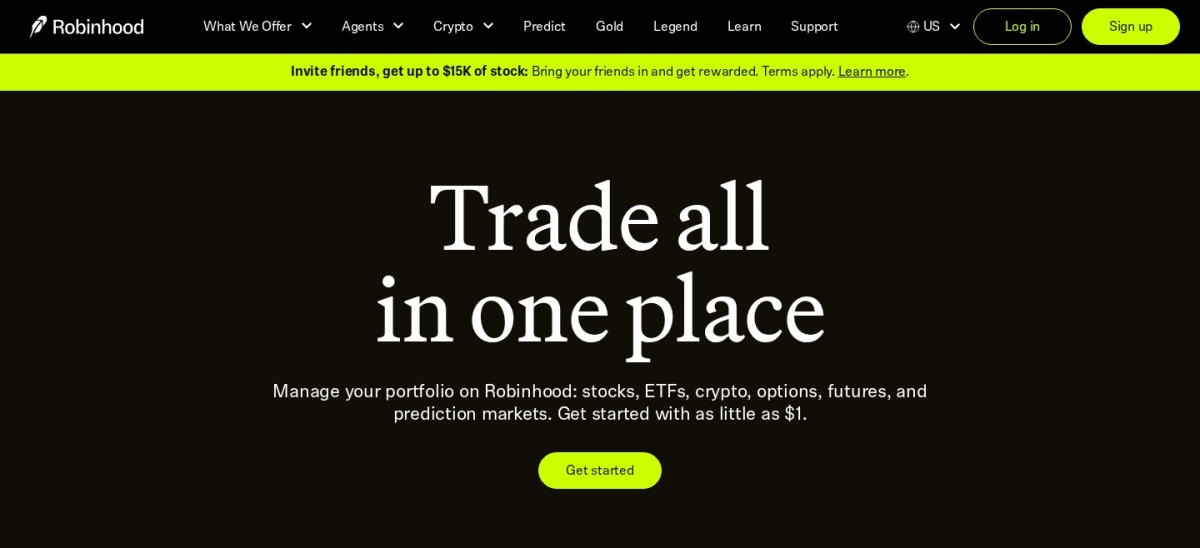
Robinhood homepage, captured 25 Nov 2026.
Robinhood is a mobile-first brokerage platform that simplifies buying stocks, tracking investments and placing orders. Its standard account offers $0 commissions on eligible stock and ETF trades, while additional financial features are available through an optional Gold membership.
The trade off is that the simple interface also provides access to speculative products that may be unsuitable for inexperienced investors. Gold costs $50 annually or $5 monthly and adds financial benefits and research features. It suits beginners who want straightforward access to individual stocks.
What we like
Straightforward stock purchase workflow
Commission-free eligible stock and ETF trading
Fractional share investing
Optional rather than mandatory premium membership
Desktop charting platform available
Watch out for
Speculative products can distract inexperienced investors
4.7/5on App Store (344K reviews, checked 25 Nov 2026)
Paid from$40/yr
Best for learning through simulated trading
Eligible stock commissions$0
Paper tradingYes
Market chartingIncluded
Paid planPremium, $40/yr
webull.com
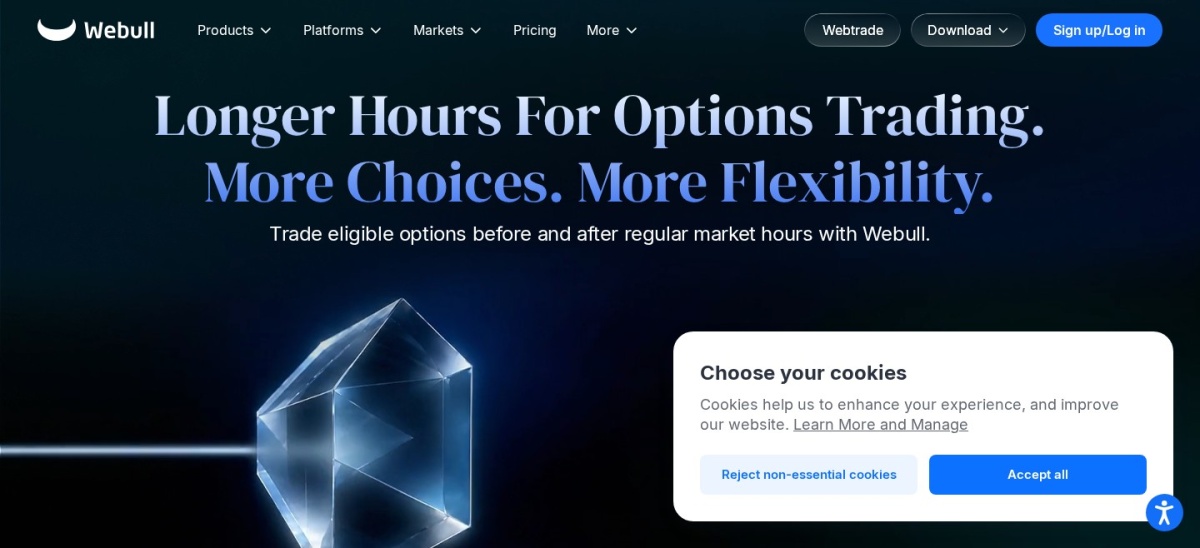
Webull homepage, captured 25 Nov 2026.
Webull is a brokerage platform combining stock trading with detailed charts, market analysis and simulated portfolios. Beginners can access paper trading and eligible $0 commission stock trades without subscribing to its optional Premium membership.
The trade off is that extensive market information and advanced order controls introduce a steeper learning curve. Premium costs $40 annually or $3.99 monthly, adding enhanced financial benefits. It suits beginners who prefer practicing with simulated money before committing actual investment funds.
What we like
Paper trading for risk-free order practice
Detailed technical analysis tools
Commission-free eligible stock trades
Mobile and desktop access
Affordable optional premium subscription
Watch out for
Trading screens can overwhelm first-time investors
Some market data subscriptions cost extra
Advanced trading products carry substantial risk
Premium adds enhanced cash, retirement and margin-related benefits.Visit webull.com
03
Public
4.7/5on App Store (86K reviews, checked 25 Nov 2026)
Paid from$200/yr
Best for research-focused beginner investing
Standard brokerage accessFree
Stock financial dataIncluded
Investment plansIncluded
Paid planReserve, $200/yr
public.com
Public homepage, captured 25 Nov 2026.
Public is an investment platform that combines stock and ETF trading with financial research and access to additional asset categories. Its Reserve subscription costs $200 annually, but financial statements, earnings information, investment plans and price alerts are now available without that membership.
The trade off is that Reserve costs $20 monthly when purchased without an annual commitment, which may be difficult to justify for a small portfolio. Certain transactions and investment products also have separate fees. It suits beginners who prefer researching investments before placing orders.
What we like
Financial statements and earnings information
Research features available without a subscription
Access to multiple investment categories
Portfolio planning and price alerts
Watch out for
Relatively expensive premium membership
Some transactions carry additional charges
Alternative investments may introduce unnecessary complexity
Reserve replaces Premium and adds enhanced financial membership benefits.Visit public.com
04
Fidelity
4.8/5on App Store (3.4M reviews, checked 25 Nov 2026)
PriceFree
Best for long-term beginner investors
Eligible online stock commissions$0
Fractional investingFrom $1
Standard brokerage account minimum$0
Brokerage subscriptionNot required
fidelity.com
Fidelity homepage, captured 25 Nov 2026.
Fidelity is a full-service brokerage offering stocks, ETFs, mutual funds and retirement investment accounts through its mobile platform. Beginners can purchase eligible fractional shares starting at $1 and place eligible online stock trades without paying commissions.
The trade off is that its broader financial services and research menus can require more navigation than simpler trading apps. Standard self-directed brokerage access is free, although certain transactions and optional advisory services carry separate fees. It suits beginners building long-term investments rather than frequently trading.
What we like
Fractional investing starting at $1
Broad selection of investment products
Educational and investment research resources
No required standard brokerage subscription
Retirement account options
Watch out for
More complex navigation than minimalist trading apps
Certain investment products carry separate charges
Standard brokerage features are free; optional advisory services have separate pricing.Visit fidelity.com
05
Charles Schwab
4.8/5on App Store (1.2M reviews, checked 25 Nov 2026)
PriceFree
Best for education and growing trading skills
Eligible stock commissions$0
Paper tradingThrough thinkorswim
Investment educationIncluded
Trading platform subscriptionNot required
schwab.com
Charles Schwab homepage, captured 25 Nov 2026.
Charles Schwab is a full-service investment brokerage offering mobile stock trading, portfolio management and educational resources. Eligible online stock and ETF transactions carry $0 commissions, and customers can access the thinkorswim trading platform without paying a separate software subscription.
The trade off is that thinkorswim has a substantial learning curve, while the main brokerage app focuses on general account management. Both platforms are available without subscription charges, although specialized transactions carry fees. It suits beginners who want educational resources and room to develop their investing skills.
What we like
Extensive investor education resources
Simulated trading through thinkorswim
No required trading platform subscription
Broad selection of account types
Access to brokerage specialists
Watch out for
Multiple platforms may complicate navigation
Advanced trading screens require familiarization
Certain transactions incur additional charges
Trading platforms are included; specialized transactions and advisory services cost extra.Visit schwab.com
06
Moomoo
4.7/5on App Store (38K reviews, checked 25 Nov 2026)
Paid from$25.99/yr
Best for learning stock market analysis
Eligible stock commissions$0
Paper tradingYes
Stock analysis toolsIncluded
Entry data upgradeOptions Year Card, $25.99/yr
moomoo.com
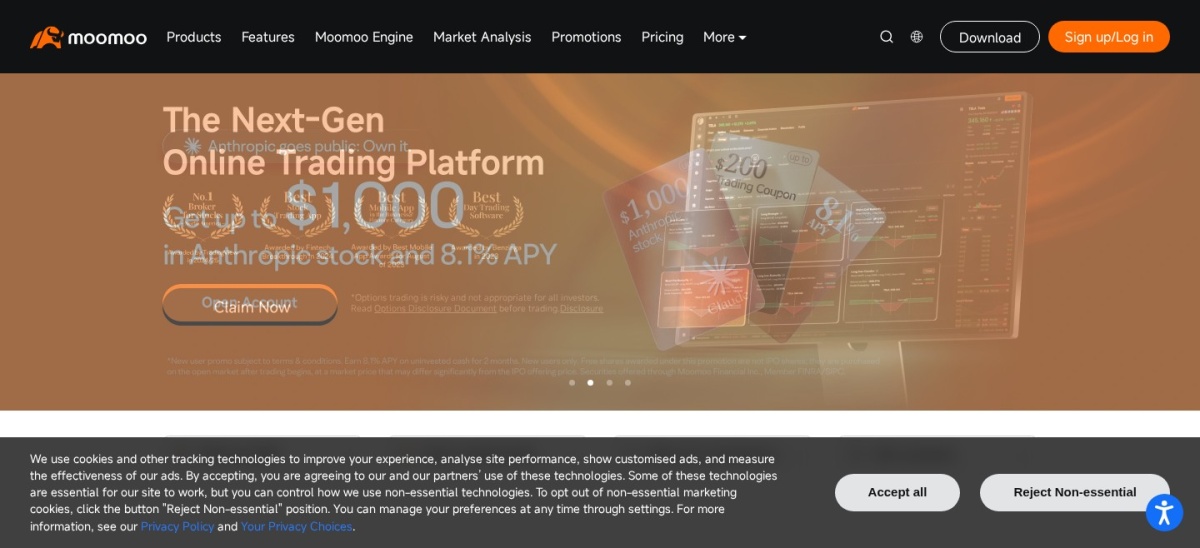
Moomoo homepage, captured 25 Nov 2026.
Moomoo is a brokerage and financial analysis application offering interactive charts, investment research and simulated stock trading. Eligible stock trades carry $0 commissions, while optional market data packages provide access to additional information for users who require specialized analysis.
The trade off is that its information-heavy interface may be unnecessarily complicated for inexperienced investors. Its optional Options Year Card costs $25.99, although beginners purchasing ordinary stocks may not need it. It suits investors who want to understand market data and practice analyzing potential investments.
What we like
Paper trading without risking investment capital
Detailed stock analysis features
Interactive financial charts
Commission-free eligible stock trading
Optional specialized market data subscriptions
Watch out for
Information-heavy screens can overwhelm beginners
Specialized data subscriptions increase costs
Advanced trading products may encourage excessive risk-taking
Optional market data packages add specialized quotes and trading information.Visit moomoo.com
07
M1
4.7/5on App Store (75K reviews, checked 25 Nov 2026)
Starts at$3/mo
Best for automated portfolio investing
Self-directed trading commissions$0
Platform fee$3/mo
Fee waiverQualifying balances over $10,000
Portfolio automationIncluded
m1.com
M1 homepage, captured 25 Nov 2026.
M1 is an investment platform designed around customizable portfolios of stocks and ETFs rather than frequent individual trades. Its automated investing features help maintain target portfolio allocations, while self-directed brokerage accounts carry no trading commissions and have a standard $3 monthly platform fee.
The trade off is that scheduled trading makes it less suitable for investors who need immediate control over order execution. The platform fee totals $36 annually and is waived for qualifying clients with more than $10,000 on the platform. It suits beginners focused on disciplined, recurring investments.
What we like
Custom stock and ETF portfolios
Automated investment allocation
Encourages long-term portfolio management
Platform fee waiver for qualifying clients
Watch out for
Monthly fees reduce returns on small balances
Less control over exact trade execution timing
Not designed for frequent stock trading
The platform fee covers automated investing and portfolio management features.Visit m1.com
How much does a beginner stock trading app cost?
Most brokerage platforms in this comparison provide standard stock trading access without mandatory subscriptions. Optional memberships add research, market data or financial benefits, but purchasing a membership is not necessary for ordinary stock investing.
Webull Premium costs $40 annually, Robinhood Gold costs $50 annually and Public Reserve costs $200 annually. These subscriptions serve different purposes, so comparing their prices alone does not establish which offers better value.
The price ladder compares fixed platform and subscription charges rather than total investing expenses. Fidelity and Charles Schwab have no required trading platform subscription, while Moomoo's listed upgrade represents an optional market data package. Transaction charges, investment expenses and borrowing costs are separate.
Common mistakes beginners make with stock trading apps
Buying investments based solely on trending stock lists or social media discussions can expose beginners to unnecessary risk. Research the underlying business, understand its financial position and consider how the investment fits your broader financial goals.
Commission-free trading can encourage excessive buying and selling. Frequent transactions may produce additional expenses, tax consequences and investment losses even when the brokerage does not charge a direct commission.
Avoid assuming that advanced features make profitable investing easier. Margin borrowing, complex derivatives and speculative products can result in substantial losses. Beginners can learn fundamental investing concepts using ordinary shares, diversified funds and simulated trading environments.
How we chose
We selected established mobile brokerage and investment platforms that support individual stock investing. Our comparison emphasizes straightforward order placement, investment education, transparent fees, portfolio management and opportunities to practice without risking real money.
Official pricing documentation and Apple App Store ratings were checked on 25 Nov 2026. Review counts retain the rounded figures displayed by the App Store. Annual prices represent regular subscriptions or annualized monthly platform fees, excluding introductory offers.
We excluded discontinued applications, platforms focused exclusively on cryptocurrency and services without established public review histories. Rankings prioritize beginner suitability rather than speculative trading capabilities or potential investment returns. No vendor paid for a place, and we do not claim testing for this list.
How to choose the best stock trading app for beginners
Compare your investment goals, available funds and preferred learning approach before opening a brokerage account.
Decide whether you want to invest or actively trade. Long-term investors may benefit from portfolio automation and diversified investment options. People learning order execution may prefer a brokerage with paper trading and detailed educational resources.
Compare all relevant investment costs. Check stock commissions, subscription charges, account transfer fees, fund expenses and borrowing costs. Avoid purchasing premium memberships unless their benefits provide measurable value for your investment approach.
Check account protection and eligibility. Verify that the brokerage operates under appropriate financial regulations and accepts customers who meet its eligibility requirements. Review account security, withdrawal policies and available investor protections before depositing money.
Learn how investments and order types work. Use educational materials or simulated trading to understand market orders, limit orders and portfolio diversification. Start with manageable amounts and avoid investing money needed for immediate living expenses.
FAQ
What is the best stock trading app for beginners?
Robinhood is our top pick for beginners who want straightforward stock purchases and portfolio tracking. Webull is preferable for simulated trading, while Fidelity offers a broader selection of investment products and educational resources for long-term investors.
What is the best free stock trading app for beginners?
Fidelity is an attractive free option because its standard brokerage account has no mandatory subscription fee and supports eligible fractional investments starting at $1. Robinhood and Webull also provide commission-free eligible stock trades without requiring premium memberships.
Which stock trading app is best for practicing without money?
Webull offers paper trading alongside market charts and order controls, making it suitable for learning without committing investment capital. Moomoo and Charles Schwab also provide simulated trading tools. Remember that successful simulated trades do not guarantee real investment returns.
How much money does a beginner need to start investing in stocks?
The amount depends on the brokerage and available investment products. Fidelity supports eligible fractional share purchases starting at $1. Beginners should consider their financial obligations, emergency savings and ability to absorb investment losses before deciding how much to invest.
Is Robinhood or Webull better for beginners?
Robinhood is more suitable for beginners who prefer straightforward stock orders and basic portfolio monitoring. Webull offers more detailed charts, simulated trading and market analysis tools, making it a better choice for beginners interested in learning technical trading concepts.
Are commission-free stock trading apps completely free?
No. Commission-free trading removes certain direct brokerage charges, but regulatory fees, investment fund expenses, account transfers and optional subscriptions may still cost money. Review the brokerage's complete fee schedule rather than relying solely on advertised trading commissions.
Are stock trading apps safe for beginners?
Established regulated brokerages generally provide account security and applicable investor protections. However, those protections do not prevent losses caused by falling stock prices or poor investment decisions. Verify the brokerage's registration, use account security features and understand investment risks.
Do beginners need a paid stock trading subscription?
Most beginners can purchase stocks, access basic research and monitor investments without paying for premium memberships. A subscription may become worthwhile when its specific research or financial benefits justify the expense, but it does not guarantee improved investment performance.
SaaS SEO and WordPress specialist with about 8 years of experience. Rakib compares WordPress plugins, themes, hosting and software using public pricing, documentation and user reviews. See how we rank.