Gusto leads for integrated small business payroll and HR, pairing unlimited payroll runs with automated tax filings starting at $49 per month plus $6 per person. OnPay fits teams wanting straightforward pricing at $49 per month plus $6 per worker, while Patriot Software starts lowest at $17 per month plus $4 per worker.
How we make this list: we compare pricing pages, product documentation and public user reviews, then re-check every price before each update. No product paid for a place. Disclosure.
Gusto Simple starts at $49/mo plus $6/mo per person ($660/yr base) with unlimited payroll runs and automatic tax filings.
OnPay charges $49/mo base plus $6/mo per worker ($660/yr base) with transparent add-ons for HR and time tracking.
Patriot Software offers Basic Payroll at $17/mo plus $4/mo per worker ($252/yr base), with a 50% discount for three months.
QuickBooks Workforce Payroll starts at $50/mo base plus $7/mo per employee ($684/yr base) for tight QuickBooks integration.
Zoho People offers a free tier and paid plans starting at $1.25/user/mo on yearly billing ($15/yr per user) for core HR.
What to look for in payroll and HR software
Most small business payroll tools charge a monthly base fee plus a per-person fee, so headcount and add-ons shape your real bill quickly. Check whether tax filing across multiple states, next-day or same-day direct deposit, and time tracking sit inside the base plan or cost extra.
If you hire international workers or contractors across borders, domestic payroll tools often fall short or rely on external partners. Global platforms handle local compliance, multi-currency payments, or employer-of-record hiring in one place, though per-worker rates run much higher.
HR depth varies sharply from one platform to another. Some tools focus on pay runs, W-2s, and 1099s with basic self-service, while HRIS platforms prioritize employee records, PTO workflows, performance reviews, and compliance tools.
Before signing up, confirm how changes in employee count affect billing and watch for promotional discounts that expire after a few months. Matching the software to your pay schedule, state footprint, and accounting stack prevents surprise add-on fees.
4.6/5on Capterra (4,454 reviews, checked Nov 2026)
Starts at$49/mo
Best for integrated payroll and HR
Base planSimple ($49/mo + $6/person)
Pay runsUnlimited monthly
Tax filingIncluded
Higher tiersPlus & Premium
gusto.com
Gusto homepage, captured Nov 2026.
Gusto is a cloud payroll and HR platform for small and mid-sized businesses, with its Simple plan at $49 per month plus $6 per person. It includes unlimited monthly payroll runs, automatic tax filings and payments, direct deposit or printable checks, and an employee app.
The trade off is that per-person fees and add-ons add up as headcount grows above the $49 monthly base ($588/yr before per-person charges). It suits small teams wanting payroll, benefits connections, and self-service in one interface.
What we like
Unlimited monthly payroll runs included on every plan
Automated tax filings and payments with employee self-service
Integrations with accounting tools like QuickBooks and Xero
Optional add-ons for time tracking, benefits, and compliance
Watch out for
Base pricing excludes per-person monthly charges
Multi-state support and faster pay options cost extra on Simple
Per-head costs climb noticeably as teams scale
Plus and Premium add multi-state payroll, time tracking, and HR tools.Visit gusto.com
02
OnPay
4.8/5on Capterra (471 reviews, checked Nov 2026)
Starts at$49/mo
Best for straightforward pricing and support
Base planPayroll Essentials ($49/mo + $6/worker)
Pay schedulesUnlimited runs & schedules
HR add-on$15/mo + $2/worker
Time add-on$15/mo + $4/worker
onpay.com
OnPay homepage, captured Nov 2026.
OnPay is a payroll and HR platform built for small businesses, starting with Payroll Essentials at $49 per month plus $6 per worker. It covers unlimited payroll runs, federal, state, and local tax filings, onboarding checklists, and employee record access.
The trade off is that HR workflows and time tracking sit in separate monthly add-ons on top of the $49 base ($588/yr before worker fees). It suits businesses that want clear add-on pricing and responsive human support.
What we like
Upfront base and per-worker pricing without hidden fee tiers
Unlimited payroll runs and pay schedules included
Dedicated HR and time-tracking add-ons when needed
High user ratings for ease of use and customer service
Watch out for
Per-worker fees apply on top of the monthly base fee
Fewer third-party app integrations than larger suites
Time-off tracking and org charts require the HR add-on
HR and Time and Attendance add-ons expand PTO, org charts, and time clocks.Visit onpay.com
03
Patriot Software
4.8/5on Capterra (3,969 reviews, checked Nov 2026)
Starts at$17/mo
Best budget payroll starting point
Entry planBasic Payroll ($17/mo + $4/worker)
Full service$37/mo + $5/worker
HR add-on$6/mo + $2/employee
Intro offer30-day trial + 50% off 3 mos
patriotsoftware.com
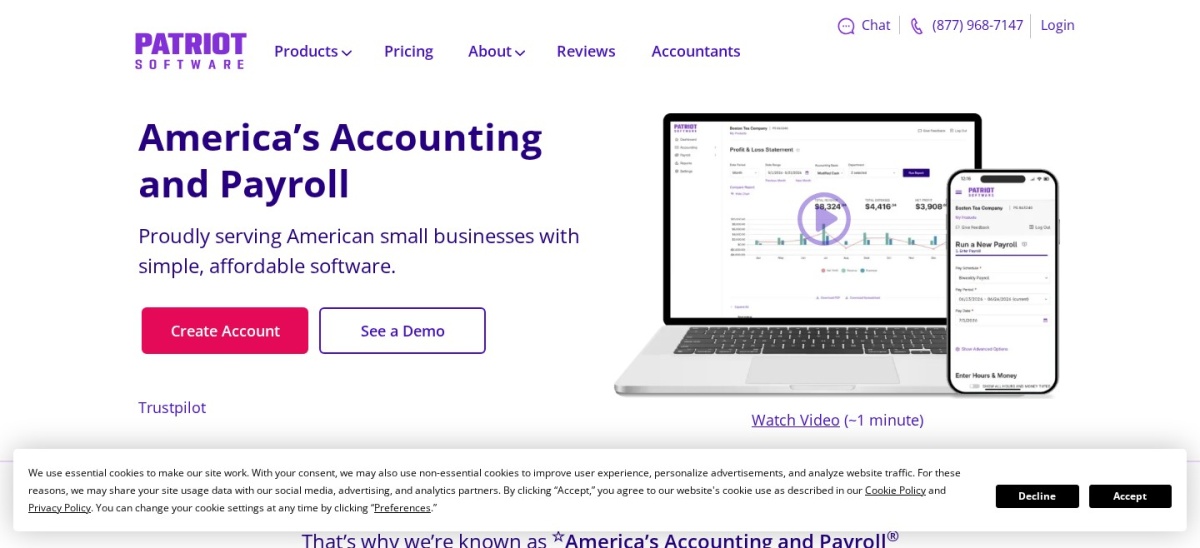
Patriot Software homepage, captured Nov 2026.
Patriot Software is a budget payroll and accounting provider, with Basic Payroll starting at $17 per month plus $4 per worker. The entry plan includes free direct deposit, an employee portal, unlimited payrolls, and contractor payments.
The trade off is that Basic Payroll does not file payroll taxes on its own—Full Service Payroll starts at $37 per month ($444/yr base plus per-worker fees). It suits cost-conscious small businesses comfortable handling or upgrading tax filings.
What we like
Lowest base monthly price among compared payroll tools
Free direct deposit, employee portal, and unlimited pay runs
Affordable optional HR Software and Time & Attendance add-ons
30-day free trial plus a 50% discount for the first three months
Watch out for
Basic Payroll excludes automated federal and state tax filings
Additional states on Full Service Payroll cost $12/mo per state
Per-worker charges apply in addition to the monthly base
Full Service Payroll adds tax filings and deposits, with HR available as an add-on.Visit patriotsoftware.com
04
QuickBooks Workforce
4.5/5on Capterra (996 reviews, checked Nov 2026)
Starts at$50/mo
Best for QuickBooks accounting users
Base planWorkforce Payroll ($50/mo + $7/emp)
Mid tierWorkforce Premium ($88/mo + $13/emp)
Top tierWorkforce Elite ($134/mo + $17/emp)
Deposit speedNext-day on base plan
quickbooks.intuit.com
QuickBooks Workforce homepage, captured Nov 2026.
QuickBooks Workforce is Intuit's payroll platform for businesses managing accounting in QuickBooks, starting at $50 per month plus $7 per employee. The entry plan provides full-service payroll, next-day direct deposit, and 1099 e-filing.
The trade off is that per-employee rates rise on higher tiers and it fits best alongside QuickBooks accounting ($600/yr base before per-employee fees). It suits teams already using QuickBooks that want direct ledger syncing.
What we like
Direct connection with QuickBooks accounting workflows
Next-day direct deposit included on the entry plan
Clear step-up tiers with time tracking and HR tools on Premium
1099 e-filing and full-service payroll included
Watch out for
Per-employee monthly fees increase total cost as staff grows
Same-day direct deposit and HR tools require higher tiers
Less appealing if you do not use QuickBooks for accounting
4.9/5on Capterra (4,886 reviews, checked Nov 2026)
Starts at$8/mo
Best for unified HR, IT, and automation
Starting rateFrom $8/user/mo
PlansCore and Pro
Core focusHRIS, workflows & compliance
Pricing modelModular per-user add-ons
rippling.com
Rippling homepage, captured Nov 2026.
Rippling is a modular HR and workforce management platform starting at $8 per user per month on its Core plan. It covers employee records, leave and permission workflows, document management, and automated compliance tools.
The trade off is that adding payroll, benefits, or specialized modules can raise your bill above the $8 per-user entry rate ($96/yr per user at base). It suits growing companies that want custom workflow automation and modular HR.
What we like
Strong workflow automation and permission controls
High user satisfaction rating across nearly five thousand reviews
Modular setup lets teams add only the modules they need
Modular pricing can climb quickly as add-ons are enabled
Initial workflow configuration can take extra setup time
Entry per-user pricing does not include every specialized module
Pro adds custom workflows and reporting, while optional modules expand payroll and HR.Visit rippling.com
06
Deel
4.8/5on Capterra (4,322 reviews, checked Nov 2026)
Starts at$14/mo
Best for global contractors and international teams
Starting rateFrom $14/worker/mo (Hire)
ContractorsFrom $49/contractor/mo
Global payrollFrom $29/employee/mo
EOR optionFrom $599/employee/mo
deel.com
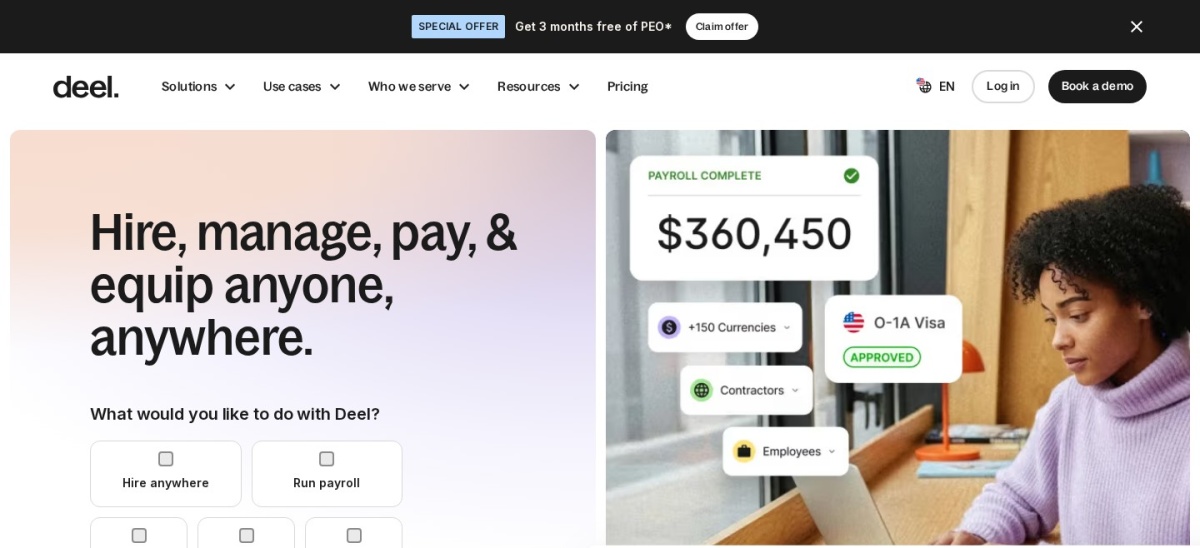
Deel homepage, captured Nov 2026.
Deel is a global HR and payroll platform for hiring and paying distributed teams, with talent onboarding starting at $14 per worker per month. It supports contractor management, global payroll, and employer-of-record employment across countries.
The trade off is that full international payroll and EOR plans cost substantially more per person than the $14 entry rate ($168/yr per worker at entry). It suits companies hiring remote contractors or international staff.
What we like
Built for cross-border hiring, contractor payments, and compliance
Supports global payroll and employer-of-record options in one place
Centralized contract tracking and multi-currency payouts
Trusted by over 40,000 companies worldwide
Watch out for
International EOR and contractor plans cost more per person
Specialized HR and IT modules add separate per-worker charges
More complex than simple single-country small business payroll
Global Payroll, Contractor Management, and EOR expand cross-border hiring and pay.Visit deel.com
Mid & upper plansProfessional ($2) to Enterprise ($4.50)
PayrollSeparate Zoho product
zoho.com
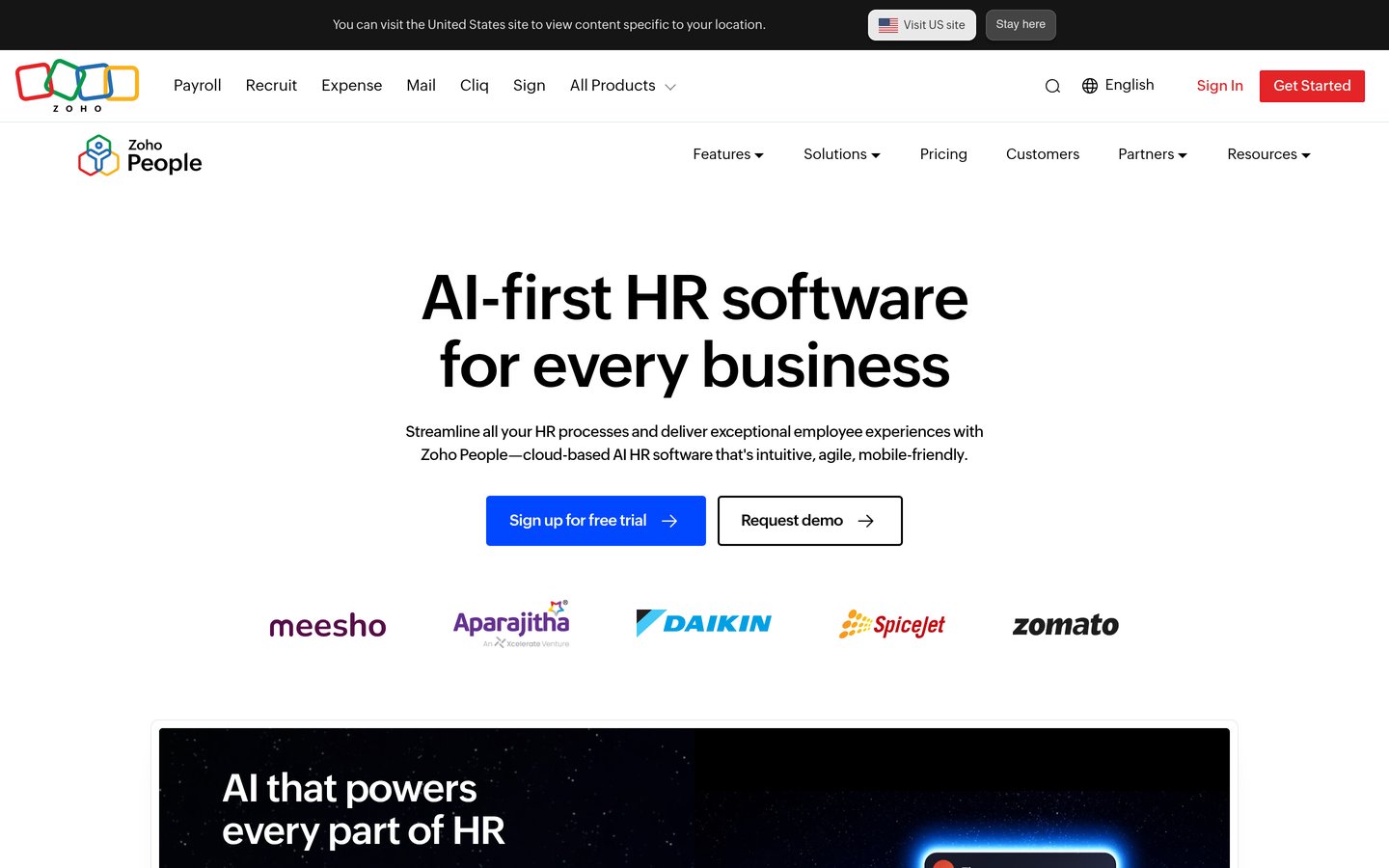
Zoho People homepage, captured Nov 2026.
Zoho People is a cloud HR management platform with a free tier and paid plans starting at $1.25 per user per month billed yearly. It covers employee records, onboarding, leave management, and attendance and timesheets on higher tiers.
The trade off is that payroll is not bundled inside Zoho People plans—it is a separate product ($15/yr per user on Essential HR). It suits small and growing teams wanting budget HR software that pairs with Zoho apps.
What we like
Free plan available alongside low-cost yearly paid tiers
Covers employee database, leave, onboarding, and attendance
Scales from Essential HR up to Enterprise with performance and LMS
Connects naturally with other Zoho business applications
Watch out for
Payroll requires a separate subscription rather than being built in
Initial setup and configuration can feel busy for new admins
Support speed on complex issues can vary
Higher tiers add attendance, performance reviews, learning, and help desk tools.Visit zoho.com
How base-plus-per-person pricing affects your real bill
Many payroll tools advertise a monthly base fee plus a per-employee or per-worker fee. For example, a $49 monthly base with $6 per person costs $109 per month for a 10-person team before any optional add-ons.
Always calculate annual spend using your current headcount plus planned hires over the next year. Also check whether contractors count toward the monthly per-person fee in months you pay them.
How we chose
We selected established standalone payroll and HR software platforms currently maintained and widely used by small, growing, and distributed businesses.
Pricing tiers, features, and Capterra ratings and review counts were checked on 22 Nov 2026 from vendor pricing pages and public review listings.
We excluded discontinued products, WordPress-specific plugins, and tools lacking clear public starting pricing or current maintenance details. No vendor paid for a place, and we do not claim testing for this list.
How to choose payroll and HR software
Follow four practical steps to narrow down the right platform for your team:
List your worker types and locations first. Clarify whether you pay W-2 staff in one state, across multiple states, or with international contractors before comparing plans.
Calculate total cost at your real headcount. Combine the monthly base fee with per-person charges and any paid add-ons you need, such as time tracking or multi-state filing.
Check how well payroll fits your accounting books. Pick a platform that syncs cleanly with your accounting software so pay runs and tax entries do not create manual cleanup.
Verify HR depth and support before switching. Confirm whether you need PTO workflows, performance reviews, or HR guidance included, and check how support handles payroll deadlines.
FAQ
What is the cheapest payroll and HR option on this list?
For pure HR management with a free tier, Zoho People offers a free plan and paid plans from $1.25 per user per month billed yearly. For payroll, Patriot Software starts lowest at $17 per month plus $4 per worker for Basic Payroll.
Does payroll software usually file taxes automatically?
Many full-service payroll plans file and deposit federal, state, and local payroll taxes automatically, while some budget entry plans leave tax filing to you or charge extra. Always confirm what is included in the specific tier you pick.
What is the difference between payroll software and an HRIS?
Payroll software focuses on calculating pay, running direct deposits or checks, and handling payroll taxes and year-end forms. An HRIS centers on employee records, onboarding, leave tracking, and HR workflows, sometimes as a separate module or add-on.
How do per-employee fees change the cost as a company grows?
When a tool charges a base fee plus a monthly rate per employee or worker, every new hire increases your recurring bill. A plan that looks inexpensive for five people can cost noticeably more at twenty-five or fifty people.
Should I pick a platform that integrates with my accounting software?
Yes, connecting payroll to your accounting software helps keep wage expenses, tax liabilities, and reimbursements aligned with your ledger. It saves time during reconciliation and reduces manual entry errors.
When does a global workforce platform make more sense than a standard payroll tool?
A global platform makes sense when you hire international contractors or employees across borders and need multi-currency payments or local compliance support. Domestic payroll tools are usually simpler and cheaper if your team is all in one country.
SaaS SEO and WordPress specialist with about 8 years of experience. Rakib compares WordPress plugins, themes, hosting and software using public pricing, documentation and user reviews. See how we rank.