Moneyspire is the best checkbook software for traditional desktop money management, with a 4.0/5 Trustpilot rating from 160 reviews and a one-time purchase option. Quicken suits households wanting detailed financial records, while YNAB is better for combining transaction tracking with spending plans.
How we make this list: we compare pricing pages, product documentation and public user reviews, then re-check every price before each update. No product paid for a place. Disclosure.
Moneyspire has a 4.0/5 Trustpilot rating from 160 reviews and offers a desktop license.
Quicken has a 3.9/5 Capterra rating from 475 reviews.
YNAB costs $109 annually and includes a 34-day free trial.
Buxfer Plus costs $95.88 annually and supports unlimited accounts.
Banktivity Bronze starts at $83.88 annually for Apple device users.
PocketSmith Free supports 2 accounts and 12 budgets.
What to look for in checkbook software
Checkbook software replaces a paper transaction register with a digital record of deposits, withdrawals, transfers and account balances. It helps you understand how much money remains available after recording your expenses.
Look for manual transaction entry, running balances, transaction categories and bank statement reconciliation. These features are particularly useful when tracking payments that have not cleared your bank account.
Automatic bank connections can reduce data entry, but downloaded balances may not reflect outstanding payments. A good recordkeeping workflow should also accommodate manual entries and corrections.
Consider whether you need a traditional desktop register or a broader personal finance application. Budgeting, forecasting and household collaboration are useful additions, but they should not replace accurate transaction records.
Moneyspire is a desktop personal finance application for maintaining account registers, tracking expenses and managing upcoming bills. Its perpetual license includes 1 year of bank connectivity and cloud synchronization services.
The trade off is that continued online services require optional annual upgrades costing $49.99. The regular purchase price is $99.99, temporarily discounted to $59.99. It suits households that prefer owning their financial software.
What we like
Perpetual software license
Traditional transaction management
Multiple desktop operating systems
Household installations covered
Watch out for
Online services require subsequent upgrades
Mobile synchronization complaints in reviews
No permanent free plan
The license unlocks full desktop functionality and initial synchronization services.Visit moneyspire.com
02
Quicken
3.9/5on Capterra (475 reviews, checked Nov 2026)
Starts at$6.99/mo
Best for comprehensive household finances
Account trackingChecking, savings and credit cards
Desktop editionClassic
Bank downloadsAutomatic and manual
Verified priced planSimplifi, billed annually
quicken.com
Quicken homepage, captured Nov 2026.
Quicken is a personal finance software family covering transaction records, budgets, account balances and financial reports. Its Simplifi subscription regularly costs $6.99 monthly with annual billing, while Classic offers desktop financial management.
The trade off is recurring membership fees and differences between desktop and cloud editions. Simplifi is temporarily discounted to $3.99 monthly, but the cheaper Classic Starter page could not be verified directly. It suits households wanting broader financial visibility.
What we like
Detailed financial tracking
Desktop and cloud product options
Automatic transaction downloads
Budgeting and financial reports
Watch out for
Recurring subscription costs
Features vary between editions
Bank connectivity availability varies
Paid memberships provide account tracking, reports and budgeting features.Visit quicken.com
03
YNAB
4.6/5on Trustpilot (3,161 reviews, checked Nov 2026)
Starts at$109/yr
Best for budget-based checkbook tracking
Free trial34 days
Budget methodAllocation-based budgeting
Subscription sharing5 additional people
Paid planAnnual subscription
ynab.com
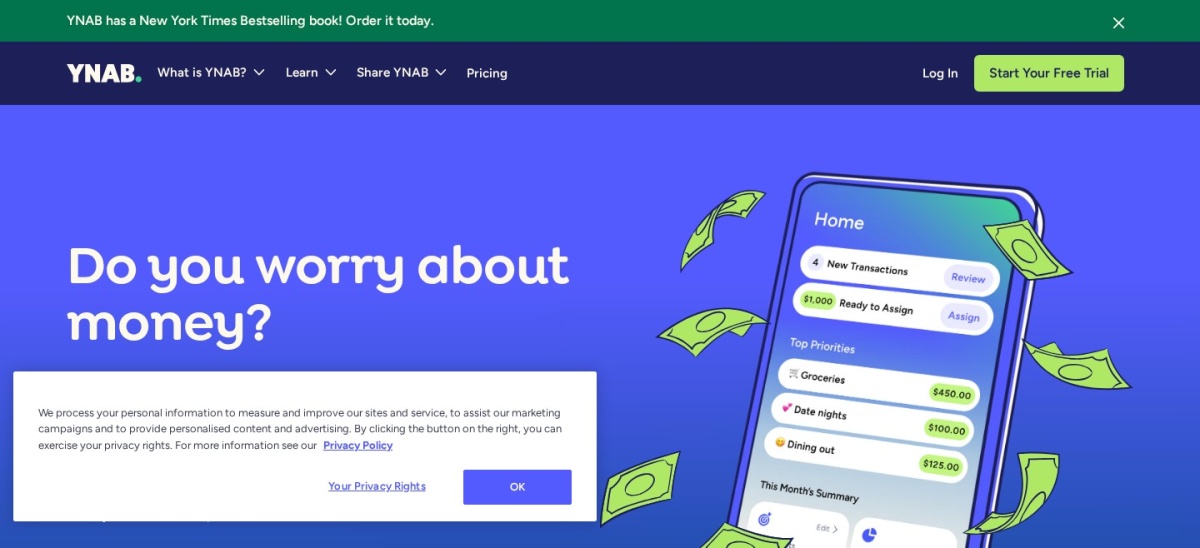
YNAB homepage, captured Nov 2026.
YNAB is a budgeting application that combines account transactions with deliberate spending allocations. Its $109 annual subscription includes account connectivity, spending targets and subscription sharing with up to 5 additional people.
The trade off is that YNAB requires learning its budgeting method and costs $14.99 when billed monthly instead. It suits households that want to reconcile account activity while actively planning future spending.
What we like
Budgeting linked to transaction records
Household subscription sharing
Manual and imported transactions
Long free trial
Watch out for
No permanent free plan
Budgeting methodology requires learning
Some bank synchronization complaints
The subscription includes budgeting, account tracking and shared access.Visit ynab.com
04
Buxfer
4.5/5on Capterra (40 reviews, checked Nov 2026)
Starts at$7.99/mo
Best for managing multiple accounts
AccountsUnlimited
Bank connections20,000+ institutions
Manual importsCSV, Excel, OFX and QIF
Paid planPlus, billed annually
buxfer.com
Buxfer homepage, captured Nov 2026.
Buxfer is an online financial management platform with transaction tracking, statement imports and automated categorization. Its Plus subscription supports unlimited transactions and connections to more than 20,000 financial institutions.
The trade off is that Plus costs $7.99 monthly on annual billing, with forecasting reserved for the higher Pro subscription. It suits users who need consolidated financial records across several accounts.
What we like
Unlimited accounts and transactions
Multiple statement import formats
Automatic transaction tagging
Recurring transaction tracking
Watch out for
Forecasting requires an upgrade
Bank synchronization reliability varies
No free plan shown on current pricing page
Plus includes bank synchronization, imports and unlimited accounts.Visit buxfer.com
05
Banktivity
2.8/5on Trustpilot (35 reviews, checked Nov 2026)
Starts at$6.99/mo
Best for Apple device users
Free trial30 days
PlatformsMac, iPhone and iPad
Bank connectivityIncluded
Paid planBronze, billed annually
banktivity.com
Banktivity homepage, captured Nov 2026.
Banktivity is a native personal finance application for Apple computers and mobile devices. Its Bronze subscription includes connected financial accounts, budgeting and savings goals, with a 30-day trial available to new customers.
The trade off is platform exclusivity and subscription pricing starting at $6.99 monthly on annual billing. Its low Trustpilot rating also warrants caution. It suits Apple users who prefer native financial management applications.
PocketSmith is a personal finance application that combines transaction records with calendar-based financial forecasting. Its free plan supports 2 accounts, 12 budgets and financial projections extending 6 months ahead.
The trade off is that unlimited accounts require Foundation at $9.99 monthly with annual billing, and its Trustpilot rating is low. It suits users who want to estimate future balances alongside recording current transactions.
What we like
Permanent free plan
Calendar-based financial forecasting
Custom transaction categories
Unlimited accounts on Foundation
Watch out for
Free account limits
Small public review sample
Low Trustpilot rating
Foundation adds unlimited accounts and longer financial projections.Visit pocketsmith.com
07
Monarch
2/5on Trustpilot (33 reviews, checked Nov 2026)
Starts at$99.99/yr
Best for shared household spending records
Free trial7 days
Transaction trackingConnected accounts
Household collaborationSupported
Paid planCore
monarch.com
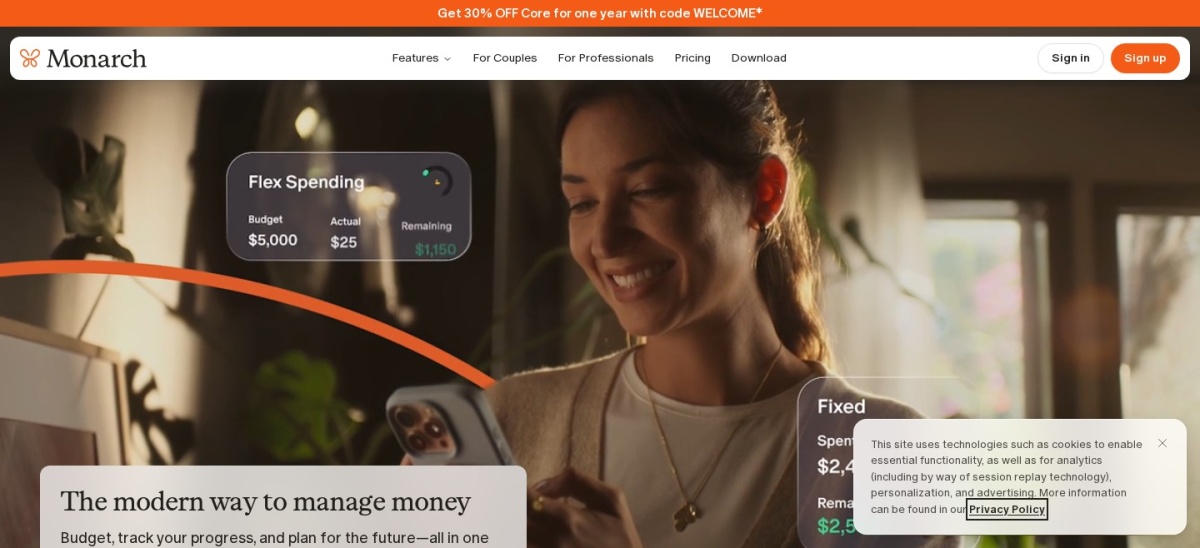
Monarch homepage, captured Nov 2026.
Monarch is a household finance application that brings account balances, spending records and financial goals into a shared interface. Its Core subscription costs $99.99 annually or $14.99 when billed monthly.
The trade off is the lack of a permanent free plan and a low Trustpilot rating from 33 reviews. A temporary introductory discount is advertised. It suits households prioritizing shared transaction monitoring over traditional paper-style reconciliation.
What we like
Consolidated account monitoring
Household collaboration
Transaction categorization
Recurring expense tracking
Watch out for
Low Trustpilot rating
No permanent free plan
Not a dedicated traditional checkbook register
Core includes account tracking, household budgeting and financial reporting.Visit monarch.com
Checkbook software vs budgeting software
Traditional checkbook software focuses on recording transactions and maintaining accurate account balances. It helps users compare personal records with bank statements and identify outstanding payments.
Budgeting software adds spending categories, financial targets and future spending plans. These features are useful for managing household finances but do not necessarily provide formal statement reconciliation.
Choose Moneyspire for traditional registers or YNAB for active budgeting. Before purchasing a broader personal finance application, confirm that its transaction workflow meets your reconciliation requirements.
How we chose
We shortlisted established checkbook registers and personal finance applications with transaction management capabilities. Rankings prioritize account tracking, reconciliation suitability, pricing transparency and public customer feedback.
The requested editorial check date is 22 Nov 2026. Official pricing and public review pages were retrieved for this comparison, but historical figures for that exact date could not be independently established. Perpetual licenses are shown at their initial purchase cost.
We excluded Moneydance and ClearCheckbook because their reviewed listings did not meet the minimum review threshold. Quicken remains included using its verified Simplifi price, although its potentially cheaper Classic Starter pricing page was inaccessible. No vendor paid for a place, and we do not claim testing for this list.
How to choose the best checkbook software
Identify your transaction tracking requirements and preferred recordkeeping method before comparing software subscriptions.
Choose between manual and automatic entry. Manual registers offer direct control over transactions, while automatic downloads reduce repetitive data entry.
Check reconciliation capabilities. Confirm that the software lets you distinguish cleared transactions from outstanding payments and compare records with bank statements.
Review platform compatibility. Choose desktop software for local recordkeeping or a cloud application if you regularly manage finances across multiple devices.
Compare purchase and renewal costs. Separate perpetual license prices from recurring subscriptions and check whether bank connectivity requires additional payments.
FAQ
What is the best checkbook software?
Moneyspire is our top pick for traditional checkbook management because it combines desktop transaction records with a perpetual license. Quicken offers broader household financial tools, while YNAB focuses on budgeting.
Is there free checkbook software?
PocketSmith offers a permanent free plan supporting manual transaction imports and limited accounts. Free software can be sufficient for basic transaction tracking, although account limits and reconciliation capabilities should be checked before switching.
Can I buy checkbook software without a subscription?
Yes. Moneyspire offers a perpetual license at a regular price of $99.99. The purchased software does not expire, although continued bank synchronization and cloud services require subsequent paid upgrades.
Can checkbook software connect to my bank account?
Many checkbook and personal finance applications support automatic transaction downloads. Moneyspire, Quicken, YNAB and Buxfer offer connectivity options, but compatibility depends on your financial institution and the selected subscription.
Do I still need to reconcile accounts with automatic bank synchronization?
Yes. Automatic downloads may miss pending payments, introduce duplicate transactions or experience connection delays. Regularly comparing software records with bank statements helps identify errors and maintain accurate account balances.
SaaS SEO and WordPress specialist with about 8 years of experience. Rakib compares WordPress plugins, themes, hosting and software using public pricing, documentation and user reviews. See how we rank.