Zil Money is the best free check writing software for most small businesses, with a $0-a-month pay-as-you-go plan that prints a check for $1 and mails one for $1.25. Melio is the best free alternative: its Go plan costs $0 and mails a check to each vendor for $1.50.
How we make this list: we compare pricing pages, product documentation and public user reviews, then re-check every price before each update. No product paid for a place. Disclosure.
Zil Money is the best free pick: a $0-a-month pay-as-you-go plan with check printing, ACH and wires, rated 4.7 out of 5 on Capterra.
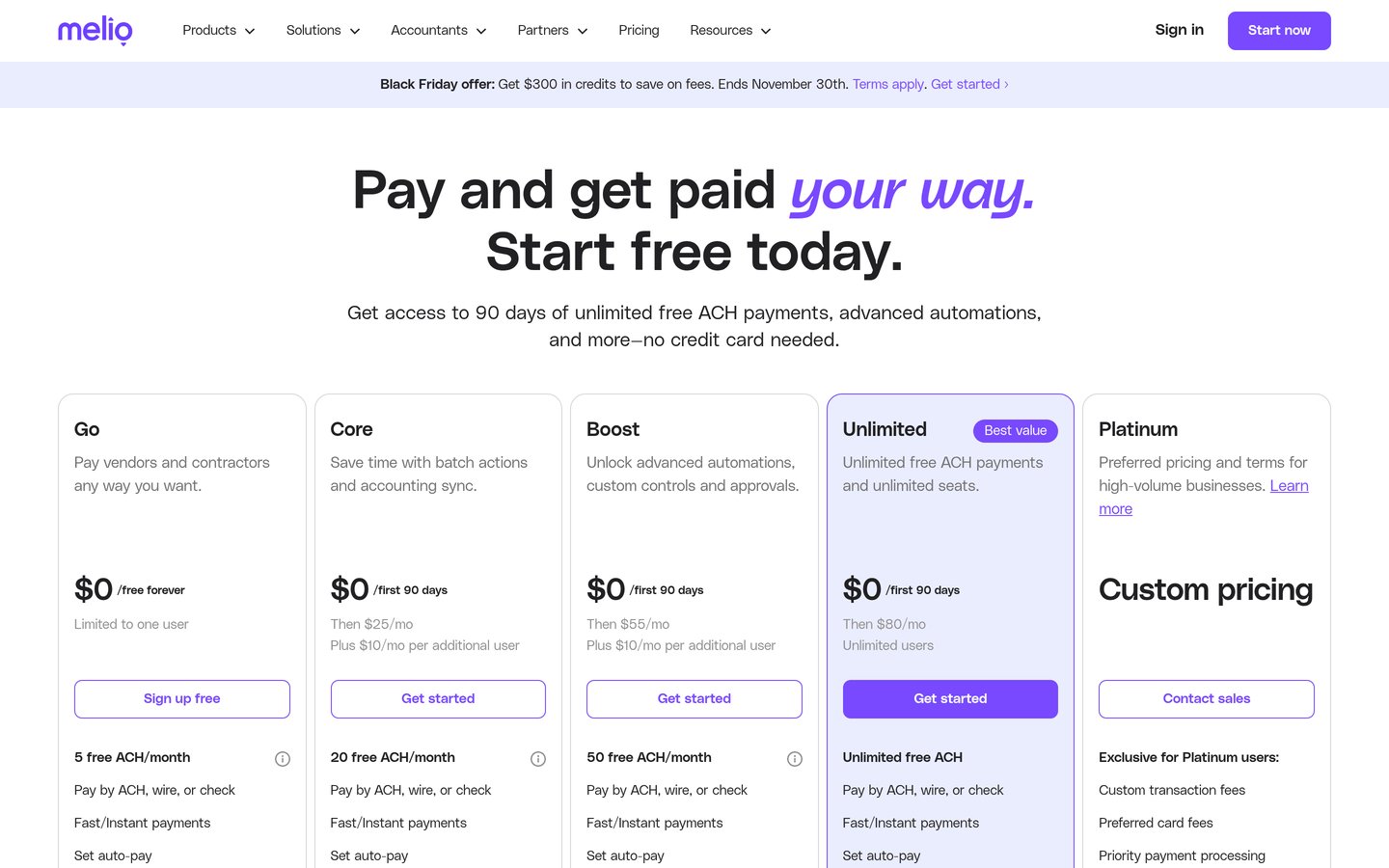
Melio is free too: its Go plan costs $0 and mails a paper check to each vendor for $1.50, with 5 free ACH payments a month.
Checkeeper is the best paid cloud option at $14.99 a month, with batch printing and QuickBooks, Xero and FreshBooks sync.
One-time desktop software costs $59 once: ezCheckPrinting charges no monthly fee and prints unlimited checks.
BILL and Zoho Books print checks inside a wider bill pay or accounting workflow, from $49 and $50 a month.
What to look for in free check writing software
Most small businesses still pay some vendors, landlords or contractors by check, and ordering checks from a bank is slow and pricey. Check writing software lets you print a check on blank stock with your own printer, often for less than a dollar a check.
Free plans split into two kinds. Some, like Zil Money and Online Check Writer, charge $0 a month and bill per check or per mailing. Others, like Melio, give you a free plan with a small monthly allowance, then charge per payment after that.
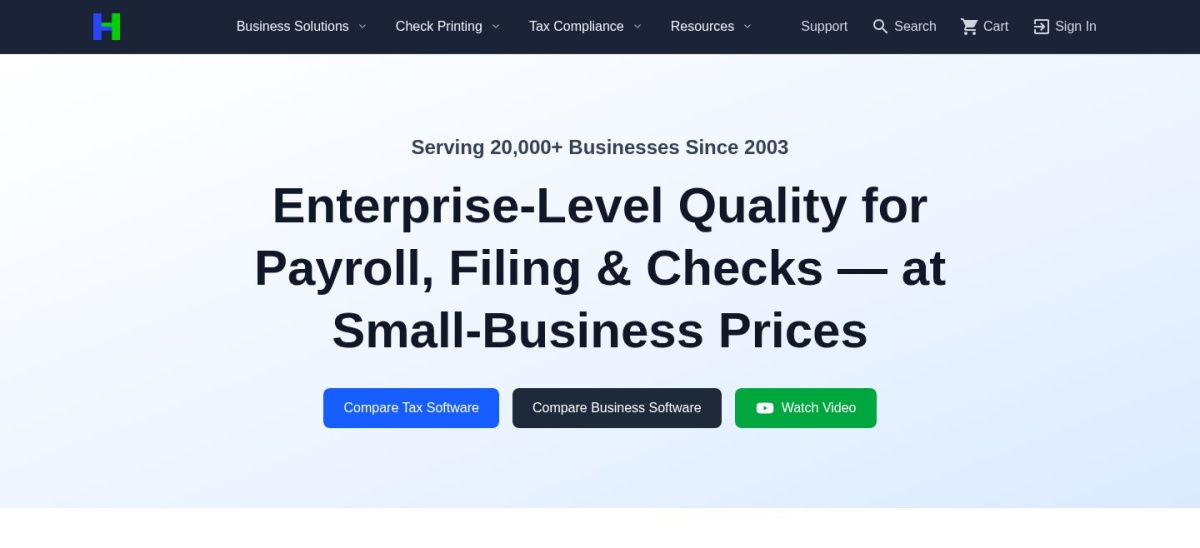
If you already run QuickBooks, pick a tool that prints from it instead of retyping each payment. PrintBoss imports bills from QuickBooks Online, while BILL and Zoho Books print checks inside a wider bill pay workflow. Our guide on integrating WooCommerce with QuickBooks covers the accounting side of the same workflow.
Watch the limits before you pick. Free plans cap bank accounts, users or checks per month, and mailed checks always cost extra, from $1.06 to $1.50 each. If you print checks every week, a flat monthly plan or a one-time license usually costs less than paying per check.
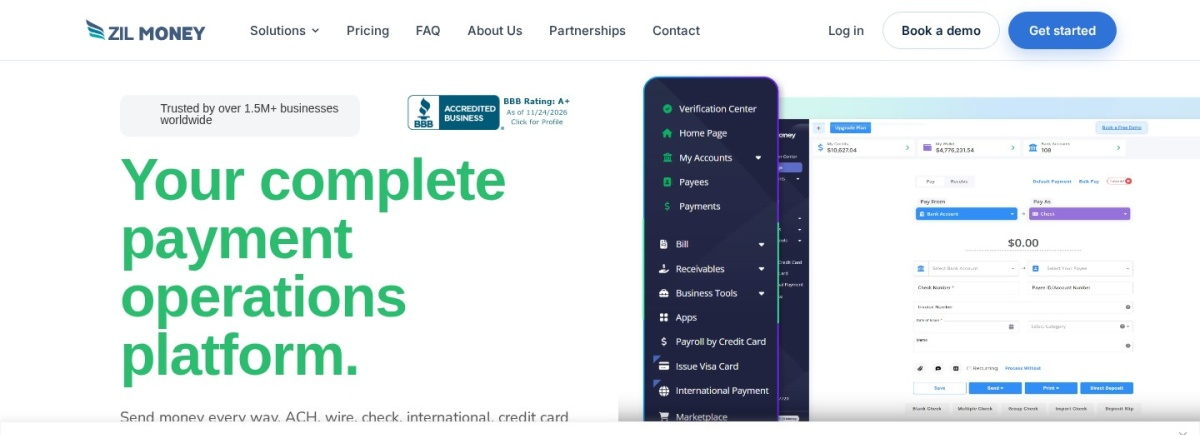
Zil Money is a cloud payment platform that covers check printing, ACH, wire transfers and payroll by credit card in one account. Its Pay As You Go plan costs $0 a month, with a $30 minimum first recharge, and you pay per use: $1 to print a check yourself and $1.25 to mail one by USPS First Class.
The trade off is that the free plan caps you at 3 bank accounts and 3 users, and every service carries a per-use fee, so heavy volume adds up. It suits small businesses that want checks plus ACH and wires in one place without a monthly subscription.
What we like
No monthly fee on the pay-as-you-go plan
Checks, ACH, wires and payroll by card in one account
Melio is a bill pay platform that sends checks to vendors for you, so you never print one yourself. Its Go plan costs $0 forever for one user, with 5 free ACH payments a month, and each check you send costs $1.50. You can also pay by card even when a vendor does not accept cards.
The trade off is that Melio mails the check instead of letting you print it, so you cannot hand a check to someone today, and the free plan covers one user only. It suits solo businesses that pay a few vendors a month and want checks handled for them.
What we like
Free Go plan with no expiry date
Mails paper checks for $1.50 each
Pay by card even when a vendor does not accept cards
Rated 4.4 out of 5 on G2 from 254 reviews
Watch out for
You cannot print checks yourself
Free plan covers one user only
Paid plans start at $25 a month
Core adds approvals and 20 free ACH for $25 a monthVisit melio.com
03
Online Check Writer
4.2/5on G2 (36 reviews, checked Nov 2026)
PriceFree
Best free pay-as-you-go checks
Monthly fee$0, pay as you go
First recharge$30 minimum
Print a check$1 each
Mail a check$1.25, USPS First Class
onlinecheckwriter.com
Online Check Writer homepage, captured Nov 2026.
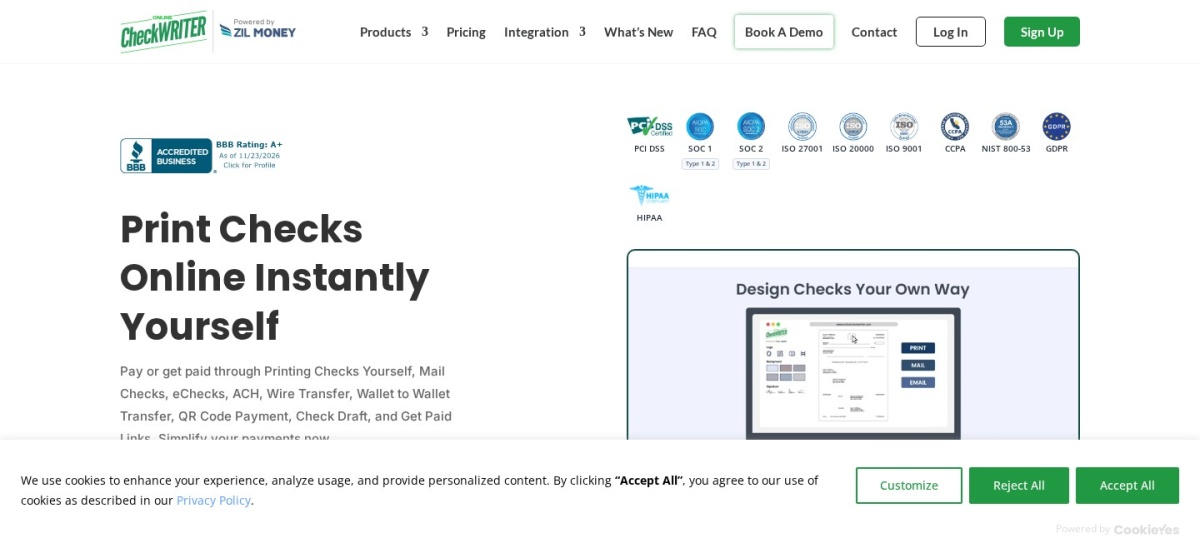
Online Check Writer is a cloud platform, powered by Zil Money, for printing, emailing and mailing checks, plus ACH, wire and wallet payments. Its Pay As You Go plan costs $0 a month after a $30 minimum first recharge, and covers 3 bank accounts and 3 users.
The trade off is that it shares its platform and pricing with Zil Money, so the two entries overlap, and high-volume users face custom Enterprise pricing. It suits businesses that mail checks sometimes and want no monthly fee.
Checkeeper is a cloud tool for designing and printing checks from any device, on blank white paper or your own check stock. It costs $14.99 a month after a 14-day free trial, and it prints payroll checks too, with batch printing for paying several vendors at once.
The trade off is the monthly fee: at $14.99 it costs more than a free plan for a handful of checks, and mailing adds $1.50 per check. It suits businesses that print checks every week and want them designed and mailed from one place.
What we like
Prints on blank paper or own stock
Batch printing for several vendors
Rated 4.6 out of 5 on Capterra
Syncs with QuickBooks, Xero and FreshBooks
Watch out for
No free plan, only a 14-day trial
Mailing costs $1.50 per check
Some reviewers report billing and support problems
Deluxe eChecks is the digital check service from Deluxe, the company that has printed checks for over 100 years. You buy eChecks in batches, starting at $30 for 50, and email them to vendors, who print the check themselves or deposit it electronically.
The trade off is that there is no free plan or trial, and recipients who want instant funds or a PayPal deposit pay a fee, so the cheapest path is a plain printed check. It suits businesses that reimburse staff or pay vendors who accept emailed checks.
What we like
eChecks from 60 cents each in batches
Print+Mail service from $1.06 a check
Rated 3.8 out of 5 on Capterra from 28 reviews
Unused eChecks refunded within 60 days
Watch out for
No free plan or free trial
Recipients pay fees for instant deposit options
Pricing is per batch, not a flat plan
Print+Mail prints on secure stock and mails first classVisit deluxe.com
06
ezCheckPrinting
4.6/5on HalfPriceSoft (1,932 reviews, checked Nov 2026)
Starts at$59/once
Best one-time purchase
Price$59 one-time, this version
ChecksUnlimited
PlatformsWindows and Mac
QuickBooksVirtual Printer edition
halfpricesoft.com
ezCheckPrinting homepage, captured Nov 2026.
ezCheckPrinting is desktop software from Halfpricesoft for designing and printing checks in-house on blank stock or pre-printed checks. A single-user license costs $59 once for the current version, with no monthly fees and no limits on checks, bank accounts or companies.
The trade off is that the license covers this version only, so a new major version is a separate purchase, and QuickBooks printing needs the Virtual Printer edition. It suits steady check volume where one payment beats a subscription.
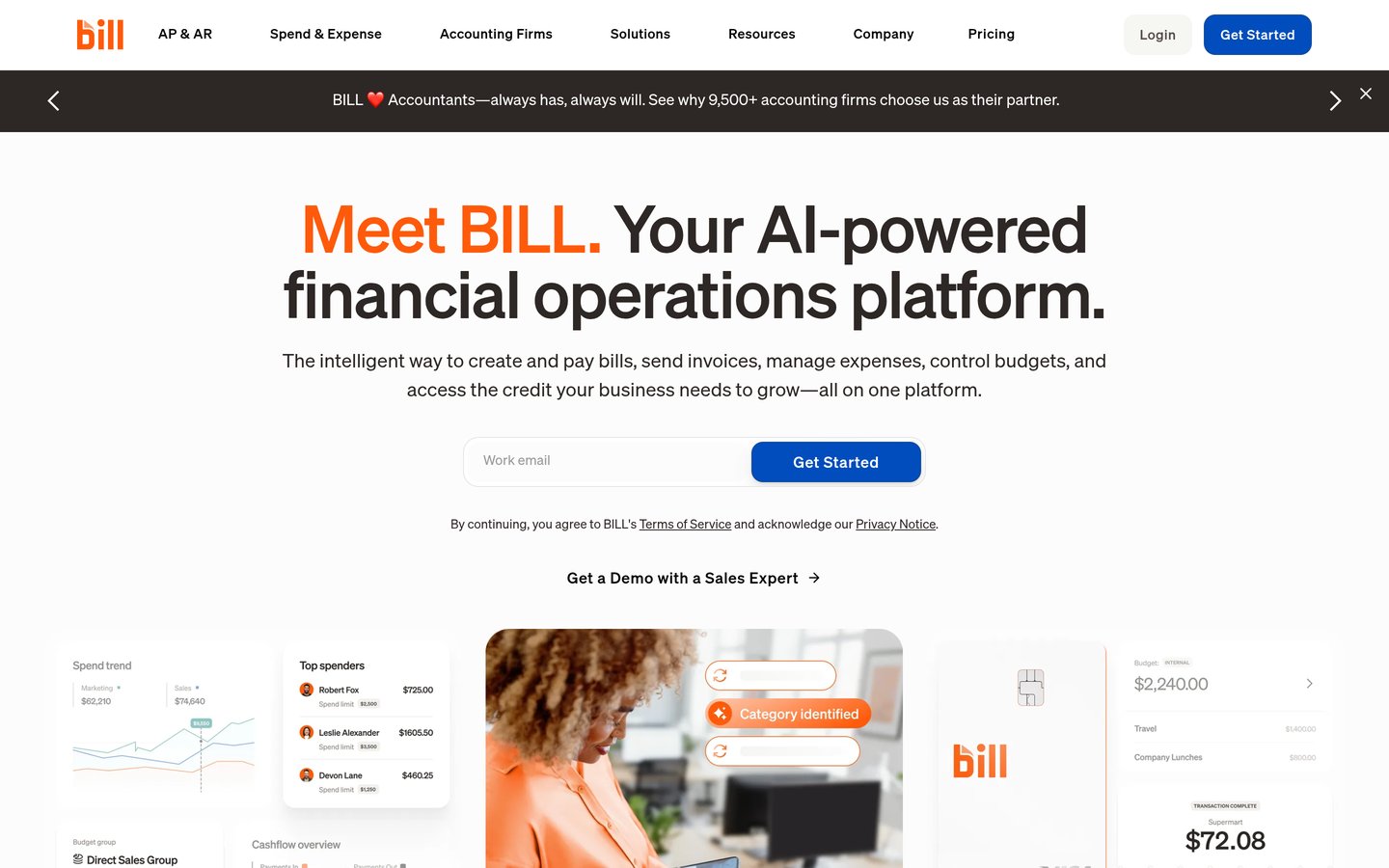
BILL is a bill pay platform that captures invoices, routes them for approval and pays vendors by ACH, card, wire or paper check. Essentials costs $49 a user a month, and the platform also handles W-9 and 1099 forms for the vendors you pay.
The trade off is price: at $49 a user a month it is one of the priciest tools here, and two-way accounting sync starts on the Team plan, while Essentials syncs by manual CSV. It suits growing businesses that need approvals and an audit trail, not just a printed check.
Zoho Books is cloud accounting software that prints checks as part of paying bills, instead of a standalone check tool. Check printing sits on the Professional plan at $50 a month, which also adds purchase orders, vendor credits and multi-currency support.
The trade off is that the free plan does not print checks, so the cheapest way in is $50 a month, and you pay for a full accounting suite to get it. It suits small businesses that already run Zoho Books and want checks inside the ledger.
What we like
Checks print straight from the bill workflow
Full accounting, not just check printing
Rated 4.4 out of 5 on G2 from 329 reviews
Free plan for businesses under $50K revenue
Watch out for
Check printing needs the $50 Professional plan
Free plan has no bank feeds
Payroll needs a separate add-on
Professional billed annually costs $40 a monthVisit zoho.com
09
PrintBoss
2.9/5on Knoji (3 reviews, checked Nov 2026)
Starts at$10/mo
Best for QuickBooks Online users
Cheapest plan$10 per company a month
QuickBooksOnline and desktop
Check mailing$1.30 per check
User loginsIndividual, with rights
printboss.com
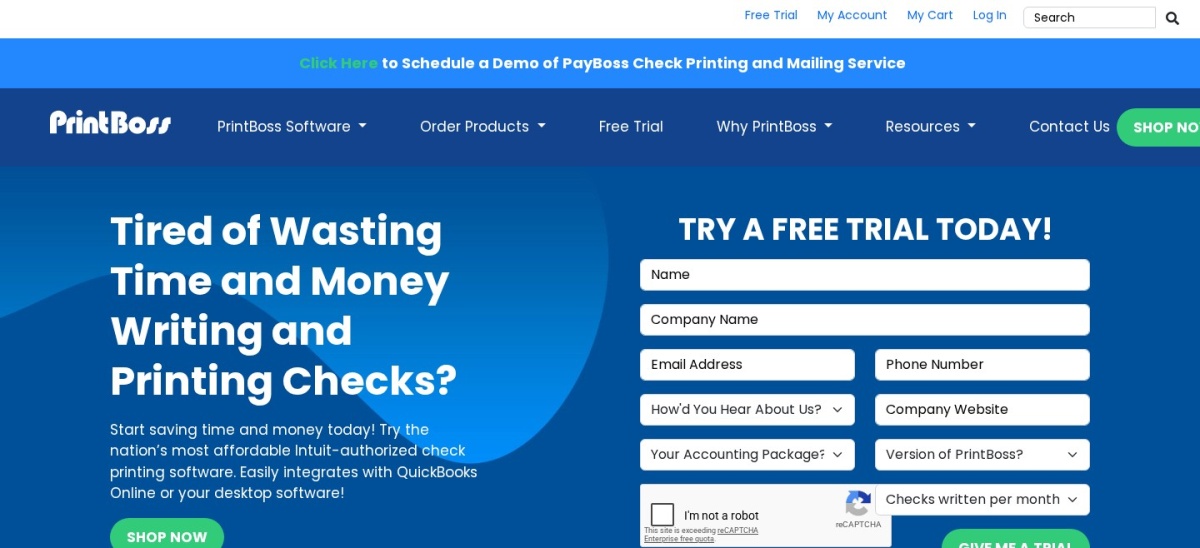
PrintBoss homepage, captured Nov 2026.
PrintBoss is check printing software built for QuickBooks users, with an online version that imports bills from QuickBooks Online and prints them on one blank check stock. The online plan starts at $10 a month per QuickBooks company for 1 user, with a free trial.
The trade off is that pricing is per QuickBooks company, so several companies multiply the bill, and the online version does not support QuickBooks Online Payroll. Its public rating rests on only 3 Knoji reviews, so treat the score as a thin sample. It suits QuickBooks Online users who print checks every week.
Free plans print real checks, but they cap something: the number of checks, bank accounts or users.
Paid plans mostly remove those caps and add mailing, so the vendor prints and posts the check for you, plus accounting sync and more users.
If you print one or two checks a month, a free plan is enough. If you print weekly, compare the per-check cost against a flat plan: at $1.50 a check, 10 checks a month already costs more than Checkeeper at $14.99.
How we chose
We started from every established check writing tool with a free plan or a free trial, then kept the nine with clear published pricing and a working product page.
Prices come from each vendor's pricing page, checked on 25 November 2026. Ratings come from Capterra or G2 on the same day, except ezCheckPrinting, whose 4.6 rating is the figure published on the vendor's own product page, and PrintBoss, whose 2.9 rests on 3 Knoji reviews. Every tool here carries a published rating and review count.
We left out tools with no published rating on any review site, including SimpleChex, CHECKPRINT and Make A Check, and tools with no published price. No vendor paid for a place, and we do not claim hands-on testing for this list.
How to choose free check writing software
Count how many checks you write each month, then match that number to a free plan's cap.
Count your monthly checks. A free plan with 5 free payments a month is plenty for one or two bills, but a weekly payer will hit the cap fast.
Check the MICR line. Make sure the tool prints a real MICR line your bank accepts, and print one check on plain paper to confirm the alignment before you rely on it.
Decide who mails the check. If you want the vendor to print and post checks for you, compare the per-check mailing fee, which runs from $1.06 to $1.50, against doing it yourself.
Match it to your accounting. QuickBooks users save retyping with PrintBoss, BILL or Zoho Books, while a standalone tool suits anyone who keeps records elsewhere. See how to create an invoice in WooCommerce for the billing side.
FAQ
What is the best free check writing software?
Zil Money is the best free pick for most small businesses. Its pay-as-you-go plan costs $0 a month, prints a check for $1 and mails one for $1.25, and it is rated 4.7 out of 5 on Capterra from 103 reviews.
Can I print checks on plain paper?
Yes, if the software prints a real MICR line. Zil Money, Online Check Writer and ezCheckPrinting all print the MICR line, so a standard laser printer and plain paper or blank check stock are enough. Print one check first and confirm your bank accepts it.
Is it legal to print my own checks?
Yes, in the United States you can print checks for an account you own. The routing number, account number and your signature make a check valid, not who printed it. Each bank still decides what it accepts, so deposit a small one first.
Do free check writing tools mail checks for me?
Some do, for a per-check fee. Zil Money and Online Check Writer mail a check for $1.25 by USPS First Class, Melio mails one for $1.50, and Deluxe prints and mails one for $1.06. Checkeeper and PrintBoss also offer mailing, from $1.30 to $1.50 a check.
What is the cheapest way to write checks?
For a few checks a month, Zil Money costs $0 a month and prints a check for $1, while Melio's Go plan is free and mails one for $1.50. For steady volume, a one-time license like ezCheckPrinting at $59 once is cheapest over time, since it has no monthly fee.
Which check writing software works with QuickBooks?
PrintBoss is built for QuickBooks Online and desktop, importing bills and printing onto one blank stock from $10 a month per company. BILL syncs with QuickBooks Online on its Team plan, and Zoho Books prints checks from its own ledger instead.
SaaS SEO and WordPress specialist with about 8 years of experience. Rakib compares WordPress plugins, themes, hosting and software using public pricing, documentation and user reviews. See how we rank.