Qustodio is the best parental control app for most families, with screen time limits, web filtering and location tracking across five device types. Bark suits parents of teens who want alerts about risky messages, while Mobicip is the cheapest paid option.
How we make this list: we compare pricing pages, product documentation and public user reviews, then re-check every price before each update. No product paid for a place. Disclosure.
Qustodio Basic covers five devices for $59.95 a year, with a free plan for one device.
Bark Premium at $99 a year scans texts and 30-plus social apps and alerts only on concerns.
Net Nanny lists its single-desktop plan at $49.99 a year, with a $39.99 sale price on the page today.
Aura Family costs $32 a month billed yearly, but bundles identity protection with parental controls.
Mobicip Lite at $2.99 a month is the cheapest paid plan, and FamilyTime starts at $29 a year.
What parental control software should cover
Parental control apps solve different problems. Some block websites, some limit screen time, and some watch messages for signs of bullying or predators. The right pick depends on your child's age and devices.
Younger children need filters and time limits. Teens need message monitoring and location alerts, plus a conversation about what the app can and cannot see. No app replaces talking to your child.
Check device coverage before you pay. Net Nanny has no Android app, and several tools charge per device, so a house with many phones and tablets can cost far more than the headline price.
Trustpilot scores in this category are low across the board, often below 3 out of 5, with billing and support the main complaints. Read recent reviews before you pay, and use the free trial where one exists.
2.5/5on Trustpilot (731 reviews, checked Nov 2026)
Paid from$59.95/yr
Best parental control app overall
Free planYes, 1 device
Cheapest paidBasic, $59.95/yr
Trustpilot rating2.5 out of 5
PlatformsiOS, Android, Windows, Mac
qustodio.com
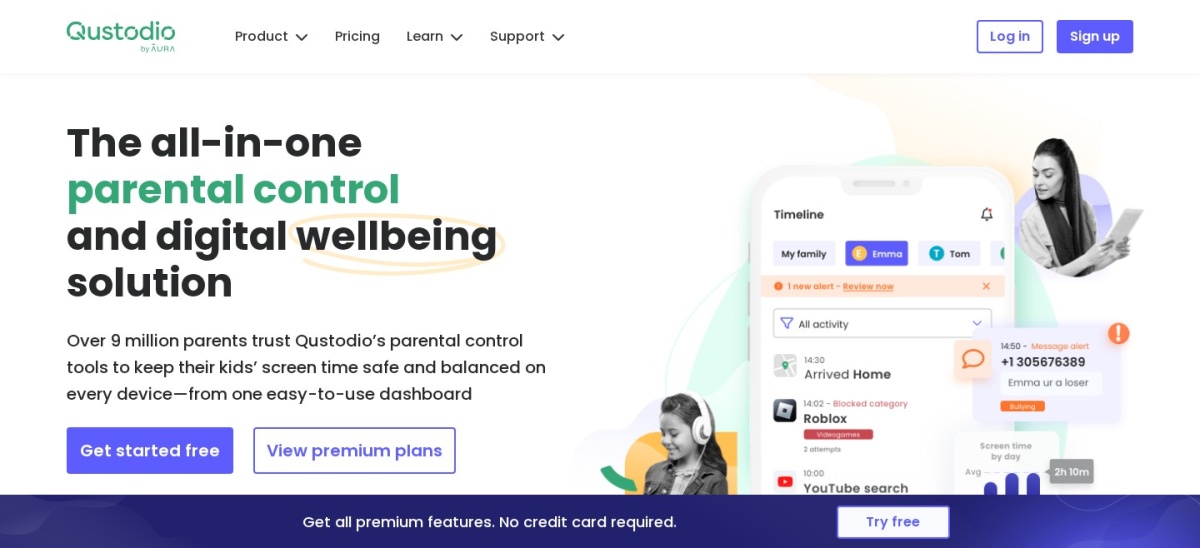
Qustodio homepage, captured Nov 2026.
Qustodio is a parental control app that covers screen time, web filtering, app blocking, location and calls across five device types. The free plan protects one device, while Basic at $59.95 a year covers five devices with app blocking, location monitoring and an internet pause button.
The trade off is support and sentiment. Qustodio holds a 2.5 out of 5 Trustpilot score from more than 700 reviews, with slow support the main complaint. It suits mixed-device homes that want one dashboard for every phone, tablet and computer.
What we like
Covers five device types in one dashboard
Free plan protects one device
Detailed activity reports per child
Watch out for
Slow support is the main Trustpilot complaint
Call monitoring needs the Complete plan
Complete at $104.95 a year adds calls and messages monitoringVisit qustodio.com
02
Bark
1.6/5on Trustpilot (107 reviews, checked Nov 2026)
Starts at$99/yr
Best for monitoring teens' messages
Free planNo, 7-day trial
Cheapest paidPremium, $99/yr
Trustpilot rating1.6 out of 5
PlatformsiOS, Android, Windows, Mac
bark.us
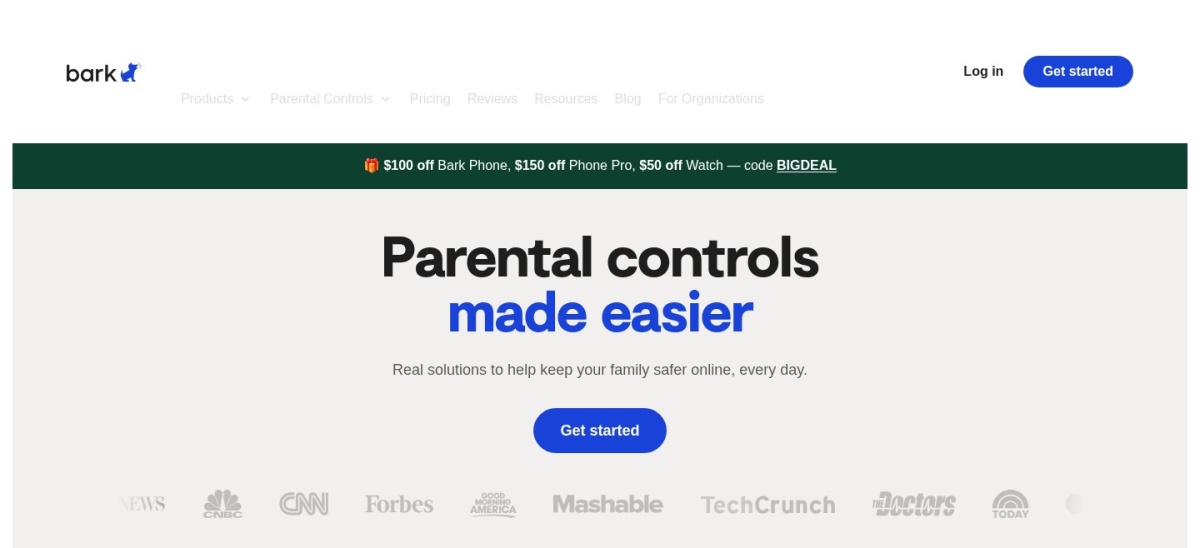
Bark homepage, captured Nov 2026.
Bark is a monitoring service that scans texts, email, YouTube and more than 30 social apps for signs of bullying, predators and self-harm, then alerts parents. Premium costs $14 a month or $99 a year and covers every child and device in the house with no device cap.
The trade off is visibility. Bark alerts you to problems instead of showing every message, so parents who want to read full chats will be frustrated. It suits parents of teens who want alerts about risky messages without reading everything.
What we like
Scans 30-plus apps and alerts only on concerns
One price covers unlimited children and devices
7-day free trial
Watch out for
No full message history to read
Weak on hard app blocking
Bark Jr at $49 a year covers screen time without message monitoringVisit bark.us
03
Net Nanny
1.9/5on Trustpilot (14 reviews, checked Nov 2026)
Starts at$49.99/yr
Best for real-time web filtering
Free planNo
Cheapest paid1 Desktop, $49.99/yr
Trustpilot rating1.9 out of 5
PlatformsWindows, Mac, iOS
netnanny.com
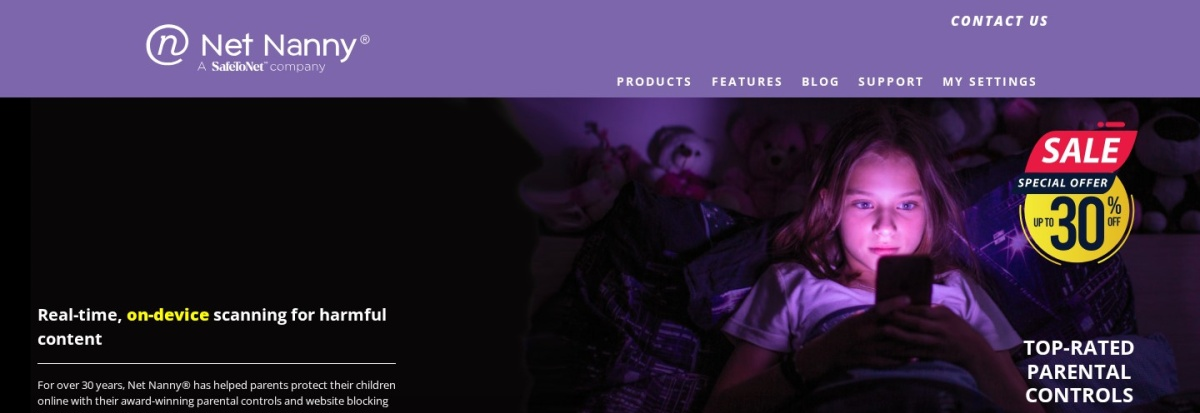
Net Nanny homepage, captured Nov 2026.
Net Nanny is a web filter that reads each page in real time instead of relying only on blocklists. The single-desktop plan lists at $49.99 a year and covers Windows or Mac with the full feature set, while a five-device pass lists at $79.99 a year.
The trade off is coverage. Net Nanny does not support Android at all, and its Trustpilot score is 1.9 out of 5 from a small base of 14 reviews. It suits Windows and iPad households that want the strongest page-level filtering.
4.3/5on Trustpilot (1,336 reviews, checked Nov 2026)
Starts at$32/mo
Best for whole-family security
Free planNo, 14-day trial
Cheapest paidFamily, $32/mo
Trustpilot rating4.3 out of 5
PlatformsiOS, Android, Windows, Mac
aura.com
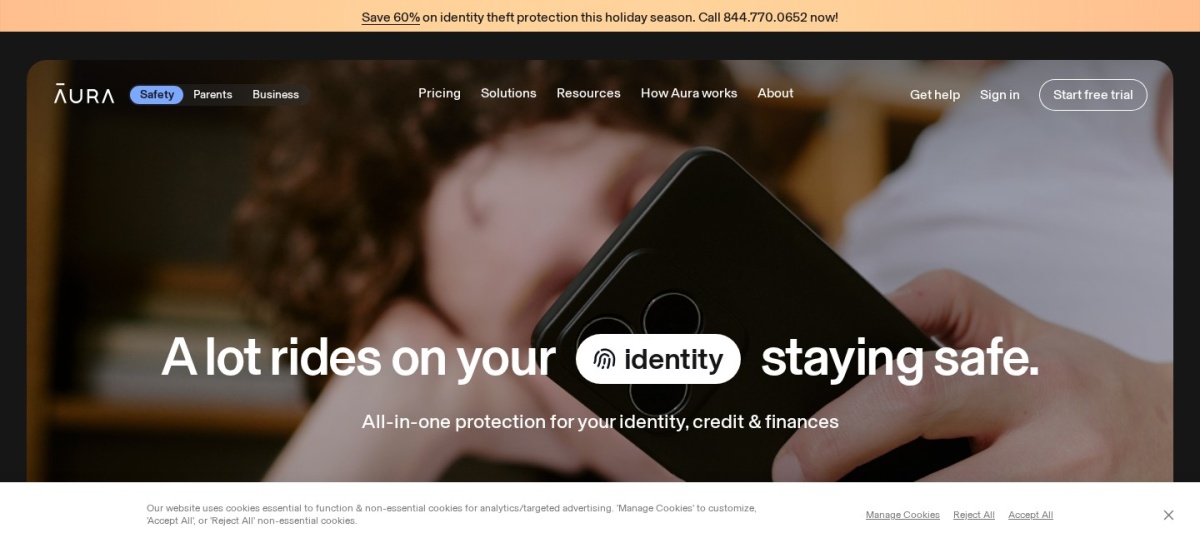
Aura homepage, captured Nov 2026.
Aura is a family safety bundle that pairs parental controls with identity theft protection, a VPN, antivirus and dark web monitoring. The Family plan costs $32 a month billed yearly and covers five adults, unlimited children and up to 50 devices.
The trade off is price and scope. At $384 a year it costs far more than a standalone parental control app, and the cheaper plans carry no parental controls at all. It suits families who want one subscription for identity safety and child monitoring.
What we like
Parental controls plus identity protection
Covers up to 50 devices
Highest Trustpilot score in this list
Watch out for
Most expensive option here
Parental controls only on the Family plan
Family plan adds identity theft insurance per adultVisit aura.com
05
FamiSafe
4.5/5on G2 (2,162 reviews, checked Nov 2026)
Starts at$4.99/mo
Best for location and custom alerts
Free planNo, 3-day trial
Cheapest paid$4.99/mo
G2 rating4.5 out of 5
PlatformsiOS, Android, Windows, Mac
famisafe.wondershare.com
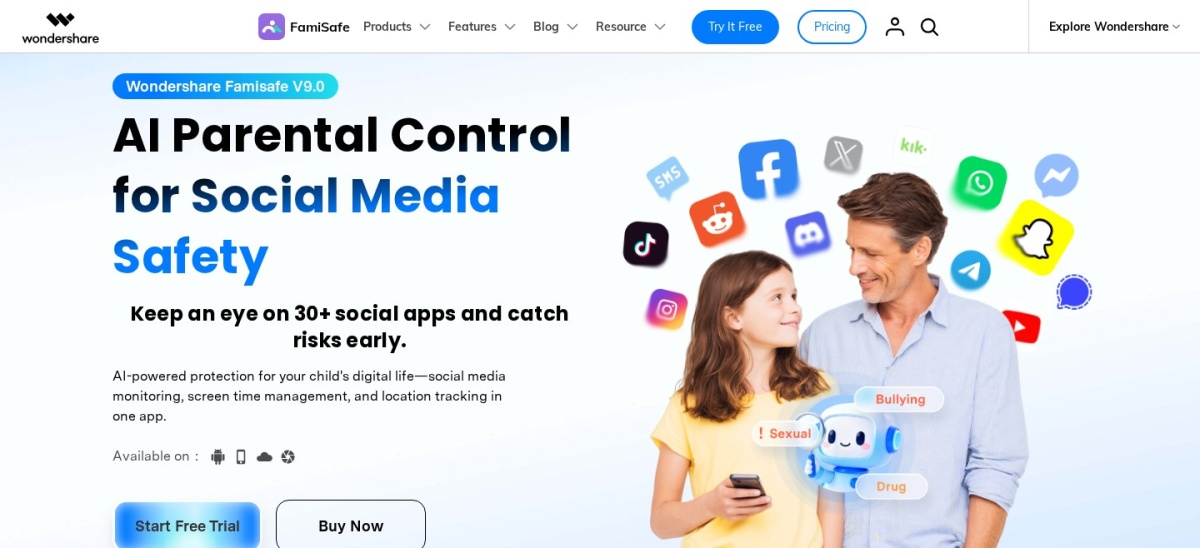
FamiSafe homepage, captured Nov 2026.
FamiSafe is a monitoring suite from Wondershare that covers screen time, app blocking, live location, geofencing and custom word alerts. Plans start at $4.99 a month, and the app runs on iOS, Android, Windows, Mac, Chromebook and Kindle Fire.
The trade off is trust. FamiSafe holds 4.5 out of 5 on G2 from more than 2,000 reviews, but its Trustpilot score is 2.9 out of 5 from 121 reviews. It suits parents who want custom alerts for specific words and places.
3.3/5on Trustpilot (6,477 reviews, checked Nov 2026)
Starts at$11.67/mo
Best for detailed phone monitoring
Free planNo
Cheapest paid$11.67/mo annual
Trustpilot rating3.3 out of 5
PlatformsiOS, Android
mspy.com
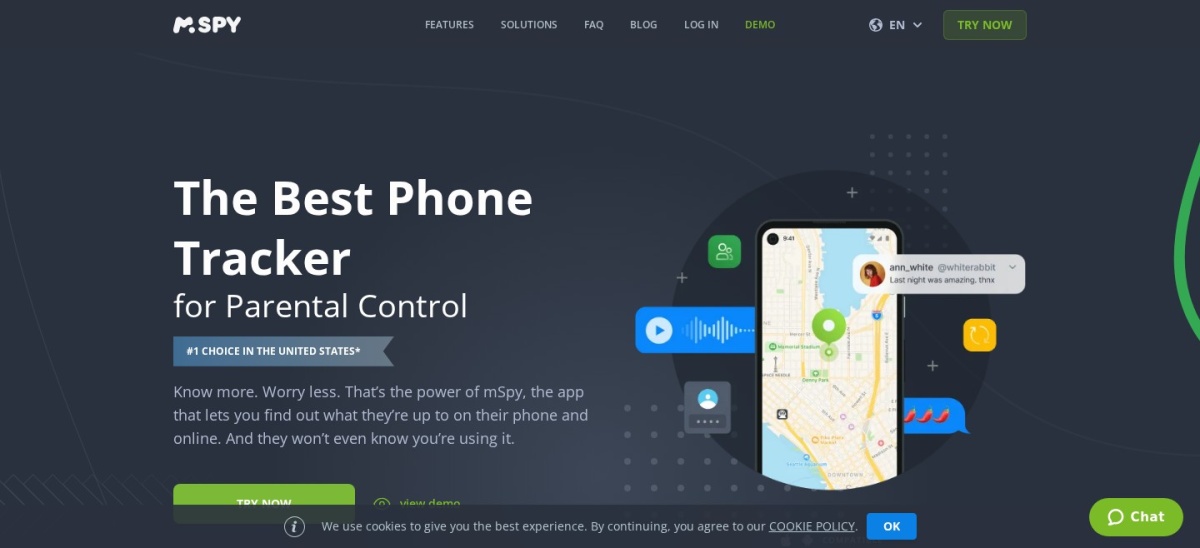
mSpy homepage, captured Nov 2026.
mSpy is a phone monitoring app that logs messages, calls, GPS location, browsing and social app activity from one dashboard. The annual plan costs $11.67 a month, and it works on iOS and Android with a stealth mode that hides the app.
The trade off is privacy and price. mSpy is built for deep surveillance, it has a history of data breaches, and Trustpilot reviewers complain about refunds. It suits parents who need full message access on a single phone and accept the trade-offs.
What we like
Deepest message and call monitoring here
Stealth mode hides the app
GPS tracking with location history
Watch out for
History of data breaches
Refund complaints on Trustpilot
Monthly billing costs far more than the annual planVisit mspy.com
07
Mobicip
3.8/5on Trustpilot (8 reviews, checked Nov 2026)
Starts at$2.99/mo
Best budget parental control app
Free planNo, 7-day trial
Cheapest paidLite, $2.99/mo
Trustpilot rating3.8 out of 5
PlatformsiOS, Android, Windows, Mac
mobicip.com
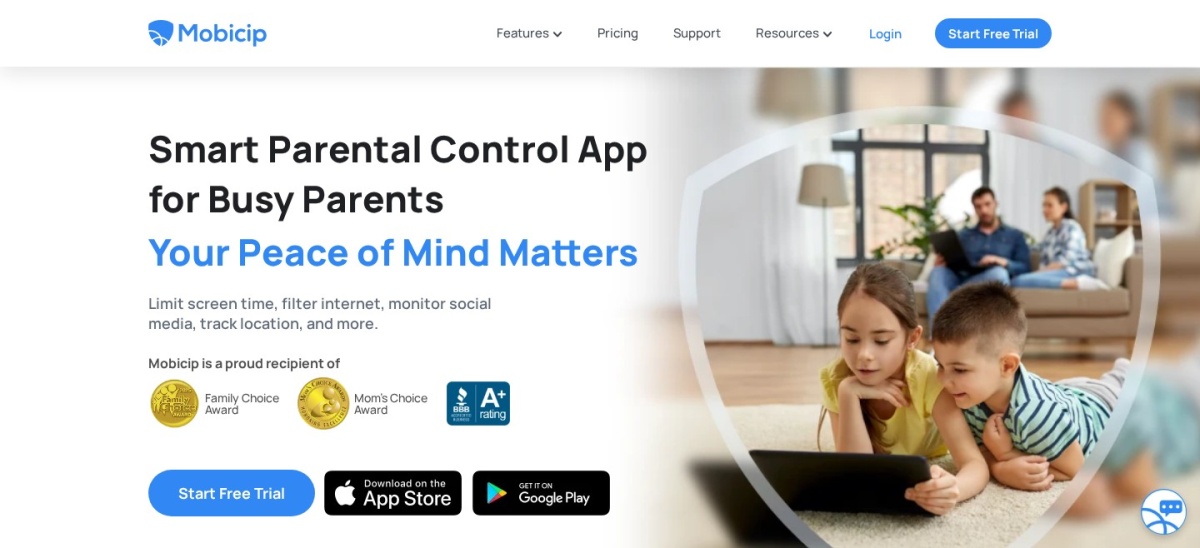
Mobicip homepage, captured Nov 2026.
Mobicip is a budget parental control app with screen time schedules, web filtering, app limits and location alerts. Lite costs $2.99 a month billed yearly, making it the cheapest paid plan in this list, and it runs on iOS, Android, Windows, Mac and Chromebook.
The trade off is depth. Mobicip has no message monitoring, and its Trustpilot score of 3.8 out of 5 rests on only eight reviews. It suits families who want basic limits and filtering for very little money.
What we like
Cheapest paid plan in this list
Screen time and filtering on five platforms
Simple setup for younger kids
Watch out for
No message or social monitoring
Tiny Trustpilot review base
Premium at $7.99 a month adds more devices and featuresVisit mobicip.com
08
FamilyTime
2.3/5on Trustpilot (775 reviews, checked Nov 2026)
Starts at$29/yr
Best for simple screen time rules
Free planNo, 3-day trial
Cheapest paid$29/yr
Trustpilot rating2.3 out of 5
PlatformsiOS, Android
familytime.io
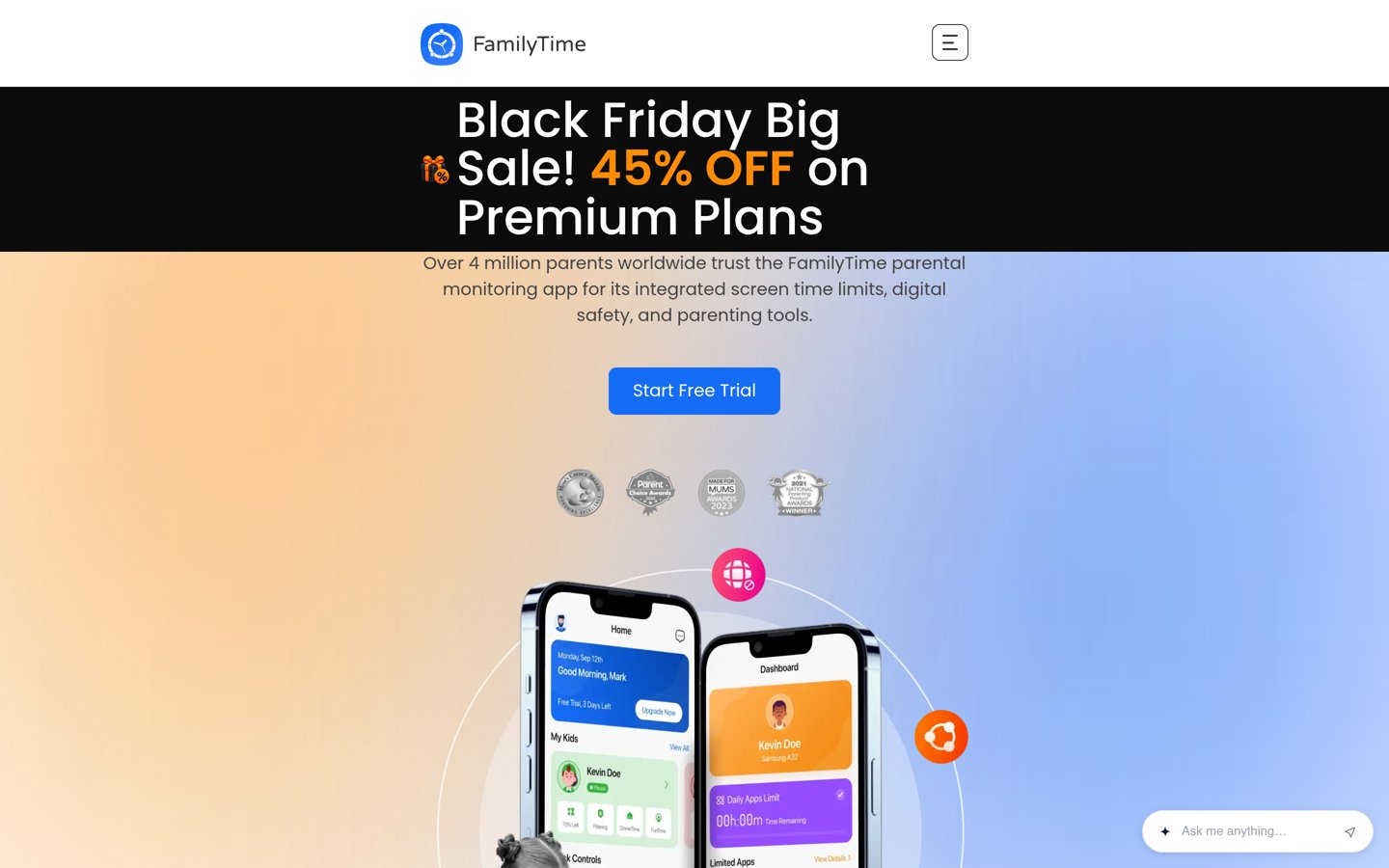
FamilyTime homepage, captured Nov 2026.
FamilyTime is a parental control app focused on screen time limits, app blocking, location tracking and pickup alerts. Plans start at $29 a year, and the vendor says more than 4 million parents use it to manage their children's devices.
The trade off is reliability. FamilyTime holds a 2.3 out of 5 Trustpilot score from more than 700 reviews, with billing and cancellation complaints the main theme. It suits parents who want simple limits at a low price.
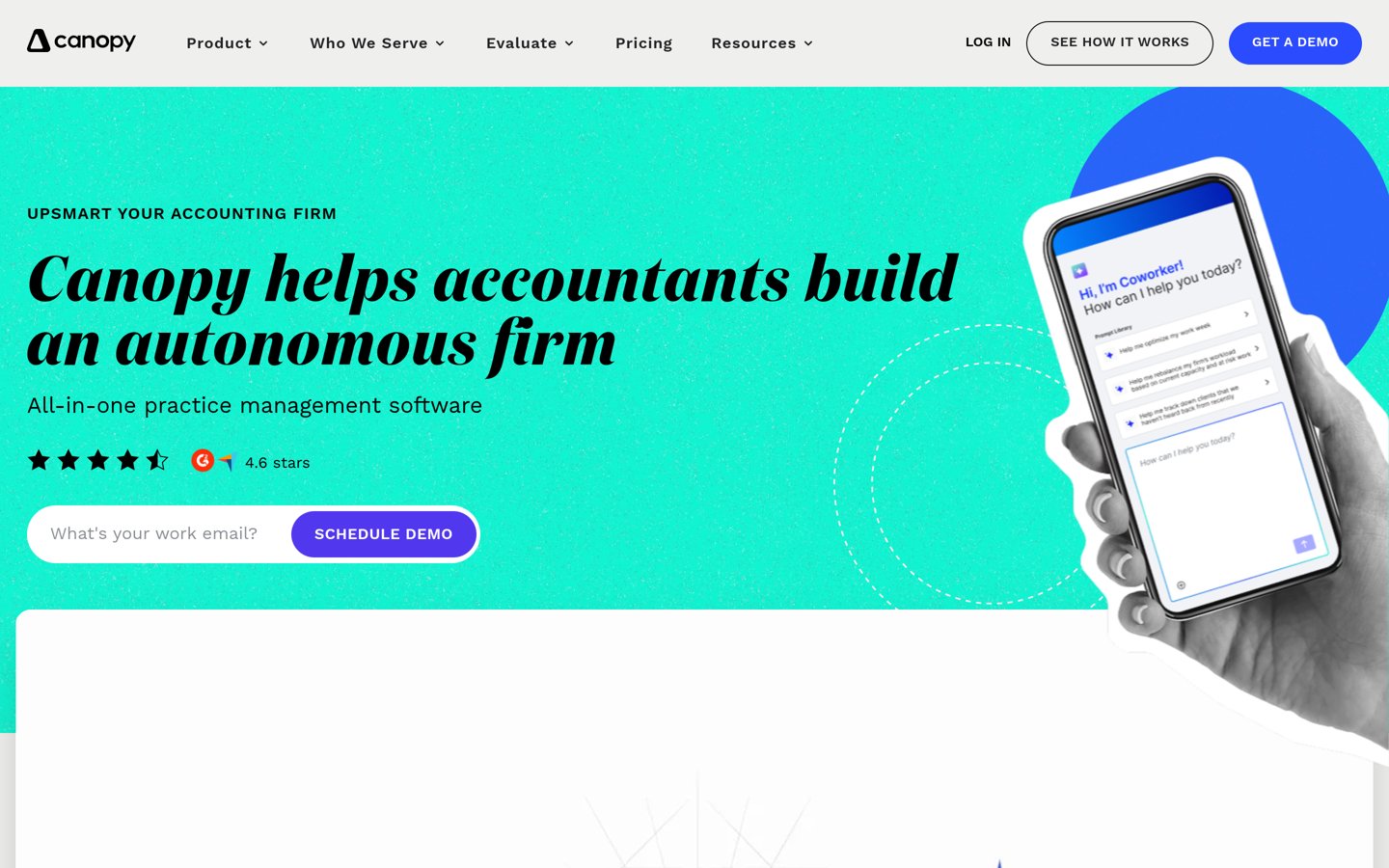
Canopy is an AI content filter that blocks explicit images and videos in real time, even inside apps that are otherwise allowed. Essential costs $8.33 a month billed yearly for one device, and it scans images across the whole phone.
The trade off is scope. Canopy filters content well but has no screen time schedules, and its Trustpilot score is 1.6 out of 5 from 47 reviews. It suits families whose main worry is explicit content rather than screen time.
What we like
AI filtering inside otherwise allowed apps
Sexting prevention and image monitoring
Works on iOS and Android
Watch out for
No screen time schedules
Small Trustpilot review base
Premium at $12.50 a month covers unlimited devicesVisit canopy.us
Free vs paid: what parents give up
Free plans cover the basics. Qustodio protects one device free, and the built-in tools on iPhone and Android cost nothing at all.
Paid plans add more devices, message monitoring and location alerts. Bark Premium and FamiSafe sit in this group, and both charge one yearly price for the whole family.
If you only need screen time limits, a free tool may be enough. Pay when you need monitoring across many devices or alerts about what your child is saying online.
How we chose
We started from the parental control apps parents mention most, then kept the nine with a public rating on G2 or Trustpilot and a published price. Norton Family was left out because no verifiable G2, Capterra or Trustpilot rating could be found for it.
Prices come from each vendor's pricing page, checked on 25 November 2026, and ratings come from G2 or Trustpilot on the same day. FamiSafe, mSpy and FamilyTime prices rest on secondaries, since their pricing pages returned errors or could not be found today.
Trustpilot scores here are low and several rest on small review bases, which the notes flag for each tool. No vendor paid for a place, and we do not claim hands-on testing for this list.
How to choose parental control software
Start with your child's age and devices, then match the tool to that reality.
Match the tool to your child's age. Young children need filters and time limits; teens need message alerts and location. A tool built for one age rarely fits the other.
Check every device your child uses. Some tools skip Android, others skip Windows. Count phones, tablets, computers and consoles before you compare prices.
Decide how much you want to see. Filters and timers show little; message monitoring shows a lot. Talk to your child about what the app watches.
Use the trial before the yearly plan. Most tools offer a trial of 3 to 14 days. Test it on your child's actual devices, since setup varies by platform.
FAQ
What is the best parental control app?
Qustodio is the best pick for most families, with screen time limits, web filtering, app blocking and location tracking across five device types. Basic costs $59.95 a year for five devices, and a free plan covers one device. Bark suits parents of teens who want message alerts.
Is there a free parental control app?
Yes. Qustodio offers a free plan for one device with basic web filtering and time limits. Google Family Link and Apple Screen Time are also free, though neither has a public G2 or Trustpilot rating. Most paid plans start under $60 a year.
Which parental control app is best for teens?
Bark is the strongest pick for teens, because it scans texts, email and more than 30 social apps for signs of bullying, predators and self-harm, then alerts parents. Premium costs $99 a year and covers every child and device with no device cap.
How much does parental control software cost?
Paid plans in this list run from $2.99 a month for Mobicip Lite to $32 a month for Aura Family billed yearly. Most families pay between $30 and $100 a year. Net Nanny lists a single-desktop plan at $49.99 a year, with a $39.99 sale price today.
Can parental control apps monitor social media?
Some can. Bark scans texts and more than 30 social apps, FamiSafe watches 30-plus social apps, and Canopy scans images inside apps. Qustodio and Net Nanny focus on filtering and time limits instead. No app can read every encrypted chat.
Do parental control apps work on Android and iPhone?
Most do, but check before you pay. Net Nanny has no Android app, and mSpy works only on iOS and Android. Qustodio, FamiSafe and Mobicip cover iOS, Android, Windows and Mac, while Canopy and FamilyTime cover phones only.
SaaS SEO and WordPress specialist with about 8 years of experience. Rakib compares WordPress plugins, themes, hosting and software using public pricing, documentation and user reviews. See how we rank.