SmartDeploy is our top pick for OS deployment software thanks to its library of 1,500+ hardware driver packs and 4.7/5 rating across 152 G2 reviews. For per-PC pricing, Acronis Snap Deploy starts at $25/yr per machine, while FOG Project and Clonezilla provide free open-source imaging.
How we make this list: we compare pricing pages, product documentation and public user reviews, then re-check every price before each update. No product paid for a place. Disclosure.
SmartDeploy leads for mixed-hardware fleets with 1,500+ Platform Packs and plans starting at $1,100/yr.
Acronis Snap Deploy keeps small rollouts affordable at $25/yr per PC (with a 20% Black Friday discount to $20/yr).
ManageEngine OS Deployer includes a free edition for 4 workstations before paid plans start at $645/yr for 100 workstations.
Microsoft Intune automates cloud provisioning via Windows Autopilot starting at $8/user/mo ($96/yr) for Plan 1.
FOG Project and Clonezilla deliver zero-cost open-source PXE and block-level disk cloning with no license fees.
What to look for in OS deployment software
OS deployment software replaces manual USB installs by pushing standardized golden images or cloud provisioning profiles across dozens or thousands of computers at once. The main dividing line is architecture: traditional imaging tools capture a configured reference disk and deploy it over PXE boot or offline media, while cloud provisioning platforms configure factory-fresh devices at first boot.
Hardware independence is the biggest time-saver in mixed-device fleets. Without automated driver injection or hardware abstraction layers, IT teams end up maintaining a separate system image for every laptop and desktop model they buy.
Pricing structures also vary widely across vendors. Some charge per endpoint per year, others sell workstation blocks or admin seats, and open-source tools cost nothing in licensing while requiring a dedicated Linux server and command-line administration.
SmartDeploy is a Windows OS imaging and endpoint provisioning platform built around hardware-independent deployment. Its Starter package includes centralized single-image management, access to 1,500+ model-specific device driver Platform Packs, offline USB and on-network deployments, and email and phone support.
The trade off is the $1,100/yr entry commitment with no permanent free tier, plus cloud imaging and remote patching require upgrading to the Pro tier. It suits Windows IT teams tired of maintaining separate golden images for every PC model.
What we like
1,500+ prebuilt Platform Packs handle model-specific drivers and BIOS updates
Supports local network, offline USB, and cloud storage deployment via Box, Dropbox, or Google Drive
High 4.7/5 rating across 152 G2 reviews
Watch out for
No free edition beyond a 15-day trial
Windows-only with no macOS or Linux imaging support
Plus and Pro tiers add application deployment, remote wipe, cloud imaging, and Windows patching.Visit smartdeploy.com
Acronis Snap Deploy is a disk imaging tool designed to provision hundreds of PCs, tablets, or servers simultaneously from a single master image. Starting at $25/yr per PC or tablet (discounted to $20/yr during Black Friday promotions), it includes multicast delivery, bare-metal provisioning, live Windows deployment, and Acronis Universal Deploy for dissimilar hardware.
The trade off is per-machine annual licensing that adds up across large fleets and limited endpoint management beyond initial imaging. It suits schools, retail chains, and IT teams needing rapid multicast rollouts for smaller device batches.
What we like
Low $25/yr per-PC entry price with no large minimum seat bundle
Fast multicast deployment pushes one image to many machines simultaneously
Supports Windows workstations, Windows Server, and Linux file systems
Watch out for
Perpetual licenses were discontinued in favor of annual subscriptions
Lacks ongoing patch management or RMM features after deployment
Server licenses cost $109/yr per server, and multi-year 3- and 5-year subscriptions are available.Visit acronis.com
03
ManageEngine OS Deployer
4.3/5on Capterra (26 reviews, checked Nov 2026)
Paid from$645/yr
Best for testing with a free workstation tier
Free tierUp to 4 workstations and 1 server
Deployment modesPXE, multicast, unicast, USB
Hardware handlingAutomated driver injection
Entry paid bundle100 workstations
manageengine.com
ManageEngine OS Deployer homepage, captured Nov 2026.
ManageEngine OS Deployer is a centralized Windows disk imaging and deployment solution for LAN and branch-office environments. Its free edition covers up to 4 workstations and 1 server with hardware-independent imaging, driver injection, user profile migration, and zero-touch PXE or USB deployment.
The trade off is that paid plans start at a 100-workstation block for $645/yr, and multi-site WAN deployment requires the $745/yr Enterprise tier. It suits mid-sized Windows teams that want to validate imaging workflows for free before scaling.
What we like
Permanent free edition supports 4 workstations and 1 server
Automates driver management, SID generation, and user profile migration
Supports both live online imaging and offline USB/PXE boot
Watch out for
Paid licensing jumps straight to a 100-workstation minimum
Initial PXE and DHCP VLAN configuration takes setup effort
Paid plans start at $645/yr for 100 workstations on LAN, or $745/yr for WAN remote office support.Visit manageengine.com
04
Microsoft Intune
4.5/5on Capterra (42 reviews, checked Nov 2026)
Starts at$96/yr
Best for cloud-first zero-touch provisioning
Provisioning methodWindows Autopilot cloud OOBE
Identity integrationMicrosoft Entra ID & hybrid join
Supported OSWindows, macOS, iOS, Android, Linux
Billing$8/user/mo billed annually
microsoft.com
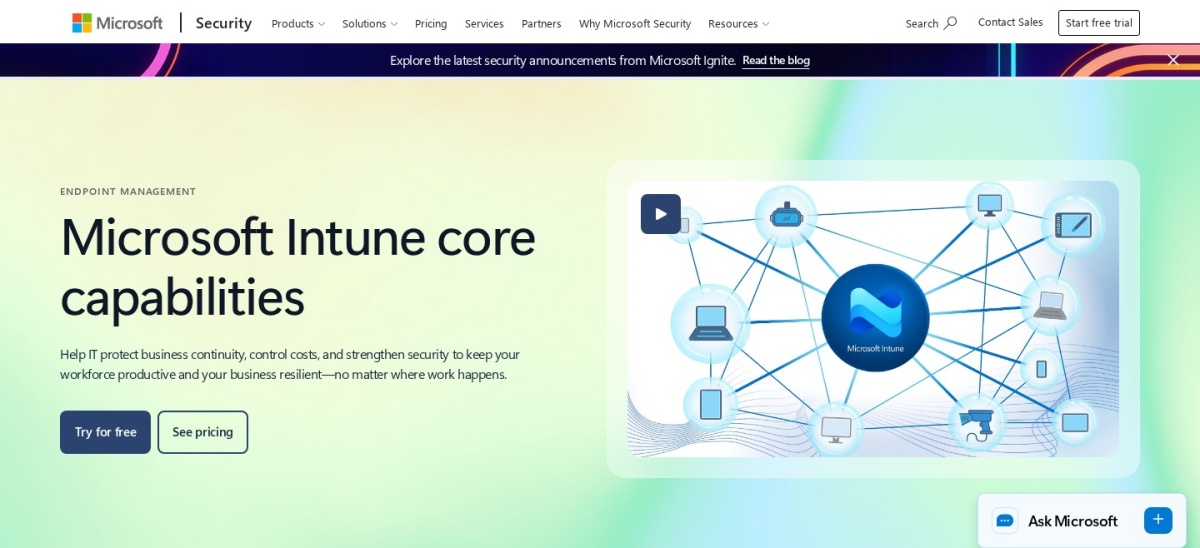
Microsoft Intune homepage, captured Nov 2026.
Microsoft Intune pairs with Windows Autopilot to provision new Windows PCs straight from the cloud without building or maintaining golden disk images. At $8/user/mo billed annually ($96/yr) for Intune Plan 1—also bundled in Microsoft 365 E3 and E5—it automates Entra ID joins, app installs, and security policies at first boot.
The trade off is a steep admin learning curve and reliance on OEM-preinstalled Windows rather than bare-metal PXE imaging. It suits distributed organizations already invested in Microsoft 365 that ship laptops directly to remote staff.
What we like
Eliminates golden image maintenance by configuring OEM Windows installs over the cloud
Included at no extra cost in Microsoft 365 E3, E5, and EMS E3/E5 bundles
Manages ongoing apps, compliance, and patches across Windows, macOS, iOS, and Android
Macrium SiteDeploy is a centralized Windows OS imaging platform built around Macrium's rapid sector-imaging engine and ReDeploy hardware-abstraction tools. Starting at $1,000/yr for 50 endpoints ($20 per endpoint/yr), it supports up to 60 parallel deployments per golden image store, built-in PXE booting, USB PE media, and anti-ransomware image protection.
The trade off is a 50-endpoint annual minimum on the Core plan and Windows-focused OS deployment. It suits IT teams in healthcare, government, and education that need fast parallel imaging with strict image integrity controls.
What we like
Runs up to 60 parallel deployments per golden image store with automatic partition resizing
Macrium Image Guardian protects golden image files against unauthorized ransomware changes
Built-in PXE server and Windows PE boot media simplify network setup
Watch out for
Core plan requires a 50-endpoint minimum commitment ($1,000/yr)
Multi-site management and offline activation require higher-tier plans
Flexible deployment packs are also available for organizations that prefer per-deployment credits.Visit macrium.com
FOG Project is a free, open-source network cloning and computer management server built on Linux, Apache, PHP, and iPXE. It captures and deploys Windows, Linux, and macOS images over PXE multicast from a web console, while its client agent handles hostnames, Active Directory joins, and post-deployment software snap-ins.
The trade off is having to host and patch your own Linux server with zero commercial SLA support. It suits schools, universities, and IT labs with Linux admin skills and no software budget.
What we like
100% free and open source for commercial and educational use at any scale
Web console schedules multicast tasks and tracks host hardware inventory
FOG client automates post-imaging hostname changes, domain joins, and snap-in installs
Watch out for
Requires self-hosting and maintaining a dedicated Linux server
No paid vendor support—relies on community forums and documentation
Completely free with no paid tiers; optional donations and sponsorships fund development.Visit fogproject.org
07
Clonezilla
4.7/5on Capterra (22 reviews, checked Nov 2026)
PriceFree
Best free block-level disk cloning utility
LicenseGNU GPL v2
EditionsLive USB, Lite Server, Server Edition (SE)
Supported OSWindows, Linux, macOS, Chrome OS
Minimum RAM196 MB
clonezilla.org
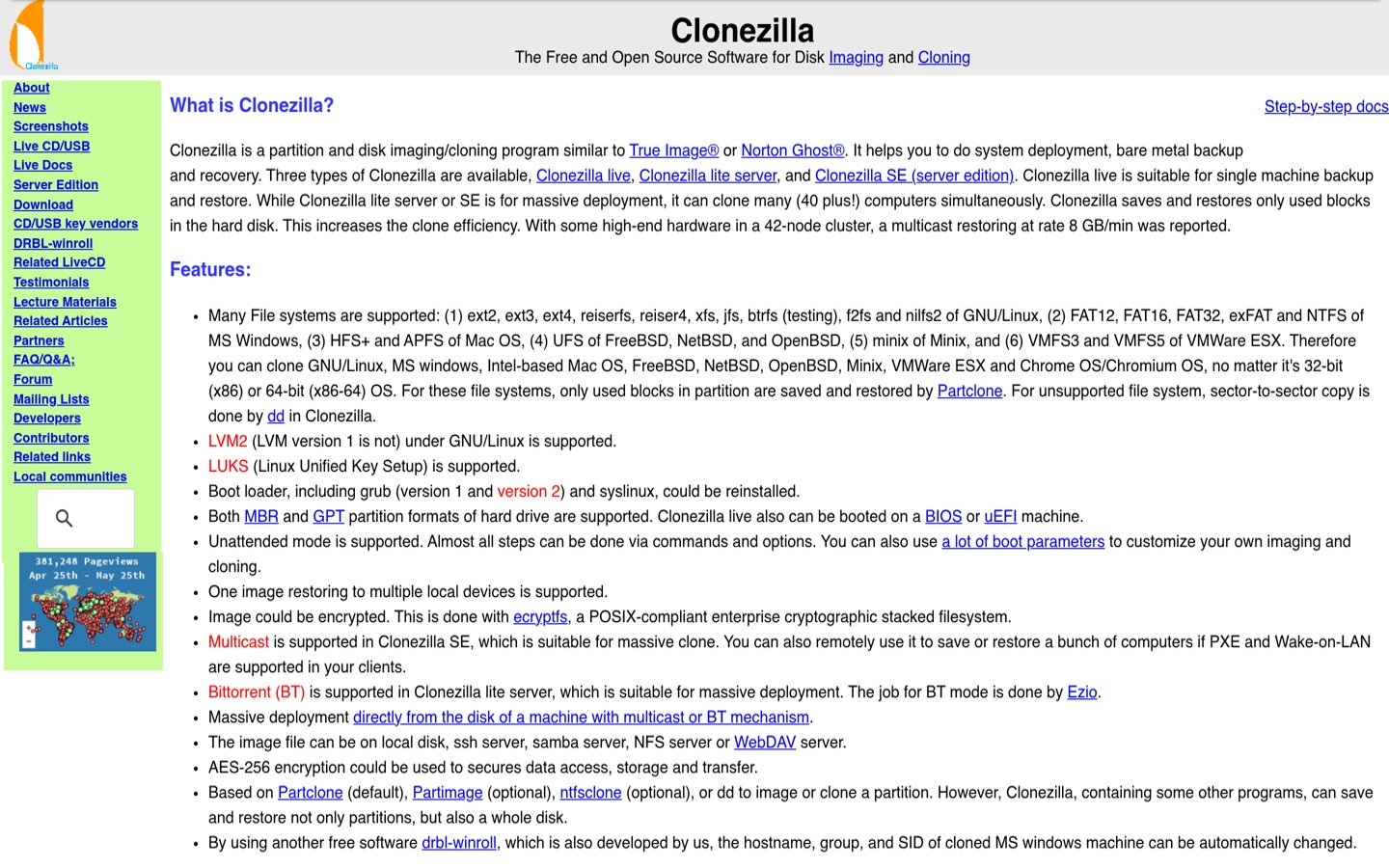
Clonezilla homepage, captured Nov 2026.
Clonezilla is a free, open-source partition and disk imaging utility powered by Partclone for fast used-block cloning. Available as Clonezilla Live for single machines or Clonezilla SE and Lite Server for 40+ simultaneous multicast or BitTorrent deployments, it supports MBR/GPT disks, LVM2, LUKS, and AES-256 image encryption on as little as 196 MB of RAM.
The trade off is a text-based terminal interface with no central web console, no live online imaging, and no single-file image browsing. It suits technicians who want fast, reliable bare-metal cloning across mixed file systems at zero cost.
What we like
Completely free under GPL v2 with multicast and BitTorrent mass deployment
Traditional disk imaging tools like SmartDeploy, Acronis Snap Deploy, and FOG Project copy a pre-configured golden image directly onto target drives over PXE or USB. This approach is fast on local networks, works offline, and wipes compromised or lab machines back to a clean state in minutes.
Cloud provisioning tools like Microsoft Intune with Windows Autopilot leave the factory Windows installation intact and apply identity, apps, and policies over the internet at first login. Cloud provisioning removes image maintenance and VPN dependencies for remote hires, though initial app downloads take longer than local multicast imaging.
How we chose
We built this shortlist by evaluating dedicated disk imaging tools, unified endpoint managers, and open-source cloning utilities actively maintained in 2026. Each product was assessed on deployment modes, hardware-independent driver handling, supported operating systems, and transparent licensing.
All prices, review ratings, and review counts were verified directly against official vendor pricing pages and public review listings on G2, Capterra, and Trustpilot on 22 Nov 2026. Where vendors offer promotional discounts, we listed the regular annual rate.
We excluded legacy tools without transparent public pricing, such as Broadcom Symantec Ghost Solution Suite and Quest KACE SDA, as well as consumer-only backup utilities that lack multi-machine network deployment. No vendor paid for a place, and we do not claim testing for this list.
How to choose OS deployment software
Match your deployment method, hardware diversity, and licensing budget to the right tool before building your golden image.
Decide between local imaging and cloud provisioning. Pick PXE/multicast imaging (Acronis, ManageEngine, FOG) for on-site labs and rapid bare-metal wipes, or Windows Autopilot with Intune for remote laptops shipped straight from OEMs.
Check driver management for mixed hardware. If your fleet spans multiple laptop brands or generations, prioritize tools with automated driver injection or prebuilt driver packs like SmartDeploy or Macrium SiteDeploy.
Compare per-device vs. flat licensing. Small rollouts of 10 to 30 PCs cost less on per-PC licenses like Acronis Snap Deploy ($25/yr per PC), while larger fleets benefit from workstation bundles or free open-source servers.
Verify network and server prerequisites. Confirm whether your VLANs allow PXE booting and multicast traffic, and whether your team has Linux skills if considering self-hosted tools like FOG Project.
FAQ
What is the best free OS deployment software?
FOG Project is the best free option if you want a web console, PXE multicast deployment, and automated Windows domain joins on a self-hosted Linux server. Clonezilla is best for lightweight USB or multicast disk cloning without setting up a permanent management server.
How does hardware-independent OS deployment work?
Hardware-independent deployment separates the base operating system image from device-specific drivers and system identifiers. During deployment, the tool runs Sysprep or injects matching storage, chipset, and network drivers for the target PC model so one golden image boots cleanly across different hardware.
Is Windows Autopilot better than traditional disk imaging?
Windows Autopilot is better for distributed teams shipping new factory laptops directly to remote employees, because devices configure themselves over the internet without touching an office LAN. Traditional imaging remains faster for computer labs, classrooms, and bare-metal disaster recovery.
Can OS deployment software deploy both Windows and Linux?
Yes, several tools support cross-platform imaging. Acronis Snap Deploy, FOG Project, and Clonezilla can capture and deploy both Windows and Linux partitions, whereas SmartDeploy and Macrium SiteDeploy focus specifically on Windows workstations and servers.
What is multicast deployment and when do I need it?
Multicast sends a single data stream across your local network that dozens of target PCs receive simultaneously during PXE boot. You need multicast when imaging 20 or more machines at once—such as refreshing a school lab overnight—so network bandwidth does not bottleneck.
SaaS SEO and WordPress specialist with about 8 years of experience. Rakib compares WordPress plugins, themes, hosting and software using public pricing, documentation and user reviews. See how we rank.