DaVinci Resolve Studio is the top one-time payment video editor at $295, pairing a watermark-free free tier with pro color grading, Fusion VFX, and Fairlight audio. Final Cut Pro ($299.99) is best for Mac-only studios, while Wondershare Filmora ($79.99) suits beginners wanting templates.
How we make this list: we compare pricing pages, product documentation and public user reviews, then re-check every price before each update. No product paid for a place. Disclosure.
DaVinci Resolve Studio costs $295 once and includes a permanent free tier exporting up to 4K 60fps with no watermark.
Final Cut Pro is a $299.99 one-time Mac App Store purchase optimized for Apple silicon.
Wondershare Filmora ($79.99) and Movavi Video Editor ($94.95 regular, often discounted) offer perpetual licenses locked to the purchased major version.
LumaFusion delivers multi-track editing on iPad and iPhone for $29.99 one-time.
Shotcut and OpenShot are open-source GPL-3.0 editors available at $0 with no watermark or commercial limits.
What to look for in one-time payment video editing software
Most mainstream video editors have shifted toward monthly or annual subscriptions, which add up over multi-year production schedules. A perpetual license lets you pay once and keep running the software locally even if you pause editing for months.
Before buying a lifetime license, check the vendor's upgrade policy. Some companies, such as Blackmagic Design and Apple, have a long track record of providing major version updates at no extra cost, while consumer editors like Filmora and Movavi lock perpetual licenses to the specific major release you buy.
Also check whether stock media, cloud storage, or generative AI credits require an ongoing add-on. Many hybrid vendors sell a one-time base editor while charging separately for recurring asset libraries or AI credit packs.
The 7 best one time payment video editing software
01
DaVinci Resolve Studio
4.8/5on Capterra (273 reviews, checked Nov 2026)
Paid from$295 one-time
Best for pro editing, color, and audio
PlatformsWindows, macOS, Linux, iPad
Free tier capUHD 4K 60fps, no watermark
Studio ceilingUp to 32K at 120fps, 10-bit
License typePerpetual key or dongle
blackmagicdesign.com
DaVinci Resolve Studio homepage, captured Nov 2026.
DaVinci Resolve Studio is a post-production suite combining timeline editing, node-based color grading, Fusion visual effects, and Fairlight audio in one desktop application. Its permanent free edition has no time limit or watermark and exports up to UHD 3840x2160 at 60fps with multi-user collaboration included.
The trade off is a steeper learning curve across seven dedicated workspaces and heavier GPU and RAM requirements, with the Studio upgrade priced at $295 one-time. It suits filmmakers, YouTubers, and post-production teams who want studio-grade color and audio without a recurring subscription.
What we like
Permanent free version with 4K 60fps export and zero watermarks
Industry-standard node-based color grading and Fairlight audio mixing
Runs across Windows, macOS, Linux, and iPadOS
Watch out for
Complex multi-page interface takes time for beginners to learn
Demands a dedicated GPU and at least 16GB RAM for smooth playback
Studio ($295) adds 10-bit color, 120fps, Neural Engine AI tools, and spatial noise reduction.Visit blackmagicdesign.com
02
Final Cut Pro
4.7/5on Capterra (143 reviews, checked Nov 2026)
Starts at$299.99 one-time
Best for Mac-only video creators
PlatformsmacOS (iPadOS separate)
Timeline styleTrackless Magnetic Timeline
TrialFree trial via Apple
License typeMac App Store one-time
apple.com
Final Cut Pro homepage, captured Nov 2026.
Final Cut Pro is Apple's flagship non-linear editor built specifically for macOS and Apple silicon hardware. Available as a $299.99 one-time purchase on the Mac App Store, it features the Magnetic Timeline, Magnetic Mask, background rendering, multicam syncing, and native ProRes acceleration.
The trade off is strict Apple hardware lock-in, as there is no Windows or Linux version and its trackless timeline feels unfamiliar to traditional NLE editors at $299.99. It suits solo Mac creators and Apple-based studios prioritizing fast export speeds and one-time ownership.
What we like
Fast real-time playback and ProRes export on Apple silicon Macs
One-time $299.99 Mac App Store license with no mandatory renewal
Clean interface that scales smoothly from iMovie upgraders to pros
Watch out for
Exclusive to Apple devices with no Windows or Linux support
Magnetic Timeline workflow can frustrate editors used to fixed tracks
Single $299.99 Mac App Store tier includes all core editing, color, and audio tools.Visit apple.com
03
VEGAS Pro
4.6/5on Capterra (156 reviews, checked Nov 2026)
Starts at$199.95 one-time
Best for fast Windows timeline cutting
PlatformsWindows 10 and 11
Audio supportIn-line VST3 and 32-channel PCM
TitlingContinuum 2D and 3D titling
License typePerpetual license option
vegascreativesoftware.com
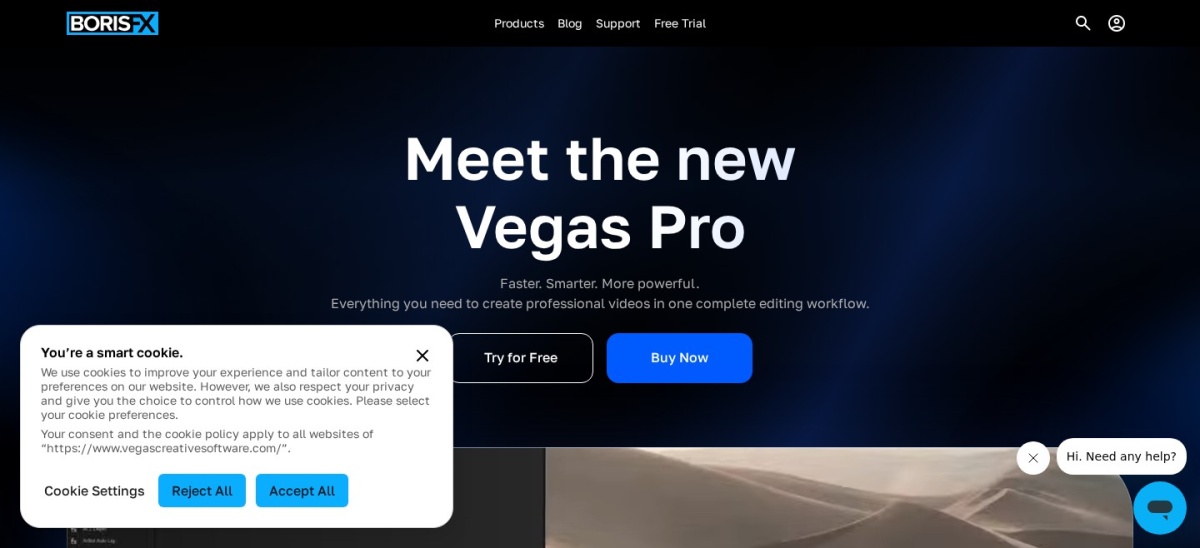
VEGAS Pro homepage, captured Nov 2026.
VEGAS Pro is a Windows video and audio editor known for rapid timeline cutting, automatic crossfades when overlapping clips, and inline VST3 audio mixing. Perpetual licenses start at $199.95 one-time and include GPU-accelerated timeline playback, AI Quick Mask, multicam editing, and Boris FX Continuum 2D and 3D titling.
The trade off is Windows-only availability, a dense interface on smaller laptop screens, and Storyblocks stock media remaining restricted to subscription plans despite the $199.95 perpetual price. It suits Windows editors and YouTubers who want fast keyboard-driven cutting and deep timeline audio control.
What we like
Fast drag-and-drop timeline trimming and automatic clip crossfades
Strong built-in multitrack audio editing with VST3 plugin support
Supports ProRes up to 8K, RED R3D, and GPU-accelerated HEVC
Watch out for
Windows only with no macOS or Linux version
Major version upgrades require an additional upgrade fee
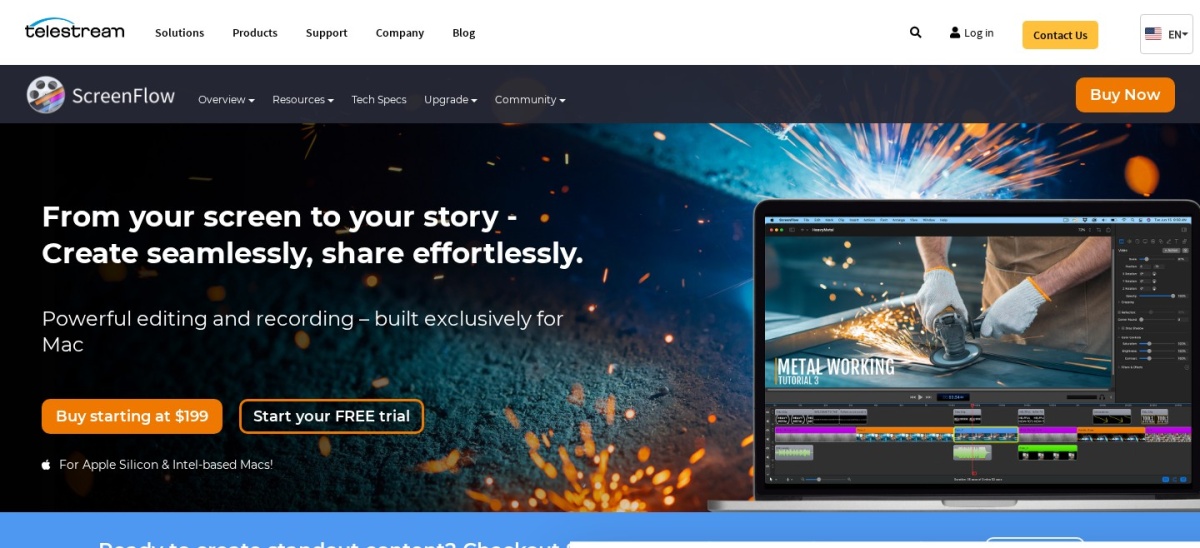
ScreenFlow is a macOS screen recording and video editing application built for software demos, courses, and product tutorials. For a $199 one-time license, it captures Retina displays, microphones, system audio, and connected iOS screens simultaneously onto separate editable timeline tracks with callouts and cursor animations.
The trade off is macOS exclusivity, fewer advanced color and VFX tools than general NLEs, and an optional $99/yr Stock Media Library add-on beyond the $199 base license. It suits educators, SaaS marketers, and course creators on Mac who want capture and editing in one tool.
What we like
Combines high-DPI Retina screen capture with a multi-track editor
Purpose-built callouts, cursor zoom animations, and caption tools
Avoids the recurring annual subscription of competing screencast suites
Watch out for
Available only on macOS
Major version upgrades and the 500,000+ stock media library cost extra
Base $199 license removes trial watermarks and unlocks full local recording and export.Visit telestream.net
05
Wondershare Filmora
4.5/5on Capterra (733 reviews, checked Nov 2026)
Paid from$79.99 one-time
Best for beginners wanting templates
PlatformsWindows, macOS
Perpetual AI1,000 one-time AI credits
Free versionExport includes watermark
License typeVersion-locked perpetual plan
filmora.wondershare.com
Wondershare Filmora homepage, captured Nov 2026.
Wondershare Filmora is a beginner-friendly desktop video editor stocked with drag-and-drop titles, transitions, chroma key, motion tracking, and speech-to-text helpers. Its Perpetual Plan costs $79.99 one-time for a single platform and includes 1,000 one-time Filmora AI credits alongside core 4K editing tools.
The trade off is that the $79.99 perpetual license is locked to your purchased major version and platform, while generative AI credits and certain creative asset packs carry extra charges. It suits solo YouTubers and hobbyists who want quick presets over deep color or audio engineering.
What we like
Low $79.99 one-time entry price for full 4K watermark-free exports
Very gentle learning curve with ready-made titles and transitions
Includes 1,000 one-time AI credits on the perpetual license
Watch out for
Perpetual license covers only the purchased major version, not future upgrades
Additional AI credits and premium asset packs require separate payment
4.8/5on Capterra (1,135 reviews, checked Nov 2026)
Starts at$94.95 one-time
Best for casual home and social edits
PlatformsWindows, macOS
AI featuresNoise removal, background removal
TrialFree download with watermark
License typeLifetime single-version license
movavi.com
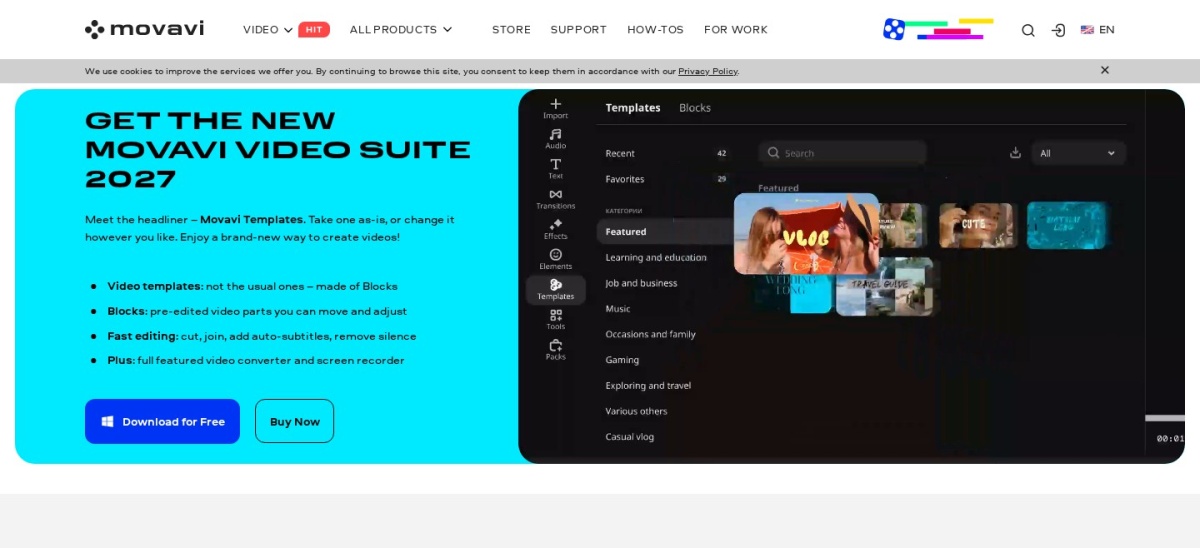
Movavi Video Editor homepage, captured Nov 2026.
Movavi Video Editor is a lightweight desktop editor designed for fast trimming, slideshow assembly, titles, and social clips on mid-range computers. Its regular lifetime license lists at $94.95 one-time (frequently discounted to $69.95 on Movavi's store) and includes 4K export, keyframe animation, AI noise removal, and background removal.
The trade off is a strict single-version lock with paid major upgrades and extra fees for optional effects packs, even at the $94.95 regular price. It suits casual creators, teachers, and small business owners who value an uncluttered interface over complex multi-track workflows.
What we like
Clean drag-and-drop workspace that newcomers learn in minutes
Runs smoothly on modest laptops while supporting 4K export
Often discounted below its $94.95 regular lifetime price
Watch out for
Lifetime license applies only to the purchased version with no major updates
Many extra effects and template packs are sold separately
4.7/5on Apple App Store (25,000 reviews, checked Nov 2026)
Starts at$29.99 one-time
Best for iPad and iPhone editing
PlatformsiPadOS, iOS
Tracks6 video/graphic + 6 audio tracks
Max exportUp to 4K at 60fps
License typeApp Store one-time purchase
luma-touch.com
LumaFusion homepage, captured Nov 2026.
LumaFusion is a multi-track mobile video editor for iPad and iPhone priced at $29.99 one-time on the Apple App Store. The base purchase unlocks six video and graphics tracks, six audio tracks, LUT color grading, multilayer titles, and 4K 60fps export without a subscription.
The trade off is that it runs on mobile touch devices rather than desktop workstations, and extras like Multicam Studio, Speed Ramping, and FCPXML export cost $19.99 each on top of the $29.99 app. It suits mobile journalists, travelers, and iPad creators editing on the go.
What we like
Affordable $29.99 one-time App Store purchase for six-track editing
Supports external drive editing, LUTs, and 4K 60fps export on iPad
Optional add-ons can also be bought as $19.99 one-time unlocks
Watch out for
No native Windows or Linux desktop version
Multicam syncing and FCPXML export require separate in-app purchases
Base $29.99 purchase includes full 4K export and 12 total video and audio tracks.Visit luma-touch.com
If your budget is $0 and you do not want a free tier with upgrade prompts, two open-source GPL-3.0 editors cover basic to intermediate desktop cutting with no watermarks or commercial restrictions: Shotcut (4.5 stars across 78 Capterra reviews) and OpenShot (4.3 stars across 177 Capterra reviews).
Shotcut runs on Windows, macOS, and Linux, supports native FFmpeg timeline editing up to 8K without transcoding, and is free from shotcut.org (or $11.49 one-time in the Microsoft Store for automatic updates). OpenShot offers a simpler drag-and-drop interface across Windows, macOS, Linux, and ChromeOS, though reviewers note slower performance on complex multi-layer timelines.
How we chose
We evaluated standalone video editing applications that still sell a genuine one-time perpetual license rather than locking core editing behind a monthly or annual subscription.
All prices, license terms, and public user ratings were verified on 22 Nov 2026 using official vendor store pages, the Apple App Store, and Capterra review profiles.
We excluded subscription-only suites like Adobe Premiere Pro and Camtasia, as well as discontinued editors that have not received active maintenance in the last 12 months. No vendor paid for a place, and we do not claim testing for this list.
How to choose one-time payment video editing software
Match the license terms and hardware requirements to how long you plan to keep the software before buying.
Check the major-version upgrade policy. DaVinci Resolve Studio and Final Cut Pro have historically delivered major updates free to existing owners, whereas Filmora, Movavi, and VEGAS Pro charge for future major releases.
Test your camera footage on a free tier or trial first. High-bitrate 10-bit 4:2:2 files and 4K timelines stress older laptops, so run a short test export using DaVinci Resolve Free or a trial build before paying.
Verify whether stock media and AI features cost extra. Vendors like Filmora, ScreenFlow, and VEGAS Pro separate stock libraries or recurring AI credit packs from the perpetual editor license.
Confirm operating system and multi-device rules. Final Cut Pro and ScreenFlow run only on macOS, VEGAS Pro requires Windows, and Filmora sells separate perpetual licenses for Windows and Mac.
FAQ
Which video editing software has a true lifetime license with free updates?
DaVinci Resolve Studio ($295 one-time) and Final Cut Pro ($299.99 one-time) have long track records of providing major version updates at no extra charge, though neither vendor contractually guarantees free upgrades forever.
Is DaVinci Resolve really free without a watermark?
Yes. The standard DaVinci Resolve edition costs $0, has no trial expiration or watermark, permits commercial client work, and exports up to UHD 4K at 60fps.
Does Wondershare Filmora's perpetual plan include future versions?
No. Filmora's $79.99 Perpetual Plan covers only the specific major version and operating system you purchase, so upgrading to a future major release requires a separate purchase.
What is the best one-time payment video editor for Windows?
DaVinci Resolve Studio ($295) is best for color grading and all-in-one post-production on Windows, while VEGAS Pro ($199.95) offers faster keyboard-driven timeline cutting and built-in VST3 audio mixing.
Can I buy Adobe Premiere Pro with a one-time payment?
No. Adobe Premiere Pro is available exclusively through a recurring Creative Cloud subscription, whereas Final Cut Pro and DaVinci Resolve Studio still offer one-time licenses.
SaaS SEO and WordPress specialist with about 8 years of experience. Rakib compares WordPress plugins, themes, hosting and software using public pricing, documentation and user reviews. See how we rank.