Nanonets is the best invoice capture software for most teams, with trainable extraction from $100 a month and $50 in free credits to start. Rossum suits enterprise AP teams at $18,000 a year, while Dext is the simplest pick for bookkeepers at about $25 a month.
How we make this list: we compare pricing pages, product documentation and public user reviews, then re-check every price before each update. No product paid for a place. Disclosure.
Nanonets leads at $100 a month for 100 credits, with $50 in free credits and no card required.
Rossum is the enterprise pick at $18,000 a year, with unlimited seats and no templates to build.
Dext is the cheapest bookkeeping pick at $25.21 a month billed annually, for 250 documents and 5 users.
Veryfi and Parseur both have real free plans: 100 documents a month at Veryfi, 20 pages at Parseur.
Docsumo and ABBYY publish no paid price, so budget for a quote, and Docparser starts at $32.50 a month billed annually.
What invoice capture software should do
Invoice capture software reads supplier invoices from photos, scans, PDFs and email attachments, and turns the supplier, dates, tax, totals and line items into structured data. The point is to stop retyping invoice data into accounting software or an ERP.
Tools split three ways. Dext and DocuClipper are finished apps for bookkeepers. Nanonets, Rossum, Docsumo and ABBYY are platforms for finance teams with high volumes and ERP targets. Veryfi, Parseur and Docparser are parsers and APIs that connect extraction to another system.
Price follows that split. Self-serve tools start at $20.30 to $100 a month, while enterprise platforms start at $18,000 a year or hide the price behind a quote. Our guide on creating an invoice in WooCommerce covers the other end of the job, sending invoices out.
Check the free limit before you shortlist. A free plan that covers 100 documents a month fits a small team, but a firm processing thousands of invoices needs metered or per-page pricing it can model in advance.
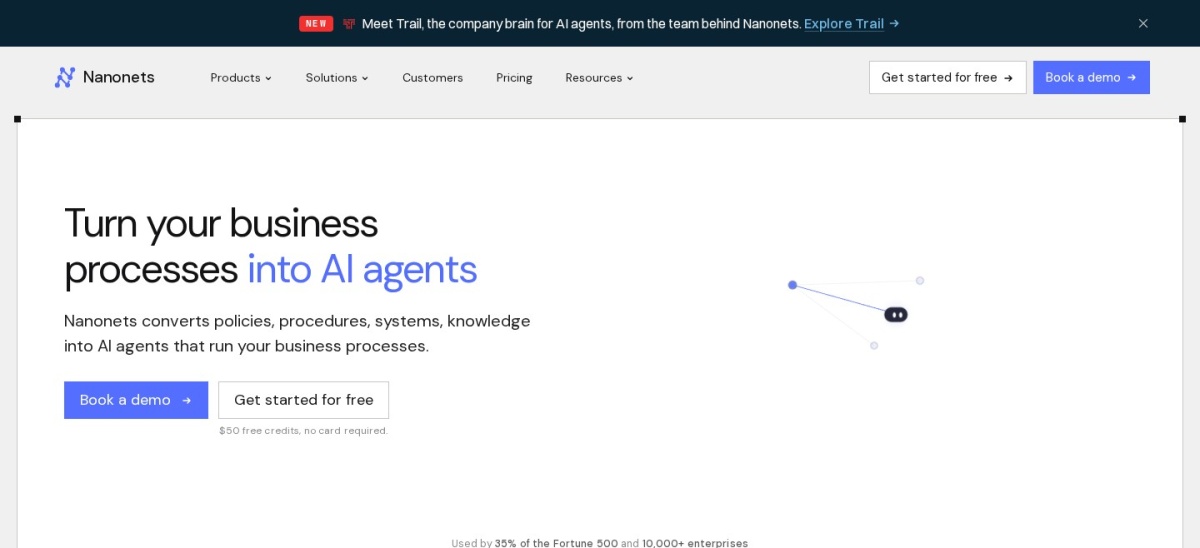
Nanonets is an AI document platform that reads invoices, purchase orders and financial forms without templates, and turns them into structured data for approval and posting. The Starter plan costs $100 a month for 100 credits, starts with $50 in free credits and no card, and covers up to 3 users.
The trade off is metered pricing. Each workflow step is a block charged at $0.02, $0.10 or $0.30, so a typical 4 to 6 block invoice workflow costs under $2, but heavy documents cost more. It suits finance teams that want to build their own extraction workflow and connect it to an ERP.
What we like
Free credits with no card required
Trainable models for unusual invoice layouts
Strong table and line-item extraction
API, webhooks and ERP connectors included
Watch out for
Metered pricing makes monthly cost hard to predict
Growth and Enterprise pricing is quote-only
Needs setup work before it runs on its own
Growth adds classification, custom Python blocks and ERP connectorsVisit nanonets.com
02
Rossum
4.5/5on G2 (127 reviews, checked Nov 2026)
Starts at$18,000/yr
Best for enterprise AP teams
Entry planStarter, $18,000/yr
SeatsUnlimited on every plan
Languages276
Free trial14 days
rossum.ai
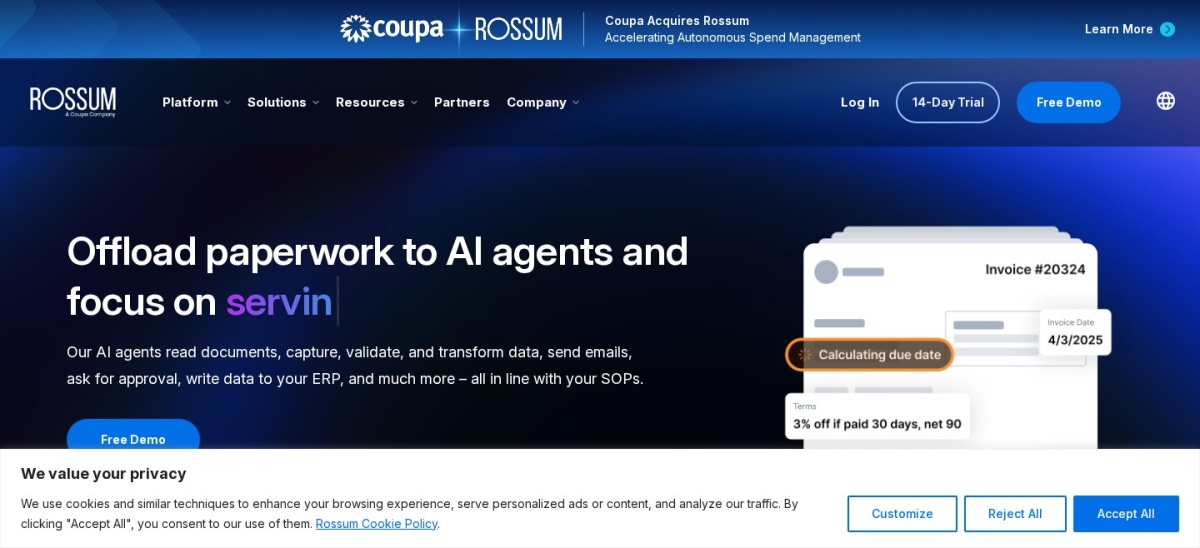
Rossum homepage, captured Nov 2026.
Rossum is an invoice automation platform built for accounts payable teams that process large volumes in many languages and layouts. Its AI reads invoices without templates, learns a new layout from about 20 documents, and validates invoices against purchase orders before posting them to the ERP.
The trade off is price. Starter costs $18,000 a year, and the Business and Enterprise plans that add ERP integrations and master data matching are quote-only. It suits mid-sized and large finance teams, and Coupa acquired Rossum in May 2026.
What we like
No templates needed for new invoice layouts
Two-, three- and four-way matching
Unlimited seats on every plan
ERP integrations for SAP, NetSuite and Workday
Watch out for
Entry price rules out small businesses
Business and Enterprise pricing is not published
Sales-led setup takes longer than self-serve tools
Business adds master data matching, duplicate detection and ERP connectorsVisit rossum.ai
03
Dext
4.6/5on G2 (411 reviews, checked Nov 2026)
Starts at$25.21/mo
Best for bookkeepers and small businesses
Entry planBusiness, $25.21/mo
Documents250 per month
Users5 included
Capture routesMobile, email, WhatsApp
dext.com
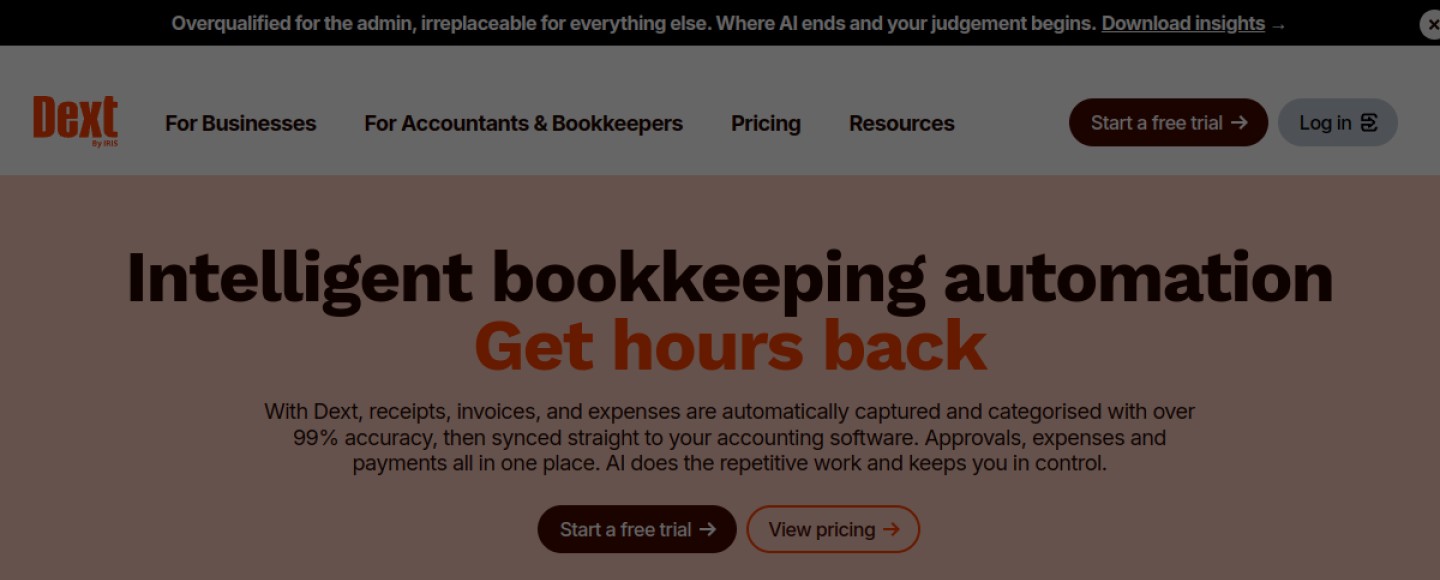
Dext homepage, captured Nov 2026.
Dext is a bookkeeping capture tool for small businesses and the accountants who serve them. Clients photograph receipts and invoices in the mobile app, or send them by email and WhatsApp, and Dext extracts the supplier, date, tax and total, then posts the data to QuickBooks or Xero.
The trade off is scope. Line-item extraction is a paid add-on from $20.50 a month, and Dext is built to feed small-business ledgers rather than run multi-entity ERP validation. It suits firms that collect client paperwork every month and want it coded without retyping.
What we like
Four capture routes including WhatsApp
Supplier rules remember how each vendor is coded
Direct posting to QuickBooks and Xero
Duplicate invoices are flagged before posting
Watch out for
Line-item extraction costs extra
No ERP validation for large finance teams
Per-document allowances rise only on higher plans
Higher plans raise document allowances and add statement checksVisit dext.com
04
Veryfi
4.6/5on G2 (58 reviews, checked Nov 2026)
Paid from$500/mo
Best API for embedding invoice capture
Free plan100 documents a month
Invoice price$0.16 per invoice
Starter plan$500/mo in credits
Receipt price$0.08 per receipt
veryfi.com
Veryfi homepage, captured Nov 2026.
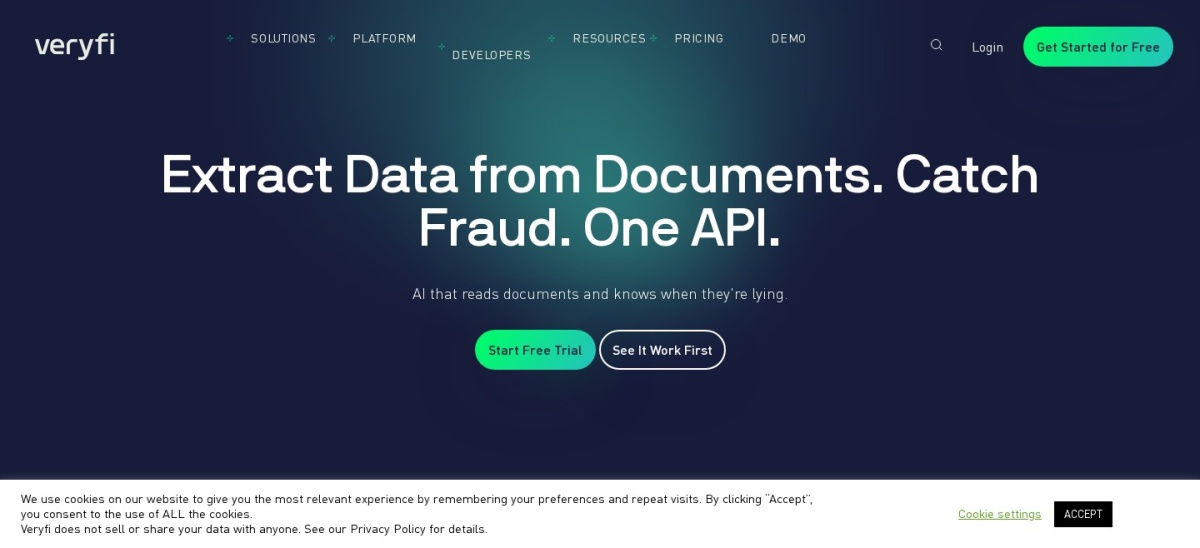
Veryfi is a developer API that extracts data from invoices, receipts and bank documents and flags signs of fraud. The free plan processes 100 documents a month, and the Starter plan costs $500 a month in credits, with invoices priced at $0.16 each and receipts at $0.08.
The trade off is the jump from free to paid. The $500 monthly minimum can outpace a small team's actual volume, and Growth features such as product matching and SAML login sit behind a custom quote. It suits product teams embedding capture into their own app.
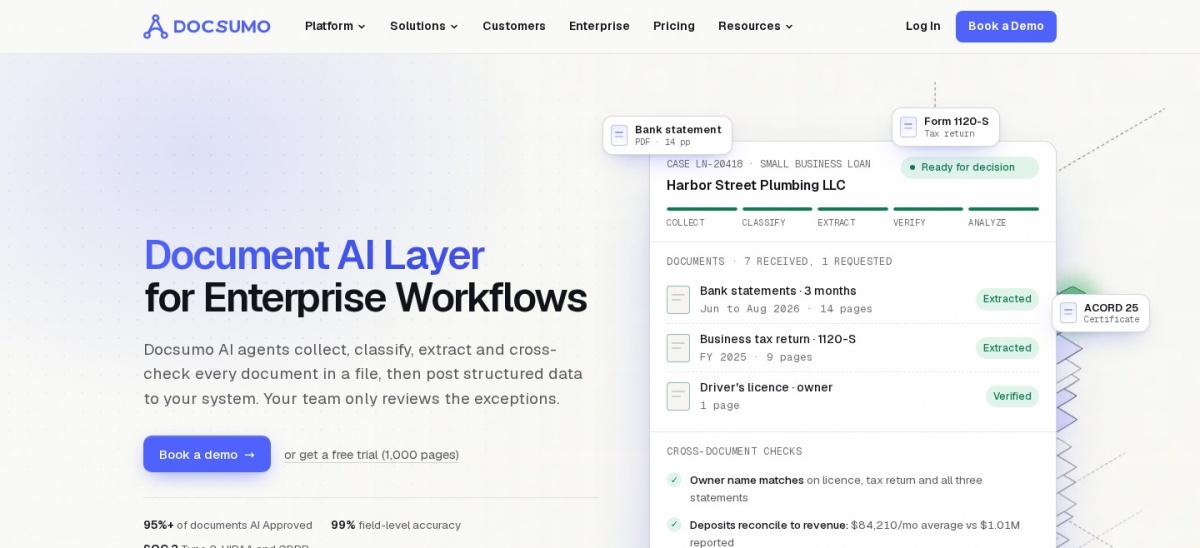
Docsumo is a document AI platform with pre-trained models for invoices, bank statements and tax forms, plus an Excel-style screen for checking extracted fields. The free trial runs 14 days and covers 1,000 pages, 10 user licences, field and table extraction, and webhooks, APIs and Excel downloads.
The trade off is pricing. Business and Enterprise plans are custom quotes based on document volume, and Docsumo charges setup fees separately based on document complexity. It suits operations teams that want a no-code platform and a generous trial before any sales conversation.
What we like
Pre-trained invoice models need no setup
Free trial covers 1,000 pages and 10 users
Cross-checks fields across documents in a case
API, webhooks and Excel downloads included
Watch out for
No published price for paid plans
Setup fees are charged separately
30-day cancellation notice required
Business adds auto-classification, splitting and custom pipelinesVisit docsumo.com
06
DocuClipper
4.7/5on G2 (124 reviews, checked Nov 2026)
Starts at$20.30/mo
Best for accounting firms and bookkeepers
Entry planStarter, 60 pages/mo
Annual price$20.30/mo billed annually
Business plan640 pages, $111.30/mo
API plan$199/mo, 2,000 pages
docuclipper.com
DocuClipper homepage, captured Nov 2026.
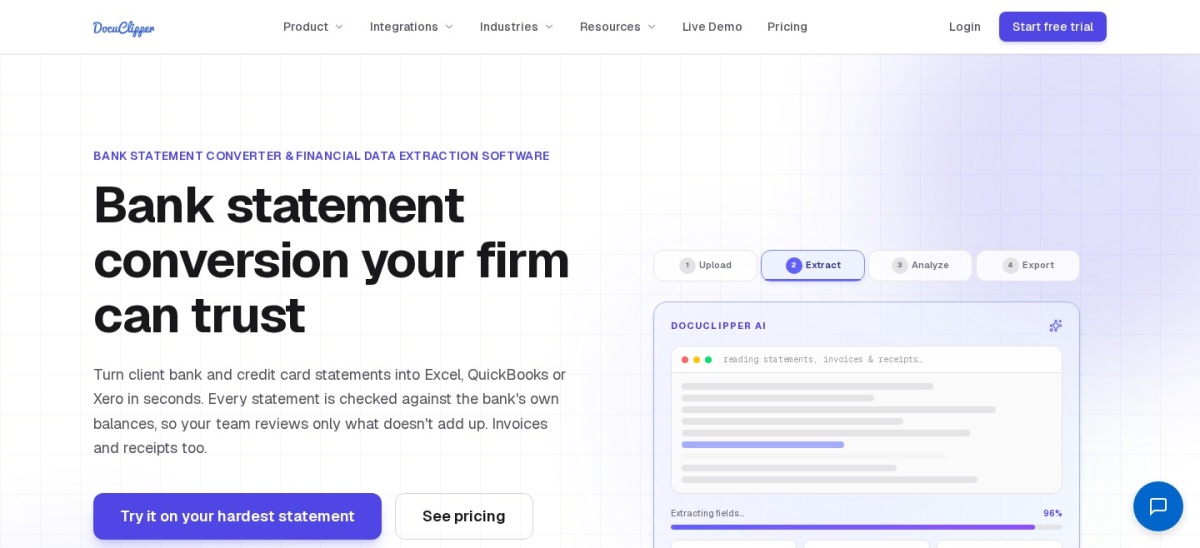
DocuClipper is invoice and statement capture built for accounting firms and bookkeepers. It reads invoices, receipts and bank statements, checks each statement against the bank's own balances, and sends the data to Excel, QuickBooks or Xero in seconds.
The trade off is volume math. The Starter plan covers 60 pages a month at $20.30 a month billed annually, so a firm with heavy month-end volume moves to Business at $111.30 a month for 640 pages. It suits firms that process client statements and invoices together.
ABBYY Vantage is an enterprise document AI platform from one of the longest-standing OCR vendors, with invoice capture as one application among many. It handles invoices alongside contracts and forms, runs in the cloud or on premises, and connects to RPA, ERP and content systems.
The trade off is access. ABBYY publishes no price at any tier, so every deployment starts with a demo and a custom quote, and setup is a configured project rather than a self-serve signup. It suits large organisations that process many document types on one platform.
What we like
Decades of OCR heritage behind the engine
Cloud or on-premises deployment
Handles many document types beyond invoices
Country-specific validation for invoices
Watch out for
No published pricing anywhere
Demo and sales conversation required
Overkill for invoice capture alone
Paid scope is set by quote, including implementation servicesVisit abbyy.com
08
Parseur
4.8/5on G2 (17 reviews, checked Nov 2026)
Paid from$39/mo
Best for emailed invoices and PDFs
Free plan20 pages a month
Micro plan100 pages, $39/mo
Annual billing$468 a year for Micro
IntakeEmail, PDF, scans
parseur.com
Parseur homepage, captured Nov 2026.
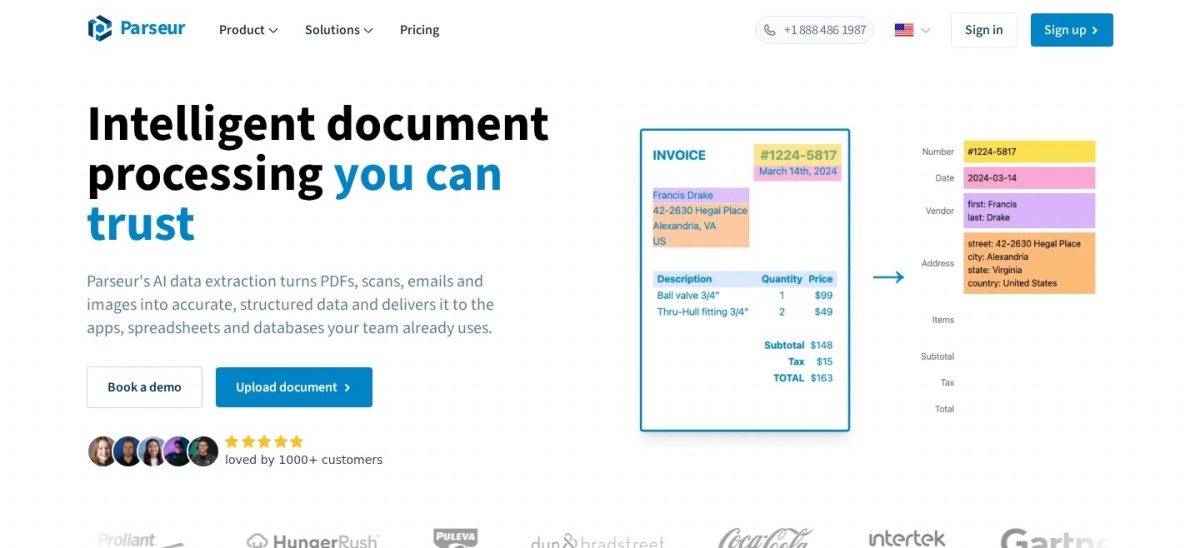
Parseur is a document parsing tool that turns invoices forwarded by email, plus PDFs and scans, into structured data for spreadsheets and apps. The free plan covers 20 pages a month with all features, and the Micro plan covers 100 pages at $49 a month, or $39 a month billed annually.
The trade off is volume. The free plan suits only small volumes, and high-volume teams move quickly into paid tiers priced per page. It suits operations teams without engineering resources that need emailed invoices turned into data.
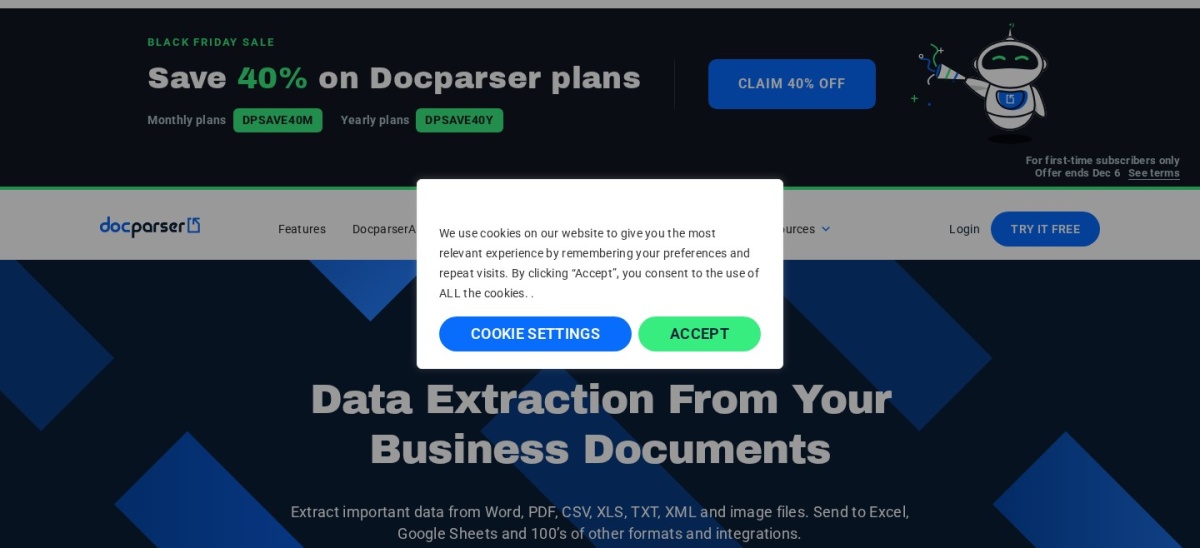
Docparser is a rule-based parser for teams whose invoices arrive in the same layouts every month. You set parsing rules once, with templates for invoices, bank statements and bills of lading, and it sends the extracted data to Excel, Google Sheets, QuickBooks or Xero.
The trade off is setup time. Learning the rules takes effort, and documents with different layouts need separate inboxes, so varied vendor invoices cost more work. It suits accounting teams with repeating document layouts and a 14-day free trial to learn the rules.
What we like
No-code rule setup with templates
Exports to Sheets, QuickBooks and Xero
14-day free trial with no card
Email, cloud storage and API intake
Watch out for
Rules take time to learn
Varied layouts need separate inboxes
Template-based extraction struggles when vendors change layout
Free plans and trials are for checking accuracy on your own invoices. Nanonets gives $50 in credits, Veryfi gives 100 documents a month, and Parseur gives 20 pages a month.
Paid plans add volume, users and connections. Dext adds documents and users, Docparser adds credits, and Nanonets adds ERP connectors on Growth.
Enterprise plans add control, not just volume. Rossum adds master data matching and ERP integrations on Business, while ABBYY adds on-premises deployment by quote.
If capture feeds a ledger that pays suppliers, the paid plan is the product. A missed tax total or a duplicate invoice costs more than a month of any tool on this list.
How we chose
We started from invoice capture and OCR tools with published G2 ratings and a live pricing page, then kept the nine with the clearest fit for reading supplier invoices: bookkeeping apps, document AI platforms, and parsers and APIs.
Prices come from each vendor's pricing page, checked on 25 November 2026. Ratings and review counts come from G2 on the same day. Where a vendor shows a sale, the list shows the regular price.
We left out tools with no public rating and general OCR engines that need building before they read an invoice. No vendor paid for a place, and we do not claim to have used these tools ourselves.
How to choose invoice capture software
Start with your monthly invoice volume, then match the tool to who checks the exceptions.
Count your monthly invoices. A team under 100 invoices a month fits a free plan or a low per-page tier. A team over 1,000 needs metered or enterprise pricing it can model.
Decide who reviews the exceptions. Bookkeepers want a finished app such as Dext. Finance teams with ERP rules want a platform such as Rossum or Nanonets.
Run a trial on your own invoices. Send 20 real invoices through the trial and check the supplier, tax and totals against the originals before you pay.
Check the export before you buy. Confirm the tool posts to your accounting software or ERP, and that duplicates are flagged before they reach the ledger.
FAQ
What is the best invoice capture software?
Nanonets is the best pick for most teams. Its Starter plan costs $100 a month for 100 credits, starts with $50 in free credits, and is rated 4.7 out of 5 on G2 from 97 reviews.
How much does invoice capture software cost?
Self-serve tools cost $20.30 to $500 a month, depending on volume and whether pricing is per page, per credit or per document. Enterprise platforms start at $18,000 a year at Rossum, and Docsumo and ABBYY publish no price.
Is there free invoice capture software?
Yes. Veryfi processes 100 documents a month free, Parseur covers 20 pages a month free, and Nanonets starts with $50 in free credits. Docsumo and Docparser offer 14-day free trials instead of a free plan.
Can invoice capture software post to QuickBooks or Xero?
Yes, most tools on this list connect to QuickBooks and Xero. Dext and DocuClipper post directly to both, while Nanonets, Parseur and Docparser export to them through integrations or spreadsheets.
What is the difference between invoice capture and AP automation?
Invoice capture only reads the invoice and extracts its fields. AP automation adds approval routing, purchase-order matching, duplicate checks and payment, which is why enterprise tools such as Rossum cost far more.
How accurate is invoice capture software?
Vendors publish accuracy figures, such as Dext at over 99% for standard fields, but accuracy depends on scan quality and layout variety. Always check extracted totals against the original invoice during a trial.
SaaS SEO and WordPress specialist with about 8 years of experience. Rakib compares WordPress plugins, themes, hosting and software using public pricing, documentation and user reviews. See how we rank.