Best On-Page SEO Analysis Tools in 2026: 7 Tools Compared
WLWPLegible EditorsLast verified 22 Nov 2026How we rank6 min read
★ Short answer
Rank Math is the top on-page SEO analysis tool for WordPress with 7,530 ratings across 4+ million active installs and built-in redirects in its free tier. SEOPress is a strong value alternative with a flat $49/yr PRO plan, while Yoast SEO suits writers who prefer guided readability checks.
How we make this list: we compare pricing pages, product documentation and public user reviews, then re-check every price before each update. No product paid for a place. Disclosure.
Rank Math runs on 4+ million active WordPress installs with 7,530 WordPress.org ratings and includes redirections and schema markup in its free edition.
SEOPress starts at a regular price of $49/yr for PRO with unlimited sites and includes unlimited target keywords on its free tier.
Yoast SEO holds 27,821 WordPress.org ratings across 10+ million active installs and pairs traffic-light content checks with a $118.80/yr regular Premium plan.
The SEO Framework offers automated meta generation and 382 WordPress.org ratings across 200,000+ active installs, with Pro starting at $7/mo billed yearly ($84/yr).
Slim SEO runs on 70,000+ active installs with 136 WordPress.org ratings and zero-configuration defaults, while Slim SEO Pro starts at $59/yr.
What to look for in on-page SEO analysis tools
On-page SEO analysis tools check headings, title tags, meta descriptions, internal links, schema markup, and indexation signals before and after you publish. Most WordPress plugins evaluate content directly inside the post editor, while standalone web tools analyze drafts against top-ranking search pages.
Free tiers often differ sharply in where they draw the line. Some plugins include redirects, multiple focus keywords, and schema types for free, whereas others keep multi-keyword analysis, redirect managers, or internal link suggestions for paid plans.
Paid pricing is another common trap when comparing plans. Introductory sales and promotional discounts frequently differ from regular renewal rates, and site limits vary between single-site, multi-site, and unlimited-site licenses.
4.8/5on WordPress.org (7,530 reviews, checked Nov 2026)
Paid from$108/yr
Best for free on-page features
Active installs4M+
WordPress.org rating7,530 reviews
Free tierYes
Regular PRO rate$8.99/mo billed annually
rankmath.com
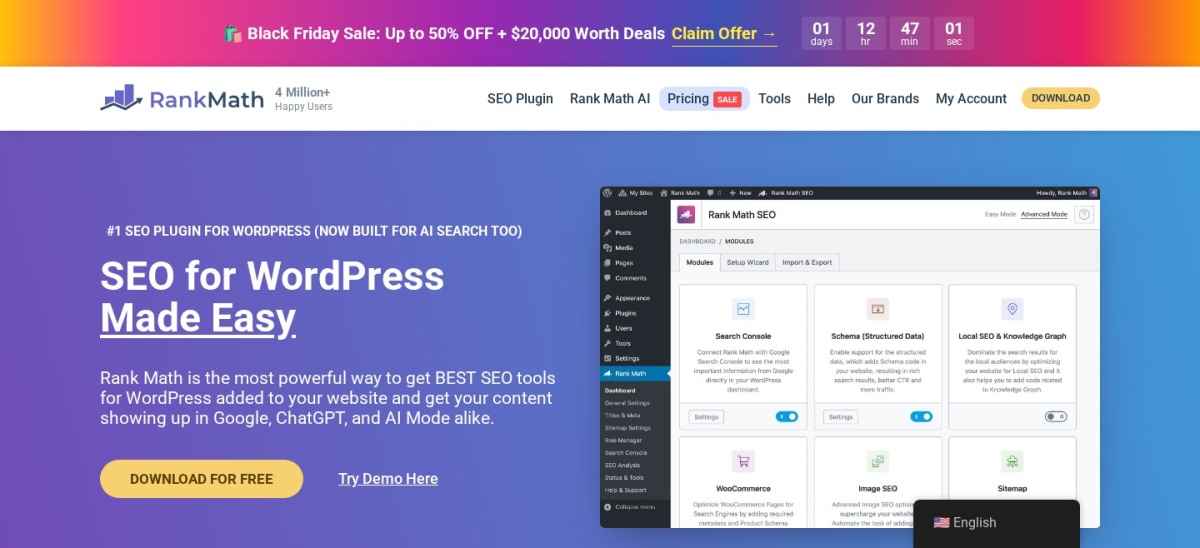
Rank Math homepage, captured Nov 2026.
Rank Math is a modular WordPress SEO plugin with 7,530 ratings across 4+ million active installs. Its free tier includes on-page keyword checks, schema options, Google Search Console integration, and a redirection manager.
The trade off is a denser settings interface and separate AI credit tiers compared with simpler plugins, with PRO renewing at $8.99/mo billed annually ($107.88/yr; promotional discounts appear during sales). It suits site owners who want extensive free on-page tools in one plugin.
What we like
Generous free version with schema, redirects, and Search Console integration
4+ million active installs and 7,530 WordPress.org ratings
Modular setup lets you toggle features on or off
Watch out for
Many menus and settings can feel busy for new users
AI writing and research features involve separate plan limits
PRO adds keyword rank tracking, link tools, and expanded site limits.Visit rankmath.com
02
SEOPress
4.8/5on WordPress.org (1,270 reviews, checked Nov 2026)
Paid from$49/yr
Best value paid plan
Active installs300K+
WordPress.org rating1,270 reviews
Free tierYes
Regular PRO price$49/yr
seopress.org
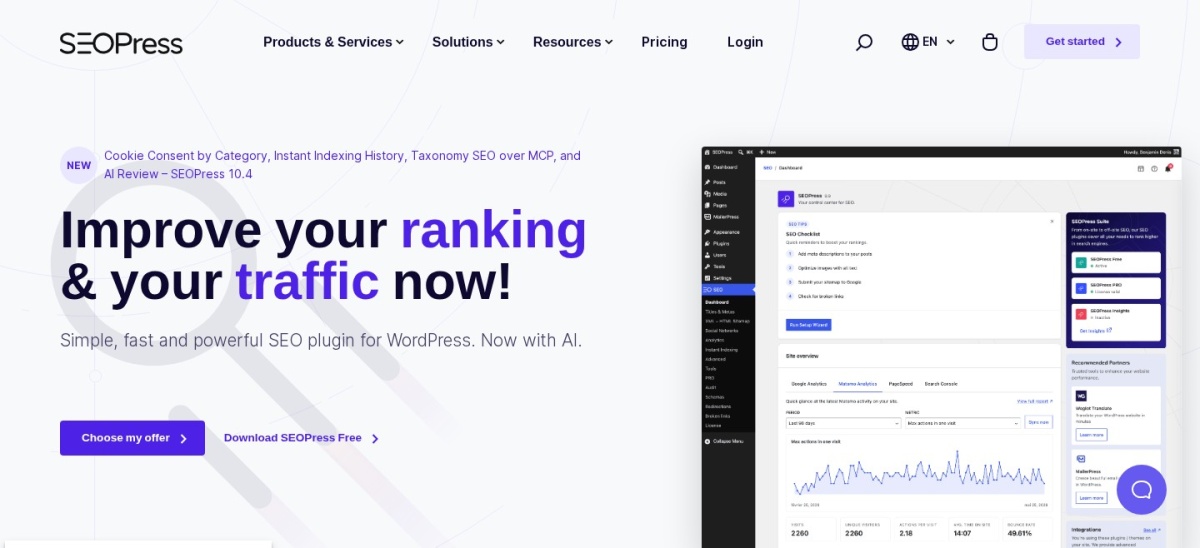
SEOPress homepage, captured Nov 2026.
SEOPress is a WordPress SEO plugin with 1,270 ratings across 300,000+ active installs. Its free plugin includes content analysis with unlimited target keywords, SERP and social previews, and XML/HTML sitemaps.
The trade off is a smaller user community than Yoast or Rank Math, with PRO priced at $49/yr. It suits budget-conscious site owners and agencies wanting predictable renewal pricing.
What we like
Regular PRO pricing at $49/yr covers unlimited sites
Unlimited target keywords in content analysis on the free version
White-label options and clean admin interface
Watch out for
Smaller ecosystem and third-party tutorial library than Yoast
Some site audit and redirect automations require PRO
PRO adds redirects, 404 monitoring, schema builder, and Search Console data.Visit seopress.org
03
Yoast SEO
4.8/5on WordPress.org (27,821 reviews, checked Nov 2026)
Paid from$119/yr
Best for guided content checks
Active installs10M+
WordPress.org rating27,821 reviews
Free tierYes
Regular Premium price$9.90/mo billed annually
yoast.com
Yoast SEO homepage, captured Nov 2026.
Yoast SEO is a WordPress SEO plugin with 27,821 ratings across 10+ million active installs. It provides real-time on-page SEO and readability guidance using color-coded indicators alongside sitemaps and schema markup.
The trade off is per-site pricing at $9.90/mo billed annually ($118.80/yr) for Yoast SEO Premium, while features like redirect management and internal linking suggestions sit behind the upgrade. It suits writers and beginners who want clear on-page editing prompts.
What we like
10+ million active installs and 27,821 WordPress.org ratings
Clear readability and on-page checklist inside the editor
Extensive documentation and setup wizard
Watch out for
Per-site subscription adds up across multiple websites
Redirects and internal link suggestions require Premium
Premium adds redirects, internal linking suggestions, and local, video, and news SEO.Visit yoast.com
04
The SEO Framework
4.9/5on WordPress.org (382 reviews, checked Nov 2026)
Paid from$84/yr
Best for automated meta tags
Active installs200K+
WordPress.org rating382 reviews
Free tierYes
Regular Pro price$7/mo paid yearly
theseoframework.com
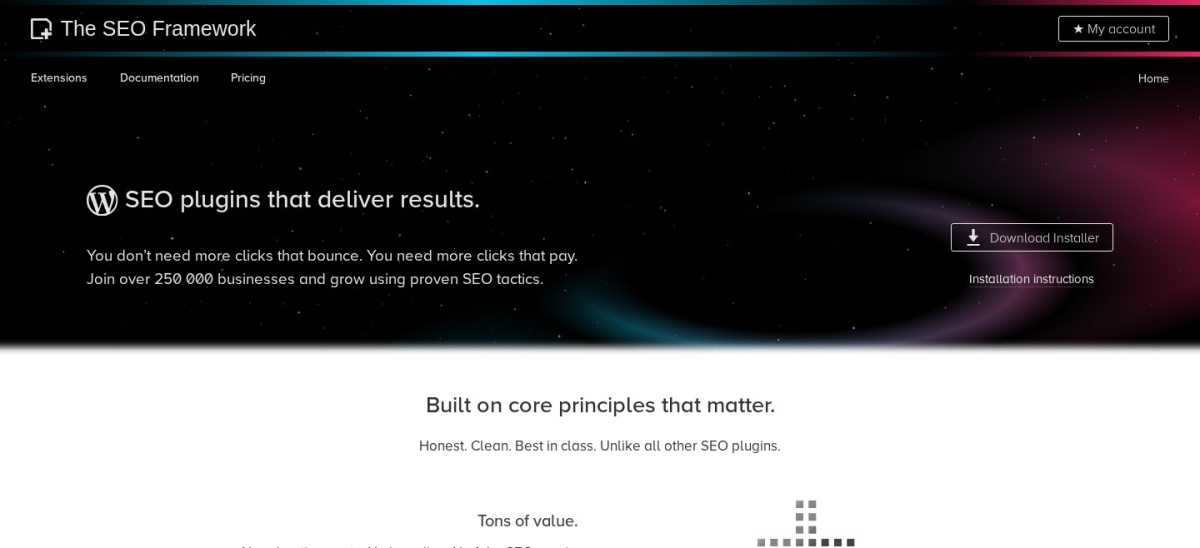
The SEO Framework homepage, captured Nov 2026.
The SEO Framework is a WordPress SEO plugin with 382 ratings across 200,000+ active installs. It generates meta tags, canonical URLs, Open Graph tags, and sitemaps automatically with preconfigured defaults.
The trade off is fewer beginner-style writing prompts and visual checklists, with Pro priced at $7/mo paid yearly ($84/yr). It suits developers and site owners who prefer automated defaults without dashboard upsells.
What we like
4.9 out of 5 rating across 382 WordPress.org reviews
Preconfigured defaults and unbranded admin interface
Pro at $7/mo paid yearly covers 2 sites
Watch out for
Less hand-holding for writers looking for content score checklists
4.7/5on WordPress.org (136 reviews, checked Nov 2026)
Paid from$59/yr
Best for zero-configuration setup
Active installs70K+
WordPress.org rating136 reviews
Free tierYes
Regular Pro price$59/yr
wpslimseo.com
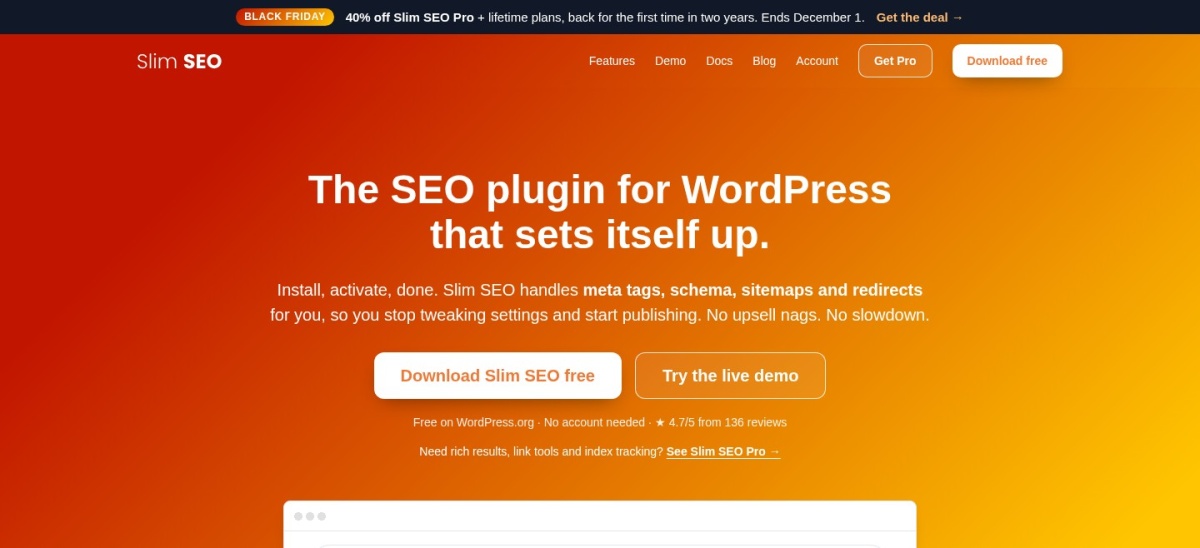
Slim SEO homepage, captured Nov 2026.
Slim SEO is a WordPress SEO plugin with 136 ratings across 70,000+ active installs. It automatically handles meta tags, XML sitemaps, breadcrumbs, schema, and redirections without complex setup screens.
The trade off is less manual granular control out of the box, with Slim SEO Pro starting at $59/yr for 1 site. It suits site owners who want core on-page metadata and technical tags handled automatically.
What we like
Automatic setup for meta tags, sitemaps, breadcrumbs, and redirects
Regular Pro pricing starts at $59/yr for 1 site
Free version includes core automation without nag screens
Watch out for
Smaller install base (70K+) than major SEO suites
Visual schema builder, link tools, and index monitoring require Pro
Pro adds a visual schema builder, internal link tools, and Search Console and index reports.Visit wpslimseo.com
06
SureRank
4.8/5on WordPress.org (56 reviews, checked Nov 2026)
Paid from$79/yr
Best for simple on-page checks
Active installs300K+
WordPress.org rating56 reviews
Free tierYes
Regular Pro price$79/yr
surerank.com
SureRank homepage, captured Nov 2026.
SureRank is a WordPress SEO plugin from Brainstorm Force with 56 ratings across 300,000+ active installs. Its free version covers meta tags, XML sitemaps, schema markup, social previews, and SEO checks.
The trade off is a smaller review count on WordPress.org than older plugins, with Pro starting at $79/yr. It suits users who want a clean, lightweight SEO checklist without heavy menus.
What we like
300,000+ active installs and streamlined interface
Free version includes core meta tags, sitemaps, schema, and checks
Migration tools for switching from other SEO plugins
Watch out for
Fewer WordPress.org reviews (56) than established competitors
Redirects and link management require a paid plan
Pro adds redirect management, link management, and expanded automation tools.Visit surerank.com
07
Surfer
4.7/5on G2 (500+ reviews, checked Nov 2026)
Starts at$49/mo
Best for SERP content scoring
Reported users150K+
Rating sourceG2
Free tierNo
Discovery plan$49/mo billed yearly
surfer.ai
Surfer homepage, captured Nov 2026.
Surfer is a web-based content optimization platform used by 150,000+ creators and marketers. It scores drafts against search results and provides content guidelines for headings, terms, and structure.
The trade off is no free tier and a higher subscription cost, starting at $49/mo billed yearly ($588/yr) on the Discovery plan. It suits content teams that optimize articles in a dedicated editor outside WordPress.
What we like
Dedicated content editor with SERP-based scoring and guidelines
Works independently of WordPress for editorial teams
Includes topical mapping and content audit workflows
Watch out for
No free plan and higher annual cost than WordPress plugins
Document allowances and AI tracking vary by tier
Higher plans increase document limits and add AI search tracking and workspaces.Visit surfer.ai
How we chose
We gathered candidates from the WordPress.org SEO plugin directory and established content optimization tools used for on-page SEO analysis. Every plugin included is actively maintained on WordPress.org with established installation counts and public user reviews.
All ratings, review counts, install figures, and regular plan prices were checked on 22 Nov 2026 from WordPress.org listings, vendor pricing pages, and public review directories. Where a vendor runs seasonal sales or promotional discounts, we list the regular plan price and note promotions in the text.
We excluded plugins with minimal adoption, outdated compatibility, or unverified pricing pages. No vendor paid for a place, and we do not claim testing for this list.
How to choose an on-page SEO analysis tool
Follow these four steps before installing or buying a tool:
Decide whether you need a WordPress plugin or a standalone content editor. WordPress plugins manage meta tags, schema, sitemaps, and redirects inside your site, while web editors score drafts against search results.
Check what the free version includes first. Several plugins cover core meta tags, sitemaps, and on-page checks for free, so confirm whether you actually need paid extras like redirects or rank tracking.
Compare regular annual prices and site limits. Check how many websites a plan covers and whether the price you see is a regular rate or a temporary sale.
Avoid running overlapping SEO plugins on the same site. Using two full SEO plugins at once can create duplicate meta tags, conflicting canonicals, or messy schema output.
FAQ
What does an on-page SEO analysis tool check?
It checks elements on a page such as title tags, meta descriptions, headings, keyword usage, internal links, image alt text, canonical tags, and structured data.
Do I need a paid plan for basic on-page SEO in WordPress?
No, free plugins like Rank Math, SEOPress, Yoast SEO, The SEO Framework, Slim SEO, and SureRank cover essential on-page metadata and sitemaps at no cost.
Why do on-page SEO scores vary between tools?
Each tool uses its own checklist, weighting, and readability rules, and a green or high score does not guarantee higher search rankings on its own.
Should I keep only one SEO plugin active on WordPress?
Yes, running one primary SEO plugin avoids duplicate title tags, conflicting robots or canonical settings, and overlapping schema markup.
What is the difference between a WordPress SEO plugin and Surfer?
WordPress SEO plugins configure site-wide technical tags, sitemaps, and on-page metadata inside WordPress, whereas Surfer focuses on optimizing article drafts against search results.
How do multi-site and unlimited-site licenses affect cost?
Single-site plans cost less for one domain, while multi-site or unlimited-site plans are usually cheaper per site if you manage several websites or client projects.