Best Free SEO Keyword Research Tools in 2026: 7 Tools Compared
WLWPLegible EditorsLast verified 22 Nov 2026How we rank6 min read
★ Short answer
GetGenie leads for WordPress keyword research and AI search readiness, backed by 70,000+ active installs and a 4.8 rating on WordPress.org. For all-around WordPress SEO suites with free keyword features, Rank Math fits multi-keyword optimization and SEOPress suits single-site budget workflows.
How we make this list: we compare pricing pages, product documentation and public user reviews, then re-check every price before each update. No product paid for a place. Disclosure.
GetGenie includes 2,500 monthly AI words and 10 SEO keyword analyses on its free tier.
Rank Math Free supports 5 focus keywords per post by default and 18 schema types.
SEOPress starts at $49/yr for a single site with flat renewal pricing.
Surfer connects directly to WordPress and tracks AI visibility alongside content optimization.
AnswerThePublic offers a free tier with 3 searches per day for question-based topic discovery.
What to look for in free SEO keyword research tools
Free keyword research tools vary widely between WordPress plugins, browser-based keyword databases, and question discovery platforms. Before picking one, check whether you need search volume estimates, keyword difficulty context, commercial intent signals, or question prompts for blog outlines and AI answer engines.
Pay close attention to daily or monthly caps on free plans. Many tools limit free accounts to a small number of searches, keyword lookups, or AI credits each month, which works well for occasional topic planning but slows down high-volume content calendars.
If you publish on WordPress, plugin-based tools save time by letting you research keywords and check on-page optimization without leaving the editor. Standalone web tools are often better when you want broader topic trees, competitor keyword gaps, or multi-engine search ideas.
Always compare regular list pricing and renewal terms rather than introductory discounts alone. Some paid plans bill annually upfront or charge extra add-ons for AI features, rank tracking, or extra site licenses.
4.8/5on WordPress.org (116 reviews, checked Nov 2026)
Paid from$120/yr
Best for WordPress keyword research and AI search readiness
Free tier2.5K AI words & 10 keyword analyses/mo
Entry paid planStarter at $9.99/mo ($120/yr regular)
Languages33+ supported
Best fitWordPress content and AI Overviews
getgenie.ai
GetGenie homepage, captured Nov 2026.
GetGenie is a WordPress AI SEO and keyword research plugin with 70,000+ active installs and a 4.8 rating from 116 reviews on WordPress.org. Its free plan includes 2,500 monthly AI writing words, 10 SEO keyword analyses, and 5 competitor SERP analyses per month.
The trade off is that monthly keyword and SERP credits are capped on lower tiers, with the regular Starter plan listed at $9.99 per month ($120/yr). It suits WordPress writers who want NLP keyword suggestions and AI search readiness scoring inside their editor.
What we like
Generous ongoing free tier without a time-limited trial lock
Built-in NLP keyword suggestions and competitor SERP analysis
Includes AI Overview and FAQ tools for AI search visibility
Watch out for
Monthly keyword and SERP lookup limits apply on every tier
Focused on WordPress and content workflows rather than full backlink suites
Starter adds 20K monthly AI words, 25 keyword analyses, and 12 SERP analyses.Visit getgenie.ai
02
Rank Math
4.8/5on WordPress.org (7,530 reviews, checked Nov 2026)
Paid from$108/yr
Best for free WordPress on-page keyword optimization
Free tier5 focus keywords/post & 18 schema types
Entry paid planPro at $107.88/yr regular renewal
IntegrationsGoogle Search Console & Analytics
Best fitAll-in-one WordPress SEO and keywords
rankmath.com
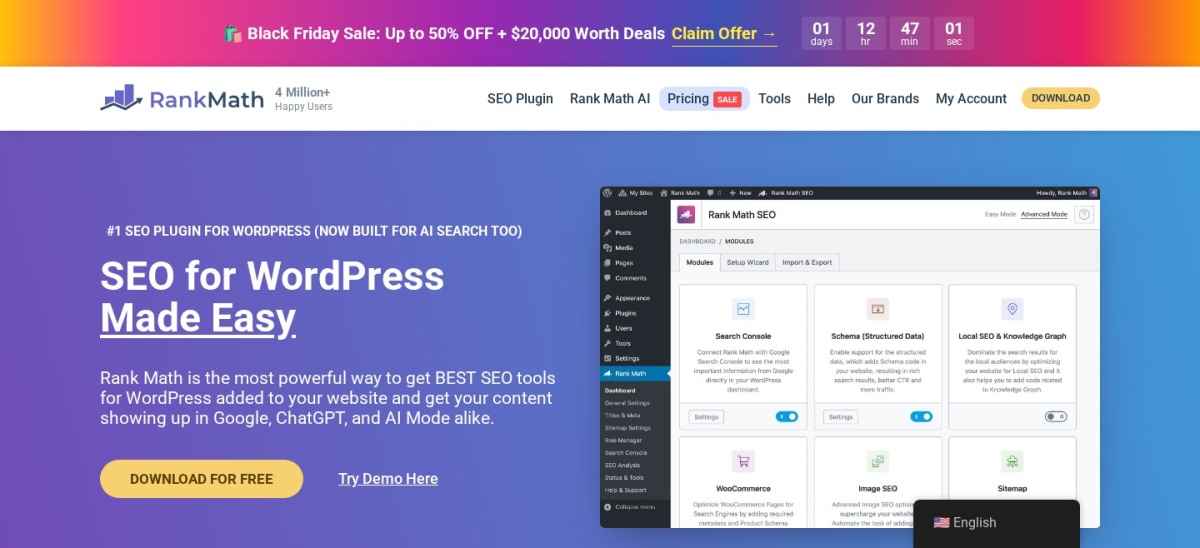
Rank Math homepage, captured Nov 2026.
Rank Math is a modular WordPress SEO plugin with 4M+ active installs and a 4.8 rating across 7,530 ratings on WordPress.org. The free version supports 5 focus keywords per post by default, 18 schema types, a redirect manager, and Google Search Console integration.
The trade off is that rank tracking, advanced schema options, and ongoing AI credits require paid upgrades, with Pro renewing at a regular $107.88 per year. It suits site owners who want keyword analysis bundled with core WordPress SEO tools.
What we like
Strong free feature set including redirects, schema, and Search Console sync
Supports 5 focus keywords per post for free out of the box
Modular setup lets you disable unused features
Watch out for
AI content credits sit on a separate subscription after initial access
Pro license applies to personal sites rather than client sites
Pro unlocks keyword rank tracking, advanced schema automation, and broader site support.Visit rankmath.com
03
SEOPress
4.8/5on WordPress.org (1,270 reviews, checked Nov 2026)
Paid from$49/yr
Best value for budget WordPress keyword and SEO control
Free tierUnlimited keywords & core SEO tools
Entry paid planPRO at $49/yr for 1 site
Renewal policyRenews at the same regular price
Best fitSingle-site owners on a tight budget
seopress.org
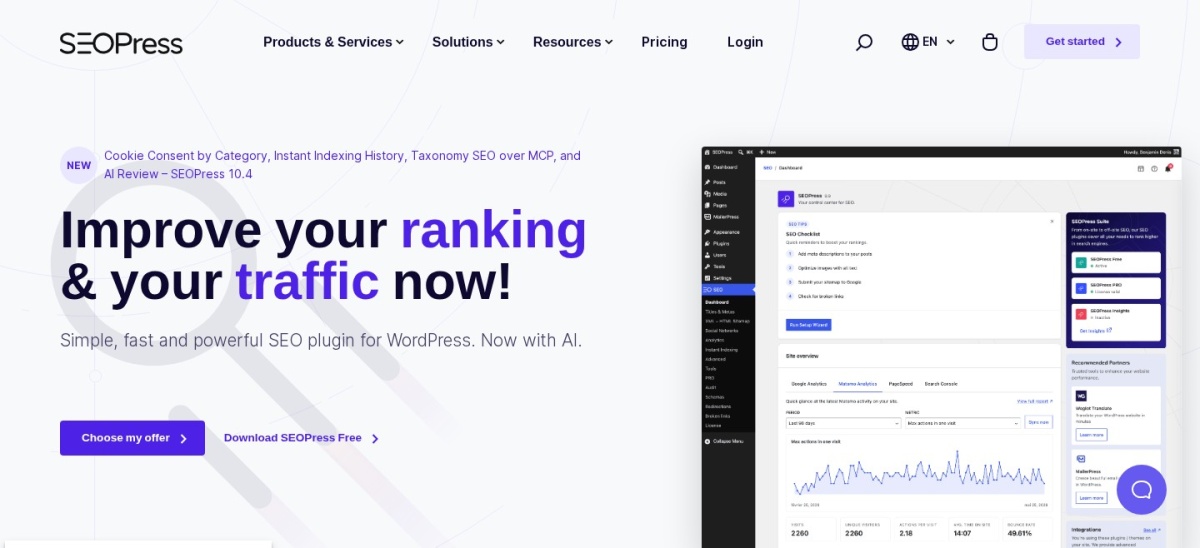
SEOPress homepage, captured Nov 2026.
SEOPress is a WordPress SEO plugin with 300K+ active installs and a 4.8 rating from 1,270 ratings on WordPress.org. Its free plugin includes unlimited keyword content analysis, XML and HTML sitemaps, social tags, and analytics integrations with no dashboard ads.
The trade off is that automated rank and backlink tracking require separate paid tiers or add-ons, with SEOPress PRO starting at $49 per year for one site. It suits single-site creators who want predictable pricing and a clean interface.
What we like
Low entry price at $49/yr with consistent renewal pricing
Ad-free free version with unlimited keyword content checks
Integrates smoothly with popular page builders and analytics tools
Watch out for
Off-site keyword position and backlink tracking cost extra via Insights
Smaller user community than the largest WordPress SEO suites
PRO adds advanced schemas, redirections, bulk metadata tools, and priority support.Visit seopress.org
04
All in One SEO
4.7/5on WordPress.org (5,241 reviews, checked Nov 2026)
Paid from$99/yr
Best for guided WordPress keyword setup and site audits
Free tierTruSEO basics, sitemaps & setup wizard
Entry paid planBasic at $99/yr regular price
SpecialtiesWooCommerce SEO & local SEO
Best fitBeginners and store owners wanting guidance
aioseo.com
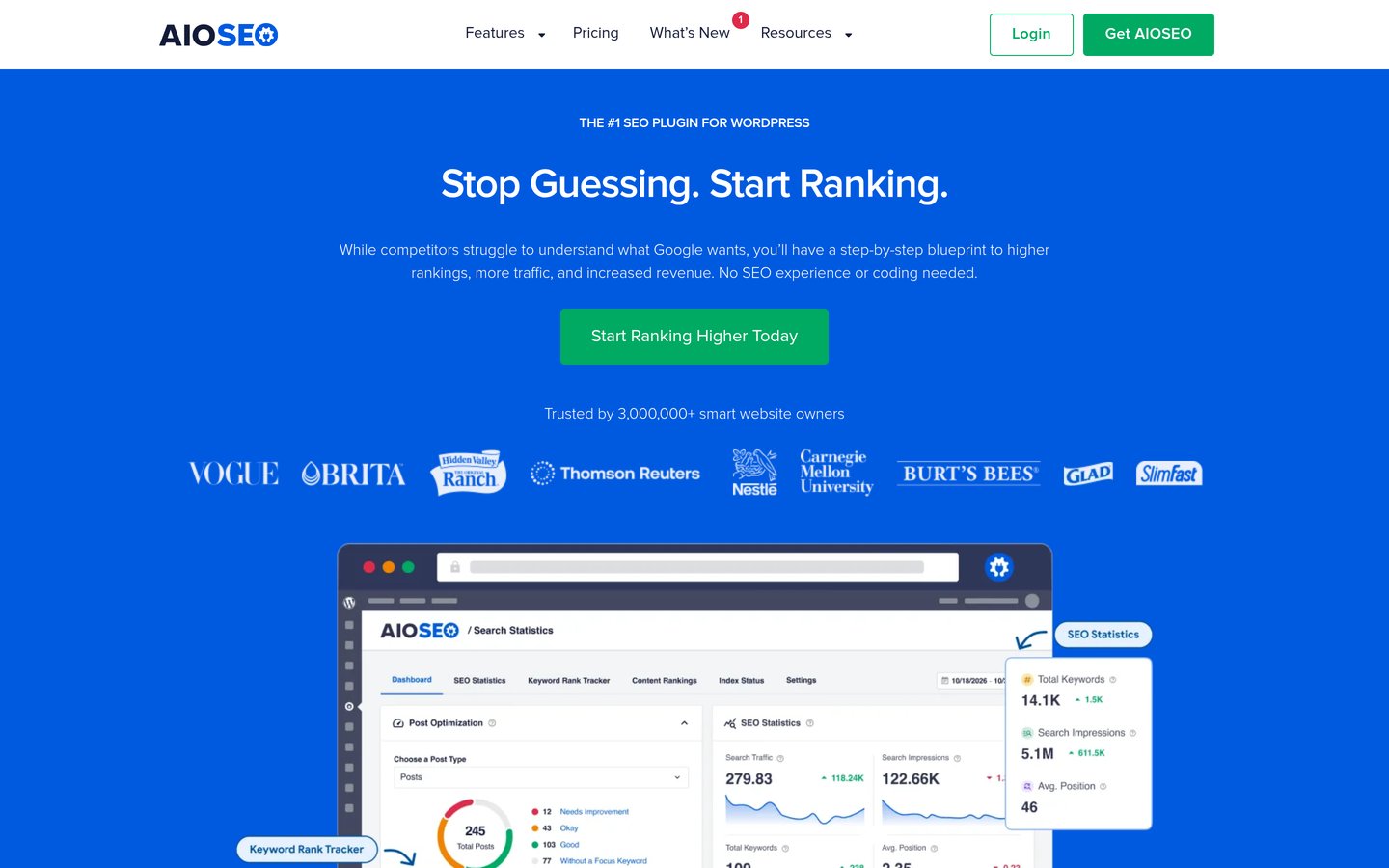
All in One SEO homepage, captured Nov 2026.
All in One SEO is a WordPress SEO plugin with 2M+ active installs and a 4.7 rating across 5,241 ratings on WordPress.org. Its free Lite version covers guided setup, XML sitemaps, TruSEO page checks, and basic metadata controls.
The trade off is that features like redirection management, link suggestions, and rank tracking sit on higher paid tiers, with Basic normally priced at $99 per year. It suits beginners and store owners who prefer step-by-step prompts over technical menus.
What we like
Guided setup wizard helps new site owners get started quickly
Strong local SEO and WooCommerce support in paid tiers
Active development and clear on-page TruSEO checklists
Watch out for
Regular list pricing rises above promotional first-year offers
Redirects and internal link automation require higher-tier plans
Paid tiers add TruSEO analysis, schema controls, redirects, and AI writing credits.Visit aioseo.com
05
Surfer
4.7/5on WordPress.org (10 reviews, checked Nov 2026)
Starts at$588/yr
Best for SERP-driven keyword optimization and WordPress sync
WordPress pluginFree connector with 5K+ active installs
Entry paid planDiscovery at $49/mo billed yearly ($588/yr)
Surfer offers a free WordPress plugin with 5K+ active installs and a 4.7 rating from 10 ratings on WordPress.org that links your editor to Surfer's Content Editor. It helps writers discover topic keywords, follow SERP-backed guidelines, and publish directly to WordPress.
The trade off is that the WordPress plugin pairs with a paid Surfer subscription, starting with Discovery at $49 per month billed yearly ($588/yr). It suits content marketers who want structured keyword and on-page guidelines before drafting.
What we like
Direct WordPress integration for drafting, keyword ideas, and publishing
SERP-based content guidelines help structure articles around ranking pages
Supports both Gutenberg and the WordPress Classic Editor
Watch out for
Requires an active paid subscription to get full research and editor usage
Document allowances and AI prompt tracking scale up quickly across higher tiers
Discovery includes 120 content documents per year, while higher plans add AI visibility tracking.Visit surferseo.com
06
AnswerThePublic
4.6/5on Capterra (11 reviews, checked Nov 2026)
Paid from$160/yr
Best for free question and comparison keyword ideas
Free tier3 searches per day with limited data
Entry paid planStarter at $160/yr billed yearly ($20/mo)
Output styleQuestions, comparisons & prepositions
Best fitBlog outlines, FAQs & topic brainstorming
answerthepublic.com
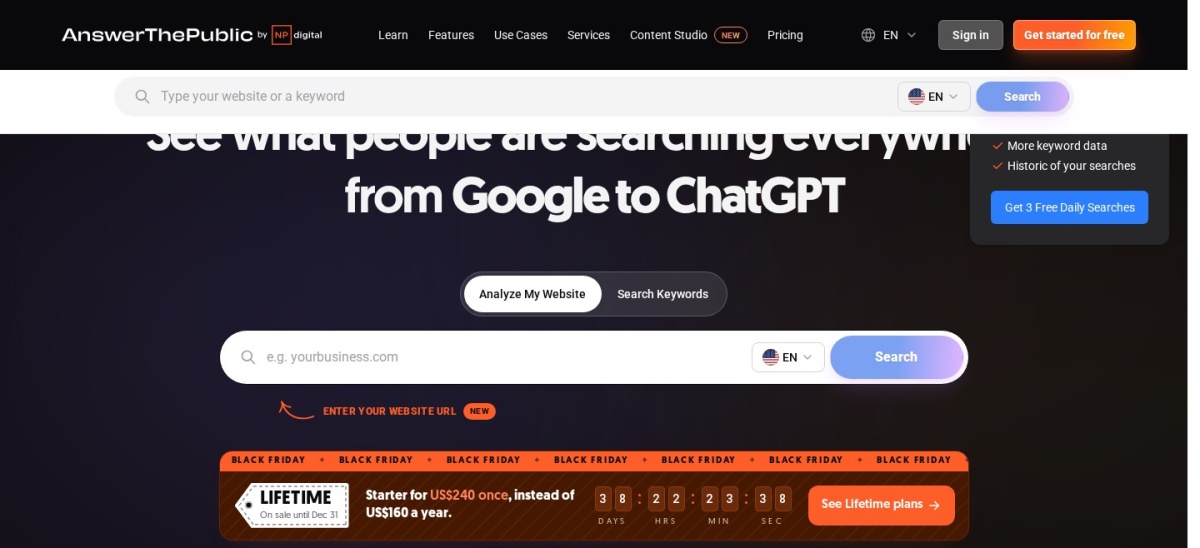
AnswerThePublic homepage, captured Nov 2026.
AnswerThePublic is a search listening and keyword discovery platform rated 4.6 out of 5 across 11 reviews on Capterra. Its free account provides 3 searches per day with limited results for uncovering question-based and comparison search queries.
The trade off is that daily free searches are tight and full search volume, CPC data, and exports require a paid plan, with Starter at $160 per year billed yearly ($20/mo). It suits content writers brainstorming FAQ sections, subheadings, and long-tail topics.
What we like
Free daily searches let you test question and comparison queries immediately
Surfaces natural questions and comparisons useful for blog posts and FAQs
Simple visual and list views for rapid topic mapping
Watch out for
Free tier restricts searches to 3 per day with limited metrics
Does not replace a full technical SEO or backlink research platform
Starter adds 100 monthly searches, search volume and CPC data, alerts, and XLSX exports.Visit answerthepublic.com
07
Ubersuggest
4.2/5on G2 (160 reviews, checked Nov 2026)
Paid from$290/yr
Best for beginner keyword ideas and AI search prompts
Free tierLimited daily searches and core metrics
Entry paid planBasic at $29/mo ($290/yr equivalent)
FocusKeyword ideas, site audits & AI prompts
Best fitSolo creators learning keyword research
ubersuggest.com
Ubersuggest homepage, captured Nov 2026.
Ubersuggest is an approachable keyword research and SEO platform with a 4.2 out of 5 rating across 160 reviews on G2. It offers a free tier with limited daily searches alongside keyword ideas, rank tracking, and site audit tools.
The trade off is that free daily lookups are restricted and data depth trails larger enterprise suites, with Basic listed at $29 per month. It suits beginners and solo site owners who want a straightforward interface for basic keyword research.
What we like
Easy-to-read interface tailored to beginners and small sites
Combines keyword suggestions with basic site audit and tracking tools
Offers a free tier to sample keyword ideas before upgrading
Watch out for
Free searches are capped and less comprehensive than paid tiers
Some reviewers note less granular data than larger SEO suites
Paid plans raise daily search limits, tracked keywords, project counts, and AI prompt ideas.Visit ubersuggest.com
Where free keyword research tools hit limits
Most free keyword tools cap either the number of searches you can run per day or the depth of metrics shown per query. WordPress plugins often handle on-page keyword focus and schema for free, while external keyword databases reserve larger search quotas, historical trends, and bulk exports for paid tiers.
If you only research a handful of blog topics or landing pages each week, free tiers and WordPress editor checks can carry much of the load. Upgrading makes more sense once you run frequent competitor checks, track rankings over time, or manage multiple client sites.
How we chose
This list brings together established WordPress SEO and keyword plugins alongside widely used web keyword research tools that offer free tiers or free WordPress connectors. We focused on active, maintained products with clear public documentation and pricing.
Ratings, review counts, active install figures, and pricing plans were checked on 22 Nov 2026 from WordPress.org listings, review directories, and official vendor pricing pages. Regular list prices were recorded rather than temporary sale discounts.
We excluded unmaintained or closed plugins, tools with fewer than 10 reviews or minimal adoption on their primary listing, and any tool whose pricing could not be verified on a public page. No vendor paid for a place, and we do not claim testing for this list.
How to pick the right free keyword tool in 4 steps
Follow these four steps to narrow down a free keyword research tool that matches your workflow.
Start with where you write and publish. If you draft inside WordPress, a plugin like GetGenie, Rank Math, or SEOPress keeps keyword checks close to your editor.
Match the tool to your keyword style. Choose question-focused tools like AnswerThePublic for FAQ and subheading ideas, or broader SEO tools for topic and search intent research.
Check free search and credit caps. Compare daily search limits or monthly analysis credits against how often you publish new content.
Compare regular renewal prices before committing. Check the standard annual or monthly price of the lowest paid tier in case your site outgrows the free plan.
FAQ
Are free SEO keyword research tools enough for a new website?
Yes, for a new site publishing occasionally, free tiers and WordPress on-page keyword checks are often enough to find topic ideas and structure pages. Paid plans become more useful as you publish more frequently or need higher search quotas.
Can I use a WordPress SEO plugin for keyword research?
Yes, plugins like GetGenie, Rank Math, and SEOPress help with keyword analysis, focus keywords, or content optimization inside WordPress. Many site owners still pair them with search console data or external keyword tools for broader topic discovery.
Why do free keyword tools show different numbers?
Each platform estimates search volume, difficulty, and related queries using different data sources, models, and sampling methods. Treat any single tool's numbers as directional estimates and compare them against real performance in Google Search Console.
Should I install multiple WordPress SEO plugins at once?
No, running multiple full WordPress SEO plugins together can cause conflicting meta tags, sitemaps, or schema output. Stick to one primary SEO plugin and add specialized keyword or content tools only where they do not conflict.
How do free keyword tools help with AI search visibility?
Keyword and topic tools help surface question-based queries, comparisons, and structured subtopics that match how people ask conversational questions. Clear headings and direct answers around those topics support both search and AI answer visibility.
What is the catch with cheap entry-level SEO plans?
Entry-level paid plans often cap monthly searches, tracked keywords, AI credits, or the number of websites covered. Always check whether annual billing is required or if renewal rates rise after the first term.