Best OCR Software for Handwriting Recognition in 2026: 9 Tools Compared
WLWPLegible EditorsLast verified 23 Nov 2026How we rank12 min read
★ Short answer
ABBYY FineReader PDF is the best OCR software for handwriting recognition: it reads handwriting in 198 languages and costs $99 a year for the Standard plan. Pick Microsoft OneNote or Google Drive to convert handwritten notes for free, or Goodnotes if you take notes by hand on an iPad.
How we make this list: we compare pricing pages, product documentation and public user reviews, then re-check every price before each update. No product paid for a place. Disclosure.
ABBYY FineReader PDF leads on accuracy for scanned handwriting, with a Capterra rating of 4.7 from 451 reviews and support for 198 languages.
Microsoft OneNote and Google Drive convert handwriting to text for free, and both are rated above 4.5 out of 5.
Adobe Acrobat Pro turns scans into editable PDFs at $19.99 a month, with a G2 rating of 4.5 from 5,332 reviews.
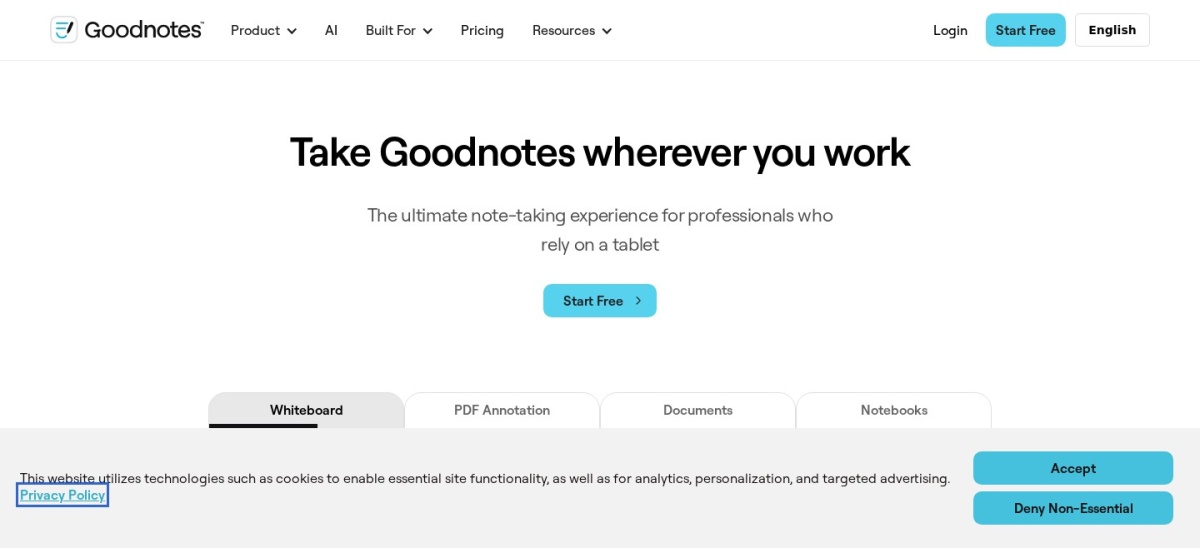
Goodnotes costs $9.99 a year and keeps handwritten notes searchable on iPad, Mac, Windows and Android.
Nanonets is the only pick built for handwritten forms at scale, from $100 a month, with a Capterra rating of 4.8.
Four of the 9 tools start free: OneNote, Goodnotes, Google Drive and Evernote.
What to look for in handwriting OCR software
Handwriting recognition is not one job. Converting a scanned letter, reading a form field, and turning live stylus notes into text need different tools, and the wrong pick wastes hours on corrections.
For paper archives, a desktop OCR tool is the right start. ABBYY FineReader PDF and Adobe Acrobat Pro read printed handwriting and form fields from scans, and our best reviewed PDF extraction tool list compares the same tools on printed documents.
For notes you write yourself, a note app beats a scanner. OneNote, Goodnotes and Evernote recognise ink as you write, so the text stays searchable without a scanning step. The best document apps list covers the wider note-taking field.
Accuracy depends on the handwriting itself. Neat separated letters convert well, while fast cursive, faded ink and overlapping strokes produce errors you must proofread, whatever the tool claims.
Best OCR software for handwriting recognition overall
Paid planStandard, $99/yr
Languages198
Free plan7-day trial
Corporate plan$165/yr
abbyy.com
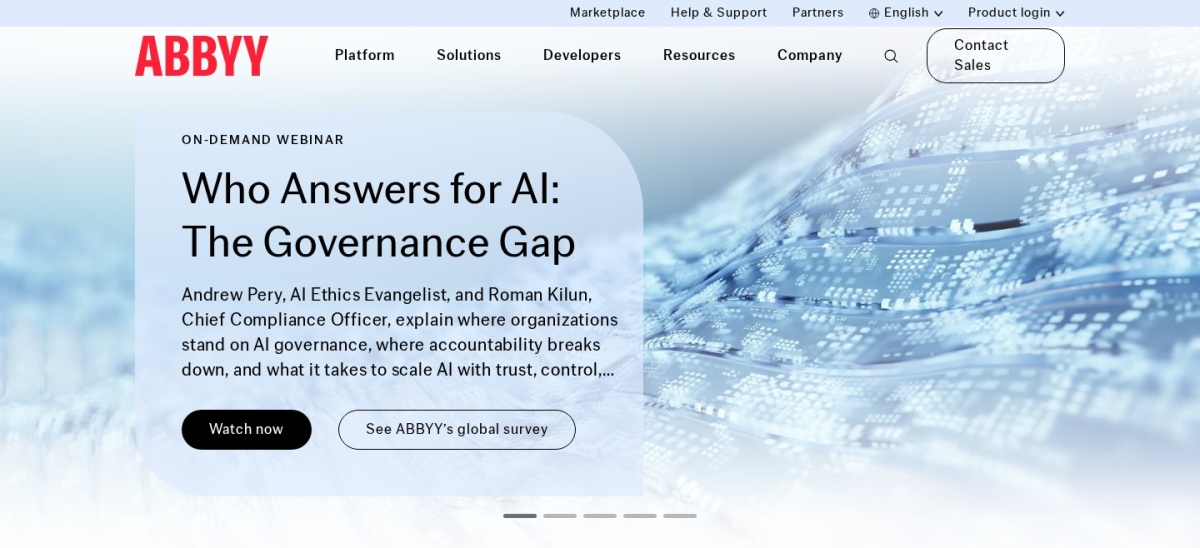
ABBYY FineReader PDF homepage, captured Nov 2026.
ABBYY FineReader PDF is a desktop PDF editor built around AI-based OCR, and its handwriting recognition handles printed handwriting and form fields in 198 languages. The Standard plan costs $99 a year on Windows, or $69 a year on Mac, and includes a 7-day trial with up to 100 pages converted.
The trade off is that it is subscription only now, with no free plan and no perpetual licence, and the interface packs in enough features to overwhelm casual users. It suits archives, researchers and offices that convert scanned handwriting every week.
What we like
198 languages with layout preservation
Strongest OCR accuracy in this list for scans
Converts to editable Word and Excel
7-day trial with 100 pages
Watch out for
Subscription only, no free plan
Interface can overwhelm casual users
No live-ink note taking
Corporate at $165 a year adds document comparison and Hot Folder automationVisit abbyy.com
02
Adobe Acrobat Pro
4.5/5on G2 (5,332 reviews, checked Nov 2026)
Starts at$19.99/mo
Best for OCR inside PDF workflows
Paid planPro, $19.99/mo
Free planReader only
Cloud storage100 GB
Standard plan$14.99/mo
adobe.com
Adobe Acrobat Pro homepage, captured Nov 2026.
Adobe Acrobat Pro is a PDF editor that turns scanned documents into editable, searchable PDFs with its Scan and OCR tools. The Pro plan costs $19.99 a month on an annual plan billed monthly, and it adds redaction, file comparison, web forms and 100 GB of cloud storage.
The trade off is price. At $239.88 a year it costs more than twice ABBYY Standard, and its handwriting accuracy on messy archival pages trails ABBYY, according to Capterra reviewers. It suits teams already in the Adobe ecosystem.
What we like
OCR plus full PDF editing in one app
100 GB cloud storage included
Redaction and file comparison built in
Works on desktop, web and mobile
Watch out for
$239.88 a year costs more than twice ABBYY
Handwriting accuracy trails ABBYY on messy pages
Early-cancellation fee on annual plans
Studio at $24.99 a month adds PDF Spaces and AI AssistantVisit adobe.com
03
Microsoft OneNote
4.5/5on G2 (1,871 reviews, checked Nov 2026)
PriceFree
Best free handwriting recognition
PriceFree
Ink to textYes
PlatformsWindows, Mac, iOS, Android
StorageOneDrive, 5 GB free
microsoft.com
Microsoft OneNote homepage, captured Nov 2026.
Microsoft OneNote is a free note app that converts handwriting to text with its Ink to Text feature and makes handwritten notes searchable. It runs on Windows, Mac, iOS and Android, syncs through OneDrive, and is free with a Microsoft account.
The trade off is that it is a note app, not a scanner. It cannot batch-convert a pile of paper forms, and reviewers note syncing glitches and a cluttered interface. It suits students and professionals who write notes by hand on a tablet.
What we like
Free with a Microsoft account
Ink to Text converts handwriting as you write
Syncs across Windows, Mac, iOS and Android
Search finds text inside handwritten notes
Watch out for
No batch conversion for paper archives
Syncing glitches reported by reviewers
Interface feels cluttered to some users
Microsoft 365 Personal at $6.99 a month adds 1 TB of OneDrive storageVisit microsoft.com
04
Goodnotes
4.7/5on G2 (152 reviews, checked Nov 2026)
Paid from$9.99/yr
Best for handwritten notes on iPad
Paid planPro, $9.99/yr
Free plan3 notebooks
PlatformsiOS, Mac, Windows, Android
One-time option$29.99, Apple only
goodnotes.com
Goodnotes homepage, captured Nov 2026.
Goodnotes is a digital notebook app for iPad, Mac, Windows and Android that keeps handwritten notes searchable and converts ink to text. The free plan covers 3 notebooks, and Pro costs $9.99 a year for unlimited notebooks, AI features and cloud sync.
The trade off is that it is built for the stylus first, so typing long notes feels slow, and reviewers report syncing delays and sluggish large notebooks. It suits students and professionals who take most notes by hand.
What we like
Handwriting search is fast and accurate
Unlimited notebooks for $9.99 a year
PDF annotation and flashcards included
Works on iPad, Mac, Windows and Android
Watch out for
Built for stylus first, typing feels slow
Syncing delays reported by reviewers
Large notebooks can run slowly
One-time payment of $29.99 unlocks Pro on Apple platforms onlyVisit goodnotes.com
05
Google Drive
4.8/5on Capterra (28,370 reviews, checked Nov 2026)
PriceFree
Best free way to convert handwriting scans
PriceFree, 15 GB
OCRVia Google Docs
Paid storage$1.99/mo, 100 GB
PlatformsWeb, iOS, Android
drive.google.com
Google Drive homepage, captured Nov 2026.
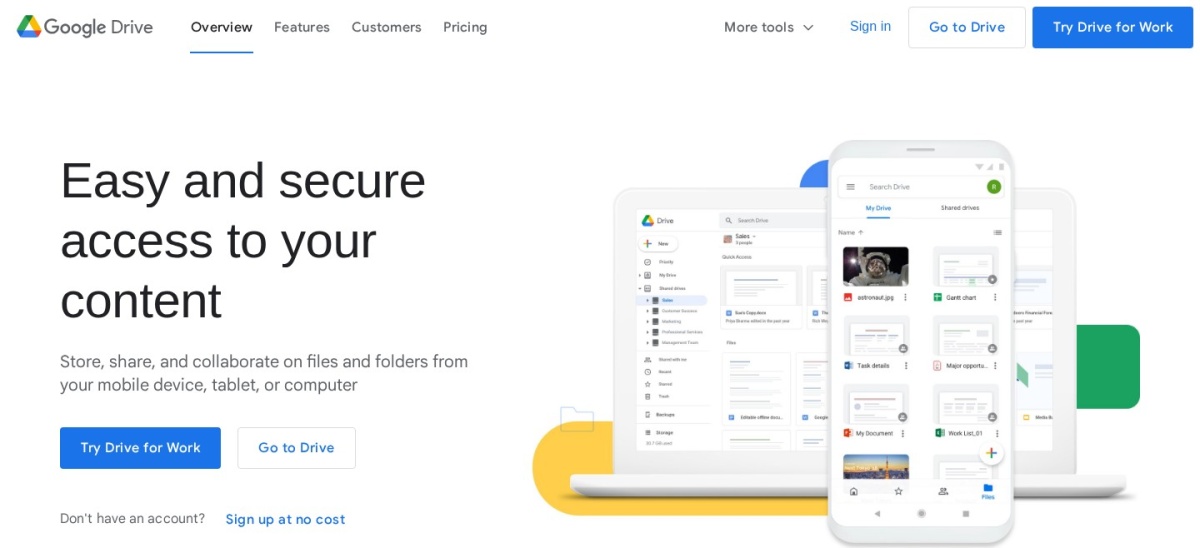
Google Drive is a free way to convert handwriting scans to text: upload a photo or scan, open it with Google Docs, and Drive places the recognised text under the image. Every Google account gets 15 GB free across Drive, Gmail and Photos.
The trade off is control. There is no batch OCR, no layout preservation and no correction tool, so long documents need manual cleanup. It suits occasional conversions and anyone who already keeps files in Drive.
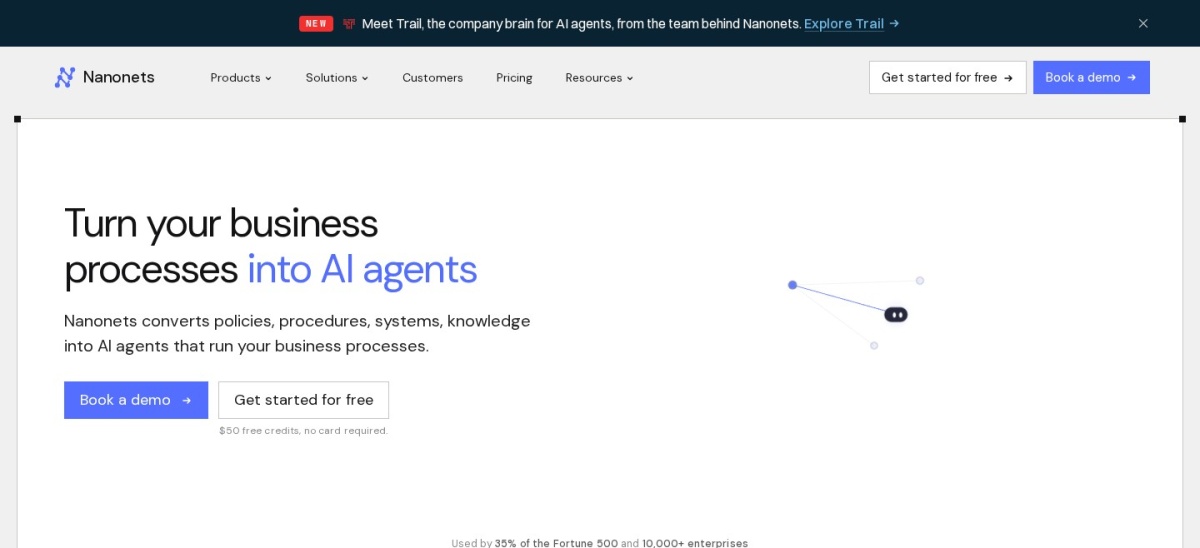
Nanonets is an AI document platform that reads handwritten forms, invoices and receipts and turns them into structured data. Plans start at $100 a month for 100 credits, with a free trial, and it supports 200+ languages with custom models you can train.
The trade off is that it is built for teams and volume, not for one-off notes. Setup takes time, and the metered price climbs with pages. It suits operations teams that process handwritten forms every day.
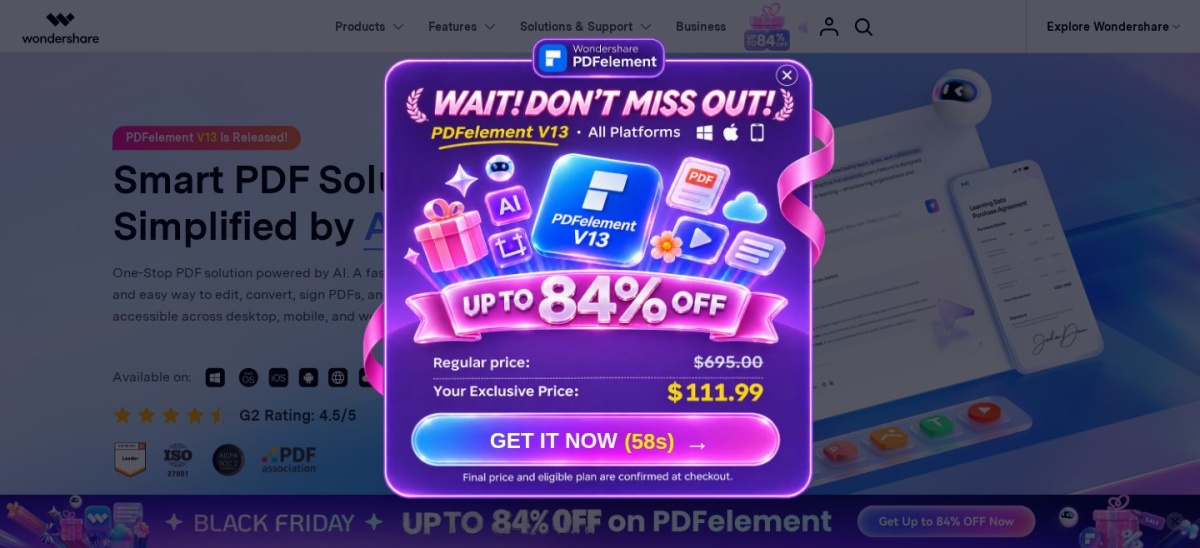
Wondershare PDFelement homepage, captured Nov 2026.
Wondershare PDFelement is a PDF editor with OCR that converts scanned PDFs and images into editable text in 26+ languages. The Pro plan costs $109 a year on the vendor store, with a 14-day free trial, and a perpetual licence is also sold.
The trade off is accuracy on messy input. G2 reviewers note that OCR sometimes misses text on poor scans and that handwritten OCR makes mistakes on blurry writing. It suits buyers who want Acrobat-style tools at a lower price.
What we like
Cheaper than Acrobat with similar tools
OCR in 26+ languages with batch mode
Perpetual licence available
AI assistant included
Watch out for
OCR misses text on poor scans
Handwritten OCR struggles with blurry writing
Prices vary widely across the vendor store
Perpetual licence listed at $159 one-time on G2; prices vary on the vendor storeVisit wondershare.com
08
Foxit PDF Editor
4.6/5on G2 (3,704 reviews, checked Nov 2026)
Starts at$129.99/yr
Best fast, low-cost PDF OCR
Paid planEditor, $129.99/yr
Free trial14 days
Editor+ plan$159.99/yr
Perpetual licence$209.99 one-time
foxit.com
Foxit PDF Editor homepage, captured Nov 2026.
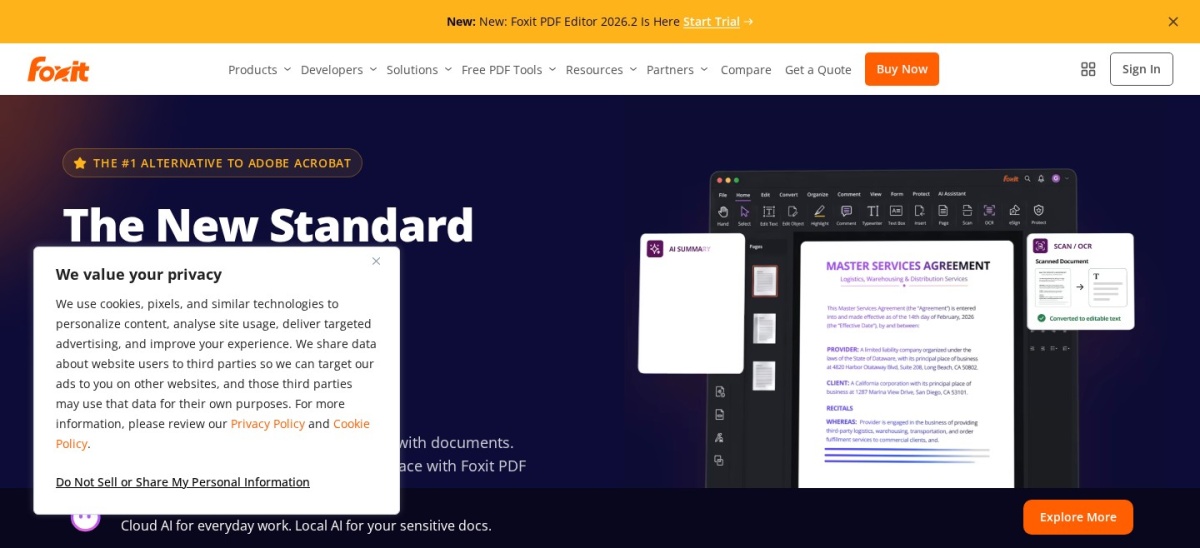
Foxit PDF Editor is a fast PDF editor with Scan and OCR that turns scanned documents into searchable, editable PDFs. The Editor plan costs $129.99 a year, with a 14-day free trial, and Editor+ at $159.99 a year adds more tools.
The trade off is depth. Its OCR is built for printed text, so handwritten pages convert less well than with ABBYY, and collaboration features lag Acrobat. It suits offices that need quick, low-cost PDF OCR.
What we like
Fast, light PDF editor
OCR plus editing for $129.99 a year
Perpetual licence available
Linux support included
Watch out for
OCR is built for print, not handwriting
Collaboration lags Acrobat
Large files can slow it down
Editor+ at $159.99 a year adds more PDF tools; perpetual licence $209.99Visit foxit.com
09
Evernote
4.3/5on G2 (2,035 reviews, checked Nov 2026)
Paid from$7.99/mo
Best for searching handwritten notes
Paid planPremium, $7.99/mo
Free planYes, limited
Handwriting searchYes
PlatformsWeb, iOS, Android, desktop
evernote.com
Evernote homepage, captured Nov 2026.
Evernote is a note app that searches text inside images and handwritten notes, so a photographed page stays findable. The free plan covers basic notes, and Premium costs $7.99 a month with more storage and devices.
The trade off is the free plan. It is limited, sync is restricted, and reviewers complain about price rises and slow performance. It suits people who already keep their notes in Evernote.
Scanned handwriting vs live ink: which do you need
Scanned handwriting means paper that already exists: letters, forms and notebooks you photograph or scan. ABBYY, Acrobat, PDFelement, Foxit, Nanonets and Google Drive work on scans.
Live ink means writing with a stylus on a tablet, where the app reads each stroke as you make it. OneNote, Goodnotes and Evernote work this way, and they keep diagrams and equations as well as text.
If you have both, pair the tools: a note app for new writing and a desktop OCR tool for the archive. That combination costs less than a single enterprise platform.
How we chose
We started from the OCR and note tools most often recommended for handwriting in 2026, then kept the ones with a live plan, published pricing and a review base on G2 or Capterra. Nebo was left out: its G2 rating rests on 2 reviews. Transkribus was left out too: it has no reviews on G2 and no Capterra rating.
Prices come from each vendor pricing page and from pricing checks dated November 2026, and ratings come from G2 and Capterra pages opened on 23 November 2026. Where sources disagreed, the list shows the current regular price: ABBYY Standard is $99 a year, not the old $199 one-time licence, and PDFelement Pro is $109 a year on the vendor store, against a $129 list price.
This list is based on pricing, docs and reviews, not on using the tools ourselves. No vendor paid for a place in it.
How to choose OCR software for handwriting recognition
Start with where the handwriting lives, then match the tool to the job.
Decide whether the handwriting is on paper or on a screen. Paper archives need a scanner-based OCR tool such as ABBYY or Acrobat. Notes you write on a tablet need a live-ink app such as OneNote or Goodnotes.
Check the language and the script. ABBYY covers 198 languages and Nanonets covers 200+, while note apps vary by language. Confirm your language is supported before you pay.
Count the pages, not just the price. A $100-a-month plan beats a $20-a-month plan if it reads 10,000 pages without extra fees. Check per-page limits and credit packs before you commit.
Run a real sample before you commit. Convert five pages of your own handwriting on the free plan or trial, then count the errors. Accuracy on your writing matters more than any benchmark.
FAQ
What is the best OCR software for handwriting recognition?
ABBYY FineReader PDF is the best pick for most people. It reads handwriting in 198 languages, preserves layout in Word and Excel output, and is rated 4.7 out of 5 on Capterra from 451 reviews. The Standard plan costs $99 a year.
Can OCR read cursive handwriting?
Yes, with limits. Neat cursive converts well, while fast or faded cursive needs proofreading. ABBYY and Nanonets handle cursive best in this list, and live-ink apps such as OneNote and Goodnotes read strokes as you write, which helps.
Is there free OCR software for handwriting?
Yes. Microsoft OneNote is free and converts handwriting to text, Google Drive converts scans through Google Docs for free, Goodnotes is free for 3 notebooks, and Evernote has a free plan. Desktop OCR such as ABBYY and Acrobat needs a paid plan.
Can Google Drive convert handwriting to text?
Yes. Upload a photo or scan to Google Drive, open it with Google Docs, and Drive places the recognised text under the image. It is free with the 15 GB of storage in every Google account.
What is the difference between OCR and ICR?
OCR reads printed text, while ICR, intelligent character recognition, reads handwriting. ABBYY sells its handwriting feature as ICR, while newer AI tools such as Nanonets read both print and handwriting with one engine.
Which OCR tool is best for old handwritten documents?
ABBYY FineReader PDF handles mixed archives best in this list, with 198 languages and layout preservation. For handwritten forms at scale, Nanonets reads fields into structured data and learns from corrections.