Best Network Automation Tools in 2026: 7 Tools Compared
WLWPLegible EditorsLast verified 22 Nov 2026How we rank12 min read
★ Short answer
ManageEngine NCM is our top network automation pick, with configuration backups, rollback, compliance checks and support for devices from more than 200 vendors. Its Professional edition starts at $595 for 10 devices. Domotz suits teams managing distributed sites, while OpManager is better for monitoring-led network workflows.
How we make this list: we compare pricing pages, product documentation and public user reviews, then re-check every price before each update. No product paid for a place. Disclosure.
ManageEngine NCM scores 4.5/5 from 44 G2 reviews and offers a free edition for 2 devices, with Professional starting at $595.
Domotz scores 4.8/5 from 105 G2 reviews and costs $35 per collector monthly, covering unlimited devices at each site.
OpManager scores 4.6/5 from 351 Capterra reviews and starts at $95 yearly for monitoring 10 devices.
Site24x7 scores 4.6/5 from 482 G2 reviews; its $49/mo Professional infrastructure plan includes 10 network components.
PRTG scores 4.7/5 from 219 G2 reviews and offers 100 free sensors, with paid monitoring starting at $200/mo billed annually.
Atera scores 4.6/5 from 1,289 G2 reviews and advertises MSP subscriptions starting at $129 per technician monthly.
What to look for in network automation tools
Network automation software reduces repetitive administration across routers, switches, firewalls and related infrastructure. Common tasks include configuration backups, device discovery, change tracking, scheduled commands, monitoring and incident response.
Start by separating configuration automation from monitoring automation. Configuration tools can retrieve, compare and deploy device settings. Monitoring platforms primarily detect problems, trigger alerts and initiate operational workflows.
Multi-vendor compatibility is essential for mixed networks. Check whether a platform supports your devices, operating systems and connection protocols before comparing its broader feature list.
Recovery features also matter. Configuration version history, change alerts and rollback can help administrators identify what changed and restore a known working configuration after an unsuccessful deployment.
Finally, examine how the software is licensed. Some products charge by managed device, others by collector, technician or monitoring sensor. Compare the cost of your actual network size rather than assuming the lowest advertised subscription will cover every device.
For network observability and automated incident workflows
$7/mo
No free plan
4.4/5
Price ladder: cheapest paid plan per year
List prices, USD, checked Nov 2026
Datadog$84
OpManagerFREE$95
Domotz$420
Site24x7$588
NCMFREE$595
Atera$1,548
PRTGFREE$2,400
The 7 best network automation tools
01
ManageEngine NCM
4.5/5on G2 (44 reviews, checked Nov 2026)
Paid from$595/yr
Best network automation tool overall
Free edition2 devices
Vendor support200+ vendors
AutomationConfiglets and workflows
Paid planProfessional, from $595
manageengine.com
ManageEngine NCM homepage, captured Nov 2026.
ManageEngine NCM is a network configuration and change management platform for routers, switches, firewalls and other devices. Its free edition manages 2 devices and includes configuration backups, automated Configlets, real-time change detection, rollback and compliance checks across equipment from more than 200 vendors.
The trade off is device-based licensing and additional complexity for distributed deployments. Professional starts at $595 for 10 devices, while Enterprise starts at $8,395 for 250 devices and adds multisite management. It suits network administrators who need configuration automation rather than monitoring alone.
What we like
Free edition includes core configuration automation
Automated backups, change tracking and rollback
Support for equipment from 200+ vendors
Configuration compliance and auditing
Professional and Enterprise scaling options
Watch out for
Free edition is limited to 2 devices
Distributed management requires Enterprise
Custom compliance rules take configuration work
Licensing costs rise with managed devices
Professional expands device capacity and adds technical support; Enterprise adds distributed management.Visit manageengine.com
02
Domotz
4.8/5on G2 (105 reviews, checked Nov 2026)
Starts at$35/mo
Best for managed service providers and distributed sites
Billing modelPer collector
Devices per collectorUnlimited
Free trial14 days
Paid plan$35/collector/mo
domotz.com
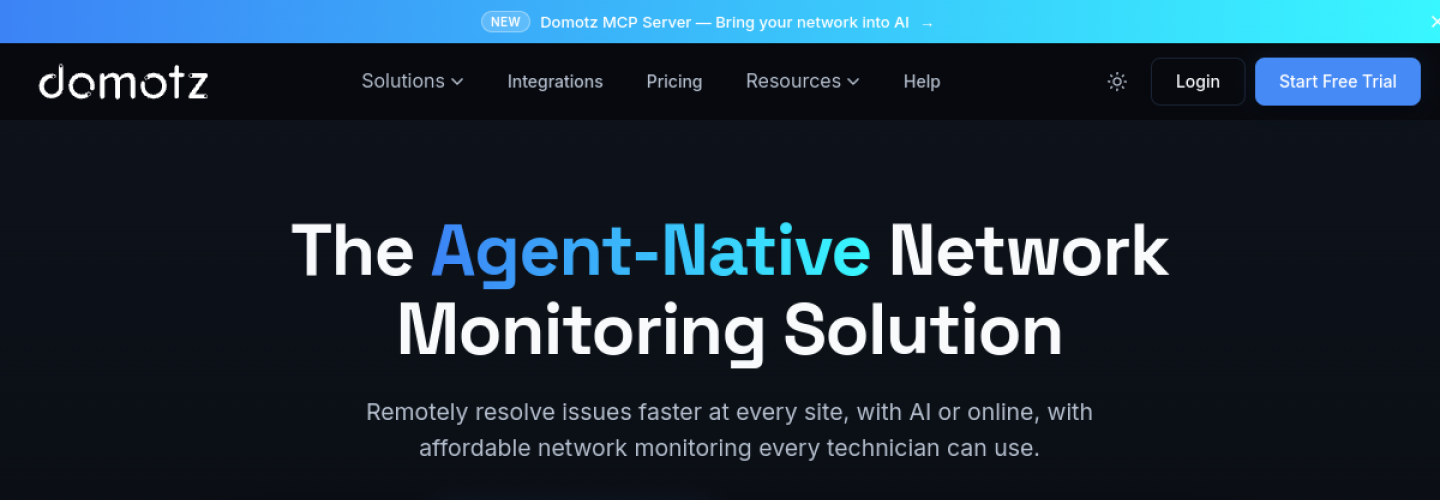
Domotz homepage, captured Nov 2026.
Domotz is a network monitoring and remote management platform that discovers connected devices, tracks performance and supports operational automation. Its $35 monthly collector subscription includes unlimited devices, unlimited users, remote management features and access to the platform's monitoring capabilities.
The trade off is that each additional network location generally needs its own collector, and Domotz emphasizes visibility and remote operations over extensive configuration deployment. A collector costs $35 monthly, with volume discounts available for larger deployments. It suits MSPs and IT teams managing multiple networks.
What we like
Predictable per-site subscription
Unlimited monitored devices per collector
Automated network discovery and mapping
Remote access and management capabilities
No feature-based subscription tiers
Watch out for
Separate collectors increase multisite costs
Less specialized in configuration compliance
Advanced automation may require integrations
No permanent free subscription
Paid collectors enable continuous monitoring, remote management and automation at each site.Visit domotz.com
03
OpManager
4.6/5on Capterra (351 reviews, checked Nov 2026)
Paid from$95/yr
Best for monitoring-driven network automation
Starting license10 devices
Free editionAvailable
Core capabilitiesMonitoring and alerts
Paid planStandard, $95/yr
manageengine.com
OpManager homepage, captured Nov 2026.
OpManager is a network monitoring platform that automatically discovers infrastructure, monitors device performance and generates alerts when problems occur. Its Standard edition starts at $95 annually for 10 devices, while Professional starts at $145 annually for 10 devices and adds broader monitoring and workflow capabilities.
The trade off is that entry-level monitoring does not provide the same configuration backup, compliance and deployment functionality as dedicated NCM software. IT workflow automation is available in higher editions and related products. It suits smaller teams that want monitoring and alerting before introducing advanced network configuration automation.
What we like
Low published entry subscription
Automated device discovery and monitoring
Configurable alerts and dashboards
Professional edition supports IT workflows
Integrates with other ManageEngine products
Watch out for
Standard focuses on monitoring
IT workflow automation requires Professional
Advanced configuration management is separate
Large deployments require additional licensing
Professional adds IT workflow automation, advanced monitoring and broader management capabilities.Visit manageengine.com
04
Site24x7
4.6/5on G2 (482 reviews, checked Nov 2026)
Starts at$49/mo
Best for cloud-based network configuration monitoring
Entry network tierProfessional
Included components10
Monthly billing$49/mo
Annual billing$42/mo equivalent
site24x7.com
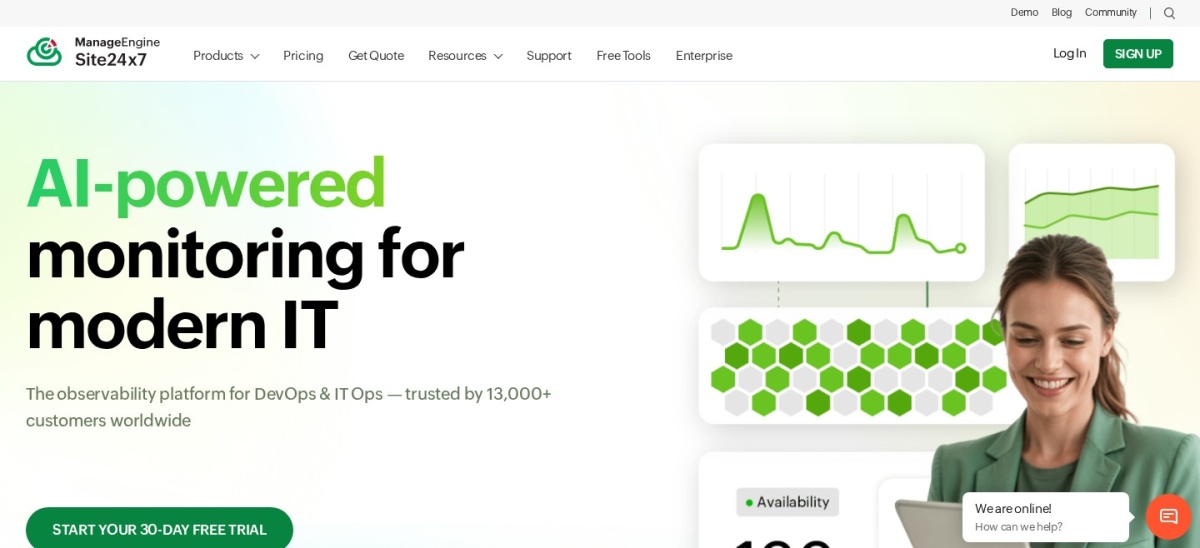
Site24x7 homepage, captured Nov 2026.
Site24x7 is a cloud monitoring platform with network configuration management features, including automated backups, configuration comparisons, change detection and restoration. Its Infrastructure Professional plan includes 10 network components, server monitoring, alerts and integrations, with additional network capacity available through add-ons.
The trade off is that the cheaper Lite plan does not include the same network component allowance. Professional costs $49 monthly, or $42 per month billed annually, and configuration management consumption depends on monitored components. It suits teams wanting cloud-based network monitoring alongside infrastructure observability.
Firmware compliance capabilities have edition restrictions
Configuration management is part of a broader monitoring platform
Professional adds included network components and advanced infrastructure monitoring capabilities.Visit site24x7.com
05
PRTG
4.7/5on G2 (219 reviews, checked Nov 2026)
Paid from$200/mo
Best for automated network monitoring and alerts
Free sensors100
Paid entry sensors500
Estimated devicesAbout 50
Paid planPRTG 500, $200/mo annually
paessler.com
PRTG homepage, captured Nov 2026.
PRTG is an infrastructure monitoring platform that automatically discovers devices, collects metrics and sends alerts when monitored conditions change. Its free edition supports up to 100 sensors, while PRTG 500 includes 500 sensors and can monitor multiple aspects of approximately 50 devices.
The trade off is that PRTG automates monitoring and operational responses rather than acting as a complete network configuration deployment platform. PRTG 500 costs $200 per month billed annually, and larger environments require additional sensor capacity. It suits teams focused on network visibility, alerting and recurring monitoring tasks.
What we like
Permanent free sensor allowance
Automatic discovery and customizable alerts
Broad protocol and device monitoring
Monitoring dashboards and reporting
Established independent review history
Watch out for
Not a dedicated configuration deployment tool
Sensor consumption can grow quickly
Paid licenses require annual billing
Larger infrastructures need higher sensor tiers
PRTG 500 expands monitoring to 500 sensors and includes subscription support and updates.Visit paessler.com
06
Atera
4.6/5on G2 (1,289 reviews, checked Nov 2026)
Starts at$129/mo
Best for IT automation across managed endpoints
License modelPer technician
Managed endpointsUnlimited
Free trial30 days
MSP entry rateFrom $129/technician/mo
atera.com
Atera homepage, captured Nov 2026.
Atera is an IT management platform combining remote monitoring, scripting, patch management, ticketing and workflow automation. Its MSP subscriptions are advertised from $129 per technician monthly, with unlimited managed endpoints, automated maintenance tools and remote administration features.
The trade off is that Atera focuses more on endpoint and IT service automation than configuration deployment to routers and switches. Network discovery and certain integrations may require additional purchases. It suits MSPs wanting centralized operational workflows alongside broader infrastructure monitoring.
What we like
Unlimited endpoints under technician-based licensing
Automated scripts and maintenance tasks
Remote monitoring and patch management
Integrated service desk and ticketing
Large independent customer review base
Watch out for
Not dedicated to network configuration management
Network discovery can involve additional costs
Subscription grows with technician headcount
Advanced capabilities may require upgrades or add-ons
Paid subscriptions provide remote management, automation, monitoring and service workflows.Visit atera.com
07
Datadog
4.4/5on G2 (748 reviews, checked Nov 2026)
Starts at$7/mo
Best for network observability and automated incident workflows
Billing modelPer network device
Annual-billing rate$7/device/mo
On-demand rate$10.20/device/mo
ProductNetwork Device Monitoring
datadoghq.com
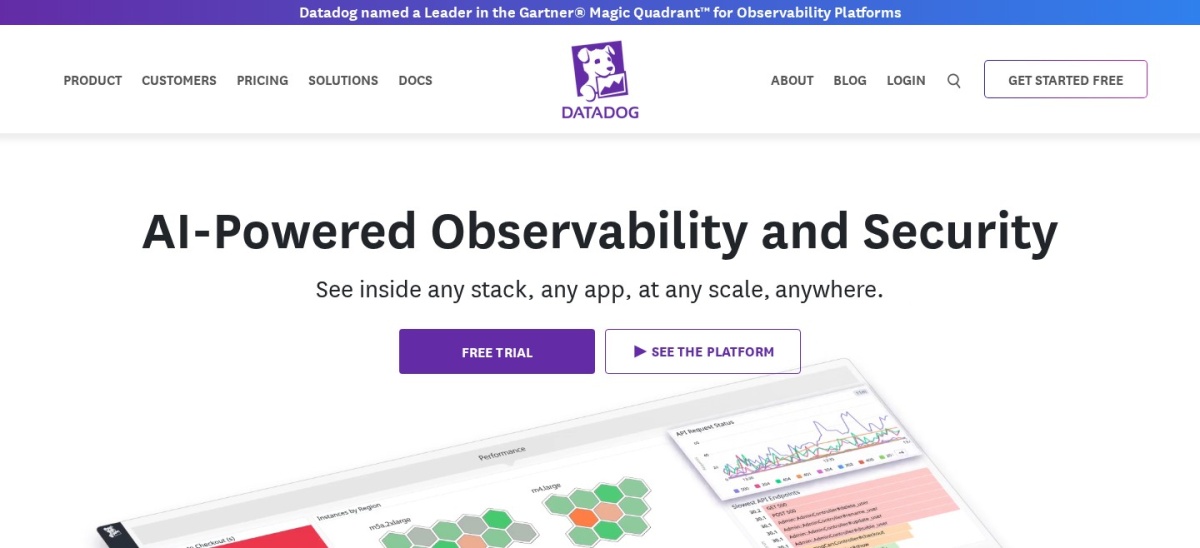
Datadog homepage, captured Nov 2026.
Datadog is an observability platform with network device monitoring, telemetry collection, alerting and integrations for incident workflows. Its Network Device Monitoring product starts at $7 per network device monthly with annual billing and provides visibility into device health and performance.
The trade off is that monitoring charges do not include every related Datadog product or infrastructure dependency. Network Device Monitoring also focuses on visibility rather than automated configuration deployment. It suits teams that need network metrics connected to wider application and infrastructure observability.
What we like
Detailed network device performance monitoring
Centralized dashboards and alerting
Integration with application and infrastructure data
Supports automated incident workflows through integrations
Published device-based pricing
Watch out for
Not a dedicated configuration automation product
Additional Datadog services may increase costs
Requires monitoring infrastructure setup
Device-based costs increase with network size
The paid Network Device Monitoring service enables device telemetry and alerting; other observability services are billed separately.Visit datadoghq.com
Network configuration automation vs monitoring automation
Network automation covers several distinct activities. Configuration management automates the collection, deployment and restoration of device settings, while monitoring automation focuses on detecting conditions and initiating operational responses.
ManageEngine NCM is the clearest configuration-focused option in this comparison. It provides backups, change auditing, rollback and device configuration automation through Configlets.
Domotz, OpManager, Site24x7, PRTG and Datadog emphasize network discovery, monitoring, alerts or operational workflows to varying degrees. Site24x7 also offers dedicated configuration management capabilities.
Atera is primarily an IT management and remote automation platform. It can help MSPs reduce recurring administration tasks, but it should not be mistaken for a specialist multi-vendor network configuration deployment system.
How network automation pricing changes with scale
Network software pricing uses different measurements. Some vendors count devices, others count monitoring sensors, network collectors or technicians. These measurements affect how costs change as infrastructure expands.
ManageEngine NCM starts at $595 for a Professional configuration license covering 10 devices. Domotz charges $35 per collector monthly without a device cap within the monitored site.
OpManager offers a $95 annual Standard subscription for 10 devices. PRTG charges $200 monthly on annual billing for 500 sensors, while Site24x7 Professional costs $49 monthly and includes 10 network components.
Datadog publishes a $7 per-device monthly annual-billing rate for Network Device Monitoring, while Atera advertises subscriptions from $129 per technician monthly. Compare the features included before treating these products as interchangeable alternatives.
How we chose
We reviewed established network configuration management, monitoring and IT automation products, focusing on vendors with official documentation, published pricing and independent customer reviews. We distinguished configuration deployment from monitoring and incident workflows because these capabilities are not interchangeable.
Official pricing information and G2 or Capterra review pages were opened on 23 Nov 2026 for this article carrying the editorial date of 22 Nov 2026. Prices reflect published base rates and documented billing conditions. Some vendor pricing pages require interactive controls, so plan eligibility and final checkout amounts should be reconfirmed.
We excluded quote-only configuration platforms and products without enough verifiable pricing or review information. The comparison also identifies monitoring-oriented products that are not substitutes for dedicated configuration automation. No vendor paid for a place, and we do not claim testing for this list.
How to choose network automation tools
Identify your most repetitive network operations, then compare automation capabilities, device compatibility and licensing requirements.
Define the automation tasks you need. List the operations you want to automate, such as configuration backups, bulk changes, compliance checks, monitoring alerts or incident remediation. Choose configuration management software when you need to modify device settings, not simply observe network conditions.
Verify compatibility with your network devices. Check supported vendors, operating systems, protocols and device models. Confirm that the software can authenticate, collect configurations and execute supported operations on the equipment you actually manage.
Evaluate safety and recovery controls. Prioritize configuration history, change alerts, rollback, permissions, audit logs and approval processes. Test recovery procedures in a controlled environment before enabling automated changes across production infrastructure.
Calculate costs at your intended scale. Count network devices, monitored components, sensors, locations or technicians according to each vendor's billing model. Include paid add-ons and additional infrastructure requirements, and compare recurring subscriptions with the operational tasks they eliminate.
FAQ
What is the best network automation tool in 2026?
ManageEngine NCM is our top choice for dedicated network configuration automation. It supports automated backups, change detection, rollback, compliance checks and equipment from more than 200 vendors. Domotz is better for distributed network operations, while OpManager is more suitable for monitoring-driven automation.
Are there free network automation tools?
Yes. ManageEngine NCM provides a free edition supporting 2 devices, including configuration automation features. OpManager has a free monitoring edition, while PRTG includes 100 free monitoring sensors. Free monitoring software should not automatically be considered equivalent to a dedicated network configuration automation platform.
What is the difference between network automation and network monitoring?
Network monitoring collects device information and identifies performance or availability problems. Network automation performs or coordinates repetitive administrative tasks, such as configuration backups, policy changes, scheduled commands and remediation. Monitoring tools may automate alerts and responses without offering full configuration deployment capabilities.
Which network automation tool is best for small businesses?
ManageEngine NCM is a reasonable starting point for small networks needing configuration backups and controlled changes. Its free edition supports 2 devices. OpManager offers a lower-cost monitoring-focused alternative, starting at $95 annually for 10 devices, while Domotz suits small businesses managing distributed sites.
What is network configuration automation?
Network configuration automation uses software to collect, compare, update and restore settings across supported network equipment. It can reduce manual command entry, improve consistency and help administrators maintain configuration history. Reliable implementation requires device compatibility checks, permissions and rollback procedures.
Can network automation tools manage multiple vendors?
Yes, many support mixed environments. ManageEngine NCM documents compatibility with devices from more than 200 vendors. Other platforms support various devices through standard protocols, integrations or device-specific templates. Verify compatibility with the exact models and firmware versions in your infrastructure.
Which tools are suitable for MSPs?
Domotz and Atera are particularly relevant to managed service providers. Domotz charges per network collector and supports unlimited devices within each monitored site. Atera charges per technician and combines remote monitoring with scripting, patching and service management. Their automation capabilities differ from dedicated network configuration platforms.
How much do network automation tools cost?
Pricing depends on the license model. ManageEngine NCM Professional starts at $595 for 10 devices, Domotz costs $35 per collector monthly, and OpManager Standard starts at $95 annually. Monitoring-focused platforms may charge per sensor, device or technician, so the advertised base price may not represent total deployment costs.
Can network automation prevent configuration errors?
Automation can reduce repetitive manual changes and improve consistency, but it cannot eliminate configuration errors. Incorrect templates, unsupported devices or insufficient testing can introduce problems at scale. Use approval workflows, configuration backups, version comparisons, permissions and rollback procedures to reduce operational risk.