Best Multi Currency Accounting Software in 2026: 7 Tools Compared
WLWPLegible EditorsLast verified 22 Nov 2026How we rank6 min read
★ Short answer
Xero leads for small businesses handling cross-border invoices across more than 160 currencies with hourly exchange rate updates. Zoho Books fits budget-conscious teams wanting lower-cost plans, while Microsoft Dynamics 365 Business Central suits mid-market operations needing deeper ERP controls.
How we make this list: we compare pricing pages, product documentation and public user reviews, then re-check every price before each update. No product paid for a place. Disclosure.
Xero supports invoicing and payments in 160+ currencies with hourly rate updates on its multi-currency tier.
Zoho Books offers paid plans starting at $15/mo billed annually on Standard, while multi-currency unlocks on higher tiers.
Kashoo bundles multi-currency support, bank feeds, and unlimited users into a single $30/mo plan.
FreshBooks pairs client invoicing and time tracking with multi-currency billing starting at $23/mo regular price.
Microsoft Dynamics 365 Business Central targets mid-market ERP teams with Essentials licenses starting at $80/user/mo.
What to look for in multi-currency accounting software
Sending invoices or paying suppliers in foreign currencies requires more than basic conversion calculators. Look for automatic exchange rate feeds, clear tracking of foreign exchange gains and losses, and reliable bank reconciliation.
Check which subscription tier actually includes multi-currency features. Several small-business accounting platforms lock foreign currency transactions or automated rate updates behind mid-tier or higher-tier plans.
Consider whether you operate a single entity or multiple global subsidiaries. Entry and small-business ledgers work well for single-entity invoicing and bills, while full ERP platforms handle complex multi-entity consolidation and reporting.
Watch out for promotional pricing that expires after a few months and for per-user seat fees or payment processing charges that add up as your team and transaction volume grow.
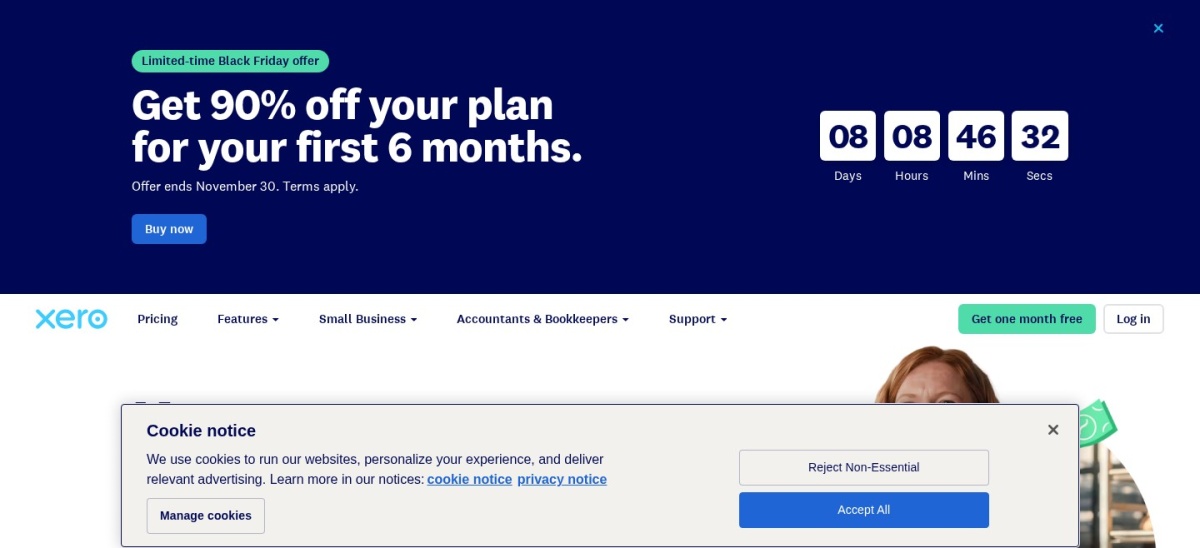
Xero is cloud accounting software for small businesses that lets you invoice customers and receive payments in more than 160 currencies. Plans do not charge per-user seat fees, and Xero offers a 30-day free trial along with promotional new-customer pricing.
The trade off is that multi-currency support is not included on Xero's lowest base plans, and regular pricing runs from $27/mo on Early up to $97/mo on Established depending on tier features. It suits small businesses trading internationally that want unlimited users.
What we like
Supports invoicing and payments in 160+ currencies
Hourly foreign exchange rate updates
Unlimited user seats across plans
Tracks foreign currency gains and losses in reports
Watch out for
Multi-currency is restricted to higher-tier plans
Entry plans cap monthly invoices and bills
Base currency cannot be changed once set for an organization
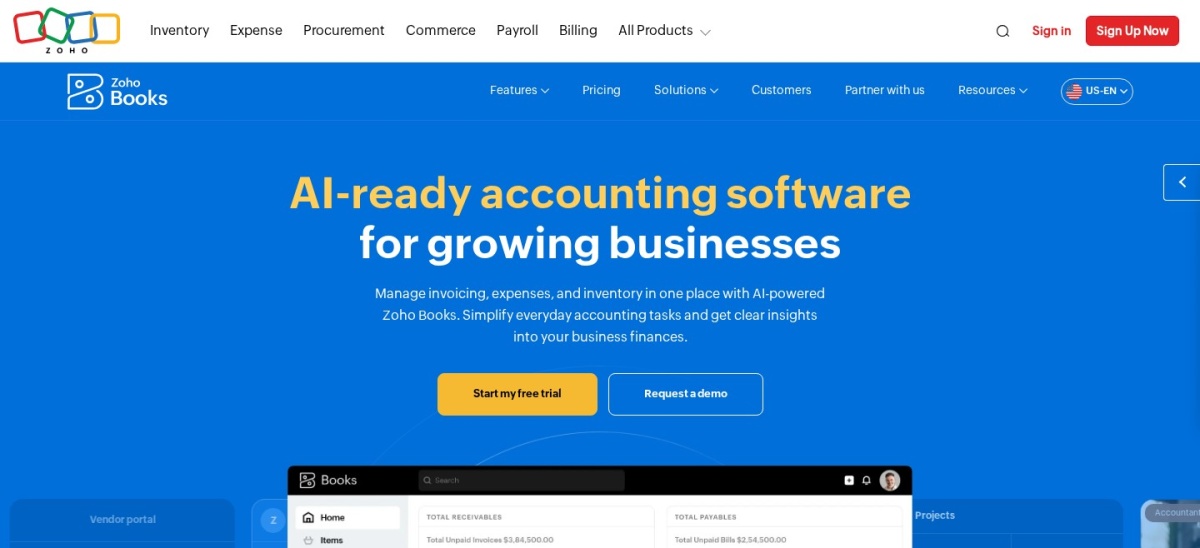
Zoho Books is online accounting software from Zoho with a free plan for businesses under $50,000 in annual revenue and paid tiers starting at $15/mo billed annually on Standard ($20/mo monthly). It connects with Zoho apps and supports automated workflows.
The trade off is that multi-currency transactions require upgrading to higher tiers such as Professional at $40/mo billed annually, and extra users cost extra. It suits small businesses that want low entry pricing and close Zoho integrations.
What we like
Competitive entry pricing starting at $15/mo billed annually
Free plan available for qualifying small businesses
Connects directly with Zoho CRM, Expense, and Inventory
Watch out for
Multi-currency requires upgrading past the entry tier
Additional team users add monthly per-user fees
Mobile app offers fewer tools than the web version
Upgrading to Professional and above adds multi-currency transactions, purchase orders, and project billing.Visit zoho.com
03
FreshBooks
4.5/5on G2 (981 reviews, checked Nov 2026)
Starts at$276/yr
Best for freelancers and service billing
Regular entry price$23/mo (Lite)
Client cap (Lite)Up to 5 billable clients
Extra team user$11/mo per user
Free trial30 days
freshbooks.com
FreshBooks homepage, captured Nov 2026.
FreshBooks is cloud invoicing and accounting software built around client billing, proposals, and time tracking, with a regular Lite price of $23/mo (promotional discounts occasionally apply). It lets you set currency preferences per client and track expenses in foreign currencies.
The trade off is that Lite caps billable clients at 5, extra team members cost $11/mo each, and its regular annual cost is $276 at $23/mo. It suits freelancers, consultants, and agencies billing international clients for time and services.
What we like
Straightforward invoicing and client currency selection
Built-in time and expense tracking for billable work
30-day free trial with no credit card required
Watch out for
Lite plan limits you to 5 billable clients
Team members cost $11/mo each on top of base plans
Less suited to product inventory than service billing
Plus and Premium raise client limits, add bank reconciliation, and expand reporting.Visit freshbooks.com
04
Kashoo
4.5/5on G2 (56 reviews, checked Nov 2026)
Starts at$324/yr
Best for flat-rate simplicity with unlimited users
Annual price$324/yr ($27/mo equiv.)
Monthly price$30/mo
UsersUnlimited
Free trial14 days
kashoo.com
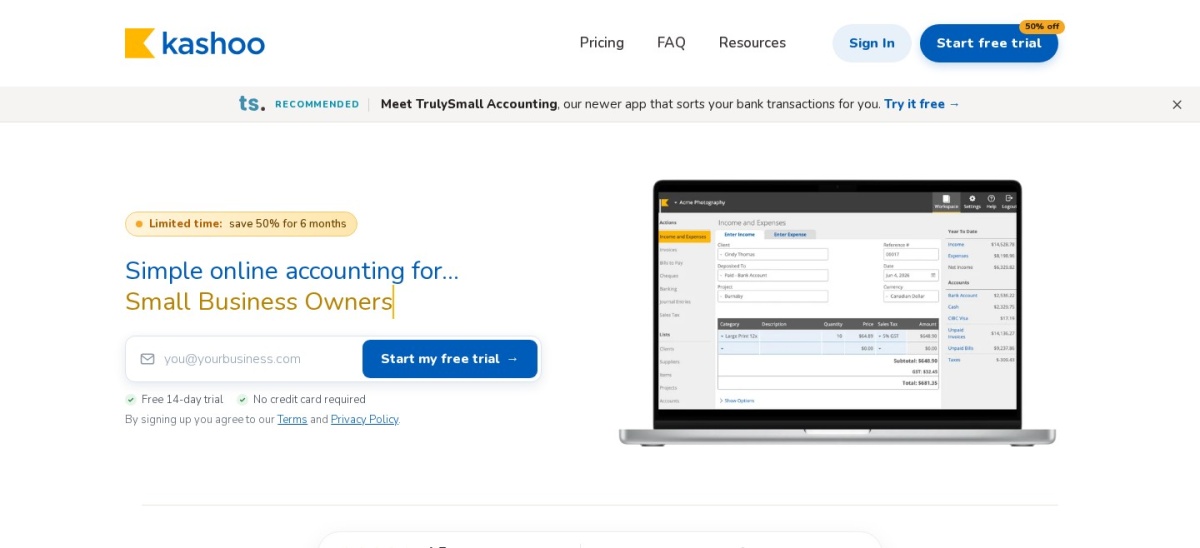
Kashoo homepage, captured Nov 2026.
Kashoo is small-business accounting software sold on a single plan at $30/mo or $324/yr at regular rates (promotional discounts sometimes appear). It includes multi-currency support, unlimited users, unlimited invoices, and bank feeds without locking features behind higher tiers.
The trade off is a smaller review footprint and fewer complex enterprise modules than larger accounting suites. It suits small businesses that want predictable flat pricing and unlimited team logins from day one.
What we like
Multi-currency and unlimited users included in one plan
Simple pricing at $30/mo or $324/yr without tier upsells
Covers invoicing, bank feeds, sales tax, and item tracking
Watch out for
Smaller user review base than major accounting suites
Each additional business entity requires its own subscription
Lighter automation than larger mid-market platforms
All core bookkeeping, multi-currency, and unlimited-user features are included on the standard plan.Visit kashoo.com
05
QuickBooks Online
4/5on G2 (3,913 reviews, checked Nov 2026)
Starts at$456/yr
Best for teams already using QuickBooks
Simple Start price$38/mo regular
Multicurrency planEssentials ($75/mo)
Essentials usersUp to 3 users
Free trial30 days
quickbooks.intuit.com
QuickBooks Online homepage, captured Nov 2026.
QuickBooks Online is cloud accounting software from Intuit with plans starting at $38/mo regular price on Simple Start and a wide third-party app ecosystem. Its Multicurrency feature assigns currencies to customers, vendors, and accounts and converts transactions to your home currency.
The trade off is that Simple Start does not include multicurrency, so enabling it requires Essentials at $75/mo or higher, and multicurrency cannot be turned off once activated. It suits small businesses already in the QuickBooks ecosystem.
What we like
Wide integration ecosystem and accountant familiarity
Multicurrency requires Essentials ($75/mo) rather than Simple Start
Once enabled, multicurrency cannot be disabled on the company file
Higher tiers add cost as user limits and features grow
Essentials and higher tiers unlock multicurrency support, more users, and broader reporting.Visit quickbooks.intuit.com
06
Wave
4.3/5on G2 (328 reviews, checked Nov 2026)
Paid from$190/yr
Best for basic free invoicing and bookkeeping
Starter plan$0/mo (manual entry)
Pro annual price$190/yr ($19/mo)
Card processing2.9% + $0.60 (Visa/MC/Disc)
ACH transfers1% (min $1)
waveapps.com
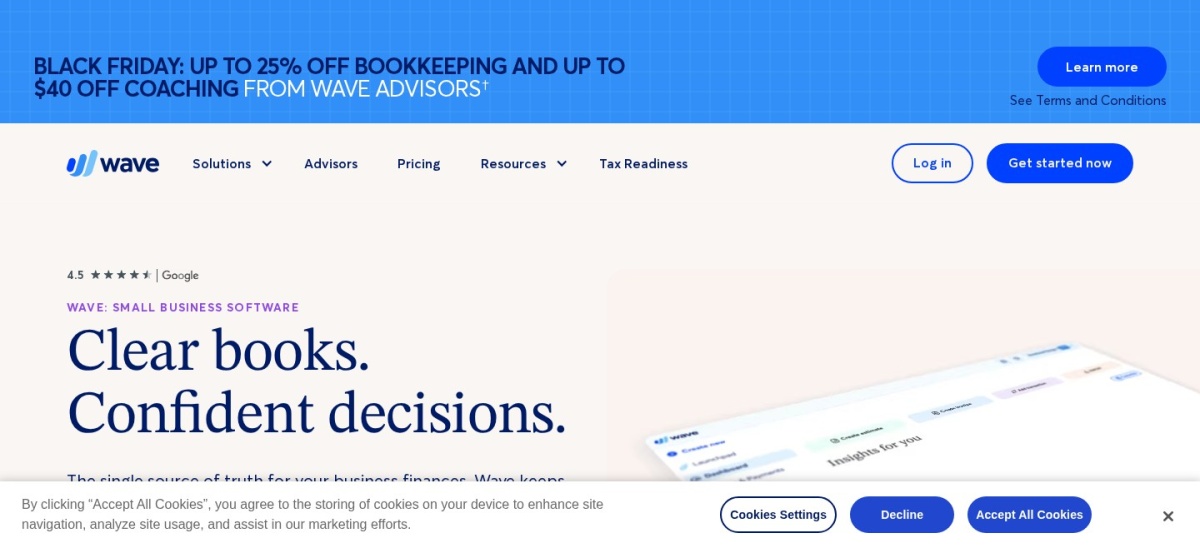
Wave homepage, captured Nov 2026.
Wave is accounting and invoicing software with a free Starter plan for manual bookkeeping and a paid Pro plan at $19/mo or $190/yr that adds automatic bank feeds and receipt scanning. It lets you invoice clients in foreign currencies and record payments in your home currency.
The trade off is that currency revaluation tools are limited compared with dedicated multi-currency suites, and payment processing fees apply when collecting online. It suits small businesses wanting low-cost invoicing and basic multi-currency tracking.
What we like
Free Starter tier with no subscription fee for basic bookkeeping
Affordable Pro tier at $190/yr or $19/mo for bank feeds
Pro adds automatic bank transaction imports, auto-categorization, and receipt scanning.Visit waveapps.com
07
Microsoft Dynamics 365 Business Central
4/5on G2 (908 reviews, checked Nov 2026)
Starts at$960/yr
Best for mid-market ERP and Microsoft users
Essentials license$80/user/mo ($960/yr)
Premium license$110/user/mo
Team Members$8/user/mo
EcosystemMicrosoft 365 & Power BI
microsoft.com
Microsoft Dynamics 365 Business Central homepage, captured Nov 2026.
Microsoft Dynamics 365 Business Central is cloud ERP and accounting software starting at $80/user/mo ($960/yr) for Essentials licenses, with Team Members at $8/user/mo and Premium at $110/user/mo. It handles foreign-currency transactions, exchange-rate adjustments, additional reporting currencies, and multi-company consolidation.
The trade off is higher per-user licensing costs and longer setup or implementation needs than small-business accounting tools. It suits growing mid-market companies that need ERP workflows and tight Microsoft integration.
What we like
Handles foreign-currency transactions, adjustments, and reporting currencies
Supports multi-company consolidation and broader ERP modules
Connects natively with Microsoft 365 and Power BI
Watch out for
Per-user licensing costs more than small-business tools
Implementation and configuration take more effort
Overkill for simple freelance or micro-business books
Essentials covers core finance, purchasing, and inventory; Premium adds manufacturing and service management.Visit microsoft.com
Single-entity vs. multi-entity ERP
Small-business tools like Xero, Zoho Books, FreshBooks, Kashoo, QuickBooks Online, and Wave work best when you invoice international customers or pay overseas vendors from a single company ledger.
If your business operates multiple legal entities across countries and needs consolidated group reporting or complex inventory and supply chain controls, an ERP platform such as Microsoft Dynamics 365 Business Central fits better.
How we chose
We selected established accounting platforms that support multi-currency invoicing, payments, or foreign-currency ledger accounting for businesses.
All pricing figures, plan inclusions, and G2 review ratings were checked on 22 Nov 2026 from vendor pricing pages and G2 listings, reflecting regular list prices rather than temporary discounts.
We excluded discontinued tools, products without verifiable public pricing or multi-currency details, and tools that lack core accounting workflows. No vendor paid for a place, and we do not claim testing for this list.
How to choose multi-currency accounting software
Follow four steps to narrow down the right multi-currency ledger for your business.
Check which plan unlocks multi-currency. Confirm whether foreign currency invoicing and rate tracking sit on the base tier or require a higher plan such as QuickBooks Online Essentials or Zoho Books Professional.
Compare true total cost over a full year. Look past introductory promo rates to regular monthly or annual pricing, plus per-user seat fees, payment processing charges, or optional add-ons.
Match accounting depth to your entity structure. Single-entity small businesses usually need foreign currency invoices, bills, and exchange rate tracking, whereas multi-entity groups need broader consolidation and ERP controls.
Verify key integrations before switching. Check connections to your bank feeds, payment gateways, CRM, or Microsoft 365 tools so data moves cleanly into your financial reports.
FAQ
Which accounting software is best for multi-currency invoicing?
Xero is a strong fit for small businesses that invoice and receive payments across more than 160 currencies with hourly exchange rate updates. If you mainly bill clients by time and project, FreshBooks also supports client currencies and foreign expenses.
Does Zoho Books include multi-currency on its cheapest paid plan?
No. Zoho Books starts at $15/mo billed annually on Standard, while multi-currency transactions are available starting on higher plans such as Professional at $40/mo billed annually.
Can you turn off multicurrency in QuickBooks Online once enabled?
QuickBooks Online notes that once Multicurrency is turned on for a company, it cannot be switched off again. Make sure you need foreign currency tracking before enabling it.
Do any multi-currency accounting tools offer unlimited users?
Yes. Xero does not charge per-user seat fees across its plans, and Kashoo includes unlimited users in its single plan at $30/mo or $324/yr.
How do promotional discounts affect accounting software pricing?
Many providers run introductory discounts for the first few months or first year, but regular renewal rates are higher. Always budget using standard list prices for ongoing costs.
When should a business move from small-business software to an ERP?
Consider an ERP like Microsoft Dynamics 365 Business Central when you manage multiple companies, need deeper reporting currency controls, or require integrated inventory, purchasing, and operational workflows.