WLWPLegible EditorsLast verified 23 Nov 2026How we rank9 min read
★ Short answer
UiPath is the best macro software for teams automating at scale, with a free Community plan and Basic from $25 a month, rated 4.6 out of 5 from 7,735 G2 reviews. Power Automate is the cheaper pick for Microsoft 365 shops at $15 a user a month, and TextExpander is the best cheap option for text shortcuts.
How we make this list: we compare pricing pages, product documentation and public user reviews, then re-check every price before each update. No product paid for a place. Disclosure.
UiPath is the only tool here with 7,735 G2 reviews, more than the next three tools combined.
Power Automate Premium costs $15 a user a month and is free inside many Microsoft 365 plans.
TextExpander is the cheapest paid tool in the list at $3.33 a user a month, billed annually.
Automation Anywhere, Blue Prism and Pega publish no prices, so expect a sales call and an annual contract.
PhraseExpress is the only classic macro recorder with a G2 rating, but it scores just 3.3 out of 5 from 14 reviews.
What to look for in macro software
Macro software used to mean a small recorder that replayed keystrokes. Today the serious tools are RPA platforms: they drive desktop apps, browsers and APIs, and they schedule and log every run.
The classic recorders are still around, but most have no public ratings on G2, Capterra or Trustpilot, so they cannot be ranked on the same evidence. This list keeps the tools with a verifiable rating, which is why RPA platforms lead it.
Price is the first filter. UiPath Basic starts at $25 a month and Power Automate Premium at $15 a user a month, while the enterprise platforms publish no price at all. Our guide on AI automation tools for small business covers the cheaper end of the same market.
Match the tool to the job. Text expansion and hotkeys need a $3 to $4 a month tool, not an RPA platform. Full desktop automation across legacy apps needs robots, scheduling and an audit trail.
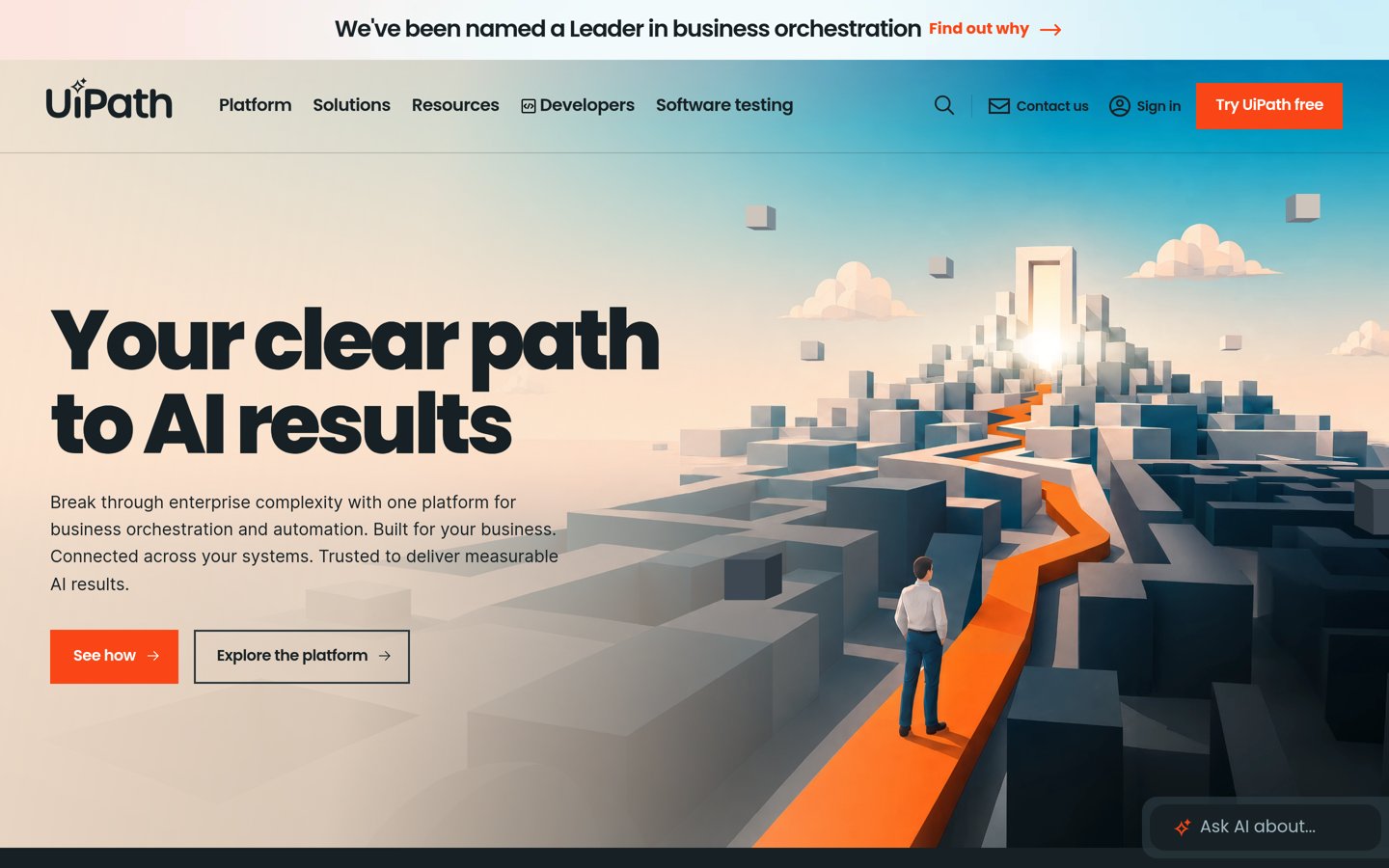
UiPath is the largest RPA platform in this list, and the one most enterprises shortlist first. Its Studio designer builds automations that drive desktop apps, browsers and APIs, while Orchestrator schedules robots, and the free Community plan covers Studio and attended automations for individuals.
The trade off is price and complexity. Only Community and Basic, from $25 a month, carry a published price; Standard and Enterprise are quoted, and Basic caps at 2 robots with Europe-only hosting. It fits teams automating a large portfolio of processes, not a single repetitive task.
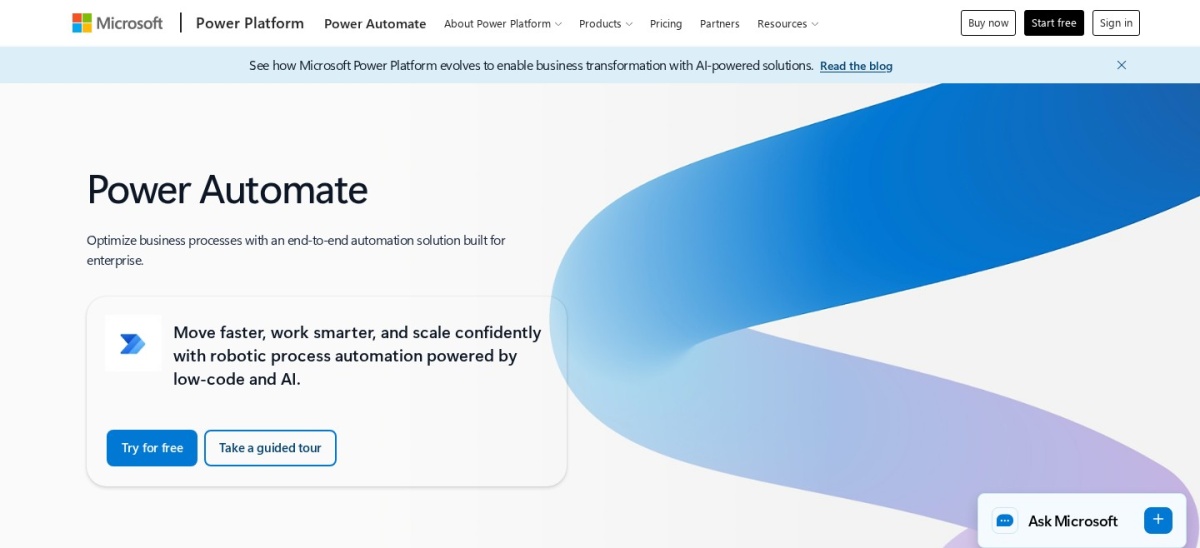
Microsoft Power Automate homepage, captured Nov 2026.
Microsoft Power Automate is the practical pick for any team already on Windows and Microsoft 365. Premium costs $15 a user a month paid yearly and covers cloud flows, attended desktop flows, premium connectors and process mining, while the desktop app records work in Windows apps and Excel.
The trade off is reach outside Microsoft. It is strongest when the targets are Microsoft apps, browsers and Office files, and unattended bots need the Process plan at $150 a bot a month. It fits Microsoft shops that want one license for cloud and desktop automation.
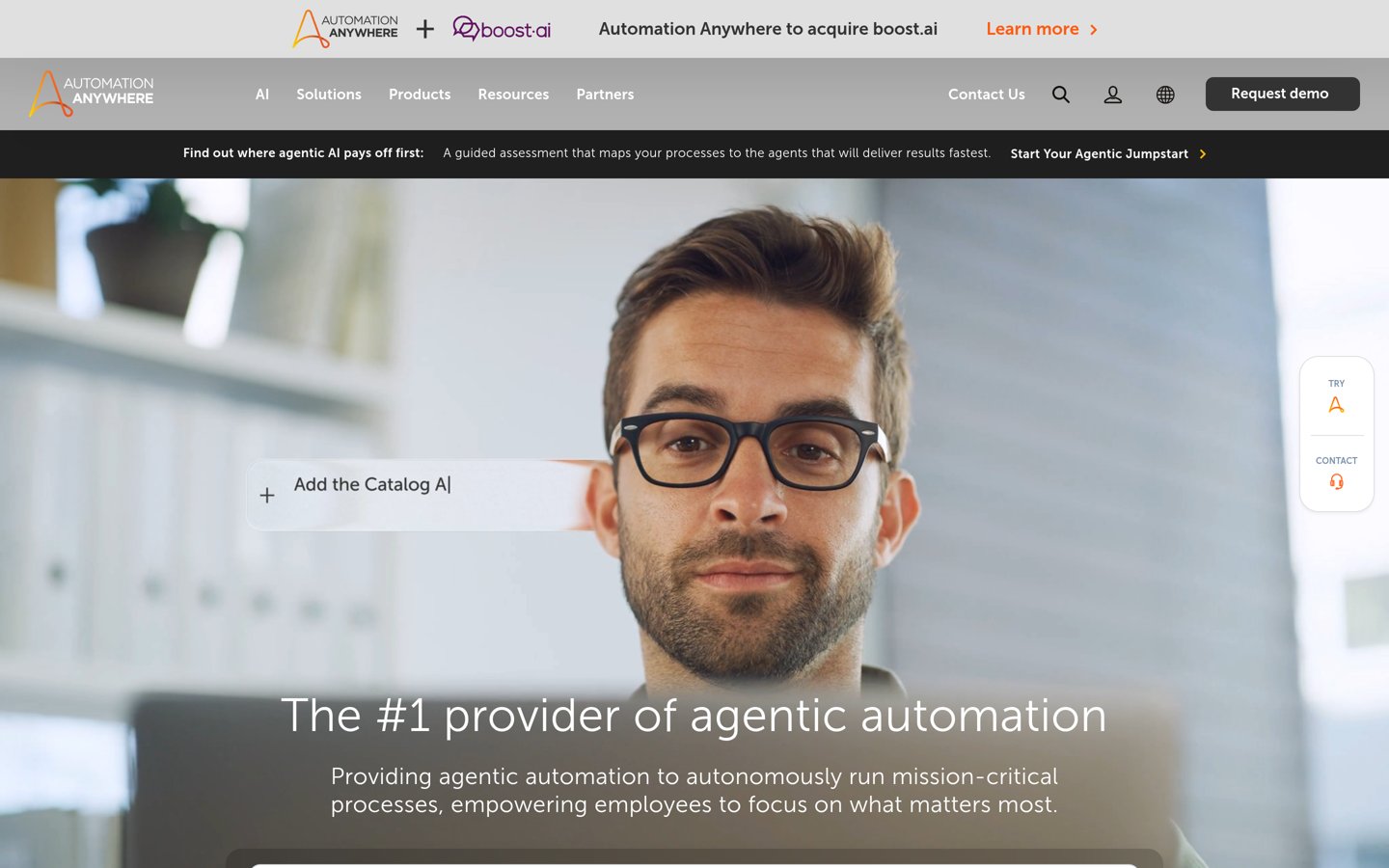
Automation Anywhere is UiPath's main rival for desktop and back-office RPA, with 5,718 G2 reviews. Its cloud-native platform builds bots with drag-and-drop or plain-language prompts, and document extraction is built in, which matters when the job starts with a PDF invoice or claim form.
The trade off is pricing. The Community Edition is free on up to 5 machines, but every paid plan is a custom quote, so the real cost only appears after a sales conversation. It fits enterprises that want cloud RPA with AI document handling included.
4.7/5on Capterra (2,934 reviews, checked Nov 2026)
Starts at$3.33/user/mo
Best for text shortcuts
Capterra rating4.7/5
Capterra reviews2,934
Free planNo, 30-day trial
Entry paid planIndividual, $3.33/user/mo
textexpander.com
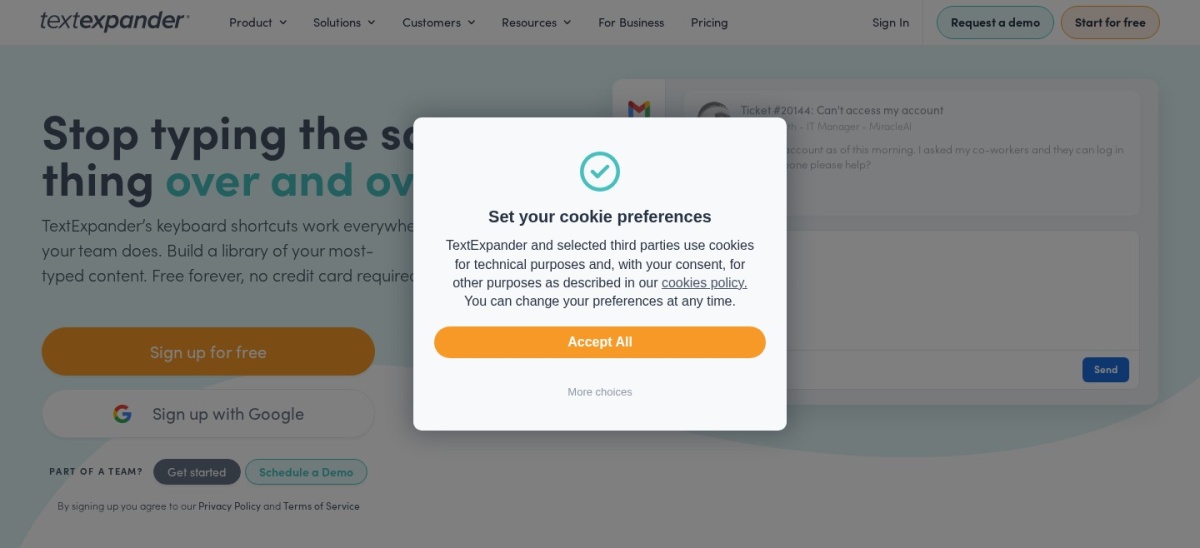
TextExpander homepage, captured Nov 2026.
TextExpander is the best-known text expansion tool, rated 4.7 out of 5 from 2,934 Capterra reviews. It turns short abbreviations into full replies, emails and URLs on Mac, Windows, Chrome, iPhone and Android, with shared snippet libraries and admin controls for teams.
The trade off is scope. It expands text and nothing else, so it cannot drive apps, click buttons or run scheduled jobs. It fits support teams and anyone who types the same answers all day.
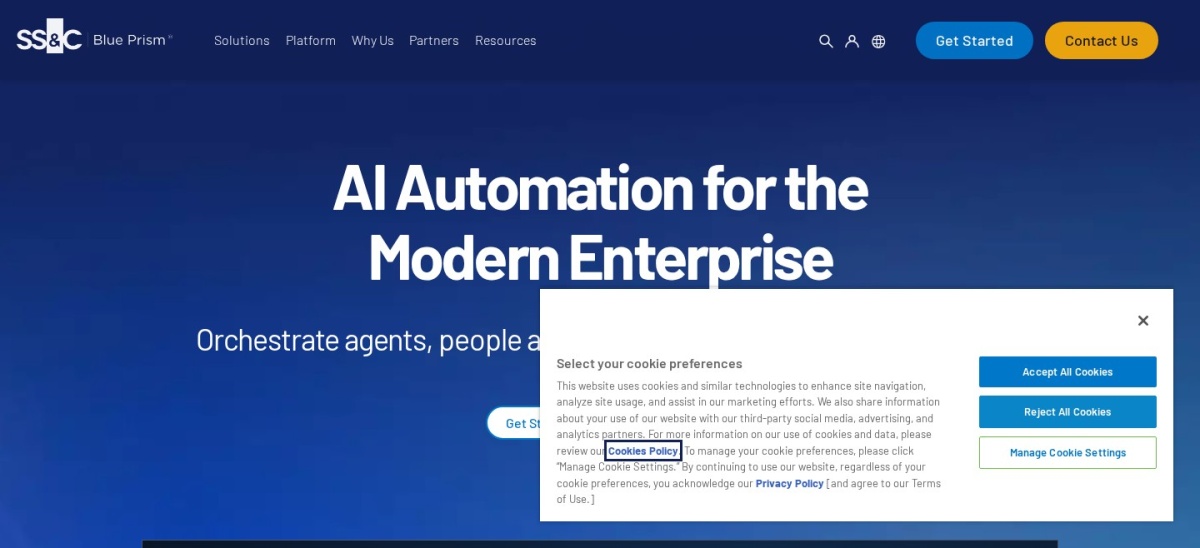
SS&C Blue Prism is the RPA platform built for regulated work, with 402 G2 reviews and a 4.5 rating. It runs attended and unattended robots under central control, with audit trails and access rules that suit banks, insurers and public-sector teams.
The trade off is access and cost. There is no free tier and no published price, so a pilot needs a sales conversation and an enterprise budget. It fits regulated enterprises that value governance over a low entry price.
Robocorp is the open-source RPA option in this list, rated 4.6 out of 5 from 195 G2 reviews. Its robots are written in Python, run anywhere, and can be self-hosted at no license cost, which appeals to developers who want to own the whole stack.
The trade off is support. There is no drag-and-drop designer for non-developers, and the managed cloud platform is quoted, so teams without Python skills will move slower. It fits developer-led teams that want free, portable robots.
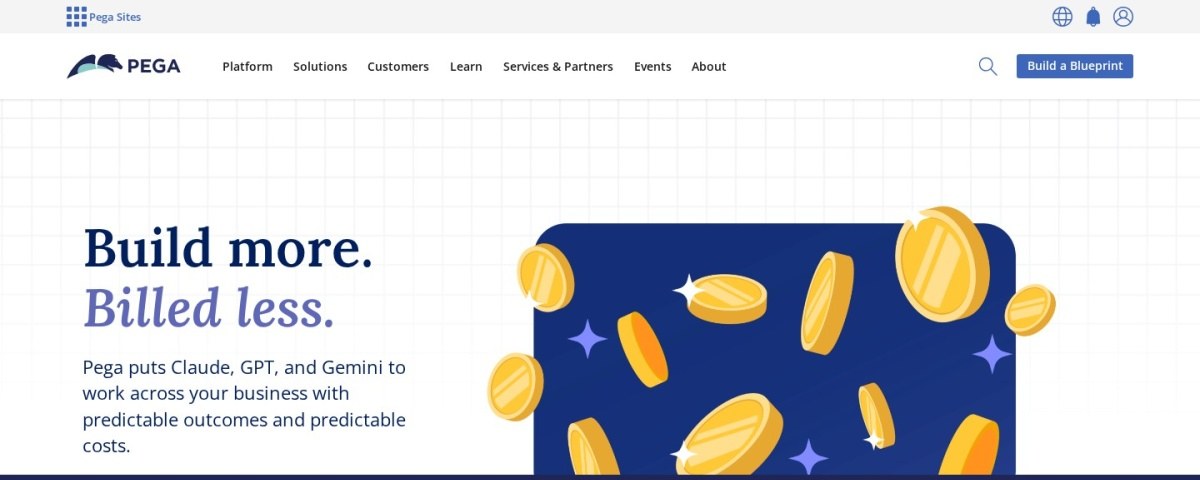
Pega Platform is the case-management alternative to pure RPA, rated 4.2 out of 5 from 278 G2 reviews. It treats the case rather than the task as the unit of work, so automations, approvals and customer records sit in one workflow instead of separate bots.
The trade off is fit. It is an enterprise platform with custom pricing and a long implementation, so it is too much for simple macro jobs. It fits large teams automating end-to-end processes with people in the loop.
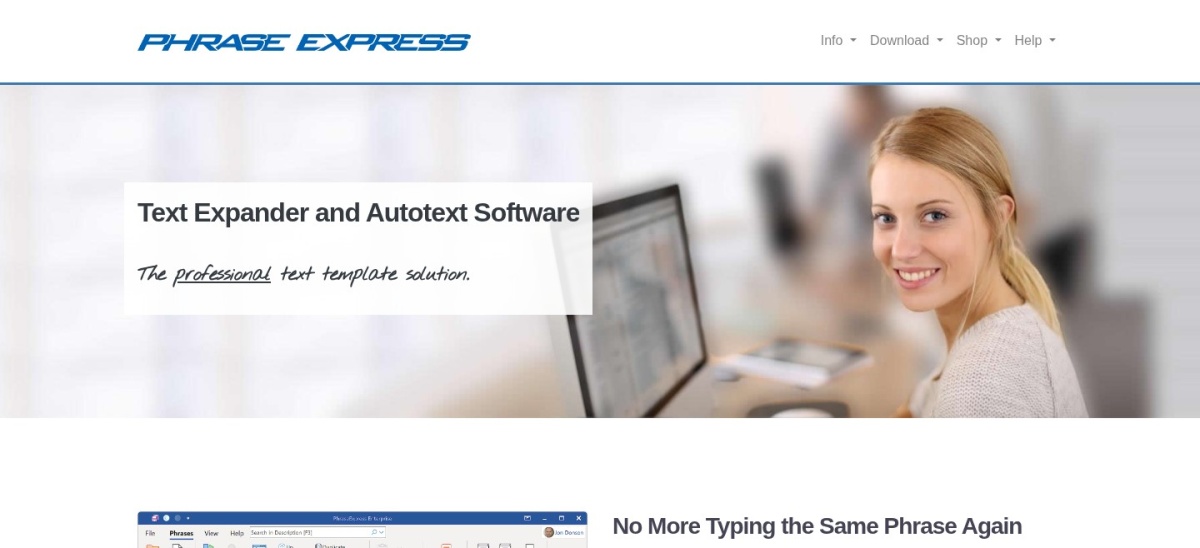
PhraseExpress is a text expander for Windows and Mac with a free personal edition. It inserts boilerplate text, runs macros and fills forms from short abbreviations, and the Standard license costs $59.95 once instead of a monthly subscription.
The trade off is polish. It scores 3.3 out of 5 from just 14 G2 reviews, the lowest rating in this list, and its interface shows its age. It fits Windows users who want a one-time purchase rather than a subscription.
Classic recorders such as AutoHotkey, Keyboard Maestro and Jitbit are free or cheap, but none of them has a verifiable rating on G2, Capterra or Trustpilot, so they do not appear in this list.
RPA platforms cost more and need more setup, but they add scheduling, logging, multi-user control and an audit trail. That is the difference between a personal shortcut and an automation a team can rely on.
If the job is one person's repetitive typing, a text expander is enough. If the job runs overnight across ten apps, it needs robots.
How we chose
We started from every macro and RPA tool with a public rating on G2, Capterra or Trustpilot, then kept the ones a buyer can actually evaluate: a published price or a free plan, and a real review base.
Prices come from each vendor's pricing page, checked on 23 November 2026. Ratings and review counts come from G2 or Capterra on the same day. Where a vendor shows a sale, the list shows the regular price.
No vendor paid for a place, and this list is based on pricing, docs and reviews, not on using the tools ourselves.
How to choose macro software
Start with the job, not the brand, then check the price model.
Decide text or full automation. If the job is typing the same replies, buy a text expander. If apps must be driven, scheduled and logged, buy RPA.
Check what you already own. Microsoft 365 shops often have Power Automate included, and Windows 11 ships the desktop app free for attended flows.
Count the robots, not the users. UiPath Basic caps at 2 robots and Tulip-style per-interface pricing means the bill follows devices, so model the real deployment first.
Pilot on the free tier. UiPath Community, Automation Anywhere Community and Robocorp all let you build real automations before any payment.
FAQ
What is the best macro software?
UiPath is the best macro software for teams automating at scale. It has the largest review base in this list at 7,735 G2 reviews, a free Community plan, and Basic from $25 a month, with scheduling and governance the classic recorders lack.
Is there a free macro recorder?
Yes. Robocorp is free and open source, UiPath Community is free for individuals, and Power Automate for desktop is free on Windows 10 and 11 for attended flows. AutoHotkey is also free, but it has no verifiable rating on the major review sites.
What is the difference between macro software and RPA?
Macro software replays keystrokes and clicks on one machine. RPA adds scheduling, logging, multi-user control and an audit trail, so automations can run unattended and be managed as a team asset.
How much does UiPath cost?
UiPath Community is free. Basic starts at $25 a month for personal automations, capped at 2 robots with Europe-only hosting. Standard and Enterprise are quoted, so large deployments need a sales conversation.
Is Power Automate free?
Partly. Attended desktop flows are free on Windows 10 and 11, and cloud flows with standard connectors are included in many Microsoft 365 plans. Premium connectors, attended RPA and process mining need Premium at $15 a user a month.
What is the cheapest macro tool here?
TextExpander is the cheapest paid tool at $3.33 a user a month billed annually, for text expansion only. For full desktop automation, Robocorp is free and open source, and Power Automate Premium is $15 a user a month.