Best CRM Automation Software in 2026: 8 Tools Compared
WLWPLegible EditorsLast verified 22 Nov 2026How we rank8 min read
★ Short answer
HubSpot Sales Hub is the best CRM automation software for most teams, combining a free two-user tier with 50 automated workflows starting at $20/mo per seat. Choose Zoho CRM for affordable rule-based pipelines on a budget, or ActiveCampaign for multi-step email and lifecycle triggers.
How we make this list: we compare pricing pages, product documentation and public user reviews, then re-check every price before each update. No product paid for a place. Disclosure.
HubSpot Sales Hub starts at $0 for 2 users and $20/mo per seat for 50 sales workflows.
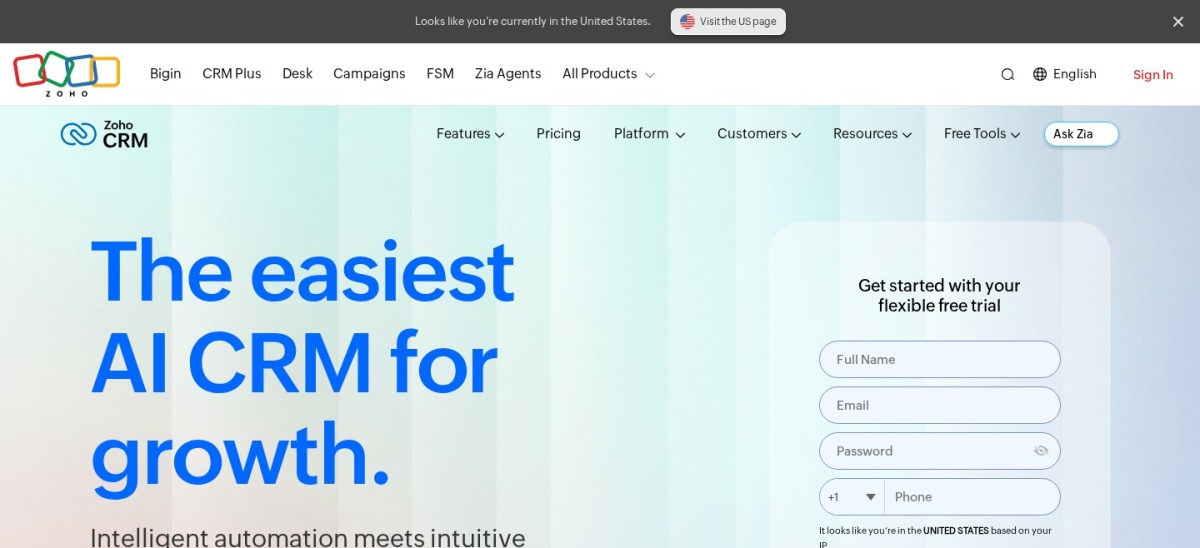
Zoho CRM includes a free tier for 3 users and unlocks 80 workflow rules per module at $14/user/mo billed annually.
ActiveCampaign starts at $15/mo billed annually for 1,000 contacts and multi-step visual automation builders.
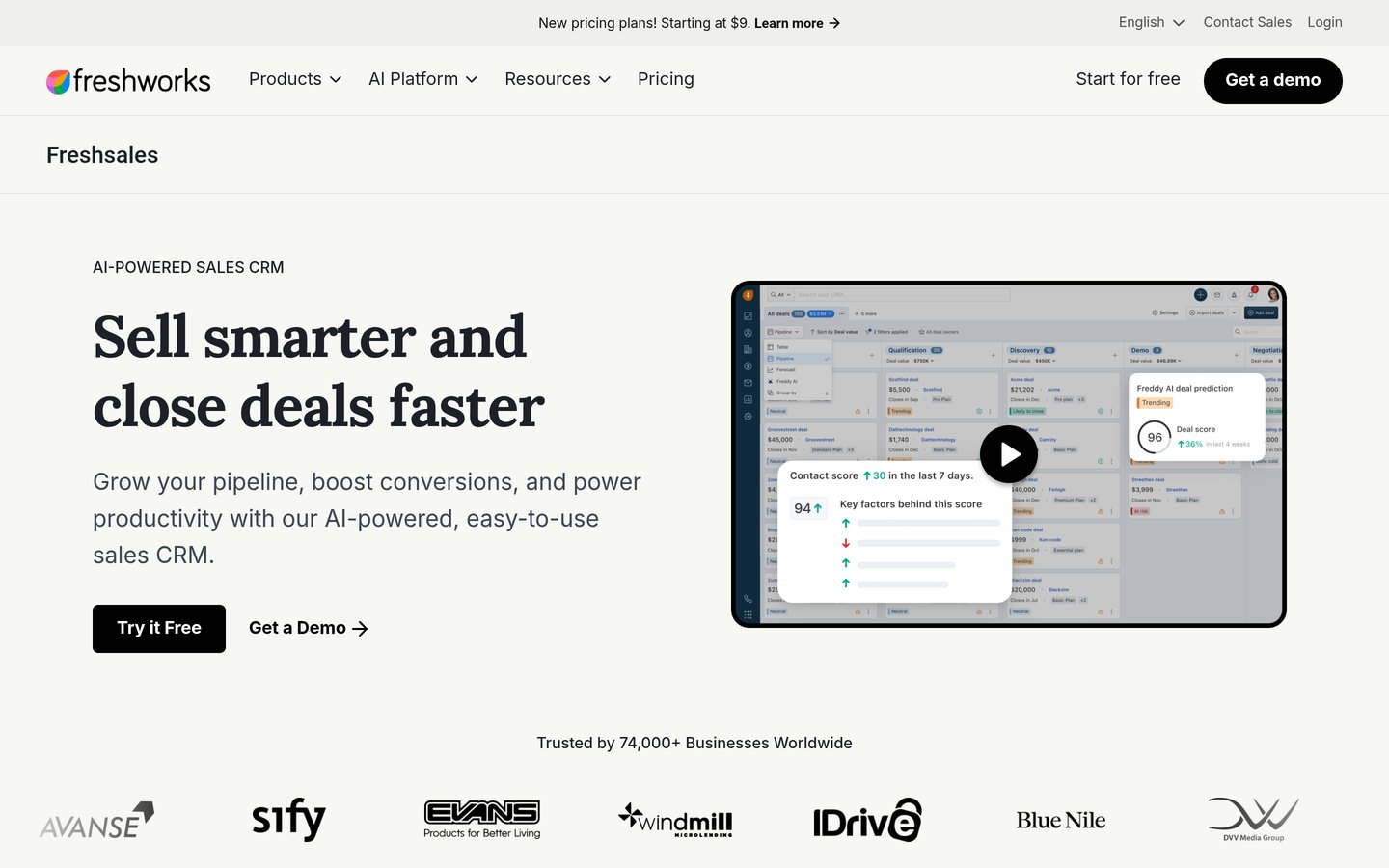
Freshsales offers a free tier for 3 users and paid workflow automation starting at $9/user/mo billed annually.
Entry prices range from $8.08/mo to $25/mo per user, though multi-step sequences often require mid-tier upgrades.
What to look for in CRM automation software
CRM automation removes repetitive administrative work such as assigning incoming leads, updating deal stages, and sending follow-up emails. Instead of reps manually logging every touchpoint, trigger-based rules move prospects forward when they open an email, submit a form, or book a call.
Pay close attention to where vendors gate their automation builders. Several platforms advertise low entry prices for basic contact storage, while locking multi-step email sequences, conditional branching, and lead scoring behind higher mid-tier plans.
Pricing models also split into two camps: per-seat billing for sales teams and contact-volume billing for marketing-heavy pipelines. Check user minimums, monthly action caps, and contact limits before migrating your database.
Best for all-in-one sales and marketing automation
Free tierUp to 2 users, 3 templates
Entry workflowsUp to 50 workflows on Starter
Sequences5,000 sequences on Professional
Billing modelPer seat, annual or monthly
hubspot.com
HubSpot Sales Hub homepage, captured Nov 2026.
HubSpot Sales Hub is a unified CRM platform that connects contact records, deal pipelines, and automated follow-ups in one workspace. Its free plan covers up to 2 users with deal tracking and basic conversational bots, while Starter ($20/mo per seat) unlocks up to 50 workflows, 500 calling minutes, and Agent Builder.
The trade off is that advanced multi-step sequences, lead scoring, and 300 customizable workflows require jumping to Professional at $90/mo per seat billed annually plus a $1,500 one-time onboarding fee. It suits growing B2B teams that want marketing and sales data on one shared record.
What we like
Generous free plan for up to 2 users with core deal pipelines
Starter removes HubSpot branding and adds 50 automated workflows
Native integration across marketing, service, and sales hubs
Built-in AI Agent Builder and meeting scheduling links
Watch out for
Steep price jump from Starter to Professional ($90/seat/mo)
Mandatory $1,500 onboarding fee on Professional plans
Automated email sequences are restricted to Professional and above
Zoho CRM is a customizable sales platform built around structured workflow rules, automated lead assignment, and multi-channel cadences. Its forever-free edition supports up to 3 users and 5,000 records with up to 10 workflow rules per module, while Standard ($14/user/mo billed annually, or $20/mo monthly) raises storage to 100,000 records and adds automated follow-up cadences.
The trade off is a dense interface that takes time to configure, and guided Blueprint process automation requires Professional at $23/user/mo billed annually. It suits small and mid-sized businesses wanting deep customization without enterprise seat prices.
What we like
Includes basic workflow rules even on the 3-user free plan
Standard tier adds automated follow-up cadences and forecasting
Connects natively with Zoho Books, Desk, and Campaigns
No minimum seat requirement for paid editions
Watch out for
Initial setup and admin menus feel complex for beginners
Blueprint visual process enforcement requires Professional ($23/mo)
Free plan caps total storage at 5,000 records (10 MB)
Standard adds 100,000 records, sales forecasting, and automated cadences.Visit zoho.com
03
ActiveCampaign
4.4/5on G2 (14,882 reviews, checked Nov 2026)
Starts at$15/mo
Best for email-driven lifecycle automation
Free tier14-day free trial only
Entry allowance1,000 contacts, 10,000 sends/mo
Included seats1 user on Starter and Plus
Billing modelBy contact tier, billed annually
activecampaign.com
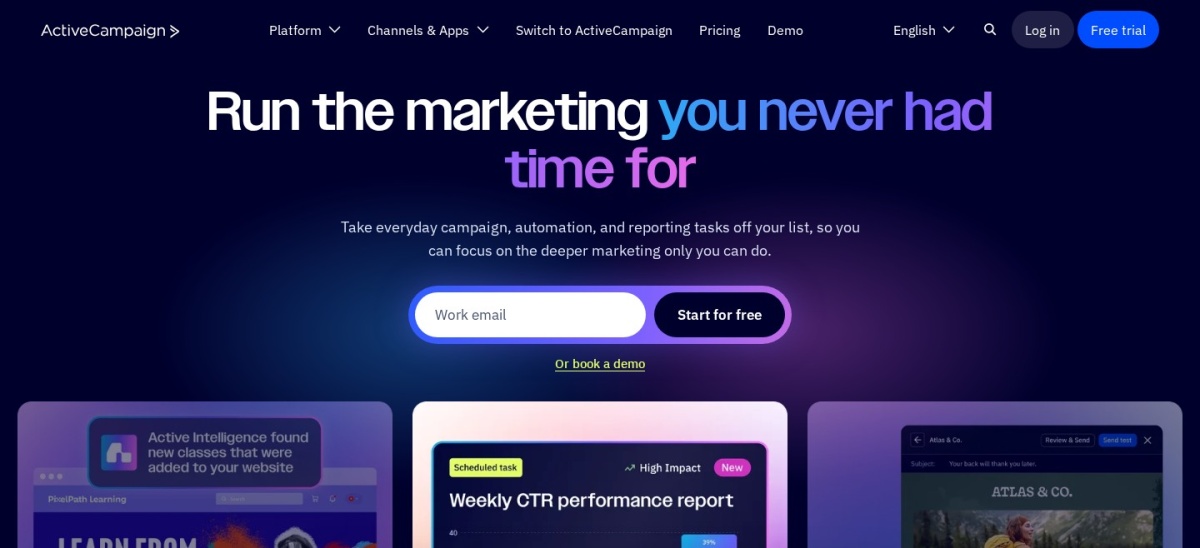
ActiveCampaign homepage, captured Nov 2026.
ActiveCampaign is a marketing and sales automation platform known for its visual workflow builder and behavioral email triggers. The Starter plan begins at $15/mo billed annually for 1,000 contacts and 1 user, delivering multi-step marketing automation, 10,000 monthly email sends, 500 AI credits, and over 250 pre-built templates.
The trade off is that dedicated sales pipelines and CRM deal management require separate paid add-ons on Plus ($49/mo) and above, and pricing scales quickly as your contact list grows. It suits marketing-led teams whose sales process relies on automated email nurture.
What we like
Visual multi-step automation builder included on the $15/mo Starter plan
Over 1,000 native app integrations plus webhooks and API access
Behavior-based triggers track site visits, clicks, and tags
500 AI credits included across every tier
Watch out for
No permanent free plan (14-day trial only)
Starter limits automations to 5 actions per workflow
Sales pipelines require paid CRM add-ons on Plus or higher
Freshsales is a sales-focused CRM from Freshworks that pairs visual deal pipelines with built-in phone, email, and workflow automation. Its free plan covers up to 3 users with contact lifecycle stages and mobile access, while the Growth plan starts at $9/user/mo billed annually to unlock visual sales sequences, custom fields, and basic workflow automation.
The trade off is that Freddy AI contact scoring, multiple sales pipelines, and advanced workflow triggers require upgrading to Pro at $39/user/mo billed annually. It suits budget-conscious small sales teams that want built-in telephony and simple sequences.
What we like
Lowest paid entry price at $9/user/mo billed annually
Free plan supports up to 3 users with basic pipeline views
Built-in email, chat, and phone dialer in one interface
Clean layout that requires minimal admin training
Watch out for
Freddy AI lead scoring is locked behind the $39/user/mo Pro tier
Growth limits you to a single sales pipeline
Marketing automation requires a separate Freshmarketer plan
Automation capUp to 2,000 contacts on Free/Starter
Billing modelBy monthly email volume
brevo.com
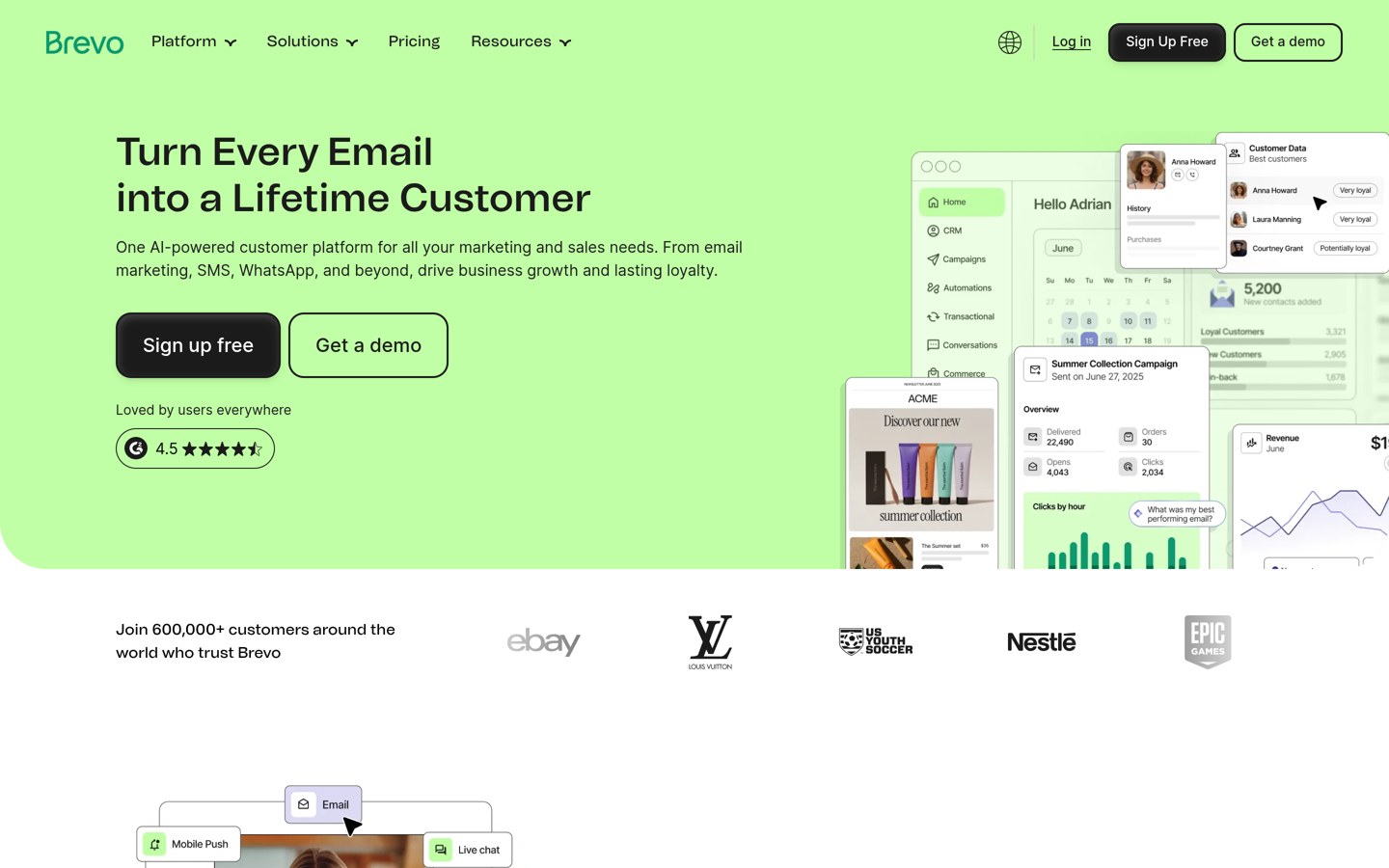
Brevo homepage, captured Nov 2026.
Brevo combines multichannel email and SMS campaigns with a built-in sales CRM priced by monthly email volume rather than contact count. The free tier includes 300 emails per day, basic marketing automation for up to 2,000 contacts, and 1 sales pipeline seat, while Starter begins at $8.08/mo billed annually ($9/mo monthly) for 5,000 monthly emails.
The trade off is that Starter still caps marketing automation at 2,000 contacts and charges extra to remove Brevo email branding, while automated sales sequences require the Sales Essentials package at $27.92/mo. It suits small businesses managing large contact lists on tight budgets.
What we like
Charges by monthly email sends instead of total stored contacts
Free plan includes basic automation for up to 2,000 contacts
Combines email, SMS, WhatsApp, and transactional SMTP in one account
Includes 1 free Sales CRM seat with custom deal pipelines
Watch out for
Starter caps stored contacts at 500 on the 5,000-email tier
Removing the Brevo logo on Starter costs an extra $10.80/mo
Advanced sales pipeline automation requires a separate Sales add-on
Starter removes the 300/day send limit and includes 5,000 monthly emails.Visit brevo.com
06
Pipedrive
4.3/5on G2 (5,132 reviews, checked Nov 2026)
Starts at$14/mo
Best for visual drag-and-drop deal pipelines
Free tier14-day free trial only
Entry price$14/seat/mo billed annually
AutomationsIncluded on Growth ($39/seat/mo)
Billing modelPer seat, annual or monthly
pipedrive.com
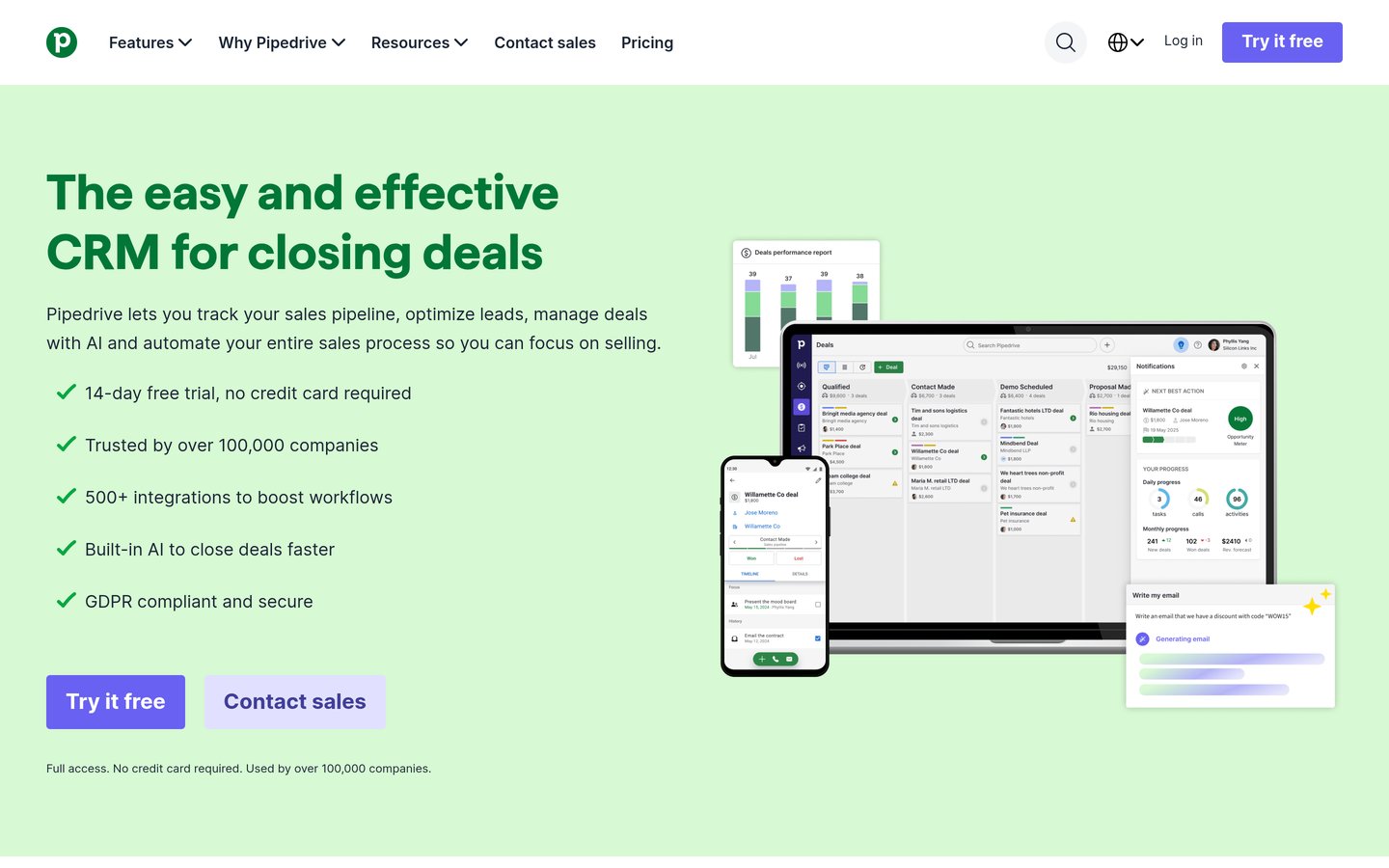
Pipedrive homepage, captured Nov 2026.
Pipedrive is an activity-focused sales CRM built around Kanban deal boards and straightforward task reminders. Its entry Lite plan costs $14/seat/mo billed annually ($24/mo monthly) and covers lead and deal management, calendar sync, AI reports, and open API access across more than 500 marketplace integrations.
The trade off is that Pipedrive has no free plan and locks two-way email sync, workflow automations, and automated email sequences behind the Growth tier at $39/seat/mo billed annually. It suits outbound sales teams that prioritize visual pipeline clarity over all-in-one marketing tools.
What we like
Fast, intuitive Kanban deal boards that reps adopt quickly
Open API, webhooks, and 500+ integrations included on all plans
Growth tier bundles automated follow-up sequences and workflow builders
No minimum seat count for small teams
Watch out for
No permanent free tier (14-day trial only)
Workflow automations and email sync require the $39/seat/mo Growth plan
Email marketing campaigns and web visitor tracking cost extra as add-ons
Lite unlocks unlimited visual deal pipelines, AI reports, and 500+ integrations.Visit pipedrive.com
07
monday CRM
4.5/5on G2 (2,015 reviews, checked Nov 2026)
Starts at$12/mo
Best for customizable no-code sales boards
Free tier14-day free trial only
Entry price$12/seat/mo (3-seat minimum)
Automations250 actions/mo on Standard
Billing modelPer seat in tiered buckets
monday.com
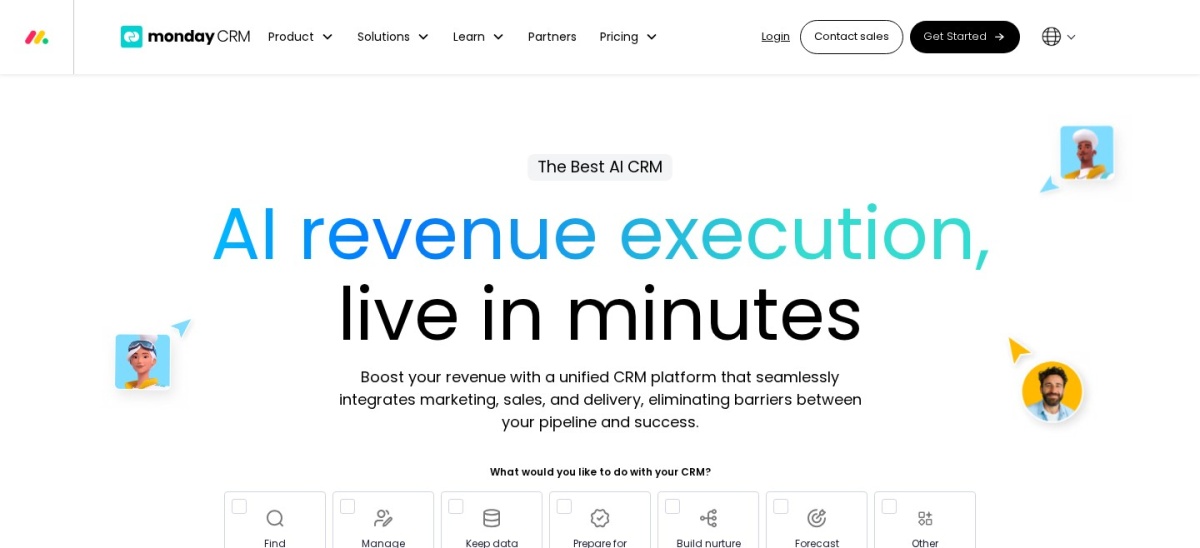
monday CRM homepage, captured Nov 2026.
monday CRM adapts the monday.com work operating system into customizable deal boards, post-sales project trackers, and no-code automation recipes. The Basic plan starts at $12/seat/mo billed annually ($18/mo monthly) for up to 1,000 active contacts and deals, unlimited customizable pipelines, and 20 quotes and invoices per month.
The trade off is a strict 3-seat minimum ($432/yr starting commitment) sold in seat buckets, and automated actions do not begin until Standard ($17/seat/mo) with 250 actions per month. It suits teams already using monday.com that want post-sale handoffs in one workspace.
What we like
Highly flexible visual boards for tracking both deals and post-sale delivery
No-code if-this-then-that automation recipes are easy to configure
Pro tier ($28/seat/mo) expands capacity to 25,000 automation actions per month
Free read-only viewer seats for cross-departmental visibility
Watch out for
Requires purchasing at least 3 paid seats ($432/yr minimum)
Basic plan includes zero monthly automation or integration actions
Seats scale in rigid buckets (e.g., 4 users must pay for 5 seats)
Basic unlocks unlimited pipelines, 1,000 active contacts, and quotes/invoices.Visit monday.com
08
Salesforce Sales Cloud
4.4/5on G2 (27,596 reviews, checked Nov 2026)
Paid from$25/mo
Best for complex enterprise sales operations
Free tierFree Suite for up to 2 users
Entry price$25/user/mo on Starter Suite
Pro Suite$100/user/mo billed annually
Billing modelPer user, annual or monthly
salesforce.com
Salesforce Sales Cloud homepage, captured Nov 2026.
Salesforce Sales Cloud is an enterprise-grade CRM built to automate complex multi-stage sales cycles, territory routing, and cross-object approvals. Its Free Suite accommodates up to 2 users with core lead and opportunity tracking, while Starter Suite ($25/user/mo billed monthly or annually) adds out-of-the-box sales processes, email templates, and guided onboarding.
The trade off is that custom Flow Builder automation, forecasting, and quote management require Pro Suite at $100/user/mo billed annually, alongside a steeper learning curve. It suits growing organizations that anticipate complex custom objects and multi-team governance.
What we like
Unmatched customization with custom objects and Flow Builder on higher tiers
Free Suite lets 2 users start with core account and opportunity management
Massive AppExchange ecosystem with thousands of enterprise integrations
Scales smoothly from small teams to global multi-territory sales orgs
Watch out for
Advanced Flow automation requires upgrading to Pro Suite ($100/user/mo)
Steeper administrative learning curve than lightweight SMB CRMs
Transaction fees and add-on licenses increase total cost of ownership
Starter Suite adds customizable sales processes, email sync, and dynamic reports.Visit salesforce.com
Per-seat vs. contact-tier billing
Sales-first CRMs like HubSpot Sales Hub, Zoho CRM, Pipedrive, and Freshsales charge per user seat. This keeps costs predictable when your contact database grows into the tens of thousands, provided your sales headcount stays lean.
Marketing-first platforms like ActiveCampaign charge by stored contact tier while bundling a fixed number of user seats, whereas Brevo charges by monthly email send volume. If you have a large sales team emailing a small list of high-value accounts, contact-based pricing can save money; if you have two reps nurturing 50,000 leads, per-seat pricing wins.
How we chose
We compiled this list by reviewing major CRM and sales automation platforms with established adoption and public review track records on G2. We prioritized tools that offer native trigger-and-action workflow builders, email follow-up automation, and transparent self-serve pricing.
All prices, plan limits, G2 ratings, and review counts were verified directly from official vendor pricing pages and G2 product listings on 22 Nov 2026. Where vendors offer monthly and annual billing, we listed the lowest regular annual per-month equivalent alongside the monthly rate.
We excluded platforms that hide entry pricing behind custom enterprise quotes, tools without native workflow automation, and discontinued products. No vendor paid for a place, and we do not claim testing for this list.
How to choose CRM automation software
Follow four practical checks before committing your sales team to an annual CRM contract.
Verify where automated sequences unlock. Entry plans often include basic task reminders while gating multi-step email sequences and branching logic behind mid-tier upgrades. Price the exact tier that includes the triggers your reps need.
Calculate total cost for your real headcount. Multiply the per-seat price by your active reps and watch for minimum seat rules, such as monday CRM's 3-seat floor, or mandatory onboarding fees like HubSpot Professional's $1,500 charge.
Check contact and monthly action limits. Verify how many records and monthly workflow executions your tier allows. Brevo caps automation at 2,000 contacts on Starter, while monday CRM Standard caps monthly actions at 250.
Audit native integrations with your daily inbox. Confirm two-way sync with Gmail or Outlook, calendar booking links, and your existing form or accounting tools so reps do not rely on third-party connectors for basic data sync.
FAQ
What is the best free CRM automation software?
HubSpot Sales Hub and Zoho CRM offer the strongest free automation tiers. HubSpot supports up to 2 users with basic bots and deal tracking, while Zoho CRM supports up to 3 users and includes up to 10 workflow rules per module.
Do I need a separate email marketing tool if I buy a CRM?
Not necessarily. All-in-one platforms like HubSpot, ActiveCampaign, Brevo, and EngageBay combine deal pipelines with bulk email campaigns, whereas sales-focused CRMs like Pipedrive charge extra for marketing add-ons.
What is the difference between a workflow and a sales sequence?
A workflow runs background administrative actions—such as assigning a lead, updating a deal stage, or sending an internal alert—when a trigger fires. A sequence sends a timed series of one-to-one follow-up emails that automatically stop when a prospect replies.
Which CRM automation tool is cheapest for a small team?
Freshsales starts at $9/user/mo billed annually and includes visual sales sequences on its Growth plan. For teams under 3 users, Zoho CRM and Freshsales both provide permanent free plans with basic automation.
Why do some CRMs charge onboarding fees?
Enterprise-capable platforms such as HubSpot Sales Hub Professional ($1,500 onboarding fee) require structured setup for custom objects, lead scoring, and multi-branch workflows so teams do not misconfigure data permissions.