Tidio is the best live chat software for most small businesses, with a free plan for 50 conversations a month and a flat Starter price that covers up to 10 seats. Pick Freshchat when ten agents need a free plan and Crisp when a fixed team of four wants one flat monthly price.
How we make this list: we compare pricing pages, product documentation and public user reviews, then re-check every price before each update. No product paid for a place. Disclosure.
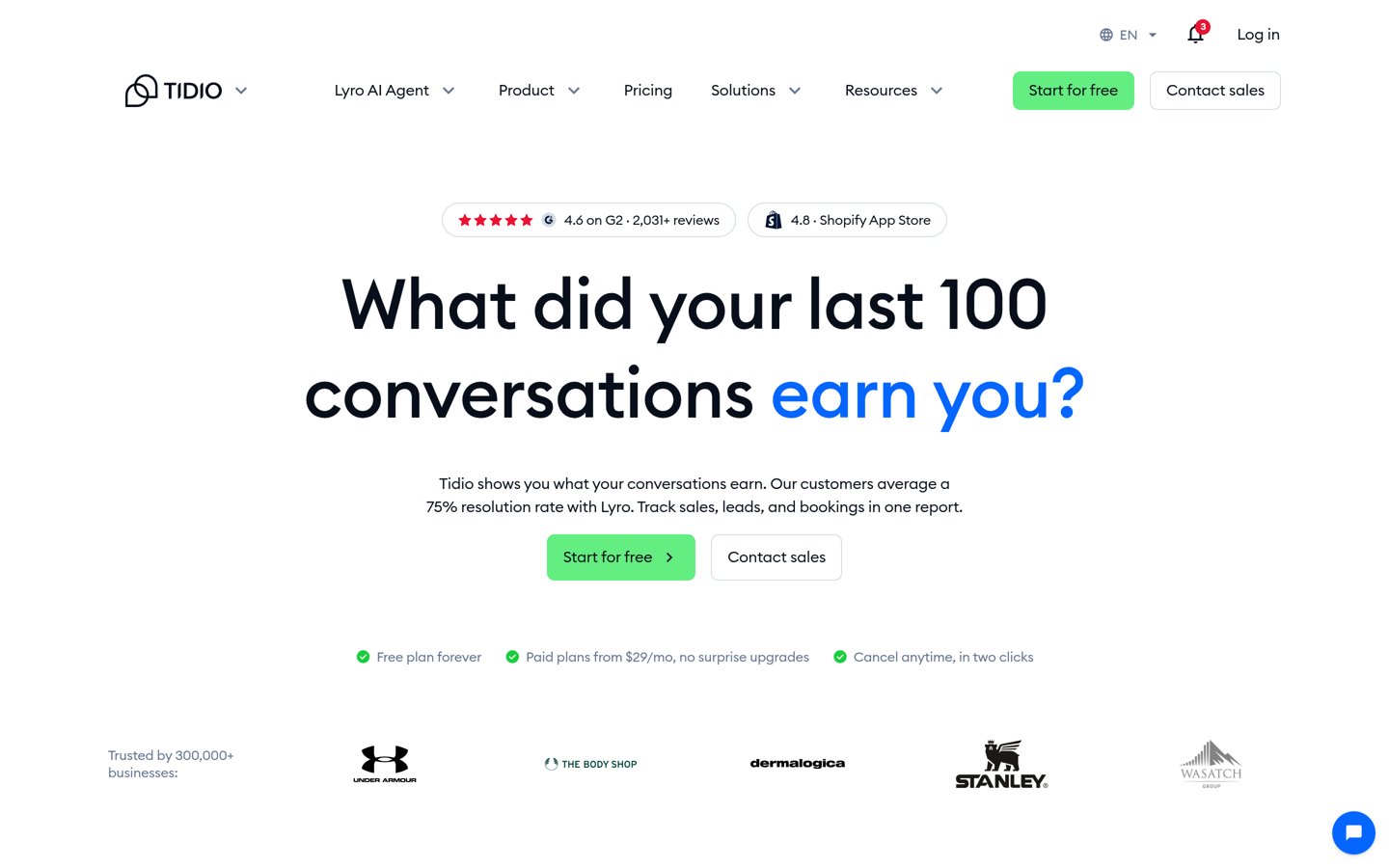
Tidio is the easiest first buy for a small shop: a free plan for 50 conversations a month and Starter at $290 a year for up to 10 seats.
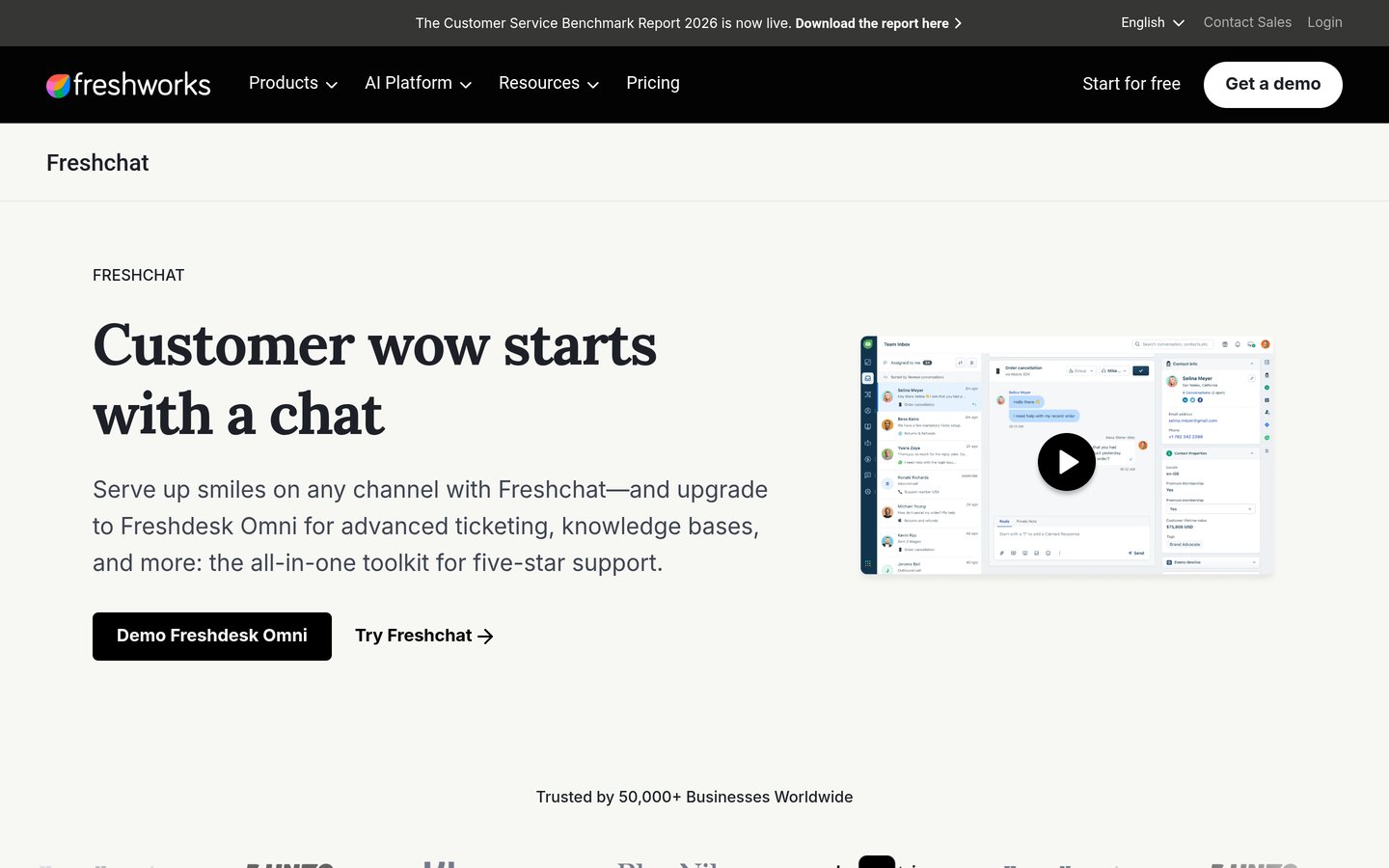
Freshchat has the most generous free plan here: $0 for up to 10 agents, with Growth at $19 a month per agent billed annually.
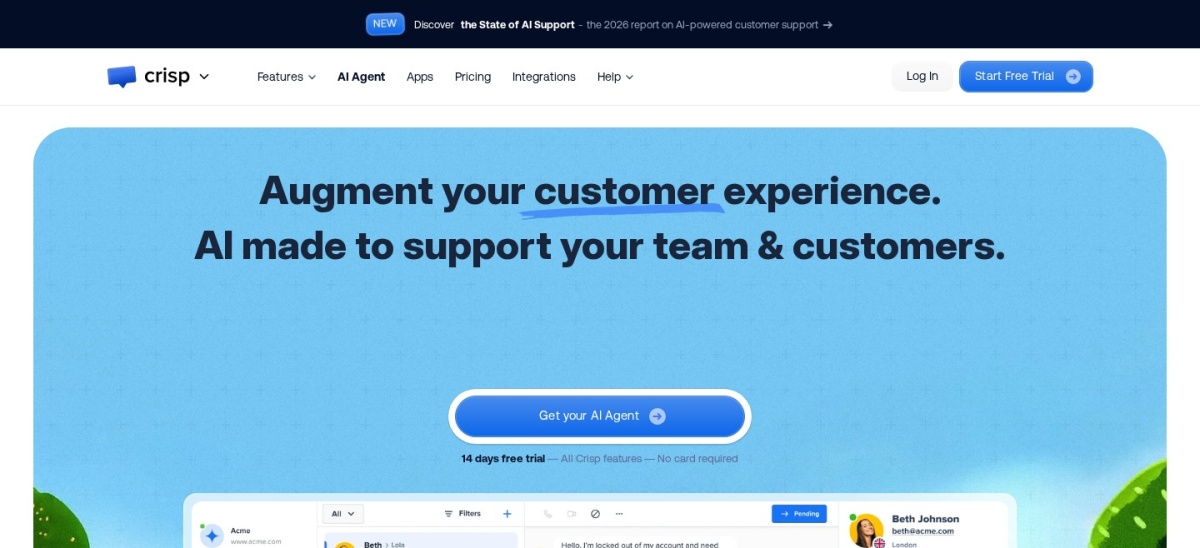
Crisp charges one flat $45 a month per workspace for 4 seats, so a four-person team pays $11.25 per agent.
tawk.to is genuinely free with unlimited agents and chats, but the widget carries its branding until you pay $29 a month.
Zendesk is the dearest start for chat at $55 a month per agent billed annually, and its $19 plan does not include live chat at all.
What matters when choosing live chat software
Live chat software puts a widget on your website and routes visitors to a person or an AI agent in real time. The right tool helps agents answer quickly, keep conversations organized and move visitors into a sale or a support ticket.
Count the meter first, not the price. Per-seat tools charge for every login, per-conversation tools charge for chats handled, and flat tools charge one price for a set number of seats, so the cheapest headline can be the most expensive bill by month three.
Read the free plan's real limits. A free plan can mean 50 conversations a month at Tidio, 2 seats at Crisp, 2 users at HubSpot, 10 agents at Freshchat or unlimited everything with branding at tawk.to, and the limit you hit first is your real starting price.
Test the widget on a phone before you buy, since most visitors chat from mobile. Our guide on best live chat software compares the general-purpose tools, while this list focuses on the billing models that matter to small teams.
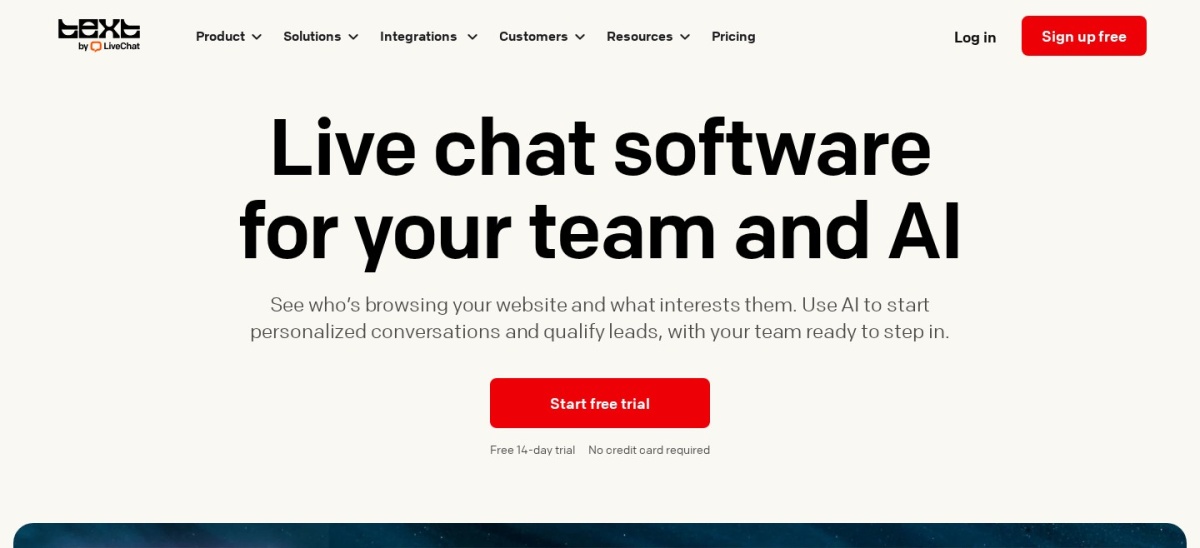
Tidio is a customer communication platform combining website chat, ticketing, social messaging and optional AI automation. Its free plan includes 50 human conversations a month, while human-only Starter costs $290 a year and supports 100 conversations a month with up to 10 agent seats.
The trade off is the meter. Starter counts billable conversations, not seats, so a busy month pushes you toward Growth from $59 a month, and Lyro AI is a separate add-on from $39 a month. It suits small online shops that want chat, tickets and AI in one flat-priced inbox.
Freshchat is a customer messaging platform from Freshworks that combines website chat, a shared inbox and support channels. Its free plan supports up to 10 agents with a web and mobile chat widget, email connectivity and permissions, while Growth costs $19 per agent a month billed annually.
The trade off is what the free plan leaves out. It has no social channels, no SMS, no reporting and no AI, so a team that lives on Instagram or WhatsApp pays from day one, and Freddy AI sessions cost $49 per 100 after the free sessions. It suits small teams that want a free plan a whole team can share.
What we like
Free plan covers up to 10 agents
Growth adds Facebook, Instagram, SMS and reporting
Crisp is a customer messaging platform built around a shared inbox and website chat widget. Its free plan includes 2 seats, mobile apps and ecommerce integrations, while Mini costs $45 per workspace a month and includes 4 seats, shared email, chat triggers and private notes.
The trade off is the step pricing. A fifth agent forces Essentials at $95 a month, more than double Mini, and an eleventh forces Plus at $295, while WhatsApp waits for Essentials too. It suits small teams of up to four who want flat workspace pricing instead of per-seat billing.
HubSpot is the only tool here where live chat comes inside a free CRM. The free plan covers up to 2 users with live chat, a chatbot builder, contact records and meeting scheduling at $0, so a tiny business can answer chats and track every conversation against a contact record.
The trade off is the bundle. Each Hub is billed separately, so adding Marketing or Service Hub Starter means another subscription, and the AI Customer Agent is billed per resolved conversation on top. It suits small businesses already running on HubSpot CRM.
What we like
Live chat included in the free CRM
Chat, email, deals and meetings share one timeline
LiveChat is a website messaging platform for teams that want to answer questions, qualify shoppers and turn conversations into sales. Its Essential plan costs $19 per user a month on annual billing and includes chat, an omnichannel inbox, ticketing, proactive campaigns and an AI agent allowance.
The trade off is per-user pricing and the seat cap. Essential covers one agent only, so a second agent forces Team at $59 a month per agent on monthly billing, and the AI chatbot is a separate ChatBot subscription from $52 a month. It suits solo operators and small teams that want a polished standalone widget.
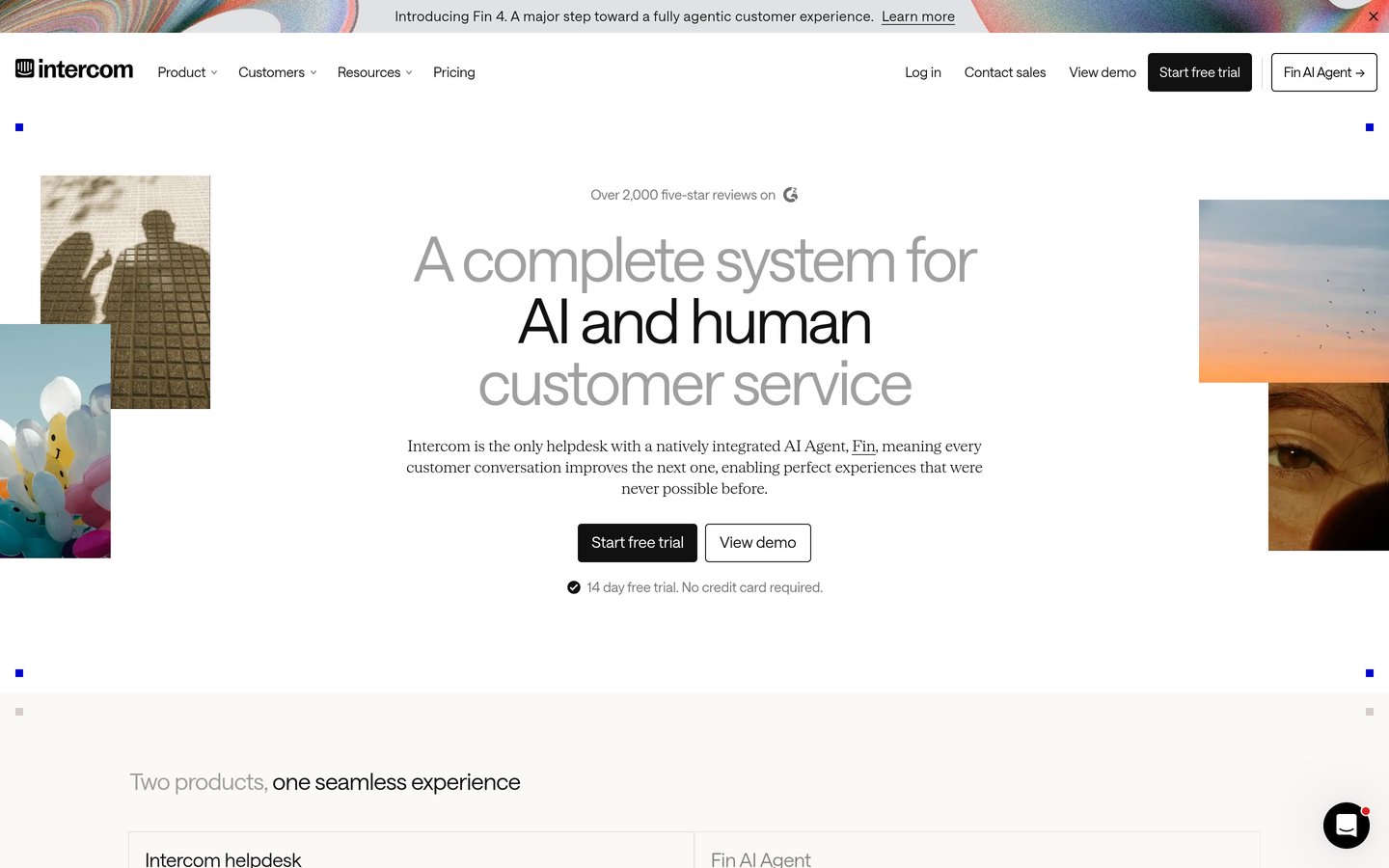
Intercom is a customer service platform combining live messaging, a shared inbox, ticketing and the Fin AI Agent. Essential has a regular price of $29 per seat a month billed annually and includes Messenger, prebuilt reports and a public help center, with Fin answering first and handing over to a human when it gets stuck.
The trade off is usage-based AI billing on top of seat fees. Fin costs $0.99 per resolved conversation with a 50-resolution monthly minimum, and Copilot, the agent assistant, is another $29 per seat a month. It suits SaaS and product-led teams that want an AI agent resolving chats before humans step in.
What we like
Fin AI agent answers first and resolves routine questions
Messenger, inbox, ticketing and help center in one
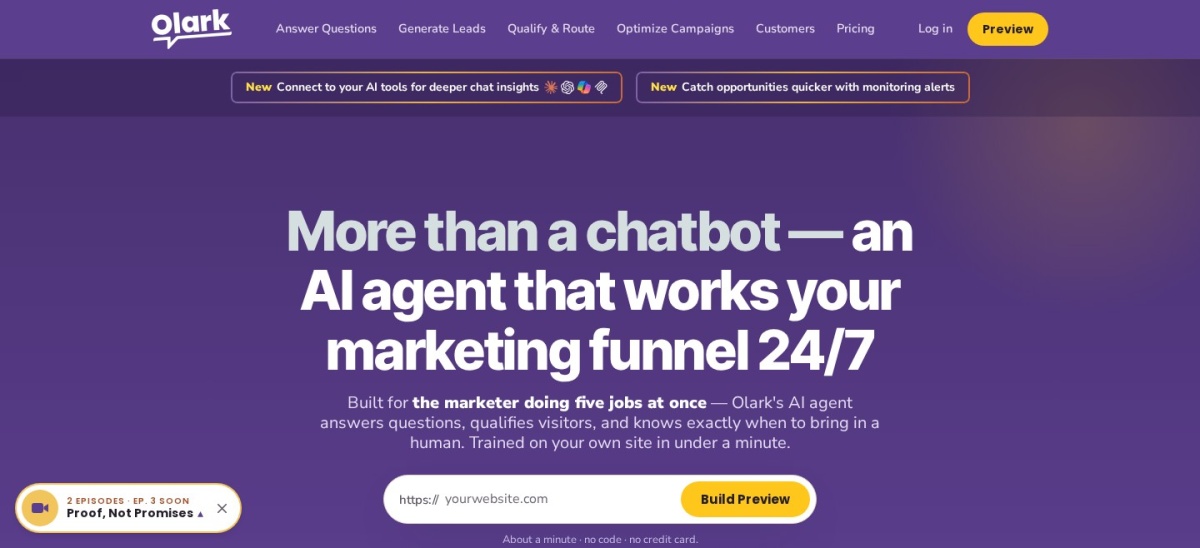
Olark is the simplest tool in this list: one chat widget, one console, one flat price of $29 per agent a month, with no conversation caps, no tiers and no meter to watch. It includes transcripts, chat routing, triggers, pre-chat forms and agent groups, and it has sold the same live chat for years.
The trade off is what is missing. There is no free plan, only a 14-day trial, and no AI agent on the $29 plan, since the AI Website Agent is a separate $400-a-month plan billed annually. It suits small teams that want simple human-only live chat at one flat per-agent price.
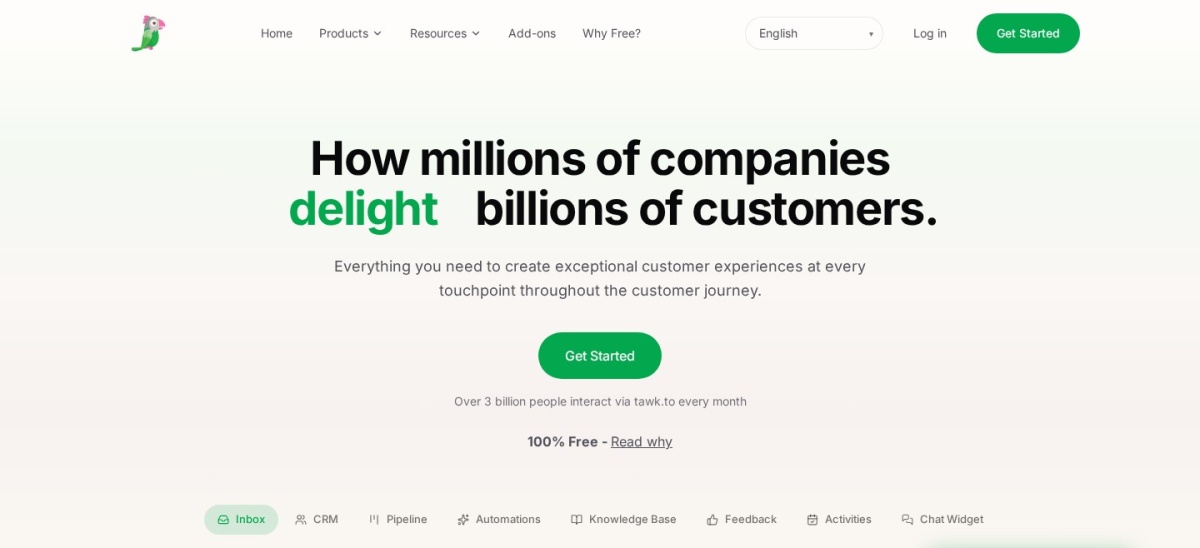
tawk.to is the only tool here that is genuinely free with no catch on volume: unlimited agents, unlimited chats, unlimited websites and unlimited chat history at $0, plus a knowledge base, ticketing and a basic CRM in the same free account. It has run this model for more than a decade.
The trade off is branding and support. The widget carries a Powered by tawk.to footer until you pay $29 a month per property for the Whitelabel add-on, AI Assist is another $29 a month, and support is community-led. It suits budget-conscious small businesses that want unlimited free live chat.
Zendesk is a customer service platform combining ticketing, customer context, automation and support channels. Its Suite Team plan costs $55 per agent a month billed annually and adds messaging, a help center, telephony, omnichannel routing and AI agents to the ticketing core.
The trade off is that the $19 Support Team plan does not include live chat at all, so $55 a month billed annually is the real starting price for chat, not $19. It suits growing support teams whose chats turn into tickets, refunds and follow-ups that need tracking.
What we like
Live chat, messaging, ticketing and telephony in one Suite
Free plans cover the core job well. tawk.to is free with unlimited agents and chats, Freshchat is free for up to 10 agents, and Tidio, Crisp and HubSpot all let a small team run real chat without paying.
Paid plans mostly add channels, AI and reporting. Freshchat keeps social channels and Freddy AI on Growth, Crisp keeps WhatsApp and full AI on Essentials, and Intercom bills Fin AI per resolution on top of seats.
tawk.to is the exception: the core stays free forever, and you pay only for the extras you want, $29 a month for Whitelabel and $29 for AI Assist. For a business that earns money from chat, one paid plan often costs less than the customers lost to a slow free widget.
Common mistakes when picking live chat software
Budgeting on the annual price while paying monthly is the most common mistake. Intercom is $29 a month billed annually but $39 monthly, and Zendesk is $55 versus $69, so compare tools on the billing term you will actually use.
Buying a one-seat plan for a team is the second. LiveChat Starter at $25 a month covers one agent only, so a second agent forces Team at $59 a month. Count seats before you count dollars.
Ignoring the conversation cap is the third. Tidio Starter covers 100 billable conversations a month, so a busy shop outgrows it fast and lands on Growth from $59 a month. Check your monthly chat volume first.
How we chose
We started from the nine live chat tools ranked for the most common buyer, a small business team answering website chats alongside everything else, and kept the ones with a native widget, a free plan or trial, and a verifiable G2 rating.
Prices were re-checked on 4 November 2026 against each vendor's own pricing page, and Freshchat Growth at $19 a month per agent billed annually was confirmed on the vendor's own page on 25 November 2026. Ratings are G2 scores with review counts from October and November 2026 reads.
We left out Help Scout and LiveAgent, which our general live chat list already covers, to keep this list focused on small-team billing. No vendor paid for a place, and we do not claim hands-on testing for this list.
How to choose the best live chat software for small business
Start with how your team actually chats, then check the billing model before you pay.
Count the meter first, not the price. Work out your team size and monthly chat volume before you compare headlines: per-seat, per-conversation and flat workspace pricing behave very differently.
Read the free plan's real limits. A free plan can mean 50 conversations, 2 seats, 2 users, 10 agents or unlimited chats with branding, and the limit you hit first is your real starting price.
Decide who answers: humans or AI. An AI agent pays off when the same questions repeat all day, but it adds usage charges on nearly every tool here, so do not pay for AI you will not use.
Test the widget on a phone. Open the widget on your own phone before you buy and check the typing area, the offline message form and how branding looks to a customer.
FAQ
What is the best live chat software for small business?
Tidio is the best fit for most small businesses: a free plan, Starter at $290 a year flat for up to 10 seats, and the Lyro AI agent in the same inbox. Freshchat is the better pick when ten agents need a free plan, and Crisp wins when a fixed team of four wants one flat $45 monthly price.
How much does live chat software cost for a small business?
Entry prices run from $0 to $69 a month. tawk.to, Freshchat, Crisp and HubSpot all have free plans, and the first paid plans cost $19 to $45 a month. A three-agent team typically pays $0 to $207 a month on monthly billing, before AI usage charges.
Is there really free live chat software for small businesses?
Yes, with limits. tawk.to is free with unlimited agents and chats but shows its branding until you pay $29 a month. Freshchat is free for up to 10 agents, Crisp for 2 seats, and HubSpot for 2 users inside its free CRM.
What is the difference between Tidio and Intercom?
Tidio charges a flat $290 a year for up to 10 seats and counts conversations, while Intercom charges $29 a month per seat billed annually and adds Fin AI at $0.99 per resolved conversation. Tidio suits small shops; Intercom suits product-led teams where AI resolution is the goal.
Do I need an AI chatbot, or is human live chat enough?
Human chat is enough when volume is low and questions need judgment, such as custom quotes or complaints. An AI agent pays off when the same questions repeat all day, such as order status, hours and returns, and the volume justifies its usage charges.
Can I use live chat without buying a help desk?
Yes. Tidio, Crisp, LiveChat, Olark and tawk.to are standalone chat tools that work without a help desk, and Freshchat and HubSpot include basic ticketing in the same account. You only need a full help desk such as Zendesk when chats regularly turn into tickets.
SaaS SEO and WordPress specialist with about 8 years of experience. Rakib compares WordPress plugins, themes, hosting and software using public pricing, documentation and user reviews. See how we rank.