WLWPLegible EditorsLast verified 23 Nov 2026How we rank12 min read
★ Short answer
Clio is the best all-round law firm tool, rated 4.6 out of 5 on G2 across 997 reviews, with the largest integration catalog in legal tech and plans starting at $49 per user per month. Smokeball suits document-heavy small firms at $29 per user per month, while MyCase fits solos that want a simple client portal.
How we make this list: we compare pricing pages, product documentation and public user reviews, then re-check every price before each update. No product paid for a place. Disclosure.
Clio starts at $49 per user per month and leads with 997 G2 reviews at 4.6 out of 5.
Smokeball has the highest rating at 4.7 out of 5 and the lowest entry price at $29 per user per month.
MyCase Basic costs $50 per user per month billed annually, or $60 monthly.
PracticePanther publishes the clearest pricing: Solo $49, Essential $69, Business $89, Business Pro $114 per user per month.
Filevine, CosmoLex and LEAP are quote-only, so budget for a sales call before you commit.
LEAP trails the list at 3.6 out of 5 on G2 across only 40 reviews.
Why law firm software is priced per user
Law firm software is priced per user per month, and the entry price is rarely the price a firm actually pays. Most firms land one or two tiers above the advertised starting point once they need automation, texting, integrations, or trust accounting, so budget for the tier you will actually use.
Trust accounting is the feature that separates legal software from generic project tools. Client money must stay segregated, reconciliations must tie the bank balance to the client ledgers, and bar auditors expect specific reports, so native three-way reconciliation matters more than any other feature if you hold client funds.
The market splits into three groups: the all-round platforms led by Clio, MyCase and PracticePanther; the accounting-first tools like CosmoLex; and the depth-first tools like Filevine and LEAP that trade ease of setup for customization. Match the group to your firm's biggest leak, not to the prettiest demo.
Almost none of these tools offers a permanent free plan, so evaluate with the free trial or demo using your own matter data before signing. See our guide to the best law firm practice management software for a closer look at the category leaders.
Clio is the default pick in legal practice management, covering matters, documents, time tracking, billing and trust accounting in one cloud system. Its integration marketplace is the largest in the category, with more than 250 apps, so the specialized tool you already use almost certainly connects to Clio first. AI features sit in daily workflows from the Core plan up, and more than 400,000 legal professionals use the platform.
The trade off is price once you move past the Starter plan. Entry plans start at $49 per user per month, but the full-featured tiers climb well past $100, and a five-attorney firm with staff can reach five figures a year before add-ons like Clio Grow. The built-in accounting module targets very small firms on a cash basis, so growing firms often still pair Clio with QuickBooks.
What we like
Largest integration catalog in legal tech
Easy interface with a strong mobile app
Built-in legal accounting on every plan
AI drafting and billing tools from Core up
7-day free trial, no credit card
Watch out for
Full-featured tiers get expensive fast
Built-in accounting suits very small firms only
Some users report slow load times
Higher tiers add AI, reporting and multi-currency billing.Visit clio.com
02
Smokeball
4.7/5on G2 (388 reviews, checked Nov 2026)
Starts at$29/user/mo/yr
Best for document-heavy small firms
Starting price$29/user/mo
Free trialDemo only
Automated forms20,000+
Best practice areasFamily, PI, estate
smokeball.com
Smokeball homepage, captured Nov 2026.
Smokeball is the people-law platform for small firms in family law, personal injury and estate planning, built around automatic time tracking that captures work as it happens. The library of more than 20,000 automated legal forms, combined with deep Microsoft Word and Outlook integration, makes document-heavy practices faster. At $29 per user per month it is also the cheapest entry price on this list.
The trade off is that pricing turns quote-based beyond the entry point, so the real cost for a growing firm is hard to pin down without a sales call. The platform leans on the Microsoft ecosystem, so firms outside Word and Outlook get less of the magic, and the integration catalog is smaller than Clio's. Windows-centric roots still show in places.
What we like
Automatic time and activity tracking
20,000+ automated legal forms
Deep Word and Outlook integration
Practice-area-specific workflows
Watch out for
Pricing is quote-based beyond the entry point
Windows-centric heritage
Smaller integration catalog than Clio
Higher tiers add the full Prosper+ platform and more automation.Visit smokeball.com
03
MyCase
4.4/5on G2 (390 reviews, checked Nov 2026)
Starts at$50/user/mo/yr
Best for solos and small firms
Starting price$50/user/mo annual
Free trial10 days
Client portalIncluded on all plans
Accounting add-on$39/user/mo
mycase.com
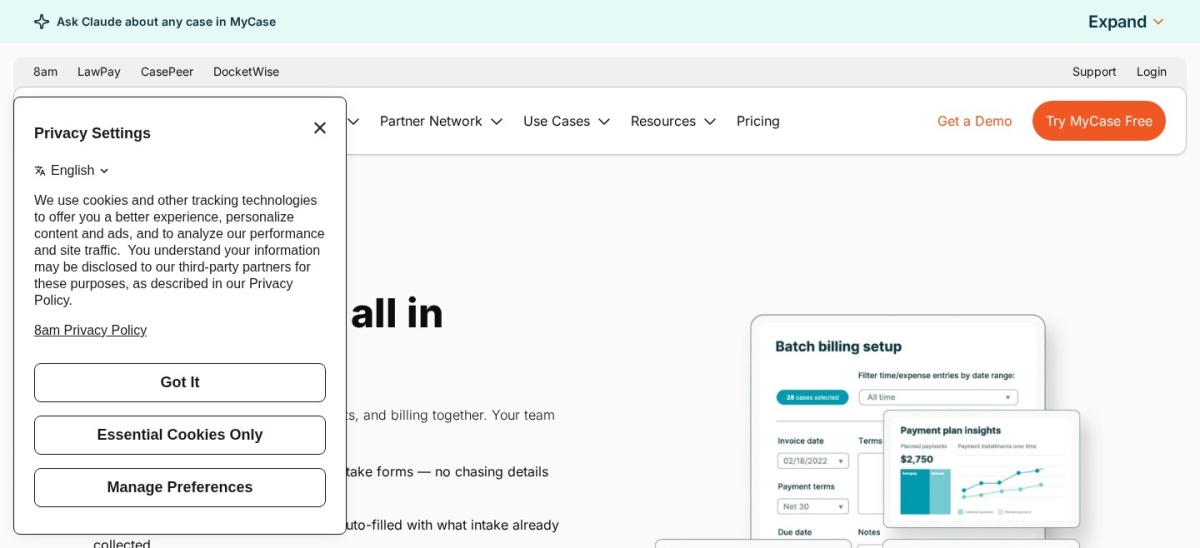
MyCase homepage, captured Nov 2026.
MyCase is the friendly option for solo and small firms that want intake-to-payment simplicity in one bill. The client portal, included on every plan, lets clients see case updates, share documents and pay invoices without phone tag, and built-in texting plus online payments cover the daily work of a consumer-facing practice. The 10-day trial is long enough for a real evaluation with your own matters.
The trade off is tiering. The Basic plan at $50 per user per month lacks automation, client texting and integrations, so many firms end up on Pro at $100 or Advanced at $130. The MyCase Accounting add-on costs $39 per user per month extra. Recent price increases have also frustrated some users, so budget for the tier you will actually need, not the entry price.
What we like
Easy onboarding with a gentle learning curve
Built-in client portal and two-way texting
Payments powered by 8am LawPay
Affordable entry point for solos
Watch out for
Basic plan lacks automation, texting and integrations
Accounting is an extra add-on
Recent price increases frustrated some users
Pro at $100 adds automation; Advanced at $130 adds reporting depth.Visit mycase.com
04
PracticePanther
4.3/5on G2 (113 reviews, checked Nov 2026)
Starts at$49/user/mo/yr
Best for workflow automation
Starting price$49/user/mo annual
Free trial7 days
PlansSolo to Business Pro
Trust accountingBusiness Pro tier
practicepanther.com
PracticePanther homepage, captured Nov 2026.
PracticePanther is the all-in-one that actually is all-in-one: case management, billing, payments, client intake and accounting live in one platform. The workflow engine automatically creates and assigns tasks from intake through resolution, and native two-way business texting plus e-signatures mean fewer subscriptions to bolt on. Pricing is the clearest on this list, with four published tiers from $49 to $114 per user per month.
The trade off is that the deepest accounting features sit in the Business Pro tier at $114 per user per month, and firms with unusual reporting needs sometimes hit walls. The 7-day trial is short for a proper evaluation, so use it with real matter data. Refresh and reporting depth trail the specialists, though for most small firms the automation is worth the compromise.
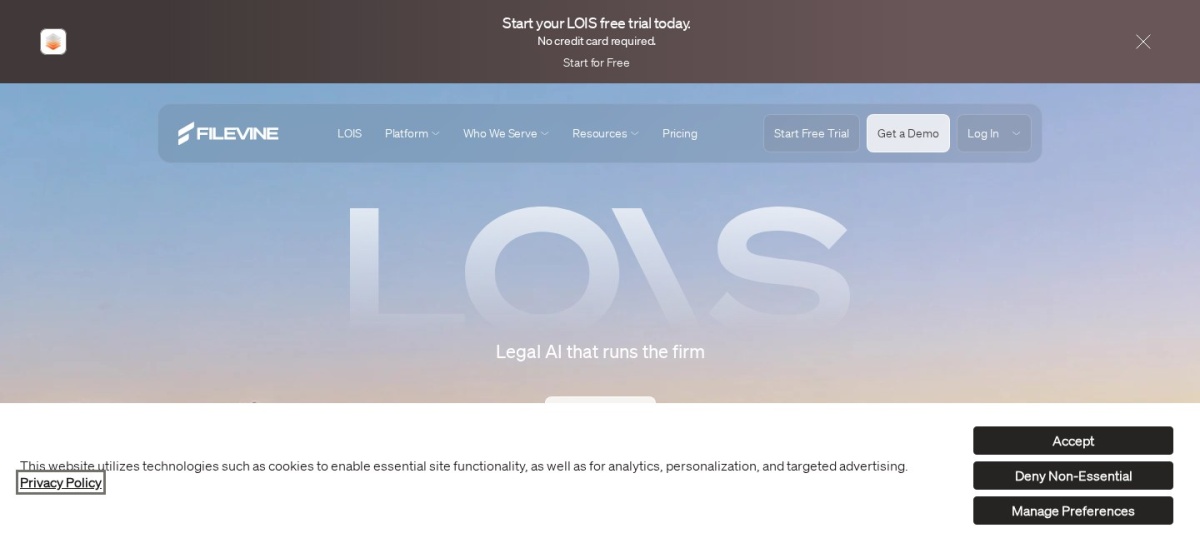
Filevine is the workflow-depth option for mid-size firms that run complex, high-volume caseloads: personal injury, mass torts, immigration and insurance defense. Case files are fully customizable, document assembly generates contracts and demand letters fast, and the 2026 LOIS AI layer summarizes interactions and flags lead sources. Few tools on this list match its ability to model the way a specific practice actually works.
The trade off is money and time. Pricing is custom-quote only, implementation runs longer than simpler tools, and reviewers are mixed on onboarding support. There is no free trial, only demos, so solo and small firms should look elsewhere. If your firm handles complex caseloads across many practice areas, the customization is worth the heavier commitment.
What we like
Deep customization for case types and workflows
AI-powered reporting and document tools
Strong texting and client portal
Built for high-volume practices
Watch out for
Custom quote pricing
Longer implementation
Support quality draws mixed reviews
No free trial
Custom quote covers implementation, AI tools and reporting.Visit filevine.com
06
CosmoLex
4.2/5on G2 (331 reviews, checked Nov 2026)
PricingCustom/yr
Best for trust accounting compliance
Starting priceCustom quote
Free trialAvailable
Trust accountingNative three-way
LedgerSingle for billing and trust
cosmolex.com
CosmoLex homepage, captured Nov 2026.
CosmoLex is the compliance pick for firms where trust accounting and audit readiness are the top priority. Instead of bolting practice management onto someone else's ledger, it built legal accounting into the core, so a trust deposit, a fee transfer and the resulting journal entries are one continuous, traceable record. For firms in states with aggressive trust-account audit programs, that is the headline feature.
The trade off is breadth. The feature set outside accounting is thinner than Clio's, the integration catalog is smaller, and firms with unusual workflow needs sometimes hit limits. Pricing is quote-based and widely reported in the mid-to-high range. Pick CosmoLex when trust accounting is the pain point, not when you want the broadest platform.
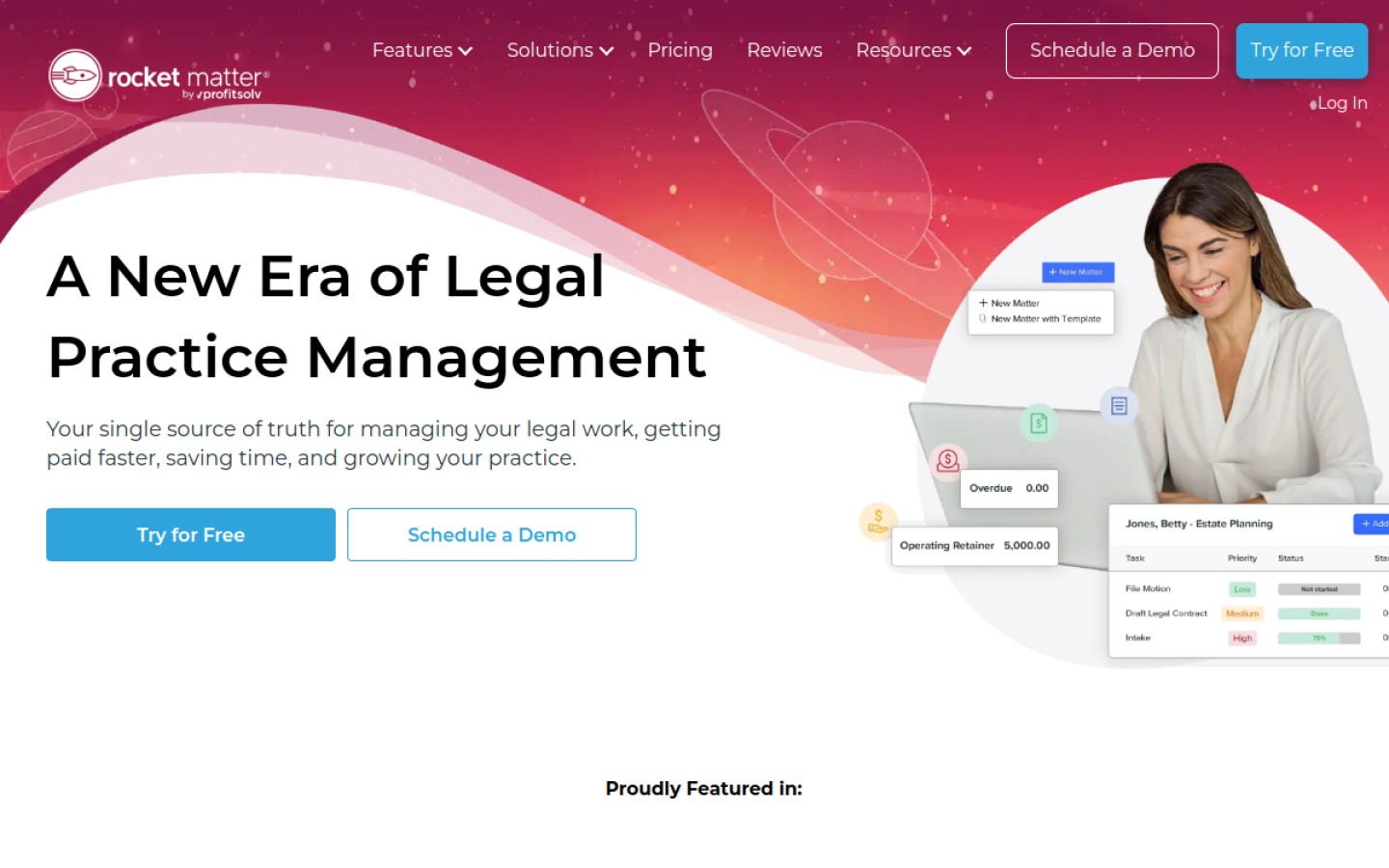
Rocket Matter is the billing-first practice management tool for firms whose main pain is capturing time and getting invoices out accurately. Its Essentials plan at $59 per user per month covers time and billing, conflict checking and document assembly, and each tier up adds customization, workflows, LEDES billing and eventually trust accounting at the Elite level. Support gets consistently good marks, which matters during rollout.
The trade off is that you pay for depth. Trust accounting and the full financial toolkit sit at the top tier, and a firm with several staff users will feel the per-seat math. The entry tier lacks accounting depth, so firms that need trust reconciliation from day one should price the Elite tier before signing. For billing-led firms, the design still fits better than the intake-first alternatives.
LEAP is the document-automation option for American firms that generate mountains of documents and want the forms handled by the software rather than by paralegals. It ships with state-specific matter types and legal forms, and its drafting tools populate forms, templates and letters with matter details already in the system. Case management, legal accounting, billing and AI features ride along in the same per-user subscription.
The trade off is the sales-led model. Pricing is quote-only, there is no free trial, only demos, and implementation fees plus third-party integrations can add to the bill. It is also firmly US-focused, and at 3.6 out of 5 on G2 across only 40 reviews it carries the lowest rating on this list. For US firms with heavy document volume, the automation can still be worth the trade.
What we like
Huge library of automated legal forms and matter types
Document automation populates forms with matter data
Legal accounting built in
SOC 2 certified
Watch out for
Pricing is quote-only
Demos replace free trials
Implementation fees can add up
US-focused, less relevant elsewhere
Quote covers forms, accounting, billing and AI features.Visit leap.us
Why trust accounting is the feature that actually decides
Every tool on this list tracks time and sends invoices. Fewer handle client funds correctly, and getting it wrong carries real consequences: bar auditors expect specific reports, and a failed reconciliation can trigger an audit.
CosmoLex treats trust accounting as a first-class feature with built-in three-way reconciliation. The higher tiers of PracticePanther and Rocket Matter do the same, while other tools handle it through add-ons or third-party accounting, which works but adds reconciliation work.
If IOLTA money flows through your books every week, put trust accounting at the top of the scorecard. If your firm rarely touches trust accounts, weight intake, automation, or billing instead.
How we chose
We started with the tools that appear most consistently in public comparisons on G2 and legal-industry review sites, then checked that each one has a current product and official site. Ratings come from G2 pages checked in Oct 2026, and prices come from the vendors' own pricing pages, checked on 23 Nov 2026.
We dropped Tabs3 because no G2 rating was available to check it against, and we left out generic project tools that lack legal trust accounting. Where a vendor keeps pricing quote-only, the price says so instead of guessing a number.
No vendor paid for placement, and this list is based on pricing, docs and reviews, not on using the tools ourselves. Entry prices are per user per month, so multiply by your headcount before you compare totals.
How to choose law firm software
Start by mapping where your firm loses billable time: intake, billing, trust accounting, or document workflows.
Check trust accounting first If your firm holds client funds in IOLTA or trust accounts, native three-way reconciliation is not optional. CosmoLex builds it into the core, while PracticePanther and Rocket Matter include it only in higher tiers.
Price the real plan Most firms land one or two tiers above the advertised starting price once they need automation, texting, integrations, or accounting. Get a written quote for your actual user count and feature set.
Run the trial with real matters A demo with sample data hides the friction. Use the 7 to 10 day trial with your own matters, clients, and documents to see whether the workflow fits your practice.
Test migration and export Ask how your data gets in, how long it takes, what it costs, and how you get it out if you leave. A tool that locks your matters in is a liability.
FAQ
What is the best law firm software for a solo practitioner?
For most solos, Smokeball, MyCase, or PracticePanther are the strongest starting points. Smokeball's automatic time tracking suits document-heavy practices, MyCase's client portal fits service-focused solos, and PracticePanther's automation cuts admin hours. Run the trial with your real matters first.
How much does law firm software cost?
Most cloud tools charge per user per month. Entry points run from $29 per user per month for Smokeball to $59 for Rocket Matter, and most firms pay $49 to $99 per user monthly once they pick the tier they actually need. Filevine, CosmoLex, and LEAP use custom quotes instead.
Is there free law firm software?
Not really, at least not among serious options. None of the tools on this list offers a permanent free plan. Most offer a free trial of 7 to 10 days or a demo. Free or open-source options exist but usually lack trust accounting, security certifications, and support.
What is the difference between Clio and MyCase?
Both target small firms, but Clio offers the largest integration ecosystem and deeper practice-management breadth, while MyCase is simpler to learn and stronger on client communication with its portal and texting. Clio's full-featured tiers cost more; MyCase's useful features sit in higher tiers.
Do I need trust accounting in my law software?
If your firm holds client funds in IOLTA or trust accounts, yes, and it should be native, not bolted on. CosmoLex builds trust accounting into the core product, while PracticePanther and Rocket Matter include it in higher tiers. Firms that never hold client funds can prioritize intake or billing instead.
How long does it take to switch law firm software?
For a small firm with clean data, two to six weeks is typical, including migration, training, and parallel running. Larger firms or messy data can take two to three months. Ask each vendor about migration cost, who does the work, and whether you get a dedicated onboarding manager.