Best KPI Software for Small Business in 2026: 7 Tools Compared
WLWPLegible EditorsLast verified 22 Nov 2026How we rank15 min read
★ Short answer
Databox is our top KPI software pick for small businesses needing automated dashboards across multiple data sources, with 130+ integrations and a Business plan at $499 per month or $399 per month billed annually. Power BI is a more affordable choice for custom analysis, while SimpleKPI suits teams wanting unlimited users at one flat price.
How we make this list: we compare pricing pages, product documentation and public user reviews, then re-check every price before each update. No product paid for a place. Disclosure.
Databox connects to 130+ tools and serves 20,000+ businesses, with its Business plan costing $499 monthly or $399 per month billed annually.
Microsoft Power BI Pro costs $14 per user per month paid annually, with a 4.5/5 G2 rating from 1,671 reviews.
SimpleKPI costs $79 per month or $758 annually and includes unlimited users, dashboards, reports, KPIs and data connections.
Geckoboard Essentials starts at $79 per month billed annually and includes 2 dashboards, 1 editor and 1 connected TV screen.
Klipfolio Base costs $140 monthly or $120 per month billed annually, with 3 dashboards, unlimited users and 130+ data integrations.
Plecto Medium costs $24 per tracked license per month billed annually, with a minimum purchase of 10 licenses.
What small businesses should look for in KPI software
Key performance indicator software helps businesses monitor measurable goals such as revenue, sales conversion, customer retention, project profitability and employee productivity. Instead of checking separate spreadsheets and applications, teams can review their most important numbers in one place.
Start with data connections. Your KPI software should work with the accounting, CRM, marketing, sales or project management tools your business already uses. Automatic syncing reduces manual updates and makes dashboards more useful.
Look for goals and targets, not just charts. A dashboard showing revenue is useful, but comparing actual revenue against a monthly target makes it easier to identify a performance gap. Alerts and scheduled reports can help managers respond sooner.
Ease of use matters for smaller teams without dedicated data analysts. Some products emphasize ready-made dashboards and simple metric entry, while business intelligence platforms offer deeper calculations and custom data models.
Finally, compare the complete subscription cost. Vendors may charge per user, tracked employee, dashboard or data source. A low advertised rate can become expensive when minimum seat requirements, reporting features or additional integrations are included.
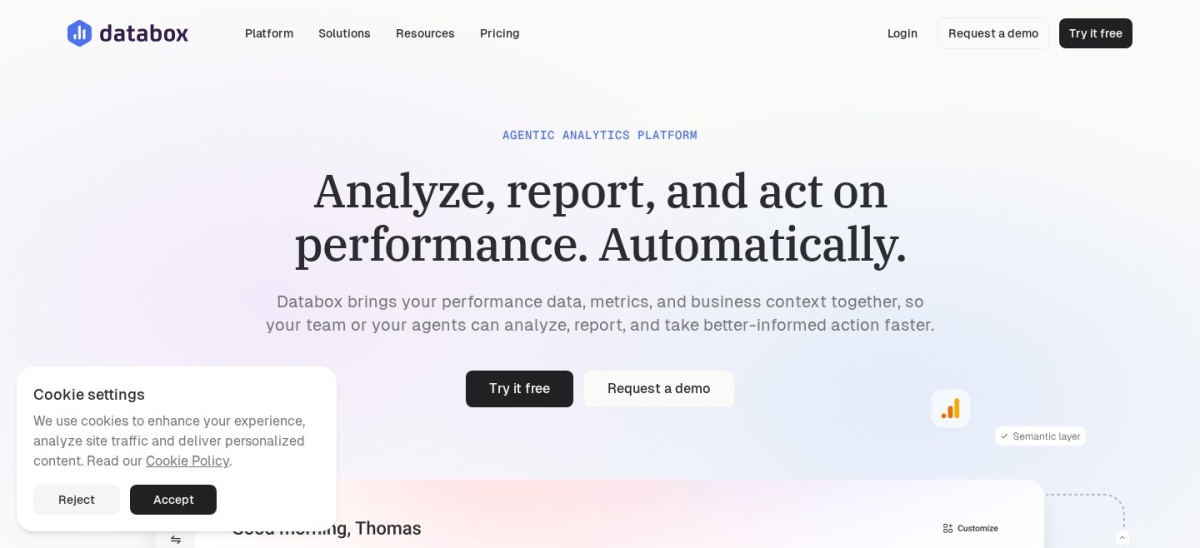
Databox is a business analytics and KPI platform that combines data from marketing, sales, finance and other systems into shared dashboards. Its Business plan costs $499 monthly or $399 per month billed annually, supporting up to 10 users, 30 data sources and 1,500 monthly AI credits. G2 rates it 4.4/5 from 195 reviews.
The trade off is its substantial entry price and defined limits on users, connected sources and AI credits. The platform includes metric management, reporting, data governance and an AI analyst, while customized implementation is priced separately. It suits growing businesses that need consolidated metrics across multiple applications.
What we like
130+ available integrations
Ready-made dashboard templates and metrics
Goals, reporting and KPI monitoring
AI analyst for business performance questions
Connections to spreadsheets, databases and APIs
Watch out for
High entry price for very small businesses
Business plan has user and data source limits
AI credits have a monthly allowance
Custom implementation costs extra
The paid Business plan adds governed data modeling, integrations and AI analysis.Visit databox.com
02
Power BI
4.5/5on G2 (1,671 reviews, checked Nov 2026)
Paid from$14/mo
Best affordable KPI reporting and data analysis
Free accountAvailable
Entry paid planPro
License price$14/user/mo
Premium per user$24/user/mo
microsoft.com
Power BI homepage, captured Nov 2026.
Power BI is Microsoft's business intelligence platform for turning spreadsheets, databases and application data into interactive KPI reports. A free account supports report creation, while Pro costs $14 per user per month paid annually and enables publishing and sharing. G2 rates Power BI 4.5/5 from 1,671 reviews.
The trade off is the learning curve involved in data modeling, DAX calculations and report permissions. Premium Per User costs $24 per user per month and adds larger models and more frequent refreshes. It suits cost-conscious businesses comfortable building customized dashboards from their existing data.
Pro adds report sharing; Premium Per User adds larger models and faster refreshes.Visit microsoft.com
03
SimpleKPI
4.8/5on G2 (2 reviews, checked Nov 2026)
Starts at$79/mo
Best for straightforward KPI tracking with unlimited users
Monthly price$79
Annual price$758
UsersUnlimited
Dashboards and KPIsUnlimited
simplekpi.com
SimpleKPI homepage, captured Nov 2026.
SimpleKPI is dedicated KPI management software for tracking targets, trends, business performance and scheduled reports. It costs $79 per month or $758 annually, with unlimited users, dashboards, reports, KPIs, historical data and connections. The vendor reports more than 1,000 business customers, while its 4.8/5 G2 rating comes from only 2 reviews.
The trade off is that its public review sample is small, and its fixed subscription may be expensive for businesses tracking only a few metrics. The flat price includes AI-assisted KPI creation, dashboard building and performance insights without separate AI credit charges. It suits teams wanting predictable pricing and focused KPI management.
What we like
Unlimited users and dashboards
Unlimited KPIs, reports and historical data
Built-in goals and KPI analysis
Scheduled reports and PDF exports
Flat pricing without per-user fees
Watch out for
No permanent free plan advertised
Only 2 G2 reviews
Less suited to extensive enterprise data modeling
Fixed subscription may exceed basic reporting needs
The paid subscription includes every feature, unlimited access and built-in AI tools.Visit simplekpi.com
04
Geckoboard
4.3/5on G2 (48 reviews, checked Nov 2026)
Starts at$79/mo
Best for live KPI dashboards on office screens
Entry planEssentials
Annual billing rate$79/mo
Dashboards2
TV screens1
geckoboard.com
Geckoboard homepage, captured Nov 2026.
Geckoboard is a real-time KPI dashboard platform designed to display sales, customer support and operational metrics. Essentials starts at $79 per month billed annually and includes 2 dashboards, 1 editor, 1 TV screen, unlimited viewers and scheduled snapshots. It has a 4.3/5 G2 rating from 48 reviews.
The trade off is that Essentials has limited editing and display capacity, while advanced alerts and drilldowns require Performance at $319 per month billed annually. Geckoboard supports 90+ integrations and automatically refreshed data. It suits small teams that want everyone to see live performance without building complex reports.
What we like
Live dashboards for shared TV displays
90+ supported data integrations
Unlimited dashboard viewers
Scheduled snapshots through communication tools
Easy-to-read goals and performance indicators
Watch out for
Essentials includes only 2 dashboards
Only 1 editor and TV screen on the entry plan
Advanced alerts require Performance
Less suited to complex historical data analysis
Performance adds alerts, drilldowns, more dashboards and additional editors.Visit geckoboard.com
05
Klipfolio
4.5/5on G2 (257 reviews, checked Nov 2026)
Starts at$140/mo
Best for customizable multi-source KPI dashboards
Entry planBase
Dashboards3
UsersUnlimited
Data refreshEvery 4 hours
klipfolio.com
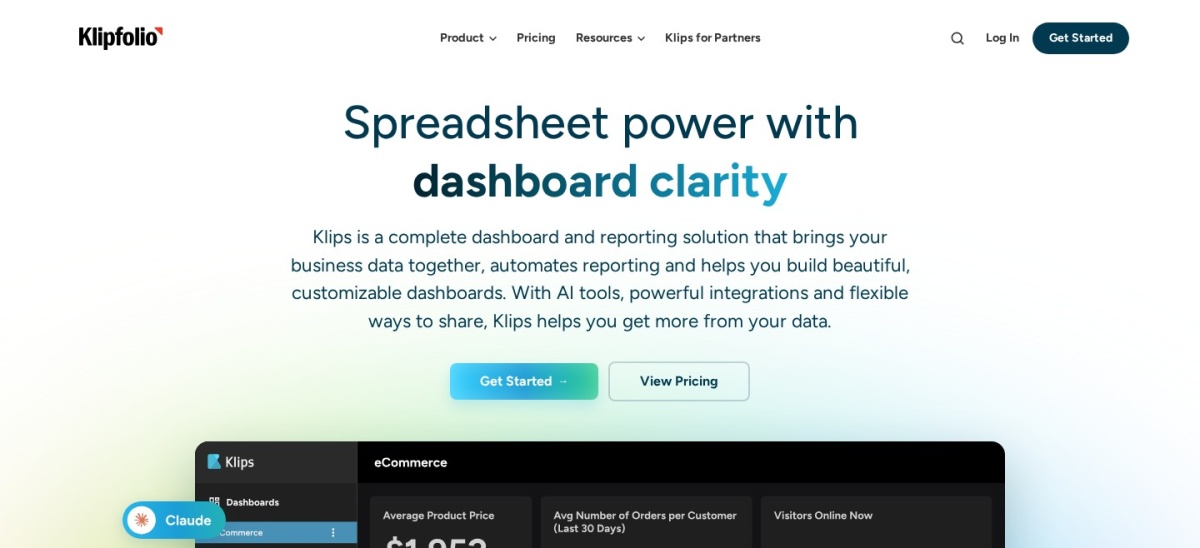
Klipfolio homepage, captured Nov 2026.
Klipfolio is a dashboard and reporting platform for combining metrics from spreadsheets, applications, databases and APIs. Base costs $140 monthly or $120 per month billed annually and includes 3 dashboards, unlimited users, 130+ integrations, PDF reports and a 4-hour data refresh interval. G2 rates it 4.5/5 from 257 reviews.
The trade off is that the Base plan limits dashboard quantity and refresh frequency, while advanced data modeling may require additional setup. Higher subscriptions provide expanded dashboard and refresh capabilities. It suits businesses that need detailed customization and want to combine data from different sources.
What we like
130+ supported integrations
Unlimited users on Base
Data modeling and joining capabilities
Customizable dashboards and visualizations
PDF reporting and branded dashboards
Watch out for
Base limits dashboard count
Entry plan refreshes data every 4 hours
Custom formulas can require technical work
Higher cost than simple spreadsheet reporting
Higher tiers expand dashboards, refresh frequency and reporting allowances.Visit klipfolio.com
06
Scoro
4.5/5on G2 (509 reviews, checked Nov 2026)
Starts at$17/mo
Best for service business profitability KPIs
Starting license$17/user/mo
Minimum users5
Core applications8 available
Free trial14 days
scoro.com
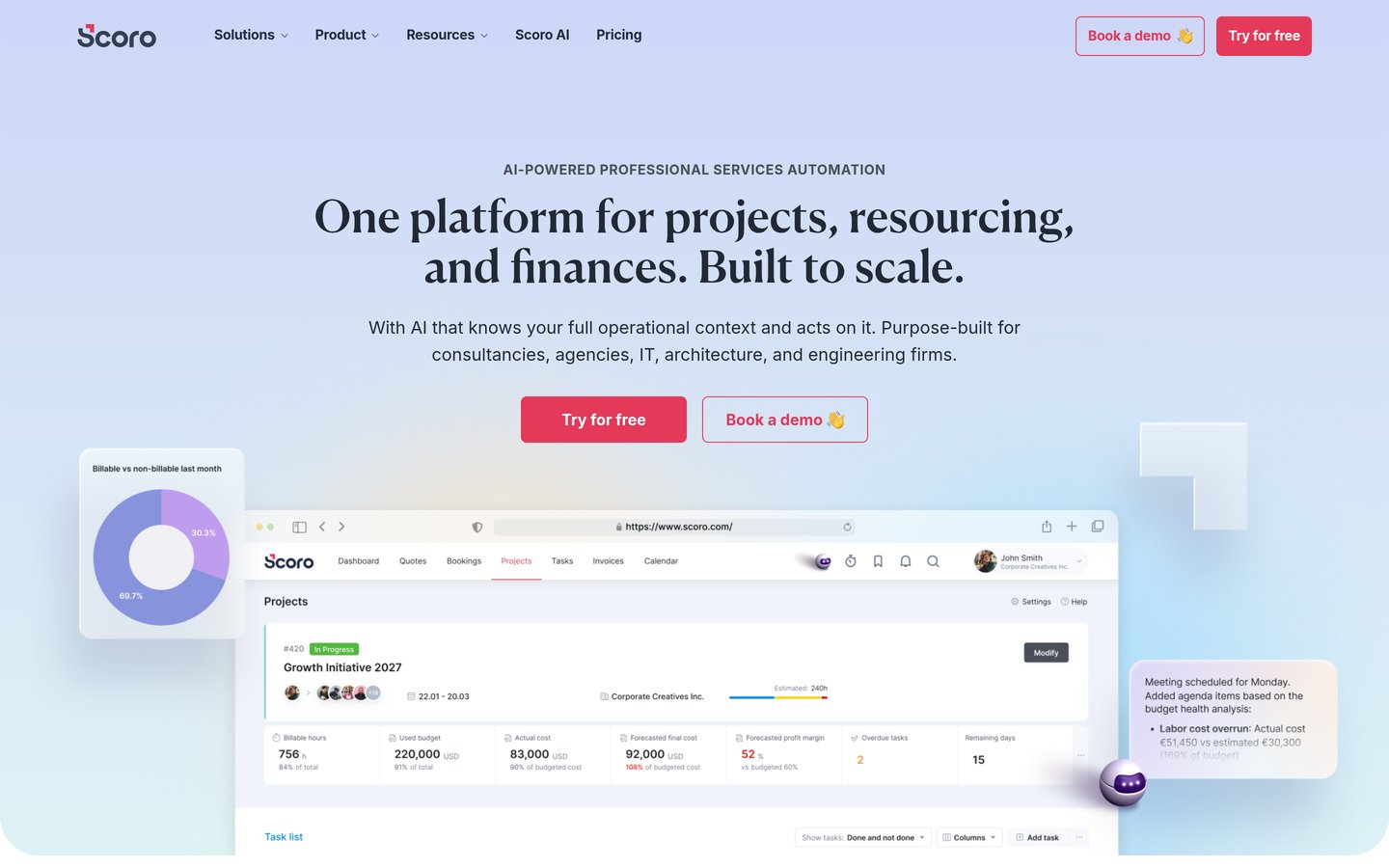
Scoro homepage, captured Nov 2026.
Scoro is a work and business management platform connecting projects, time tracking, capacity planning, sales and financial performance. Its modular pricing starts at $17 per user per month, with a minimum of 5 users, and businesses can combine applications to match their workflow. G2 rates Scoro 4.5/5 from 509 reviews.
The trade off is that the $17 starting price requires at least 5 licenses and covers a selected application combination rather than every available feature. Additional modules and onboarding services can increase costs. It suits consulting firms and agencies that want KPI reporting connected to billable work, resource allocation and profitability.
What we like
Tracks project and financial performance
Time and labor cost reporting
Resource and capacity management options
Modular application pricing
Integrations with accounting and CRM systems
Watch out for
Minimum purchase of 5 users
Full functionality requires combining applications
More complex than a dedicated KPI dashboard
Implementation may require additional configuration
Plecto is a real-time KPI platform for sales and customer support teams, combining dashboards, targets, notifications and employee achievements. Medium costs $24 per tracked license per month billed annually, with a minimum of 10 licenses. It includes unlimited dashboards and data sources, API access and single sign-on. G2 rates it 4.2/5 from 43 reviews.
The trade off is its minimum license requirement, which makes the actual starting subscription $240 per month billed annually. Large costs $37.20 per tracked license monthly and adds contests, coaching tools, automated reports and SQL integrations. It suits teams that want visible performance goals and employee recognition.
What we like
Unlimited dashboards and data sources
150+ supported integrations
Real-time KPI monitoring
Employee achievements and notifications
API access included in Medium
Watch out for
Minimum of 10 tracked licenses
Higher total entry cost for small teams
Automated reports require Large
Advanced gamification and coaching cost extra
Large adds contests, rewards, automated reports, coaching and SQL integrations.Visit plecto.com
Which KPIs should a small business track?
The right KPIs depend on your business model. Retailers may focus on revenue, gross margin, inventory turnover and repeat purchases. Service businesses often monitor billable utilization, project profitability, client retention and outstanding invoices.
Sales teams can track conversion rate, qualified leads, sales pipeline value and average deal size. Customer support teams may prioritize response time, resolution time and customer satisfaction.
Avoid tracking every available metric. Start with a small set that connects directly to business goals. Every KPI should have a clear definition, an owner, a reporting schedule and a target where appropriate.
Review your KPI definitions regularly. A metric that no longer supports a business decision can create reporting work without improving performance.
When should you replace spreadsheets with KPI software?
Spreadsheets can work well when a business tracks a small number of metrics and updates them infrequently. They offer flexible calculations without requiring another application.
Dedicated KPI software becomes useful when metrics come from multiple systems, reports require repeated manual updates or managers need shared access to current performance.
Power BI is an affordable transition for businesses comfortable preparing their own data. SimpleKPI focuses on targets and straightforward reports, while Geckoboard emphasizes live visibility and Databox combines connected business metrics with AI analysis.
Before switching, confirm the software can reproduce your essential calculations. Clear definitions and reliable source data matter more than attractive charts.
How we chose
We selected established KPI dashboards, business intelligence tools and work management platforms with published pricing and documented performance reporting capabilities. The list covers small business reporting, goal tracking, live dashboards, data modeling and operational performance. We compared integrations, pricing structures, ease of administration, reporting and public user feedback.
Prices and ratings were reviewed against official vendor pages and G2 listings for the 22 Nov 2026 editorial date, with source pages checked again on 23 Nov 2026. We used published entry prices and converted monthly amounts into annual USD equivalents. Annual billing requirements, minimum seats and differences between subscription options are explained.
We excluded products without a confirmable public entry price and offerings whose cost or functionality could not be established from accessible official pages. SimpleKPI was retained based on its documented customer base despite a small G2 review sample, and its rating should be interpreted cautiously. No vendor paid for a place, and we do not claim testing for this list.
How to choose KPI software for your small business
Identify the business results you want to improve, then select software that makes those measurements easy to maintain and understand.
Define the KPIs that matter to your business. List the metrics tied to revenue, profitability, customer satisfaction or operational efficiency. Assign an owner and decide how frequently each metric should be updated. Avoid choosing software based on dashboard appearance before defining what you actually need to measure.
Check connections to your existing applications. Identify where your KPI data currently lives, including spreadsheets, CRM platforms, accounting systems and project management tools. Confirm native integrations, refresh frequency and any additional connector charges. Reliable data collection reduces ongoing reporting work.
Choose between simple tracking and advanced analysis. SimpleKPI and Geckoboard focus on accessible performance dashboards, while Power BI and Klipfolio offer more detailed data modeling. Scoro connects KPIs to work and financial operations. Match the platform's complexity to your team's reporting skills.
Calculate the real subscription cost. Compare per-user charges, minimum licenses, dashboard limits, refresh intervals and annual billing terms. For example, Plecto has a 10-license minimum, while Scoro requires at least 5 users. Consider whether your team will need additional integrations, reports or implementation services.
FAQ
What is the best KPI software for small businesses?
Databox is our top choice for businesses that need connected KPI dashboards, automated reporting and data analysis across many applications. Power BI offers a more affordable option for teams comfortable building reports. SimpleKPI is attractive when straightforward goal tracking and unlimited users are more important than advanced data modeling.
Is there free KPI tracking software?
Yes. Microsoft Power BI provides a free account for creating reports, although broader sharing generally requires paid licensing. Some other analytics platforms offer free tiers or trials. A spreadsheet can also be a practical free starting point when metrics are limited and automatic integrations are not essential.
How much does KPI software cost?
Pricing depends on the platform and licensing model. Power BI Pro costs $14 per user per month paid annually, SimpleKPI costs $79 monthly, and Geckoboard Essentials starts at $79 per month billed annually. Larger analytics platforms may cost more. Minimum licenses and additional features can raise the actual subscription total.
What are examples of KPIs for a small business?
Common KPIs include monthly revenue, gross profit margin, customer acquisition cost, customer retention, sales conversion and cash flow. Service businesses may track billable utilization and project profitability, while support teams may monitor response times and customer satisfaction. Select metrics that directly support business decisions.
What is the difference between KPI software and business intelligence software?
KPI software focuses on monitoring important business metrics against goals and targets. Business intelligence software generally provides broader data transformation, analysis and reporting capabilities. Products often overlap, but dedicated KPI platforms may be easier to manage, while BI tools offer more flexibility for complex calculations.
Can KPI software automatically update dashboards?
Yes. Many tools connect to external applications and refresh dashboards automatically. Geckoboard supports automatically refreshed live metrics, while Klipfolio Base includes a 4-hour refresh interval. Databox also connects business data for reporting. Confirm refresh frequency and connection limits before selecting a subscription.
Which KPI software is best for sales teams?
Geckoboard and Plecto are especially relevant for sales teams that want visible targets and current performance. Geckoboard emphasizes shared dashboards and TV displays, while Plecto adds employee achievements and optional competitions. Businesses needing sales pipeline analysis alongside other departments may prefer a broader reporting platform.
Can KPI software track employee productivity?
Yes, provided the relevant work data is available. Scoro can report on time, utilization and project performance, while Plecto displays individual and team results. Choose measures carefully because activity counts do not always represent useful outcomes. Explain performance metrics to employees and use them alongside qualitative information.
How many KPIs should a small business monitor?
A small business should begin with a manageable set of metrics linked to its main goals rather than tracking everything available. Review each KPI's purpose, data quality and reporting frequency. Add measurements when they support a specific decision, and remove metrics that no longer provide useful information.