WLWPLegible EditorsLast verified 23 Nov 2026How we rank10 min read
★ Short answer
Esper is the best kiosk software for businesses running fleets of Android tablets or dedicated devices. Kiosk and multi-app mode are included on every plan from $2 per device a month, and it holds a 4.5 out of 5 G2 rating. Pick Scalefusion for kiosk lockdown plus full device management, and KioWare for a lockdown browser on public PCs.
How we make this list: we compare pricing pages, product documentation and public user reviews, then re-check every price before each update. No product paid for a place. Disclosure.
Esper is the best pick for Android kiosk fleets, with kiosk mode on every plan from $2 per device a month and a 4.5 out of 5 G2 rating.
Scalefusion holds the highest G2 rating among the MDM tools here at 4.7 out of 5 from 405 reviews, also from $2 per device a month.
NoviSign holds a 5.0 out of 5 G2 rating from 47 reviews, with touch menus, surveys and quizzes from $16 per screen a month.
KioWare is the only dedicated lockdown browser here, from $125 a year, running on Windows, Android, Linux and Chrome OS.
22Miles also rates 5.0 out of 5 on G2, but from only 4 reviews, and it is quote-based for hospitals and campuses.
Three kinds of kiosk software, three different jobs
Kiosk software turns an ordinary tablet, PC or touchscreen into a self-service station the public can use without breaking it: one app or website on screen, everything else locked away, and remote control from an office.
The tools split into three camps. Device management platforms such as Esper, Hexnode and Scalefusion lock tablets into kiosk mode and manage the whole fleet. Lockdown browsers such as KioWare secure a public PC. Interactive signage tools such as NoviSign and 22Miles build the content the kiosk shows.
Start with the hardware. Android tablets, iPads, Windows PCs and Chrome OS devices each support different tools, so pick software that runs on the devices you already own. Our guide to the best digital signage software covers the content side.
Read the minimums before you compare prices. Esper needs 25 devices on every contract and Hexnode needs 15, so a tool that looks cheap per device can be expensive for two or three kiosks.
Best for fleets of Android kiosks and check-in tablets
Genesis plan$2/device/mo
Device minimum25 devices
Free trial30 days
PlatformsAndroid, AOSP
esper.io
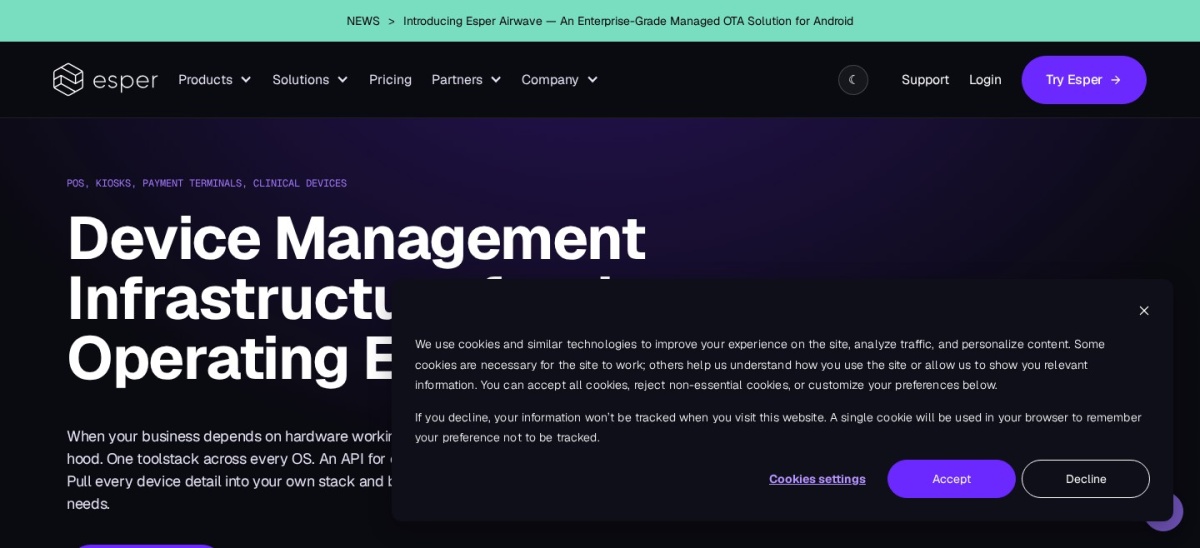
Esper homepage, captured Nov 2026.
Esper is built for dedicated devices, the tablets and handhelds that run one job all day, which is exactly what a kiosk is. Kiosk and multi-app mode is included on every plan, and it can enrol and provision AOSP Android hardware, the non-Google devices common in self-service terminals, alongside standard Android.
The trade off is the minimum. Genesis costs $2 per device a month with 5 console users, but every contract has a 25-device minimum, so it suits fleets rather than a single lobby tablet. It suits businesses running fleets of Android tablets or dedicated devices as kiosks, check-in stations or POS terminals.
What we like
Kiosk and multi-app mode on every listed plan
Provisioning for AOSP Android devices, not just Google-certified hardware
Published per-device prices: $2, $4 and $6 a month
30-day free trial with straight enrolment
Watch out for
25-device minimum on every contract
Genesis allows only 5 console users
Provisioning and several extras are paid add-ons below Architect
Best for kiosk lockdown plus full device management
Essential plan$2/device/mo annual
Device minimum10 devices
Free trial14 days
PlatformsAndroid, iOS, Windows, Mac, Linux
scalefusion.com
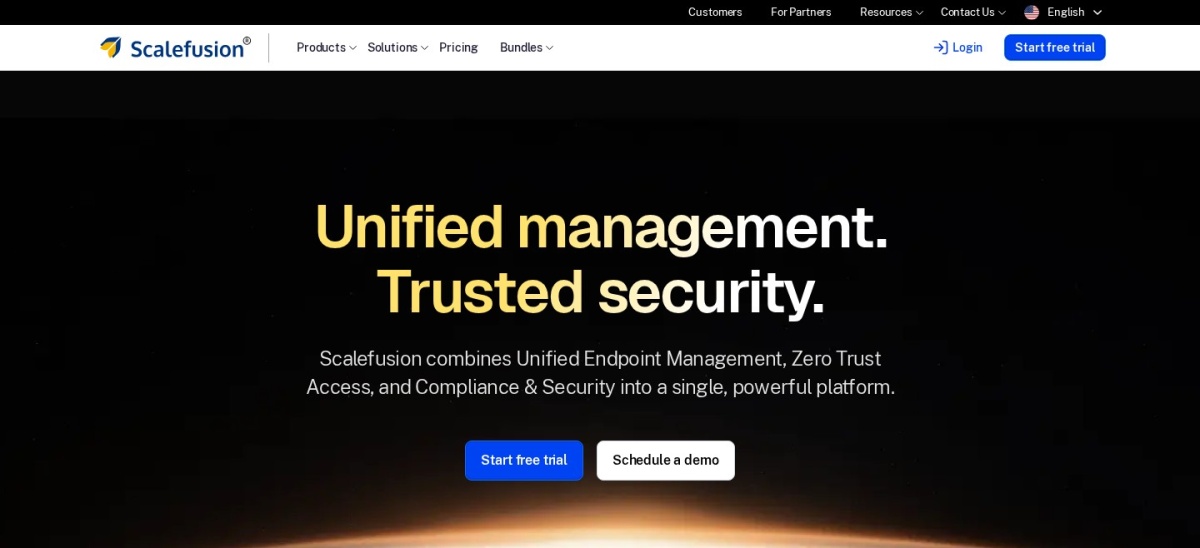
Scalefusion homepage, captured Nov 2026.
Scalefusion is the pick when you want kiosk lockdown and a full management platform in one place. It locks Android devices into kiosk mode for digital signage, retail kiosks, customer touchpoints and employee workstations, and it manages Android, iOS, Windows, macOS and Linux from one dashboard.
The trade off is the billing. Plans are billed annually only, with a 10-device minimum, and Essential costs $2 per device a month with one technician seat. It suits multi-OS fleets that want kiosk lockdown plus full device management with an easy dashboard.
What we like
Kiosk plus full UEM, identity and security in one dashboard
Single and multi-app plus browser kiosk modes
Remote Cast and Control, geofencing and compliance
14-day free trial with NGO, government and education discounts
Watch out for
Annual billing only, with a 10-device minimum
Essential includes only one technician seat
Add-ons for identity and security stack on top of the base price
Best for kiosks in the same console as staff devices
Pro plan$2.20/device/mo
Device minimum15 devices
Free trial14 days
PlatformsAndroid, iPad, Windows, Mac
hexnode.com
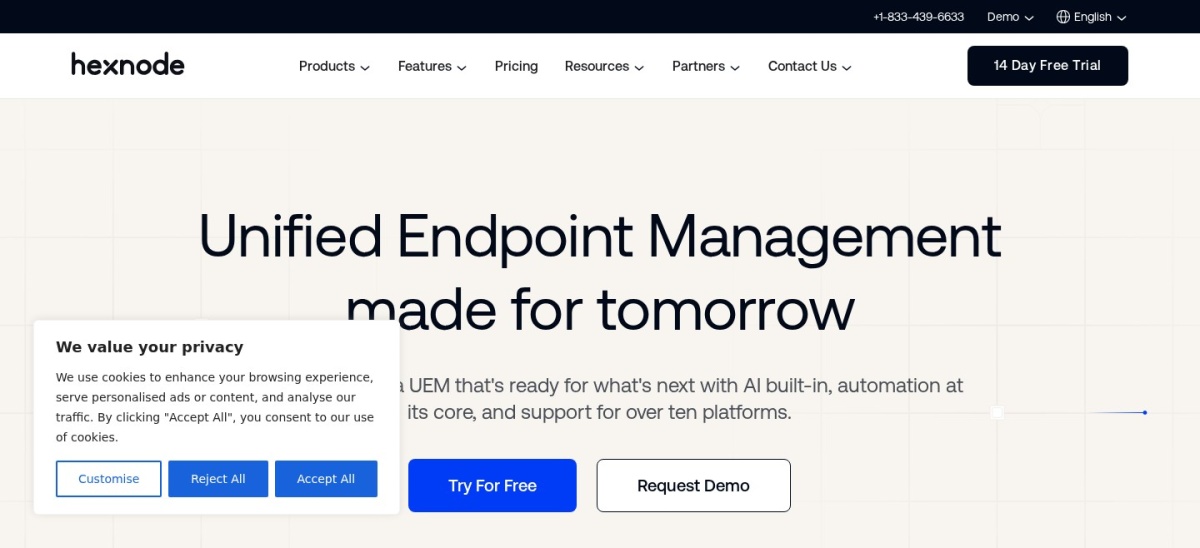
Hexnode UEM homepage, captured Nov 2026.
Hexnode UEM is a full device management platform with kiosk mode built in, which suits a business that wants its kiosks managed in the same console as staff phones and laptops. The entry Pro plan includes its basic and advanced kiosk features, app allowlists, Samsung Knox and Apple Business Manager enrolment, so a new tablet can arrive, enrol itself and boot straight into the kiosk app.
The trade off is the tier ladder. Pro costs $2.20 per device a month, but Windows kiosks need Enterprise at $3.20, and the 14-day trial runs on Ultra, so check which kiosk features your chosen plan keeps. It suits businesses that want kiosk lockdown plus full device management across Android, iPad and Windows.
What we like
Kiosk features included on the entry Pro plan
Samsung Knox and Apple Business Manager zero-touch enrolment
Windows and macOS management on Enterprise at $3.20 per device
14-day free trial
Watch out for
Windows kiosks need Enterprise, not Pro
15-device minimum
The trial runs on Ultra, so features may differ from your plan
Best for a dedicated lockdown browser on public PCs
Starter plan$125/yr
PlatformsWindows, Android, Linux, Chrome OS
Session clearingYes, automatic
Free trialYes
kioware.com
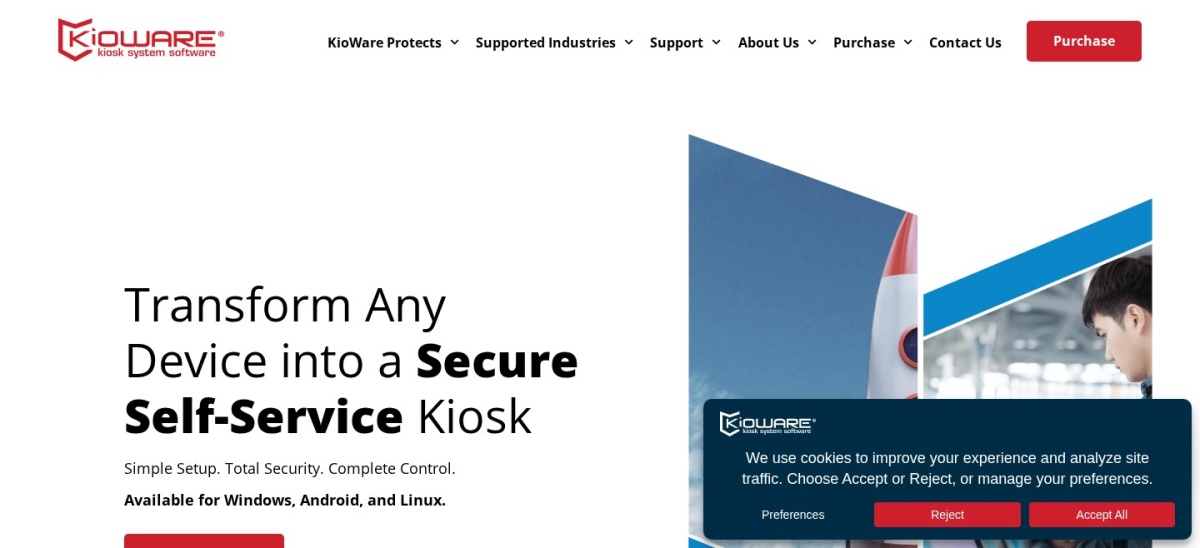
KioWare homepage, captured Nov 2026.
KioWare is kiosk software in the traditional sense: a locked-down browser and app shell for public-facing machines such as library terminals, hotel check-ins and patient sign-in stations. It locks the operating system and starts on boot, restricts browsing and apps, clears each visitor's session automatically, and shows attract screens when idle.
The trade off is the setup. Capterra lists tiers at $125, $155 and $195 a year, and remote management through self-hosted KioWare Server or cloud KioCloud adds cost on the Enterprise tier. It suits organisations that need a dedicated lockdown browser for public kiosks on Windows, Android, Linux or Chrome OS.
What we like
Supports Windows, Android, Linux and Chrome OS
Session control clears user data automatically between visitors
Self-hosted KioWare Server or cloud KioCloud for central management
Attract screens when idle
Watch out for
Prices come from Capterra; KioWare's own price page did not load
Remote management costs extra on top of the Enterprise tier
Interface and setup are more technical than tablet MDM tools
Best for interactive touchscreen kiosks with menus and surveys
Business plan$16/screen/mo
Annual price$14/screen/mo billed annually
Free trial30 days
Templates500+ with Canva
novisign.com
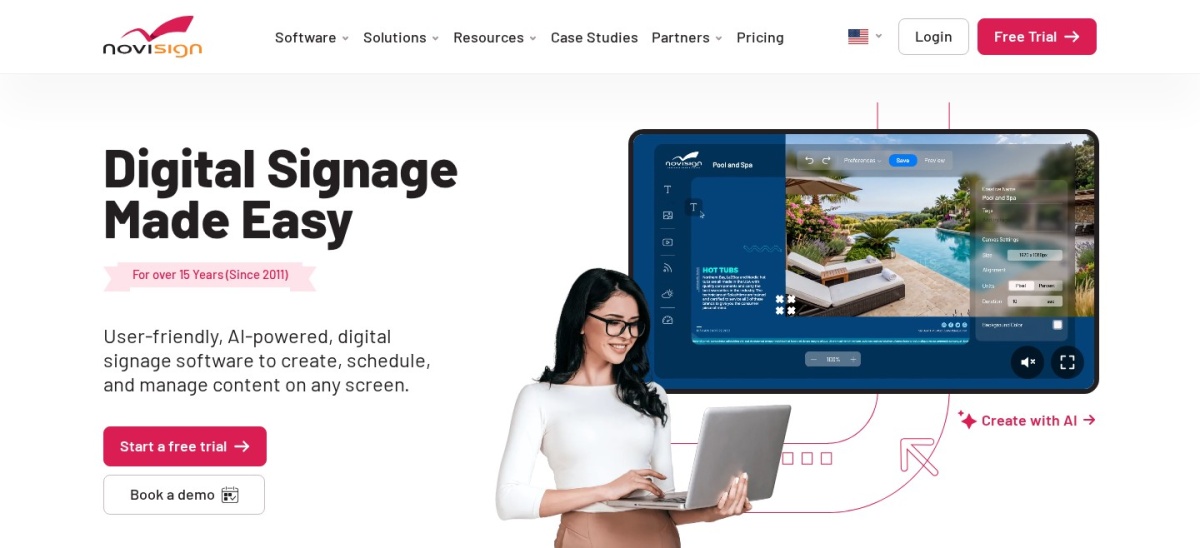
NoviSign homepage, captured Nov 2026.
NoviSign is digital signage software with touch widgets, quizzes, surveys and kiosk modes as core features, so a screen can show a menu, take a feedback survey or let customers browse products without a developer. The drag-and-drop editor has more than 500 templates and a Canva integration.
The trade off is the lockdown. It does not lock down a general-purpose device the way KioWare or Esper do, and SSO and the open API need Premium at $25 per screen a month. It suits restaurants and retailers that want interactive touchscreen kiosks with surveys, quizzes and menus.
What we like
Touch widgets, quizzes, surveys and kiosk modes as core features
Highest G2 score here at 5.0 out of 5 from 47 reviews
Drag-and-drop editor with 500+ templates and Canva integration
Business Plus adds a Toast POS link, so menu prices follow the till
Watch out for
Does not lock down a general-purpose device like KioWare or Esper
SSO, the open API and the audit log sit behind Premium at $25
Business Plus ($17) is needed for the Toast POS link
Best for affordable Android kiosk and remote management
Starting priceFrom about $1.75/device/mo
Kiosk modesSingle and multi-app
Free trial21 days
PlatformsAndroid-first
airdroid.com
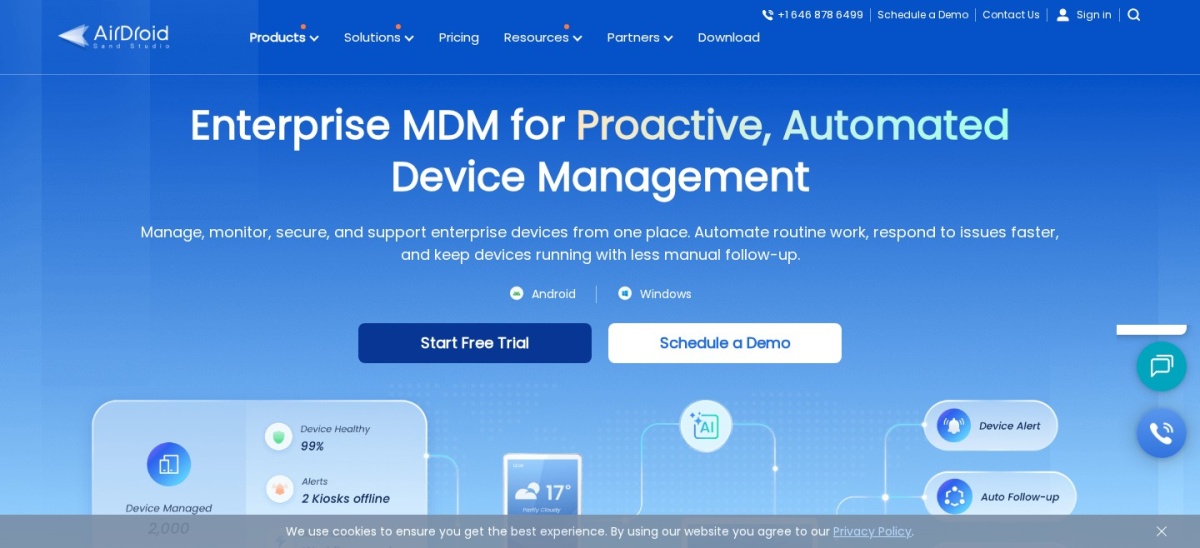
AirDroid Business homepage, captured Nov 2026.
AirDroid Business is the affordable pick for small and midsize teams that want Android kiosks with strong remote access. It locks devices into single-app or multi-app kiosk mode, and the remote control tools let support staff see and fix a kiosk screen without visiting it, from about $1.75 per device a month with a kiosk add-on.
The trade off is scope. It is Android-first, so mixed fleets with iPads and Windows PCs need a second console, and the kiosk features sit on an add-on rather than the base plan. It suits SMBs wanting affordable Android remote management with kiosk mode.
What we like
Single and multi-app kiosk modes on Android
Strong remote access and app management
Easy deploy with a 21-day free trial
4.9 out of 5 on G2 from 435 reviews
Watch out for
Android-first, so mixed fleets need a second console
Kiosk features sit on an add-on, not the base plan
Best for wayfinding kiosks in hospitals and campuses
PricingCustom quote
Wayfinding2D and 3D maps
CMS seatsUnlimited
Free trialNo, demo only
22miles.com
22Miles homepage, captured Nov 2026.
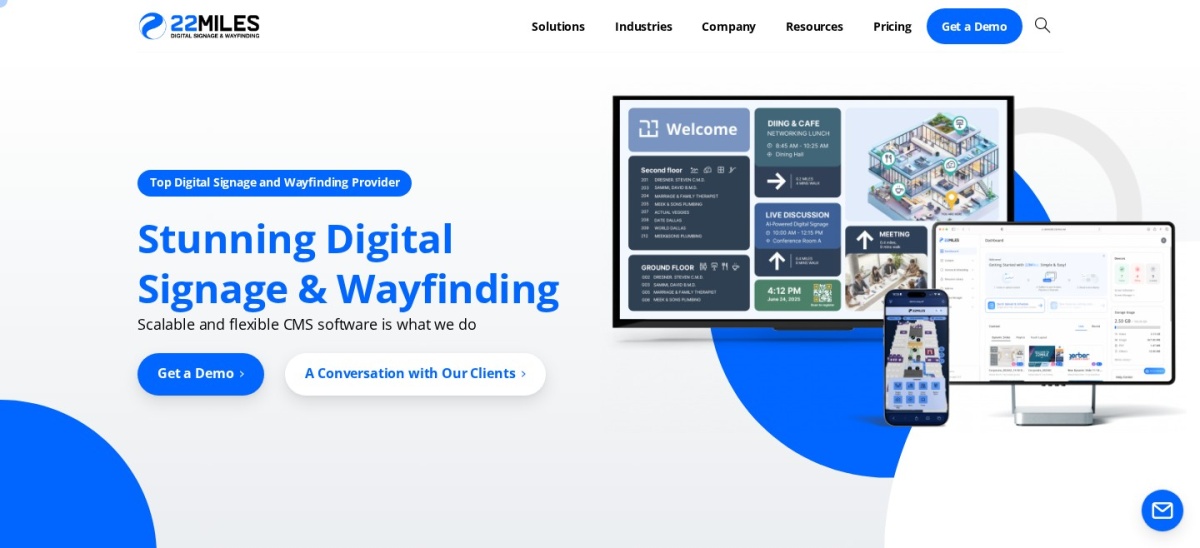
22Miles is the kiosk platform for large venues where visitors need to find their way. One CMS drives touch kiosks, video walls and mobile and web wayfinding from the same 2D or 3D maps, and routes can be changed in real time when a corridor closes. Pricing is based on buildings and floors rather than square footage, with unlimited CMS seats.
The trade off is the sales process. Every project is quoted, kiosk hardware is extra on top of the software licence, and G2 reviewers say it can be complex for new users and that it does not work on macOS. It suits hospitals, airports and campuses that want touch kiosks for wayfinding and directories across many buildings.
What we like
One CMS runs kiosks, video walls, mobile and web wayfinding
Pricing is based on buildings and floors, with unlimited CMS seats
Routes can be edited in real time when a path closes
Rated 5.0 out of 5 on G2, with reviewers praising support
Watch out for
No published price: the vendor quotes per project
Kiosk hardware is an added cost on top of the software licence
G2 reviewers note complexity for new users and no macOS support
A clinic or retail chain with dozens of Android check-in tablets fits Esper best, because kiosk and multi-app mode come on every plan from $2 per device a month and it can provision AOSP Android hardware as well as standard Android.
A business that wants kiosks in the same console as staff phones and laptops fits Hexnode UEM or Scalefusion, both from about $2 per device a month, with zero-touch enrolment so a new tablet can boot straight into the kiosk app.
A library, hotel or patient sign-in desk running public PCs fits KioWare, the specialist lockdown browser, running on Windows, Android, Linux and Chrome OS and clearing each visitor's session automatically.
How we chose
We started from the kiosk tools businesses actually deploy, then kept seven with a published G2 or Capterra rating and a price we could verify in US dollars.
Prices come from each vendor's own pricing page or a review-site listing, checked on 23 November 2026. Ratings and review counts come from G2 or Capterra on the same day.
We left out SiteKiosk Online because its prices are in euros, and KioskSimple because no G2 or Capterra rating could be verified for it. No vendor paid for a place, and this list is based on pricing, docs and reviews, not on using the tools ourselves.
How to choose kiosk software
Start with the hardware you already own, then decide single-app or multi-app.
Start with the hardware. Android tablets, iPads, Windows PCs and Chrome OS devices each support different tools; pick software that runs on the devices you already own.
Decide single-app or multi-app. A check-in screen needs one app; a library terminal may need a browser plus a few approved apps.
Check session clearing. Public kiosks must wipe the last visitor's data automatically, especially for forms and logins.
Plan remote management. With more than a handful of kiosks, you need to push updates, restart devices and see which are offline without visiting them. See our guide to the best digital signage software for the content layer.
FAQ
What is the best kiosk software?
Esper is the best pick for Android kiosk fleets, with kiosk mode on every plan from $2 per device a month. Scalefusion suits mixed fleets that want kiosk lockdown plus full device management, and KioWare suits public PCs that need a dedicated lockdown browser.
How much does kiosk software cost?
Esper and Scalefusion start at $2 per device a month, Hexnode at $2.20, and NoviSign at $16 per screen a month. KioWare costs $125 a year per licence, and 22Miles is quote-based.
What is the difference between kiosk software and digital signage?
Kiosk software locks a device to one app or website and manages the fleet. Digital signage software shows content on screens. NoviSign does both, while Esper and KioWare lock devices down without building the content.
Do kiosk tools work on iPads?
Yes. Hexnode and Scalefusion manage iPads with kiosk mode, and NoviSign runs on iPad screens. Esper is Android-first, and KioWare runs on Windows, Android, Linux and Chrome OS.
Is there free kiosk software?
No tool here has a free plan. Esper offers a 30-day trial, Hexnode 14 days, Scalefusion 14 days and NoviSign 30 days. Porteus Kiosk has a free edition, but it is priced in euros and has no G2 or Capterra rating to verify.
Does kiosk software clear user data between visitors?
KioWare clears each visitor's session automatically, and the MDM tools lock the device to one app so no personal data is left behind. For public terminals that handle forms or logins, session clearing is a feature to check before you buy.