Best Digital Menu Board Software in 2026: 7 Tools Compared
WLWPLegible EditorsLast verified 22 Nov 2026How we rank6 min read
★ Short answer
Yodeck leads for most venues thanks to a free single-screen plan and $8/screen/month Basic pricing with player hardware included on annual billing. OptiSigns fits mixed-device screens with a 3-screen free tier, while Kitcast suits Apple TV fleets starting at $7/screen/month billed annually.
How we make this list: we compare pricing pages, product documentation and public user reviews, then re-check every price before each update. No product paid for a place. Disclosure.
Yodeck offers 1 screen free forever and Basic at $8/screen/month with a free player on annual plans.
OptiSigns provides a free plan for up to 3 screens and Standard at $9/screen/month billed annually.
Kitcast starts at $7/screen/month billed annually ($84/year) with zero setup or per-user fees.
NoviSign starts at $14/screen/month billed annually with a 30-day free trial and 500+ templates.
ScreenCloud Core starts at $20/screen/month billed annually for multi-location content governance.
What to look for in digital menu board software
Most cloud signage tools charge per active screen each month, so costs scale linearly as you add TVs across dining rooms, drive-thrus, or multiple locations. Check whether a vendor requires an annual commitment to unlock discounted rates or bundled media players.
Dayparting and scheduled playlists matter for venues that switch between breakfast, lunch, happy hour, or seasonal menus. Confirm that scheduling is included on your target tier rather than locked behind higher-priced plans.
Check hardware compatibility before buying subscriptions. Some platforms run on smart TV browsers, Fire TV, Android, or Apple TV, while others pair tightly with dedicated media players or require third-party sticks.
Offline playback keeps menus visible if shop Wi-Fi drops during busy service hours. Verify how long a player caches media locally without a live connection.
For multi-location governance and enterprise rollouts
$240/yr
No free plan
4.7/5
Price ladder: cheapest paid plan per year
List prices, USD, checked Nov 2026
Kitcast$84
YodeckFREE$96
TelemetryTV$96
OptiSignsFREE$108
Rise Vision$132
NoviSign$168
ScreenCloud$240
The 7 best digital menu board software
01
Yodeck
4.7/5on G2 (3,348 reviews, checked Nov 2026)
Paid from$96/yr
Best overall for small venues and single-screen starters
Entry paid plan$8/screen/mo ($96/yr)
Free tier1 screen forever
Templates800+ templates
BillingMonthly or annual
yodeck.com
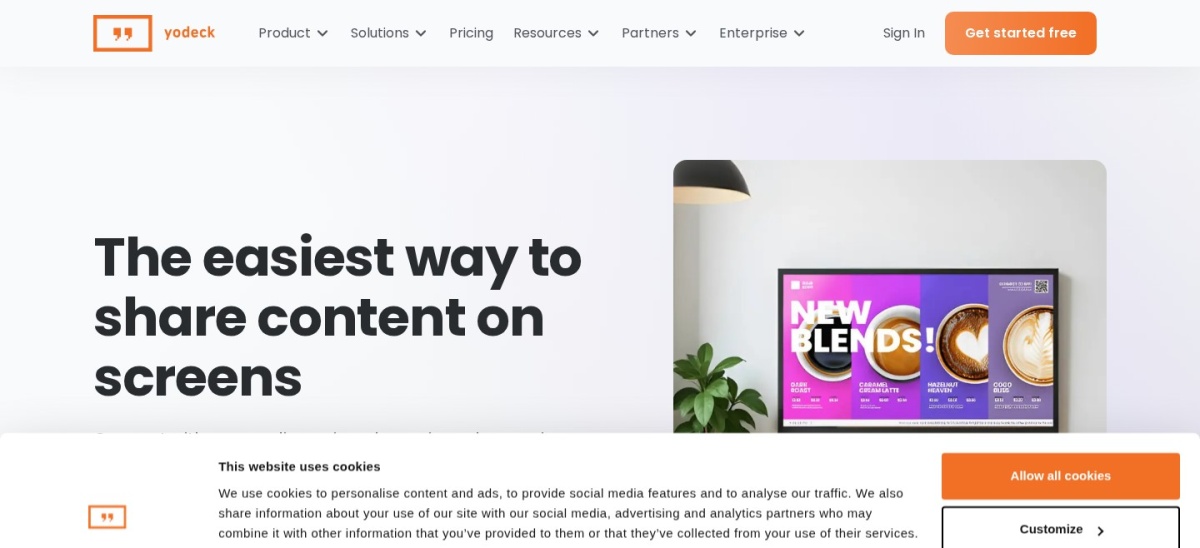
Yodeck homepage, captured Nov 2026.
Yodeck is a cloud digital signage platform with a free plan for one screen and a Basic paid tier at $8 per screen per month. Basic includes 800+ templates, 90+ apps, a drag-and-drop layout editor, and playlist scheduling.
The trade off is that adding a second screen moves your setup onto paid per-screen billing at $96 per year per screen. It suits cafés, small restaurants, and shops that want a low-cost start and a bundled player on annual plans.
What we like
Free plan covers one screen with no credit card required.
Basic plan is $8 per screen per month with no per-user or storage fees.
Annual paid plans include a Yodeck Player per screen.
Watch out for
Advanced scheduling, Microsoft 365/Google apps, and API access sit on Premium at $12/screen/month.
Per-screen costs add up as display counts grow.
Paid Basic adds multi-screen support, 800+ templates, and 90+ apps at $8/screen/month.Visit yodeck.com
02
OptiSigns
4.7/5on G2 (3,962 reviews, checked Nov 2026)
Paid from$108/yr
Best for mixed hardware and multi-screen free testing
Entry paid plan$9/screen/mo annual ($108/yr)
Free tierUp to 3 screens
App library100+ apps & integrations
Monthly rate$10/screen/mo Standard
optisigns.com
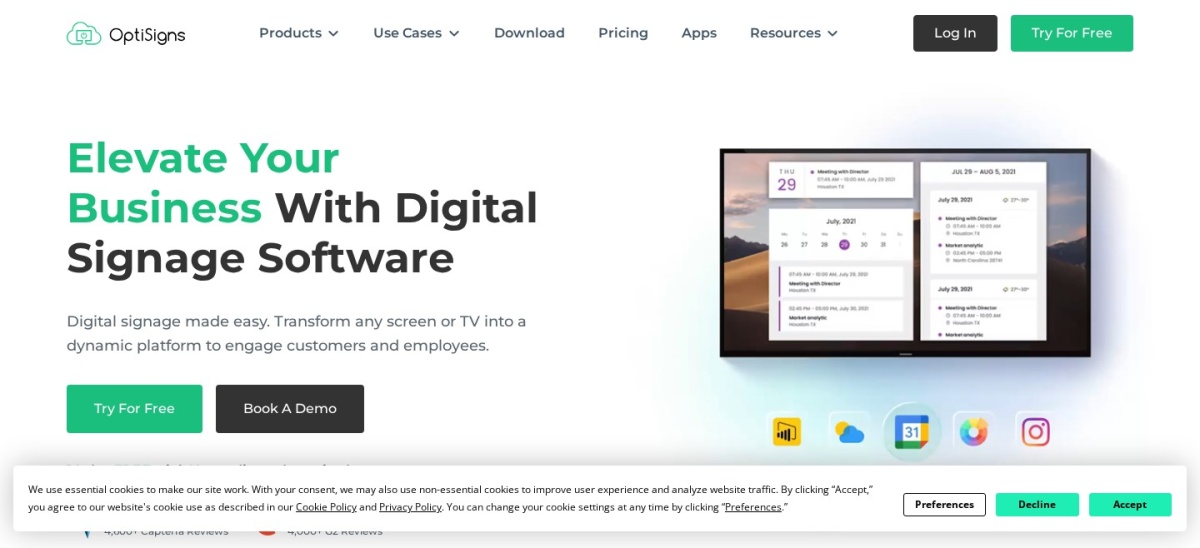
OptiSigns homepage, captured Nov 2026.
OptiSigns is a cloud signage platform offering a free plan for up to three screens and a Standard plan at $9 per screen per month billed annually ($10 monthly). Standard adds content scheduling, split-screen zones, a design studio, and 100+ apps.
The trade off is that the free tier displays OptiSigns branding and omits scheduling, while Standard is $108 per year per screen on annual billing. It suits teams managing varied displays who want a mobile app and broad integrations.
What we like
Free plan supports up to three screens for initial setup.
Includes 100+ apps, split-screen zones, and a built-in content designer on Standard.
Offers both monthly ($10) and annual ($9) per-screen billing.
Watch out for
Proof of play starts on Pro ($11.25/mo annual) and POS/workspace data syncs sit higher.
Media player hardware is sold separately from the software subscription.
Paid Standard unlocks content scheduling and multi-screen management at $9/screen/month billed annually.Visit optisigns.com
03
Kitcast
4.9/5on G2 (12 reviews, checked Nov 2026)
Starts at$84/yr
Best for Apple TV setups with predictable per-screen pricing
Entry paid plan$7/screen/mo annual ($84/yr)
Monthly rate$9/screen/mo Starter
Free trial14-day trial
StorageUnlimited on Starter
kitcast.tv
Kitcast homepage, captured Nov 2026.
Kitcast is a cloud digital signage tool that starts at $7 per screen per month billed annually ($84 per year), or $9 monthly on Starter. Starter covers playlists, scheduling, templates, screen zones, and unlimited storage with no setup or per-user fees.
The trade off is that there is no free forever tier after the 14-day trial, and annual billing costs $84 per screen per year. It suits businesses running Apple TV or mixed screens that want straightforward per-screen pricing.
What we like
Low annual entry rate of $7 per screen per month ($84/year) on Starter.
No setup fees, onboarding charges, or per-user fees on published plans.
Supports Apple TV alongside other signage platforms.
Watch out for
Dashboards, SSO/SAML, and advanced roles require upgrading to Pro ($10/mo annual).
Hardware devices such as Apple TV or Fire TV Stick are purchased separately.
Starter provides playlists, scheduling, screen zones, and templates from $7/screen/month billed annually.Visit kitcast.tv
04
Rise Vision
4.7/5on G2 (1,004 reviews, checked Nov 2026)
Starts at$132/yr
Best for template-driven displays and schools or campuses
Entry paid plan$132/display/yr Business Basic
Monthly rate$12/display/mo Basic
Templates750+ customizable templates
Free trial14-day trial
risevision.com
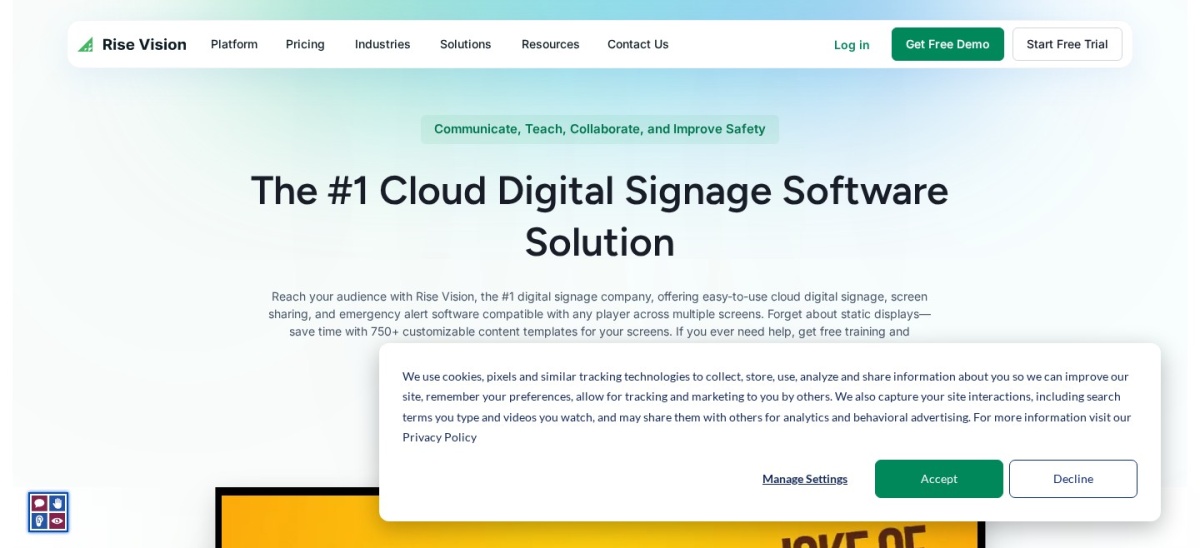
Rise Vision homepage, captured Nov 2026.
Rise Vision is a cloud digital signage platform whose Business Basic plan starts at $132 per display per year ($12 monthly). It includes 750+ templates, zoned layouts, scheduling, offline playback, and unlimited users and storage.
The trade off is that there is no free tier beyond a 14-day trial, and Business Basic costs $132 per display per year. It suits organizations that want ready-made templates, Canva integration, and educational or campus options.
What we like
Includes 750+ customizable templates and multi-zone layouts on Basic.
Supports offline play, scheduling, and unlimited users and content storage.
Offers lower K-12 school pricing tiers alongside business plans.
Watch out for
Higher annual entry price per display than Yodeck, OptiSigns, or Kitcast.
Brand settings and offline email alerts require higher-tier plans.
Business Basic includes 750+ templates, playlists, offline play, and unlimited users at $132/display/year.Visit risevision.com
05
TelemetryTV
4.8/5on G2 (104 reviews, checked Nov 2026)
Starts at$96/yr
Best for live dashboards, operational screens, and Canva workflows
Entry paid plan$8/device/mo ($96/yr)
Monthly rate$9/device/mo Entry
Apps70+ turnkey apps & Canva
MinimumNo minimum on Entry
telemetrytv.com
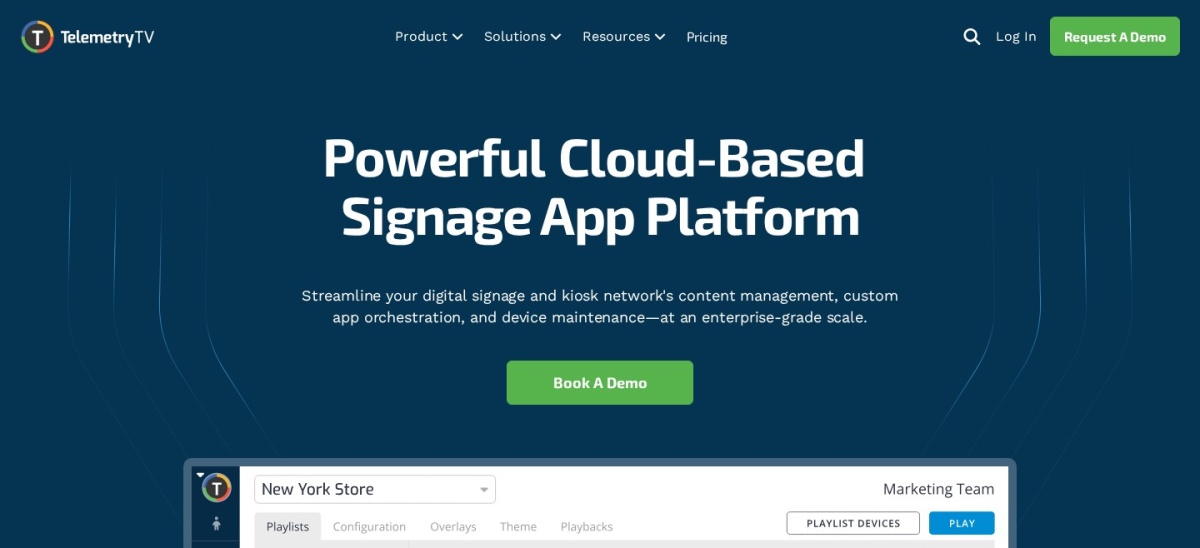
TelemetryTV homepage, captured Nov 2026.
TelemetryTV is a cloud signage platform with an Entry plan starting at $8 per device per month billed annually ($9 monthly) with no device minimum. Entry provides 70+ apps, playlist scheduling, resizable screen zones, and built-in Canva editing.
The trade off is that there is no free plan after trial, and Entry costs $96 per device per year. It suits teams that mix menu or promotional screens with live metrics, calendars, and Canva designs.
What we like
Entry plan is $8 per device per month with no minimum device count.
Includes Canva integration, resizable zones, and 70+ apps on Entry.
Supports real-time content updates and playlist scheduling.
Watch out for
Proof of play and device logs require the Elite plan ($16/device/mo, 10-device minimum).
Entry storage and playlist limits are capped compared with higher tiers.
Entry includes playlist scheduling, screen zones, and Canva integration at $8/device/month billed annually.Visit telemetrytv.com
06
NoviSign
5/5on G2 (47 reviews, checked Nov 2026)
Starts at$168/yr
Best for interactive displays and template-heavy menu boards
Entry paid plan$14/screen/mo annual ($168/yr)
Monthly rate$16/screen/mo Business
Free trial30-day free trial
Templates500+ customizable templates
novisign.com
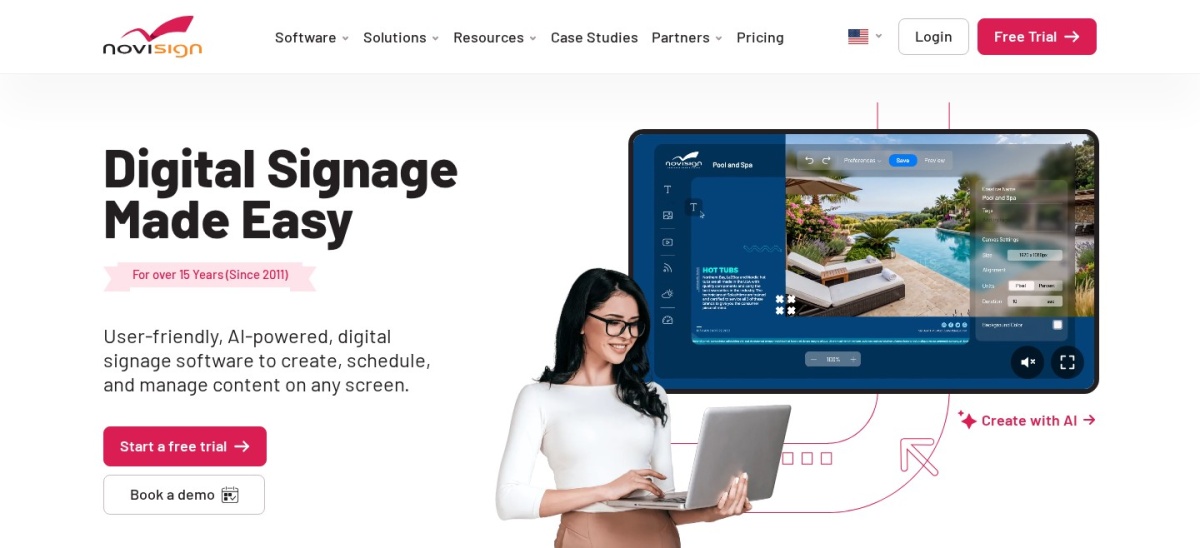
NoviSign homepage, captured Nov 2026.
NoviSign is a cloud digital signage platform whose Business plan starts at $14 per screen per month billed annually ($168 per year), or $16 monthly. It provides 500+ templates, drag-and-drop editing, scheduling, offline playback, and reports.
The trade off is that it lacks a free tier after the 30-day trial and costs $168 per screen per year on annual Business billing. It suits businesses that want a 30-day trial, template variety, and kiosk or interactive options.
What we like
Includes a 30-day free trial with no credit card required.
Offers 500+ templates, scheduling, and offline playback on the Business plan.
Supports interactive signage and multi-screen scheduling.
Watch out for
Annual entry pricing at $14/screen/month is higher than Yodeck, OptiSigns, and Kitcast.
Some advanced AI creation and SSO/SAML features sit on higher plans.
Business includes 500+ templates, scheduling, and offline playback at $14/screen/month billed annually.Visit novisign.com
07
ScreenCloud
4.7/5on G2 (455 reviews, checked Nov 2026)
Starts at$240/yr
Best for multi-location governance and enterprise rollouts
Entry paid plan$20/screen/mo annual ($240/yr)
Monthly rate$24/screen/mo Core
Free trial14-day free trial
App ecosystem80+ apps & integrations
screencloud.com
ScreenCloud homepage, captured Nov 2026.
ScreenCloud is a cloud signage platform whose Core plan starts at $20 per screen per month billed annually ($240 per year), or $24 monthly. Core includes scheduling, templates, unlimited file storage, and 80+ apps for managing displays across locations.
The trade off is a higher annual price of $240 per screen per year and no free forever plan. It suits multi-site operators and organizations that prioritize centralized screen control and app integrations.
What we like
Well suited to managing scheduled content across multiple screens and locations.
Core includes 80+ apps, templates, and scheduling tools.
Works with consumer and commercial displays via supported media players.
Watch out for
Core at $20/screen/month billed annually is pricier than entry plans from Yodeck or OptiSigns.
Pro ($30/screen/month annual) is required for advanced analytics and dashboards.
Core provides scheduling, templates, and 80+ apps at $20/screen/month billed annually.Visit screencloud.com
How hardware and per-screen billing affect total cost
Software pricing is usually quoted per screen per month, so a five-screen menu board setup costs five times the per-screen rate. Annual billing lowers the monthly rate on several platforms or includes media hardware.
Before choosing a tier, factor in the TV or display itself, wall or ceiling mounts, HDMI cables, and any media player or streaming stick needed to run the software.
How we chose
We compiled this shortlist from established cloud digital signage platforms that support menu board layouts, playlist scheduling, and multi-screen display management.
All starting prices, plan terms, and G2 ratings and review counts were verified on 22 Nov 2026 from vendor pricing pages and public review listings.
We excluded unmaintained tools, enterprise-only quote-gated platforms without published entry pricing, and products lacking verified public pricing or review data. No vendor paid for a place, and we do not claim testing for this list.
How to choose the right digital menu board software
Follow four practical checks before committing to a subscription.
Count every active screen first. Multiply the per-screen rate by your total display count so you know the true monthly or annual run rate.
Confirm dayparting on your plan. Check that scheduled playlists for morning, midday, and evening menus are included on the entry tier you plan to buy.
Match the player to your displays. Verify whether your existing smart TVs or media players are supported or if you need extra hardware.
Check offline playback behavior. Make sure your chosen setup caches media locally so menus stay visible during brief internet interruptions.
FAQ
Is there free digital menu board software?
Yes. Yodeck offers a free plan for one screen, and OptiSigns offers a free plan for up to three screens, though free tiers have screen or feature limits.
Why do most platforms charge per screen?
Cloud signage vendors bill per active display because each screen streams or syncs content independently and consumes ongoing device management resources.
Does annual billing always save money?
Annual billing often lowers the monthly rate or bundles hardware, such as on OptiSigns and Kitcast, though monthly billing gives more flexibility if your screen count changes.
Do I need special hardware for digital menu boards?
Many platforms run on smart TVs or media players such as Amazon Fire TV, Apple TV, Android, or dedicated signage players, depending on the software.
What happens if the internet goes down?
Most cloud signage tools cache scheduled media locally on the connected player or display so menus continue playing offline until connectivity returns.
Should I start with a free plan or a trial?
Start with a free plan or free trial on one display first to test your menu layout, readability from viewing distance, and update workflow before scaling up.