Best Invoicing Software for Contractors in 2026: 7 Tools Compared
WLWPLegible EditorsLast verified 22 Nov 2026How we rank6 min read
★ Short answer
FreshBooks leads for service contractors with time tracking, client billing, and plans starting at $23/mo (30-day free trial; promotional discounts appear on its site). Zoho Invoice suits zero-budget teams up to 2 users and 500 invoices per year, while Jobber fits trade crews scheduling jobs starting at $29/mo billed annually.
How we make this list: we compare pricing pages, product documentation and public user reviews, then re-check every price before each update. No product paid for a place. Disclosure.
FreshBooks holds a 4.5/5 rating across 983 G2 reviews, with regular monthly plans starting at $23/mo for up to 5 clients.
Zoho Invoice offers a $0 plan for up to 2 users and 500 invoices per year, holding a 4.7/5 rating on Capterra.
Jobber starts at $29/mo billed annually (or $49/mo monthly) for 1 user, combining quotes, scheduling, and invoicing.
Invoice Ninja starts at $14/mo billed monthly (or $140/yr billed annually) after a free tier capped at 5 clients.
Wave offers a $0 Starter plan and a $19/mo Pro plan (or $190/yr) for invoicing and receipt capture.
What contractors need from invoicing software
Contractors rarely bill from a blank page. Most jobs start as an estimate or scope of work, shift as materials or hours change, and split across deposits, milestones, or final sign-off.
The right billing tool depends on how you work. Independent consultants and creative contractors often track billable hours and retainers, while construction, electrical, or home-service contractors need estimates, work orders, field scheduling, or payment plans.
Entry prices can look misleading once you add team seats, payment processing fees, or client limits. Checking regular monthly or annual rates alongside transaction fees helps keep recurring overhead predictable.
Best for service contractors billing by time or project
Regular entry plan$23/mo (Lite, up to 5 clients)
Free trial30-day free trial
G2 rating4.5/5 (983 reviews)
Add-on team seat$11/mo per user
freshbooks.com
FreshBooks homepage, captured Nov 2026.
FreshBooks is cloud invoicing and accounting software built around service work, time tracking, expenses, and online payments. Its Lite tier covers up to 5 billable clients and includes unlimited invoices and estimates, with a 30-day free trial and periodic promotional discounts.
The trade off is that Lite caps you at 5 billable clients and charges $23/mo at regular monthly rates ($276/yr), pushing higher-volume contractors toward Plus at $43/mo or Premium at $70/mo plus $11/mo per extra user. It suits solo contractors and small service teams that bill hours, milestones, or retainers.
What we like
Clean workflow connecting time tracking, expenses, and client invoices
Recurring billing, client retainers, and late-payment reminders on upper plans
Strong user rating of 4.5/5 across 983 G2 reviews
Watch out for
Lite plan limits you to 5 billable clients
Extra team members cost $11/mo each on top of base plans
Higher tiers unlock up to 50 or unlimited clients, recurring billing, retainers, and double-entry reports.Visit freshbooks.com
02
Zoho Invoice
4.7/5on Capterra (82 reviews, checked Nov 2026)
PriceFree
Best free invoicing for small contractor teams
Plan price$0 forever free plan
Usage limitsUp to 2 users, 500 invoices/yr
Capterra rating4.7/5 (recent 2-yr set)
Included toolsQuotes, recurring invoices, expenses
zoho.com
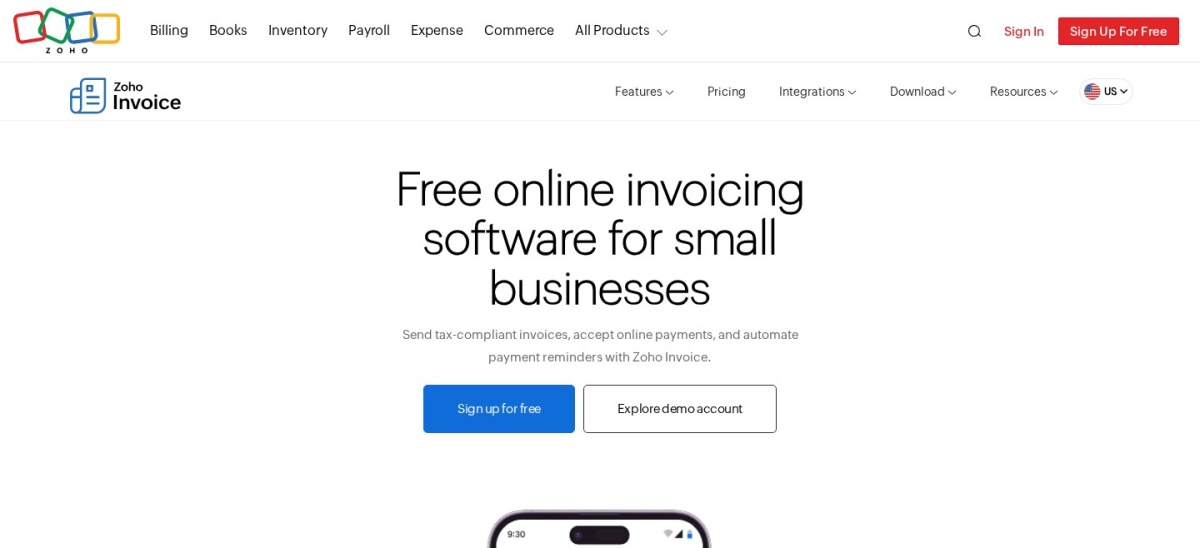
Zoho Invoice homepage, captured Nov 2026.
Zoho Invoice is a free invoicing platform that covers quotes, recurring invoices, expense tracking, timesheets, and a client payment portal. Its single plan costs $0 with no subscription fee and includes up to 2 users and 500 invoices per year, leaving payment gateway fees as the main cost.
The trade off is that there is no paid tier inside Zoho Invoice itself, so passing 500 annual invoices or 2 users means moving to Zoho Billing starting at $25/mo billed annually ($29/mo monthly). It suits budget-minded contractors and small two-person outfits with steady, moderate invoice volume.
What we like
Zero subscription fee with quotes, reminders, and client portals included
Supports up to 2 users and 500 invoices per year on the free plan
High 4.7/5 Capterra score in recent small-business billing evaluations
Watch out for
Caps free accounts at 2 users, 3 projects, and 500 invoices per year
Free invoices carry Zoho Invoice branding and require moving to Zoho Billing to scale
Exceeding the free caps requires upgrading to Zoho Billing, starting at $25/mo billed annually.Visit zoho.com
03
Invoice Ninja
4.7/5on Capterra (167 reviews, checked Nov 2026)
Paid from$14/mo
Best low-cost plan for unlimited clients and invoices
Regular Pro price$14/mo monthly ($140/yr annual)
Free planUp to 5 clients, unlimited invoices
Capterra rating4.7/5 (167 reviews)
Enterprise entry$18/mo monthly ($180/yr, 2 users)
invoiceninja.com
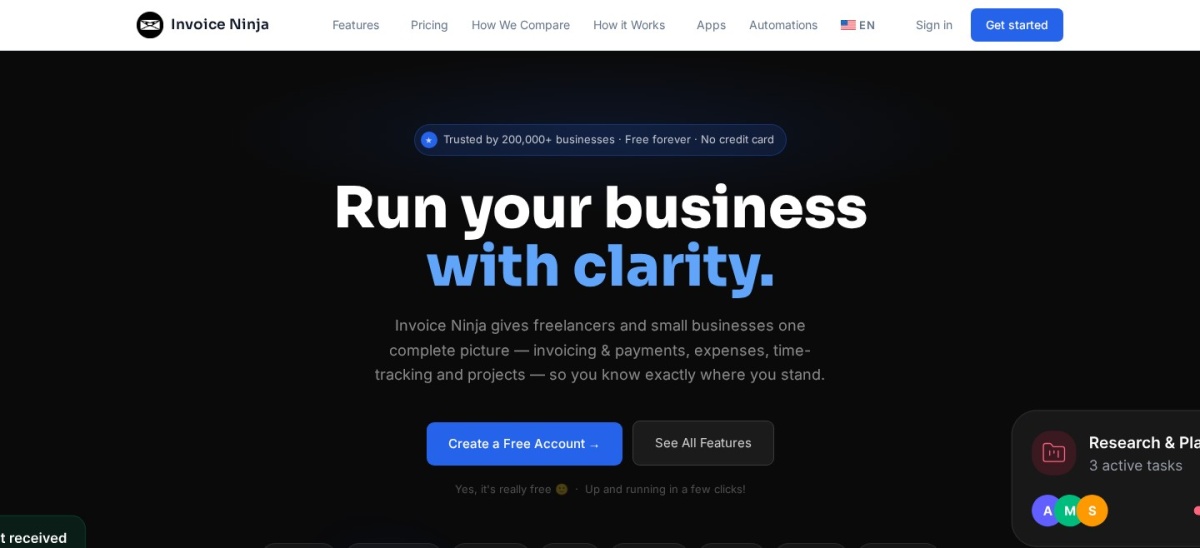
Invoice Ninja homepage, captured Nov 2026.
Invoice Ninja is an invoicing, quoting, and payment portal platform available both as a hosted service and as open-source self-hosted software. Its free tier allows up to 5 clients with unlimited invoicing, while Ninja Pro costs $14/mo billed monthly or $140/yr billed annually.
The trade off is that the free tier caps you at 5 clients and leaves branding in place, and adding extra staff requires Enterprise tiers ($18/mo monthly for 2 users or $32/mo for 5 users). It suits solo contractors and technical operators who want customizable invoices and client portals without high monthly fees.
What we like
Low entry pricing at $14/mo monthly or $140/yr annually for unlimited clients on Pro
Offers a free tier for up to 5 clients plus a self-hosting option
4.7/5 rating across 167 Capterra reviews
Watch out for
Free plan is restricted to 5 clients and includes platform branding
Focused on invoicing and billing rather than full double-entry bookkeeping
Pro and Enterprise plans remove branding, unlock unlimited clients, and add multi-user access, bank sync, and e-invoicing.Visit invoiceninja.com
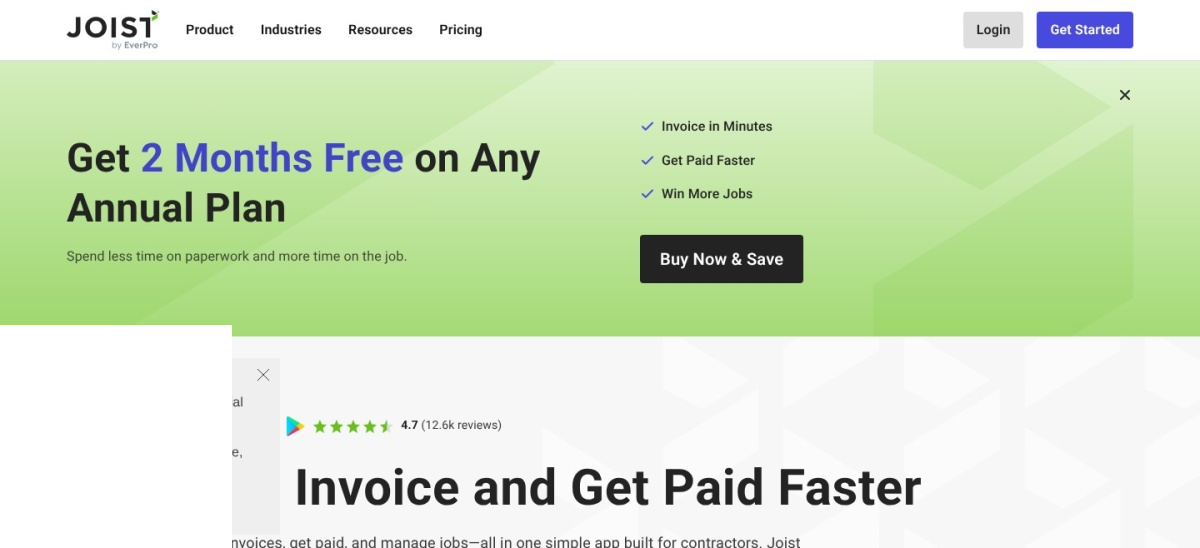
Joist is estimating and invoicing software built for construction, remodeling, and home-improvement contractors to turn line-item quotes into invoices and collect payments. Its Basics plan starts at $12/mo billed monthly ($10/mo billed annually with two months free) and includes up to 5 documents per month with a 14-day trial.
The trade off is that Basics caps you at 5 estimates or invoices per month, requiring Pro at $17/mo monthly for unlimited documents, contracts, and work orders. It suits remodelers, builders, and trade contractors who write detailed estimates before invoicing.
What we like
Purpose-built estimate-to-invoice layout tailored to contractor line items
Affordable entry tier starting at $12/mo monthly or $10/mo annually
Supports deposits, online payments, and QuickBooks Online sync
Watch out for
Basics plan limits you to 5 documents per month
Less suited to full multi-crew dispatch and scheduling than field-service suites
Pro adds unlimited monthly documents, contracts with e-signatures, and work orders; Elite adds change orders and reporting.Visit joist.com
05
Wave
4.4/5on Capterra (1,732 reviews, checked Nov 2026)
Paid from$19/mo
Best for free invoicing with basic bookkeeping
Free plan$0 Starter (invoices, estimates, bills)
Regular Pro price$19/mo monthly ($190/yr annual)
Capterra rating4.4/5 (1,732 reviews)
Card processingStarts at 2.9% + $0.60 (Starter)
waveapps.com
Wave homepage, captured Nov 2026.
Wave combines invoicing, estimates, bill tracking, and bookkeeping for small businesses and independent contractors. Its $0 Starter plan covers unlimited estimates, invoices, bills, and bookkeeping records, while Pro costs $19/mo billed monthly or $190/yr billed annually.
The trade off is that Starter lacks bank transaction automation, receipt scanning, and automated late-payment reminders, and card fees on Starter start at 2.9% + $0.60. It suits solo contractors who want invoicing and basic books together without paying a subscription upfront.
What we like
Unlimited invoices, estimates, and basic bookkeeping on the $0 Starter plan
Low Pro rate at $19/mo monthly or $190/yr annually
4.4/5 rating across 1,732 Capterra reviews
Watch out for
Automated bank feeds, receipt capture, and automated reminders require Pro
Starter card processing carries a $0.60 per-transaction surcharge
Pro adds bank transaction auto-import and categorization, receipt capture, automated reminders, and lower card rates.Visit waveapps.com
Standard accounting$32/mo (Starter, 20 invoices & quotes)
G2 rating4.4/5 (2,183 reviews)
Optional project add-onFrom $7/mo for project tracking
xero.com
Xero homepage, captured Nov 2026.
Xero is cloud accounting software that pairs quotes, online invoice payments, and bill entry with bank reconciliation and financial reporting. Its Early plan lists at $27/mo regular price (with periodic promotional discounts) for 5 invoices and quotes, moving up to Starter at $32/mo for 20 invoices and quotes.
The trade off is that Lite caps you at 5 invoices and quotes per month, and project time and cost tracking sit behind an optional add-on starting at $7/mo. It suits contractors who want structured bookkeeping and bank reconciliation alongside their billing.
What we like
Strong bank reconciliation, financial reports, and bill tracking
$27/mo Early tier for very light monthly invoicing
4.4/5 rating across 2,183 G2 reviews
Watch out for
Lite restricts you to 5 invoices and quotes per month
Project cost and time tracking require an extra paid add-on
Higher plans expand invoice and bill volume, add cash-flow forecasting and multi-currency tools, and support optional project tracking.Visit xero.com
07
Jobber
4.6/5on Capterra (1,490 reviews, checked Nov 2026)
Starts at$29/mo
Best for field-service contractors scheduling jobs
Jobber is field-service management software built around quotes, job scheduling, customer communication, and invoicing with online payments. Its Core plan starts at $29/mo billed annually ($348/yr) or $49/mo billed monthly for one user, with a free trial available.
The trade off is that adding extra users costs $29/mo each, and features like automated client reminders, time tracking, and accounting sync start on higher plans such as Connect ($99/mo billed annually). It suits home-service, landscaping, plumbing, and trade contractors who coordinate appointments and billing in one system.
What we like
Connects job booking, scheduling, quoting, and invoicing in one workflow
4.6/5 rating across 1,490 Capterra reviews
Supports online payments and Tap to Pay on mobile
Watch out for
Additional user seats cost $29/mo each and lift total costs quickly
Core lacks automated client reminders and accounting sync found on higher tiers
Connect, Grow, and Plus tiers add multi-user bundles, automated reminders, time tracking, job checklists, and accounting integrations.Visit getjobber.com
Watch client caps, document limits, and payment fees
Many contractor invoicing tools price entry plans around document counts or billable clients rather than invoice creation alone. FreshBooks Lite stops at 5 billable clients, Xero Lite caps invoices and quotes at 5 per month, and Joist Basics caps documents at 5 per month.
Card and bank payment processing fees apply on top of subscription rates and vary by processor, plan, and payment method. Comparing ACH or bank transfer options against card fees matters on larger contractor invoices.
How we chose
This list comes from established invoicing, accounting, and contractor billing platforms with active public reviews and documented pricing tiers.
All prices, plan limits, and review ratings were checked on 22 Nov 2026 from vendor pricing pages and third-party review directories, using regular list prices rather than temporary discounts.
Tools without a verifiable public pricing page or established review footprint were left out. No vendor paid for a place, and we do not claim testing for this list.
How to pick invoicing software for your contracting business
Follow four practical checks before committing your billing workflow to a platform:
Match the tool to how you quote and bill. Pick an estimating and job-management tool like Joist or Jobber if you bid line-item work or schedule visits, or a time-and-retainer tool like FreshBooks if you bill hours or milestones.
Check client, invoice, and seat limits against your growth. Compare entry caps on active clients, monthly invoices, and team seats so a busy month does not force an unexpected jump to a higher tier.
Factor in payment processing fees on typical invoice sizes. Check card and bank transfer rates on the exact plan you intend to use, especially if you collect large deposits or final balances.
Decide whether you need full bookkeeping or standalone billing. Choose a dedicated invoicing tool if you already use separate accounting software, or pick a combined accounting tool like Xero or Wave if you want books in one place.
FAQ
What is the best free invoicing software for contractors?
Zoho Invoice offers a $0 plan for up to 2 users and 500 invoices per year, while Wave offers a $0 Starter plan with unlimited invoices and basic bookkeeping. Both let you send quotes and collect online payments, though higher volume or automation may require paid plans.
Should contractors use invoicing software or full accounting software?
Dedicated invoicing software is often faster for creating estimates, tracking billable time, and collecting client payments. Full accounting software makes more sense when you need bank reconciliation, detailed financial statements, and tax-ready reports in the same system.
Do invoicing apps charge extra for online payments?
Yes, payment processing fees generally apply when clients pay by credit card or bank transfer through an invoice. Exact percentages and flat per-transaction fees depend on the platform, payment method, and plan tier.
How do contractors handle deposits and milestone billing?
Look for platforms that support estimates converting into invoices, deposit requests, recurring schedules, or partial payments. That lets you collect upfront materials or mobilization funds and bill remaining balances as work progresses.
Why do entry plans often have low client or invoice caps?
Lower-priced plans are typically sized for solo contractors or low-volume billing, using client or document caps to separate light users from growing teams. Checking those limits upfront prevents surprises as your workload expands.
Is mobile invoicing important for contractors?
Mobile access helps when you need to send a quote, log hours or expenses, or share an invoice right after finishing a job on site. Check whether the mobile app supports the features your team uses most on the road.