WLWPLegible EditorsLast verified 23 Nov 2026How we rank14 min read
★ Short answer
Expensify is the best receipt software for most teams. Its SmartScan reads a receipt photo in seconds, and Collect costs $5 per user a month with unlimited scans. Pick Dext for bookkeeper-grade extraction or Zoho Expense for the cheapest team plan with a free tier.
How we make this list: we compare pricing pages, product documentation and public user reviews, then re-check every price before each update. No product paid for a place. Disclosure.
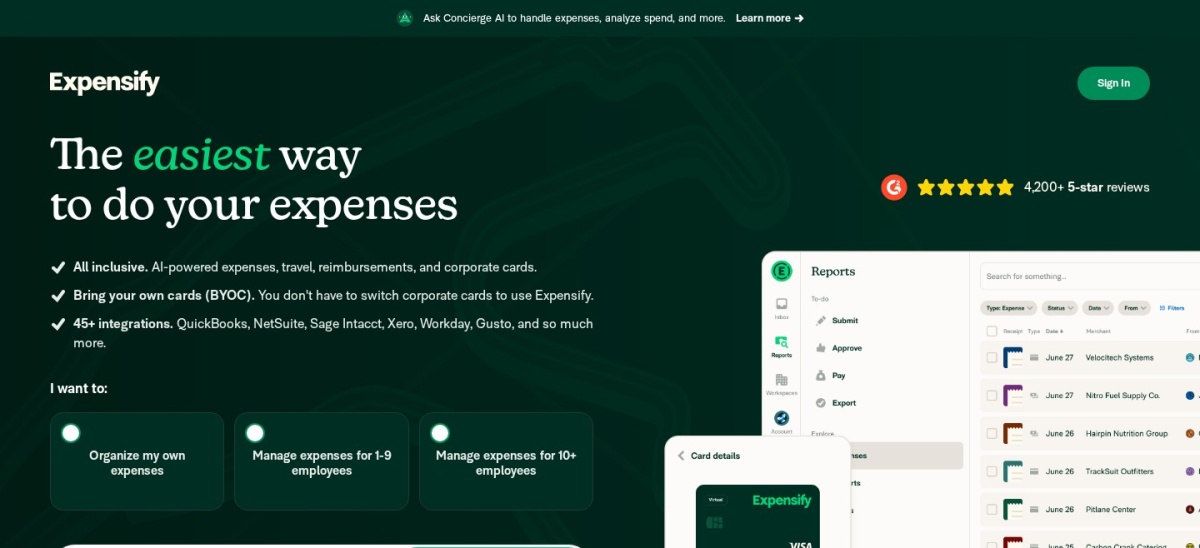
Expensify leads on everyday receipt capture: SmartScan reads a photo in seconds, and Collect is $5 per user a month with unlimited scans.
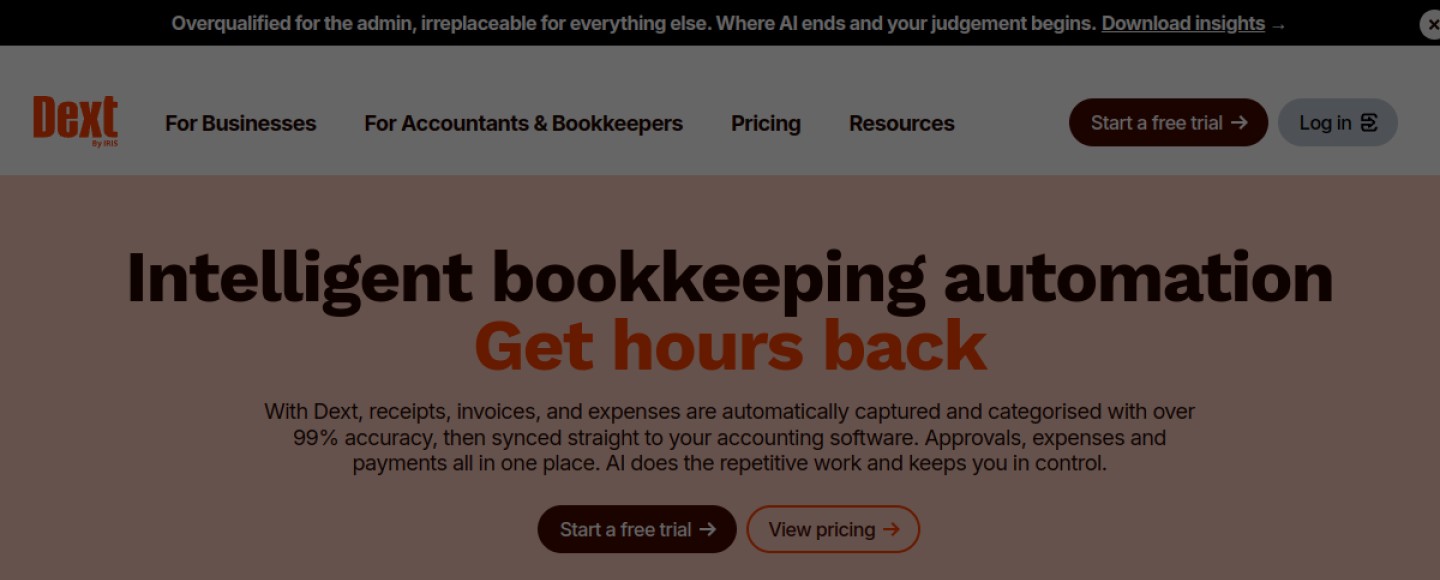
Dext is the bookkeeper pick: it extracts receipt and bill data for $25.21 a month, with line-item detail as a paid add-on.
Zoho Expense is the cheapest team option at $3 per user a month, with a free plan for up to 3 users.
Ramp and Everlance both have free plans, but Ramp needs its corporate cards and Everlance caps free automatic trips at 30 a month.
Only Shoeboxed lets you mail paper receipts in a prepaid envelope; Starter is $97 a year and includes one envelope a year.
What receipt software should do
A receipt app has one job: turn a pile of paper and emailed PDFs into records your ledger can use. The best ones read the vendor, date and total with OCR, match the receipt to a bank or card transaction, and keep the image attached to the expense.
What matters most is how your receipts arrive. Paper piles need a scanner or a mail-in service, emailed receipts need an inbox address, and card spending is best matched automatically at the point of purchase.
Scan limits matter more than headline prices. A free plan with 20 scans a month is useless if you file 100, and a per-user price that looks cheap can double once the whole team is on it.
Every tool here syncs with QuickBooks Online or Xero, or is part of a ledger itself, so the data lands where your accountant already works.
Expensify is an expense management app built around SmartScan, which reads a receipt photo or a forwarded email and turns it into a coded expense. The free plan covers one user with receipt scanning, mileage tracking and expense reports, while Collect at $5 per user a month adds unlimited SmartScans, reimbursements and QuickBooks and Xero sync.
The trade off is price creep for larger teams. Control, with multi-level approvals and NetSuite and Sage Intacct sync, costs $18 per user a month on an annual plan, or $36 pay-per-use. It suits small teams that want fast capture and simple approvals without buying a card program.
What we like
SmartScan reads photos and emailed receipts fast
Free plan for one user; Collect is $5 per user a month
Syncs with QuickBooks Online, Xero and NetSuite
Bills only for users who submit expenses that month
Watch out for
Control jumps to $18 per user a month on annual billing
Interface changed recently and some long-time users dislike it
Dext is a receipt and bill capture tool built for bookkeepers and small businesses. Photograph, email or upload a receipt and Dext extracts the supplier, date, total and tax, then publishes the transaction to QuickBooks, Xero or Sage. The entry plan covers 250 documents a month for 5 users at $25.21 a month billed annually.
The trade off is that the detail costs extra. Line-item extraction and supplier statement extraction are paid add-ons from $20.50 a month, and there is no free plan, only a 14-day trial. It suits firms and businesses that process a steady pile of receipts and bills every month.
What we like
Extracts receipt data with over 99% accuracy stated on its homepage
Publishes straight to QuickBooks, Xero and Sage
Handles receipts, bills, bank statements and mileage in one inbox
Watch out for
No free plan, and the entry plan is $25.21 a month
Line-item extraction costs extra
Paid add-ons add line-item and statement extractionVisit dext.com
03
Zoho Expense
4.5/5on G2 (1,579 reviews, checked Nov 2026)
Paid from$3/user/mo
Best value for small teams
Free planUp to 3 users
Receipt autoscans20/user/mo free
Cheapest paidStandard, $3/user/mo
Accounting syncZoho Books, QuickBooks, Xero
zoho.com
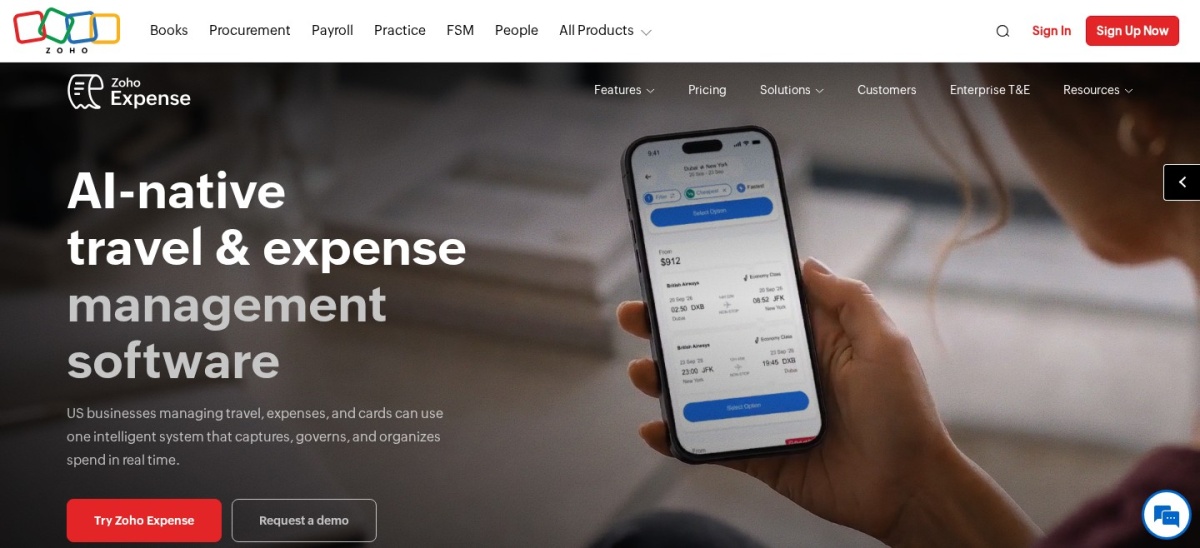
Zoho Expense homepage, captured Nov 2026.
Zoho Expense is a travel and expense app with receipt capture in 38+ languages. The free plan covers up to 3 users with 20 receipt autoscans per user a month, 5 GB of storage and GPS mileage. Standard at $3 per user a month billed annually adds corporate card feeds, multi-level approvals and 200 autoscans per user a month.
The trade off is metering. Autoscans are capped per user, so a heavy claimant can run out and must enter the rest by hand, and paid plans need at least 3 users. It suits small teams that want proper approvals and reimbursements at the lowest per-user price here.
What we like
Free plan for up to 3 users with receipt scanning
Cheapest paid plan in this list at $3 per user a month
Receipt capture in 38+ languages with multi-currency expenses
Watch out for
Receipt autoscans are capped per user each month
No corporate cards, so spending control comes after purchase
Standard adds card feeds, approvals and 200 autoscans a monthVisit zoho.com
04
Ramp
4.8/5on G2 (2,540 reviews, checked Nov 2026)
Paid from$15/user/mo
Best free option for card-based teams
Free planYes, $0/user/mo
Receipt matchingAuto, to card spend
Cheapest paidPlus, $15/user/mo
Accounting syncQuickBooks, Xero
ramp.com
Ramp homepage, captured Nov 2026.
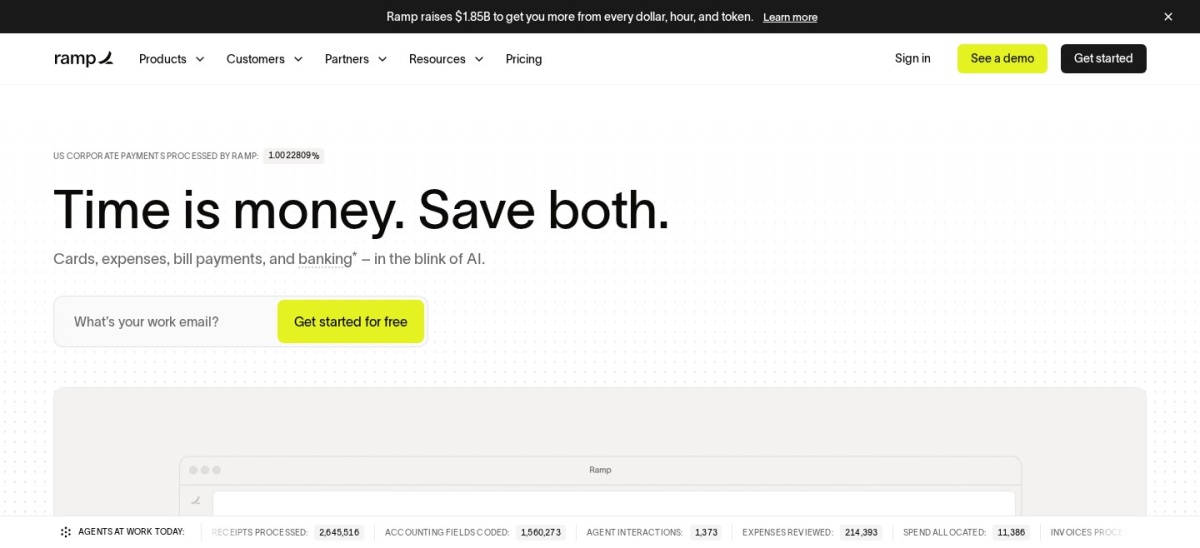
Ramp is a spend management platform built around corporate charge cards. Its free plan costs $0 per user a month and includes unlimited cards, expense management, receipt matching and invoice OCR, with sync to QuickBooks Online and Xero. Receipts are matched to card transactions automatically as spending happens.
The trade off is the catch behind free. Ramp earns from card interchange, so the free tier only makes sense if your team moves its card spending to Ramp, and Plus adds an unpublished platform fee on top of $15 per user a month. It suits teams that want to control spending before it happens, not after.
What we like
Core platform is free, including cards and receipt matching
Receipts match to card spend with no manual entry
Rated 4.8 out of 5 on G2 from 2,540 reviews
Watch out for
Free tier only pays off if you use Ramp cards
Plus platform fee amount is not published
Plus adds ERP sync and AI approvals for $15 per user a monthVisit ramp.com
05
Shoeboxed
4.4/5on G2 (30 reviews, checked Nov 2026)
Starts at$97/yr
Best for paper receipts by mail
Mail-in scanningMagic Envelope
Digital scans50/mo on Starter
Mileage trackingUnlimited, all plans
Accounting syncQuickBooks, Xero (Pro+)
shoeboxed.com
Shoeboxed homepage, captured Nov 2026.
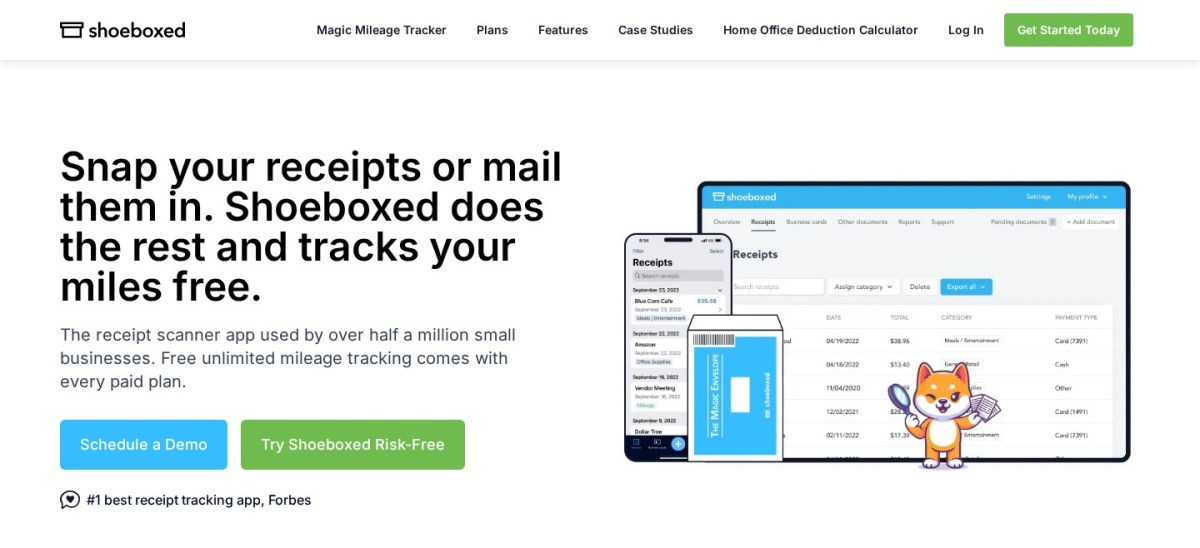
Shoeboxed is a receipt scanning service for paper-heavy businesses. Photograph receipts in the app, forward them by email or mail them in a prepaid Magic Envelope, and Shoeboxed scans them with OCR plus human verification. Starter costs $97 a year and includes 50 digital scans a month, 20 paper scans a year and one envelope a year.
The trade off is volume. Starter's 50 digital scans a month and 20 paper scans a year run out fast, and accounting sync to QuickBooks and Xero needs Pro at $297 a year. It suits sole traders and small firms with a drawer of paper receipts and no appetite for data entry.
What we like
Only tool here that scans mailed-in paper receipts for you
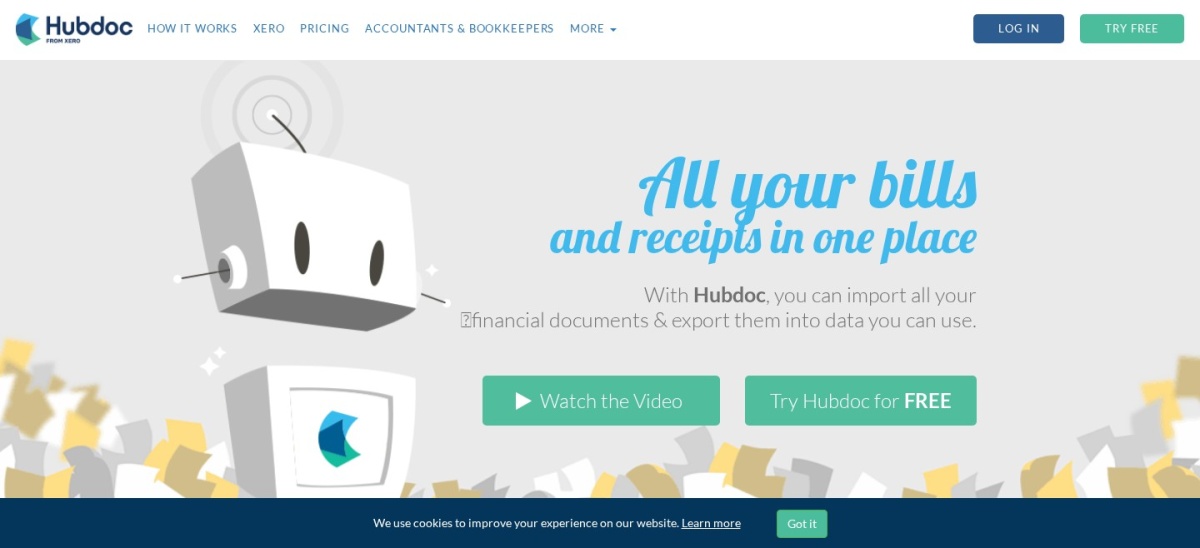
Hubdoc is Xero's document capture app for receipts, bills and statements. Snap a photo, forward an email or upload a file, and Hubdoc extracts the supplier, date, total and invoice number, then publishes the transaction to Xero or QuickBooks Online. It costs $12 a month standalone with unlimited documents, and is included with Xero plans.
The trade off is depth. Hubdoc reads key fields only and does not extract line items, and Xero says that is not planned, so detailed bills still need manual coding. It suits Xero and QuickBooks Online users who want a cheap, simple inbox for everyday paperwork.
What we like
Included free with Xero plans; $12 a month standalone
Unlimited documents and storage on the paid plan
Auto-matches documents to the bank feed in your ledger
4.6/5on Trustpilot (2,300+ reviews, checked Nov 2026)
Starts at$200/yr
Best for tax-ready record keeping
Price$200/yr, annual only
Receipt scanningOCR + human check
StorageUnlimited documents
Free trial14 days
neat.com
Neat homepage, captured Nov 2026.
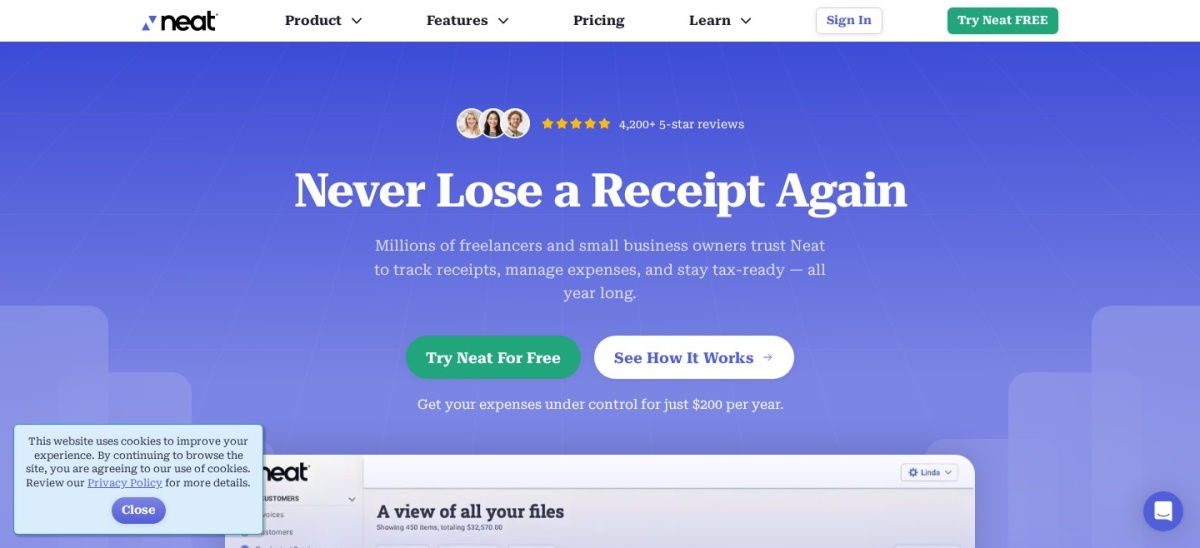
Neat is a receipt and document manager built for tax time. Scan receipts with OCR plus human verification, file them into tax categories and match them to bank transactions, with unlimited storage. It costs $200 a year on a single annual plan, with a 14-day free trial and no monthly billing option.
The trade off is the single price. $200 a year buys scanning and filing only; bank syncing, reports and invoicing need the Automated Insights add-on at $150 a year. It suits freelancers and small businesses that want a tidy, tax-ready archive without a full accounting app.
What we like
OCR plus human verification for accurate records
Unlimited document storage on the base plan
Rated 4.6 out of 5 on Trustpilot from 2,300+ reviews
Watch out for
No free plan and no monthly billing, $200 a year upfront
Bank syncing and reports cost $150 a year extra
Automated Insights adds bank syncing and reports for $150 a yearVisit neat.com
08
Everlance
4.5/5on Capterra (65 reviews, checked Nov 2026)
Paid from$8/mo
Best for freelancers who drive
Free plan30 auto trips/mo
Receipt captureOCR photo capture
Mileage trackingAutomatic, swipe to classify
Tax reportsIRS-compliant exports
everlance.com
Everlance homepage, captured Nov 2026.
Everlance is a mileage and expense tracker for freelancers and gig workers. It logs drives automatically, lets you swipe trips as business or personal, and captures receipts with OCR into expense reports. The free plan includes 30 automatic trips a month and unlimited receipt uploads, and Premium costs $8 a month.
The trade off is focus. Everlance is a mileage app first, so receipt capture is basic next to Dext or Expensify, and bank syncing sits on the paid plan. It suits drivers, realtors and field workers whose main deduction is miles, with receipts as a side job.
What we like
Best automatic mileage tracking in this list
Free plan covers 30 automatic trips a month
Tax Center estimates quarterly taxes and flags deductions
Watch out for
Receipt capture is basic compared with Dext or Expensify
QuickBooks Online is the small-business ledger most accountants already use, with receipt capture built into its mobile app. Photograph a receipt and it is read, categorised and matched to a transaction, inside the same app that handles invoicing, bank feeds and reports. Simple Start costs $38 a month.
The trade off is that you buy a whole ledger for a receipt job. $38 a month is the dearest entry price here, and the list price is often shown with 50% off the first 3 months, so the bill rises after that. It suits businesses that already keep their books in QuickBooks and want receipts in the same place.
What we like
Receipt capture inside the ledger most accountants know
AI categorisation and bank-feed matching on every plan
30-day free trial with no card required
Watch out for
Dearest entry price in this list at $38 a month
Payroll and bill approvals cost extra on higher plans
Tax time is when a receipt habit pays off. A scanned receipt with the vendor, date and total already extracted is far easier to hand to an accountant than a faded paper slip.
Export your records now and then. Every tool here lets you export or sync data to your ledger, so a lost phone or a cancelled subscription does not take your proof with it.
We started from the receipt and expense tools most often recommended for small businesses, then kept 9 that are still sold, still updated and cover different needs, from mail-in paper scanning to card-based spend control.
Prices come from each vendor's pricing page, checked on 23 November 2026. Ratings come from G2, Capterra or Trustpilot on the same day. Where a vendor shows a sale price, the list shows the regular price.
We left out tools with no published price and receipt features that only exist inside a bigger suite we could not price on their own. No vendor paid for a place, and we do not claim hands-on testing for this list.
How to choose receipt software
Match the tool to how your receipts arrive, then check the price per user, not per month.
Count your receipts first. A solo freelancer with 20 receipts a month fits a free plan; a firm processing hundreds needs Dext's document allowance or Shoeboxed's higher tiers.
Check how the capture fits your habits. Paper piles suit Shoeboxed's Magic Envelope, card spending suits Ramp's automatic matching, and drivers need Everlance's mileage log beside the receipts.
Confirm the accounting sync. Dext, Hubdoc and Expensify all publish to QuickBooks Online or Xero, so pick the one that matches the ledger your accountant already uses.
Work out the yearly cost per person. Per-user prices look small until you multiply them: Zoho Expense at $3 a user a month costs $36 a year each, while QuickBooks Online at $38 a month is $456 a year before add-ons.
FAQ
What is the best receipt software?
Expensify is the best receipt software for most teams. SmartScan reads a receipt photo in seconds, Collect costs $5 per user a month with unlimited scans, and it syncs with QuickBooks Online and Xero.
Is there free receipt software?
Yes. Expensify, Zoho Expense, Ramp and Everlance all have free plans. Zoho Expense covers up to 3 users free, Ramp's core platform is free if you use its cards, and Everlance gives 30 automatic trips a month free.
What is the cheapest receipt software?
Zoho Expense is the cheapest paid option here at $3 per user a month billed annually, with a free plan for up to 3 users. Shoeboxed Starter at $97 a year is the cheapest flat-rate plan if you pay per account, not per user.
Can I mail in paper receipts?
Yes, with Shoeboxed. Its Magic Envelope service lets you post paper receipts in a prepaid envelope and get back scanned, categorised records. Starter includes one envelope a year; higher plans include one a month or more.
Does receipt software replace my accountant?
No. These tools capture and organise receipts and feed the data to your ledger, but they do not file taxes or give advice. Your accountant still checks the books and signs off the return.
Which receipt software works with QuickBooks?
All of them connect in some way, but Expensify, Dext, Shoeboxed, Hubdoc and Ramp sync directly with QuickBooks Online. QuickBooks Online itself has receipt capture built into its mobile app on every plan.