Best Instagram Automation Tools in 2026: 8 Tools Compared
WLWPLegible EditorsLast verified 23 Nov 2026How we rank12 min read
★ Short answer
Manychat is the best Instagram automation tool for turning comments and DMs into leads, with a free plan and Essential from $14 a month, rated 4.5/5 on G2. Later is the best visual planner at $25 a month, while Buffer is the simplest scheduler at $6 a channel a month.
How we make this list: we compare pricing pages, product documentation and public user reviews, then re-check every price before each update. No product paid for a place. Disclosure.
Manychat is the best Instagram automation tool for turning comments and DMs into leads, from $14 a month with a free plan.
Later is the best visual planner at $25 a month, while Buffer is the simplest scheduler at $6 a channel a month.
Metricool is the analytics value pick at $25 a month, with reporting that rivals tools twice its price.
Hootsuite and Sprout Social are enterprise grade at $99 and $199 per user or seat a month, and only make sense for larger teams.
Avoid tools that promise auto liking, auto following or mass commenting: Instagram and Meta limit those actions and accounts risk restrictions or bans.
What Instagram automation tools should cover
Instagram automation covers three jobs: scheduling posts, Reels and Stories; automating DMs and comment replies; and tracking analytics and growth.
The line that matters is Meta's rules. Instagram allows automation through its official APIs, but tools that auto-like, auto-follow or mass-comment violate platform terms and put accounts at risk of restrictions or bans.
Pricing is the confusion. Per-channel, per-seat and per-user models produce very different bills, and published prices conflict across sources for Later, Buffer, Metricool and Sendible, so check the current pricing page before committing.
This list covers the legitimate automation tools buyers actually run, from free starters to enterprise suites, with published prices and G2 ratings verified on 23 November 2026.
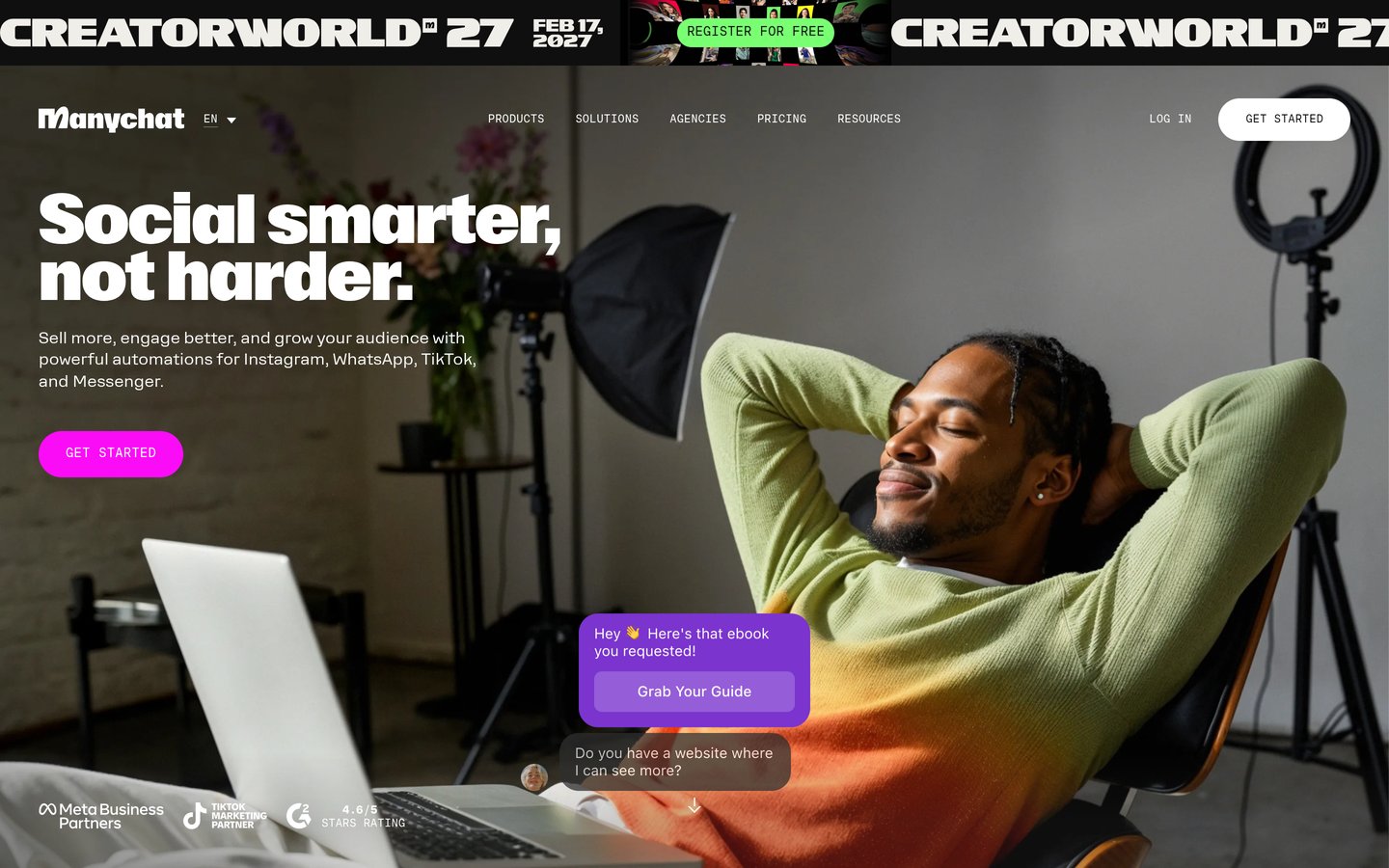
Manychat is a social automation tool used by creators and brands to automate DMs, comments and Story replies on Instagram. It has templates and Quick Automations, plus a Flow Builder for custom flows, and keyword triggers that start a conversation when someone sends a set word in a DM.
The trade off is the 2026 pricing overhaul. Manychat replaced its old two-tier model with four contact-based tiers in March 2026, and AI features now sit behind a flat $29 a month add-on on every tier. It suits accounts that get many comments and DMs and want to turn them into leads.
What we like
Comment-to-DM automation that turns comments into leads
Flow Builder with keyword triggers and templates
Meta-approved, works through Instagram's official API
Watch out for
AI features are a flat $29 a month add-on
Pricing is contact-based, so costs grow with audience
Support gets mixed reviews
Essential is $14 a month billed annually; $17 month-to-monthVisit manychat.com
02
Later
4.5/5on G2 (384 reviews, checked Nov 2026)
Paid from$25/mo
Best visual Instagram planning
Starting price$25/mo, annual billing
Free planYes, 1 profile per platform
Feed previewYes
Caption writerYes
later.com
Later homepage, captured Nov 2026.
Later is the visual Instagram planning tool, built for visual brands and creators that want to plan, preview and publish content with a feed preview that shows how posts will look together. It offers a visual calendar, a caption writer and hashtag suggestions, and it suits Instagram-first brands that plan by look as much as by schedule.
The trade off is visual planning against analytics depth. Later plans Instagram content better than any tool here, but its analytics are weaker than Sprout Social and its inbox is thinner than Agorapulse. It suits visual brands and creators that plan Instagram by feed appearance.
What we like
Visual content planning and Instagram feed preview
Visual calendar
Caption writer and hashtag suggestions
Watch out for
Paid price reports conflict at $18 and $25 per month
Analytics weaker than Sprout Social
Inbox features thinner than Agorapulse
Starts at $25 a month billed annually; $18 reported in some sourcesVisit later.com
03
Buffer
4.3/5on G2 (1,041 reviews, checked Nov 2026)
Paid from$6/channel/mo
Best simple scheduling
Starting price$6/channel/mo
Free planYes, 3 channels
Scheduled posts10 per channel on free
AI assistantYes
buffer.com
Buffer homepage, captured Nov 2026.
Buffer is the simplest scheduling tool for solo creators and small teams that value a clean queue, with a free tier covering 3 channels and 10 scheduled posts per channel, and Essentials at $6 per channel per month with unlimited posts, full AI features and analytics. Its AI assistant drafts caption options and extracts social snippets from long articles.
The trade off is simplicity against depth. Buffer is the easiest tool here to start, but it has no deep social listening and lighter analytics than Metricool. It suits creators and small teams that want reliable scheduling without enterprise complexity.
What we like
Simplest scheduling for small teams
Clean queue
Pay for the channels you need
Caption AI and post ideas
Watch out for
Paid price reports conflict at $5 and $6 per channel per month
Metricool is the analytics-first choice, combining scheduling with unified reporting for organic social, paid ads, competitors and website performance that rivals tools twice its price. It auto-publishes Instagram posts, carousels, Reels and Stories, suggests the best times to post, and tracks up to 100 competitors.
The trade off is analytics value against inbox depth. Metricool reports better than tools twice its price, but its inbox is thinner than Agorapulse and it has fewer enterprise integrations than Hootsuite. It suits teams that prioritize analytics and reporting on a budget.
What we like
Analytics-first with reporting that rivals tools twice its price
Unified reporting for organic, paid, competitors and web
Scheduling included
Free tier for starting out
Watch out for
Paid price reports conflict at $20 and $25 per month
Hootsuite is the veteran of social media management, covering planning, scheduling, engagement, listening and analytics in one connected platform, with OwlyWriter AI that writes posts from a URL or keyword and repurposes top performing content. It was ranked G2's number one best software product for 2026 across all categories.
The trade off is breadth against cost. Hootsuite covers everything, but per-user pricing means a team of five pays five times the headline price, and it has no free tier anymore. It suits mid-market and enterprise teams that want one platform for everything and can afford it.
What we like
Broadest feature set with listening, AI and analytics
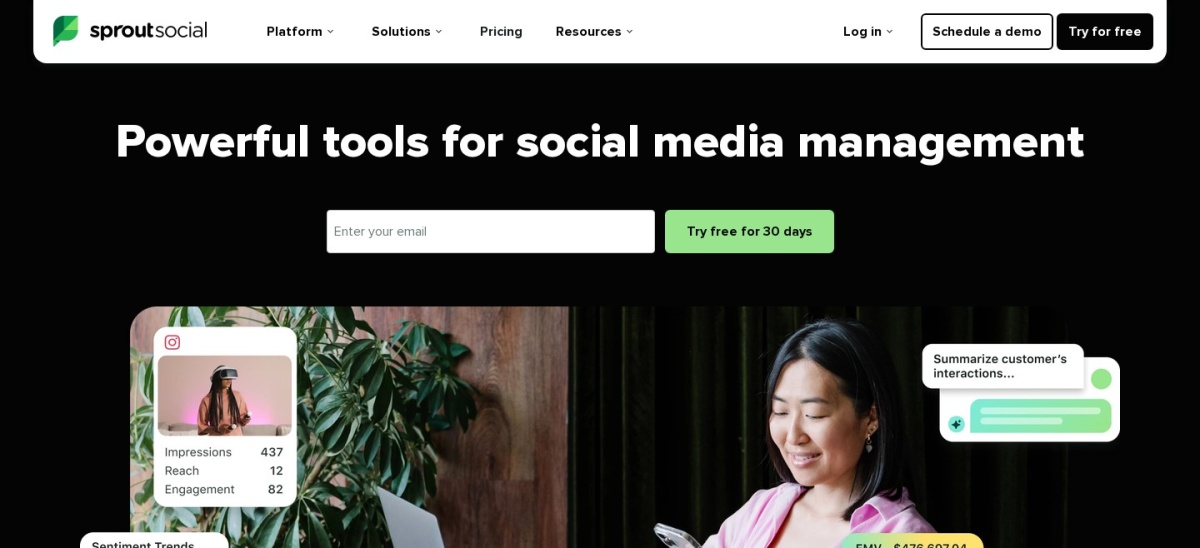
Sprout Social is a social media management platform built for larger teams. Its entry-level plan, Standard, covers multiple profiles, automatic scheduling and posting, and an all-in-one social inbox. It adds social listening, sentiment analysis and the deepest reporting in this list, with Optimal Send Times and ViralPost features.
The trade off is price. Standard starts at $199 per seat per month, and listening is a quote-only add-on, so a solo creator will find it more platform than needed. It suits agencies and brands with large followings that need reporting depth, listening and team workflows.
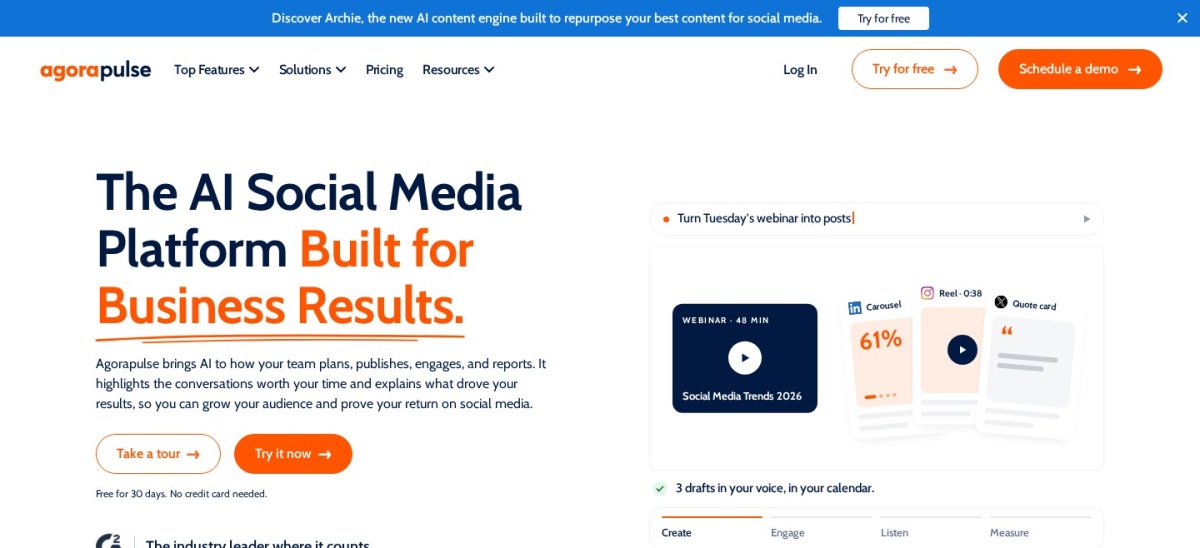
Agorapulse is the inbox and community pick, built for social media managers who need to prove ROI to clients or stakeholders, with a unified inbox for comments and DMs and social ROI tracking linked to Google Analytics. It offers a free tier for starting out, with paid plans from $79 a user a month.
The trade off is inbox strength against visual planning. Agorapulse manages community better than any tool here, but its visual planning is weaker than Later and its per-user pricing adds up. It suits teams that spend their days in the inbox answering comments and DMs.
What we like
Inbox-first engagement and social ROI tracking
Unified inbox for comments and DMs
Social ROI tracking with Google Analytics
Watch out for
Paid price reports conflict at $79 and $99 per user per month
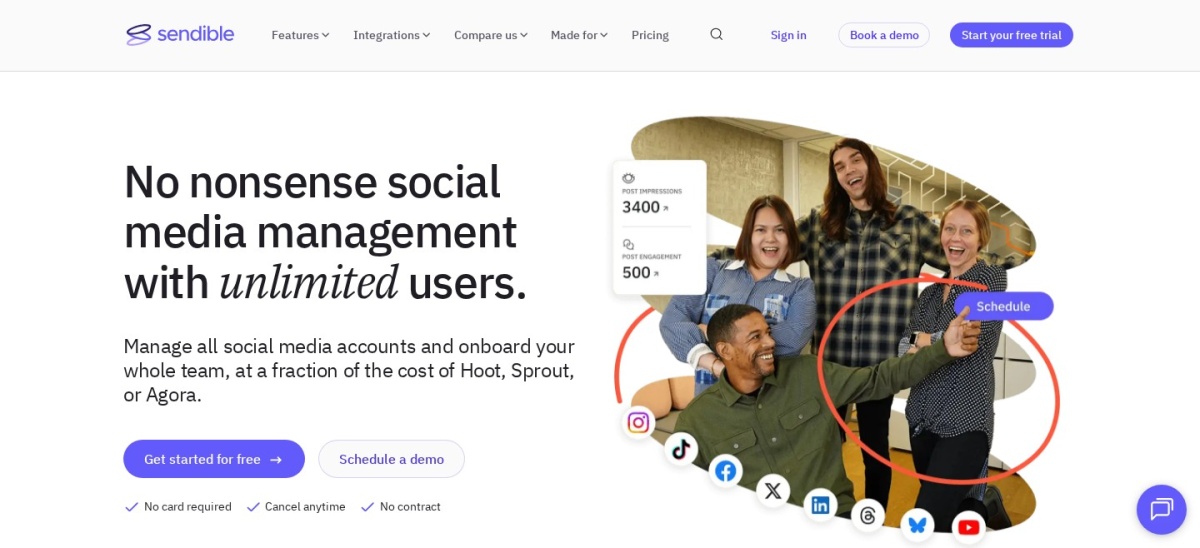
Sendible is the agency pick, with client workspaces, unlimited users on some plans, white-label options and client reporting that suit agencies managing many clients from one dashboard. It starts at $35 per month in most listings and offers a 14-day trial.
The trade off is agency workflow against analytics depth. Sendible organizes client work better than rivals, but its analytics are lighter than Sprout Social and its visual planning is weaker than Later. It suits agencies that want client workspaces and white-label reporting.
What we like
Agency client workspaces
Unlimited users on some plans
White-label options
Client reporting
Watch out for
Paid price reports conflict at $29 and $35 per month
What Instagram lets you automate (and what it bans)
Instagram allows automation through its official APIs: scheduling posts, Reels and Stories, auto-replies to DMs and comments through approved tools, and analytics. Manychat, Later, Buffer and the rest on this list work inside those rules.
What it bans: auto liking, auto following and unfollowing, mass commenting and fake engagement. Tools that promise those actions, or ask for your Instagram password instead of a native login window, should be closed immediately.
FTC endorsement rules apply too: paid partnerships, gifted products and affiliate links must be disclosed clearly with Instagram's paid partnership label and clear caption language, not hidden hashtags.
How we chose
We compared the Instagram scheduling, DM automation and social management tools buyers search most, then kept the ones with a verifiable G2 rating. Growth bots and auto-like tools were left out because they violate Instagram's terms.
Prices come from vendor pricing pages and published plan lists, checked on 23 November 2026. Where sources conflict on a price, this list uses the most commonly reported figure and flags the conflict.
Ratings come from G2 pages opened on 23 November 2026, with the review count shown beside each score. This list is based on pricing, docs and reviews, not on using the tools ourselves.
How to choose an Instagram automation tool
Start with your job: DMs, visual planning, simple scheduling, analytics or inbox work.
Pick the job first. DM automation points to Manychat, visual planning to Later, simple scheduling to Buffer, analytics to Metricool, inbox work to Agorapulse.
Check the real monthly cost for your team. Per-seat tools punish team growth and per-channel tools punish channel growth. Model the bill at your real team size.
Confirm Meta compliance. The tool must connect through Instagram's official API. Avoid anything that promises auto liking, auto following or mass commenting.
Build disclosure into creator workflows. Paid partnerships, gifted products and affiliate links need Instagram's paid partnership label and clear caption language.
FAQ
What is the best Instagram automation tool?
Manychat is the best pick for DM and comment automation, turning comments into leads from $14 a month. Later is the best visual planner at $25 a month, and Buffer is the simplest scheduler at $6 a channel a month.
Do Instagram automation tools risk my account?
Yes, if they violate platform terms. Avoid tools that promise auto liking, auto following, or mass commenting, since Instagram and Meta limit automation and accounts risk restrictions or bans.
How much do Instagram automation tools cost?
Free tiers cover small creators. Paid plans start at $6 per channel a month for Buffer and $14 a month for Manychat, while enterprise tools run $99 to $199 per user or seat a month.
What can Instagram automation do?
Schedule posts, Reels and Stories, auto-reply to DMs and comments through approved tools, suggest best times to post, and track analytics. It cannot safely auto-like, auto-follow, or mass-comment.
Is there a free Instagram automation tool?
Yes. Buffer, Later, Metricool, Manychat and Agorapulse all offer free tiers, while Hootsuite, Sprout Social and Sendible offer trials only, so start free and upgrade when limits bind.
Later versus Buffer: which is better for Instagram?
Later is better for visual Instagram planning with a feed preview, while Buffer is better for simple, cheap scheduling across channels. Choose Later for visual brands, Buffer for simple queues.