Best Incident Response Tools in 2026: 7 Tools Compared
WLWPLegible EditorsLast verified 22 Nov 2026How we rank5 min read
★ Short answer
Incident.io leads for Slack-native incident workflows with a 4.8 out of 5 rating on G2 across 238 reviews. Better Stack suits teams wanting uptime monitoring and status pages alongside alerting, while Spike.sh fits smaller teams looking for flat per-user on-call pricing.
How we make this list: we compare pricing pages, product documentation and public user reviews, then re-check every price before each update. No product paid for a place. Disclosure.
Incident.io holds a 4.8/5 rating across 238 G2 reviews with a free Basic plan and paid tiers starting at $15/user/month billed annually.
Better Stack rates 4.8/5 across 344 G2 reviews and starts at $29/month for a responder license with unlimited phone and SMS alerts.
Rootly earns 4.7/5 across 218 G2 reviews and prices Incident Response and On-Call separately starting at $20/user/month each.
PagerDuty holds 4.5/5 across 983 G2 reviews with a free tier for up to 5 users and Professional starting at $21/user/month billed annually.
Freshservice rates 4.6/5 across 1,387 G2 reviews with IT plans starting at $19/agent/month billed annually and a 14-day free trial.
What to look for in an incident response platform
Incident response platforms coordinate alerts, escalation schedules, responder chat channels, and post-incident reviews so teams can resolve outages faster. Some tools focus tightly on on-call paging and chat workflows, while others bundle uptime monitoring, public status pages, or broader IT service management.
Pay close attention to how vendors meter seats and add-ons. A low base price per user can rise quickly when on-call schedules, AI postmortems, extra status pages, or SMS and voice alerts sit behind separate add-ons or higher tiers.
Check where responders actually work during an outage. Tools that run natively inside Slack or Microsoft Teams reduce context switching, while platforms tied to Jira or IT service desks suit teams that track incidents alongside service requests, assets, and change calendars.
Finally, distinguish between active responders and passive viewers. Many platforms let read-only viewers join updates at no cost while charging per active responder or on-call user, which makes a big difference as headcount grows.
incident.io is an incident response platform built around Slack and Microsoft Teams, with a free Basic plan and paid Team plans starting at $15 per user per month billed annually. It holds a 4.8 out of 5 score across 238 G2 reviews.
The trade off is that multi-team on-call adds $10 per user per month on Team or $20 per user per month on Pro, pushing per-seat costs above the base rate. It suits engineering teams that run incident coordination directly inside Slack.
What we like
High 4.8/5 rating on G2 across 238 reviews
Free Basic plan available with no credit card lock-in
Captures incident timelines and workflows inside Slack and Teams
Free viewer access for team members reading updates
Watch out for
On-call scheduling is billed as an extra per-user add-on
Monthly billing on Team costs $19/user/month base before add-ons
Paid Team plans add multi-team on-call, workflows, and a $15/user/month annual base rate (or $19 monthly).Visit incident.io
02
Better Stack
4.8/5on G2 (344 reviews, checked Nov 2026)
Paid from$29/mo
Best for combined monitoring and alerting
G2 rating4.8/5 (344)
Entry paid tierPay as you go from $29/mo
Free planFree for personal projects
AlertsPhone, SMS, push, Slack, Teams
betterstack.com
Better Stack homepage, captured Nov 2026.
Better Stack is an observability and incident management platform that pairs uptime monitoring and status pages with on-call escalation, offering a free tier and paid plans starting at $29 per month billed annually. It rates 4.8 out of 5 across 344 G2 reviews.
The trade off is that white-labeling, SSO, and extra status pages carry separate monthly add-ons that raise total spend as teams scale. It suits teams that want monitoring, status pages, and alerting in one place.
What we like
Rates 4.8/5 across 344 G2 reviews
Includes unlimited phone call and SMS alerts on responder licenses
Combines incident response with uptime checks and status pages
Watch out for
White-label status pages, SSO, and extra pages cost extra per month
Monthly billing starts at $34/month instead of $29/month annually
Paid plans start at $29/month annually ($34 monthly) with 30-second checks, on-call schedules, and status pages.Visit betterstack.com
03
Rootly
4.7/5on G2 (218 reviews, checked Nov 2026)
Starts at$20/mo
Best for custom chat automation workflows
G2 rating4.7/5 (218)
Entry paid tierIncident Response at $20/user/mo
Free planNo permanent free tier
Chat focusSlack, Microsoft Teams, Google Chat
rootly.com
Rootly homepage, captured Nov 2026.
Rootly is an incident management and on-call platform focused on automated response workflows and retrospectives across Slack, Microsoft Teams, and Google Chat, with paid plans starting at $20 per user per month. It holds a 4.7 out of 5 rating across 218 G2 reviews.
The trade off is that Incident Response and On-Call are priced separately at $20 per user per month each, and there is no permanent free plan. It suits engineering teams that want configurable automation rules during incidents.
What we like
Strong 4.7/5 rating across 218 G2 reviews
Supports Slack, Microsoft Teams, and Google Chat incident workflows
Includes AI retrospectives and workflow automation on core plans
Watch out for
No permanent free plan, only a free trial
Buying both Incident Response and On-Call doubles the $20/user/month base
Paid plans start at $20/user/month for Incident Response or On-Call, with Enterprise custom-quoted.Visit rootly.com
04
Freshservice
4.6/5on G2 (1,387 reviews, checked Nov 2026)
Starts at$19/mo
Best for IT service desk incident workflows
G2 rating4.6/5 (1,387)
Entry paid tierStarter at $19/agent/mo (annual)
Free planFree trial (no free tier)
ScopeITSM, incidents, service catalog, SLAs
freshworks.com
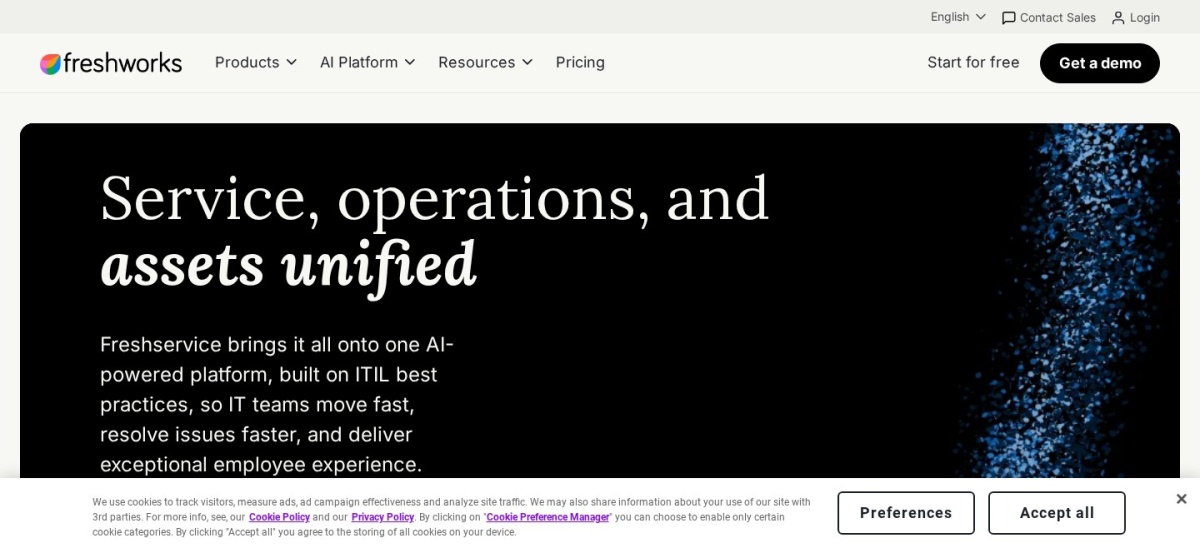
Freshservice homepage, captured Nov 2026.
Freshservice is an IT service management platform covering incident handling, SLA policies, knowledge bases, and service catalogs, with Starter plans beginning at $19 per agent per month billed annually. It holds a 4.6 out of 5 rating across 1,387 G2 reviews.
The trade off is that deeper ITSM features such as change and release management sit on higher tiers, and AI add-ons cost extra per agent. It suits IT teams that want incident response tied to helpdesk tickets and SLAs.
What we like
Large review base with a 4.6/5 rating across 1,387 G2 reviews
Includes SLA tracking, knowledge management, and Teams/Slack bots
Offers day passes for occasional agents alongside full agent seats
Watch out for
No permanent free tier, only a free trial
Higher tiers and Freddy AI Copilot add significant cost per agent
Starter begins at $19/agent/month billed annually, with Growth at $49 and Pro at $99 per agent/month.Visit freshworks.com
05
PagerDuty
4.5/5on G2 (983 reviews, checked Nov 2026)
Paid from$21/mo
Best for established enterprise on-call alerting
G2 rating4.5/5 (983)
Entry paid tierProfessional at $21/user/mo (annual)
Free planFree for up to 5 users
NotificationsPush, SMS, phone, email, Slack, Teams
pagerduty.com
PagerDuty homepage, captured Nov 2026.
PagerDuty is an incident alerting and on-call management platform offering a free plan for up to 5 users and paid Professional plans starting at $21 per user per month billed annually. It rates 4.5 out of 5 across 983 G2 reviews.
The trade off is that per-user costs climb across larger teams, and platform tiers with higher event or AI allowances start at $2,800 per year. It suits organizations that need mature on-call schedules and multi-channel paging.
What we like
Established 4.5/5 rating across 983 G2 reviews
Free plan covers up to 5 users with 1 schedule and 1 escalation policy
Supports push, SMS, phone, email, Slack, and Microsoft Teams alerts
Watch out for
Free tier limits SMS and phone alerts to 100 per month
Platform tiers and add-ons increase total cost beyond per-user plans
Professional starts at $21/user/month annually ($25 monthly) with unlimited schedules and post-incident reviews.Visit pagerduty.com
06
Jira Service Management
4.3/5on G2 (1,020 reviews, checked Nov 2026)
Paid from$21.50/mo
Best for teams already on Atlassian Jira
G2 rating4.3/5 (1,020)
Entry paid tierStandard from $21.50/agent/mo
Free planFree for up to 3 agents
EcosystemAtlassian Jira, Slack, Teams
atlassian.com
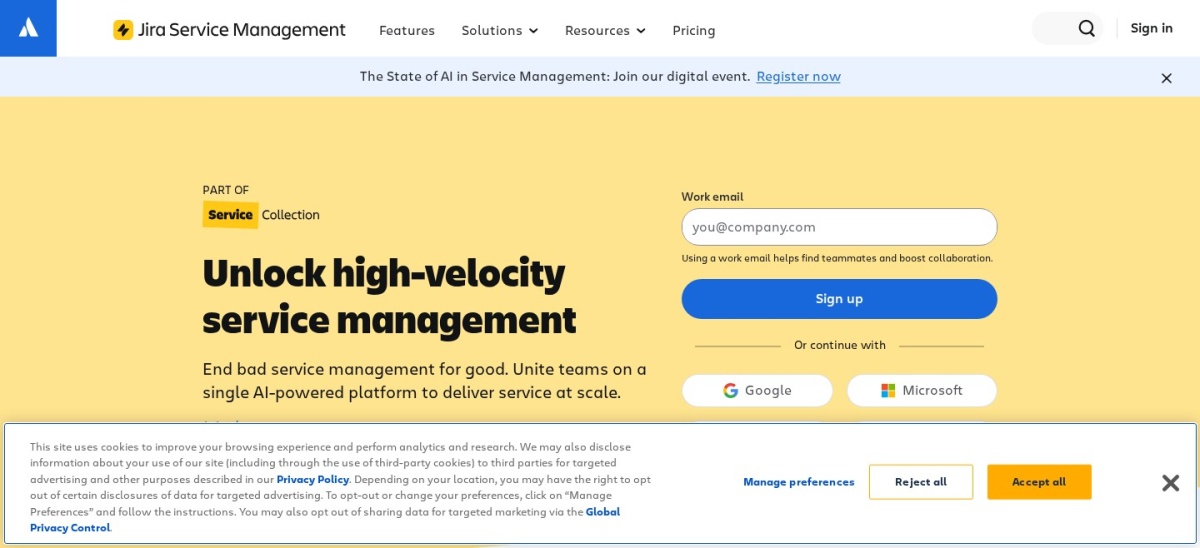
Jira Service Management homepage, captured Nov 2026.
Jira Service Management is an Atlassian service and incident management tool that includes a free plan for up to 3 agents and paid Standard plans starting at $21.50 per agent per month. It holds a 4.3 out of 5 rating across 1,020 G2 reviews.
The trade off is that configuration can feel heavy if your team only wants lightweight incident alerting outside Jira. It suits engineering and IT teams already working inside Atlassian projects and service portals.
What we like
Free plan supports up to 3 agents with alerts and on-call schedules
Connects incidents directly to Jira development issues and portals
Rates 4.3/5 across 1,020 G2 reviews
Watch out for
Setup and permissions can take longer than single-purpose tools
Automation steps and higher-tier incident features scale by plan
Standard starts at $21.50/agent/month with custom-branded help centers, asset tracking, and expanded automation.Visit atlassian.com
07
Spike.sh
4.9/5on G2 (19 reviews, checked Nov 2026)
Starts at$7/mo
Best for straightforward flat per-user pricing
G2 rating4.9/5 (19)
Entry paid tierStandard at $7/user/mo (monthly)
Free plan14-day free trial (no free tier)
ChannelsPhone, SMS, WhatsApp, Slack, Teams
spike.sh
Spike.sh homepage, captured Nov 2026.
Spike.sh is a lightweight incident alerting and on-call platform with Standard plans starting at $7 per user per month billed monthly. It holds a 4.9 out of 5 rating across 19 G2 reviews.
The trade off is a smaller review count on G2 and a 100-alert monthly cap shared across phone and SMS on the Standard plan. It suits smaller teams that want fast setup and low per-user pricing without complex add-ons.
What we like
Low entry price starting at $7/user/month on Standard
Includes status pages, on-call schedules, and Slack/Teams alerts
4.9/5 rating across 19 G2 reviews
Watch out for
Standard plan caps combined phone and SMS alerts at 100 per month
Smaller G2 review sample than larger enterprise vendors
Business is $14/user/month with unlimited phone and SMS alerts, multiple teams, and private status pages.Visit spike.sh
How we chose
We selected seven active incident response and management tools by reviewing vendor documentation, category comparisons, and public user ratings on G2.
All pricing tiers, free plan details, G2 scores, and review counts were checked on 22 Nov 2026 from each vendor's pricing page or G2 product listing.
We excluded tools without published starting prices or clear incident response workflows, and we noted where on-call or AI features require extra add-ons. No vendor paid for a place, and we do not claim testing for this list.
How to choose an incident response tool
Follow four practical steps to match a tool to your team size and workflow.
Map where your team coordinates during an incident. Pick a Slack or Microsoft Teams native tool if engineers run response inside chat, or an ITSM platform if tickets and change requests anchor your process.
Check whether on-call schedules and alerts cost extra. Verify if a low starting seat price includes multi-team on-call rotations, SMS/phone paging, and status pages or charges separately for them.
Count active responders rather than every employee. Separate people who receive pages and run incidents from stakeholders or viewers who only need status updates.
Start with a free plan or trial on real alerts. Test alert routing, escalation timing, and chat commands with your existing monitoring tools before committing to annual seats.
FAQ
What is the difference between incident response and on-call alerting?
On-call alerting routes notifications to the right engineer via schedules and escalations, while incident response covers the wider workflow from declaring an incident and coordinating in chat to tracking resolution and writing postmortems.
Do incident response tools include uptime monitoring?
Not always. Dedicated tools like incident.io and PagerDuty rely on external monitoring integrations for alerts, whereas platforms such as Better Stack bundle uptime checks and status pages alongside incident alerting.
Why do some incident tools have separate add-on fees?
Many vendors separate base incident response seats from on-call add-ons, AI postmortem or triage features, white-label status pages, or higher SMS and voice call allowances so smaller teams do not pay for unused modules.
Are free incident response plans enough for small teams?
Free plans on tools like incident.io, PagerDuty, or Jira Service Management work well for small teams or early testing, though limits on users, schedules, or SMS/phone alerts often prompt upgrades as teams grow.
Should we pick an ITSM tool or a developer-focused incident tool?
Choose a developer-focused tool like incident.io or Rootly if fast chat swarming and engineering workflows matter most, and choose an ITSM tool like Jira Service Management or Freshservice if IT ticketing, assets, and service catalogs are central.
Does annual billing usually lower per-user incident tool costs?
Yes, several vendors offer lower per-user rates on annual plans compared to monthly billing, though you should confirm seat flexibility before locking in an annual contract.