Planner 5D is the best free landscaping design app for most people, with unlimited free projects, a large plant and furniture catalog, and Premium at sixty dollars a year. SketchUp Free suits precise measured plans, while Sweet Home 3D is the only fully free option with no account or paywall.
How we make this list: we compare pricing pages, product documentation and public user reviews, then re-check every price before each update. No product paid for a place. Disclosure.
Planner 5D gives the most in its free plan: unlimited projects, half the catalog and 2D-to-3D views.
SketchUp Free is the most precise free option, with real measurements and a huge model library.
Sweet Home 3D costs nothing at all, works offline and never asks for an account.
Homestyler and Coohom render the prettiest 3D views, but free renders are watermarked and capped.
RoomSketcher and Floorplanner are better for measured floor plans than for planting and garden beds.
Paid upgrades run from 5 dollars a month to 300 dollars a year; start free and pay only for renders or catalogs.
What a free landscaping design app should cover
A yard is harder to plan on paper than a room. Slopes, sun, mature trees and drainage all change what fits, so a good app lets you draw the plot to scale and place plants, patios and paths where they will actually go.
The free plans in this list all draw in 2D and show the result in 3D. The differences are the plant catalog, whether the plan is measured, and what the free tier withholds, such as high-resolution renders or exports.
Most of these tools are home design apps first, with landscaping as one use. Our guide on free floor plan software covers the same tools from the indoor side, if your project starts inside the house.
Expect free-tier limits. Watermarked exports, capped projects and locked plant libraries are normal; the paid upgrade usually removes those limits rather than adding a new tool.
Measure the plot before you start. A plan drawn to scale saves more money than any app feature, because plants and paving are priced by area.
Planner 5D is a 2D and 3D home design app that works well for yards, with a free plan that covers unlimited projects and half of its catalog of more than 10,000 items. You draw the plot in 2D, add plants, trees, patios and paths, then switch to 3D to see the garden from any angle. It runs in a browser and on mobile, and the free tier needs no payment details.
The trade off is that the best catalog items and renders sit behind Premium at $59.99 a year, and free renders carry a watermark. The plant library is broad but generic, so it will not tell you whether a species suits your soil or climate. It suits homeowners who want a quick visual plan for one yard and are happy to check planting choices elsewhere.
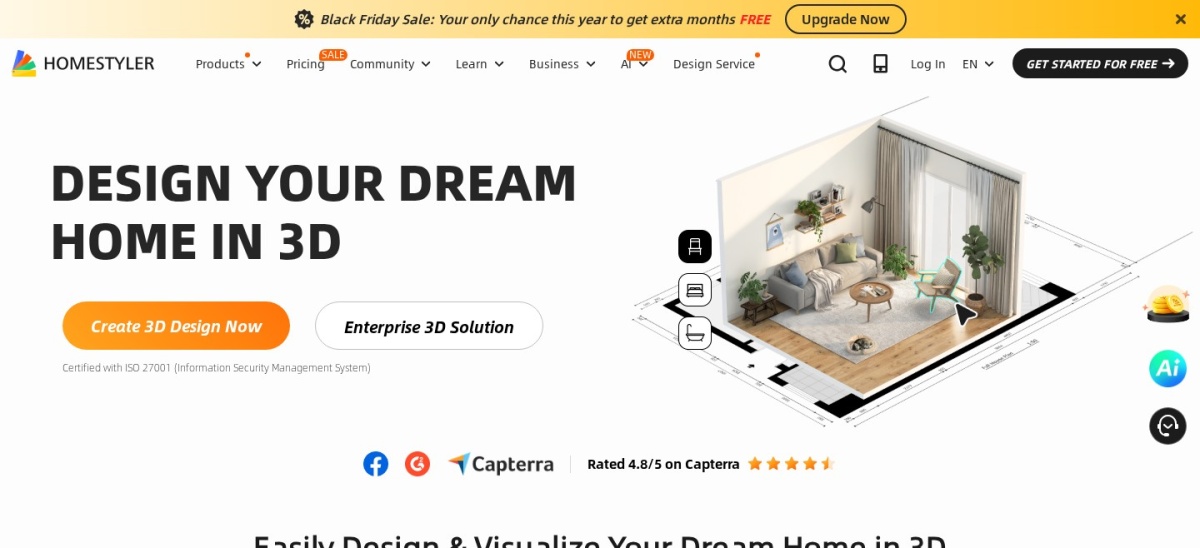
Homestyler is a browser-based 3D planner with a free Basic plan that includes unlimited 1K renders and more than 100,000 models and materials. You can draw a floor plan, furnish a garden room or patio, and render it in 3D, or upload a sketch and let its AI tools turn it into an editable model. It is backed by Alibaba and runs entirely in the browser.
The trade off is rendering quality on the free plan. Free renders are 1K only and carry a watermark, 2K and 4K renders need Pro, and the free plan includes only 3 AI credits in total. Pro costs $4.90 a month, though some guides list Pro+ at $6.80 a month, so check the price at checkout. It suits people who want pretty 3D views of a patio or garden room.
SketchUp is a 3D modeling tool from Trimble with a free web version for personal use, and it is the most precise option in this list. You draw walls, paths and beds to exact dimensions, pull them up to height, and walk through the garden in 3D. The 3D Warehouse holds millions of free models, including plants, trees, fences and outdoor furniture.
The trade off is that SketchUp Free is a general modeler, not a garden tool. There is no plant database with growing advice, the browser version can lag on heavy models, and the desktop app, LayOut and full export need Go at $129 a year or Pro at $399 a year. It suits people who want a measured plan a contractor can build from.
RoomSketcher is a floor plan tool that draws 2D plans to scale and turns them into furnished 3D views, which works for patios, decks and garden rooms as well as interiors. The free plan covers basic drawing and 3D viewing, and Pro at $144 a year adds the full furniture library, 3D photos, 360 views and print-to-scale output. It is used by more than 10 million people.
The trade off is the credit system. Pro includes 5 credits a month, and each 2D plan, 3D photo or 360 view spends credits, so heavy users buy more. There is no dedicated plant catalog, and ordered floor plans cost from $18 a floor on top. It suits people who need a measured, printable plan more than a planting scheme.
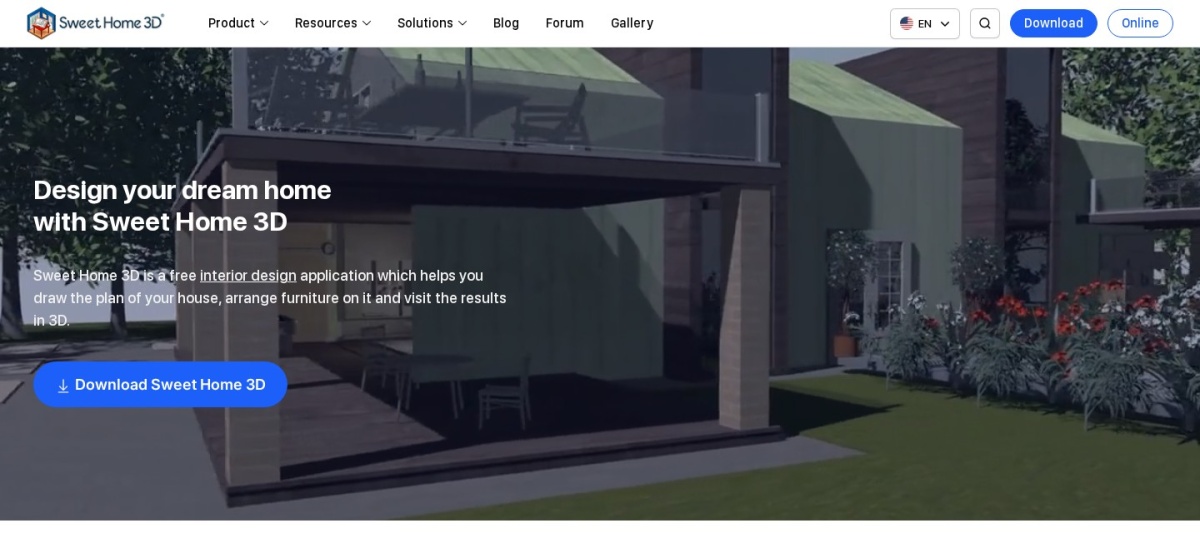
Sweet Home 3D is a free, open-source interior design app that runs offline on Windows, Mac and Linux, and in a browser. You draw walls over an imported blueprint or photo, drag in doors, windows and furniture from a library of thousands of models, and view the result in 3D from any angle. There is no account, no project cap and no watermark.
The trade off is presentation. The 3D view reads as a diagram rather than a photoreal render, the interface has changed little since 2005, and there is no plant database or garden-specific catalog. It suits people who want a completely free measured plan and do not mind a dated look.
Coohom is a cloud 3D design platform with a free Basic plan covering 3 projects, a standard model catalog and watermarked 1K renders. You draw or import a floor plan, furnish it from a catalog of more than 100,000 premium models, and render photorealistic 4K images, panoramas and walkthroughs in the cloud. It also handles outdoor spaces, with plants in the model library.
The trade off is that the free tier is thin. Renders are watermarked and low resolution, the catalog is limited, and unlimited 4K renders, full AI tools and construction drawings need Pro at $300 a year. Reviewers also note frequent paywall prompts. It suits designers who want fast cloud renders and will pay for them.
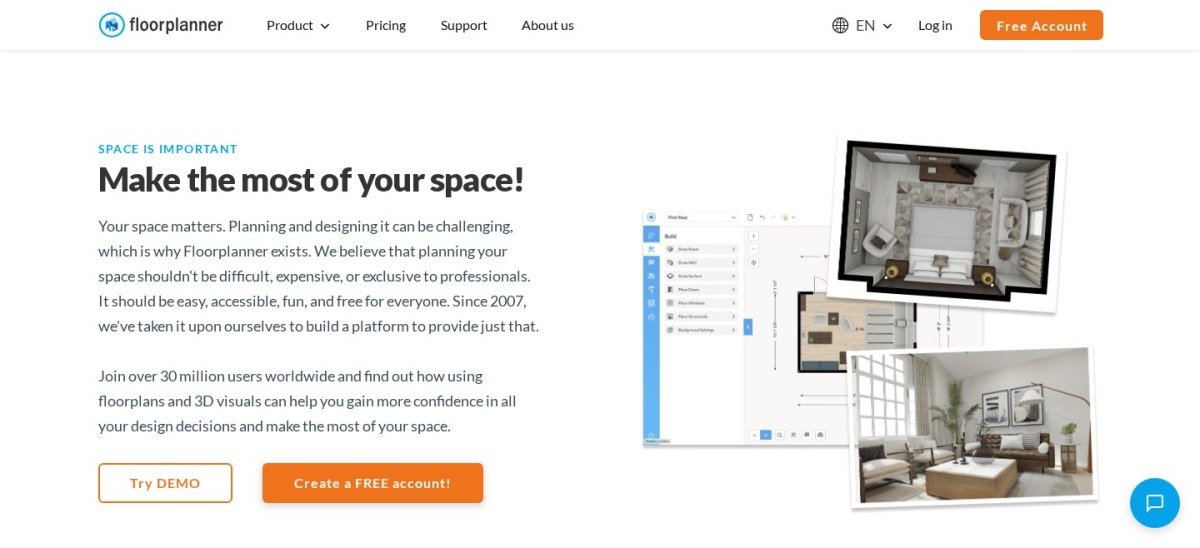
Floorplanner is a browser-based 2D and 3D planner that has offered a free Basic account since 2007, covering up to 5 projects with 3 floors and 3 designs each. You draw rooms, move walls, add doors and windows, and view the result in real-time 3D. More than 50 million projects have been created on the platform, which keeps the tool simple and stable.
The trade off is the credit system. Free exports are SD quality with a watermark and a 10-minute cooldown, and one HD upgrade costs 5 credits while Plus at $5 a month includes only 4. Pro at $29 a month adds 25 credits and premium projects. It suits casual users who want a quick browser plan for one garden.
Free plans cover the basics well. Most include 2D drawing, a 3D view and a usable plant or furniture catalog.
Paid plans mostly add renders and catalog depth. You get higher-resolution images, no watermark and the full model library.
If your plan is only for your own garden, a free tier is usually enough. Our landscape design software guide compares the paid-first options for the same job.
For a plan a contractor will build from, measured output matters more than renders. SketchUp Free and RoomSketcher are the strongest free options there.
How we chose
We started from the free landscaping and home design apps people actually search for, then kept only those with a free plan and a verifiable rating on G2 or Capterra. Every tool here has a real free tier, not just a trial.
Prices come from each vendor's pricing page, checked on 25 November 2026. Ratings and review counts come from G2 or Capterra on the same day. Where a vendor shows a sale, the list shows the regular price.
We left out tools with no rating on G2, Capterra or Trustpilot, including the best-known landscaping app, iScape, which has no listing on any of the three. No vendor paid for a place, and we do not claim hands-on testing for this list.
How to choose a free landscaping design app
Start with the size of your project, then check what the free tier really lets you finish.
Measure your plot first. A plan drawn to scale is worth more than any render. Pace the boundaries or check your property survey before you open an app.
Pick one main design app. Two planners mean two versions of the same garden. Choose one from this list and finish the plan there.
Check the free tier limits. Count the projects, renders and exports the free plan allows. Watermarks and credit caps are the usual limits.
Confirm plants suit your site. No app here gives growing advice, so check sun, soil and hardiness for your area before you buy plants.
FAQ
What is the best free landscaping design app?
Planner 5D is the best free option for most people. Its free plan covers unlimited projects and half of a catalog of more than 10,000 items, including plants, trees and patios, and it is rated 4.7 out of 5 on G2 from 184 reviews.
Is there a completely free landscaping design app?
Sweet Home 3D is completely free and open source, with no account, no project cap and no watermark. It runs offline on desktop and in a browser, though its 3D views look diagrammatic rather than photorealistic.
Can I design a garden with SketchUp Free?
Yes, and it is the most precise free option here. SketchUp Free runs in a browser for personal use, draws to exact dimensions and includes the 3D Warehouse model library. The desktop app and LayOut need Go at $129 a year.
Do free landscaping apps include plant advice?
No. None of the tools in this list tells you whether a plant suits your soil, sun or climate. They place plants visually and leave growing advice to nurseries and local guides, so check hardiness and sun needs before you buy.
What does Planner 5D Premium cost?
Premium costs $59.99 a year when billed yearly, or $19.99 a month. It adds the full catalog of more than 10,000 items, AI floor plan recognition, standard renders and a budget widget.
Which free app is best for a measured garden plan?
SketchUp Free is best for measured plans, with real dimensions and a walkthrough view. RoomSketcher is the alternative when you want a printable plan to scale, with measurements, total area and 3D photos on its Pro plan.
SaaS SEO and WordPress specialist with about 8 years of experience. Rakib compares WordPress plugins, themes, hosting and software using public pricing, documentation and user reviews. See how we rank.