Planner 5D is the best home design software for most homeowners, with a free plan covering unlimited projects, Premium at $59.99 a year and a 4.7 out of 5 G2 rating. Pick Homestyler for free 3D renders or SketchUp for precise 3D modelling.
How we make this list: we compare pricing pages, product documentation and public user reviews, then re-check every price before each update. No product paid for a place. Disclosure.
Planner 5D is the best all-round pick: a free plan with unlimited projects and Premium at $59.99 a year.
Homestyler gives the most free rendering, with unlimited 1K renders on its free Basic plan.
SketchUp is the strongest 3D modeller, rated 4.5 out of 5 from 1,328 G2 reviews, with Go at $129 a year.
Coohom Pro now costs $300 a year on its own pricing page; older listings showing $89 a year are out of date.
RoomSketcher and Floorplanner both charge credits on top of a subscription for high-quality exports.
Seven of the nine tools cost under $150 a year on their cheapest paid plan.
What to look for in home design software
Home design software splits into two kinds. Quick room planners help homeowners draw a floor plan and see it in 3D, while pro tools produce construction drawings with framing, roofs and materials lists.
Check the free plan first. Some free plans cover unlimited projects, others cap you at one project or a handful of renders, and that limit decides whether the free tier is useful.
Watch for credits. Several tools in this list sell a subscription and then charge credits for high-resolution exports, 3D tours or extra projects, so the monthly price is not the whole cost.
Prices move often, and sale banners are common in November. This list shows regular prices from each vendor pricing page, checked on 25 November 2026.
Planner 5D is a browser and mobile app for drawing floor plans and furnishing them in 3D. The free plan covers unlimited projects with about half of the furniture catalogue, and Premium adds the full catalogue of 8,000+ items, AI design tools and plan recognition. It works in 2D and 3D side by side.
The trade off is rendering. High-quality renders are limited on the free plan, and the best output sits on the Professional plan at $399.99 a year. It suits homeowners and renters who want to plan a whole house without learning CAD.
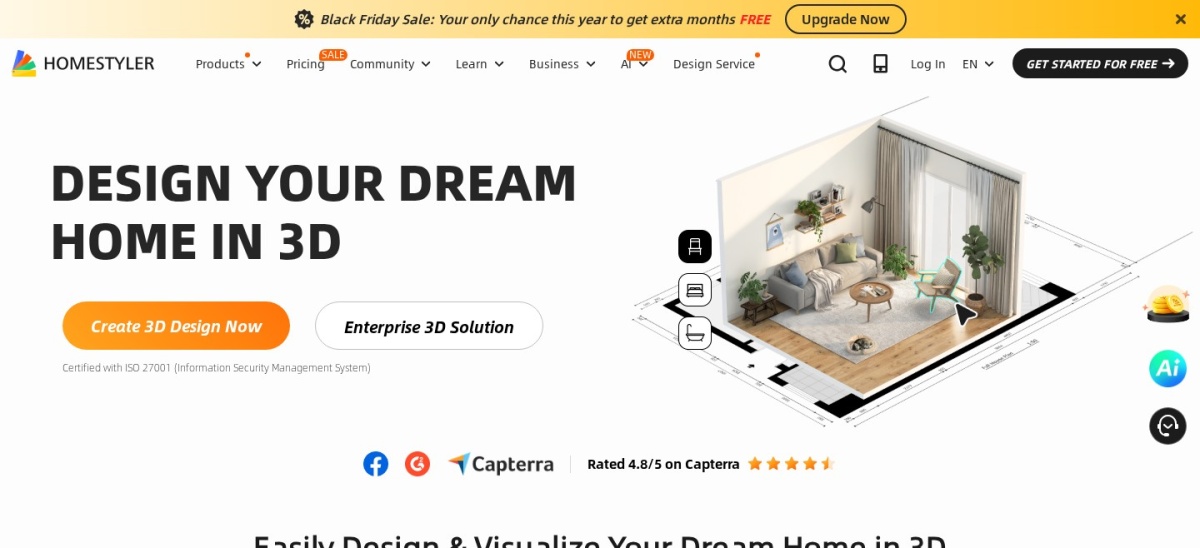
Homestyler is a cloud 3D planner that turns sketches into editable floor plans and renders them in 3D. The free Basic tier includes unlimited 1K renders and a large model library, and paid plans add higher-resolution renders, more AI credits and watermark removal. It runs in a browser with no download.
The trade off is the AI allowance. Basic includes only 3 AI credits, so photo restyling runs out fast, and membership fees are generally non-refundable. It suits people who have a sketch and want a 3D model quickly.
SketchUp is the best-known 3D modelling tool for homes, from Trimble, with a free web version for simple models. Go at $129 a year adds web and iPad modelling with unlimited cloud storage, and the 3D Warehouse supplies millions of ready-made models. Pro adds the desktop app and LayOut for 2D drawings.
The trade off is price and rendering. Go has no desktop app and no built-in photorealistic rendering, which arrives with Studio at $819 a year. It suits designers and keen DIYers who want precise 3D models rather than quick room renders.
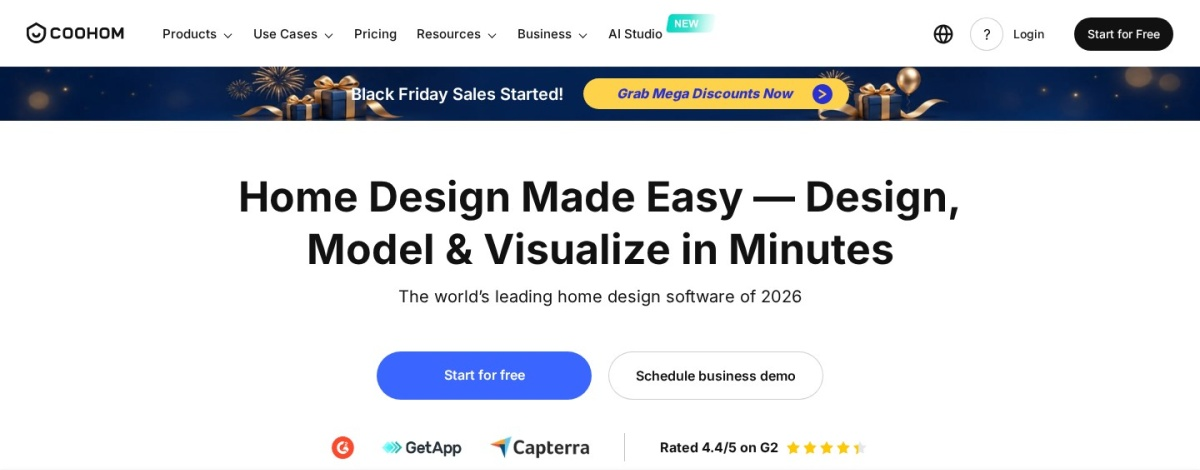
Coohom is a cloud home design platform for floor plans, 3D modelling and fast rendering. The free Basic plan covers up to 3 design projects with the standard model catalogue, and Pro adds unlimited projects, a 100,000+ premium catalogue, unlimited 4K renders and a bill of materials. It runs in a browser.
The trade off is price. Pro costs $300 a year after a free Basic plan, and older listings still show a $89 yearly price that no longer applies. It suits interior designers who need quick, client-ready renders from one tool.
What we like
Fast cloud rendering with unlimited 4K on Pro
Bill of materials export for quoting
Large premium model catalogue
Watch out for
Pro jumped to $300 a year
Free plan is limited to 3 projects
Pro adds unlimited projects and unlimited 4K rendersVisit coohom.com
05
RoomSketcher
4.3/5on Capterra (1,084 reviews, checked Nov 2026)
Paid from$144/yr
Best for client-ready floor plans
Free planYes
Paid planPro, $144/yr
Pro outputsMetered by credits
3D visualsYes, plus walkthroughs
roomsketcher.com
RoomSketcher homepage, captured Nov 2026.
RoomSketcher is a floor plan and home design app for drawing layouts and turning them into 2D plans, 3D views and walkthroughs. The free plan covers basic drawing, and Pro at $144 a year adds branded plans and more output options. It is used by more than 5 million people, per the vendor.
The trade off is credits. Most professional outputs are metered through a credit system, so the subscription is not the whole cost. It suits estate agents and designers who need clean, client-ready floor plans.
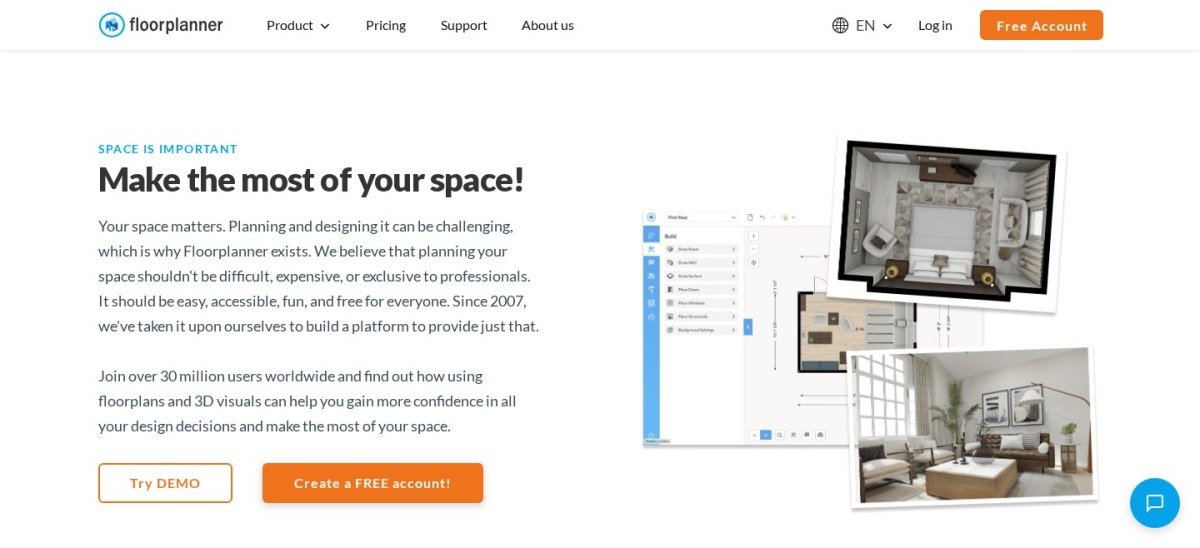
Floorplanner is a browser-based floor planner with a library of more than 260,000 furniture and decor models. The free Basic plan covers 5 projects with standard-definition exports, and Plus at $5 a month removes cooldowns and adds monthly credits and custom templates. It needs no download.
The trade off is credits. High-resolution exports and 3D tours cost credits on top of the subscription, and the free exports carry a watermark. It suits homeowners who want a quick, simple floor plan without installing software.
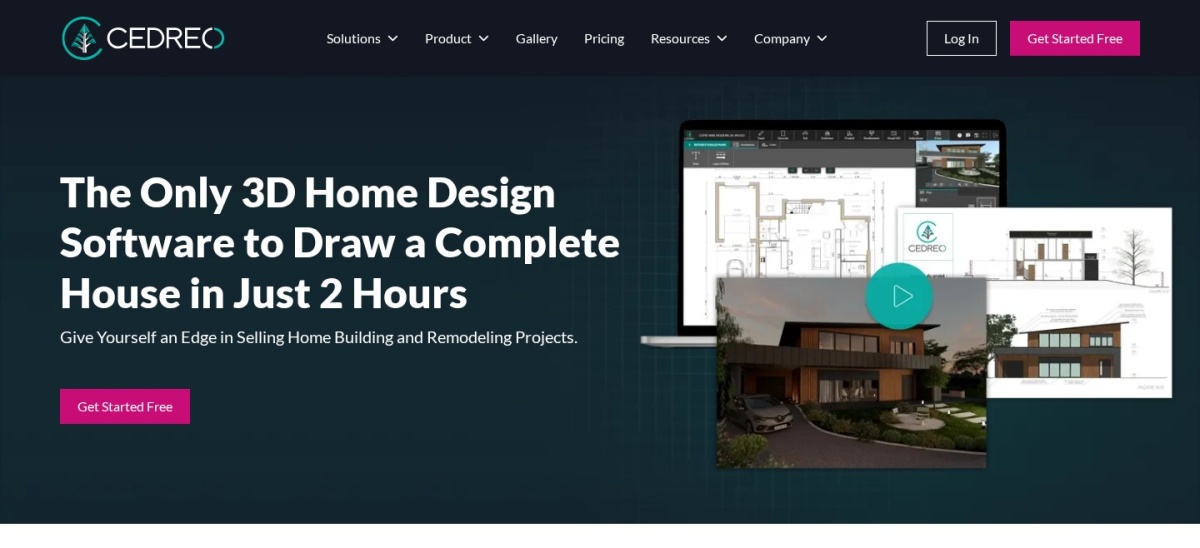
Cedreo is a cloud 3D home design tool built for builders, remodelers and interior designers. The free plan covers one project with 5 renders, and the Personal plan is a $139 one-time purchase for a single project with 20 renders. It draws 2D plans with dimensions and turns them into 3D views.
The trade off is the subscription cost. Full professional use needs the Professional plan at $129 a month, which is the priciest monthly rate in this list. It suits home builders who need fast, client-ready 3D visuals for sales.
What we like
Fast whole-house 3D from a 2D plan
Built for builders and remodelers
Free plan to try before paying
Watch out for
Professional plan costs $129 a month
One-time Personal plan covers a single project only
Professional adds unlimited projects at $129 a monthVisit cedreo.com
08
Chief Architect
4.4/5on Capterra (68 reviews, checked Nov 2026)
Starts at$1,995/yr
Best pro tool for construction drawings
Free planNo, trial only
Paid planPremier, $1,995/yr
Materials listsAutomatic
PlatformsWindows and Mac
chiefarchitect.com
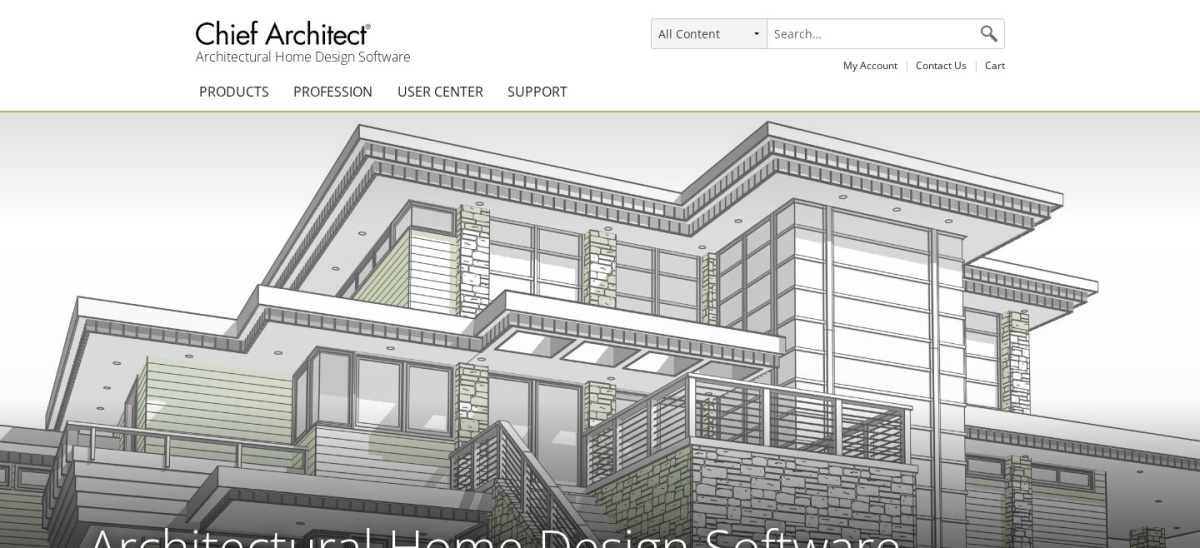
Chief Architect homepage, captured Nov 2026.
Chief Architect Premier is professional residential design software that turns wall layouts into roofs, framing and materials lists automatically. It produces construction drawings, 3D renders and 360-degree views for builders, remodelers and kitchen and bath designers. It runs on Windows and Mac.
The trade off is price. Premier costs $1,995 a year, far more than any other tool here, and there is no free plan, only a trial. It suits professionals who bill for construction documents, not homeowners planning one room.
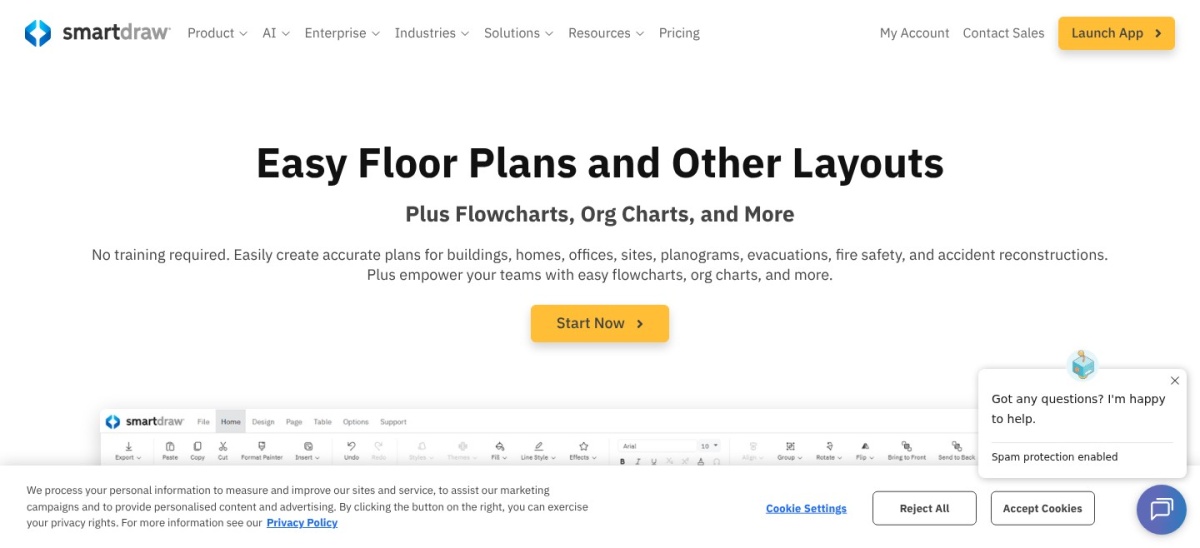
SmartDraw is a diagramming tool with floor plan templates for homes, offices and sites. The Individual plan at $6.95 a month covers accurate 2D floor plans with ready-made components and automatic formatting. It runs on the web and desktop with no design training needed.
The trade off is 3D. SmartDraw draws flat 2D plans only, with no 3D view or rendering, and there is no free plan, only a 7-day trial. It suits people who need a measured 2D floor plan fast.
Free plans in this list are genuinely useful for one room or one house. Planner 5D and Homestyler both let you design without paying, and Floorplanner covers 5 projects free.
Paid plans mostly add resolution and volume. You get higher-quality renders, more projects, no watermarks and exports you can hand to a client or a builder.
Credits are the hidden cost. RoomSketcher, Floorplanner and Cedreo all meter some outputs, so check what a render or an export costs before you commit to a subscription.
If you only need one plan for one project, a one-time purchase such as Cedreo Personal at $139 can cost less than a year of a monthly subscription.
How we chose
We started from the best-known home design tools, then kept the nine with a public rating on G2 or Capterra and a published price. Tools with no public rating, such as Sweet Home 3D and Live Home 3D, were left out.
Prices come from each vendor pricing page, checked on 25 November 2026. Ratings and review counts come from G2 or Capterra on the same day. Where a vendor shows a sale, the list shows the regular price. Floorplanner hides subscription prices behind login, so its Plus price comes from third-party pages that agree.
We left out tools aimed only at commercial BIM work. No vendor paid for a place, and we do not claim hands-on testing for this list.
How to choose home design software
Start with the room you need to plan, then match the tool to the output you need.
Decide between 2D and 3D. A measured 2D plan is enough for a layout rethink. Pick a 3D tool such as Planner 5D or Homestyler if you need to see finishes and furniture.
Check the free plan limits. Count the projects, renders and exports included free. A cap of one project or a few renders may push you to a paid plan on day one.
Count the credits. Some tools charge credits for exports on top of the subscription. Add the credit cost to the plan price before comparing.
Try before you pay. Use the free plan or trial to draw one real room. If the catalogue lacks your furniture or the exports look weak, switch before subscribing.
FAQ
What is the best home design software?
Planner 5D is the best pick for most homeowners. Its free plan covers unlimited projects, Premium costs $59.99 a year, and it is rated 4.7 out of 5 on G2. Homestyler and SketchUp are strong alternatives for renders and 3D modelling.
Is there free home design software?
Yes. Planner 5D, Homestyler, RoomSketcher, Floorplanner and Coohom all have free plans, and SketchUp has a free web version. Free plans limit projects, renders or exports, so check the cap before starting a big project.
Can I design a house without CAD experience?
Yes. Planner 5D, Homestyler, RoomSketcher and Floorplanner are built for beginners, with drag-and-drop furniture and 2D plans that turn into 3D views. Chief Architect and SketchUp Pro suit users who already know CAD.
What is the cheapest paid home design software?
Planner 5D Premium is the cheapest paid plan per year in this list at $59.99, followed by Floorplanner Plus at $5 a month. Both have free plans, so try the free tier first and pay only when you need more renders or projects.
Do I need 3D rendering or is a 2D floor plan enough?
A 2D floor plan is enough for checking sizes, door swings and furniture fit. 3D rendering helps when you need to judge finishes, light and how a room will feel, or when you need to show a client or a builder.
Which home design software is best for professionals?
Chief Architect Premier is the pro pick, with automatic framing, roofs and materials lists and construction-ready drawings at $1,995 a year. Cedreo and Coohom suit builders and designers who need fast client-ready 3D visuals.
SaaS SEO and WordPress specialist with about 8 years of experience. Rakib compares WordPress plugins, themes, hosting and software using public pricing, documentation and user reviews. See how we rank.