SketchUp is the best garden design software for most people, with a free web version for 3D garden layouts and Go at $129 a year. Pick Planner 5D for the easiest start at under $60 a year, or Realtime Landscaping Architect for a one-time $599 purchase with deep planting tools.
How we make this list: we compare pricing pages, product documentation and public user reviews, then re-check every price before each update. No product paid for a place. Disclosure.
SketchUp leads on ratings at 4.5 out of 5 from 1,327 G2 reviews, and its free web version covers basic 3D garden layouts.
Planner 5D has the cheapest paid plan at $59.99 a year and is the easiest way to get a 3D view of a garden.
Realtime Landscaping Architect is the only one-time purchase here at $599, with more than 1,600 plants and objects.
Cedreo's Pro price is unclear: its pricing page showed $39 a month on annual billing, but its own comparison pages and G2 list $129 a month.
PRO Landscape at 3.3 out of 5 from 4 reviews and VizTerra at 3.5 out of 5 from 3 reviews have the thinnest public ratings in this list.
Only 4 of the 9 tools have a free plan; the rest offer trials, so test on a real garden before paying.
What garden design software should do
Garden design software falls into two groups. General 3D modelers such as SketchUp and Planner 5D draw any space, including a garden, while garden-specific tools such as Realtime Landscaping Architect and PRO Landscape add plant libraries, planting plans and irrigation.
A plant library is the feature that separates the two groups. Garden-specific tools ship with hundreds or thousands of plants with mature sizes, while general tools rely on component libraries where you search for each plant yourself.
Pricing splits three ways: free plans, subscriptions from $59.99 a year, and one-time purchases. Only Realtime Landscaping Architect sells as a one-time $599 purchase here; the rest charge monthly or yearly, and the pro tools climb past $1,000 a year.
Renders matter when you need to convince someone else. If the design is for a client, pick a tool with 3D views and presentation output, and our guide on creating a portfolio site with WordPress covers showing that work online.
Ratings in this niche are thin. Several tools have fewer than 10 G2 reviews, so treat a high score with a small review count as weak evidence and weigh the free trial more.
SketchUp is a general 3D modeler that works well for gardens, with a free web version for basic layouts. The free version covers 3D modeling in the browser, while the paid Go plan at $129 a year adds the desktop app, unlimited cloud storage and the full 3D Warehouse library of ready-made plants, furniture and structures.
The trade off is that SketchUp has no garden-specific plant database, so beds, planting plans and irrigation are manual work. It suits homeowners and designers who want flexible 3D modeling and are happy to build garden content from the component library.
What we like
Highest review count in this list at 1,327 G2 reviews
Free web version for basic 3D garden layouts
Huge 3D Warehouse library of plants and structures
Runs on web, desktop, Mac and iPad
Watch out for
No garden-specific plant database or planting plans
Planner 5D is a browser and mobile design tool that turns a 2D floor or garden plan into a 3D view in minutes. The free plan covers basic 2D and 3D design, and Premium at $59.99 a year adds the full 8,000-item catalogue, unlimited HD renders and AI design tools.
The trade off is depth. It has no planting schedules or irrigation planning, and its garden tools are simpler than the pro desktop tools. It suits beginners and homeowners who want a quick, good-looking 3D view of a garden before they start digging.
Realtime Landscaping Architect homepage, captured Nov 2026.
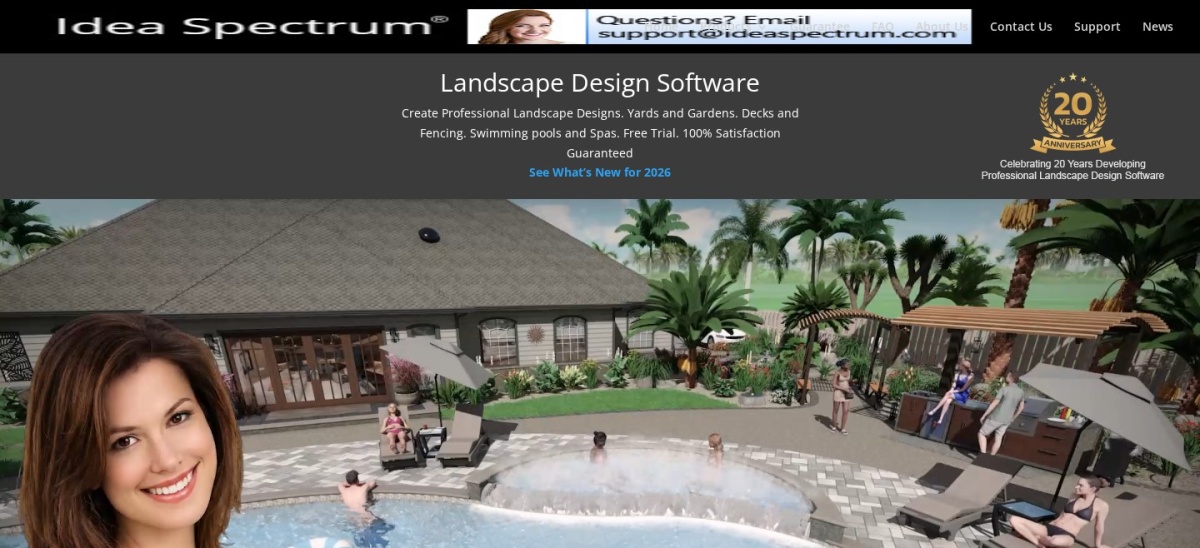
Realtime Landscaping Architect is a Windows desktop tool built for landscape work, with photo-based design, terrain modeling and 3D walkthroughs. It ships with more than 1,600 plants and objects, automatic plant labels and legends, and irrigation and lighting plans, for a one-time $599 purchase with a free trial.
The trade off is the platform and the price up front. It runs on Windows only, and $599 is a lot for a single garden project. It suits residential designers and serious DIYers who want detailed planting plans without a monthly bill.
What we like
Only one-time purchase in this list, no subscription
Deepest planting tools here, with labels and legends
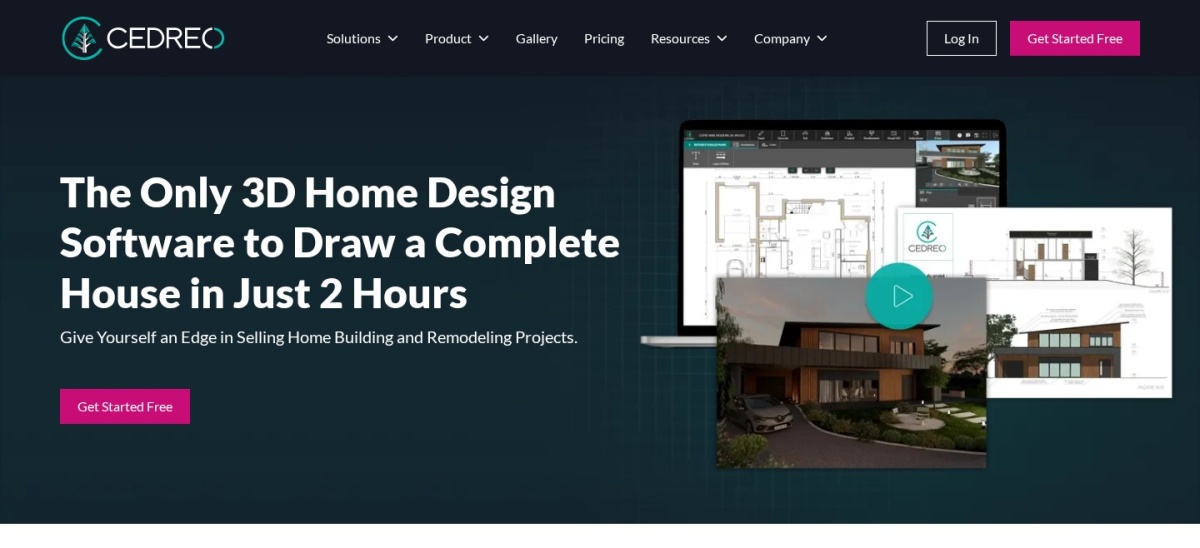
Cedreo is a web-based 3D home design tool with terrain and outdoor management, so a house and its garden sit in one project. The free plan covers one project with basic drawing, and Pro adds unlimited projects, 40 renderings a month and full furniture and symbol libraries.
The trade off is price clarity. Its pricing page showed Pro at $39 a month on annual billing, while its own comparison pages and G2 list $129 a month, so confirm the price before you buy. It suits builders and remodelers who sell a whole property, garden included.
What we like
House and garden in one web-based project
Fast 3D renders for client presentations
Free plan covers one full project
Rated 4.6 out of 5 on G2
Watch out for
Pro price is unclear across Cedreo's own pages
Built for houses first, gardens second
Only 15 G2 reviews
Pro adds unlimited projects and 40 renderings a monthVisit cedreo.com
05
SmartDraw
4.5/5on G2 (398 reviews, checked Nov 2026)
Starts at$9.95/mo
Best for quick 2D garden plans
Free planNo, free trial
Cheapest paid planIndividual, $9.95/mo
Landscape templatesYes
PlatformsWeb, Windows, Mac
smartdraw.com
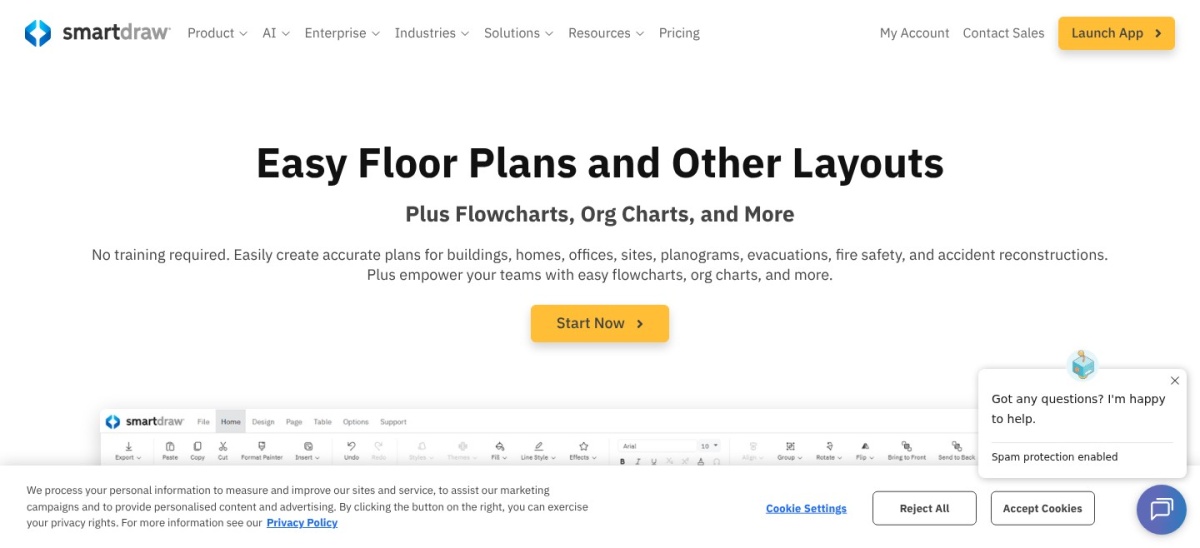
SmartDraw homepage, captured Nov 2026.
SmartDraw is a diagramming tool with floor plan and landscape templates for drawing garden layouts to scale. The Individual plan costs $9.95 a month billed annually, and it includes the template library, import and scaling tools and sharing for plans and diagrams.
The trade off is that it is a 2D drawing tool, not a 3D garden designer, so there are no realistic renders or plant growth views. It suits anyone who needs a clean, measured 2D garden plan fast and cheap.
What we like
Cheap measured 2D plans at $9.95 a month
Landscape and floor plan templates included
398 G2 reviews, the second most in this list
Easy import and scaling of existing plans
Watch out for
No 3D views or realistic renders
No free plan, only a trial
G2 lists a lower $6.95 a month price, so confirm at checkout
RoomSketcher is a web and mobile floor plan tool that also handles outdoor areas, decks and patios in 2D and 3D. The free plan includes 2 credits to start, and Pro at $24 a month adds the full furniture library, 3D photos, 360 views and print-to-scale plans.
The trade off is garden depth. It has no plant database or planting schedules, and its strength is measured plans rather than planting design. It suits homeowners who want accurate scaled plans of a garden and its structures.
What we like
Accurate measured plans that print to scale
3D views and 360 views on the Pro plan
Free plan to start, with 2 credits included
Rated 4.5 out of 5 from 149 G2 reviews
Watch out for
No plant database or planting schedules
Page shows a $144 a year promo against the $24 a month rate
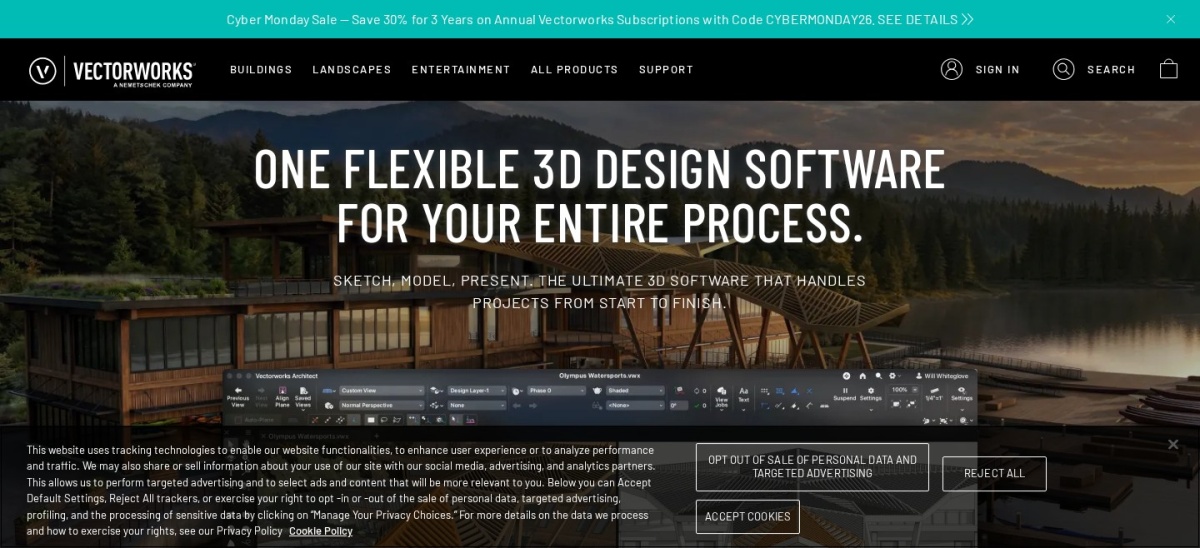
Vectorworks Landmark is a professional BIM tool for landscape architects, with site modeling, grading, planting design and irrigation in one file. Its plant database builds schedules automatically, so a planting plan generates its own plant list with quantities, and a seat costs $1,530 a year.
The trade off is cost and learning curve. It is the priciest tool here and takes weeks to learn, with a 7-day trial to test it. It suits landscape practices that produce construction documents, not one-off home garden plans.
What we like
Only true BIM tool here, with grading and irrigation
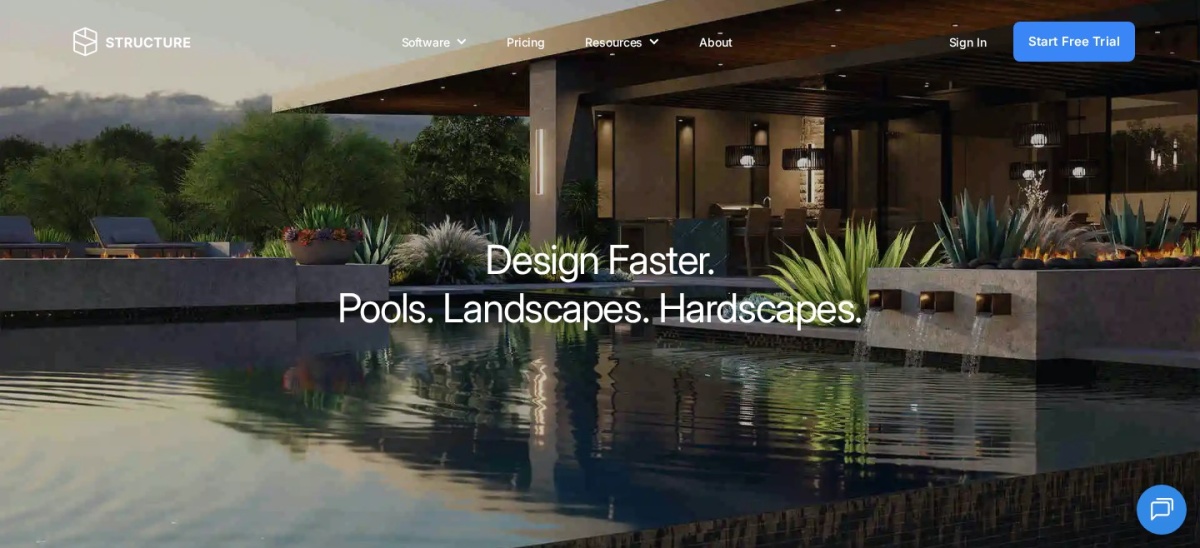
VizTerra is a 3D landscape design tool from Structure Studios for outdoor living projects, with pools, patios, kitchens and decks. It holds 1,748 trees and shrubs and 1,922 3D objects, with plant legends that stay accurate as the design changes, at $997 a year plus a $95 setup fee.
The trade off is thin public feedback. G2 shows 3.5 out of 5 from only 3 reviews, and the $997 annual plan is a big commitment for a small firm. It suits hardscape and outdoor-living firms that sell with interactive 3D presentations.
PRO Landscape is a Windows suite for design-build firms, combining photo imaging, landscape CAD, 3D rendering and proposals. You can drop plants onto a photo of the client's yard, then turn the design into a priced proposal, at $90 a month or $900 a year, with a free Home edition for basic design.
The trade off is evidence and platform. G2 shows 3.3 out of 5 from only 4 reviews, it runs on Windows only, and the vendor publishes no pricing page. It suits contractors who sell installs from photo-based designs and formal proposals.
What we like
Photo imaging shows the design on the real yard
Design, CAD, 3D and proposals in one suite
Free Home edition for basic design
Built for selling installs, not just drawing
Watch out for
Only 4 G2 reviews at 3.3 out of 5
Windows only, with tablet work via a companion app
Free plans cover a first sketch well. SketchUp Free, Planner 5D Free, Cedreo Free and RoomSketcher Free all let you draw a garden in 2D or 3D without paying.
Paid plans mostly add libraries, renders and exports. Premium catalogues, unlimited renders, print-to-scale plans and proposal tools sit behind the paywall in every tool here.
Trials are the practical middle step. Five of the nine tools have no free plan, only a trial, so use the trial on a real garden project before paying for a year.
How we chose
We started from the tools that appear most often in garden and landscape design roundups, then kept nine with public pricing and a G2 rating.
Prices come from each vendor's pricing page, checked on 25 November 2026, with regular prices shown where a sale was running. PRO Landscape publishes no pricing page, so its $900 a year comes from the vendor-provided G2 listing, and Cedreo's price is flagged because its own pages disagree.
We left out tools with no public rating on G2, Capterra or Trustpilot, including iScape and Home Designer. No vendor paid for a place, and we do not claim hands-on testing for this list.
How to choose garden design software
Start with the garden, not the software: measure the plot, list what must change, then match the tool to the job.
Measure the plot first. A tool is only useful if it handles your garden's size and slope. SketchUp and Vectorworks handle terrain; Planner 5D and RoomSketcher suit flat, smaller plots.
Decide 2D or 3D. A 2D plan is enough for planting beds and paths. If you need to convince a client or a partner, pick a tool with 3D views and renders such as Cedreo or VizTerra.
Check the plant library. Count the plants, not the marketing. Realtime Landscaping Architect lists 1,600+ items and VizTerra 1,748 trees and shrubs; general tools need you to find each plant yourself.
Try before you pay. Use the free plan or trial on a real project. Four tools here have a free plan and the rest offer trials, so there is no need to pay for a year untested.
FAQ
What is the best garden design software?
SketchUp is the best garden design software for most people. Its free web version handles 3D garden layouts, Go costs $129 a year, and it is rated 4.5 out of 5 from 1,327 G2 reviews, the largest review count in this list.
Is there free garden design software?
Yes. SketchUp, Planner 5D, Cedreo and RoomSketcher all have free plans that cover basic 2D and 3D garden layouts. The free plans limit libraries, renders or project counts, so a bigger garden may need a paid plan.
What is the cheapest garden design software?
Planner 5D Premium is the cheapest paid plan here at $59.99 a year. SketchUp Go costs $129 a year, and SmartDraw costs $9.95 a month billed annually. Realtime Landscaping Architect costs $599 once, with no yearly bill.
Can garden design software make planting plans?
Some can. Realtime Landscaping Architect and Vectorworks Landmark build planting plans with plant labels, legends and schedules. Planner 5D, Cedreo and RoomSketcher draw the layout but leave planting lists to you.
Do I need a Windows computer for garden design software?
Not always. SketchUp, Planner 5D, Cedreo, SmartDraw and RoomSketcher run in a browser on Windows or Mac. Realtime Landscaping Architect and PRO Landscape are Windows only, so Mac users should avoid those two.
Is a one-time purchase better than a subscription?
It depends on how long you will use it. Realtime Landscaping Architect costs $599 once, which beats three years of Planner 5D or SketchUp Go. Subscriptions suit occasional users who can cancel after one project.
SaaS SEO and WordPress specialist with about 8 years of experience. Rakib compares WordPress plugins, themes, hosting and software using public pricing, documentation and user reviews. See how we rank.