WinSCP leads free PC file transfer software with a 4.6 out of 5 rating across 230 G2 reviews, combining SFTP, FTP, and scripting at zero cost. LocalSend fits fast offline transfers across nearby devices, while FastCopy handles high-throughput local and network copies.
How we make this list: we compare pricing pages, product documentation and public user reviews, then re-check every price before each update. No product paid for a place. Disclosure.
WinSCP holds a 4.6 out of 5 rating across 230 G2 reviews and is free under an open-source license.
FileZilla is rated 4.5 out of 5 across 770 G2 reviews and covers FTP, FTPS, and SFTP for free.
LocalSend reports 35M+ downloads and 93k+ GitHub stars with zero ads or cloud servers.
FastCopy released version 5.12.0 on August 18, 2026, with a $9.99/yr annual license or $48.00 perpetual license for Pro.
TeraCopy lists a $49.95 one-time purchase price on its order page and released version 4.0.5 on October 8, 2026.
Cyberduck is rated 4.7 out of 5 across 49 Capterra reviews and released version 9.6.0 on November 5, 2026.
What to look for in free PC file transfer software
Choosing file transfer software for a PC starts with knowing whether you are moving files to remote servers, syncing folders across machines, sending files across a local network, or copying large batches between drives. A client built for SFTP and remote directories solves different problems than a local copy accelerator or a peer-to-peer Wi-Fi transfer app.
Protocol support and security matter whenever files cross networks or external storage. Look for encrypted protocols such as SFTP or FTPS for remote servers, local network encryption for wireless transfers, and checksum verification when moving large archives or backups.
Free and open-source tools often cover everyday personal and developer workflows without subscriptions, while commercial tiers usually target business environments, multi-threaded speed boosts, cloud storage connectors, or dedicated support. Checking licensing terms upfront prevents surprises if you use a tool on work machines.
Usability and maintenance status are equally practical checks. Active release notes, portable builds, command-line scripting, and error-recovery options like skipping locked or unreadable files save time during routine transfers.
For error recovery and checksum verification on Windows
$49.95 one-time
Free plan
3/5
Price ladder: cheapest paid plan per year
List prices, USD, checked Nov 2026
WinSCPFree
LocalSendFree
FileZillaFree
CyberduckFree
FastCopyFREE$10
FreeFileSyncFREE$23
TeraCopyFREE$50
The 7 best free file transfer software for pc
01
WinSCP
4.6/5on G2 (230 reviews, checked Nov 2026)
PriceFree
Best for secure Windows remote transfers and scripting
PlatformWindows
ProtocolsSFTP, FTP, SCP, WebDAV
AutomationScripting, CLI, .NET
Latest releasev6.7.1 (Nov 2026)
winscp.net
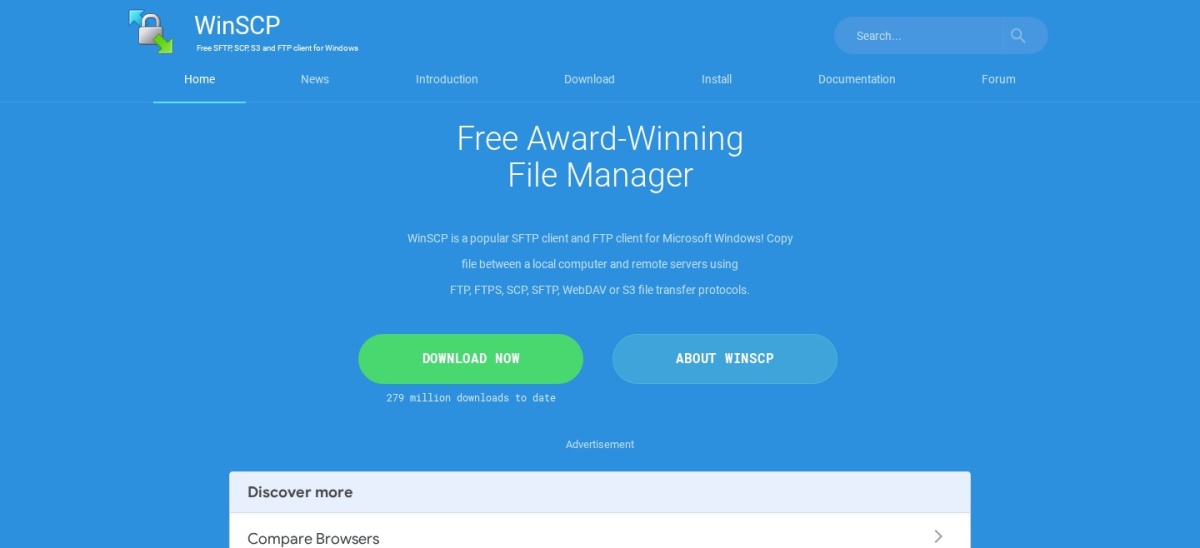
WinSCP homepage, captured Nov 2026.
WinSCP is a free, open-source file transfer client for Windows that supports SFTP, FTP, SCP, and WebDAV alongside directory synchronization and scripting. It includes a graphical interface, built-in text editor, and portable executable options at no charge.
The trade off is that it is built for Windows rather than macOS or Linux, and some users report slower transfers on large files or a dated interface. It suits Windows administrators, developers, and power users who want free encrypted transfers and scripted automation.
What we like
Free open-source software with no paid tier required
Supports SFTP, FTP, SCP, and WebDAV plus directory sync
Offers scripting, command-line automation, and portable builds
Actively maintained with version 6.7.1 released in November 2026
Watch out for
Windows-only desktop client without native macOS or Linux builds
Interface looks dated compared with newer file managers
Large file transfers can slow down on weaker connections
No paid plan; optional donations support ongoing development.Visit winscp.net
02
LocalSend
5/5on Apple App Store (39 reviews, checked Nov 2026)
PriceFree
Best for offline local-network transfers without cloud limits
PlatformsWindows, macOS, Linux, iOS, Android
NetworkLocal network, offline
SecurityEnd-to-end encryption
Ads & trackersNone (0 ads)
localsend.org
LocalSend homepage, captured Nov 2026.
LocalSend is a free, open-source file sharing tool that sends files and text between nearby devices over a local network with end-to-end encryption and 35M+ reported downloads. It requires no account, no external servers, and no internet connection.
The trade off is that transfers depend on devices being on the same local network rather than sending files remotely over the internet. It suits home and office users moving files quickly between a Windows PC, phone, tablet, or laptop.
What we like
Works offline over local networks with no account or cloud servers
Cross-platform support across Windows, macOS, Linux, Android, and iOS
Free and open source with zero ads or trackers
Watch out for
Requires devices to share a local network rather than remote links
Designed for direct device-to-device sends rather than server hosting
No paid plan; free open-source release across supported platforms.Visit localsend.org
03
FileZilla
4.5/5on G2 (770 reviews, checked Nov 2026)
PriceFree
Best cross-platform client for standard FTP, FTPS, and SFTP
PlatformsWindows, macOS, Linux
ProtocolsFTP, FTPS, SFTP
Key toolsSite Manager, transfer queue
G2 rating4.5 / 5 (770 reviews)
filezilla-project.org
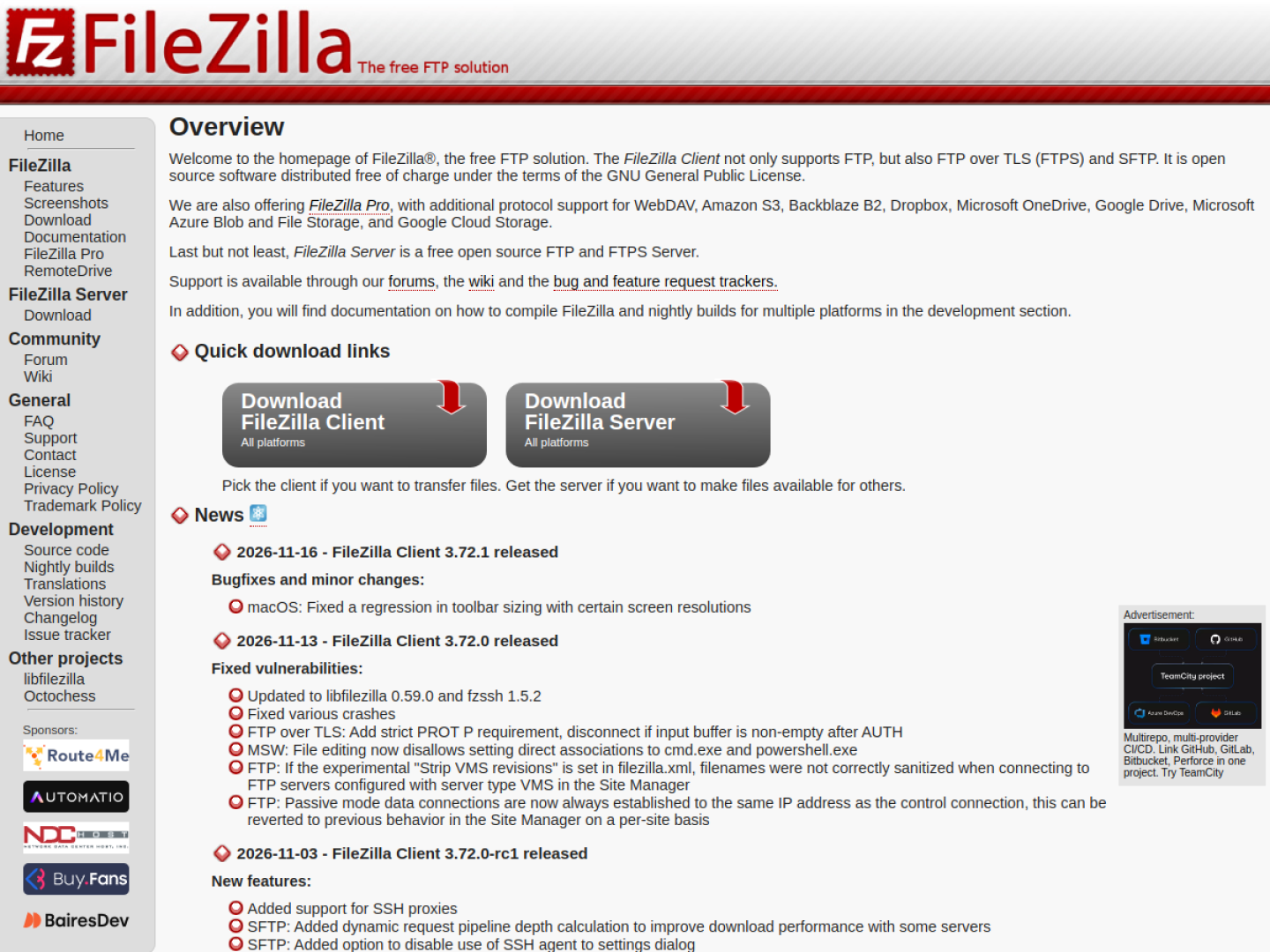
FileZilla homepage, captured Nov 2026.
FileZilla is a free, open-source file transfer client for Windows, macOS, and Linux supporting FTP, FTPS, and SFTP with a site manager and transfer queue. Its free client covers standard server uploads, downloads, and directory comparisons.
The trade off is that direct cloud storage connectors belong to separate FileZilla Pro products, and some users find the interface dated or sluggish on very large files. It suits developers and site owners working across multiple operating systems.
What we like
Free open-source client with cross-platform Windows, macOS, and Linux support
Handles FTP, FTPS, and SFTP with queued transfers and site bookmarks
Long-standing industry familiarity with extensive documentation
Watch out for
Cloud storage integrations require separate FileZilla Pro tools
Interface feels dated to some reviewers
Can lag when handling large files
Core client is free; separate FileZilla Pro and Enterprise Server editions cost extra.Visit filezilla-project.org
04
Cyberduck
4.7/5on Capterra (49 reviews, checked Nov 2026)
PriceFree
Best free browser for mixing SFTP and cloud storage buckets
PlatformsWindows, macOS
Storage targetsFTP, SFTP, S3, Azure, Drive
Latest releasev9.6.0 (Nov 2026)
Capterra rating4.7 / 5 (49 reviews)
cyberduck.io
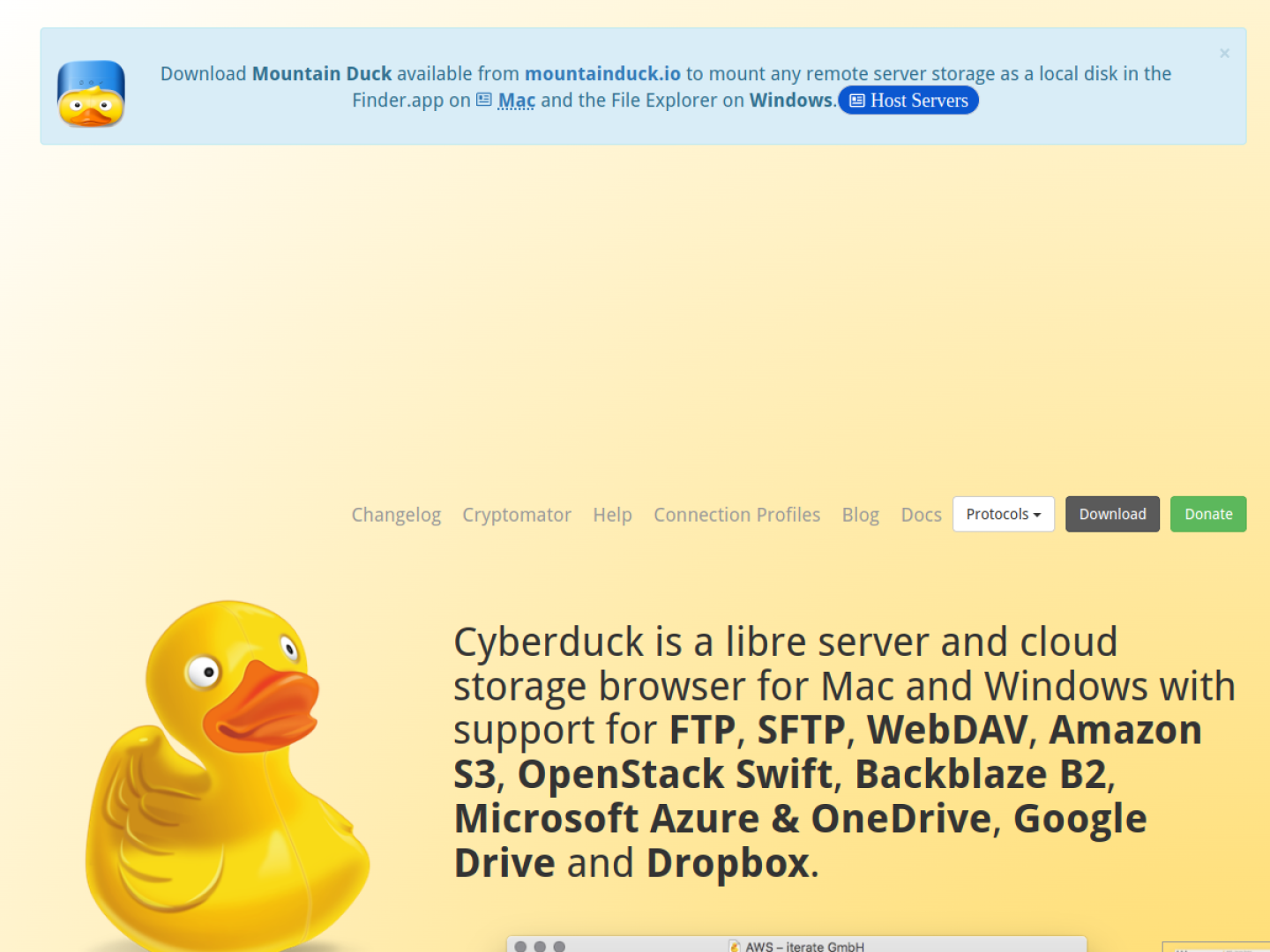
Cyberduck homepage, captured Nov 2026.
Cyberduck is a free, open-source file transfer browser for Windows and macOS that connects to FTP and SFTP servers as well as cloud storage such as Amazon S3, Google Drive, OneDrive, and Azure. Version 9.6.0 was released on November 5, 2026.
The trade off is that the free download displays a donation prompt unless you register or buy from the Windows Store, and some reviewers note occasional slowdowns or freezes. It suits users managing both remote servers and cloud buckets in one app.
What we like
Free open-source browser supporting FTP, SFTP, and major cloud storage
Lets you open remote files in external text or code editors
Actively updated with version 9.6.0 released in November 2026
Watch out for
Shows a donation prompt unless registered or purchased via the store
Some users report occasional freezes or slower bulk folder actions
No native Linux client
Free to download with optional donations or paid store distribution without donation prompts.Visit cyberduck.io
05
FreeFileSync
5/5on Capterra (1 reviews, checked Nov 2026)
Paid from$23/yr
Best for folder comparison, backups, and ongoing syncs
PlatformsWindows, macOS, Linux
Sync modesMirror, two-way, update, custom
Latest releasev14.13 (Oct 2026)
Business license€20 per device / year
freefilesync.org
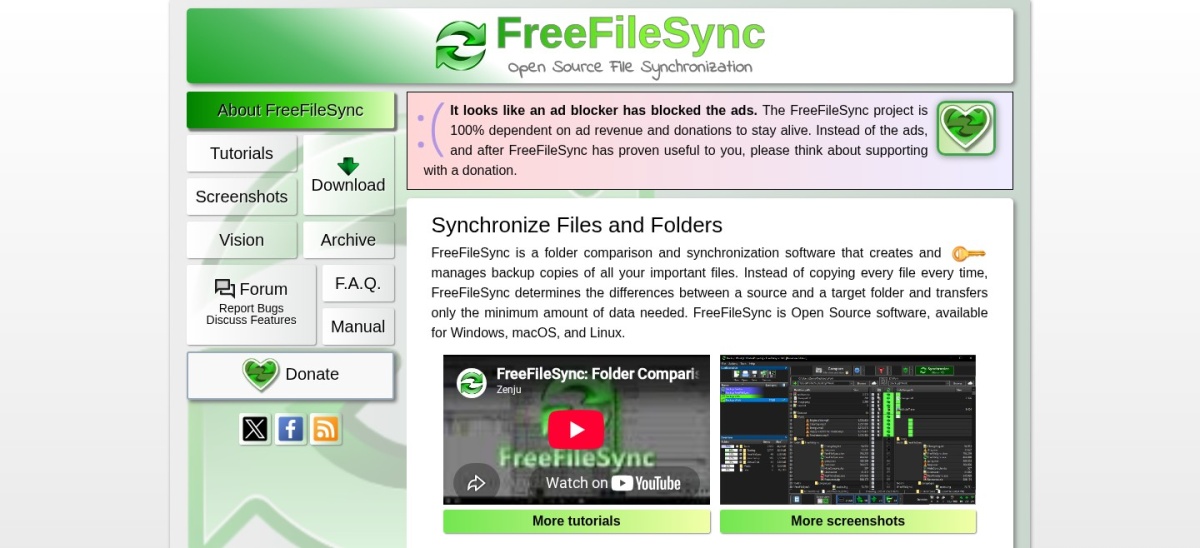
FreeFileSync homepage, captured Nov 2026.
FreeFileSync is a free, open-source folder comparison and synchronization tool for Windows, macOS, and Linux that helps copy and keep local or network directories aligned. Version 14.13 was released on October 16, 2026.
The trade off is that the Business Edition costs €20 per device per year for commercial deployment features like silent installation, while free personal use requires manual installation. It suits users backing up folders to external drives or network shares.
What we like
Free core software for personal and commercial folder synchronization
Supports mirror, two-way, update, and custom sync rules
Actively maintained with version 14.13 released in October 2026
Watch out for
Silent installation and business fleet features sit behind paid licensing
Dense settings can feel complex on first setup
Free standard version; FreeFileSync Business Edition is €20 per device per year.Visit freefilesync.org
06
FastCopy
4.4/5on Trustpilot (1 reviews, checked Nov 2026)
Paid from$9.99/yr
Best for high-speed local and network file copying on Windows
PlatformWindows (32-bit / 64-bit)
I/O modelMulti-threaded, Direct & Overlapped I/O
Latest releasev5.12.0 (Aug 2026)
Annual Pro price$9.99 / year
fastcopy.jp
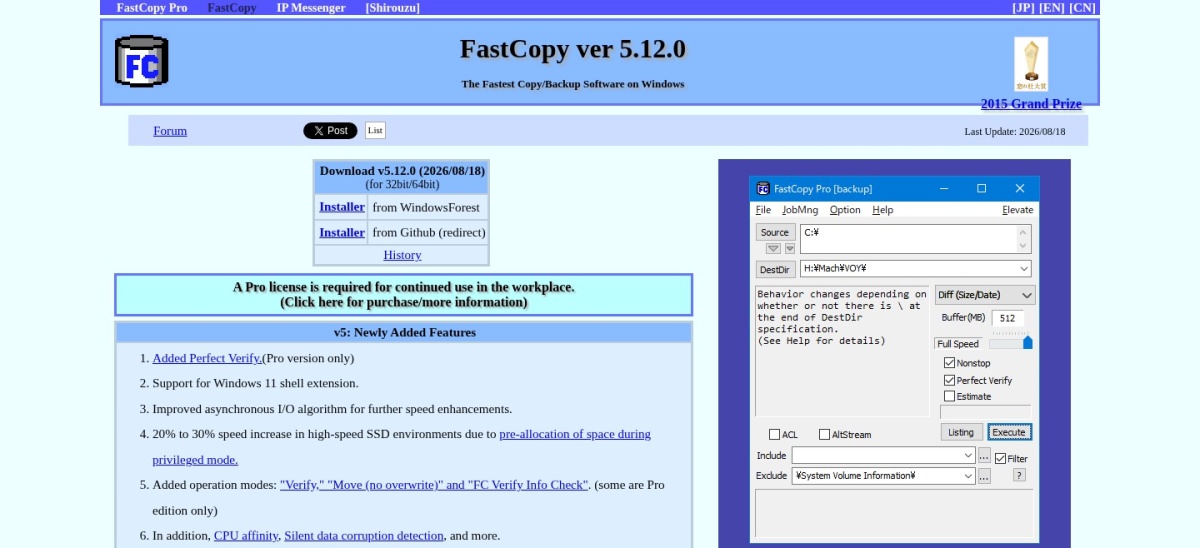
FastCopy homepage, captured Nov 2026.
FastCopy is a free Windows file copy and deletion utility built around multi-threading and asynchronous I/O to move large file counts and big files quickly. Version 5.12.0 was released on August 18, 2026.
The trade off is that the free edition is limited to personal use, while Pro starts at $9.99 per year (or $48.00 perpetual) and the interface looks utilitarian. It suits Windows users moving large media libraries, SSD backups, or network transfers.
What we like
Multi-threaded copy engine tuned for fast SSD and network transfers
Supports long paths over 260 characters and include/exclude filters
Free personal edition alongside low-cost Pro licensing
Watch out for
Free version is restricted to non-commercial personal use
Interface prioritizes speed and controls over modern visual polish
Free for personal use; FastCopyPro starts at $9.99/yr annual or $48.00 perpetual.Visit fastcopy.jp
07
TeraCopy
3/5on Slashdot (2 reviews, checked Nov 2026)
Paid from$49.95 one-time
Best for error recovery and checksum verification on Windows
PlatformsWindows, macOS
Integrity checkCRC32, MD5, SHA1, BLAKE3, xxHash3
Latest releasev4.0.5 (Oct 2026)
Purchase price$49.95 one-time
codesector.com
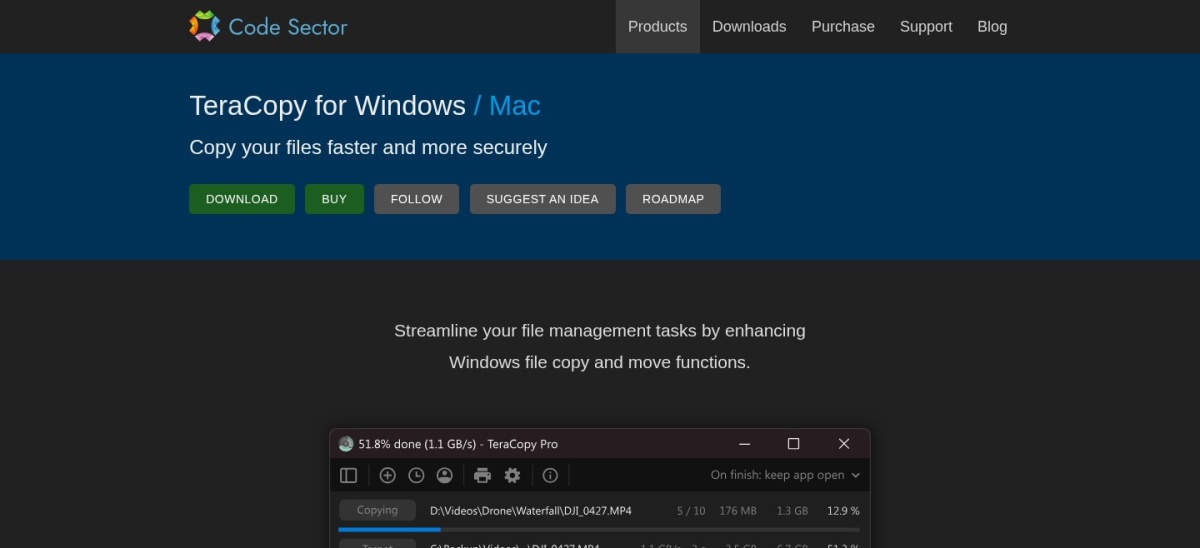
TeraCopy homepage, captured Nov 2026.
TeraCopy is a file transfer utility that replaces default copy behavior with task queuing, automatic retry or skip on errors, and checksum verification across algorithms like BLAKE3, xxHash3, and SHA1. Version 4.0.5 was released on October 8, 2026.
The trade off is that the free tier lacks commercial use rights and Pro features like multi-threaded copying beyond two threads, with a $49.95 one-time purchase price. It suits Windows users who want resilient error handling and file integrity checks.
What we like
Skips problematic files without aborting an entire transfer batch
Verifies copied files using checksum algorithms including BLAKE3 and xxHash3
Integrates with Windows Explorer and supports queued transfers
Watch out for
Free license does not cover commercial workplace use
Higher one-time purchase price ($49.95) than some competing utilities
Free basic version for personal use; paid license listed at $49.95 one-time.Visit codesector.com
Local copy utilities vs. remote transfer clients
Many Windows users group local file copiers and remote transfer clients together, but they solve different bottlenecks. Local utilities like FastCopy and TeraCopy focus on disk I/O throughput, error skipping, and checksum verification when moving files between drives or network shares.
Remote clients like WinSCP, FileZilla, and Cyberduck focus on protocols such as SFTP, FTPS, WebDAV, and cloud object storage. Picking the right category first keeps your setup focused on the actual connection type you use.
How we chose
We built this list around established PC file transfer and sync tools with active maintenance, clear documentation, and free entry options across Windows and cross-platform setups.
Ratings, release notes, and pricing were checked on 22 Nov 2026 from vendor sites and public software review directories, noting regular pricing rather than temporary discounts.
We excluded unmaintained tools, cloud-storage-only services that do not act as dedicated desktop transfer utilities, and products lacking verifiable pricing or active support.
No vendor paid for a place, and we do not claim testing for this list.
How to choose free file transfer software for your PC
Follow four practical steps to match a transfer tool to your workflow before installing.
Identify your transfer path first. Decide whether you are moving files to a remote server, syncing folders across drives, or sharing files over a local Wi-Fi network.
Check security and verification needs. Use SFTP or FTPS for remote servers, encrypted local transfers for wireless shares, and checksum checks when moving critical archives.
Confirm free and commercial licensing rules. Verify whether a free version allows commercial workplace use or limits automation and cloud connectors to paid tiers.
Check recent updates and interface fit. Confirm recent releases for your operating system version and pick an interface—graphical, dual-pane, or scripted—that matches your daily routine.
FAQ
What is the best completely free file transfer tool for Windows?
WinSCP is a strong default for Windows users who need encrypted SFTP and FTP transfers, directory synchronization, and scripting without paying for a license. For offline transfers to nearby phones or laptops over a local network, LocalSend is also free with no account or cloud servers required.
Do I need third-party software to transfer files on a PC?
Windows File Explorer already handles basic local copies and external drive transfers. Third-party tools become helpful when you need SFTP or cloud bucket access, automated folder syncing, resume or skip-on-error behavior, checksum verification, or higher-speed batch copying.
Are free file transfer tools safe to use at work?
Safety depends on both security protocols and license terms. Always download from official vendor domains, use encrypted protocols like SFTP or FTPS rather than plain FTP, and check whether a tool requires a paid license for commercial or fleet use.
How do file sync tools differ from one-time copy tools?
One-time copy tools move selected files or folders on demand, often adding queues, error recovery, or checksum checks. Sync tools such as FreeFileSync compare source and destination folders to mirror, update, or keep directories aligned over time.
Can I transfer large files without uploading them to cloud storage?
Yes. Tools like LocalSend transfer files directly over your local network without cloud servers, while SFTP and FTP clients transfer files directly to a server you control, and local copy utilities move large files straight between drives.
Why do some free transfer apps offer paid Pro or Business tiers?
Vendors typically reserve paid licenses for commercial workplace use, silent or automated fleet deployment, multi-threaded speed options, cloud storage integrations, or dedicated support. Many users never need the paid tier for basic personal transfers.
SaaS SEO and WordPress specialist with about 8 years of experience. Rakib compares WordPress plugins, themes, hosting and software using public pricing, documentation and user reviews. See how we rank.