freeCodeCamp is the best coding platform for beginners: it is completely free, with a full curriculum from HTML to Python and certificates earned by building five projects. Pick Codecademy for guided interactive lessons, or Khan Academy for the gentlest first steps.
How we make this list: we compare pricing pages, product documentation and public user reviews, then re-check every price before each update. No product paid for a place. Disclosure.
freeCodeCamp, The Odin Project and Khan Academy cost $0 and cover most of a beginner's first skill, so pay only once you know your direction.
Codecademy Plus costs $14.99 a month billed annually, the cheapest guided option here after the free picks.
Coursera Plus lists at $399 a year, with a Black Friday sale at $239 a year until 30 November 2026.
DataCamp is the only pick built for data science: 810+ courses in Python, SQL, R and Power BI.
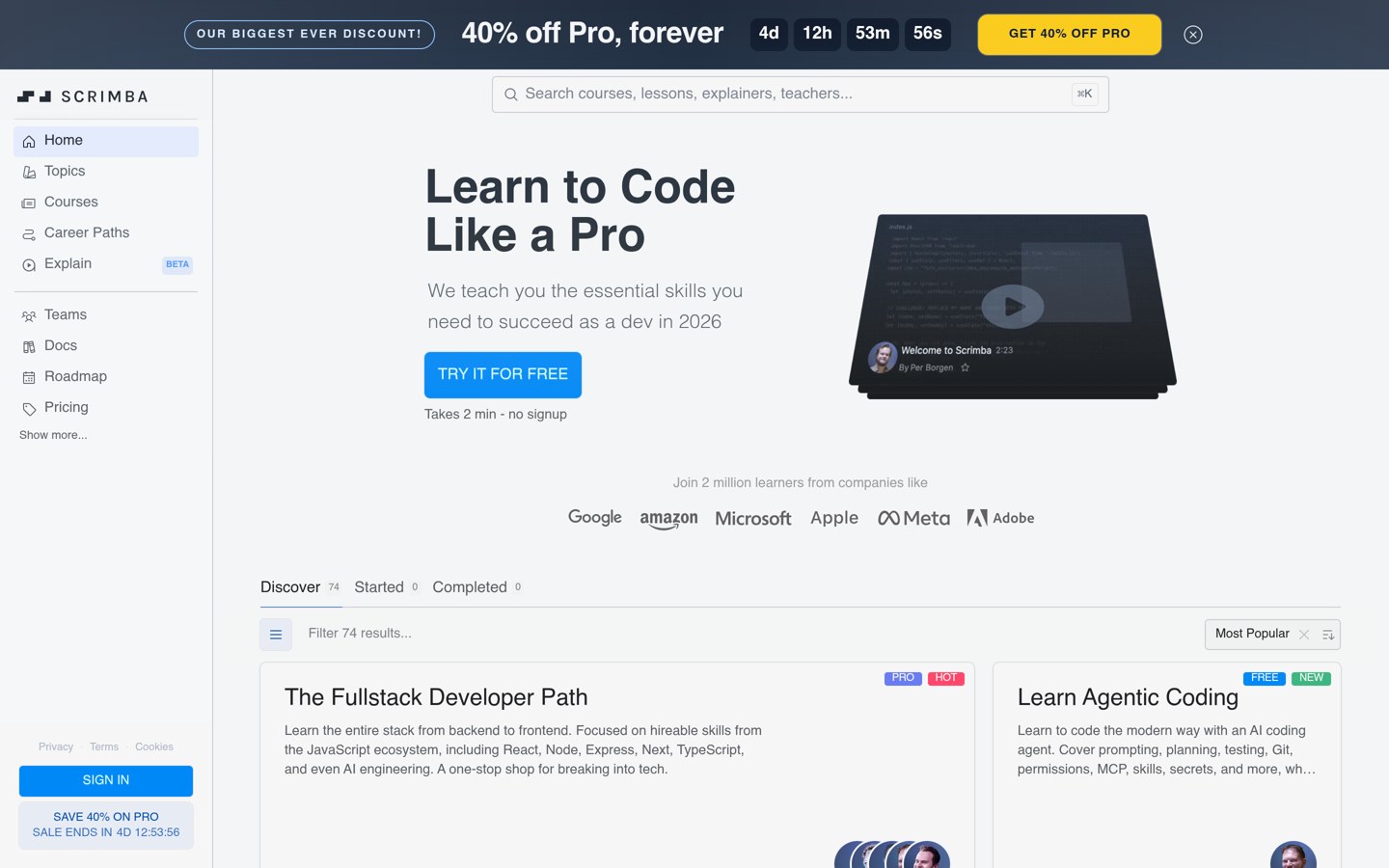
Scrimba's Frontend path is the only one endorsed by MDN, with 13 modules and 1,493 lessons.
What to look for in a coding platform for beginners
Learning to code has a known failure mode: watching weeks of video without ever writing a program. The platforms that work best for beginners keep you typing from the first lesson, whether that is an in-browser editor, a project to build or a lesson you can pause and edit.
Free options cover more than most beginners expect. freeCodeCamp, The Odin Project and Khan Academy charge nothing, and their curricula take you from your first line of code to a first portfolio. A paid plan mostly buys structure, feedback and a certificate.
Certificates matter more in some paths than others. Our guide on how to code in WordPress shows where a certificate helps and where a portfolio of finished projects counts for more.
Price is the other trap. Several platforms in this list run sales that cut the headline price in half, so this list shows the regular price and notes the sale separately. Check whether a subscription is billed monthly or annually before you pay.
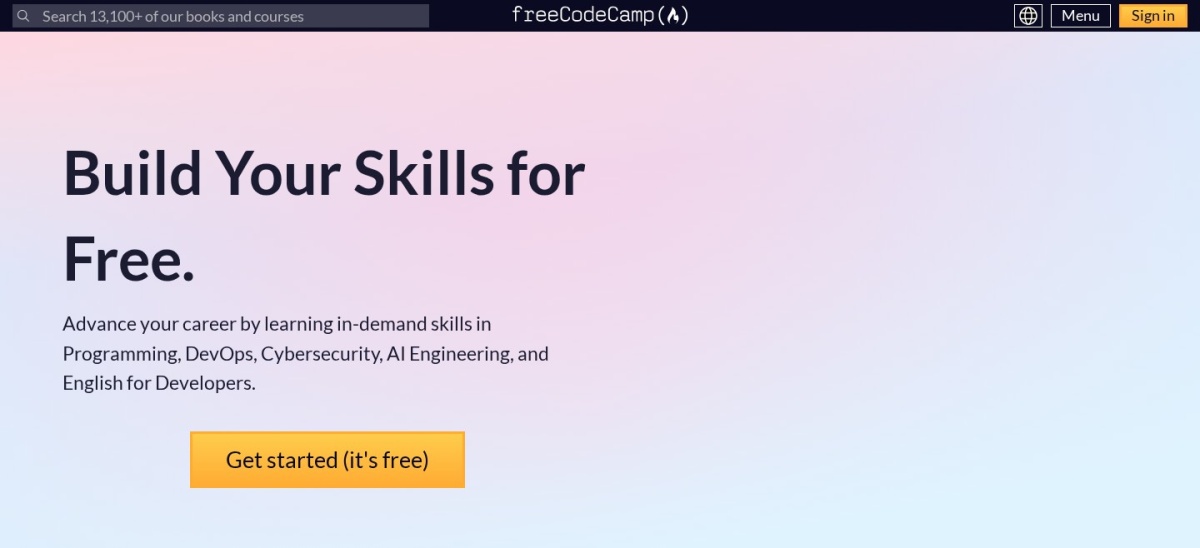
freeCodeCamp is a nonprofit that teaches coding entirely for free, with no paywall on any course or certificate. Its curriculum runs from responsive web design and JavaScript through Python, data analysis and machine learning, and each certification requires building five projects that pass automated tests. More than 40,000 graduates have gone on to jobs at tech companies.
The trade off is support. Nobody checks your work, so when you get stuck you rely on the forum and chat community rather than a teacher. It suits self-directed beginners who want a full curriculum for $0 and are happy to troubleshoot with other learners.
What we like
Completely free, including certificates
Full curriculum from web basics to machine learning
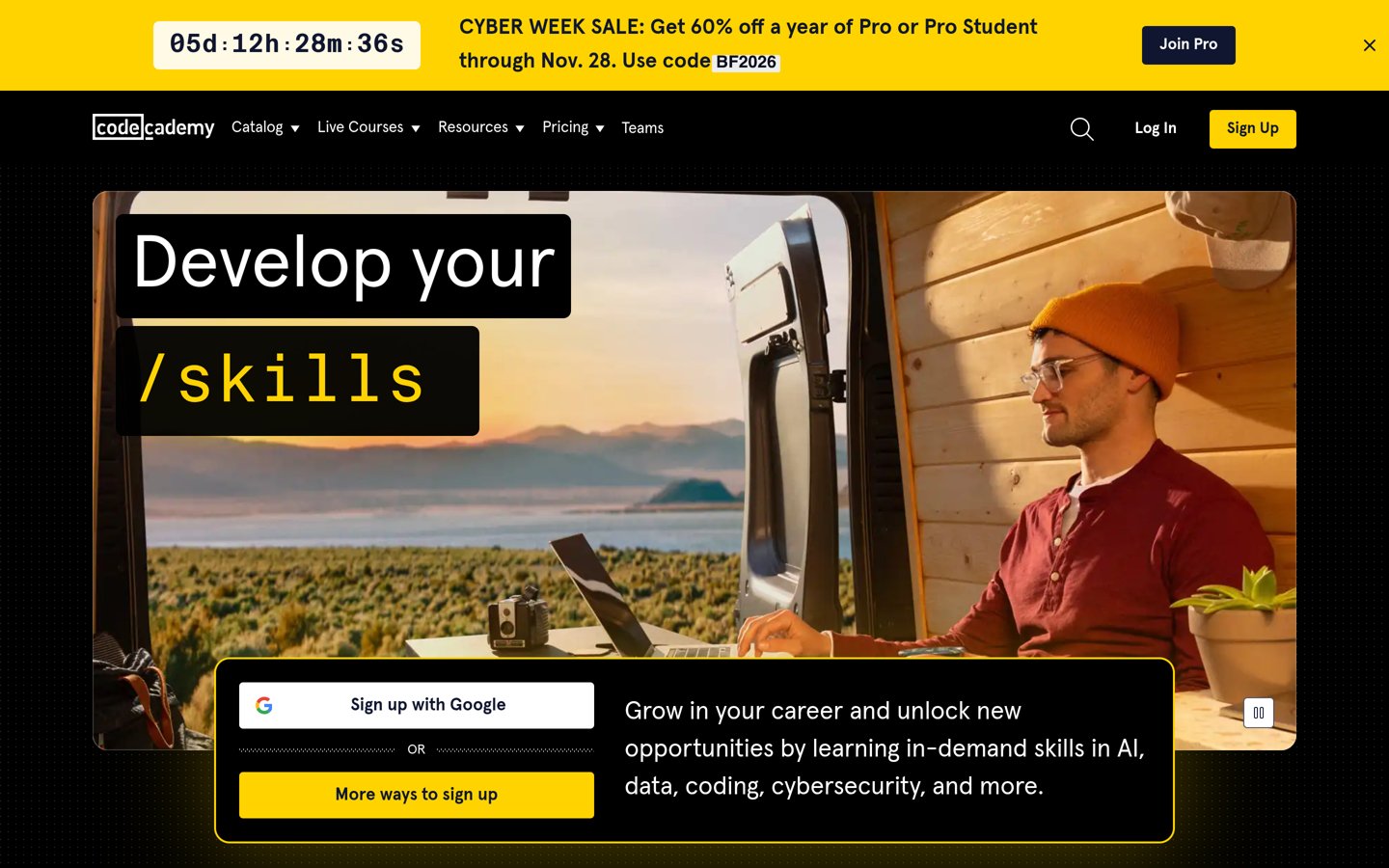
Codecademy is an interactive learning platform where you write code in the browser from the first lesson, with instant feedback on every exercise. The free Basic plan covers introductory courses in Python, JavaScript, HTML, CSS, SQL and more. Paid plans add skill paths, portfolio projects and certificates of completion.
The trade off is the paywall. Career paths, interview prep and certification prep need Plus at $14.99 a month billed annually, or Pro at $19.99 a month billed annually. It suits beginners who learn by typing rather than watching videos and want a guided path.
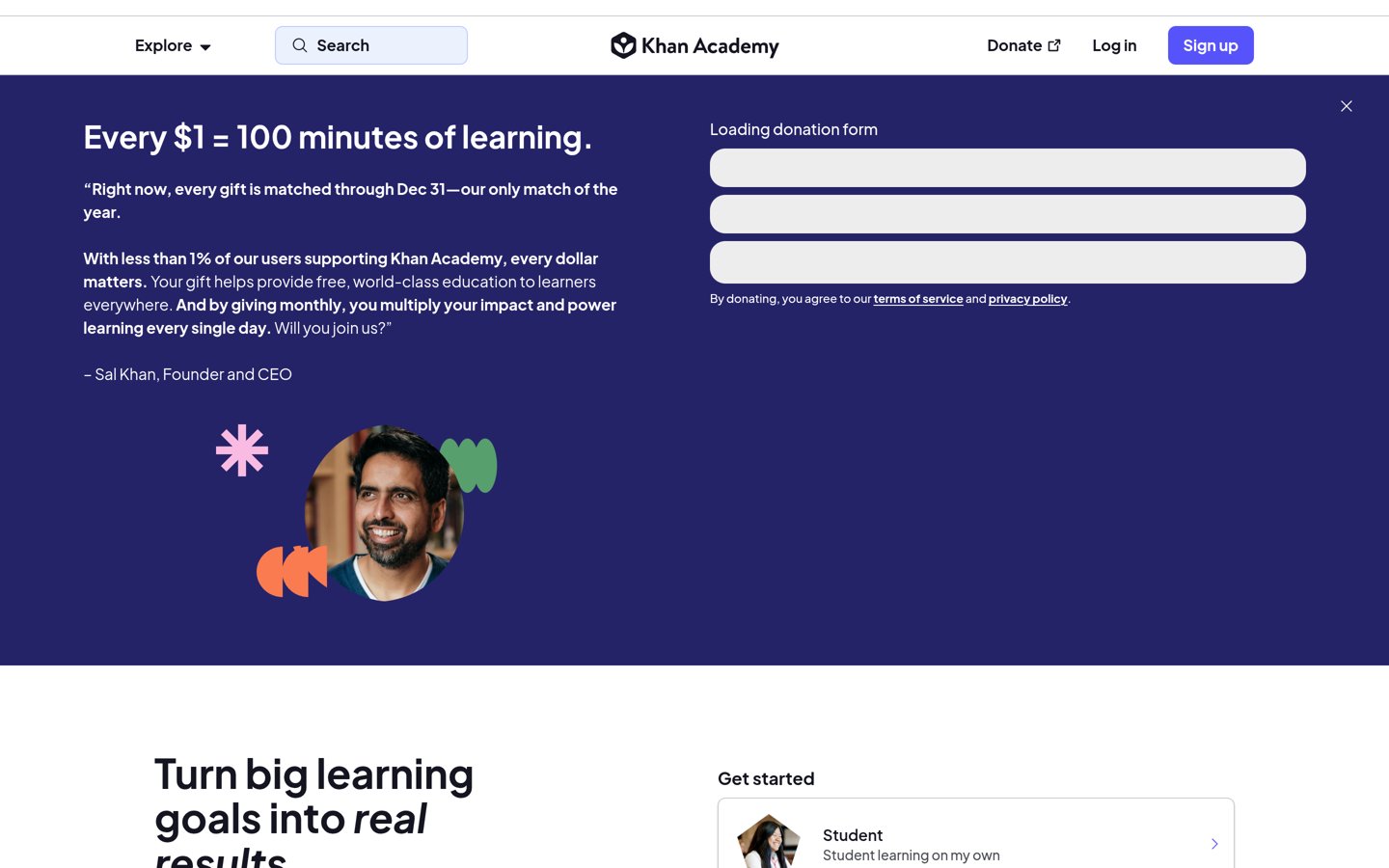
Khan Academy is a nonprofit that teaches computing the way it teaches math: patient, visual and completely free. Its introductory JavaScript and HTML/CSS courses use short videos and a drawing-based playground, which makes writing your first lines of code feel like play rather than study.
The trade off is depth. The computing catalog stops well before job-ready material, and there are no certificates. It suits absolute beginners and younger learners who want the least intimidating first two weeks of coding before moving to a deeper platform.
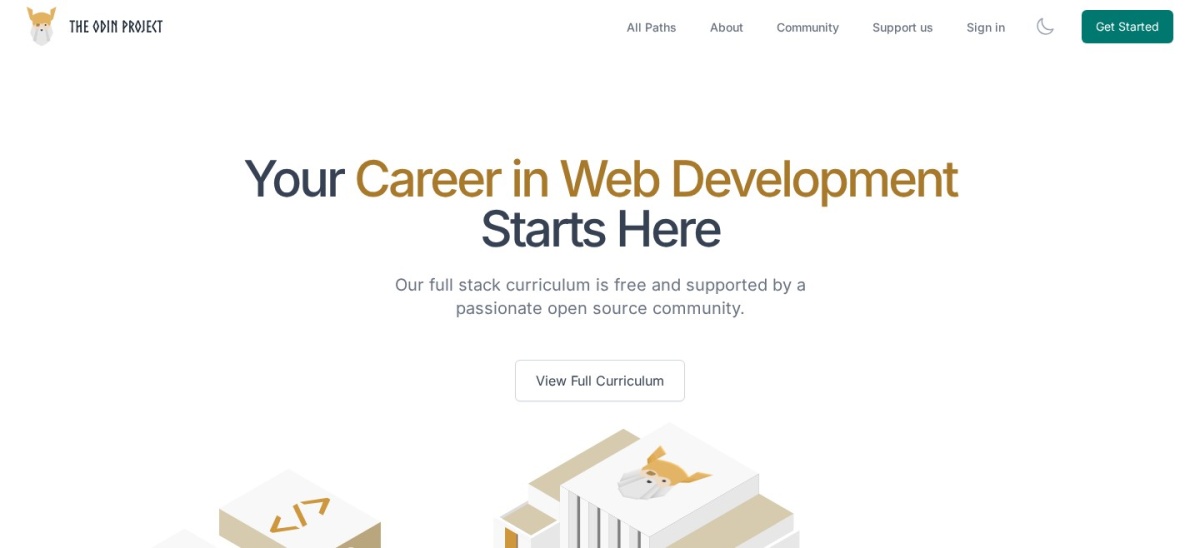
The Odin Project is a free, open-source curriculum built by working developers, and it reads like a guided tour of real web development. The Foundations path covers HTML, CSS and JavaScript, then splits into full-stack JavaScript or Ruby on Rails tracks. Along the way it teaches Git, GitHub and the command line, the tooling real jobs require.
The trade off is difficulty. It expects you to read documentation, search for answers and troubleshoot on your own, with help from the Discord community rather than a teacher. Its Trustpilot page holds only two reviews, so treat that score as a thin signal. It suits motivated beginners aiming at web development work who want a complete path for $0.
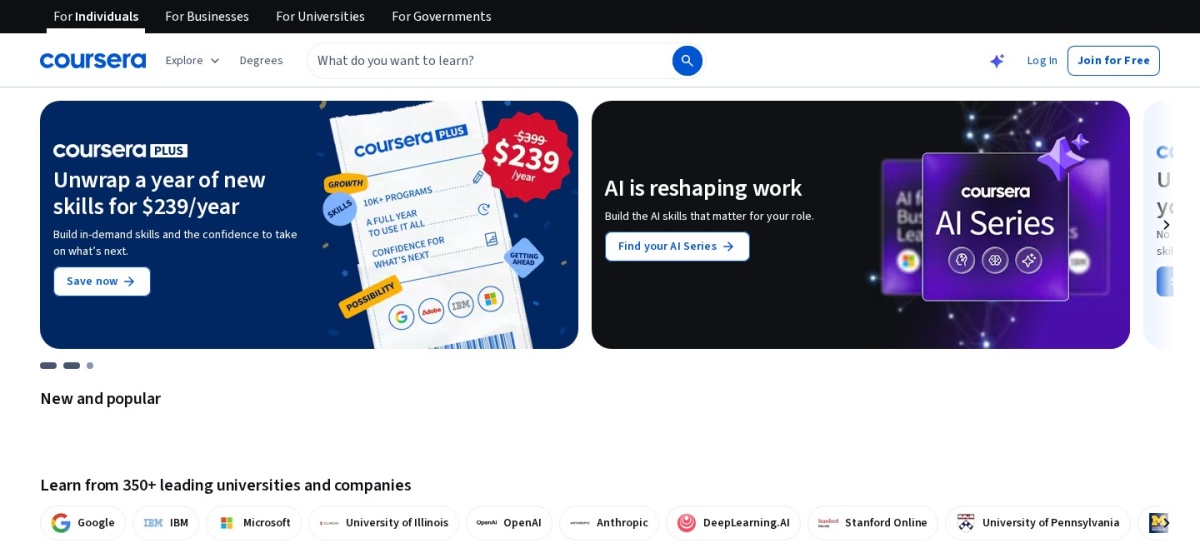
Coursera is where university and company courses meet mass access, with programming from Michigan, Princeton, Google and IBM. Coursera Plus gives unlimited access to more than 10,000 courses, Specializations and Professional Certificates. Most courses can be audited free, which covers videos and readings but not graded work or the certificate.
The trade off is the subscription. Coursera Plus lists at $399 a year, with a Black Friday sale at $239 a year until 30 November 2026, and slow learners can pay for months of one specialization. It suits learners who want a certificate with an institution's name on it.
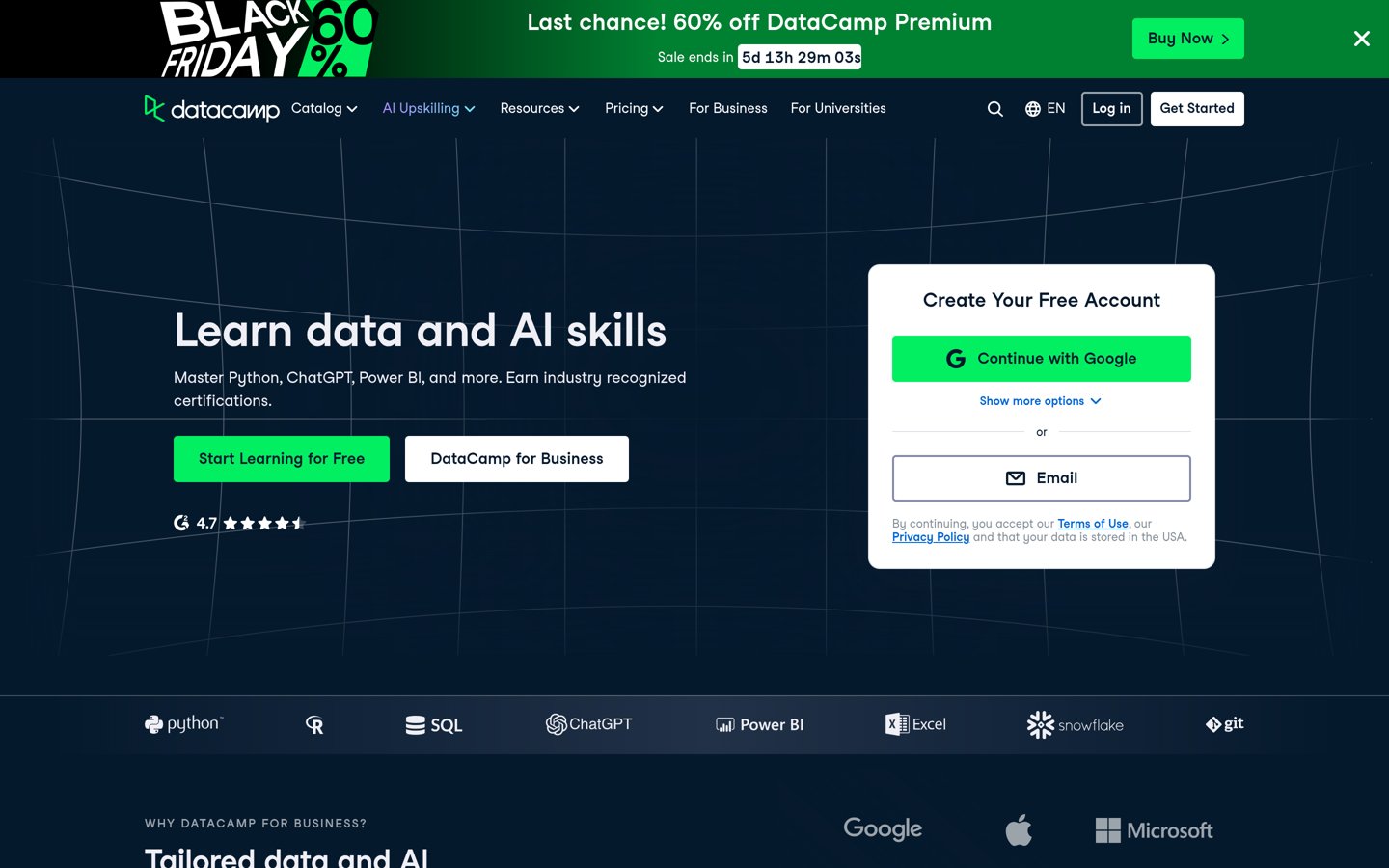
DataCamp is an interactive platform built for data skills, where every course mixes short videos with exercises you run in the browser. Its catalog covers Python, SQL, R, Power BI and AI across more than 810 courses, with career tracks that bundle them into a path. A free Basic account opens the first chapter of every course.
The trade off is scope and price. Premium lists at $31 a month billed annually, and the current page shows a lower special price, so check the list price before you buy. It suits beginners whose goal is Python for data work rather than building websites.
Scrimba is an interactive video platform where every lesson puts a live code editor inside the recording. You pause the teacher, edit the code in the same window and resume watching, which keeps you typing instead of passively watching. Its Frontend path is endorsed by MDN and runs 13 modules with 1,493 lessons.
The trade off is scope. Scrimba focuses on front-end web development, JavaScript, TypeScript and AI engineering, with little for data science or mobile. Pro costs $24.50 a month billed annually, or $49 month to month, and prices vary by region. It suits learners who stall on lecture-style video courses.
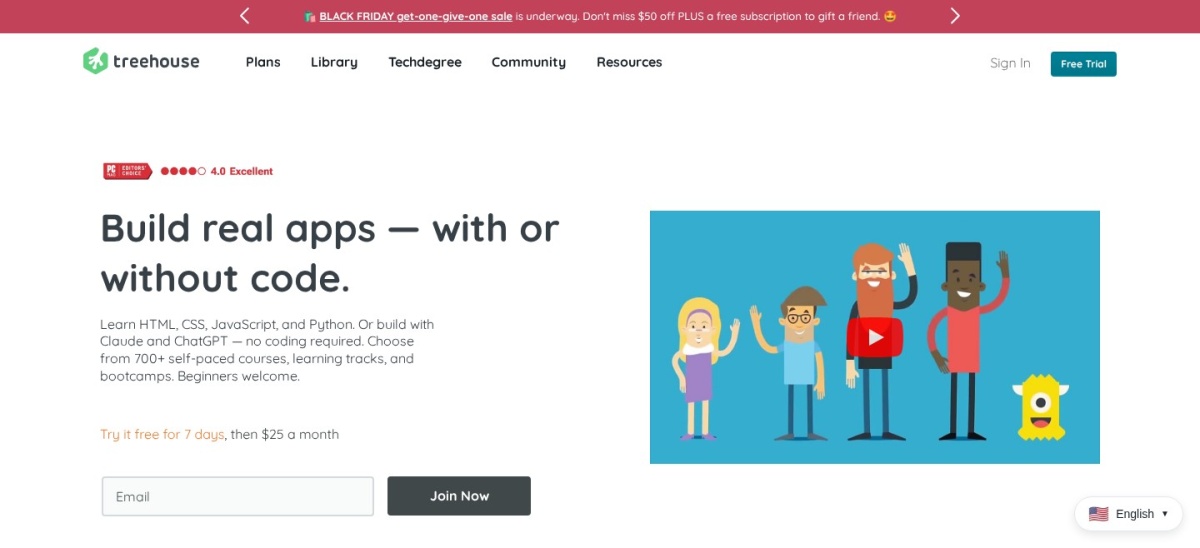
Treehouse is one of the longest-running online coding schools, with more than 700 self-paced courses, learning tracks and bootcamps in HTML, CSS, JavaScript, Python, SQL and AI. Short in-house videos, quizzes and code challenges run in a browser workspace, so there is nothing to install. Selected courses carry college-credit recommendations.
The trade off is freshness and price. Some material lags behind fast-moving JavaScript tooling, and the plan costs $25 a month after a 7-day free trial. It suits beginners who want a mapped-out track with video lessons rather than piecing together free resources.
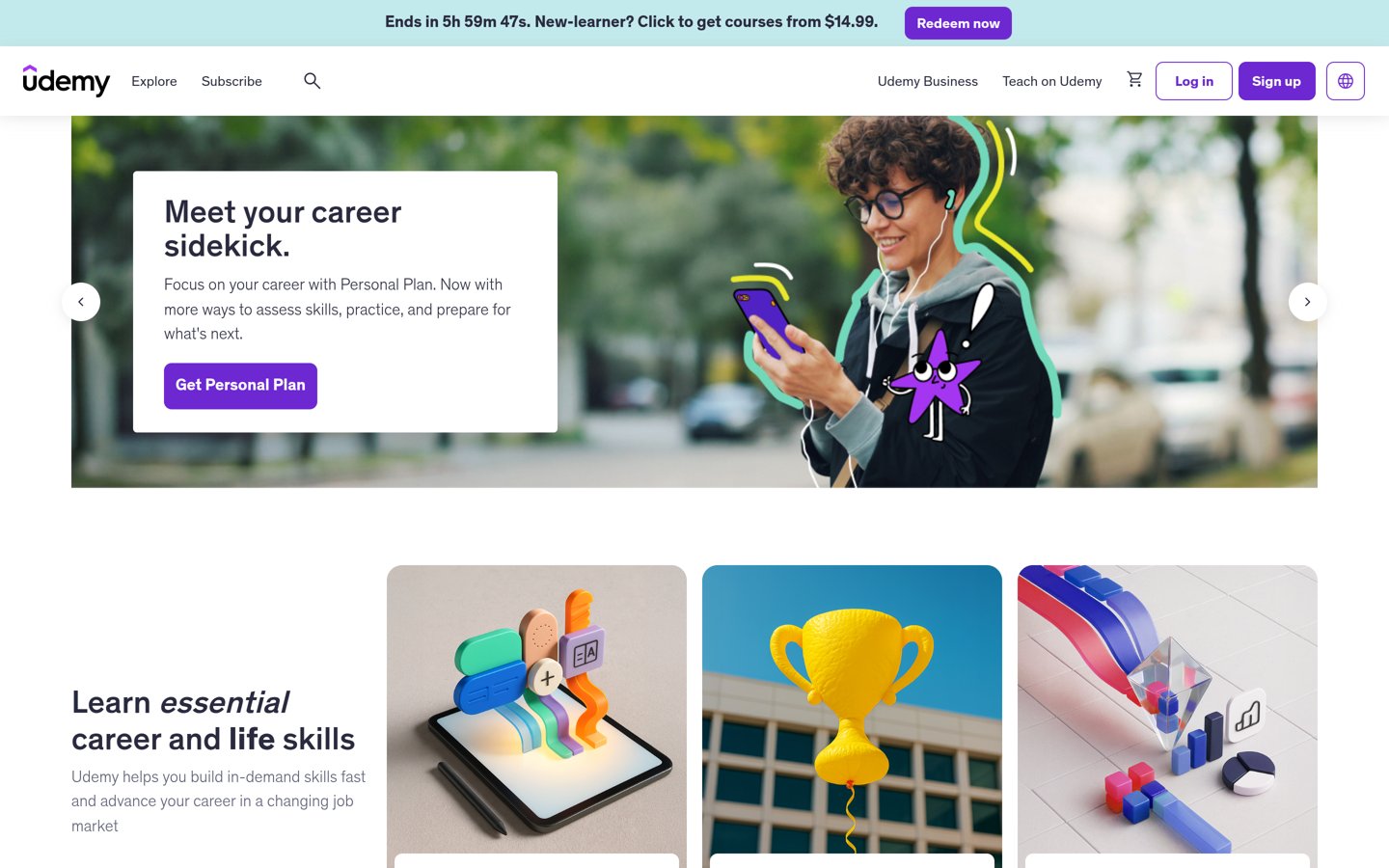
Udemy is a marketplace, not a curriculum, where anyone can publish a course. That gives it an enormous catalog, from Python basics to niche frameworks, with courses listed from $19.99 to $199.99 and frequent sales. A Personal Plan subscription from $13 a month opens thousands of courses instead of buying them one at a time.
The trade off is guidance. Nobody tells you what to learn next, and quality varies wildly between instructors, so check instructor ratings, review counts and preview videos before buying. It suits learners who follow a structured path elsewhere and buy one Udemy course for a specific skill.
Free plans cover the basics well. Three platforms in this list charge nothing at all, and two more open a useful slice of their catalog for free.
Paid plans mostly add structure and proof. You get a guided path, graded projects and a certificate to show for the work.
If you are unsure coding is for you, spend two weeks on a free option first. If you are still coding daily, you know enough about your goal to pick a paid plan.
Watch the renewal terms. Monthly billing costs more per month than annual billing on Codecademy, DataCamp and Scrimba, and Coursera Plus renews at the $399 regular price after a sale year.
How we chose
We started from the platforms beginners actually name when they ask where to learn to code, then kept the nine with a real beginner path and a public rating.
Prices come from each vendor's pricing page, checked on 25 November 2026, with sale prices noted separately. Ratings come from G2, Trustpilot or SourceForge on the same day, and review counts are shown beside each score.
We left out platforms with no public rating and no clear paid plan. No vendor paid for a place, and we do not claim to have used these tools ourselves.
How to choose a coding platform as a beginner
Start with your goal, not the longest feature list, then test the free tier for two weeks.
Pick a direction first. Web development, data work and app building need different platforms. DataCamp fits data, The Odin Project fits web development, and a generalist fits if you are still deciding.
Try the free tier before paying. freeCodeCamp, Khan Academy and The Odin Project cost nothing, and Codecademy, Coursera, DataCamp and Scrimba all open free lessons. Two weeks of daily practice tells you more than any review.
Check what the certificate is worth. A Coursera certificate carries a university or company name; a freeCodeCamp certificate proves you shipped five projects. Employers hire for portfolios, so weigh finished work over badges.
Read the billing terms. Annual billing is cheaper per month on most platforms here, but it locks you in for a year. If you are learning HTML first, our guide on how to add HTML in WordPress is a free way to practice while you decide.
FAQ
What is the best coding platform for beginners?
freeCodeCamp is the best free option for most beginners. Its full curriculum runs from HTML and JavaScript to Python and machine learning, every course and certificate is free, and each certificate requires building five projects that pass automated tests.
Is Codecademy worth paying for?
It depends on how you learn. The free Basic plan covers introductory courses, while Plus at $14.99 a month billed annually adds skill paths, projects and certificates. If short interactive lessons keep you coding daily, Plus is the cheapest guided option in this list.
Can I learn to code completely for free?
Yes. freeCodeCamp, The Odin Project and Khan Academy charge nothing, and their curricula cover HTML, CSS, JavaScript and Python from zero. You pay only when you want a guided path, instructor feedback or a certificate with an institution's name.
Which platform is best for learning Python?
DataCamp is the strongest pick for Python aimed at data work, with career tracks in analysis and data science. For general Python, start free on freeCodeCamp, then move to Codecademy Plus if you want guided projects and certificates.
Do I need a certificate to get a coding job?
No. Employers hire for a portfolio of finished projects and interview performance, not a certificate line. Certificates help when they carry a university or company name, as on Coursera, but five shipped projects on freeCodeCamp prove more.
How long does it take to learn coding as a beginner?
Expect several months of steady practice before you can build small projects alone. freeCodeCamp estimates around 300 hours per certification, and reaching a first developer job usually takes a year or more of consistent study.
SaaS SEO and WordPress specialist with about 8 years of experience. Rakib compares WordPress plugins, themes, hosting and software using public pricing, documentation and user reviews. See how we rank.