ChatGPT is the best free AI tool for most people because its free tier covers unlimited text chat, images, voice and file analysis. Claude is the pick for long writing and coding, while Gemini suits anyone already living in Gmail and Google Drive.
How we make this list: we compare pricing pages, product documentation and public user reviews, then re-check every price before each update. No product paid for a place. Disclosure.
ChatGPT has the broadest free tier: unlimited text chat plus images, voice and file analysis.
Claude earns the highest G2 score here at 4.7 out of 5 and is the pick for long writing and coding.
Gemini is the cheapest paid step at $4.99 a month and fits anyone in Gmail and Google Drive.
Perplexity is the only tool here built around cited answers, with Pro at $17 a month billed yearly.
Midjourney is the one tool without a free plan, and its stylized images cost $10 a month.
What a free AI tool should cover
Every major AI lab now ships a free tier, and the free tiers are no longer demos. ChatGPT, Claude and Gemini all give free users a real model, with paid plans raising the usage ceiling.
The free limits are what differ. Claude resets free usage every five hours, Perplexity caps free searches, and Gemini ties its free tier to 15 GB of Google storage.
Paid plans cluster near twenty dollars a month for the main tier, but the cheapest paid step is far lower. Gemini AI Plus costs under five dollars a month, and ChatGPT Go costs eight.
Pick by the work, not the brand. Research needs citations, so Perplexity leads there, while design work belongs to Canva and Midjourney.
Our guide on generative AI tools compares the same chatbots on their paid plans, with the same November 2026 prices.
ChatGPT is the general-purpose AI assistant from OpenAI, covering chat, writing, research, coding, images and voice in one workspace. Its free tier gives unlimited text chat on a lighter model, with limited image generation, voice and file uploads included.
The trade off is the model ceiling. The newest reasoning models, higher limits and deep research sit on paid plans, with Go at $8 a month and Plus at $20. It suits anyone who wants one free assistant for everyday tasks.
What we like
Broadest free tier in this list
Covers chat, images, voice and code in one place
Largest G2 review base of the chatbots here
Watch out for
Newest models need a paid plan
Free image and voice use is limited
Answers can be wrong without sources
Plus adds newer models, more messages and deep researchVisit openai.com
02
Claude
4.7/5on G2 (2,223 reviews, checked Nov 2026)
Paid from$17/mo
Best for long writing and coding
Free planYes, 5-hour limits
Paid planPro, $17/mo annual
Monthly Pro$20/mo
Free modelSonnet and Haiku
claude.com
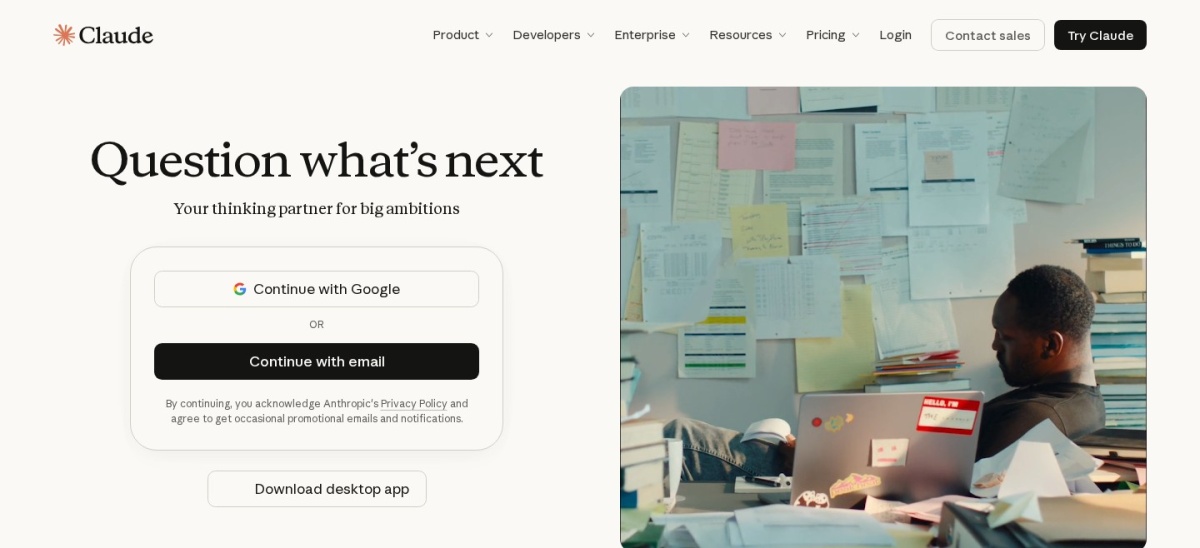
Claude homepage, captured Nov 2026.
Claude is the AI assistant from Anthropic, known for natural writing tone and strong coding help. Its free tier runs the same Sonnet and Haiku model family as paid users, with limits that reset every five hours and weekly.
The trade off is usage, not quality. Pro at $17 a month billed annually raises the ceiling and adds projects, while Max plans start at $100. It suits writers and coders working with long documents.
Gemini is Google's AI assistant, built into Gmail, Docs, Drive and Search. Its free tier covers chat with 15 GB of Google account storage, and paid tiers add the flagship model, more storage and video generation.
The trade off is the ecosystem lock-in. Gemini inside Gmail starts at AI Plus, and Gemini inside Docs starts at AI Pro, so the cheapest useful step depends on where you work. It suits anyone already living in Google apps.
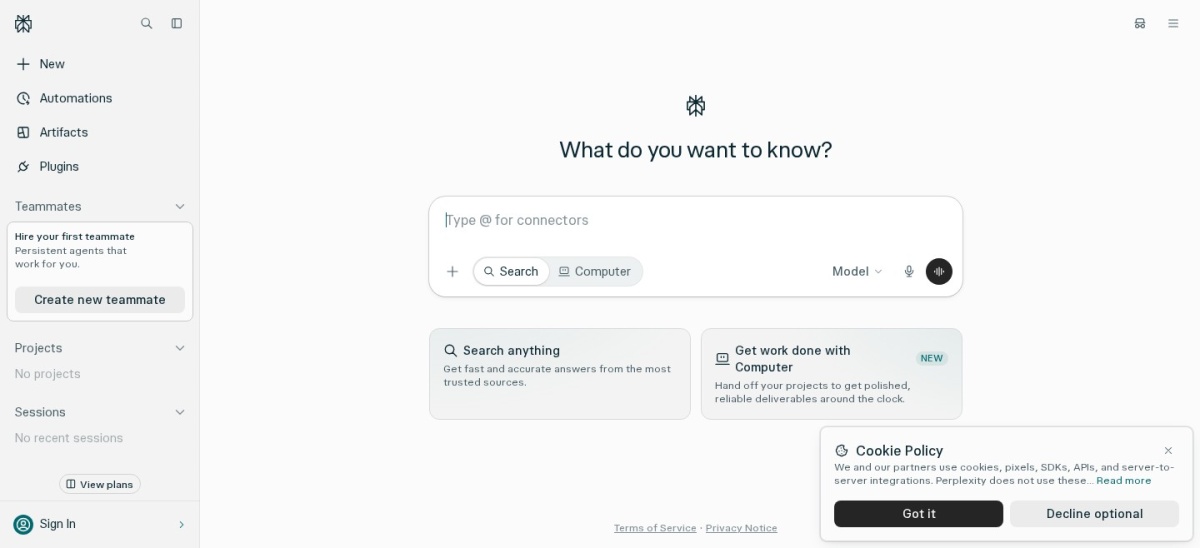
Perplexity is an AI research and answer engine that pairs live web search with inline source citations. Its free plan covers basic searches with citations, and Pro adds unlimited advanced searches, more models and file analysis.
The trade off is the free cap. Advanced searches are limited each day, and Pro at $17 a month billed annually is the step up for heavy research. It suits anyone who needs sourced answers rather than fluent guesses.
Grammarly is a writing assistant that checks spelling, grammar and tone as you type in your browser, email and documents. Its free plan covers basic grammar and spelling checks, and its AI can rewrite or draft text where you already write.
The trade off is depth. Full-sentence rewrites, tone detection and plagiarism checks need Pro at $12 a month billed annually. It suits anyone who writes emails and documents all day.
Canva is the visual design platform used by millions of non-designers for social posts, flyers and presentations. Its free plan includes 250,000 templates and limited AI tools, while Pro adds the full Magic Studio suite, Brand Kit and background remover.
The trade off is the AI credit cap. Pro allows about 500 Magic Studio uses a month, and the free plan allows roughly fifty generations in total. It suits creators who design weekly and want AI help without learning a pro tool.
What we like
Most generous free design library here
Pro is $120 a year billed annually
Background remover and Magic Resize included
Watch out for
AI use is capped by monthly credits
Free plan allows few AI generations
Billing complaints recur on Trustpilot
Pro adds Magic Studio, Brand Kit and 1 TB storageVisit canva.com
07
Notion
4.7/5on G2 (5,470 reviews, checked Nov 2026)
Paid from$10/user/mo
Best for notes with AI summaries
Free planYes, personal use
Paid planPlus, $10/user/mo
Business$20/user/mo
AI accessFull AI on Business
notion.com
Notion homepage, captured Nov 2026.
Notion is the connected workspace for docs, wikis and project notes, with AI built in to draft, summarize and answer questions about your pages. Its free plan covers personal use, and Plus at $10 a member a month adds larger file uploads and longer history.
The trade off is the learning curve. Notion is flexible enough to feel overwhelming at first, and full AI access sits on Business at $20 a member a month. It suits teams that already write docs in Notion.
Microsoft Copilot is the AI assistant inside Word, Excel, Outlook, Teams and Edge. Its free Copilot Chat answers questions and drafts text, and Copilot Pro at $20 a month adds priority access to newer models and deeper app integration.
The trade off is the bundle. The fullest Copilot experience needs a Microsoft 365 plan, and the G2 rating covers the wider Copilot family. It suits people and teams already running on Microsoft apps.
Midjourney is the image generator known for stylized, artistic results that stand out from stock photos. It has no free plan, and Basic at $10 a month or $96 a year covers about 200 generations a month through Discord or the web app.
The trade off is access itself. There is no free tier to try first, and the Discord-based workflow feels unusual next to a simple web form. It suits creators who want a distinct illustrated look.
Free tiers cover everyday use well. Chat, drafting, summaries and a few images a day cost nothing on most tools here.
Paid plans mostly add usage and models. Higher message limits, the newest models, more image generations and file uploads sit behind the paywall.
If one tool becomes a daily habit, its cheapest paid tier is usually under ten dollars a month. Pay for the tool you open every day, not the one with the longest feature list.
How we chose
We started from the established AI assistants and creative tools with a G2 listing and a real free tier, then kept the nine that cover chat, research, writing, design and notes.
Prices come from vendor pricing pages and November 2026 reads of them, checked on 26 November 2026. Ratings and review counts come from G2 on the same day. Where a vendor shows a sale, the list shows the regular price.
We left out tools with no verifiable G2 rating or no free tier, except Midjourney, which is included as the image pick with that fact stated. No vendor paid for a place, and we do not claim hands-on testing for this list.
How to choose a free AI tool
Start with the job you do most, then check the free limit that would stop you.
Name the job you do most. Chat suits everyday questions, Perplexity suits research, Claude suits long writing, and Canva suits design.
Check the free limit that matters. Claude resets every five hours, Perplexity caps searches, and Gemini ties free use to 15 GB of storage.
Try the free tier for a week. Daily use shows whether the limits bite before any money changes hands.
Pay for the tool you open every day. The cheapest paid tiers run from about five dollars a month, so upgrade the habit, not the brand.
FAQ
What is the best free AI tool?
ChatGPT is the best free AI tool for most people because its free tier covers unlimited text chat plus images, voice and file analysis. Claude is better for long writing and coding, and Gemini is the natural pick for Google Workspace users.
Is ChatGPT really free?
Yes. ChatGPT has a free tier with unlimited text chats on a lighter model, plus limited image generation, voice and file uploads. The Go plan at $8 a month and Plus at $20 a month raise those limits and add the newer models.
Which free AI tool is best for research?
Perplexity is the best free AI tool for research because every answer carries inline source citations and live web search is the core product. Its free plan limits the number of advanced searches, and Pro at $17 a month billed yearly removes that cap.
Can free AI tools write and edit documents?
Yes. Claude drafts and revises long documents well, Grammarly fixes grammar and tone as you type, and Notion AI summarizes pages inside your workspace. All three have free tiers, though Grammarly Pro and Notion Plus add deeper rewrites.
Do free AI tools include image generation?
Most do, with limits. ChatGPT and Gemini generate images on their free tiers, Canva offers about fifty free generations, and Midjourney has no free plan at all. Midjourney Basic at $10 a month is the cheapest paid route to its stylized images.
Is my data used to train AI models on free plans?
It depends on the vendor. Most tools here let you opt out of training use in settings, and business plans usually exclude training by default. Read the privacy settings of the tool you pick before pasting sensitive work into it.
SaaS SEO and WordPress specialist with about 8 years of experience. Rakib compares WordPress plugins, themes, hosting and software using public pricing, documentation and user reviews. See how we rank.