Teramind is the best employee computer monitoring software for companies that need insider-risk detection and data loss prevention, while Insightful is the best all-round alternative and Hubstaff is the best value for small teams. ActivTrak is the best pick when you want a free plan to start with.
How we make this list: we compare pricing pages, product documentation and public user reviews, then re-check every price before each update. No product paid for a place. Disclosure.
Teramind leads for insider risk, with DLP, behaviour rules and screen recording from $14 a seat a month.
Insightful is the best all-round pick at $8 a seat a month, with a 4.6 G2 rating from 495 reviews.
Hubstaff is the cheapest paid option at $4.99 a seat a month, with time tracking and screenshots included.
ActivTrak is the only tool here with a free plan, covering up to 3 users.
Kickidler pricing could not be confirmed on the vendor page, so confirm it in a quote before budgeting.
What employee computer monitoring software should cover
Employee computer monitoring software records what staff do on company devices: apps and websites used, active and idle time, screenshots and, in some tools, keystrokes. The category splits into productivity monitoring, which focuses on time and focus, and insider-risk tools, which watch for data theft.
The first question is legal, not technical. In most US states you can monitor company-owned devices with a written policy, but several states require employee notice, and the EU requires a lawful basis under GDPR. Tell your team what is monitored before you switch anything on.
Pricing is per seat or per user, usually billed annually. Hubstaff is cheapest here at $4.99 a seat a month, while Teramind starts at $14 and adds DLP at $32. Our guide on workforce management software covers scheduling and time tracking alongside monitoring.
Check screenshot and keystroke policies carefully. The strongest tools let you blur sensitive screens, exclude banking sites and set different rules by team, which matters for privacy and for trust.
The 7 best employee computer monitoring software tools
01
Teramind
4.6/5on G2 (183 reviews, checked Nov 2026)
Starts at$14/seat/mo
Best employee monitoring software overall
MonitoringApps, web, screens, keystrokes
Data loss preventionYes, from $32/seat/mo
Behaviour rulesReal-time alerts and blocks
Entry price$14/seat/mo
teramind.co
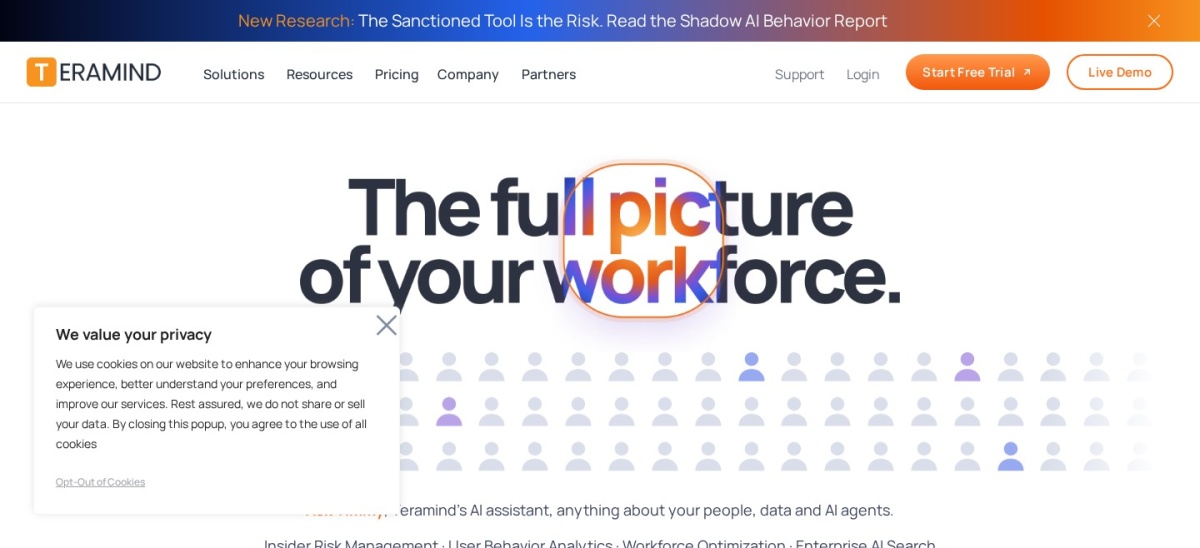
Teramind homepage, captured Nov 2026.
Teramind is the most complete employee monitoring platform here, covering productivity tracking, user activity monitoring and data loss prevention in one system. Starter starts at $14 a seat a month billed annually, with UAM at $28 and DLP at $32, and it records screens, watches for risky behaviour and blocks data exfiltration in real time.
The trade off is depth and cost. Teramind is a security tool as much as a productivity tool, so it needs a five-seat minimum and real configuration. It suits companies that handle sensitive data and need to prove control over it.
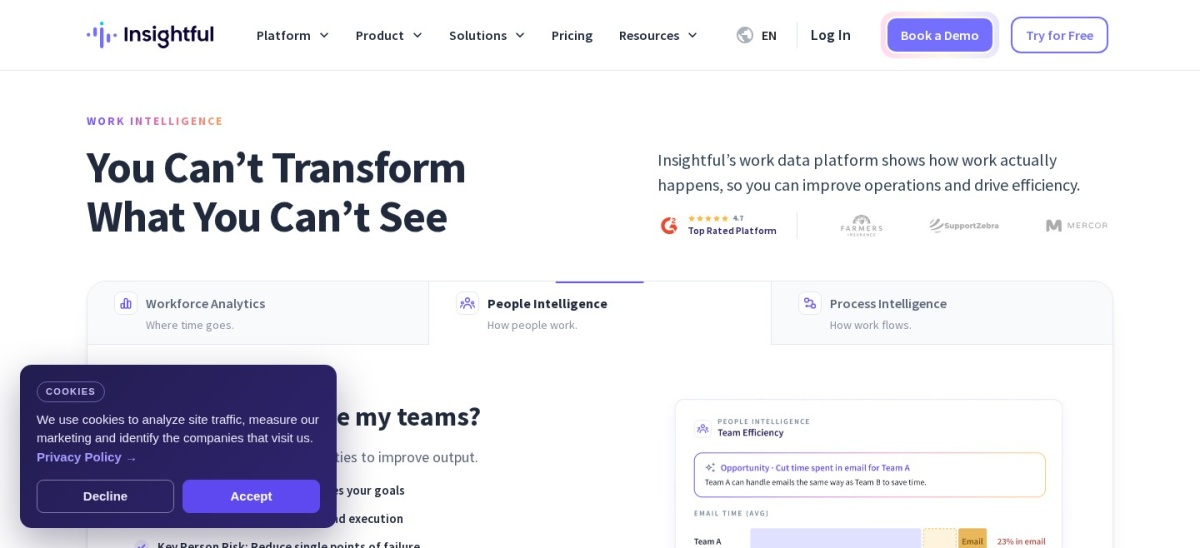
Insightful is a workforce analytics platform that tracks apps, websites and time, with screenshots and productivity scoring built in. It starts at $8 a seat a month billed annually, and its 4.6 G2 rating from 495 reviews is the largest review base among the mid-priced tools here.
The trade off is that Insightful is lighter on security than Teramind. It has no full DLP module, so it suits teams that want productivity insight and light compliance rather than insider-risk detection.
Hubstaff is a time tracking and monitoring tool that combines automatic time capture with screenshots, app tracking and payroll. Starter starts at $4.99 a seat a month billed annually, which makes it the cheapest paid option here, and it claims more than 140,000 users.
The trade off is depth. Hubstaff is a productivity tool first, with no DLP and lighter behaviour analytics than Teramind or Insightful. It suits small teams and agencies that need honest time tracking with proof of work.
What we like
Cheapest paid plan in this list at $4.99 a seat
140,000+ users claimed by the vendor
Time tracking, screenshots and payroll in one place
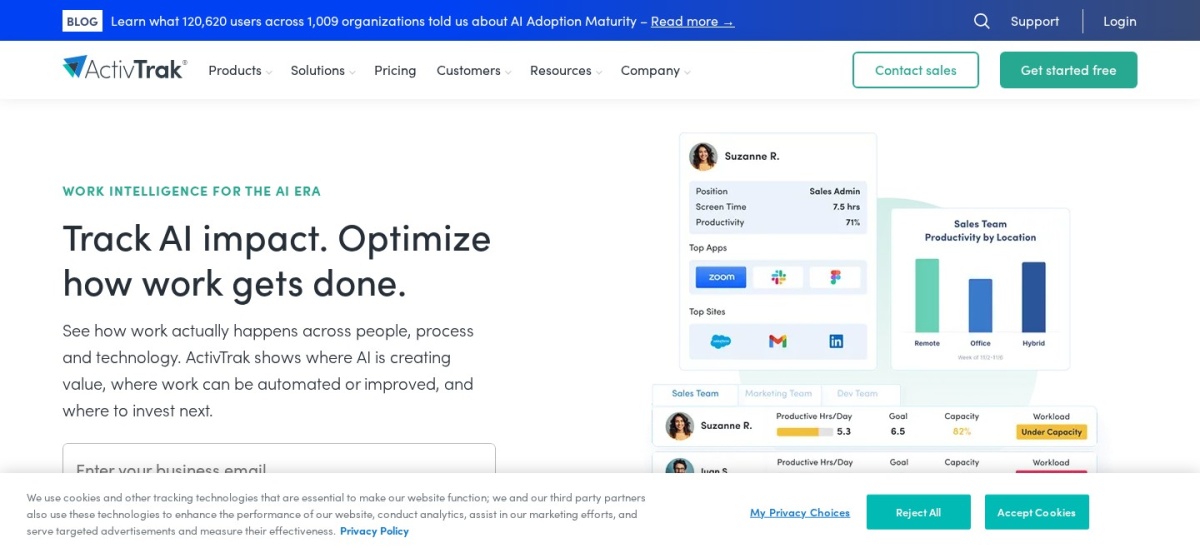
ActivTrak is a workforce analytics platform that tracks app and website usage, focus time and team patterns, with a free plan for up to 3 users. Essentials starts at $10 a user a month billed annually, and the platform is built around coaching rather than surveillance, with benchmarks and alerts for managers.
The trade off is that ActivTrak is lighter on security. It has no DLP module and no keystroke logging, so it suits teams that want productivity insight and are happy to stay away from surveillance features.
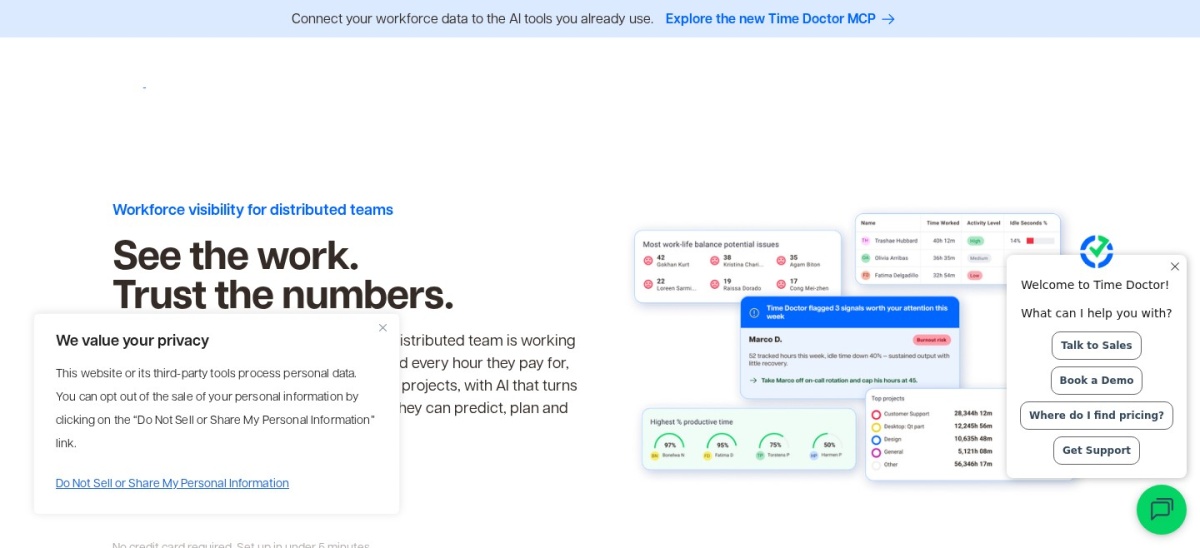
Time Doctor is a time tracking and monitoring tool that records apps, websites and screenshots, with payroll and project billing built in. Basic starts at $6.70 a user a month, and it is popular with agencies and remote teams that bill clients by the hour and need proof of work.
The trade off is the interface. Time Doctor is older and less polished than Insightful or ActivTrak, and its monitoring feels heavier. It suits teams that bill by the hour and need screenshots tied to client projects.
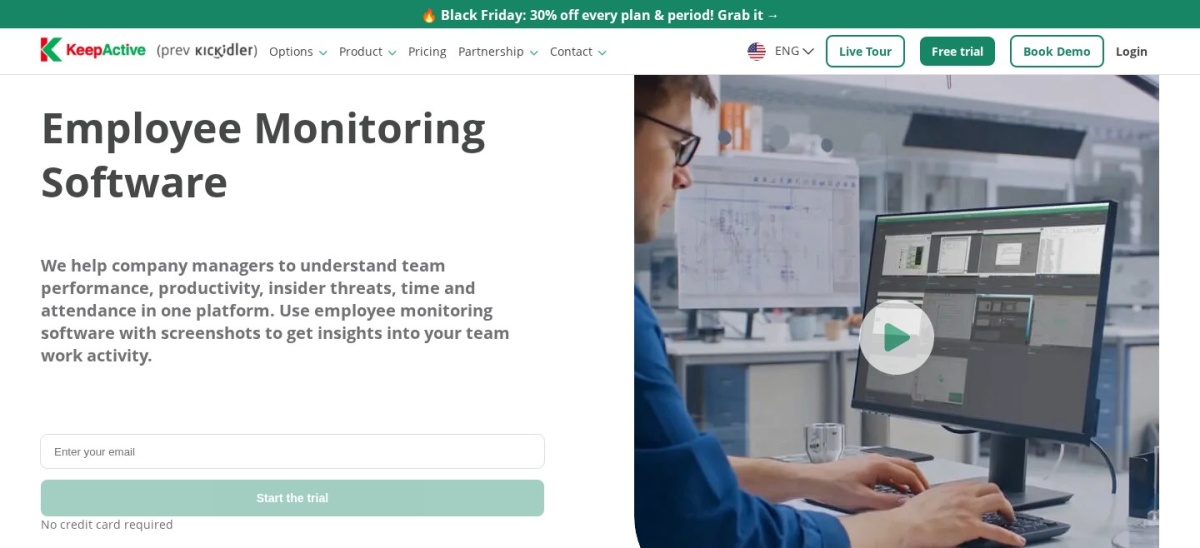
Kickidler is an employee monitoring tool focused on screen recording, with live screen viewing, video playback and time tracking. It is now sold under the KeepActive name in some markets, and it is popular with teams that need to review exactly what happened on a screen rather than summary charts.
The trade off is pricing transparency. Published prices conflict, with $2.75 a user a month reported by one source and $9.99 by another, and the vendor page could not be confirmed. It suits teams that need video evidence and are willing to confirm pricing in a quote.
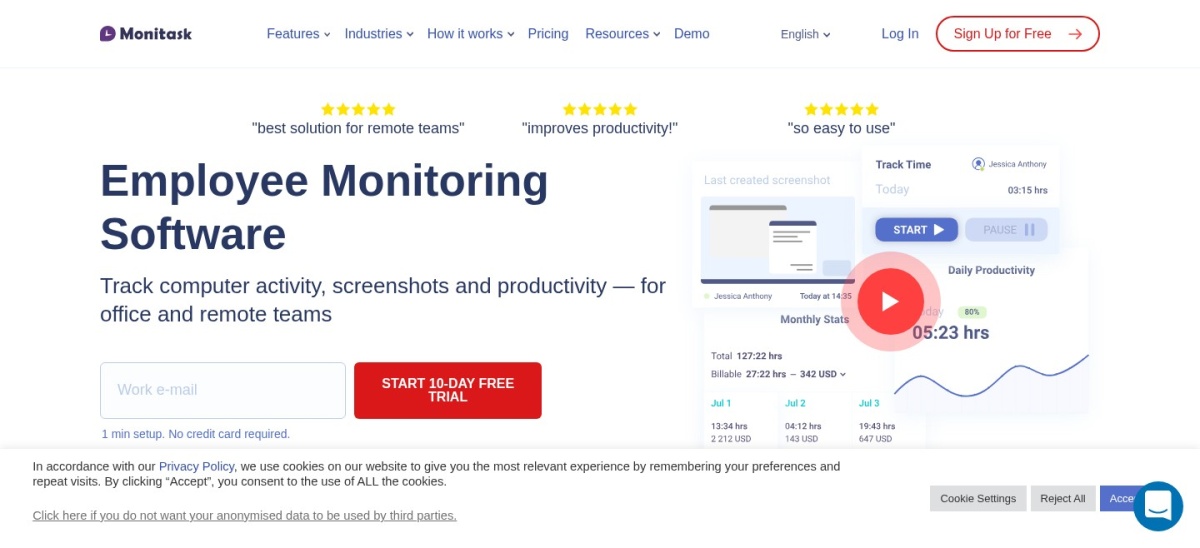
Monitask is a simple employee monitoring tool that tracks time, apps and websites with screenshots, built for small teams that want monitoring without enterprise setup. Pro starts at $6.49 a user a month billed annually, and it includes project tracking and invoicing for client work.
The trade off is the review base. Monitask holds 4.8 out of 5 on G2 from 101 reviews, and its G2 score has moved between 4.8 and 4.9 in recent months, so the count is worth re-checking. It suits small teams that want a simple setup and honest pricing.
The tools that work best long term are the transparent ones. Tell staff what is tracked, why it is tracked and who can see the data, and publish the policy in writing.
Avoid keystroke logging unless your industry requires it. Most teams get the productivity insight they need from app usage and active time, without recording every key pressed.
Use monitoring to spot workload problems, not to punish. The best managers in our research used the data to fix broken processes and rebalance work, which is what keeps good people.
How we chose
We started from the monitoring tools with the largest G2 and Capterra review bases, then kept the seven with verified ratings and real screenshot or DLP features.
Prices come from each vendor's pricing page or published price list, checked on 25 November 2026. Teramind starts at $14 a seat a month, Hubstaff at $4.99, and ActivTrak at $10. Ratings come from G2 and Capterra on the same day.
We left out tools with no verifiable rating on G2 or Capterra, including Veriato and Controlio. No vendor paid for a place, and we do not claim hands-on testing for this list.
How to choose employee monitoring software
Start with your legal basis, then match the tool to the risk you are managing.
Write the monitoring policy first. Decide what is tracked, who can see it and how long data is kept. Share it with staff before you install anything.
Trial with one team. Run a 14-day trial with a single team and check whether the data answers your questions. If it does not, the tool is not the right one.
Check screenshot and privacy controls. Make sure you can blur sensitive screens, exclude personal sites and set different rules by team.
Compare the real per-seat cost. Most vendors bill annually with a five-seat minimum. Add DLP or video recording, which are often separate tiers, before comparing totals.
FAQ
What is the best employee computer monitoring software?
Teramind is the best pick for insider risk and data loss prevention, rated 4.6 on G2. Insightful is the best all-round alternative, and Hubstaff is the best value at $4.99 a seat a month.
How much does employee monitoring software cost?
Prices range from $4.99 a seat a month for Hubstaff to $14 for Teramind, with ActivTrak at $10 and Insightful at $8. Most vendors bill annually and require a five-seat minimum.
Is employee monitoring software legal?
In most US states it is legal on company-owned devices with a written policy, but several states require employee notice. In the EU you need a lawful basis under GDPR, so check local rules before deploying.
Which tool has a free plan?
ActivTrak offers a free plan for up to 3 users, which is the only full free plan in this list. The other tools offer free trials of 7 to 14 days.
Does monitoring software take screenshots?
Yes, most tools here capture screenshots at set intervals, and several offer video recording. Teramind, Insightful and Kickidler all record screens, with options to blur sensitive content.
Which tool is best for small teams?
Hubstaff is the best pick for small teams at $4.99 a seat a month, with time tracking and screenshots included. ActivTrak is also a good fit thanks to its free plan for up to 3 users.
SaaS SEO and WordPress specialist with about 8 years of experience. Rakib compares WordPress plugins, themes, hosting and software using public pricing, documentation and user reviews. See how we rank.