Best Email Finder Software in 2026: 9 Tools Compared
WLWPLegible EditorsLast verified 23 Nov 2026How we rank8 min read
★ Short answer
Hunter is the best email finder software for most buyers. It costs $34 a month billed annually for 2,000 credits and finds and verifies work emails by domain. Pick Apollo for the biggest database plus outreach, and Snov.io for finder plus drip campaigns in one account.
How we make this list: we compare pricing pages, product documentation and public user reviews, then re-check every price before each update. No product paid for a place. Disclosure.
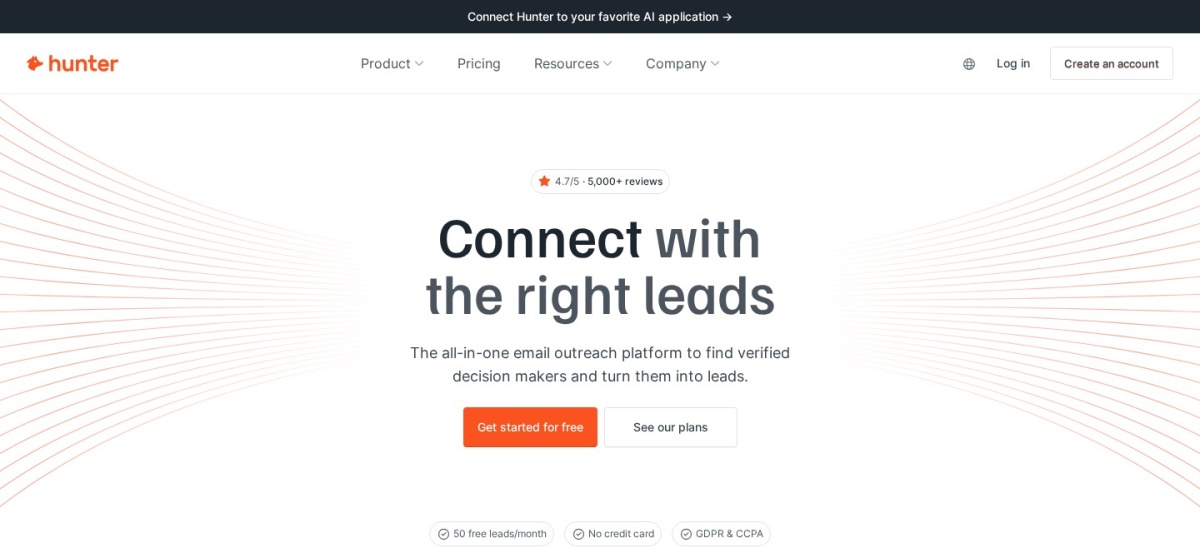
Hunter.io is a focused tool for finding and verifying work emails. Hunter Starter costs $34 a month billed annually for 2,000 credits a month, with domain search, an email finder and verifier, and cold email sequences. It is rated 4.4/5 on G2 from 654 reviews.
The trade off is its database is smaller than Apollo or ZoomInfo, so hit rates vary. It suits budget-conscious teams doing domain-based prospecting.
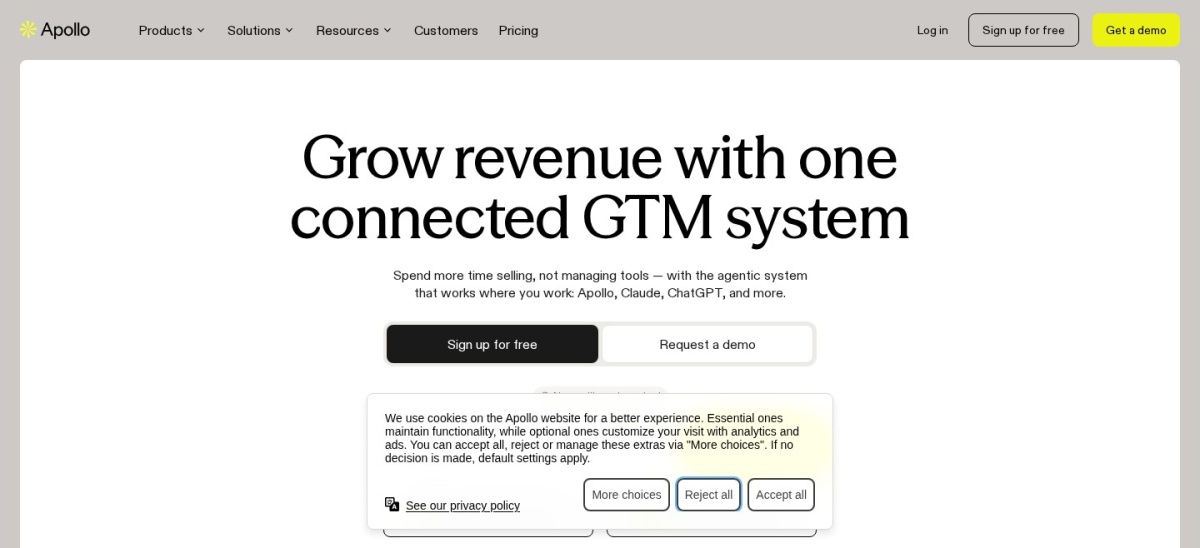
Apollo.io is a data platform with a built-in sequencer. Apollo Basic costs $49 per user a month billed annually, with a 275M+ contact database, unlimited sequences, email warm-up and a dialer in one account. It is rated 4.7/5 on G2 from 9,850 reviews.
The trade off is paid tiers were custom-quoted on the pricing page at one check, so confirm the $49 figure. It suits sales teams that want finding and outreach in one tool.
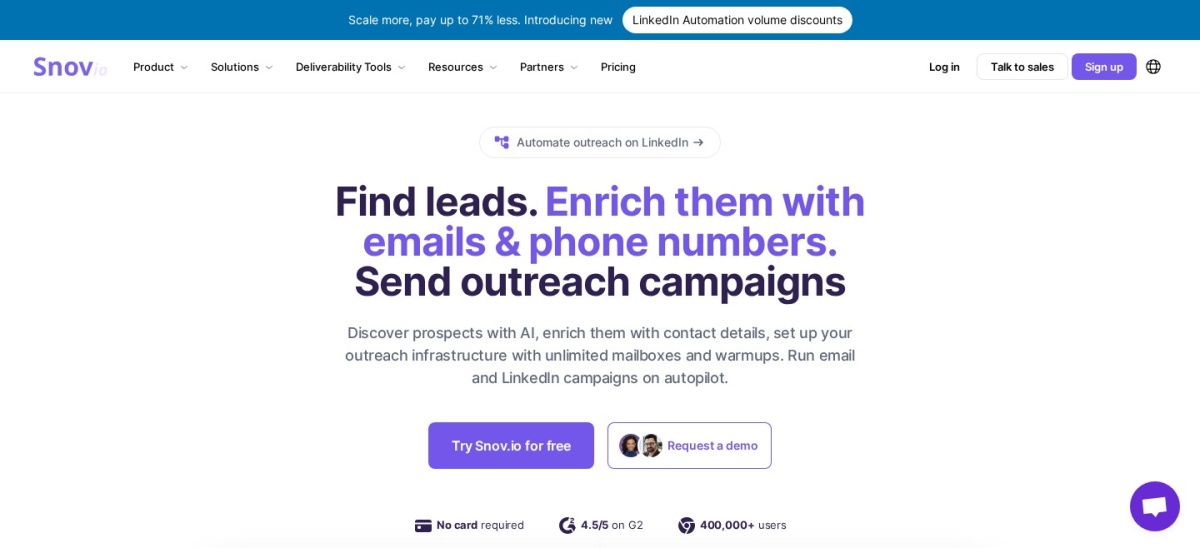
Snov.io is an all-in-one lead generation and outreach platform. Snov.io Starter costs $39 a month for 1,000 credits, with domain search, a LinkedIn prospector, verification, warm-up and multichannel drip campaigns. It is rated 4.5/5 on G2 from 496 reviews.
The trade off is credits can run out quickly for high-volume teams. It suits SDR teams running multichannel outreach from one platform.
What we like
Finder, verifier and drip campaigns in one account
Lusha is a prospecting extension for LinkedIn and the web. Lusha Starter costs about $37 a month on annual billing for 400 credits a month, with 98 percent claimed email accuracy and buying signals. It is rated 4.3/5 on G2 from 1,650 reviews.
The trade off is monthly billing is $49.90, so the annual price is the real deal. It suits reps who want one-click prospecting from LinkedIn.
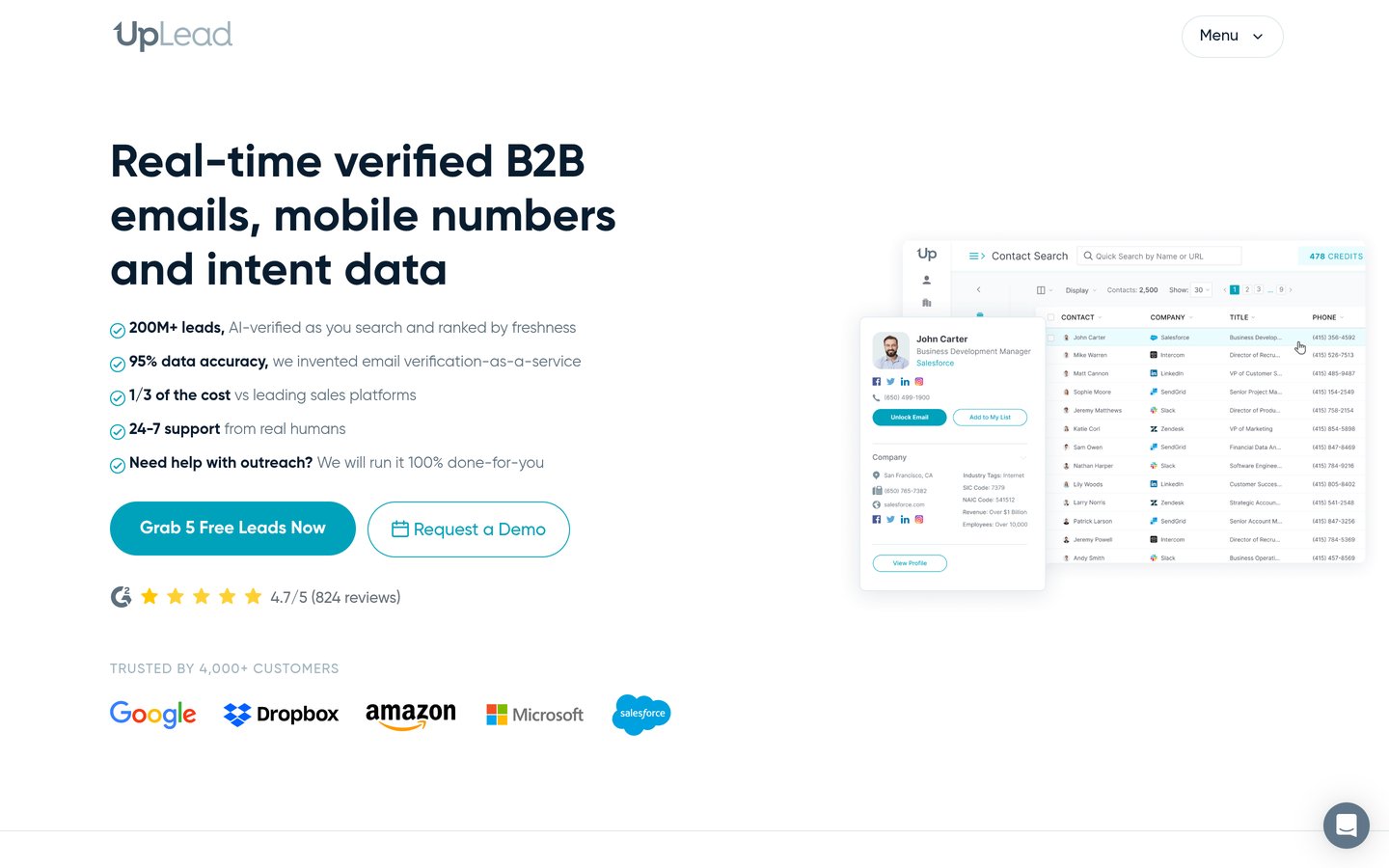
UpLead is a sales intelligence platform with an accuracy guarantee. UpLead Essentials costs $74 a month billed annually, with real-time verification, a 95 percent accuracy guarantee and 50-plus filters over 160M+ contacts. It is rated 4.7/5 on G2 from 832 reviews.
The trade off is monthly billing is $99, so the annual price is the real deal. It suits reps and small businesses that want verified data with a guarantee.
RocketReach is a broad people-search platform for email and phone lookups. RocketReach Essential costs $33 per seat a month billed annually, with a large professional database and verification tools. It is rated 4.4/5 on G2 from 1,384 reviews.
The trade off is one read lists $19 a month, so confirm the tier before buying. It suits teams that want published per-seat prices and broad coverage.
LeadIQ is a LinkedIn prospecting tool that captures leads into Salesforce. LeadIQ Starter costs $15 a month billed annually, with LinkedIn capture, job-change tracking and Salesforce sync. It is rated 4.2/5 on G2 from 1,187 reviews.
The trade off is higher tiers are quoted per team and one read lists $36 a user. It suits SDR teams using Sales Navigator who want capture into the CRM.
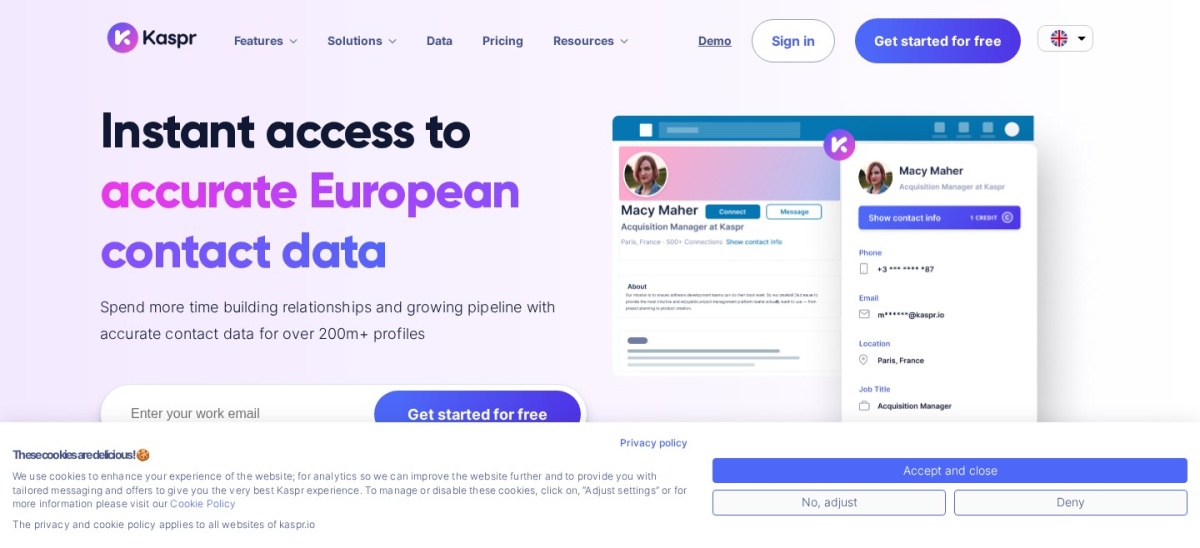
Kaspr is an SDR tool for European contacts on LinkedIn. Kaspr Starter costs $49 per user a month billed annually, with 15 emails, 5 phones and 5 direct emails a month on the free plan. It is rated 4.4/5 on G2 from 837 reviews.
The trade off is monthly billing is $65 a user. It suits SDRs prospecting European contacts on LinkedIn.
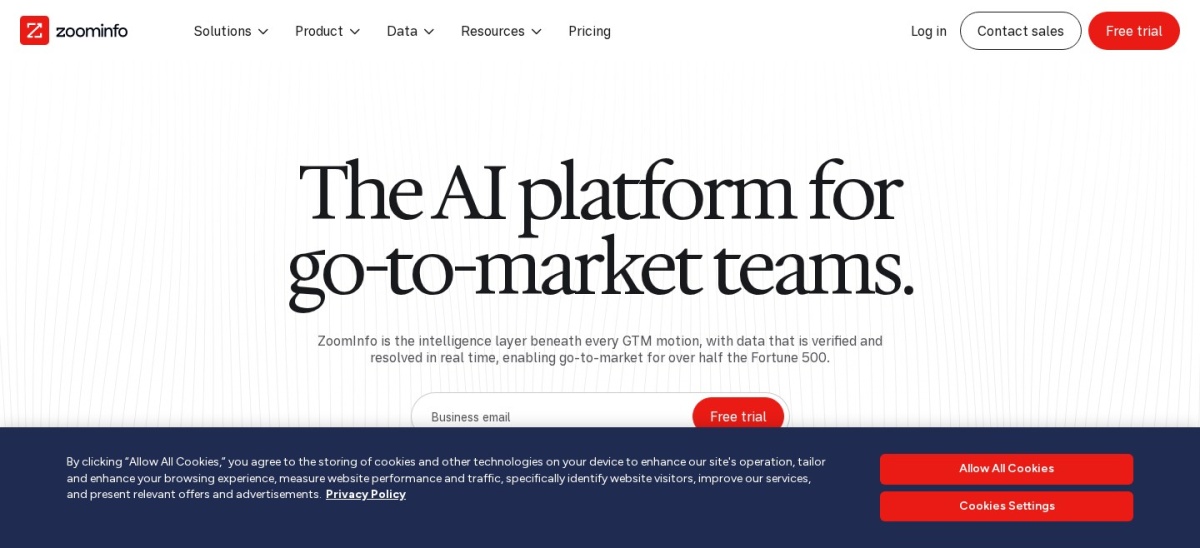
ZoomInfo is an enterprise B2B data platform with intent and org charts. ZoomInfo is sold by custom quote, with published reports of about $14,995 a year for 3 seats, covering 321M+ contacts, intent signals and org charts. It is rated 4.5/5 on G2 from 9,205 reviews.
The trade off is it is priced for enterprise budgets and complex for small teams. It suits enterprise sales teams that need the deepest data and buying signals.
Vendors claim 90 percent accuracy and higher, but independent benchmarks put real found rates lower. Verify a sample before you commit.
Apollo covers 275M+ contacts and ZoomInfo 321M+, while Hunter focuses on domain search with a smaller, cleaner database.
For a small team, Hunter or Snov.io is enough. For an enterprise sales floor, ZoomInfo or Apollo is the safer bet.
How we chose
We started from the established tools in this category, then kept those with a published price or a clear quote route and a verifiable rating on G2.
Prices come from each vendor's pricing page, checked on 23 November 2026. Ratings and review counts come from G2 on the same day. Where a vendor page renders its prices in JavaScript, the figure rests on a November 2026 read of that page and is flagged in the notes. Where a price is quote-based, the list says so instead of guessing a figure.
We left out tools with no verifiable rating. No vendor paid for a place, and we do not claim hands-on testing for this list.
How to choose email finder software
Start with what you already use, then fill the gaps with one main tool.
Check what you already pay for. Many suites include a basic version of this tool. Do not buy a second copy of what you own.
Pick one main tool. Two tools doing the same job create duplicate data and double bills. Choose one and learn it well.
Test the free plan or trial first. Import a small list and run one real workflow before moving everything over.
Check the price at your real volume. Most of these tools charge by contacts, users or sends, so price the plan at the size you will reach in a year.
FAQ
What is the best email finder software?
Hunter is the strongest pick for most buyers in this list. It combines a high G2 rating with a published price and a free plan or trial, so most teams can start without a sales call.
Do I need a paid plan to start?
No. Most tools here offer a free plan or a 14-day trial that covers the core features. Start free, run one real workflow, and pay only when the limits bite.
Why do prices rise so fast?
Most of these tools charge by contacts, users or sends. A list that doubles in size can double the bill, so check the price at the size you expect in a year, not today.
Can I switch tools later?
Yes, but moving lists, templates and automations takes time. Export your contacts and templates before you cancel, and run the old and new tools side by side for a month.
Is a free plan enough?
For a small list or a single user, often yes. Free plans usually cap contacts, sends or automation steps, so growing teams outgrow them within a year.
What should I check before buying?
Check the price at your real volume, the rating on G2, whether the free plan covers your main workflow, and whether the vendor publishes its price or hides it behind a sales call.