Best Email Design Software in 2026: 9 Tools Compared
WLWPLegible EditorsLast verified 23 Nov 2026How we rank8 min read
★ Short answer
Stripo is the best email design software for most teams. It costs $20 a month, offers 1,650 templates and exports to more than 90 email platforms. Pick Beefree for the easiest editor and MailerLite if you want design and sending in one cheap account.
How we make this list: we compare pricing pages, product documentation and public user reviews, then re-check every price before each update. No product paid for a place. Disclosure.
Decide whether you need a designer or a sender before you compare prices. A design bill plus a sending bill costs more than one all-in-one subscription.
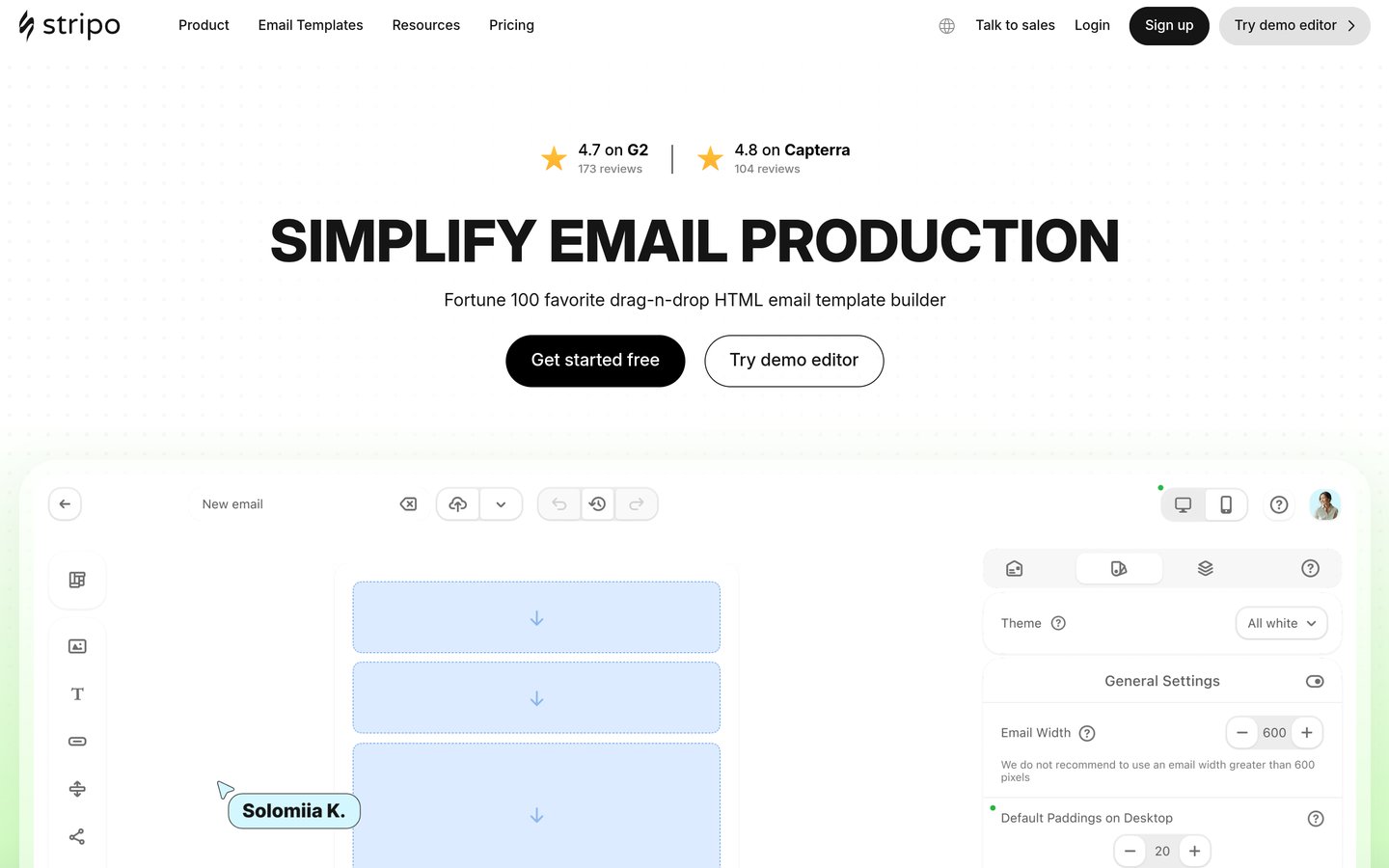
Stripo is a design-only email builder with AMP support. Stripo Basic costs $20 a month and covers 50 exports, 50 test emails a day and 50 stored emails, with 1,650 templates and export to more than 90 email platforms. It is rated 4.7/5 on G2 from 171 reviews.
The trade off is it only designs, so sending needs a second bill. It suits small teams that design their own templates and export them anywhere.
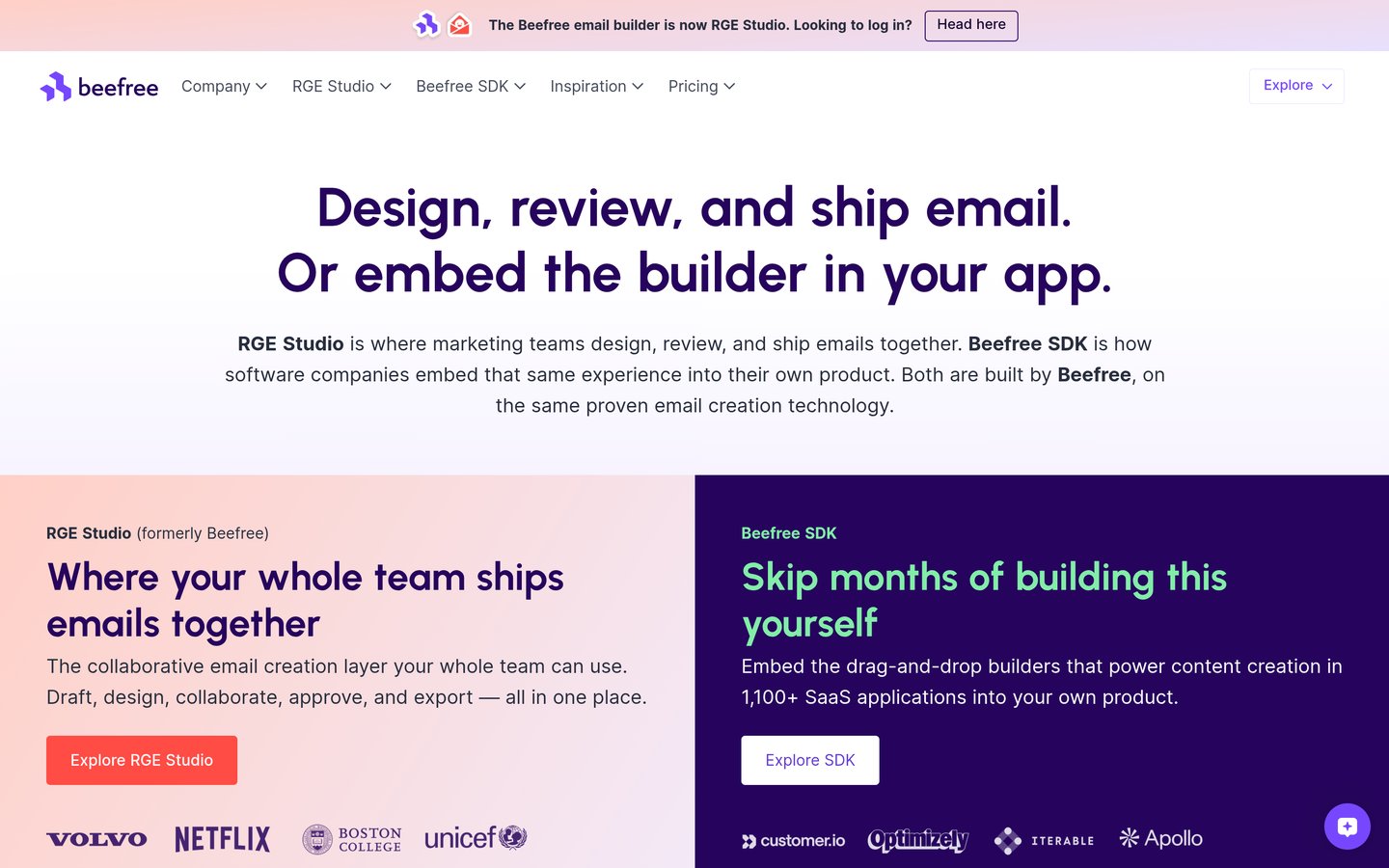
Beefree is the easiest drag-and-drop email editor. Beefree Professional costs $30 a month, or $25 billed annually, with more than 2,000 designs, folders, user roles and HTML import. It is rated 4.7/5 on G2 from 349 reviews.
The trade off is it only designs, so sending needs a second bill, and it was renamed RGE Studio in 2026. It suits marketers who want the easiest editor with a large template library.
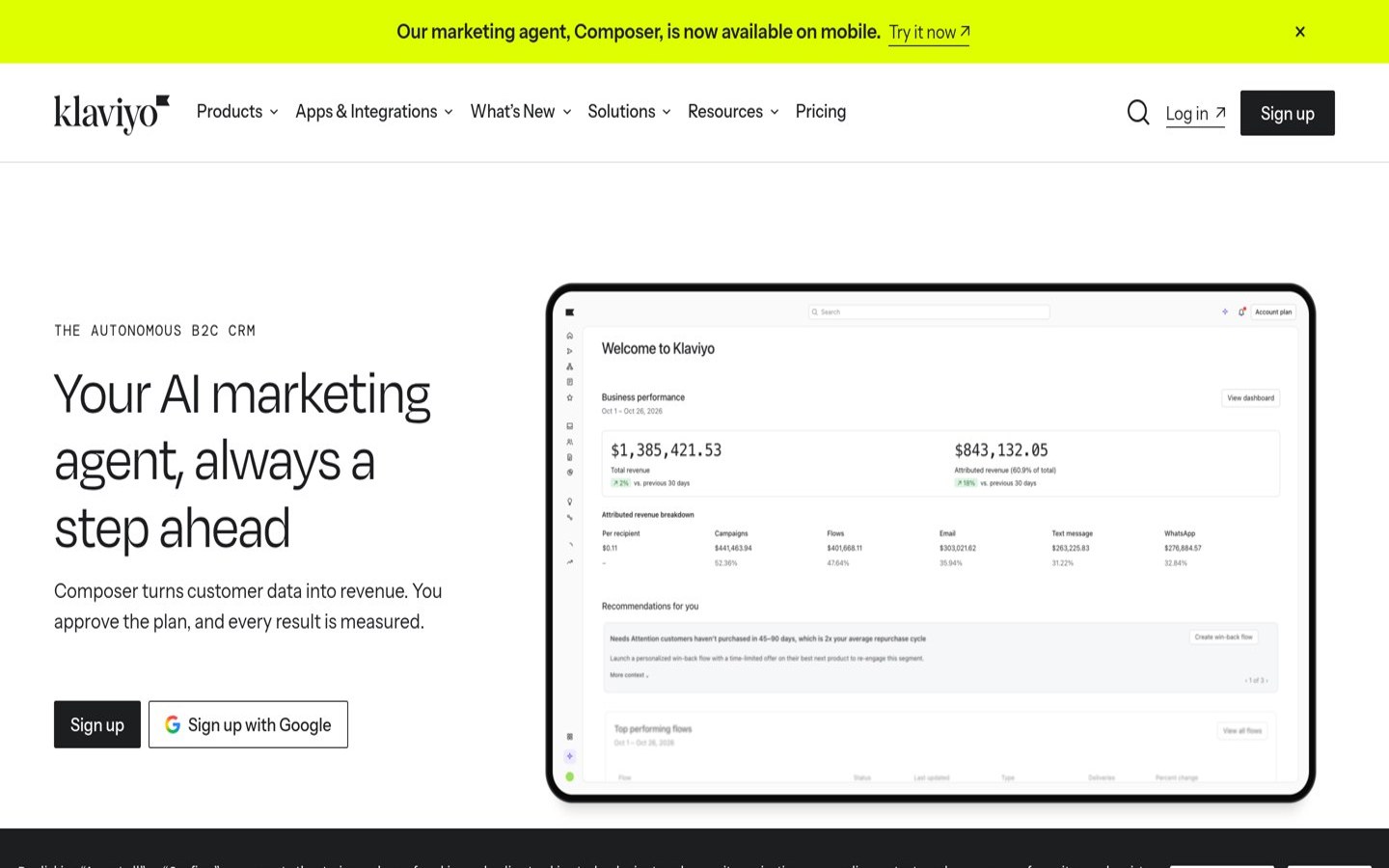
Klaviyo is an email and SMS platform built for ecommerce. The Email plan starts at $20 a month for 251 to 500 active profiles, with a drag-and-drop builder, prebuilt flows and revenue attribution. It is rated 4.6/5 on G2 from 1,368 reviews.
The trade off is design is tied to Klaviyo sending, so there is no standalone export. It suits stores that want to design and send from one account.
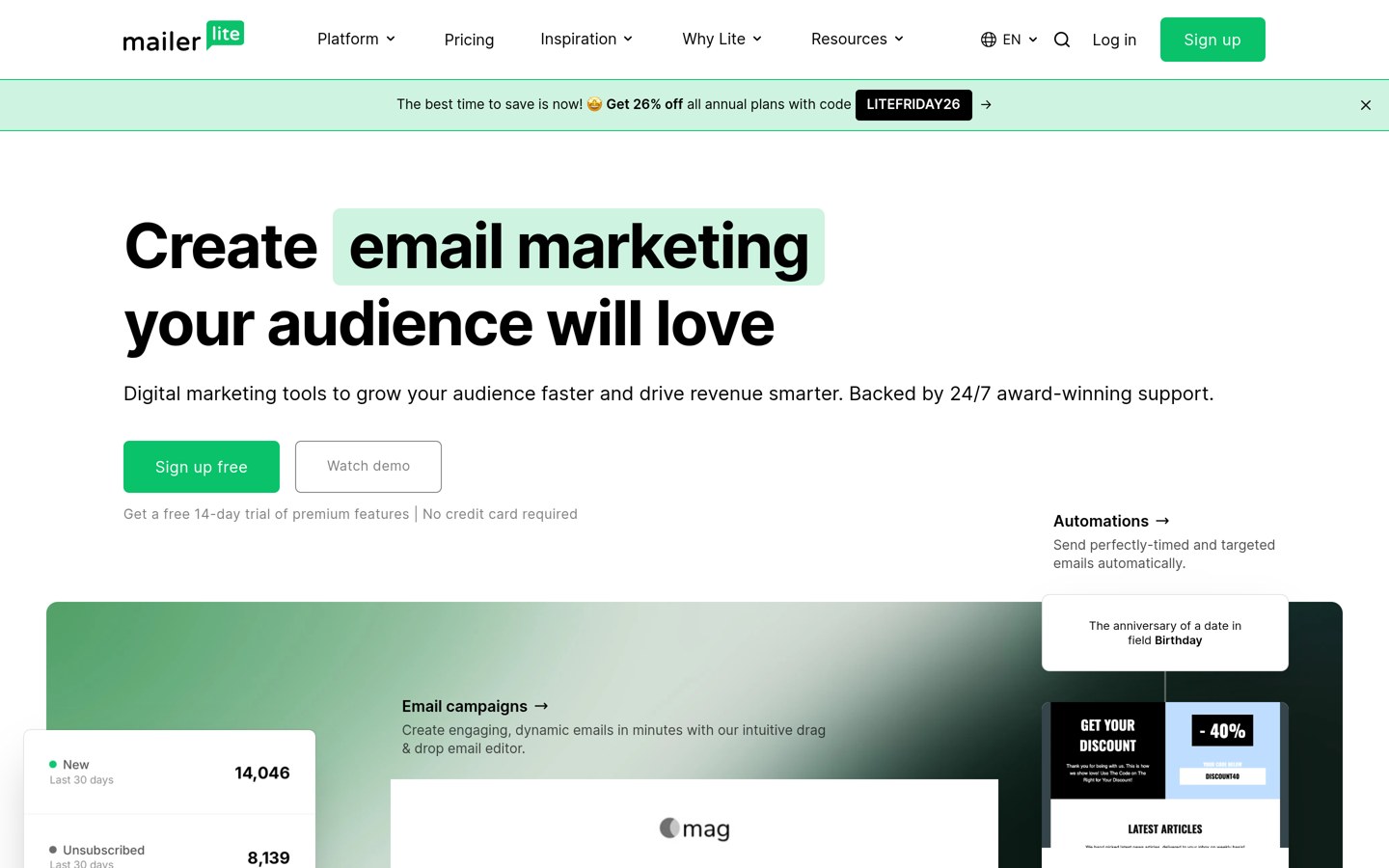
MailerLite is a clean, fast email platform for small teams. Comfort starts at $12 a month, with a drag-and-drop editor, landing pages and automation included even on the free plan. It is rated 4.6/5 on G2 from 1,114 reviews.
The trade off is the free plan now covers only 250 subscribers. It suits small businesses that want to design and send newsletters from one cheap account.
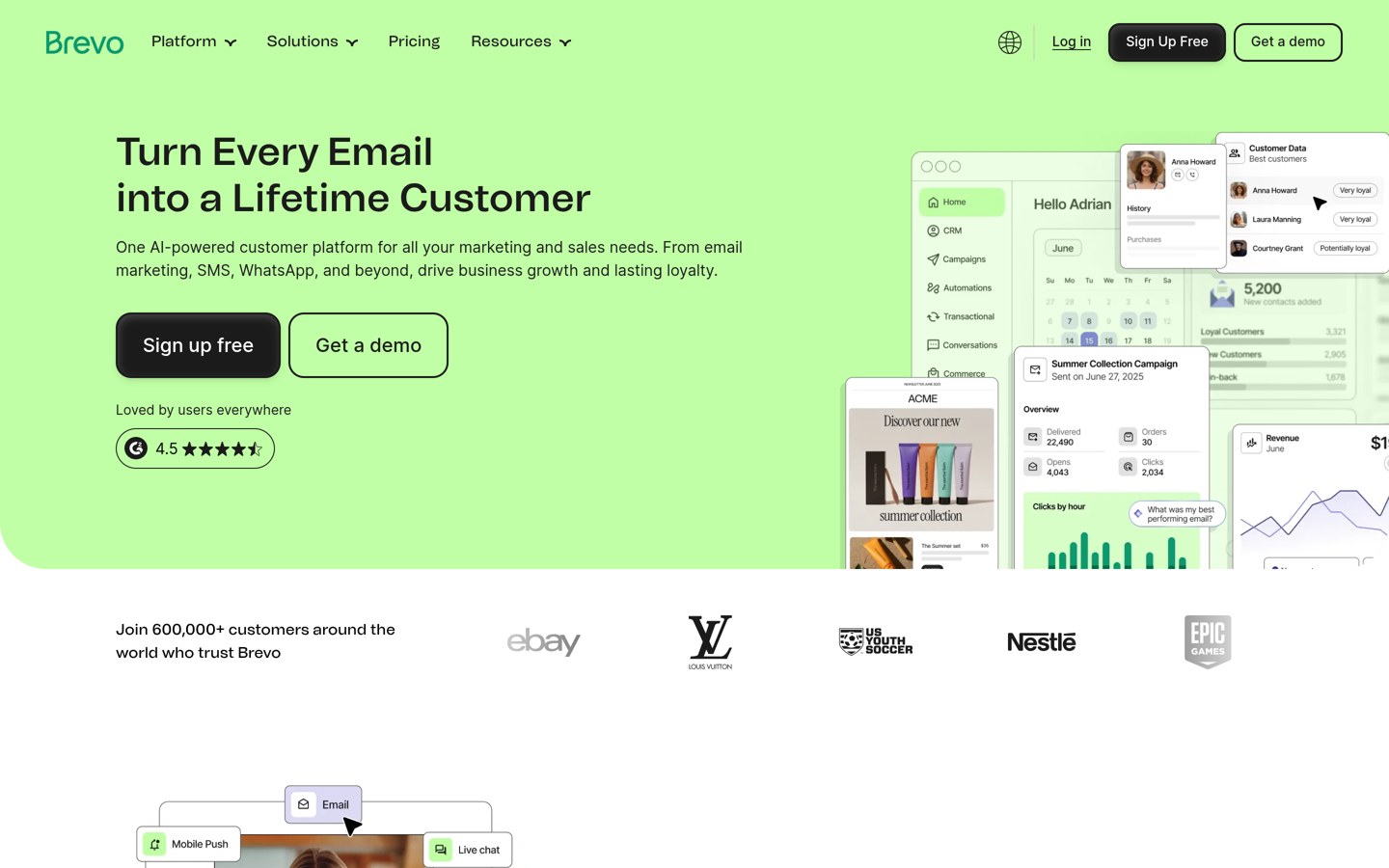
Brevo is an all-in-one marketing platform, formerly Sendinblue. Starter costs $9 a month for 5,000 emails, with a drag-and-drop editor, templates and an AI content generator in the same account. It is rated 4.5/5 on G2 from 2,747 reviews.
The trade off is the template library is smaller than the design-only tools. It suits teams that want design and sending for the lowest monthly price.
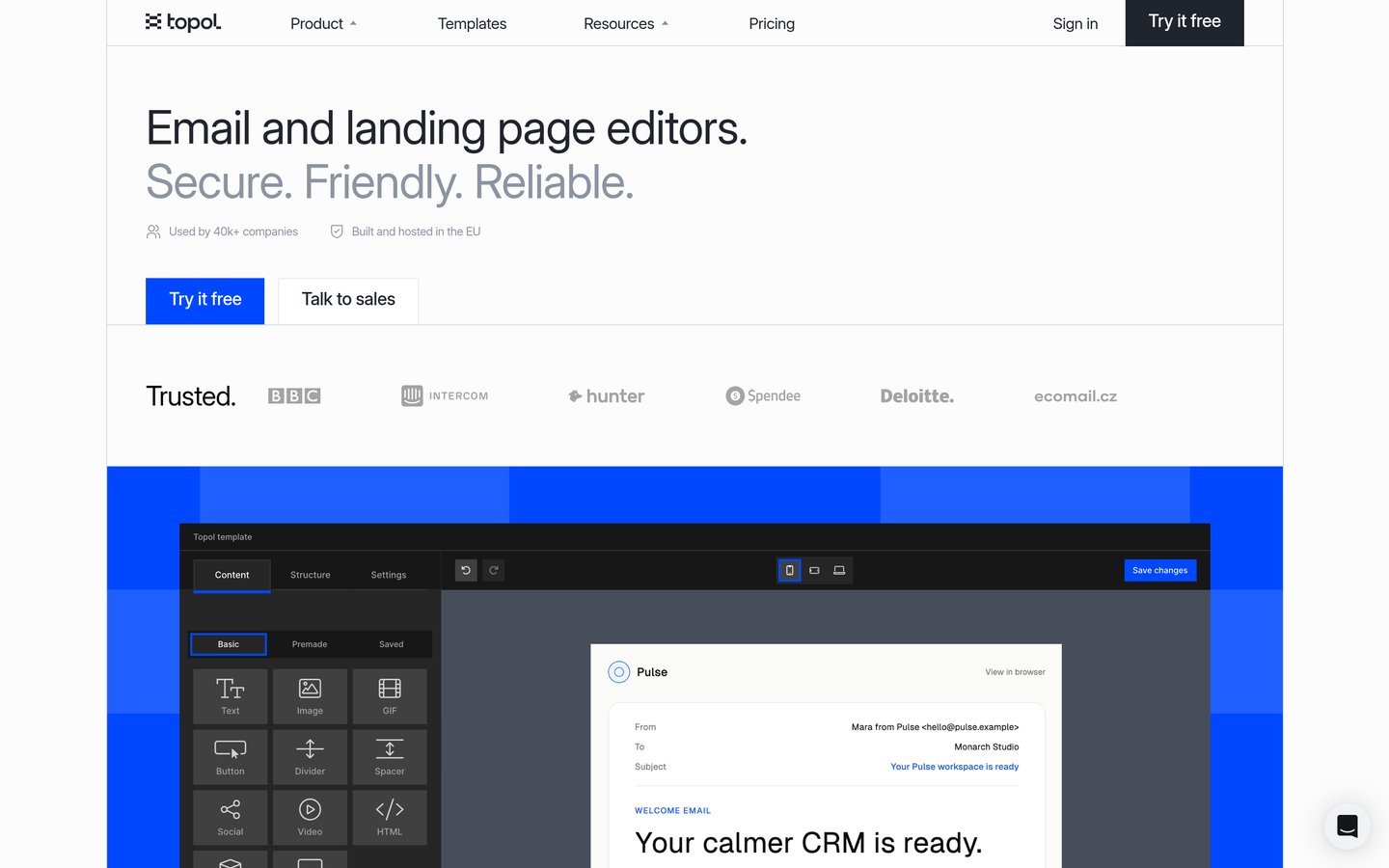
Topol is a European embeddable editor built on MJML. Topol Pro costs $70 a month, with an MJML-based editor, 150 templates and white-label embedding for platforms that need a builder inside their app. It is rated 4.7/5 on G2 from 47 reviews.
The trade off is it is the priciest design-only tool here. It suits SaaS products that need an embeddable, EU-hosted email builder.
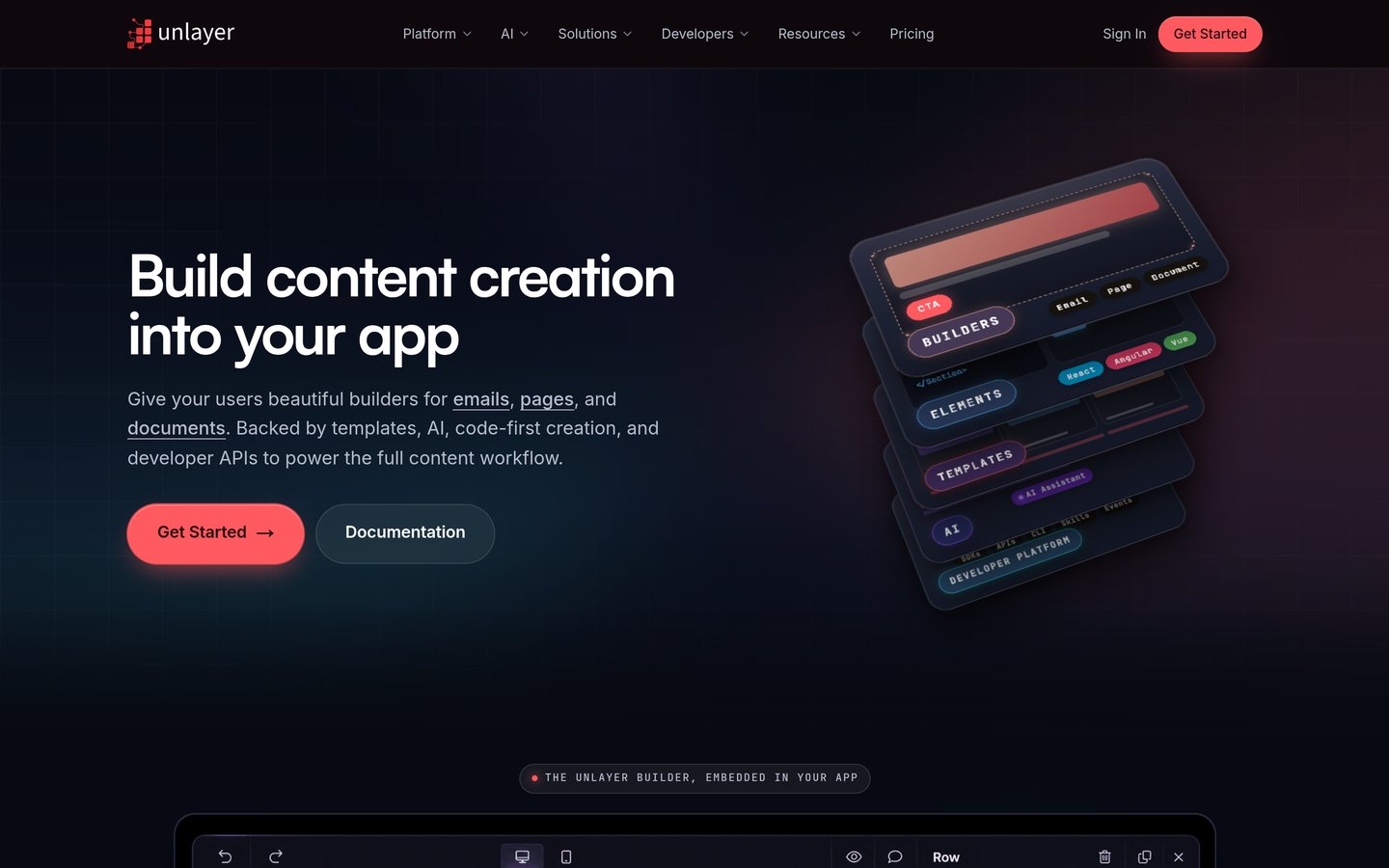
Unlayer is an embeddable drag-and-drop builder for SaaS products. Unlayer Growth costs $49 a month, giving a product email, page, popup and document builders that share one design schema. It is rated 4.4/5 on G2 from 57 reviews.
The trade off is its G2 base is small at 57 reviews. It suits SaaS teams that need a builder inside their own app.
Mailchimp is the most widely known email marketing platform. Essentials starts at $13 a month for 500 contacts, with two builders, the largest template and integration ecosystem, and AI-assisted design. It is rated 4.3/5 on G2 from 12,992 reviews.
The trade off is advanced automation needs Standard at $20 a month. It suits small businesses that want the biggest template and integration ecosystem.
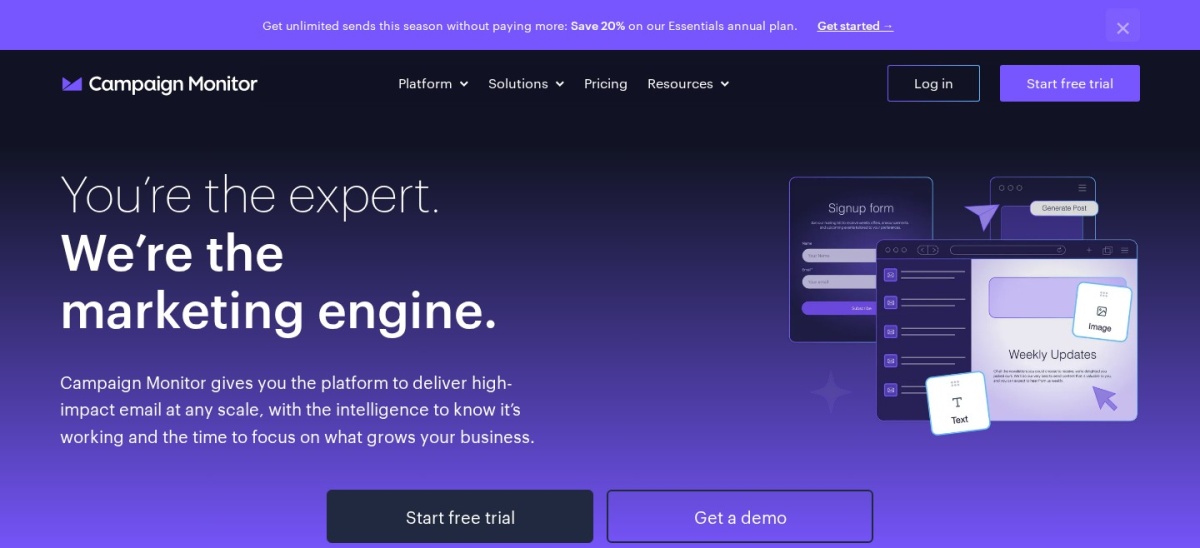
Campaign Monitor is a polished email platform for design-led teams. Campaign Monitor Lite costs $13 a month for 2,500 emails, with a clean drag-and-drop builder and strong deliverability reporting. It is rated 4.1/5 on G2 from 732 reviews.
The trade off is its G2 rating is 4.1/5, the lowest of the all-in-one tools here. It suits teams that want polished templates and simple sending.
Design-only tools like Stripo, Beefree, Topol and Unlayer focus on the editor. They export clean HTML to any platform.
All-in-one tools like MailerLite, Brevo, Mailchimp, Klaviyo and Campaign Monitor design and send from one account.
If you already have a sender you like, buy design-only. If you send from the same tool, an all-in-one costs less overall.
How we chose
We started from the established tools in this category, then kept those with a published price or a clear quote route and a verifiable rating on G2.
Prices come from each vendor's pricing page, checked on 23 November 2026. Ratings and review counts come from G2 on the same day. Where a vendor page renders its prices in JavaScript, the figure rests on a November 2026 read of that page and is flagged in the notes. Where a price is quote-based, the list says so instead of guessing a figure.
We left out tools with no verifiable rating. No vendor paid for a place, and we do not claim hands-on testing for this list.
How to choose email design software
Start with what you already use, then fill the gaps with one main tool.
Check what you already pay for. Many suites include a basic version of this tool. Do not buy a second copy of what you own.
Pick one main tool. Two tools doing the same job create duplicate data and double bills. Choose one and learn it well.
Test the free plan or trial first. Import a small list and run one real workflow before moving everything over.
Check the price at your real volume. Most of these tools charge by contacts, users or sends, so price the plan at the size you will reach in a year.
FAQ
What is the best email design software?
Stripo is the strongest pick for most buyers in this list. It combines a high G2 rating with a published price and a free plan or trial, so most teams can start without a sales call.
Do I need a paid plan to start?
No. Most tools here offer a free plan or a 14-day trial that covers the core features. Start free, run one real workflow, and pay only when the limits bite.
Why do prices rise so fast?
Most of these tools charge by contacts, users or sends. A list that doubles in size can double the bill, so check the price at the size you expect in a year, not today.
Can I switch tools later?
Yes, but moving lists, templates and automations takes time. Export your contacts and templates before you cancel, and run the old and new tools side by side for a month.
Is a free plan enough?
For a small list or a single user, often yes. Free plans usually cap contacts, sends or automation steps, so growing teams outgrow them within a year.
What should I check before buying?
Check the price at your real volume, the rating on G2, whether the free plan covers your main workflow, and whether the vendor publishes its price or hides it behind a sales call.