Superhuman is the best email client for Mac for power users who live in their inbox, fast and keyboard-first for Gmail and Microsoft accounts. Spike is the best value pick, with a free plan and paid plans from $4 a month.
How we make this list: we compare pricing pages, product documentation and public user reviews, then re-check every price before each update. No product paid for a place. Disclosure.
Superhuman leads for power users, but it costs $25 a month and works only with Gmail and Microsoft 365.
Spike is the best value pick, with a free plan and paid plans from $4 a month.
Canary Mail is the best privacy pick, with on-device AI and a $36 yearly plan.
Outlook and Apple Mail are free, and both suit people who want email without another subscription.
Thunderbird is the best free open source option, with no account limits.
What a good Mac email client should do
A good Mac email client should feel fast on Apple hardware, with native shortcuts, a clean layout and offline access when the wifi drops.
The best clients add triage tools. Snoozing, scheduled send, templates and AI summaries save more time than a prettier inbox ever will.
Privacy matters too. Some clients read your mail on their servers to power AI features, while Canary Mail and Thunderbird keep more processing on your device.
Price ranges from free to $25 a month. Our guide to the best AI writing tools covers the AI features many of these clients now include.
List prices in each vendor's currency, checked Nov 2026
ThunderbirdFree
eM ClientFREE€34.95
Apple MailFree
OutlookFREE$20
CanaryFREE$36
SpikeFREE$48
SparkFREE$99
Hey$99
Superhuman$300
The 9 best email client for Mac
01
Superhuman
4.7/5on G2 (15,892 reviews, checked Nov 2026)
Starts at$25/mo
Best email client for power users
Cheapest paid plan$25/mo
Free planNo
Works withGmail, Microsoft 365
AIYes, triage and writing
superhuman.com
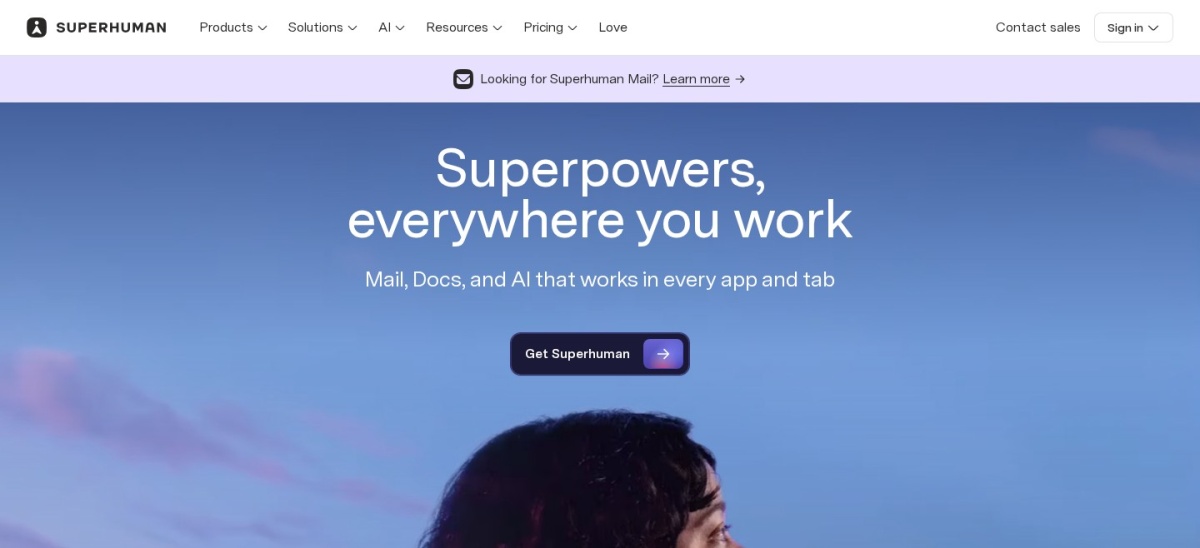
Superhuman homepage, captured Nov 2026.
Superhuman is a fast, keyboard-first email client built for people who live in their inbox. It adds AI triage, scheduled send, snippets and read statuses, and it is rated 4.7 out of 5 on G2 from 15,892 reviews. The price is $25 a month when billed yearly, or $30 a month billed monthly.
The trade off is scope and price. Superhuman works only with Gmail and Microsoft 365, and at $25 a month it costs far more than any other client here. It suits power users who process a lot of email and want to do it all from the keyboard.
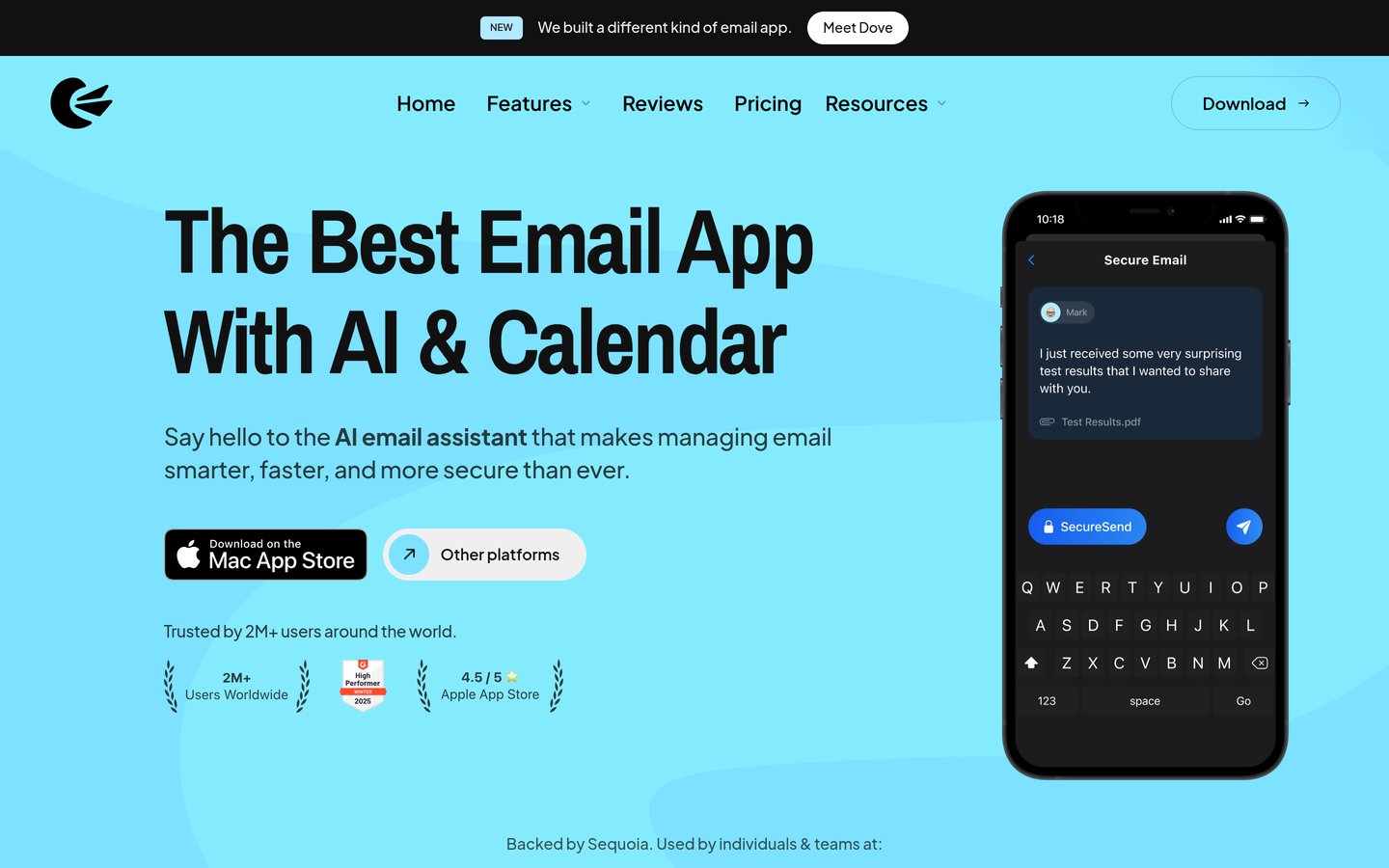
Spike is a conversational email client that turns long threads into chat-like conversations, with a free plan and paid plans from $4 a month. It adds AI summaries, priority inbox and team chat, and it works with Gmail, Outlook and other providers. It is rated 4.6 out of 5 on G2 from 262 reviews.
The trade off is that the chat view divides opinion. Some people love it, others want a classic inbox, and the best AI features need a paid plan. It suits people who want a modern, low-cost client with a free start.
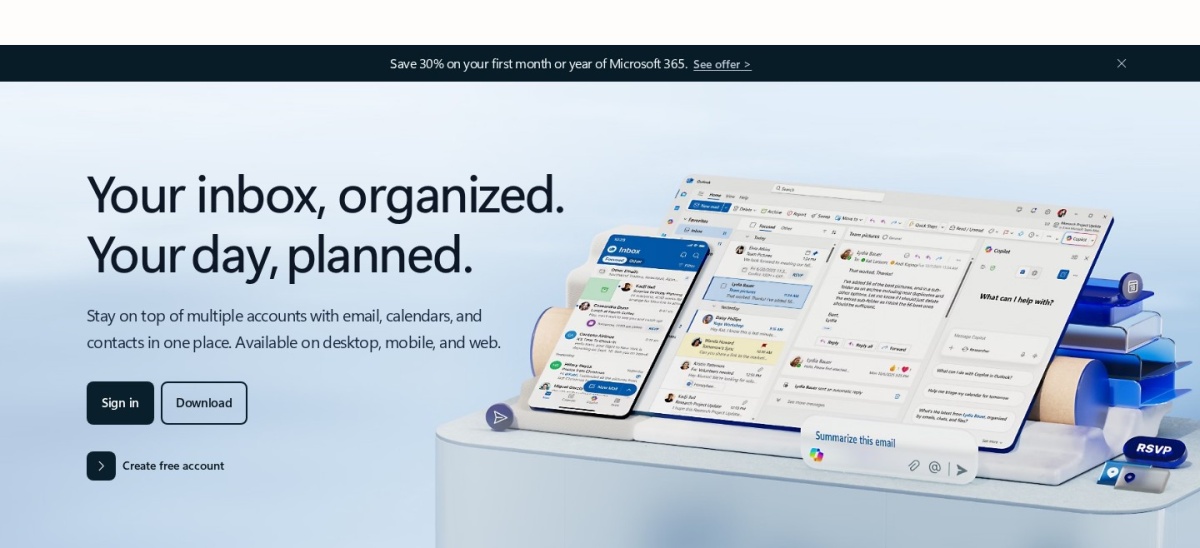
Microsoft Outlook is a free email client for Mac with ads, and Microsoft 365 Basic at $19.99 a year removes them. It includes a built-in calendar, focused inbox and strong search, and it syncs well with Microsoft 365. It is rated 4.5 out of 5 on G2 from 3,524 reviews.
The trade off is the ads on the free plan and a heavier feel than Apple Mail or Spark. It suits people who already use Microsoft 365 or want a free client with a calendar built in.
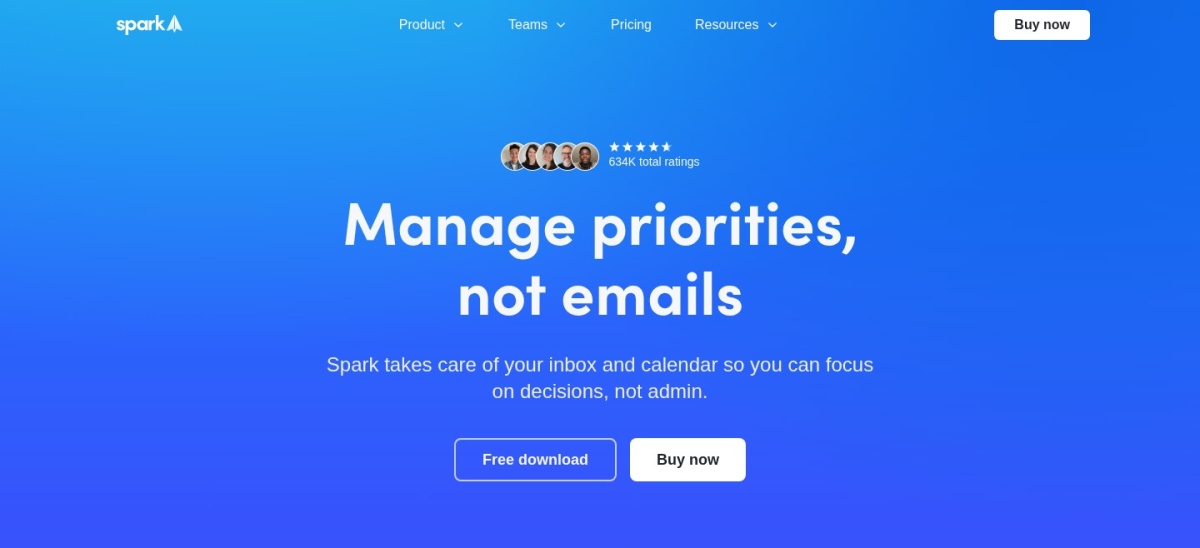
Spark is a smart inbox for Mac that sorts mail into personal, notifications and newsletters, so the important mail sits on top. The free plan covers unlimited accounts, and Plus at $99 a year adds AI writing, templates and priority support. It is rated 4.5 out of 5 on G2 from 61 reviews.
The trade off is price. Plus at $99 a year costs more than Canary Mail, and the Pro plan at $199 a year is aimed at teams. It suits people who want a tidy, sorted inbox without paying Superhuman prices.
Canary Mail is a privacy-focused email client for Mac with on-device AI that writes and summarises mail without sending it to a server. The free plan covers unlimited accounts on two devices, and Growth at $36 a year adds more devices and features. It is rated 4.5 out of 5 on G2 from 53 reviews.
The trade off is that the free plan limits you to two devices, and the user base is small, so help is harder to find. It suits people who want AI help without handing their mail to a cloud service.
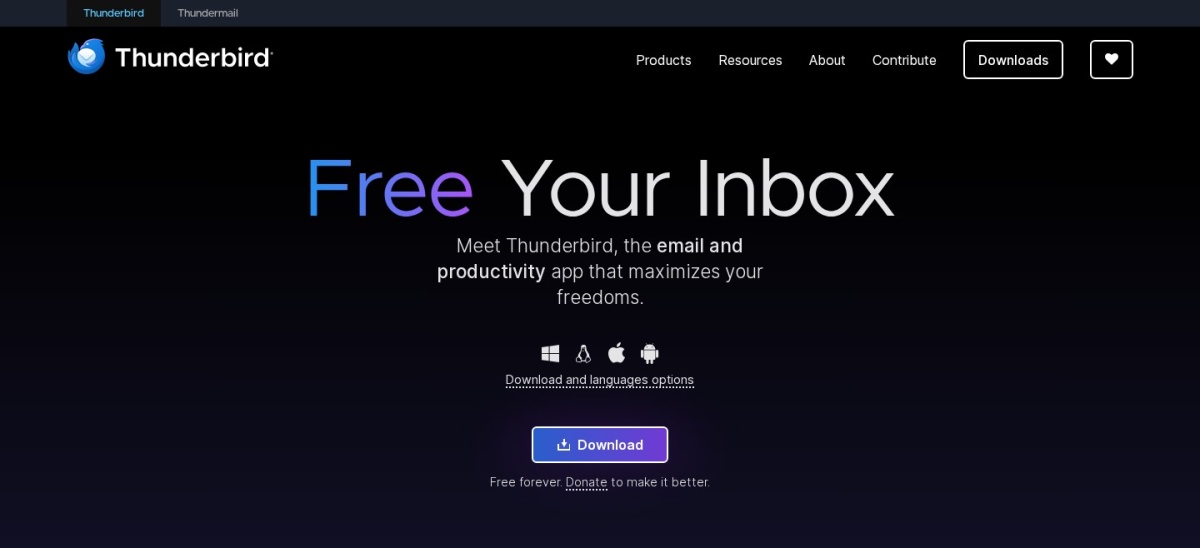
Thunderbird is a free, open source email client from Mozilla, with no account limits, no ads and no subscription. It supports OpenPGP and S/MIME encryption, add-ons and a calendar, and it works with almost any email provider. It is rated 4.3 out of 5 on G2 from 347 reviews.
The trade off is polish. Thunderbird looks dated next to Spark or Superhuman, and it has no AI features. It suits people who want a free, private client and do not mind a plain interface.
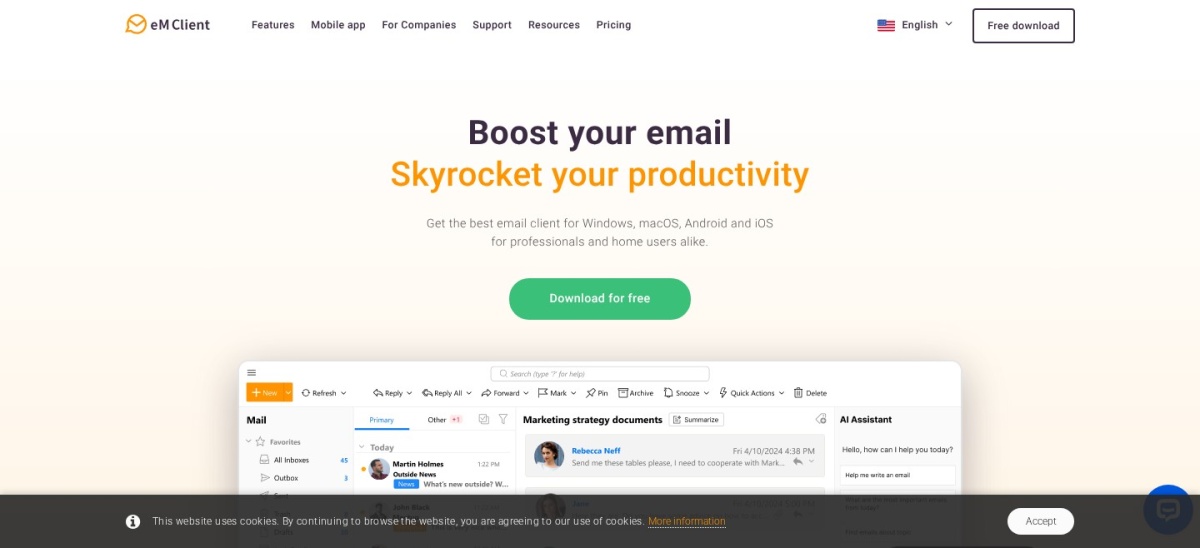
eM Client is a desktop email client for Mac and Windows with a built-in calendar, tasks and contacts. The free plan covers two accounts, and Pro is listed at 34.95 euros as a one-time purchase on G2. It is rated 4.0 out of 5 on G2 from 61 reviews.
The trade off is the price confusion. The vendor prices by region and currency, and one secondary source quotes $24.95 a year instead, so confirm the price for your country before buying. It suits people who want a classic desktop client with a calendar.
Apple Mail is the email client built into every Mac, and it costs nothing. It syncs with iCloud, supports any provider, and now includes basic AI summaries on newer Macs. It is rated 3.9 out of 5 on G2 from 159 reviews.
The trade off is power. Apple Mail has no smart inbox, no snoozing and no templates, so heavy users outgrow it fast. It suits casual users who want email that just works with no setup and no subscription.
Hey is an email service with a screened inbox that blocks unknown senders until you approve them. It costs $99 a year and includes its own hey.com address, with features for replying later, setting aside mail and bundling newsletters. It is rated 3.7 out of 5 on G2 from only 27 reviews.
The trade off is lock-in. Hey works only with its own address, so you cannot use it with Gmail or Outlook, and the review base is thin. It suits people who want a radical rethink of email and are happy to change address.
Five clients here have a free plan: Spike, Canary Mail, Outlook, Spark and Thunderbird, plus Apple Mail, which is free with every Mac.
Free plans cover the basics well. Unlimited accounts, snoozing and search are usually free, while AI writing, team features and priority support sit on paid tiers.
The paid plans here run from $4 to $25 a month. Superhuman is the outlier at $25, and it charges that much for speed and keyboard shortcuts, not storage.
Try the free plan first. Most people find a free client covers their needs, and the paid upgrade is only worth it if you process a lot of email every day.
How we chose
We started from the best-known email clients for Mac with a profile on G2, then kept nine that cover power users, casual users and privacy-minded users.
Prices come from each vendor's site or app store listing, checked in November 2026. Ratings and review counts come from G2 on the same day. Where a vendor shows a sale, the list shows the regular price.
We left out clients with no verifiable G2 rating, including Mimestream and Airmail. No vendor paid for a place, and we do not claim hands-on testing for this list.
How to choose an email client for Mac
Start with your email provider, then check the triage tools.
Check your email provider first. Superhuman works only with Gmail and Microsoft 365. Canary Mail, Spark and Thunderbird work with almost any provider.
Count your accounts. Some free plans limit accounts. eM Client is free for two accounts, while Thunderbird and Spark are unlimited.
Try the keyboard shortcuts. Superhuman and Spike reward keyboard users. If you prefer the mouse, a simpler client may suit you better.
Decide how much AI you want. Canary Mail and Spark run AI on device or in the cloud. If you want no AI reading your mail, pick Thunderbird.
FAQ
What is the best email client for Mac?
Superhuman is the best email client for Mac for power users. It is fast and keyboard-first, with AI triage and scheduled send, and it is rated 4.7 out of 5 on G2 from 15,892 reviews. It costs $25 a month and works only with Gmail and Microsoft 365.
Is there a free email client for Mac?
Yes. Apple Mail is free with every Mac, Outlook is free with ads, and Thunderbird is free and open source. Spike, Canary Mail and Spark also have free plans with unlimited accounts in most cases.
Is Superhuman worth $25 a month?
It is worth it if you process a lot of email every day and value speed and keyboard shortcuts. If you check email a few times a day, Spike at $4 a month or Canary Mail at $36 a year will cover your needs.
Which Mac email client is best for privacy?
Canary Mail is the best privacy pick, with on-device AI and no ads. Thunderbird is the best free open source option, with no account limits and support for OpenPGP and S/MIME encryption.
Does Outlook work well on Mac?
Yes. Outlook for Mac is free with ads, and Microsoft 365 Basic at $19.99 a year removes them. It is rated 4.5 out of 5 on G2 from 3,524 reviews, and it syncs well with Microsoft 365.
Can I use Gmail in a Mac email client?
Yes. Every client in this list except Hey works with Gmail. Superhuman is built for Gmail and Microsoft 365 only, while Canary Mail, Spark, Thunderbird and eM Client support Gmail plus other providers.
SaaS SEO and WordPress specialist with about 8 years of experience. Rakib compares WordPress plugins, themes, hosting and software using public pricing, documentation and user reviews. See how we rank.