Best Email Automation Tools in 2026: 9 Tools Compared
WLWPLegible EditorsLast verified 23 Nov 2026How we rank8 min read
★ Short answer
ActiveCampaign is the best email automation tool for most small teams. Its visual builder handles branching, goals and split tests for $15 a month billed annually. Pick Klaviyo for ecommerce stores and Brevo for the lowest bill on large lists.
How we make this list: we compare pricing pages, product documentation and public user reviews, then re-check every price before each update. No product paid for a place. Disclosure.
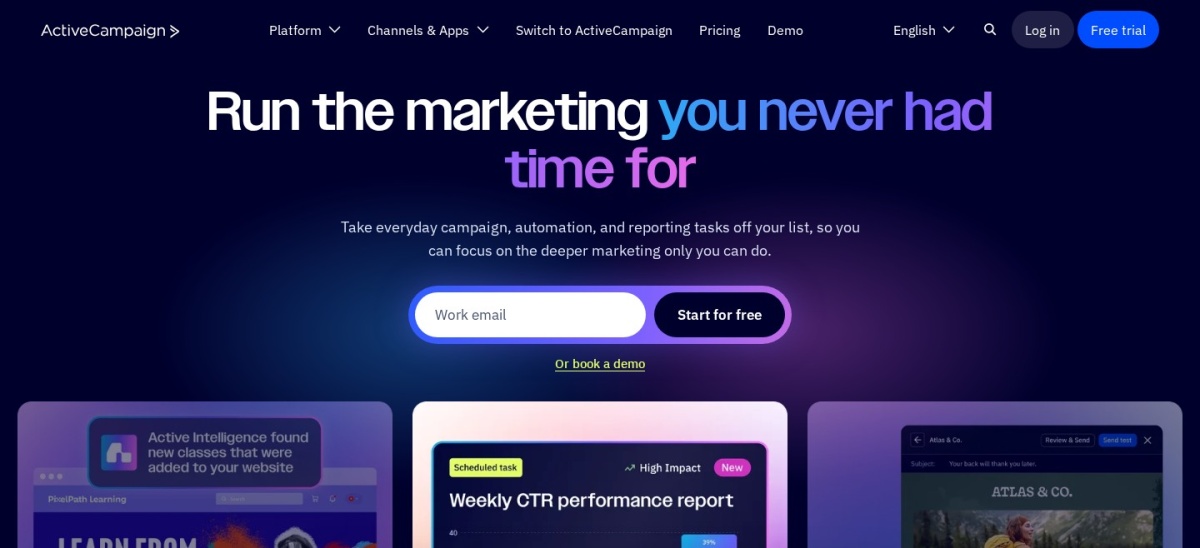
ActiveCampaign Starter costs $15 a month billed annually and has the deepest automation builder in this list.
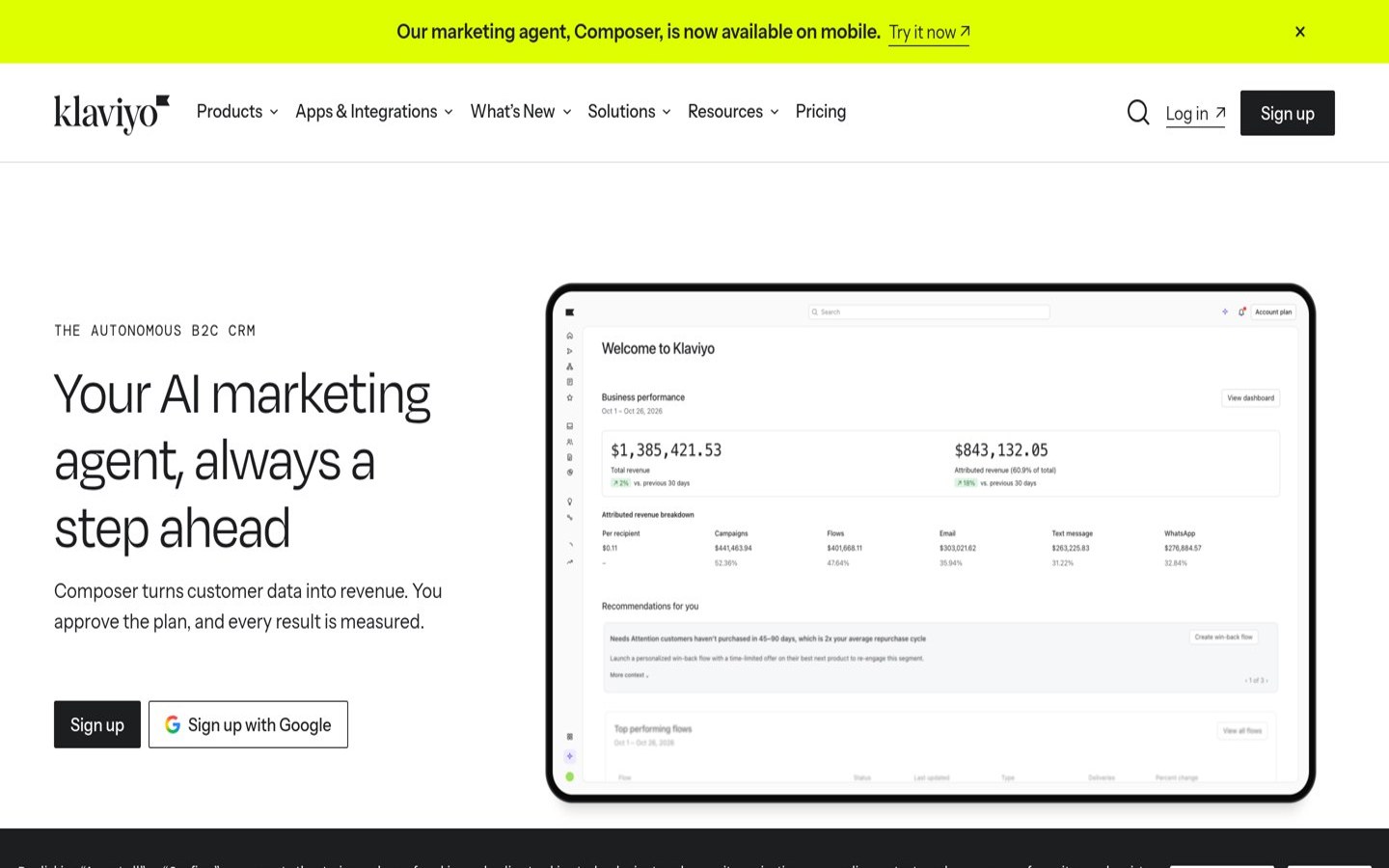
Klaviyo starts at $20 a month and ties every flow to real purchase and browse behaviour.
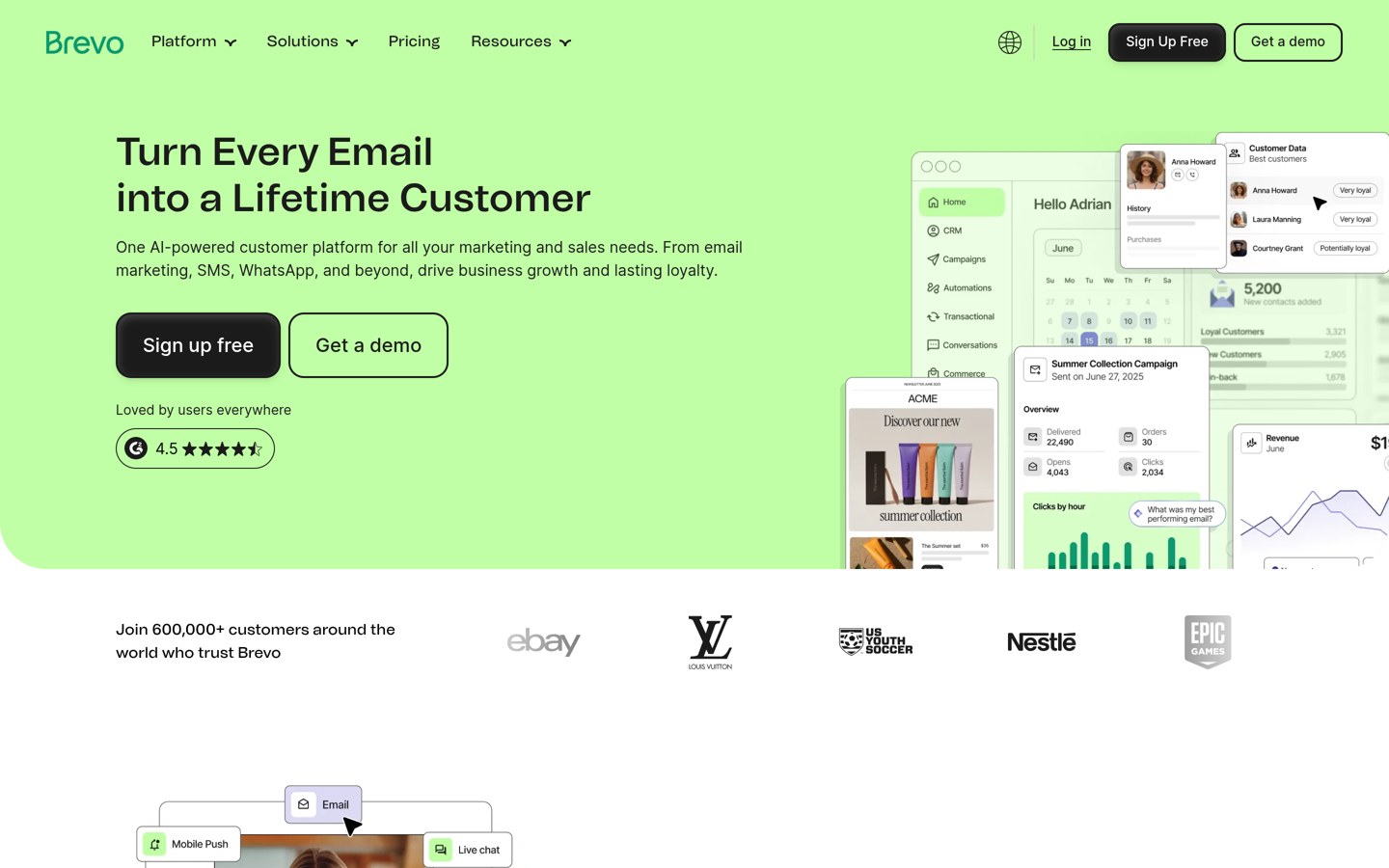
Brevo is the cheapest serious option at $9 a month, because it charges by emails sent, not contacts stored.
HubSpot looks cheap at $20 a seat until real automation needs Professional at about $890 a month.
Kit's free plan covers up to 10,000 subscribers, the most generous free tier for creators.
What to look for in email automation tools
Automation is the difference between a newsletter and a revenue channel. A welcome series, an abandoned cart flow and a win-back series run while you sleep.
The builder matters most. Look for branching, goals and split tests, not just a list of triggers.
ActiveCampaign is a marketing automation platform with a visual builder and built-in CRM. Starter costs $15 a month billed annually for 1,000 contacts, with conditional branching, goals, site tracking and lead scoring in one system. It is rated 4.4/5 on G2 from 14,789 reviews.
The trade off is there is no free plan, only a 14-day trial, and Starter limits each automation to 5 actions. It suits small teams running serious multi-step drip campaigns and sales follow-up.
What we like
Visual builder with branching, goals and split tests
Klaviyo is an email and SMS platform built for ecommerce. The Email plan starts at $20 a month for 251 to 500 active profiles, with purchase and browse events syncing in real time and prebuilt flows for the whole lifecycle. It is rated 4.6/5 on G2 from 1,368 reviews.
The trade off is the bill is tied to active profiles, so a growing list raises the price fast. It suits online stores that want purchase-behavior flows tied directly to shop data.
What we like
Real-time purchase and browse triggers
Rated 4.6/5 on G2 from 1,368 reviews
Free plan included
Watch out for
Priced on active profiles, so costs climb with list size
Brevo is an all-in-one marketing platform, formerly Sendinblue. Starter costs $9 a month for 5,000 emails, and Brevo charges by emails sent rather than contacts stored, with a CRM, SMS and WhatsApp in the same account. It is rated 4.5/5 on G2 from 2,747 reviews.
The trade off is automation is limited on Starter and opens up on Standard at $18 a month. It suits businesses with large lists that email occasionally and want a low bill.
HubSpot Marketing Hub homepage, captured Nov 2026.
HubSpot Marketing Hub is the CRM that does email, not the other way round. Starter costs $20 per seat a month with 1,000 marketing contacts, and workflows update lifecycle stages, scores and deal records directly in the free CRM. It is rated 4.4/5 on G2 from 15,978 reviews.
The trade off is real automation sits on Professional at about $890 a month, a steep jump from Starter. It suits B2B teams that want CRM-centred marketing with a clean sales handoff.
Mailchimp is the most widely known email marketing platform. Essentials starts at $13 a month for 500 contacts, with templates, basic automation and Customer Journeys that map a drip sequence on one canvas. It is rated 4.3/5 on G2 from 12,992 reviews.
The trade off is multi-step automation needs Standard at $20 a month. It suits beginners and small businesses that want a familiar tool with a free plan.
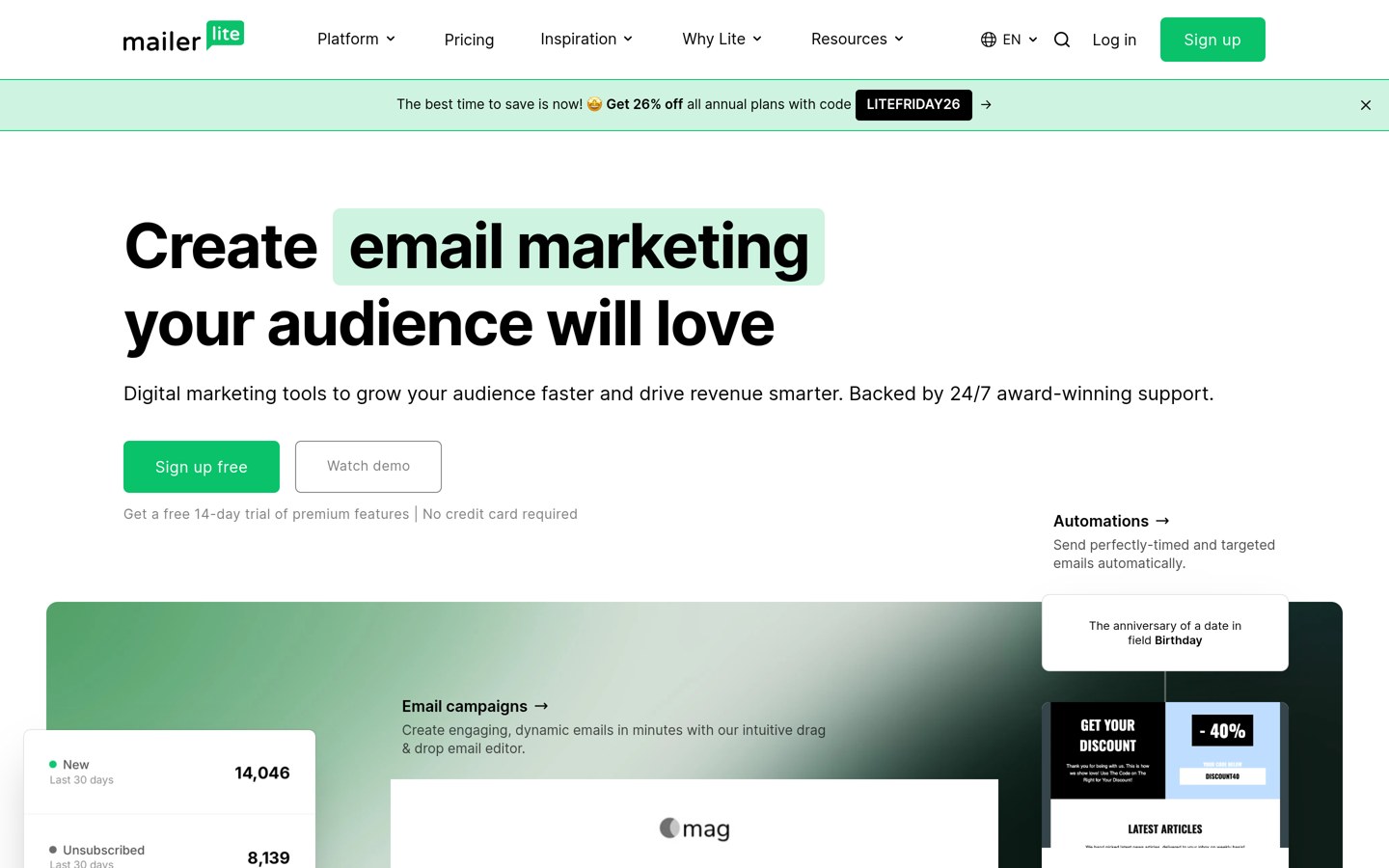
MailerLite is a clean, fast email platform for creators and small teams. Comfort starts at $12 a month, with automation included even on the free plan, landing pages and a simple website builder in the same account. It is rated 4.6/5 on G2 from 1,114 reviews.
The trade off is deliverability and support vary by plan, and the free plan now covers only 250 subscribers. It suits small newsletters that want automation without a large bill.
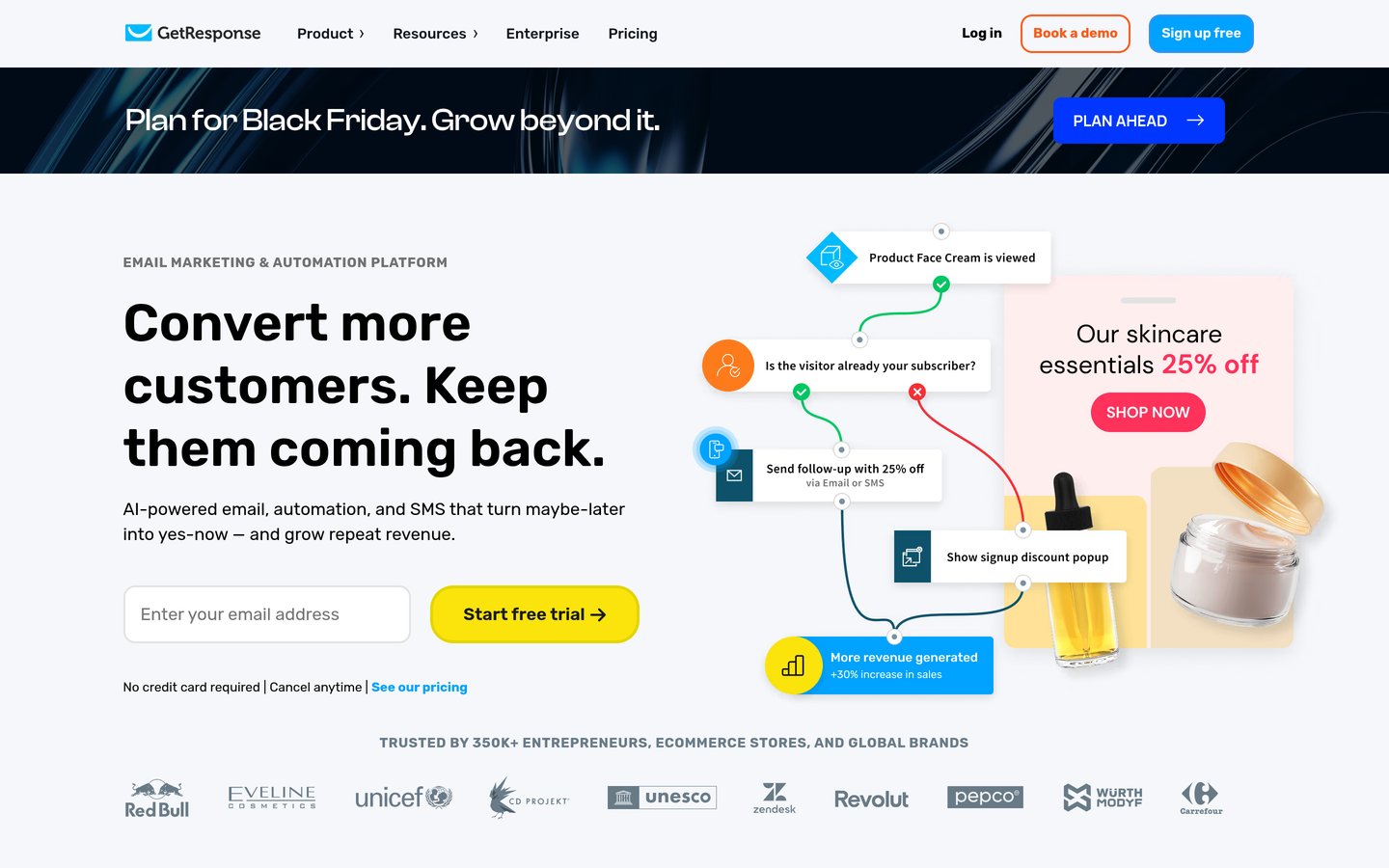
GetResponse is an all-in-one platform with email, funnels and webinars. Starter costs $19 a month for 1,000 subscribers with unlimited sends, autoresponders, a landing page builder and one custom automation workflow. It is rated 4.3/5 on G2 from 1,143 reviews.
The trade off is unlimited workflows need the $59 plan. It suits small businesses that want funnels and webinars in the same account as the newsletter.
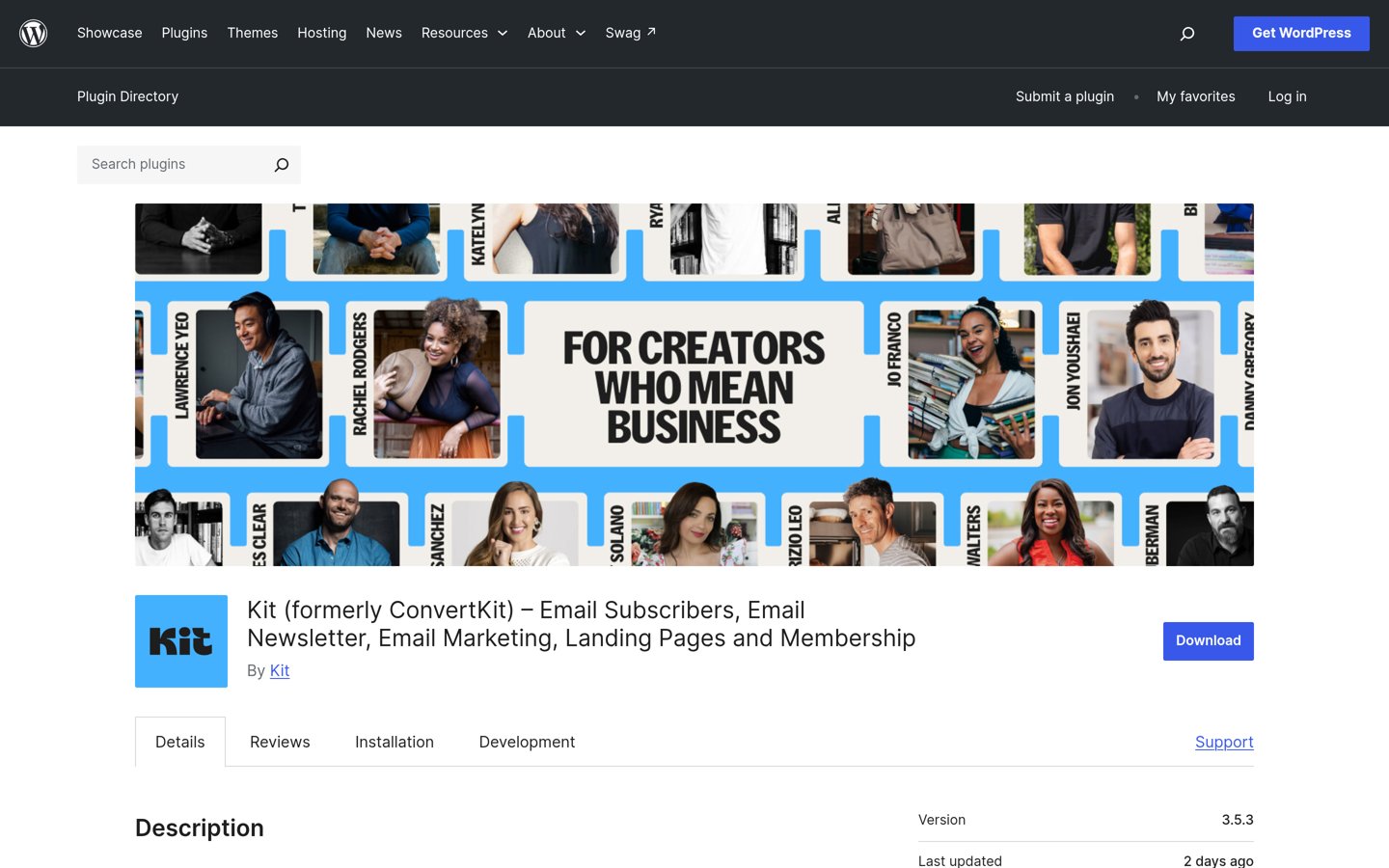
Kit is the email platform for creators, formerly ConvertKit. Creator costs $33 a month billed annually at 1,000 subscribers, with unlimited visual automations, sequences and tools to sell digital products and paid newsletters. It is rated 4.4/5 on G2 from 236 reviews.
The trade off is the free Newsletter plan allows only one basic automation. It suits newsletter writers and course sellers whose business is their audience.
What we like
Free plan covers up to 10,000 subscribers
Rated 4.4/5 on G2 from 236 reviews
Free plan included
Watch out for
Full automation needs the paid Creator plan
Costs rise as contacts, users or volume grow
Commerce tools for digital products built inVisit kit.com
09
Drip
4.4/5on G2 (480 reviews, checked Nov 2026)
Starts at$39/mo
Best ecommerce drip specialist
Cheapest paid planDrip, $39/mo, up to 2,500 people
Free planNo, trial only
Rating4.4/5 on G2
UsersNot published
drip.com
Drip homepage, captured Nov 2026.
Drip is an ecommerce CRM disguised as email software. Drip costs $39 a month for up to 2,500 people with unlimited sends, and every plan includes automation, segmentation and reporting. It is rated 4.4/5 on G2 from 480 reviews.
The trade off is the price is not cheap and rises to $89 at 5,000 contacts. It suits online stores that want one plan with every feature and unlimited sends.
A newsletter tool sends one message to everyone. An automation tool sends the right message to each person based on what they did.
The cheapest tools in this list charge by sends, not contacts. That suits large lists emailed rarely.
If you only send a monthly newsletter, Mailchimp or MailerLite is enough. Buy ActiveCampaign or Klaviyo when behaviour should drive the next email.
How we chose
We started from the established tools in this category, then kept those with a published price or a clear quote route and a verifiable rating on G2.
Prices come from each vendor's pricing page, checked on 23 November 2026. Ratings and review counts come from G2 on the same day. Where a vendor page renders its prices in JavaScript, the figure rests on a November 2026 read of that page and is flagged in the notes. Where a price is quote-based, the list says so instead of guessing a figure.
We left out tools with no verifiable rating. No vendor paid for a place, and we do not claim hands-on testing for this list.
How to choose email automation tools
Start with what you already use, then fill the gaps with one main tool.
Check what you already pay for. Many suites include a basic version of this tool. Do not buy a second copy of what you own.
Pick one main tool. Two tools doing the same job create duplicate data and double bills. Choose one and learn it well.
Test the free plan or trial first. Import a small list and run one real workflow before moving everything over.
Check the price at your real volume. Most of these tools charge by contacts, users or sends, so price the plan at the size you will reach in a year.
FAQ
What is the best email automation tool?
ActiveCampaign is the strongest pick for most buyers in this list. It combines a high G2 rating with a published price and a free plan or trial, so most teams can start without a sales call.
Do I need a paid plan to start?
No. Most tools here offer a free plan or a 14-day trial that covers the core features. Start free, run one real workflow, and pay only when the limits bite.
Why do prices rise so fast?
Most of these tools charge by contacts, users or sends. A list that doubles in size can double the bill, so check the price at the size you expect in a year, not today.
Can I switch tools later?
Yes, but moving lists, templates and automations takes time. Export your contacts and templates before you cancel, and run the old and new tools side by side for a month.
Is a free plan enough?
For a small list or a single user, often yes. Free plans usually cap contacts, sends or automation steps, so growing teams outgrow them within a year.
What should I check before buying?
Check the price at your real volume, the rating on G2, whether the free plan covers your main workflow, and whether the vendor publishes its price or hides it behind a sales call.