Adobe Photoshop is the best picture editing software for most people who edit photos seriously. It pairs with Lightroom in the Photography plan, while Canva suits quick social graphics and Affinity Photo is now free for desktop editing.
How we make this list: we compare pricing pages, product documentation and public user reviews, then re-check every price before each update. No product paid for a place. Disclosure.
Photoshop is the best pick for serious photo work, at $19.99 a month on the Photography plan with Lightroom included.
Affinity Photo is now completely free for individuals, after Canva merged it into one unified Affinity app in October 2025.
Canva Pro costs $144 a year and suits social graphics and quick edits more than deep retouching.
GIMP is the best free desktop editor, with layers, masks and plug-ins and no subscription.
Pixlr Plus starts at $1.99 a month billed annually, the cheapest paid plan in this list.
What picture editing software does
Picture editing software ranges from full desktop editors to quick browser tools. The right pick depends on whether you retouch photos for clients or just clean up phone shots for social media.
Desktop editors such as Photoshop, Affinity Photo and GIMP handle layers, masks, RAW files and large PSDs. Browser editors such as Canva, Pixlr and Fotor are faster for one-off fixes and social graphics.
AI tools are now standard: background removal, generative fill and one-click enhancement appear in most tools here. The difference is depth, not presence.
Prices run from free to about $20 a month. Our illustration software guide covers the vector side of the same workflow for designers who also draw.
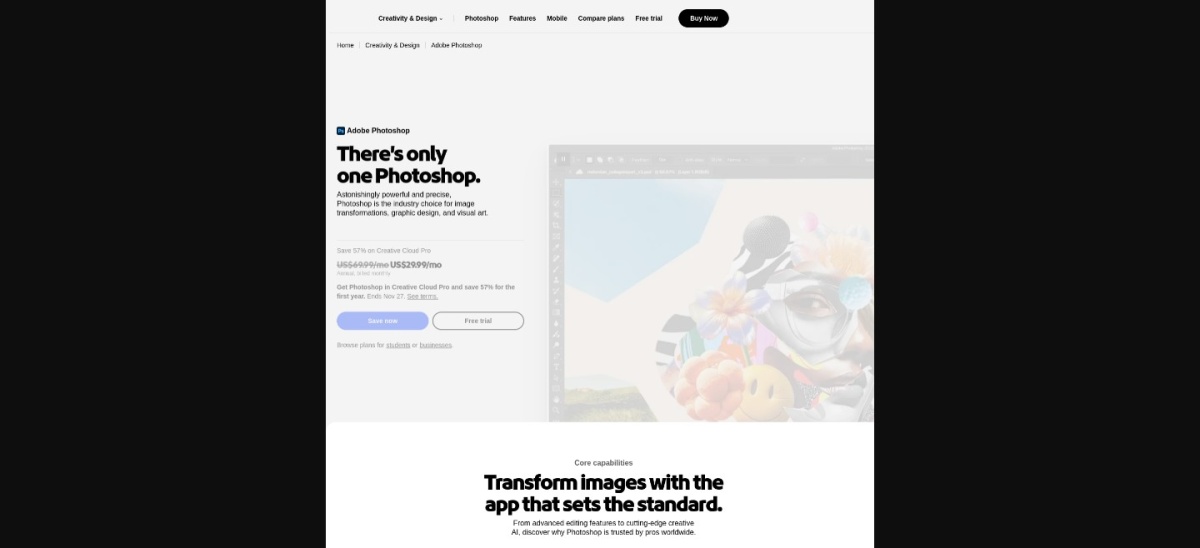
Adobe Photoshop is the industry-standard picture editor, with layers, masks, compositing and RAW support on desktop, web and mobile. The Photography plan costs $19.99 a month and adds Lightroom, Lightroom Classic and 1 TB of cloud storage.
The trade off is the subscription. There is no free plan or one-time purchase, only a 7-day trial, and the app has a steep learning curve. It suits professionals and serious photographers who edit every week.
Canva is a design platform with a photo editor built in, covering filters, background removal, Magic Resize and more than a million templates. The free plan covers basic editing, and Pro costs $144 a year for one person.
The trade off is editing depth. Canva cannot do layered retouching, RAW development or print-grade colour work. It suits marketers and small businesses that need a steady stream of social posts and flyers.
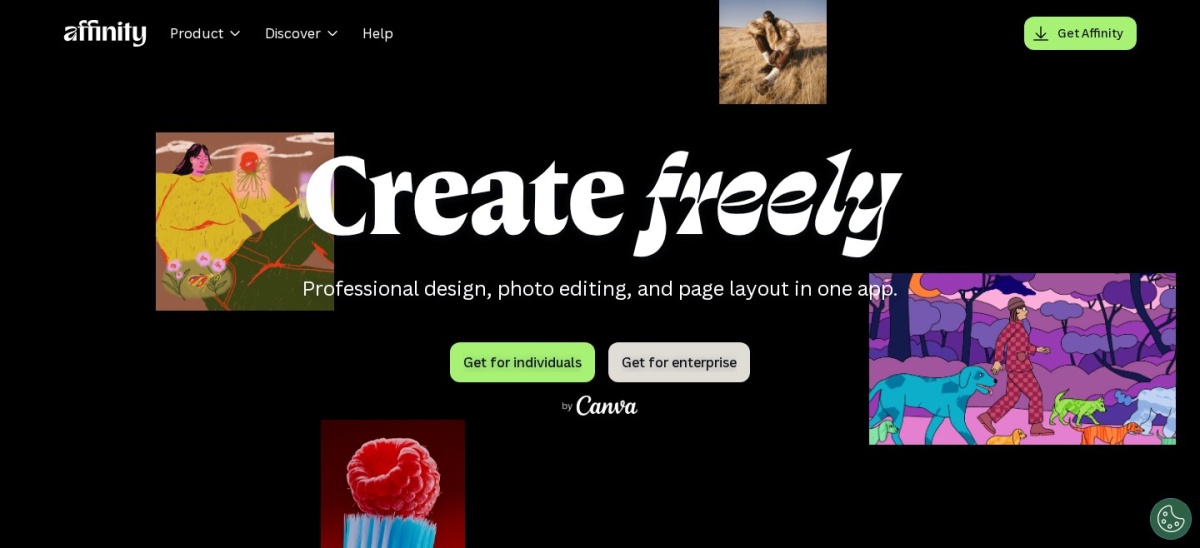
Affinity Photo is a professional desktop editor with layers, masks, RAW development, frequency separation and 32-bit HDR editing. Canva merged it into one unified Affinity app in October 2025 and made the core app free for individuals.
The trade off is AI. Generative fill and background removal inside Affinity need a paid Canva plan, and the app needs a free Canva account to download. It suits photographers who want Photoshop-grade tools without a monthly bill.
Adobe Lightroom is a photo catalogue and RAW developer that organises large libraries and edits whole shoots with presets. The Basic plan costs $9.99 a month, and the Lightroom plan with 1 TB of storage costs $11.99 a month.
The trade off is pixel editing. Lightroom has no layers or compositing, so heavy retouching still needs Photoshop. It suits photographers who shoot in volume and want fast, consistent edits across a whole library.
GIMP is a free, open-source image editor with layers, masks, colour tools and a large plug-in library. It runs on Windows, Mac and Linux, handles PSD files and covers most Photoshop-style work without costing anything.
The trade off is polish. The interface is less friendly than Photoshop, and there are no built-in AI generative tools or cloud sync. It suits anyone who wants a capable desktop editor with no subscription and no account.
Picsart is a mobile-first creative platform with photo editing, collages, stickers and AI effects in one app. The free plan covers basic tools, and Pro costs $10.50 a month billed annually, adding background removal, object removal and premium templates.
The trade off is naming chaos. Picsart retired the Gold plan in 2026, and app stores still show different plan names and prices from the web. It suits phone-first creators who want fast, fun edits and a large community.
Pixlr is a browser photo editor with layers, blending modes and AI tools, and nothing to install. The free plan covers core editing with ads, and Plus costs $1.99 a month billed annually, adding ad-free editing, unlimited saves and 80 AI credits a month.
The trade off is depth. Pixlr handles quick and mid-level edits well, but it cannot match a desktop editor for large files or heavy retouching. It suits anyone who wants Photoshop-style layers in a browser for very little money.
Fotor is a browser photo editor built for quick results, with a one-click AI enhancer, background remover, batch editing and more than 1,000 collage layouts. The free plan covers basic edits, and Pro costs $39.99 a year billed annually.
The trade off is ads and limits. The free version shows ads and locks premium features and AI credits behind Pro, and heavy users need Pro+ at $89.99 a year. It suits casual editors who want fast, simple fixes.
Luminar Neo is a desktop photo editor from Skylum with one-click AI tools for skies, portraits, light and relighting. A one-time licence costs $99, and AI features are included for 365 days, which suits photographers who dislike subscriptions.
The trade off is that the one-time price does not cover everything forever. Major upgrades and generative tools after the first year cost extra, and the app can feel slow on older machines. It suits hobbyists who want AI help without a monthly bill.
Desktop editors run offline, handle large files and keep your work on your own machine. Photoshop, Affinity Photo, GIMP and Luminar Neo all work this way.
Browser editors need no install and work on any computer, but they need an internet connection and often cap export resolution on free plans.
Pick desktop for client work, RAW batches and heavy retouching. Pick browser tools for quick edits, collages and social posts.
How we chose
We started from picture editors with a G2 rating, then kept those with a real free plan or trial and public pricing. Photopea was left out because its G2 base is only 21 reviews.
Prices come from each vendor's pricing page, checked on 25 November 2026. Ratings come from G2 on the same day. Where a vendor shows a sale, the list shows the regular price.
We left out niche RAW developers and mobile-only editors that duplicate tools already here. No vendor paid for a place, and we do not claim hands-on testing for this list.
How to choose picture editing software
Start with where you edit, then check the free plan against the features you will actually use.
Decide desktop or browser. Desktop editors handle RAW files and large PSDs; browser editors are faster for quick fixes and social graphics.
Check the free plan first. GIMP and Affinity Photo cost nothing, Canva and Pixlr have generous free tiers, and Photoshop offers only a 7-day trial.
Test the AI tools you will actually use. Background removal and generative fill differ more between tools than basic crop and colour controls do.
Watch the subscription math. Photoshop at $19.99 a month costs about $240 a year, while a one-time Luminar Neo licence costs $99.
FAQ
What is the best picture editing software?
Adobe Photoshop is the best pick for most people who edit photos seriously. Its Photography plan costs $19.99 a month and includes Lightroom and Lightroom Classic, so you get a catalogue, a RAW developer and a pixel editor in one bill.
Is there a free Photoshop alternative?
Yes. Affinity Photo is now free for individuals and covers layers, masks and RAW editing on desktop, while GIMP is a free open-source editor with a large plug-in library. Both handle most Photoshop-style work without a subscription.
What is the cheapest picture editing software?
Pixlr Plus is the cheapest paid plan here at $1.99 a month billed annually, while Affinity Photo and GIMP cost nothing at all. Fotor Pro is also cheap at $39.99 a year billed annually.
Is Canva good for photo editing?
Canva is good for quick edits, filters, background removal and social graphics, but it is a design platform first. For layered retouching, RAW files or print work, Photoshop, Affinity Photo or Lightroom are stronger picks.
Does GIMP replace Photoshop?
GIMP replaces Photoshop for most editing jobs: layers, masks, colour tools and plug-ins cover the core workflow. It lacks Photoshop's AI generative tools, cloud sync and the PSD compatibility that client work often demands.
What is Luminar Neo?
Luminar Neo is a desktop photo editor from Skylum with one-click AI tools for skies, portraits and light. It sells a one-time licence from $99, with AI features included for a year, and suits photographers who dislike subscriptions.
SaaS SEO and WordPress specialist with about 8 years of experience. Rakib compares WordPress plugins, themes, hosting and software using public pricing, documentation and user reviews. See how we rank.