Cisdem Duplicate Finder is the best duplicate file finder for most people, finding exact and similar files on Windows and Mac for under $20 a year with the highest Trustpilot rating in this list. Pick Duplicate Files Fixer for cloud drives, or Auslogics for a free Windows cleanup.
How we make this list: we compare pricing pages, product documentation and public user reviews, then re-check every price before each update. No product paid for a place. Disclosure.
Cisdem Duplicate Finder leads on rating and price: 4.9 out of 5 on Trustpilot from 306 reviews, at $19.99 a year.
Duplicate Files Fixer is the only pick here with a G2 listing, 4.4 out of 5 from 30 reviews, at $39.95 a year.
Auslogics and Wise Duplicate Finder both have genuinely free versions; Wise Pro is the cheapest paid plan at $19.95 a year.
Cloud Duplicate Finder is the only web-based pick, made for Google Drive, OneDrive and Dropbox at $69.97 a year.
Easy Duplicate Finder has the weakest public rating in this list, 1.8 out of 5 on Trustpilot from 16 reviews.
What a duplicate file finder should do
Duplicate files pile up from repeated downloads, photo imports and backups. A good finder compares file contents, not just names, so it catches copies saved under different names.
Matching matters more than speed. Hash comparison finds exact copies, while similar-photo matching catches resized or edited images. Our guide on dedupe software covers the same idea for data teams.
Free plans differ a lot. Some let you delete everything for free, while others only scan for free and charge to remove files. Check the delete limit before you run a big scan.
Always preview before deleting. Every tool here sends deleted files to the Recycle Bin or Trash first, but a wrong auto-selection can still remove the copy you wanted to keep.
4.9/5on Trustpilot (306 reviews, checked Nov 2026)
Starts at$19.99/yr
Best duplicate file finder overall
PlatformsWindows, Mac, Android, iOS
Match methodContent hash, similar photos
Free planTrial only
Paid planAnnual, $19.99/yr
cisdem.com
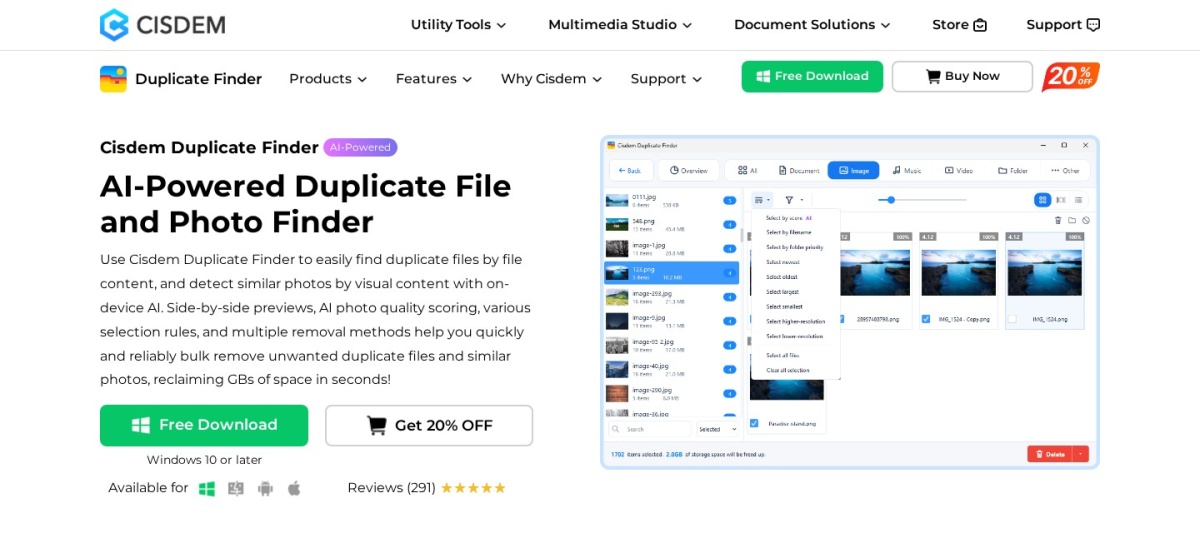
Cisdem Duplicate Finder homepage, captured Nov 2026.
Cisdem Duplicate Finder is an AI-powered duplicate finder for Windows, Mac, Android and iOS that compares file contents with hashing, so it finds copies even when the names differ. It also detects similar photos, scans iTunes and Photos libraries, external drives and cloud folders, and offers 8 selection rules for choosing which copy to keep.
The trade off is that there is no free plan, only a trial, and the built-in media player is not available on Windows. At $19.99 a year, with a $39.99 lifetime option, it suits most home users who want one finder for documents, photos and music.
What we like
Highest Trustpilot rating in this list, 4.9 out of 5
Finds similar photos as well as exact duplicates
Scans external drives, iTunes, Photos and cloud folders
8 selection rules speed up choosing what to delete
Watch out for
No free plan, only a trial
Built-in media player is missing on Windows
Lifetime licence costs twice the annual price
Lifetime licence adds free updates for $39.99 one-timeVisit cisdem.com
02
Duplicate Files Fixer
4.4/5on G2 (30 reviews, checked Nov 2026)
Starts at$39.95/yr
Best for cloud drives and mobile
PlatformsWindows, Mac, Android, iOS
Match methodContent, similar photos
Free planTrial, 15 deletes
Paid planAnnual, $39.95/yr
duplicatefilesfixer.com
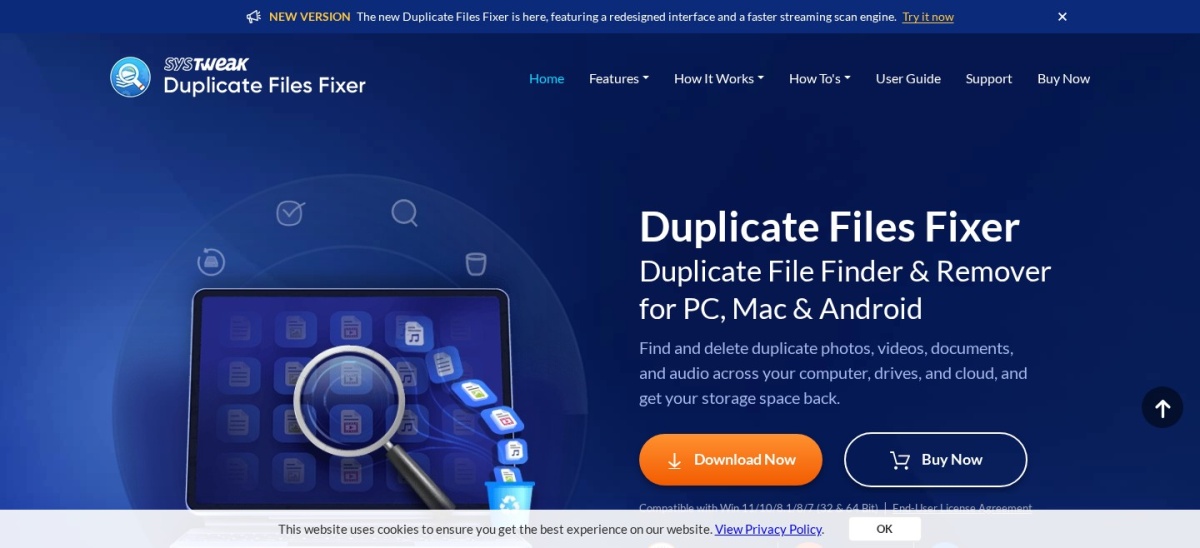
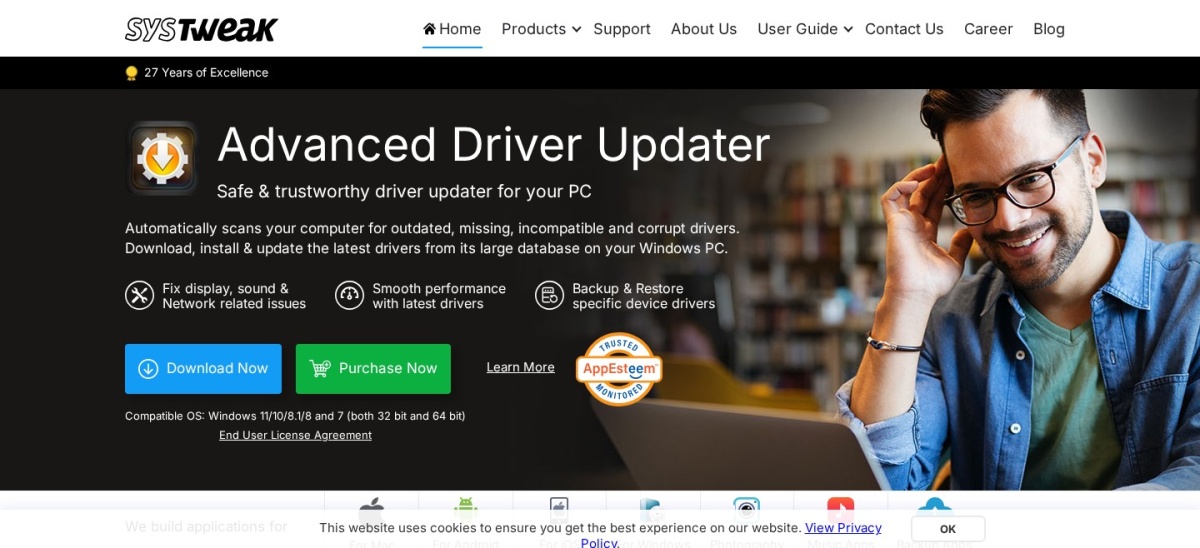
Duplicate Files Fixer homepage, captured Nov 2026.
Duplicate Files Fixer is a cross-platform duplicate finder from Systweak that scans Windows, Mac and Android, plus Google Drive and Dropbox. It finds identical and visually similar files across photos, videos, documents and audio, groups them for review, and includes a 60-day money-back guarantee.
The trade off is price and the trial. The free trial only deletes 15 duplicates, and $39.95 a year is double the cheapest picks here. It suits people whose duplicates live in cloud storage as well as on a computer.
What we like
Only pick here with a G2 listing, 4.4 out of 5
Scans Google Drive and Dropbox directly
Runs on Windows, Mac, Android and iOS
60-day money-back guarantee
Watch out for
Trial only deletes 15 duplicates
Costs twice as much as Cisdem or Wise
Music matching is exact-only, not audio fingerprinting
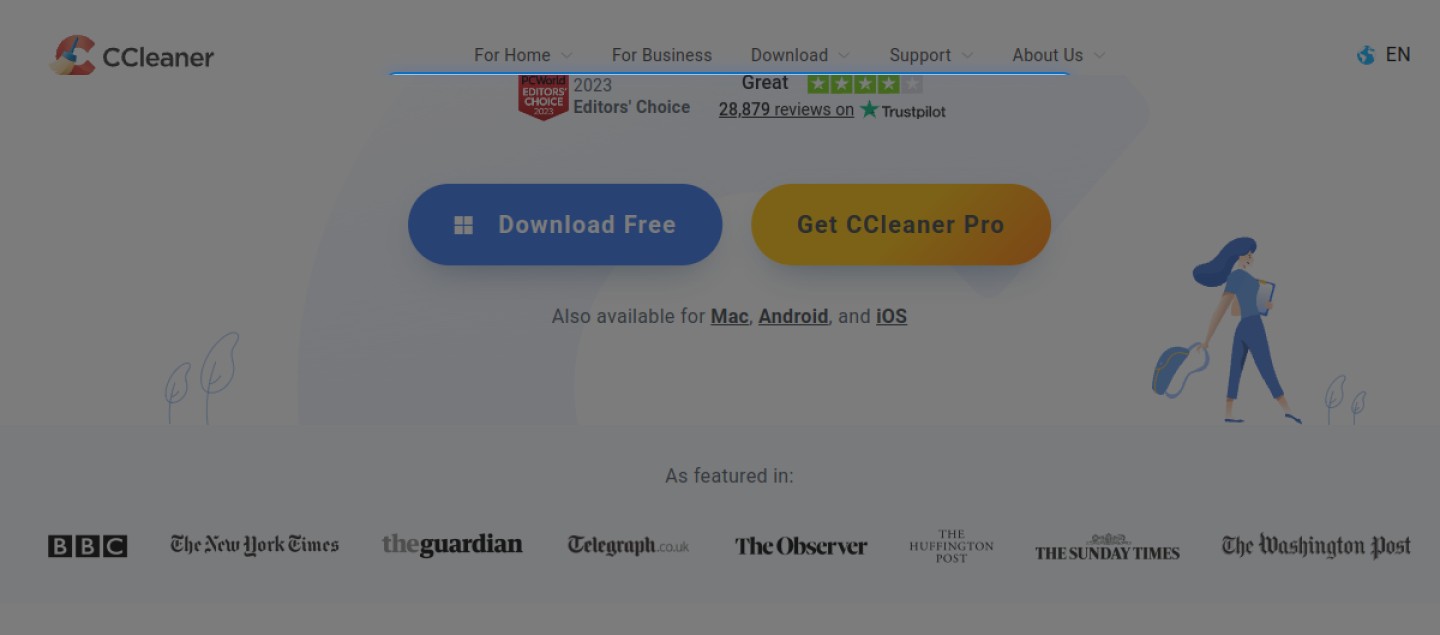
CCleaner is the best-known PC cleaner in this list, with a duplicate finder built into its free version alongside junk cleaning, browser cleanup and startup management. It matches duplicates by name, size and content, and it holds a 4.5 out of 5 rating on G2 from 626 reviews, the largest review base here.
The trade off is that duplicate finding is a side feature, not the main job, so it lacks similar-photo matching and cloud scans. Professional costs $44.95 a year at the regular price after a $29.95 first year. It suits people who already want a general PC cleaner.
What we like
Largest G2 review base in this list, 626 reviews
Duplicate finder included in the free version
Also cleans junk, browsers and startup items
Available on Windows, Mac and Android
Watch out for
No similar-photo or cloud-drive matching
Professional renews at $44.95 after a cheaper first year
4.3/5on Trustpilot (2,010 reviews, checked Nov 2026)
Paid from$29.95/yr
Best free Windows cleanup
PlatformsWindows only
Match methodMD5, byte-by-byte, EXIF/ID3
Free planYes, with manual selection
Paid planPro, $29.95/yr, 3 PCs
auslogics.com
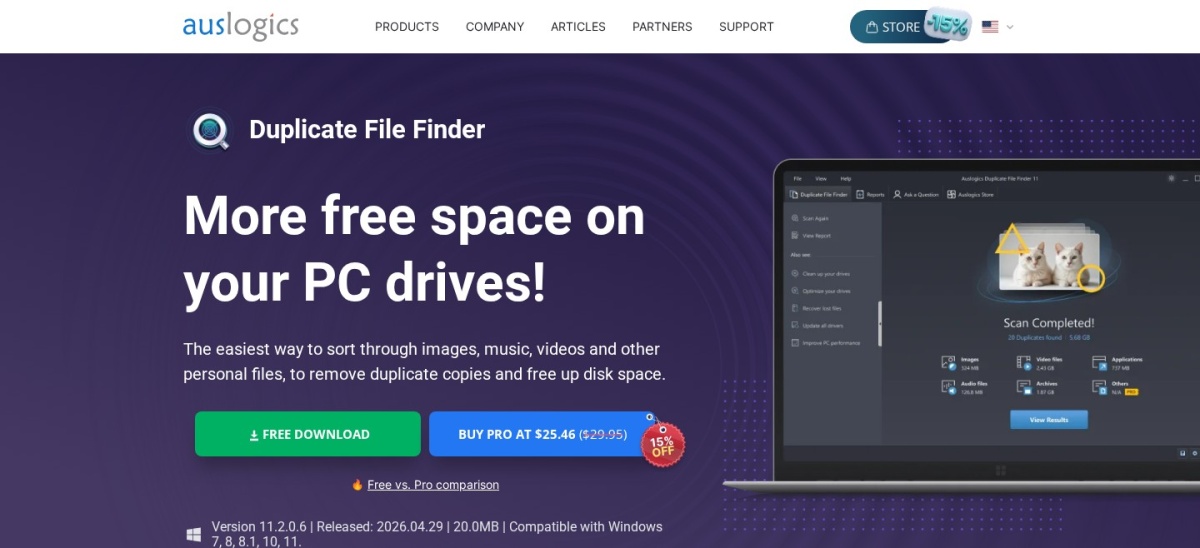
Auslogics Duplicate File Finder homepage, captured Nov 2026.
Auslogics Duplicate File Finder is a free Windows tool that finds duplicates by content using MD5 checks, with previews and a Rescue Center so deleted files can be restored. System folders are ignored by default, which makes it hard to delete anything critical by accident, and the vendor claims more than 50 million users across its products.
The trade off is scope. It runs on Windows only, does not scan network drives, and file-type filters plus EXIF and ID3 tag matching need the $29.95 a year Pro licence for 3 PCs. It suits Windows users who want a safe, no-cost cleanup.
What we like
Free version finds and deletes duplicates
Rescue Center restores deleted files
System folders are protected by default
Second-largest Trustpilot base here, 2,010 reviews
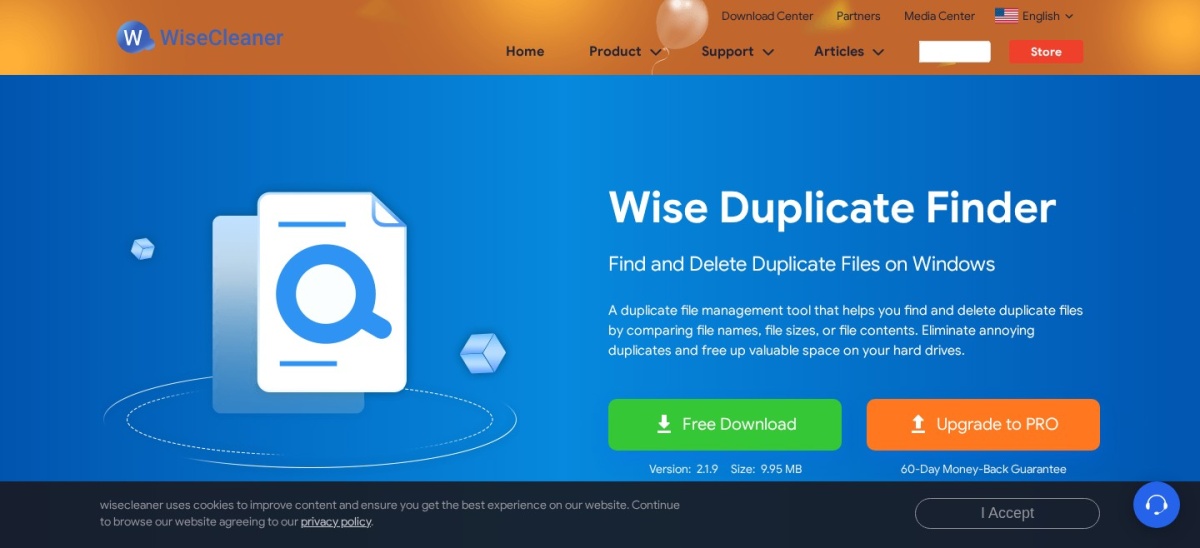
Wise Duplicate Finder homepage, captured Nov 2026.
Wise Duplicate Finder is a small, simple Windows program from WiseCleaner that finds duplicates by name, size and MD5 content, with previews and a Recycle Bin safety net. The free version handles manual cleanup, and Pro at $19.95 a year is the cheapest paid plan in this list.
The trade off is depth. Bulk deletion and auto-clean need Pro, there is no cloud storage support, and it runs on Windows only. It suits budget-conscious Windows users who want a light tool for occasional cleanups.
4.2/5on Trustpilot (3,500+ reviews, checked Nov 2026)
Starts at$23.40/yr
Best duplicate finder for Mac
PlatformsMac only
Match methodContent, similar files
Free planTrial scan only
Paid planAnnual, $23.40/yr, 1 Mac
macpaw.com
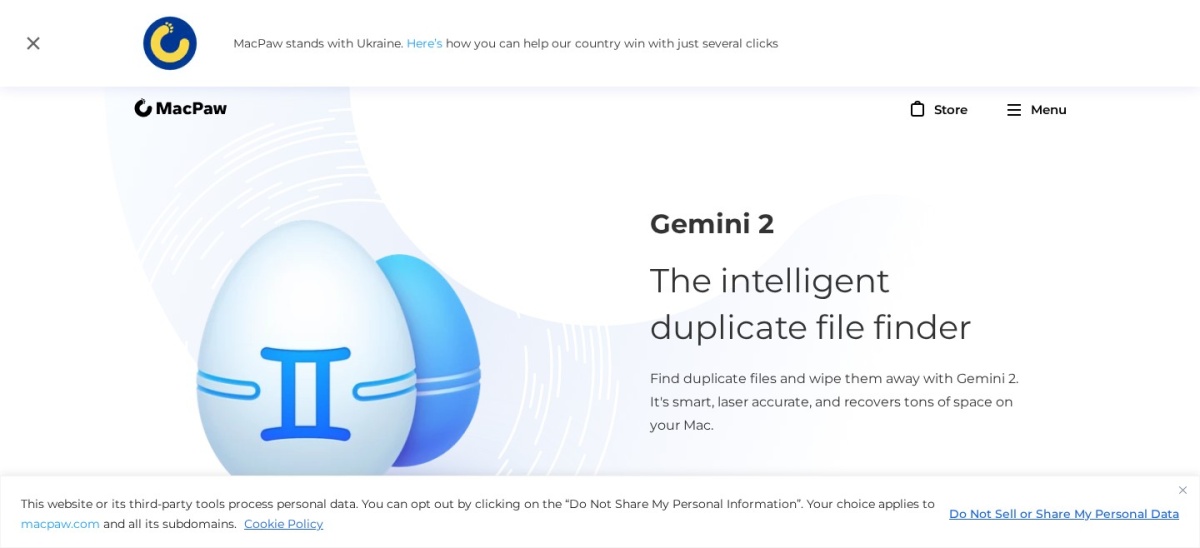
Gemini 2 homepage, captured Nov 2026.
Gemini 2 is MacPaw's duplicate finder for Mac, built around Smart Selection, which learns which copies you keep and which you delete. It scans the whole disk, Photos and Music libraries, external drives and network volumes, and finds both exact duplicates and similar files.
The trade off is that it only runs on Mac, and the trial only scans, so deleting needs a subscription starting at $23.40 a year for 1 Mac. It suits Mac owners who want the most polished duplicate cleanup on macOS.
What we like
Smart Selection learns your keep-or-delete choices
Scans Photos, Music, external and network drives
Finds similar files, not just exact copies
Cleanest interface of any Mac pick here
Watch out for
Mac only, no Windows version
Trial scans but does not delete for free
Subscription only, no one-time licence on the store page
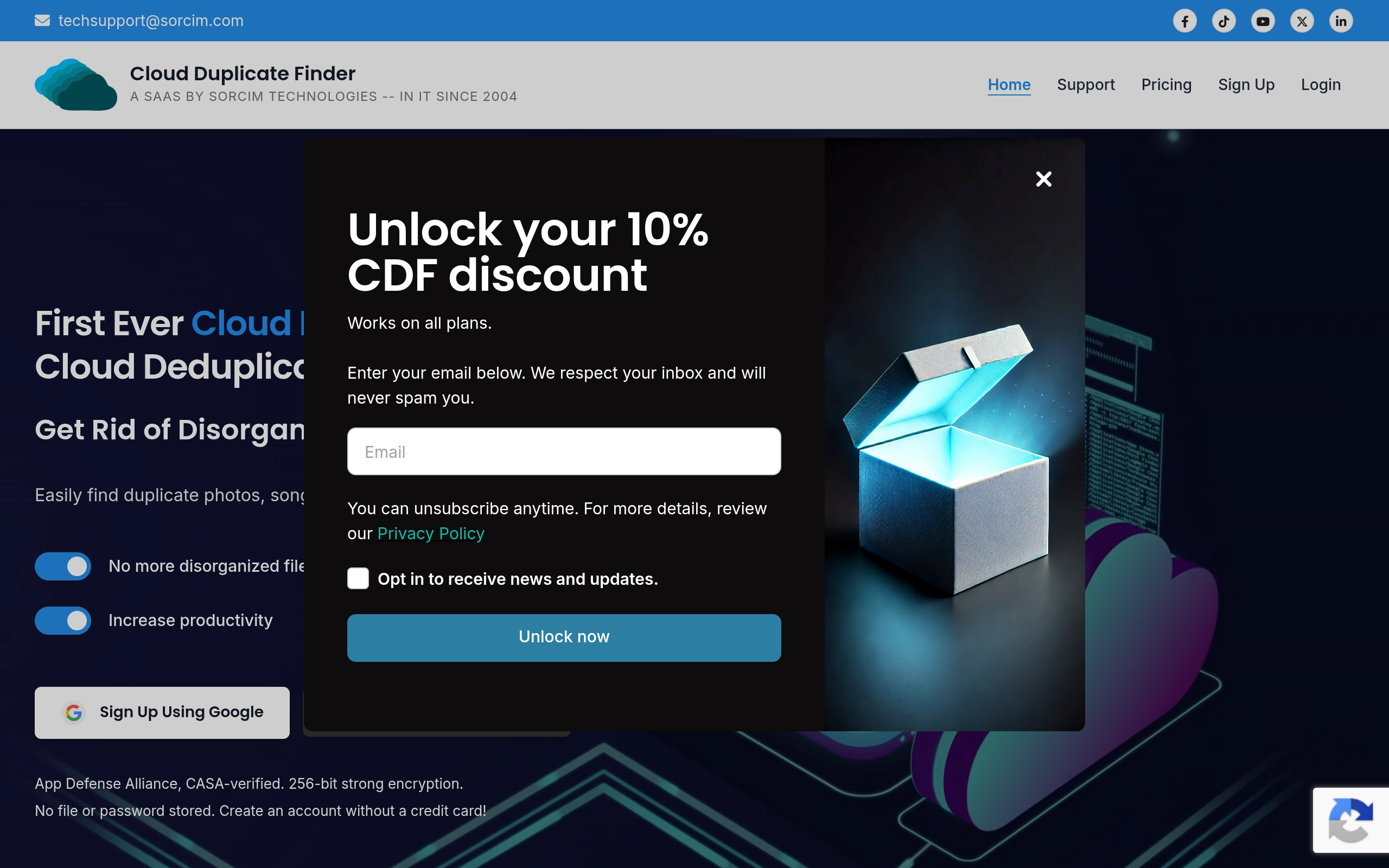
Cloud Duplicate Finder homepage, captured Nov 2026.
Cloud Duplicate Finder is a web-based tool that finds duplicates inside Google Drive, OneDrive, Dropbox, Amazon S3 and Box without downloading your files first. The annual plan covers 3 accounts per cloud with no data cap, and scanning itself is free, with payment needed to delete.
The trade off is price. At $69.97 a year it is the most expensive pick here, and it only handles cloud storage, not local drives. It suits people whose duplicates live in cloud accounts rather than on a computer.
What we like
Only web-based pick, nothing to install
Covers 5 cloud services including Drive and Dropbox
3.9/5on Trustpilot (280 reviews, checked Nov 2026)
Starts at$39.95/yr
Best for duplicate photos across devices
PlatformsWindows, Mac, Android, iOS
Match methodSimilar photos, content
Free planTrial, 15 photos
Paid planAnnual, $39.95/yr, 1 PC
systweak.com
Duplicate Photos Fixer Pro homepage, captured Nov 2026.
Duplicate Photos Fixer Pro is Systweak's photo-only duplicate finder, with desktop versions for Windows and Mac and apps for Android and iOS. It detects identical and similar photos, groups them for review, and lets you compare shots side by side before deleting.
The trade off is that the trial only removes 15 photos, and the $39.95 a year Windows licence is pricey for a photo-only tool. It suits people whose duplicate problem is mostly photos spread across a computer and a phone.
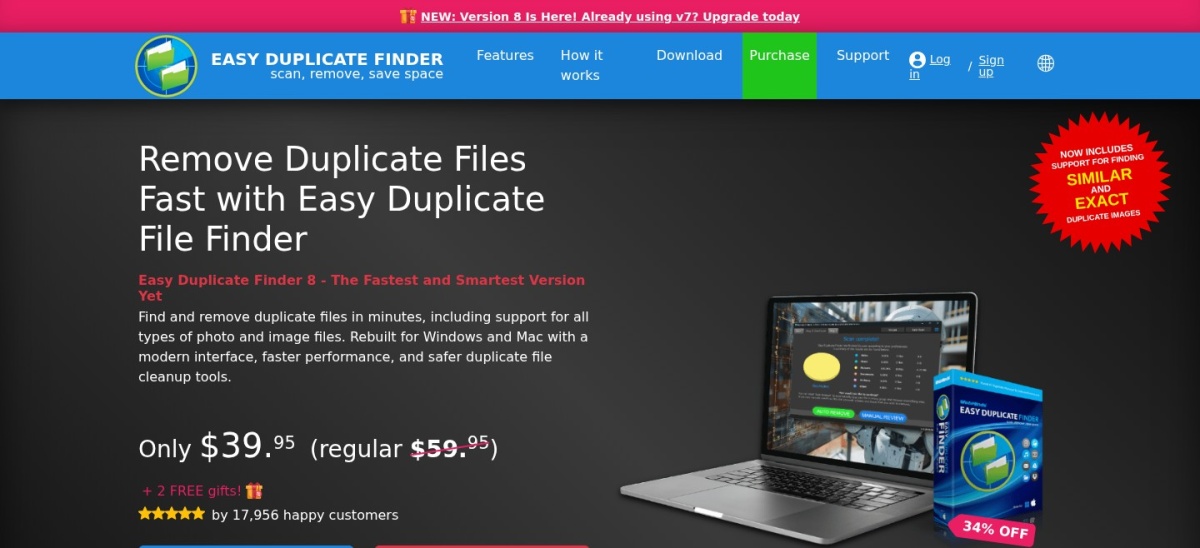
Easy Duplicate Finder homepage, captured Nov 2026.
Easy Duplicate Finder is a wizard-led duplicate finder for Windows and Mac that scans local drives, mapped network drives and cloud storage including Google Drive, OneDrive and Dropbox. It offers more than 10 scan modes, including music audio fingerprinting and email duplicate scans, plus an undo option for mistakes.
The trade off is trust. It holds a 1.8 out of 5 rating on Trustpilot from 16 reviews, and buyers report checkout add-ons pushing a $39.95 order toward $70. It suits beginners who want a guided wizard and cloud scans, if they check every box at checkout.
Free plans cover basic cleanup well. Auslogics and Wise Duplicate Finder both let you find and delete duplicates without paying, which is enough for a one-off tidy-up.
Paid plans mostly add automation and reach. You get auto-selection, bulk deletion, cloud-drive scans and similar-photo matching.
If your duplicates live in cloud storage, no free desktop tool in this list will reach them. Cloud Duplicate Finder is the only pick built for that job.
For a single cleanup, start free. Pay only if you clean up often or need photo similarity matching.
How we chose
We started from the duplicate finders that appear most often in buyer discussions on G2, Capterra and Trustpilot, then kept those with a verifiable rating on one of those three sources.
Prices come from each vendor's own pages and listings, checked on 25 November 2026. Ratings and review counts come from G2 or Trustpilot on the same day. Where a vendor shows a sale, the list shows the regular price.
We left out tools with no verifiable G2, Capterra or Trustpilot rating, including dupeGuru, AllDup and Czkawka. No vendor paid for a place, and we do not claim hands-on testing for this list.
How to choose a duplicate file finder
Start with where your duplicates live, then match the tool to that location.
Check where the duplicates are. Local drives need a desktop scanner, while Google Drive or Dropbox duplicates need a cloud tool like Cloud Duplicate Finder.
Pick your matching method. Hash matching finds exact copies. Similar-photo matching is needed for resized or edited images in a photo library.
Test the free scan first. Run a scan and preview the groups before paying. Make sure the tool finds the duplicates you already know about.
Delete in small batches. Remove a few groups, check the results, then continue. Keep backups of anything you cannot replace.
FAQ
What is the best duplicate file finder software?
Cisdem Duplicate Finder is the best pick for most people. It finds exact and similar files on Windows and Mac for $19.99 a year, and it holds a 4.9 out of 5 Trustpilot rating from 306 reviews, the highest in this list.
Is there a really free duplicate file finder?
Yes. Auslogics Duplicate File Finder and Wise Duplicate Finder both have free versions that find and delete duplicates without paying. Auslogics adds a Rescue Center for restoring mistakes, while Wise keeps things simpler and lighter.
Can a duplicate finder delete the wrong files?
It can if auto-selection picks the wrong copy, which is why every tool here lets you preview groups first. Delete in small batches, send files to the Recycle Bin or Trash, and keep a backup of anything you cannot replace.
Do duplicate finders work on cloud storage?
Most desktop finders do not scan cloud storage directly. Cloud Duplicate Finder is built for Google Drive, OneDrive, Dropbox, Amazon S3 and Box, while Duplicate Files Fixer and Easy Duplicate Finder also cover some cloud drives.
What is the cheapest paid duplicate finder?
Wise Duplicate Finder Pro is the cheapest paid plan here at $19.95 a year for 1 PC. Cisdem Duplicate Finder costs $19.99 a year and covers more platforms, while Gemini 2 costs $23.40 a year for 1 Mac.
Is CCleaner a good duplicate file finder?
CCleaner works well if you also want a general PC cleaner, since its duplicate finder is included in the free version. It lacks similar-photo matching and cloud scans, so dedicated tools like Cisdem find more duplicates in photo libraries.
SaaS SEO and WordPress specialist with about 8 years of experience. Rakib compares WordPress plugins, themes, hosting and software using public pricing, documentation and user reviews. See how we rank.