DaVinci Resolve is the best video editing software for drone footage, with a free version that handles 4K, pro colour grading and no watermark. Adobe Premiere Pro is the industry standard for client work, while Final Cut Pro is the fastest option on a Mac.
How we make this list: we compare pricing pages, product documentation and public user reviews, then re-check every price before each update. No product paid for a place. Disclosure.
DaVinci Resolve is the best free editor for drone footage, rated 4.7 out of 5 on G2, with Studio at 295 dollars once.
Adobe Premiere Pro is the industry standard, rated 4.5 out of 5 on G2, at 22.99 dollars a month.
Final Cut Pro costs 299.99 dollars once and is the fastest drone editor on a Mac.
Filmora costs 61.99 dollars a year and is the easiest editor in this list for beginners.
iMovie is free on every Mac and iPhone, with 4K support and built-in stabilisation.
What to look for in drone video editing software
Drone video looks easy until you sit down to edit it. Long clips, windy wobble, flat colours and 4K H.265 files make it one of the harder kinds of footage to cut well.
The right editor depends on where the video will live. A cinematic YouTube film needs colour grading and a pro timeline; a 30 second Reel needs templates, captions and a fast export.
Free editors have closed much of the gap with paid ones in 2026. DaVinci Resolve's free version handles 4K with pro colour tools, and iMovie covers simple edits on a Mac at no cost.
Prices run from free to 22.99 dollars a month, and the licensing models split three ways: subscriptions, one-time purchases and free versions with paid upgrades.
DaVinci Resolve is a Hollywood-grade editor whose free version does 95 percent of what drone editors need, including full 4K support, pro colour grading and no watermark. Studio costs 295 dollars once and adds noise reduction, stereoscopic tools and 8K support.
The trade off is the learning curve. Resolve packs editing, colour, audio and effects into one app, so beginners face a steeper climb than Filmora or iMovie. It runs on Windows, macOS and Linux, and it handles H.265 drone footage better than most paid rivals.
Adobe Premiere Pro is the industry standard for professional video editing, and every drone LUT pack, transition preset and tutorial on YouTube targets it. It costs 22.99 dollars a month, or 275.88 dollars a year, and it pairs with After Effects, Photoshop and Audition.
The trade off is the subscription and the hardware demands. Premiere is the most expensive tool here over two years, and it needs a strong PC for smooth 4K H.265 timelines. It suits editors doing client work who need the Adobe ecosystem.
What we like
Industry standard with the largest tutorial library
Pairs with After Effects, Photoshop and Audition
Best plugin and preset ecosystem for drone footage
Final Cut Pro is the Mac pick for drone editors, optimised for Apple Silicon so 4K H.265 timelines scrub and render with remarkable smoothness. It costs 299.99 dollars once, with a 90 day free trial, and its magnetic timeline suits the assembly style of drone editing.
The trade off is the platform lock-in. Final Cut runs only on Mac and iPad, so Windows editors cannot use it, and its plugin ecosystem is smaller than Premiere's. Buy it if you edit on a Mac and want speed without a subscription.
Wondershare Filmora is the training-wheels editor for drone footage, with drag-and-drop simplicity, AI scene detection, auto reframe and sky replacement. It costs 61.99 dollars a year, or 89.99 dollars once for a perpetual licence, and the free trial watermarks exports.
The trade off is depth. Filmora cannot match Resolve or Premiere for colour grading or complex timelines, and its annual price has risen from 49.99 dollars in older reads. It suits beginners and social creators who want good-looking drone edits fast.
What we like
Easiest editor in this list for beginners
AI tools: auto reframe, beat sync, captions
Sky replacement suits drone footage well
Runs on Windows, macOS and mobile
Watch out for
Cannot match Resolve or Premiere for colour grading
Free trial watermarks exports
Annual price has risen from 49.99 dollars in older reads
CyberLink PowerDirector homepage, captured Nov 2026.
CyberLink PowerDirector is a fast consumer editor for drone footage, with hardware-accelerated rendering, 360 degree editing and AI tools like sky replacement and motion tracking. It costs 54.99 dollars a year, and it runs on Windows and Mac.
The trade off is the small review base and the price confusion. Its G2 rating of 4.4 rests on only 42 reviews, and published prices range from 51.96 to 74.99 dollars a year. It suits Windows editors who want speed and effects without a pro learning curve.
What we like
Fast hardware-accelerated rendering
360 degree and VR editing built in
AI sky replacement and motion tracking
Good effects library for the price
Watch out for
G2 rating rests on only 42 reviews
Published prices range from 51.96 to 74.99 dollars a year
Less depth than Resolve or Premiere for colour work
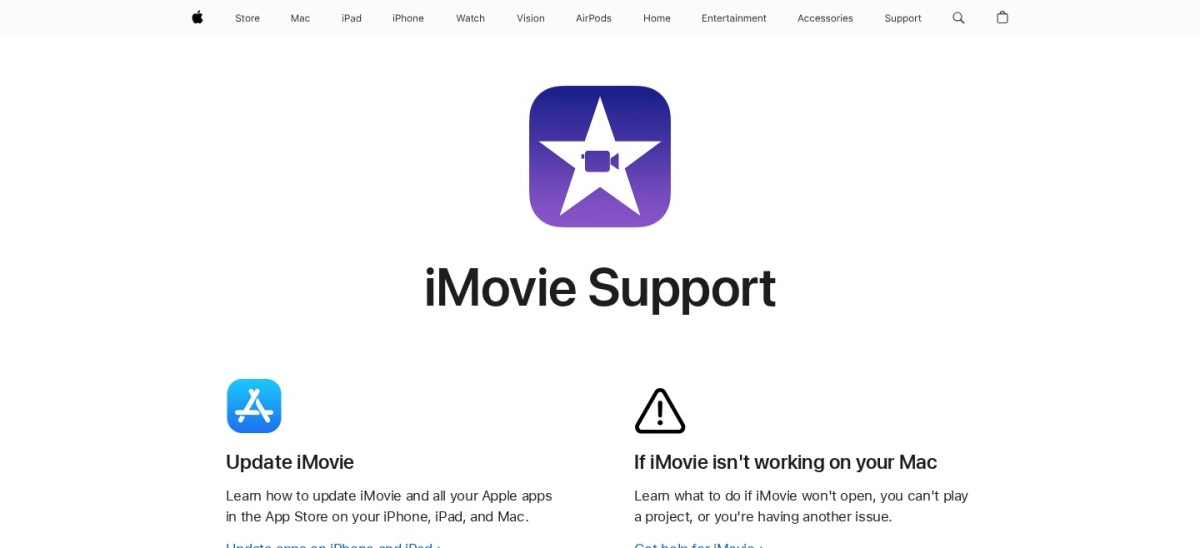
iMovie is the free editor included with every Mac, iPhone and iPad, and it is the easiest on-ramp for a first drone edit. It supports 4K, storyboards, one-click enhance and built-in stabilisation, all at no cost and with no watermark.
The trade off is the ceiling. iMovie has no motion tracking or multi-cam editing, and it caps at two video tracks, so ambitious projects outgrow it fast. It suits beginners on Apple devices who want simple travel videos from drone footage.
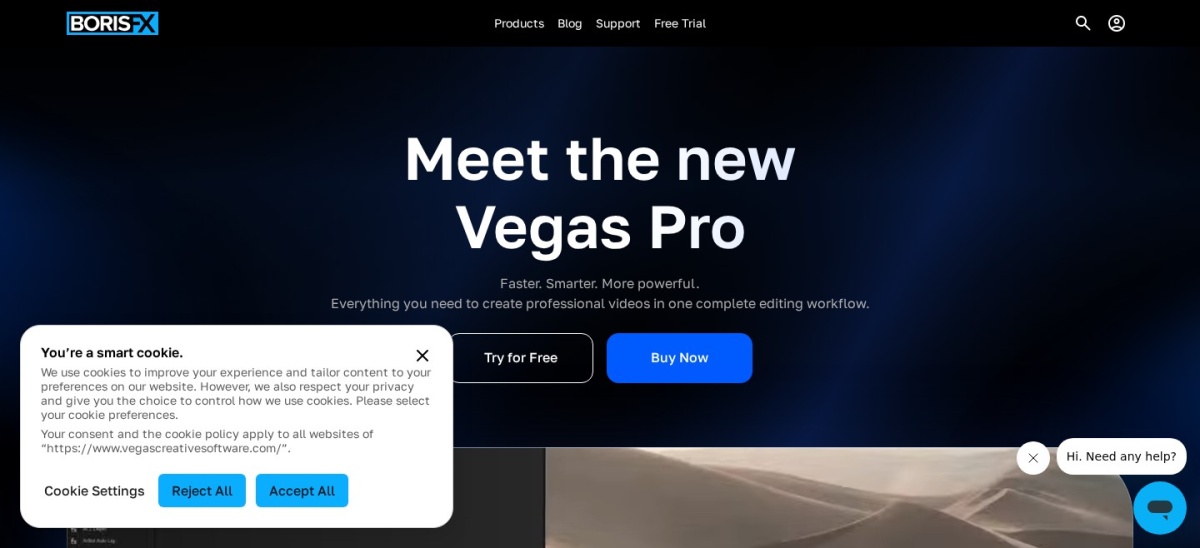
VEGAS Pro is a Windows-only editor with deep multi-track editing, VR and 360 degree support, and a long history in professional post-production. It costs 249 dollars once, and it handles high-bitrate drone footage with hardware acceleration.
The trade off is the platform and the price. VEGAS runs only on Windows, and 249 dollars once is the second most expensive one-time purchase here after Final Cut. It suits Windows professionals who want a perpetual licence and deep timeline control.
Drone footage is demanding in ways phone video is not. 4K resolution, high bitrates, H.265 compression and wide-angle distortion all tax the editor, and windy wobble needs stabilisation.
Colour is the second challenge. Drone cameras shoot flat profiles to preserve detail, so footage looks grey until it is graded. An editor with good colour tools, like DaVinci Resolve, earns its place here.
The third challenge is the workflow. Drone clips are long and mostly unusable, so an editor that scrubs smoothly, marks the good takes and assembles them fast matters more than fancy effects.
How we chose
We started from the video editors most often recommended for drone footage in 2026, then kept those with a verifiable rating on G2 or Capterra and a current version.
Prices come from vendor pricing pages and recent reads of them, checked in October and November 2026. Resolve Studio is 295 dollars once, Premiere Pro is 22.99 dollars a month, Final Cut Pro is 299.99 dollars once, and Filmora is 61.99 dollars a year.
We left out CapCut, whose ratings are mixed across review sites, and Shotcut and LumaFusion, whose G2 ratings have no published review counts. Lightworks and Clipchamp were also considered but did not make the final list.
How to choose drone video editing software
Pick for the platform and the destination: pro colour work suits DaVinci Resolve, client work suits Premiere Pro, Mac speed suits Final Cut Pro, and social clips suit Filmora.
Shoot flat and stabilised. Record in a flat colour profile and use the drone's gimbal and the editor's stabilisation to remove wobble.
Pick an editor that handles H.265 smoothly. Test 4K playback on your machine before committing, or use proxy editing on older hardware.
Grade before you cut. Apply a LUT and basic colour correction first, so you judge shots by how they will look finished.
Export for the platform. Use 4K for YouTube and 1080p vertical for Reels and Shorts, with captions for silent viewing.
FAQ
What is the best video editing software for drone footage?
DaVinci Resolve is the best video editing software for drone footage, with a free version that handles 4K, pro colour grading and no watermark. Adobe Premiere Pro is the industry standard for client work, while Final Cut Pro is the fastest option on a Mac.
Is there a free drone video editor?
DaVinci Resolve is the best free editor for drone footage, with full 4K support and no watermark. iMovie is free on every Mac and iPhone, and Shotcut is free and open source, though its G2 rating has no published review count.
What about CapCut for drone videos?
CapCut is the best free option for quick social edits from drone footage, with templates, auto-captions and direct publishing. Its ratings are mixed, with 4.6 on Capterra but 2.1 on Trustpilot, so we did not list it here.
Premiere Pro or DaVinci Resolve, which is better for drones?
Choose DaVinci Resolve if you want the best free editor and the best colour tools, and Premiere Pro if you work with clients and need the Adobe ecosystem. Resolve's Studio licence costs 295 dollars once, while Premiere costs 22.99 dollars a month.
What is the best drone video editor for Mac?
Final Cut Pro is the best drone video editor for Mac, at 299.99 dollars once, with the fastest 4K rendering on Apple Silicon. iMovie is free and the easiest start, while DaVinci Resolve and Premiere Pro also run well on Mac.
What hardware do I need to edit drone video?
Drone footage is demanding: 4K resolution, high bitrates and H.265 compression need a strong CPU, a dedicated GPU and fast storage. A Mac with Apple Silicon or a Windows PC with an NVIDIA GPU handles 4K timelines smoothly; older machines should use proxy editing.
SaaS SEO and WordPress specialist with about 8 years of experience. Rakib compares WordPress plugins, themes, hosting and software using public pricing, documentation and user reviews. See how we rank.