DeepL is the best document translation software for most businesses, with the most natural output for European languages from under $9 a month. Smartcat suits teams that mix AI with human linguists, while POEditor is the cheapest way to localise software strings.
How we make this list: we compare pricing pages, product documentation and public user reviews, then re-check every price before each update. No product paid for a place. Disclosure.
DeepL gives the most natural machine translation for European languages, rated 4.6 out of 5 on G2.
Smartcat combines AI translation with a marketplace of human linguists from $1,200 a year.
Phrase covers both software strings and long documents in one suite, from $27 a month.
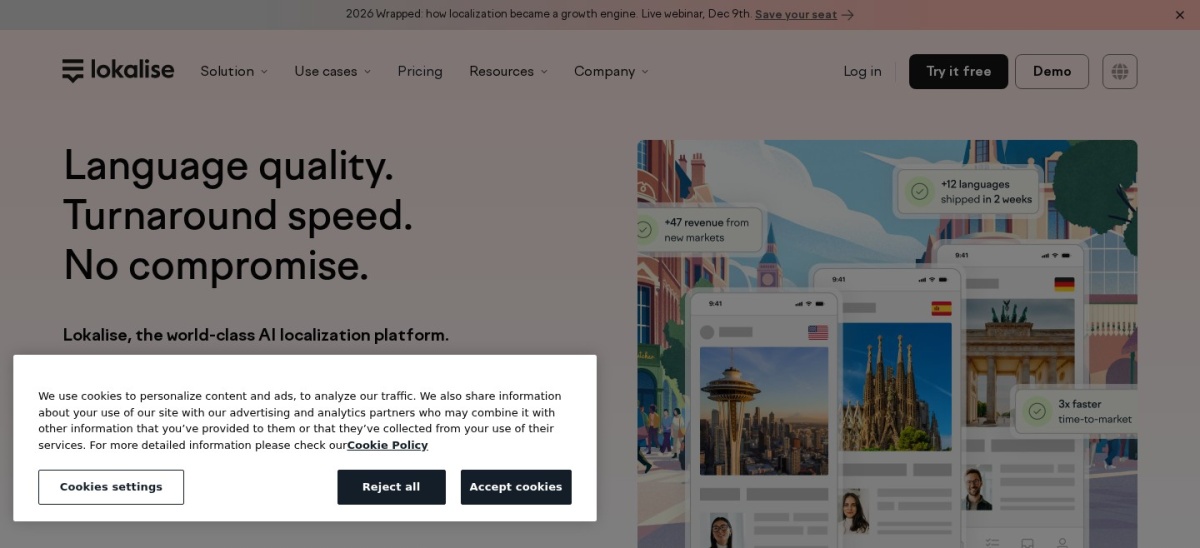
Lokalise is the top-rated tool in this list at 4.7 out of 5 from 794 G2 reviews.
Translation memory is the biggest cost saver: it reuses past translations and keeps wording consistent.
What to look for in document translation software
Document translation is not one job. Some teams translate contracts and reports, others localise software strings, help centres and marketing pages, and each job needs a different kind of tool.
Machine translation quality decides the result for most documents. DeepL leads for European languages, while other engines handle Asian languages and low-resource pairs better, so check your own language pairs before you buy.
Translation memory is the feature that pays for itself. It reuses sentences you have already translated, so costs fall over time and wording stays consistent across every document.
If your documents are long and formal, a CAT tool with a human review step beats a raw machine translation. Our guide to AI translation tools covers the machine-only options in more depth.
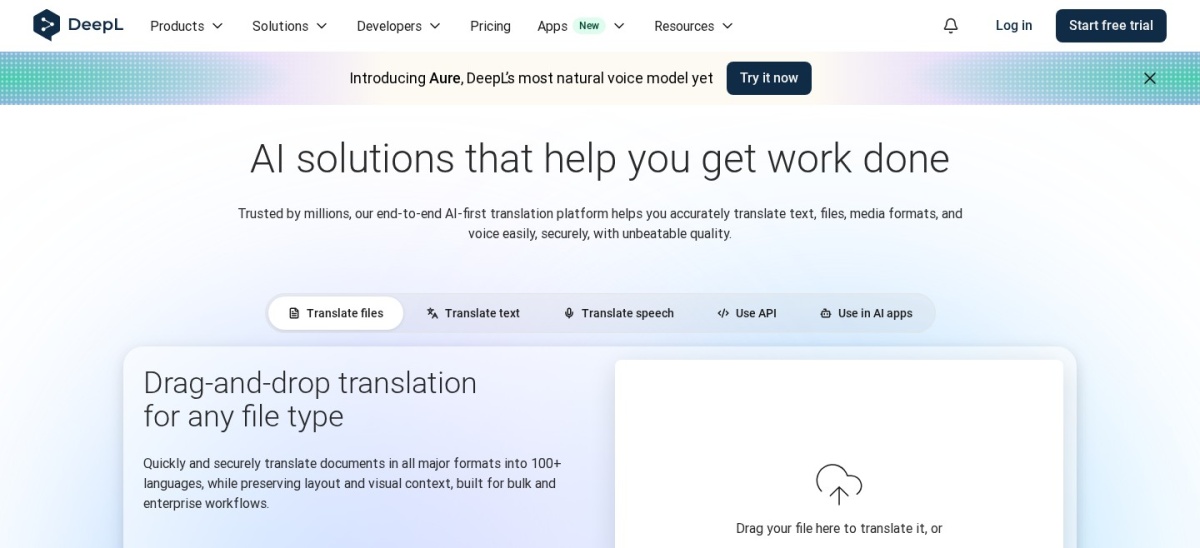
DeepL is a neural machine translation service from Germany, and its output reads more naturally than most rivals for European languages. The free plan covers limited text, and Starter costs $8.74 a user a month billed annually with unlimited text, 5 document translations a month, glossaries and DeepL Write.
The trade off is scope. DeepL covers fewer languages than Google Translate, document translation sits behind the paid plans, and the API is a separate product. It suits businesses whose documents go to clients in European languages.
What we like
Most natural output for European languages
Keeps Word, PDF and PowerPoint formatting
Glossaries keep brand terms consistent
Watch out for
Fewer languages than Google Translate
Document translation needs a paid plan
API access is a separate product
Advanced adds more documents at $28.74 a user a monthVisit deepl.com
02
Smartcat
4.6/5on G2 (183 reviews, checked Nov 2026)
Paid from$1,200/yr
Best all-in-one translation platform
Free planYes, for freelancers
Cheapest paidAdapt, $1,200/yr
Smartwords100,000 a year on Adapt
Workspaces1 on Adapt
smartcat.com
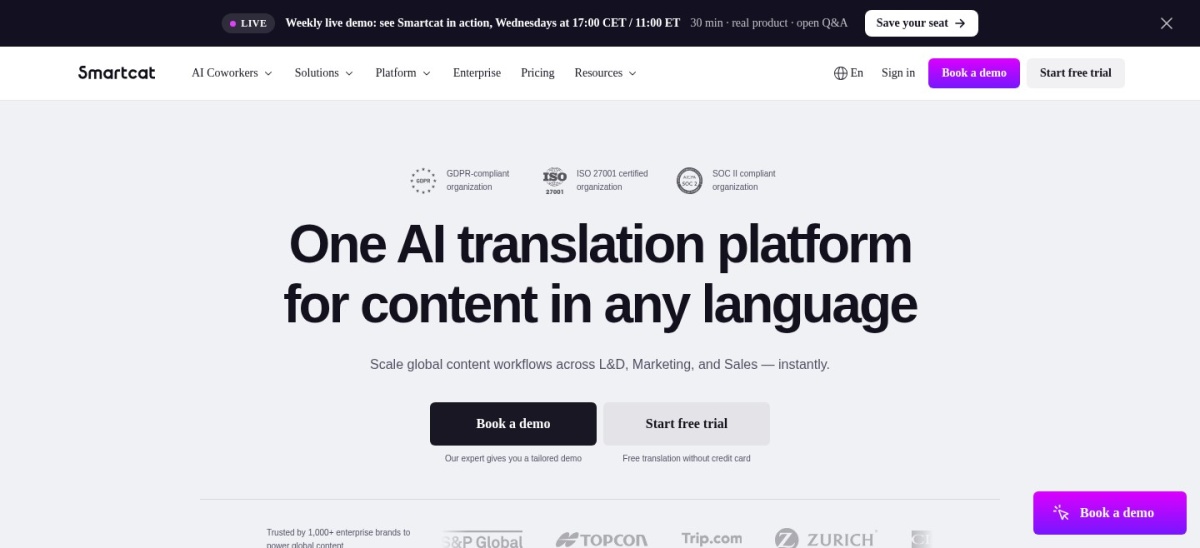
Smartcat homepage, captured Nov 2026.
Smartcat is an AI-first translation platform that pairs machine translation with a marketplace of human linguists. Its free tier for freelancers covers core CAT tools, translation memory and marketplace access, and the Adapt plan costs $1,200 a year with 100,000 Smartwords, unlimited users and one workspace.
The trade off is the jump to paid. Higher plans are custom-priced, and some reviewers report slow support and payment problems on the linguist marketplace. It suits teams that want AI and human translation in one place.
What we like
AI plus human linguists in one platform
Free tier for freelancers with CAT tools
Unlimited users on the Adapt plan
Watch out for
Paid plans jump steeply from the free tier
Marketplace payment and support complaints on Trustpilot
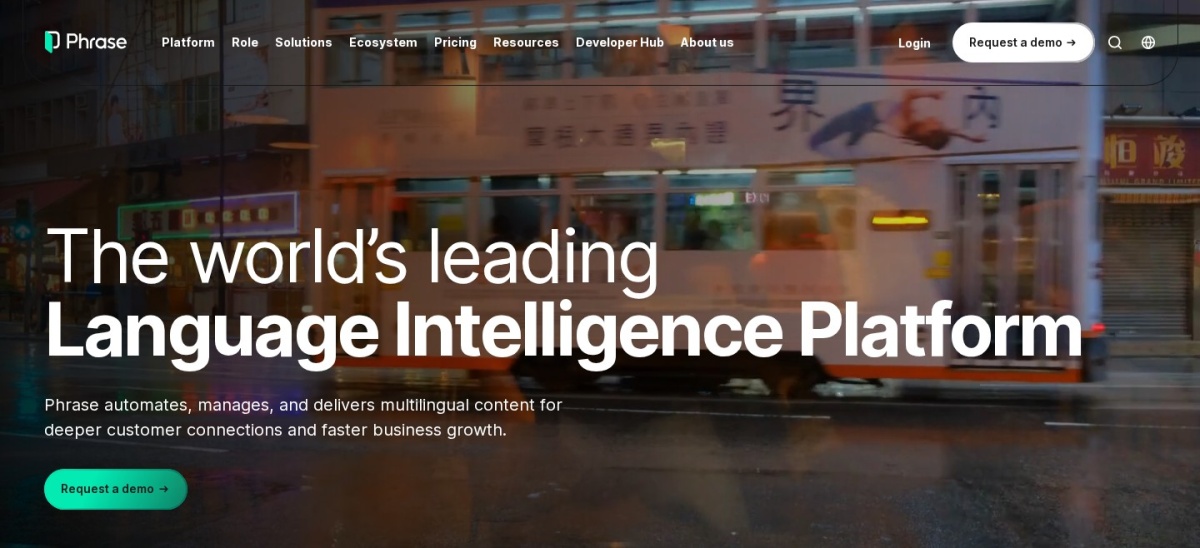
Phrase is the combined platform of Memsource and Phrase Strings, covering both software strings and long documents. The Freelancer plan costs $27 a month with one TMS seat, translation memories, term bases, quality checks and basic integrations with GitHub, GitLab and Bitbucket.
The trade off is price for teams. Real app work starts at the Professional plan at $525 a month, and the Freelancer plan has no Strings seats at all. It suits enterprises that localise both an app and its help centre, marketing site and legal documents.
Lokalise is a translation management platform built for software and app teams, with Git, Figma and API integrations. Its free plan covers 2 languages and small projects, and Explorer costs $149 a month with unlimited hosted words, 24/7 support, document localisation and task management.
The trade off is cost at scale. Growth costs $379 a month and Advanced $1,049, and reviewers note the price has risen as billing moved to per-word pricing. It suits product teams that ship in many languages every week.
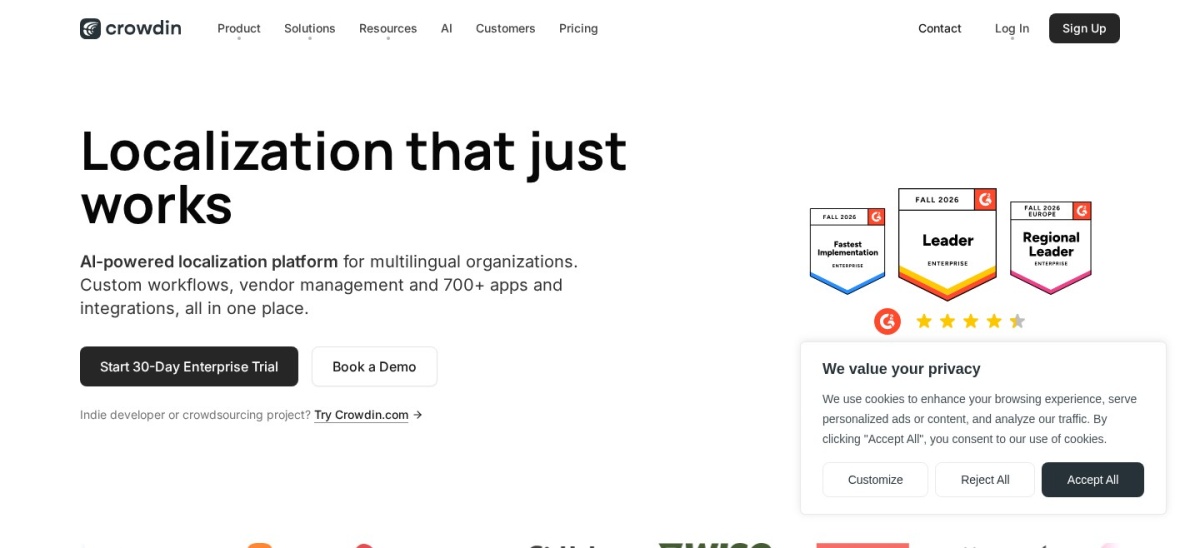
Crowdin is a localisation platform for software, games and digital content, with a large community of volunteer translators. Its free plan covers 60,000 hosted words and one private project, and Pro costs $75 a month with 2 private projects, 2 integrations and content delivery.
The trade off is that paid plans are steep for small teams. Pro rose from $50 to $75 a month in November 2026, and Team costs $450 a month. It suits software teams and open-source projects with many languages and contributors.
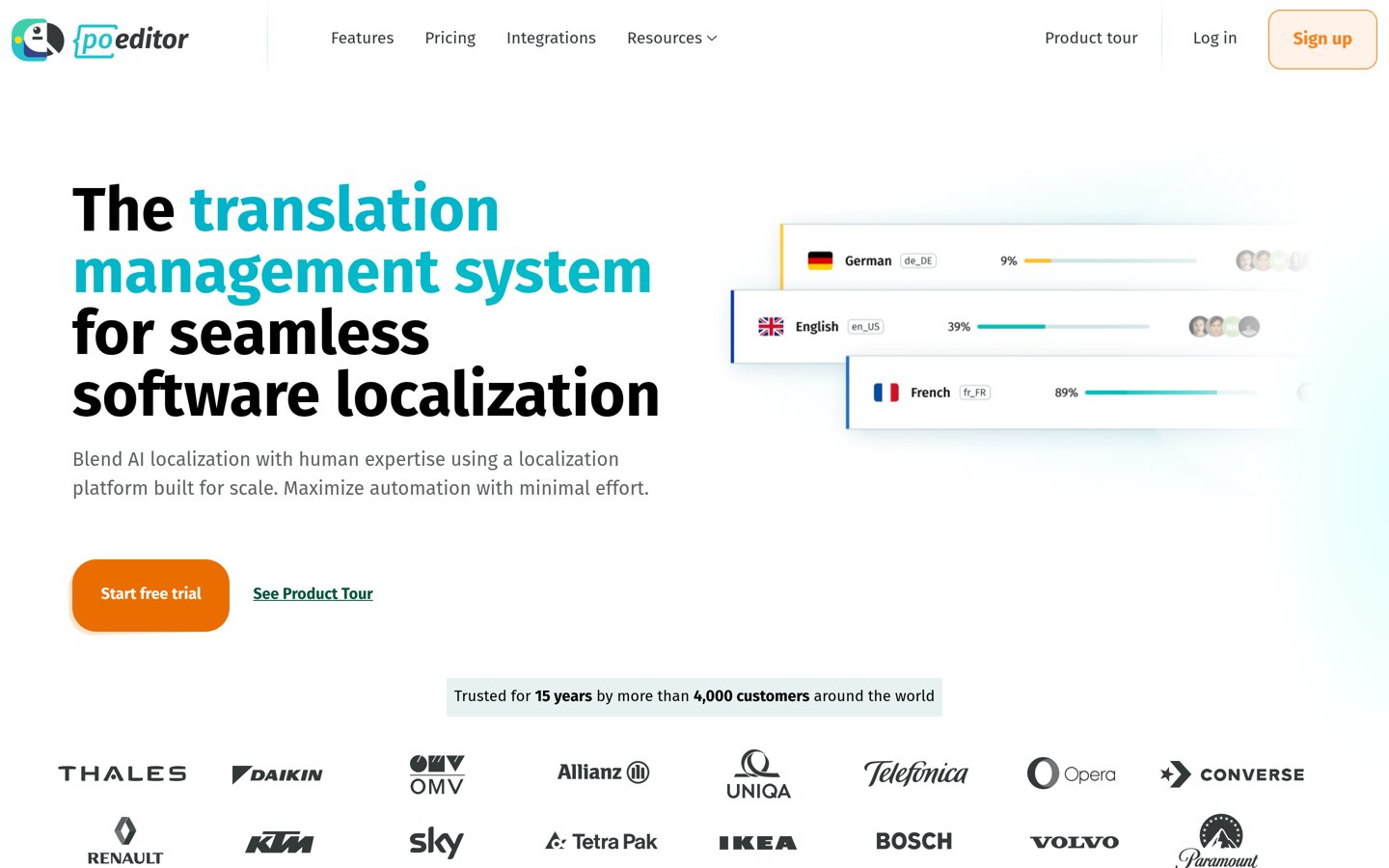
POEditor is a simple localisation platform for software strings, with a clean editor and strong API integrations. Its free plan covers small projects, and Start costs $20 a month with more projects, translation memory, quality checks and GitHub integration.
The trade off is depth. POEditor is lighter than Lokalise or Phrase, with fewer workflow and automation features, and its review base is small at 93 G2 reviews. It suits small teams and startups that need cheap, simple string translation.
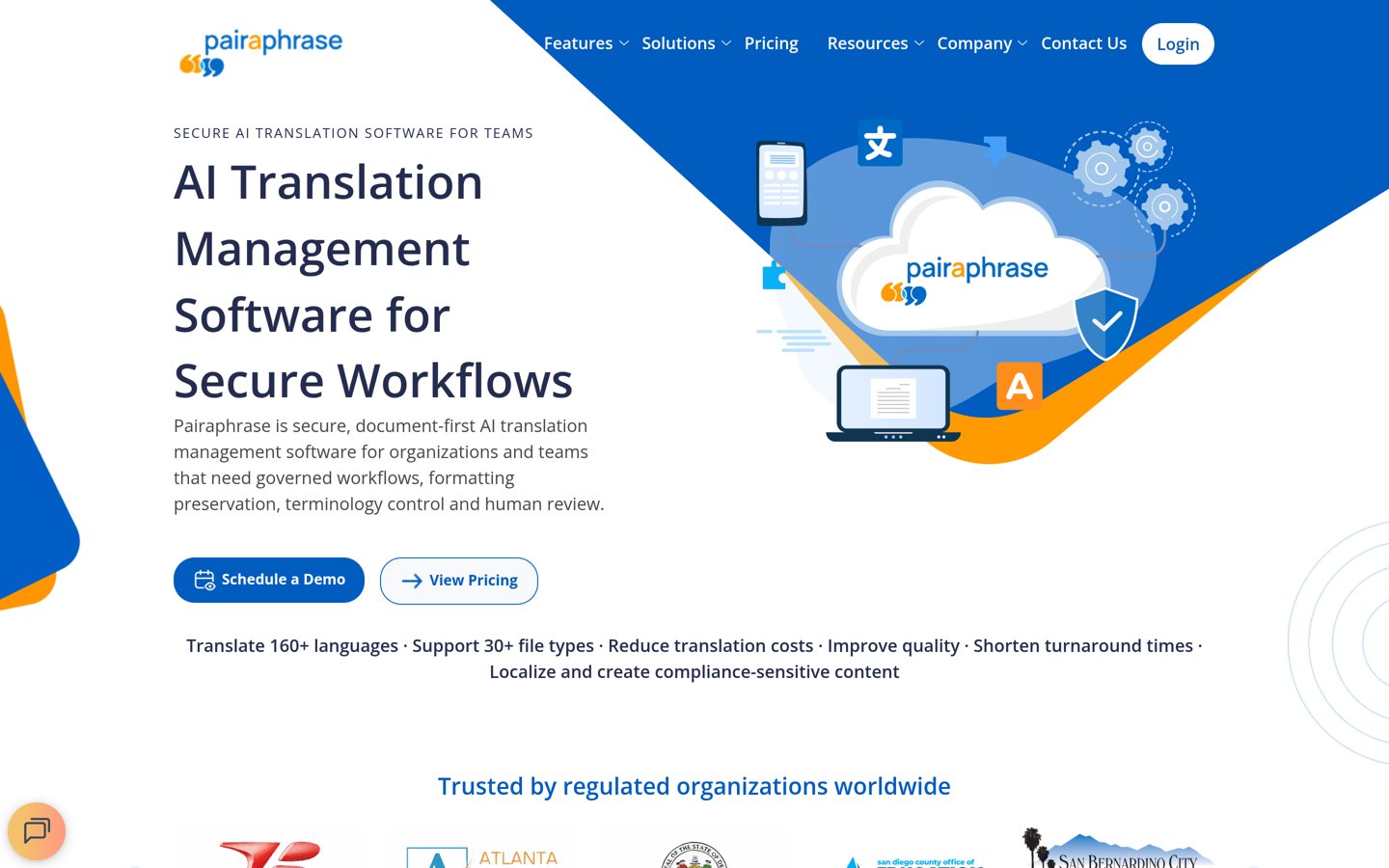
Pairaphrase is a document translation platform built for regulated industries such as healthcare, legal and education. Bronze costs $3,420 a year for 600,000 words, with translation memory, terminology, collaboration and support for 25 file types including PDFs and scanned documents.
The trade off is the entry price. Bronze is the most expensive starting point in this list, and there is no free plan beyond a trial. It suits teams that translate sensitive documents and need HIPAA compliance and audit logs.
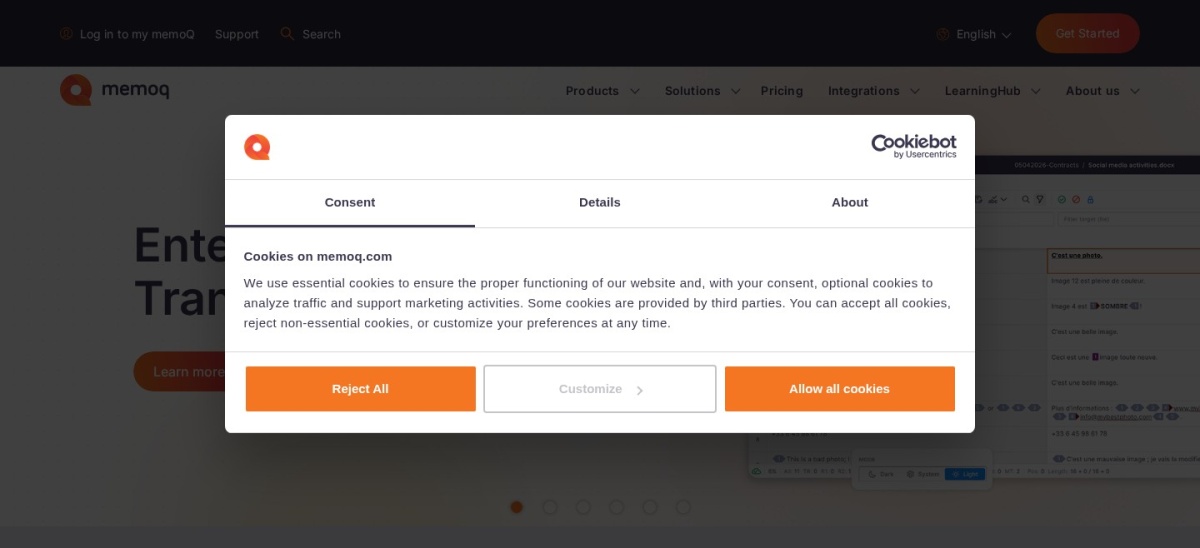
memoQ is an industry-standard CAT tool used by translation agencies and freelance professionals. Starter costs $252.08 a month on the annual plan and includes one project manager licence and five linguist subscriptions, with translation memory, terminology and quality checks.
The trade off is cost for solo translators. Starter is expensive for part-time use, and machine translation plugins and QTerm cost extra. It suits agencies and full-time translators who live in the tool every day.
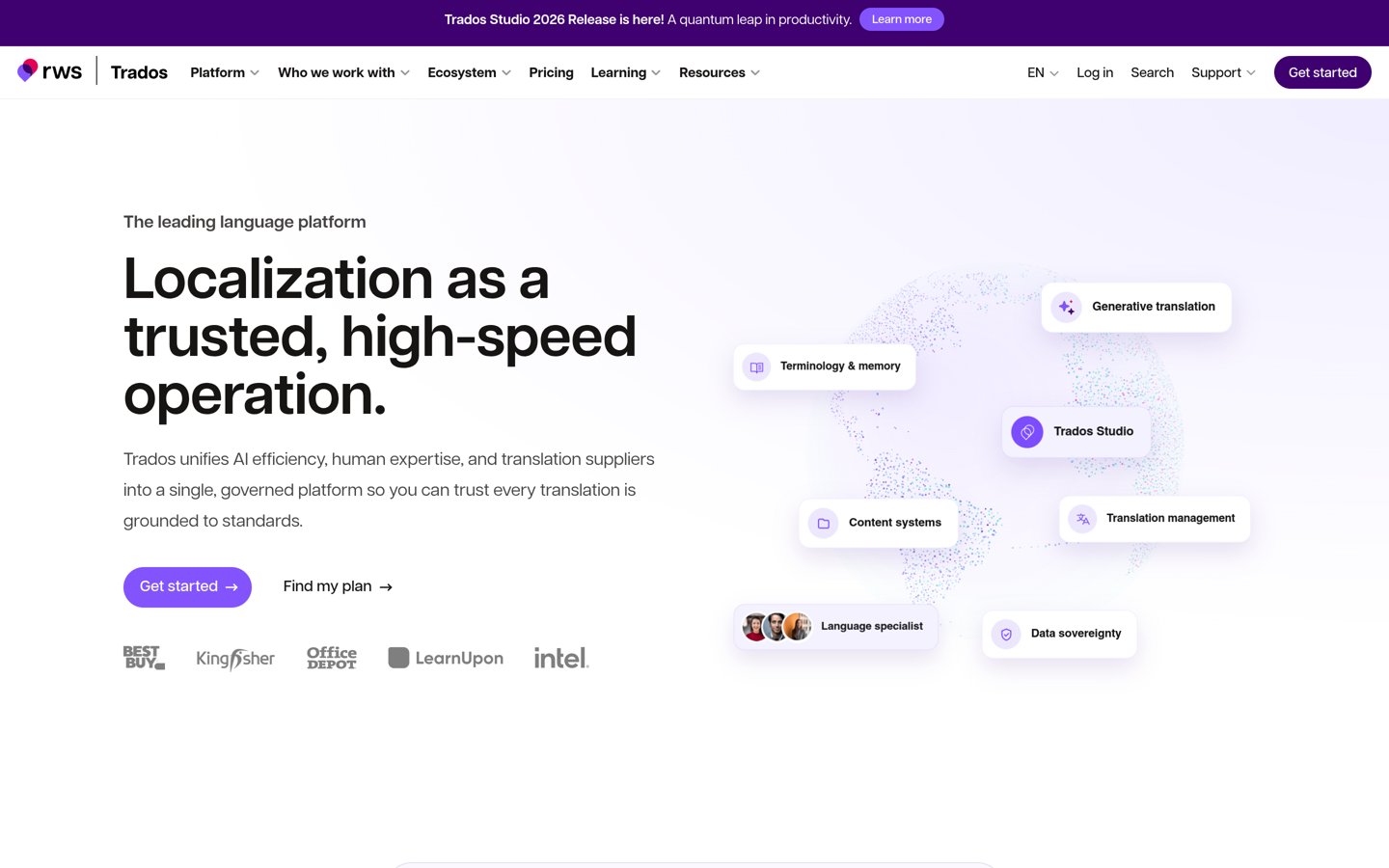
Trados Studio is the CAT tool most freelance translators meet first, because many agencies send work in Trados formats. The Freelance subscription costs $40 a month on an annual saver plan billed at $480 a year, with translation memory, terminology, quality checks and machine translation plugins.
The trade off is the learning curve and the price in pounds. The UK storefront lists Freelance at £34 a month, and the desktop interface feels dated next to cloud tools. It suits freelance translators who take agency work in Trados formats.
Machine translation is fast and cheap. For internal documents and first drafts, DeepL or Smartcat's AI handles most of the work in minutes.
Human review is still needed for anything a client or a regulator will read. Every platform in this list lets a linguist check and fix the machine output before delivery.
The best workflow is a mix. Machine translation does the first pass, translation memory reuses past work, and a human reviews the result, which is how most of these tools are designed to be used.
How we chose
We started from the best-known document translation and localisation tools with a G2 rating and at least 58 reviews, then kept those with a published paid plan in US dollars.
Prices come from each vendor's pricing page or G2 pricing data supplied by the vendor, checked on 25 November 2026. Ratings and review counts come from G2 on the same day. Where a vendor shows a first-year discount, the list shows the regular price.
We left out tools priced only in euros and tools sold only by quote. No vendor paid for a place, and we do not claim hands-on testing for this list.
How to choose document translation software
List your languages and document types first, then match the tool to the job, because no single tool wins every use case.
List your languages and volumes. Write down every language pair and how many words or documents you translate each month. Word-based pricing punishes high volume.
Test quality on your own documents. Run the same two or three real documents through each free trial and have a native speaker judge the result. Quality varies by language pair.
Check the file formats you use. Some tools keep PDF, Word and PowerPoint formatting intact, while others only handle software strings or plain text.
Confirm the review workflow. Make sure a human can check, comment on and approve translations before delivery, especially for legal or medical documents.
FAQ
What is the best document translation software?
DeepL is the best pick for most businesses because its output reads most naturally for European languages and its Starter plan costs $8.74 a month billed annually. Smartcat is better for teams that also need human linguists, and Lokalise leads for software and app localisation.
How much does document translation software cost?
Prices in this list range from $8.74 a month for DeepL Starter to $1,200 a year for Smartcat Basic, with most professional tools costing $20 to $150 a month. CAT tools for translators such as memoQ and Trados Studio cost $40 to $252 a month.
Is there free document translation software?
Yes. DeepL, Smartcat, Lokalise, Crowdin and POEditor all have free plans, though each limits characters, documents or languages. Free plans suit light use and trials, while regular business translation needs a paid plan.
Can machine translation replace human translators?
Not for documents that carry legal, medical or brand risk. Machine translation handles first drafts and internal documents well, but a human review catches errors in tone, terminology and numbers that machines still make.
What is translation memory?
Translation memory is a database of sentences you have already translated. When the same sentence appears again, the tool reuses the approved translation, which keeps wording consistent and lowers the cost of future documents.
What is the difference between a CAT tool and a TMS?
A CAT tool such as Trados Studio or memoQ is a desktop editor that helps one translator work with translation memory and glossaries. A TMS such as Smartcat or Phrase manages whole projects, teams, vendors and workflows in the cloud.
SaaS SEO and WordPress specialist with about 8 years of experience. Rakib compares WordPress plugins, themes, hosting and software using public pricing, documentation and user reviews. See how we rank.