Best Proofreading Software in 2026: 7 Tools Compared
WLWPLegible EditorsLast verified 22 Nov 2026How we rank11 min read
★ Short answer
Grammarly is the best proofreading software overall for everyday writing, backed by 14,158 G2 reviews at 4.7/5 and browser-wide real-time checks. ProWritingAid is the stronger fit for novelists and long manuscripts, while LanguageTool handles multilingual editing across more than 30 languages.
How we make this list: we compare pricing pages, product documentation and public user reviews, then re-check every price before each update. No product paid for a place. Disclosure.
Grammarly leads with a 4.7/5 G2 rating across 14,158 reviews and a usable free tier with 100 AI prompts per month.
ProWritingAid offers 25+ style and pacing reports for long manuscripts starting at $120/year ($10/month billed annually).
LanguageTool checks 30+ languages and starts at $69.90/year on its regular annual plan.
Hemingway Editor offers a free web app plus a $19.99 one-time desktop purchase for offline readability editing.
PerfectIt holds the highest G2 score at 4.8/5 (164 reviews) for style-sheet and consistency checks in Word at $115/year.
What to look for in proofreading software
Basic spellcheckers catch typos, but modern proofreading software evaluates sentence clarity, punctuation, tone, and consistency across full documents. The right tool depends on where you write—inside a web browser, Microsoft Word, Google Docs, or a dedicated desktop editor—and whether you edit short emails or 80,000-word manuscripts.
Free plans vary sharply in how they restrict usage. Some tools allow unlimited basic grammar checks while locking tone rewrites and plagiarism scans behind a paywall, whereas others cap each check at 500 words or 2,000 characters. Checking those limits upfront prevents interruptions mid-draft.
Look closely at regular annual pricing versus introductory discounts. Many writing tools advertise steep first-year markdowns or monthly rates that cost more than double the annual equivalent over twelve months.
PlatformsWeb, Chrome, Edge, Word, Google Docs, iOS, Android
grammarly.com
Grammarly homepage, captured Nov 2026.
Grammarly is a real-time proofreading and writing assistant used by more than 40 million people across browsers, desktop apps, and mobile keyboards. Its free plan covers core spelling, grammar, punctuation, and tone detection alongside 100 generative AI prompts per month.
The trade off is the $144/year regular price ($12/month billed annually, or $30/month billed monthly) required for full-sentence rewrites, plagiarism detection, and 2,000 monthly AI prompts. It suits professionals, students, and teams writing daily emails, reports, and web content.
What we like
Works across browsers, Google Docs, Microsoft Word, and mobile devices
Generous free tier with unlimited basic grammar and spelling fixes
Built-in plagiarism and AI-text detection on Grammarly Pro
Watch out for
Monthly billing jumps to $30/month if you skip the annual plan
Focused primarily on English rather than multilingual editing
Suggestions can occasionally feel heavy-handed for creative prose
Grammarly Pro adds full-sentence rewrites, tone adjustments, plagiarism checks, and 2,000 AI prompts/month.Visit grammarly.com
IntegrationsWeb, Word, Scrivener, Google Docs, browsers
prowritingaid.com
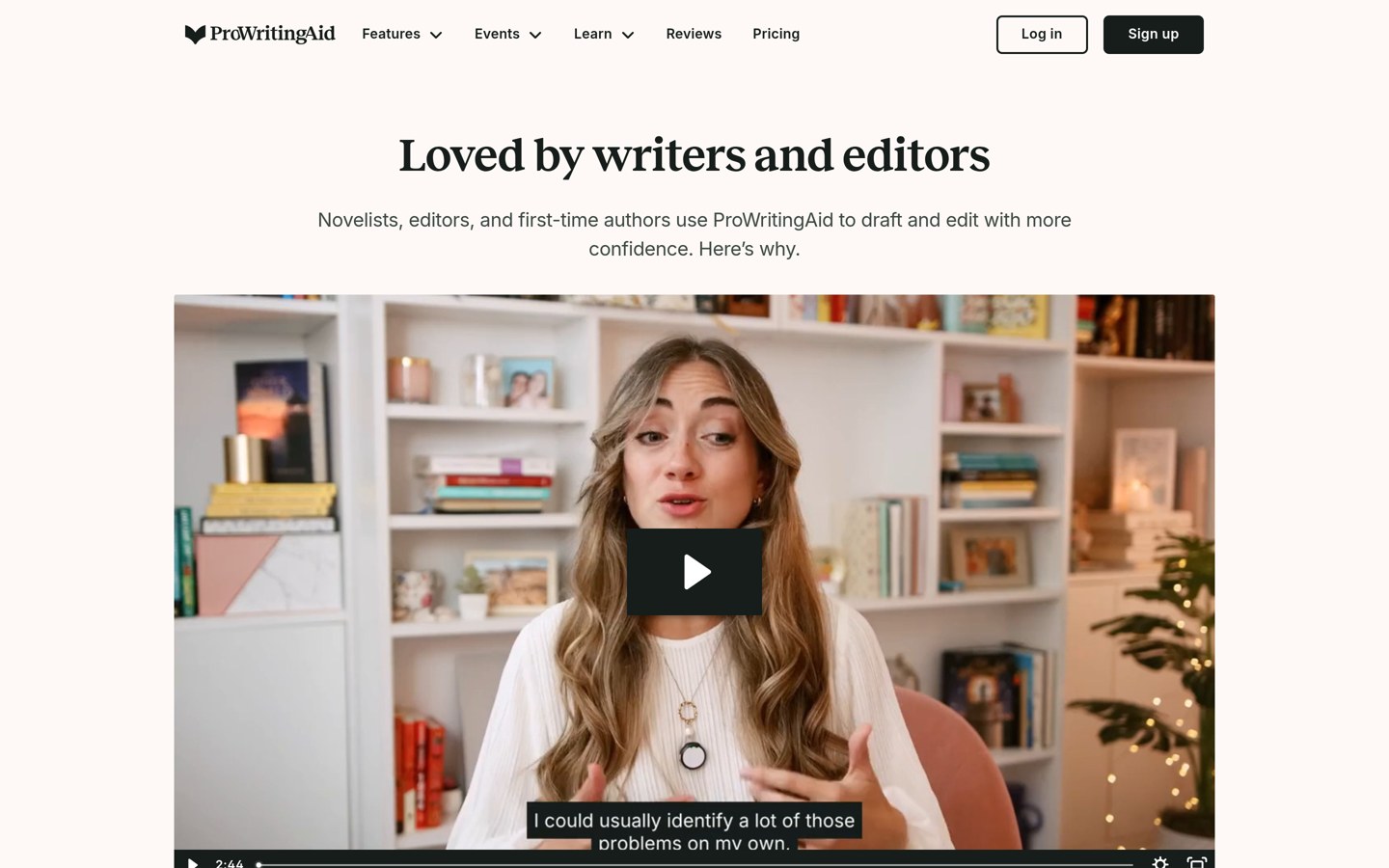
ProWritingAid homepage, captured Nov 2026.
ProWritingAid is a line-editing and style-analysis platform built for long documents, manuscripts, and essays. Its free editor checks grammar, spelling, and punctuation in 500-word chunks with up to two report runs per day.
The trade off is that plagiarism checks cost extra as separate add-on packs, and the regular Premium plan runs $120/year ($10/month billed annually, or $30/month monthly, with seasonal sales often discounting the first payment). It suits fiction authors, bloggers, and thesis writers.
What we like
More than 25 detailed reports on pacing, repetition, dialogue, and readability
Integrates directly with Scrivener, Microsoft Word, and Google Docs
Offers a $399 one-time lifetime license alongside annual subscriptions
Watch out for
Free plan caps checks at 500 words at a time
Plagiarism checks are not included in Premium or Premium Pro
Interface is denser than minimalist web checkers
Premium removes the 500-word limit and unlocks unlimited line edits, custom style guides, and 25+ reports.Visit prowritingaid.com
03
LanguageTool
4.4/5on G2 (45 reviews, checked Nov 2026)
Paid from$69.90/yr
Best for multilingual proofreading in 30+ languages
LanguageTool is an open-core grammar, spelling, and style checker supporting more than 30 languages including English, German, French, Spanish, Dutch, Polish, and Portuguese. The free tier checks text fields up to 2,000 characters with browser extensions for Chrome, Firefox, and Edge.
The trade off is its strict 2,000-character free limit and lack of a built-in plagiarism scanner, though Premium is affordable at $69.90/year ($24.90/month if billed monthly). It suits bilingual writers, translators, and international teams.
What we like
Supports over 30 languages and regional English variants
Annual plan at $69.90/year undercuts Grammarly and ProWritingAid
Includes a personal dictionary and custom style rules on Premium
Watch out for
Free tier restricts checks to 2,000 characters at a time
No plagiarism checker included on any tier
Monthly plan is steep at $24.90/month compared to annual billing
Premium raises the limit to 150,000 characters per field and unlocks 20,000+ extra style checks and AI paraphrasing.Visit languagetool.org
04
PerfectIt
4.8/5on G2 (164 reviews, checked Nov 2026)
Starts at$115/yr
Best for house style, acronyms, and consistency checks
Style guidesCustom house styles + CMOS integration
PlatformsWindows Word desktop & PerfectIt Cloud
perfectit.com
PerfectIt homepage, captured Nov 2026.
PerfectIt is a consistency-checking add-in for Microsoft Word built for professional editors, legal teams, and researchers. Instead of rewriting sentences with generative AI, it scans whole documents for inconsistent hyphenation, capitalization, undefined acronyms, and deviations from custom style sheets.
The trade off is that there is no permanent free tier—Professional starts at $115/year ($10/month billed annually for 1–3 users)—and it does not replace a full contextual grammar checker. It suits copyeditors, proposal writers, and academics.
What we like
Catches consistency errors across long reports that standard grammar tools miss
Supports custom house style sheets and The Chicago Manual of Style
Windows desktop edition works offline for confidential documents
Watch out for
No ongoing free plan after the initial trial
Focused on consistency and style rules rather than generative rewrites
Primarily built around Microsoft Word workflows
Professional ($115/yr) includes desktop and cloud editions, custom house styles, and Chicago Manual of Style support.Visit perfectit.com
05
QuillBot
4.4/5on G2 (80 reviews, checked Nov 2026)
Paid from$99.95/yr
Best for combining grammar checks with paraphrasing
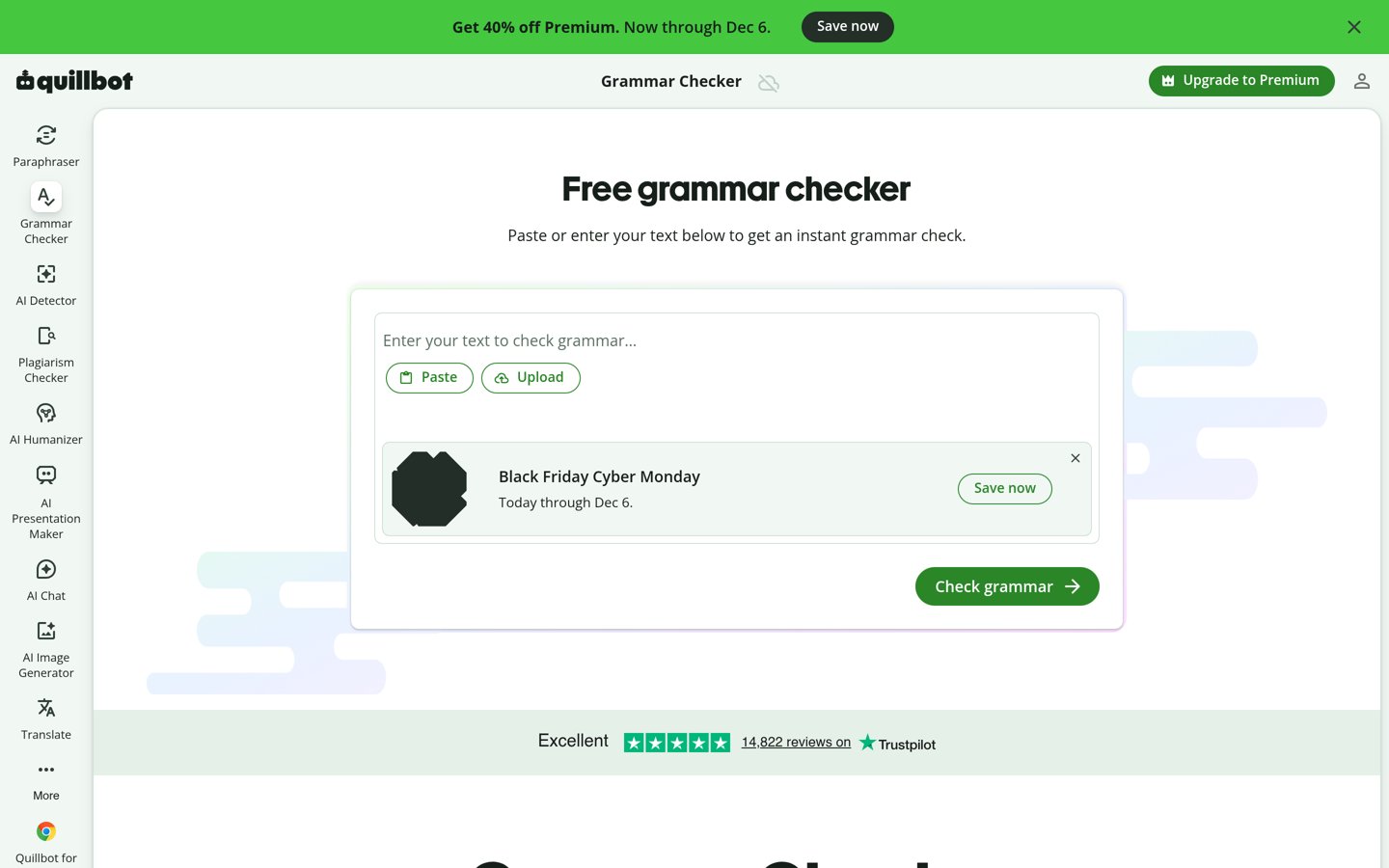
QuillBot pairs a free online grammar checker with a sentence paraphraser, summarizer, and citation generator. Its free account handles basic grammar and spelling corrections alongside 125-word paraphrases and 1,200-word summaries without requiring a credit card.
The trade off is that the regular Premium plan costs $99.95/year ($8.33/month billed annually, with first-year promo discounts often lower, or $19.95/month monthly) and its rewrites can occasionally sound mechanical. It suits students and content writers revising rough drafts.
What we like
Combines grammar checking, paraphrasing modes, and citation tools in one workspace
Free grammar checker works without strict daily check limits
Annual plan stays under $100/year at regular renewal rates
Watch out for
Free paraphraser caps input at 125 words at a time
Grammar feedback is less nuanced than Grammarly or ProWritingAid
Premium unlocks unlimited paraphraser words, all rewrite modes, tone insights, and the plagiarism checker.Visit quillbot.com
06
Hemingway Editor
4.4/5on G2 (50 reviews, checked Nov 2026)
Paid from$19.99 one-time
Best for readability grading and cutting wordy prose
Free tierFull web readability & passive-voice editor
Desktop app$19.99 one-time (Mac & Windows)
AI Plus plan$100/yr regular ($8.33/mo billed annually)
ExportsDOCX, Markdown, HTML, PDF (desktop/Plus)
hemingwayapp.com
Hemingway Editor homepage, captured Nov 2026.
Hemingway Editor is a distraction-free readability editor that color-codes dense sentences, passive voice, adverbs, and complex phrasing while calculating a live reading grade level. The browser version is completely free to use with no account required.
The trade off is that the free web editor and $19.99 one-time desktop app do not perform deep contextual grammar or spelling checks unless you upgrade to Hemingway Editor Plus ($100/year regular rate for 5,000 AI rewrites/month). It suits bloggers, marketers, and non-fiction writers.
What we like
Free web editor has no word-count cap for readability highlights
One-time $19.99 desktop app works offline without a subscription
Instant grade-level scoring keeps copy concise and accessible
Watch out for
Classic desktop and free web editions lack full grammar checking
Flagging rules can feel rigid for nuanced or academic prose
AI sentence rewrites require a separate recurring subscription
Desktop ($19.99 once) adds offline editing and file exports; Editor Plus ($100/yr) adds unlimited grammar fixes and AI rewrites.Visit hemingwayapp.com
07
Trinka
3.9/5on G2 (17 reviews, checked Nov 2026)
Paid from$80/yr
Best for academic, scientific, and technical manuscripts
File formatsMS Word (.docx) with tracked changes and LaTeX
trinka.ai
Trinka homepage, captured Nov 2026.
Trinka is an AI proofreading tool engineered specifically for academic and technical writing. Its free Basic plan includes 5,000 words per month of writing assistance, four file checks, and one plagiarism score per month.
The trade off is that its formal academic rules feel overly strict for casual emails or marketing copy, and its G2 review base is smaller (3.9/5 across 17 reviews). Premium starts at $80/year ($6.67/month billed annually). It suits researchers, graduate students, and ESL scholars.
What we like
Checks compliance with APA, AMA, ACS, AGU, and IEEE style guides
Proofreads full Word and LaTeX files with tracked changes preserved
Affordable $80/year regular rate with a 5,000-word monthly free tier
Watch out for
Overly formal suggestions for general business or casual writing
Plagiarism and citation tools rely on monthly credit allowances
Smaller third-party review footprint than mainstream tools
Premium ($80/yr) removes the 5,000-word monthly cap and unlocks up to 120 editable file checks per year.Visit trinka.ai
When a free proofreading plan is enough
Free plans from Grammarly, LanguageTool, and Hemingway Editor cover routine typo detection, basic punctuation, and sentence-clarity checks without a subscription. If you primarily write short emails, social posts, or web copy under 1,000 words, pairing Grammarly Free with Hemingway's free web editor catches most surface errors.
Upgrading pays off when you edit long documents in one pass, need custom style guides, or rely on tracked changes in Microsoft Word. Tools like ProWritingAid ($120/year), PerfectIt ($115/year), and Trinka ($80/year) remove per-check word caps and enforce consistency across entire manuscripts.
How we chose
We selected seven established proofreading software tools with active updates in 2026 and verified user reviews on G2. Each tool addresses a distinct proofreading workflow, ranging from browser-wide everyday writing to long-form fiction, multilingual editing, and academic manuscripts.
All prices, free-tier caps, G2 ratings, and review counts were checked and verified on 22 Nov 2026 directly against each vendor's official pricing page and G2 product listing. Where vendors advertise temporary promotional discounts, we listed the regular annual price so renewal costs are clear.
We excluded discontinued grammar checkers, tools without transparent public pricing pages, and standalone AI text generators that lack dedicated proofreading or style-checking controls. No vendor paid for a place, and we do not claim testing for this list.
How to choose the right proofreading software
Match the checker's editing rules and file integrations to the exact documents you produce most often.
Check where the tool runs. Pick a browser-first tool like Grammarly or LanguageTool for emails and Google Docs, or a Word and Scrivener add-in like ProWritingAid or PerfectIt for manuscripts.
Test your draft on the free tier first. Paste a 400-word sample into the free web editor to see whether the suggestions match your voice or over-correct intentional phrasing.
Compare regular annual renewal prices. Monthly plans often cost two to three times more per year than annual billing, and introductory discounts usually revert to standard rates at renewal.
Verify specialized requirements before paying. Confirm whether you need APA/IEEE citation preservation (Trinka), house style sheets (PerfectIt), offline desktop access (Hemingway), or built-in plagiarism scans (Grammarly Pro).
FAQ
What is the best overall proofreading software in 2026?
Grammarly is the best all-around choice for most writers because it runs across browsers, Google Docs, Microsoft Word, and mobile apps, backed by a 4.7/5 rating across 14,158 G2 reviews.
Which proofreading tool has the best free plan?
Grammarly Free offers unlimited basic spelling, grammar, and tone checks plus 100 monthly AI prompts, while Hemingway Editor's free web app checks readability with no word limit.
Is ProWritingAid better than Grammarly for books?
For novels and long manuscripts, ProWritingAid provides more than 25 specialized reports on pacing, dialogue, and repetition plus Scrivener integration, whereas Grammarly focuses more on everyday clarity and tone.
What is the best proofreading software for non-English languages?
LanguageTool supports more than 30 languages and regional dialects, with a free tier up to 2,000 characters per field and a regular annual Premium plan at $69.90/year.
Which proofreading tool works best for academic papers?
Trinka is built specifically for academic and technical writing, supporting APA, AMA, ACS, AGU, and IEEE style guides and preserving tracked changes in Word and LaTeX files.
Are there any proofreading tools with a one-time payment?
Yes. Hemingway Editor 3 Desktop costs a one-time $19.99 fee for Mac and Windows, and ProWritingAid offers a regular $399 one-time lifetime license alongside its annual plans.