Databricks is the best data lakehouse platform for most teams, combining Spark, SQL and AI on open formats with Unity Catalog governance, while Snowflake suits managed SQL analytics and BigQuery suits serverless queries at $6.25 per TiB scanned.
How we make this list: we compare pricing pages, product documentation and public user reviews, then re-check every price before each update. No product paid for a place. Disclosure.
Databricks is the fullest lakehouse: Spark, SQL and AI on open formats with Unity Catalog governance, rated 4.6 out of 5 on G2.
Snowflake is the best managed SQL pick, with credits from $2 each and warehouses that auto-suspend when idle.
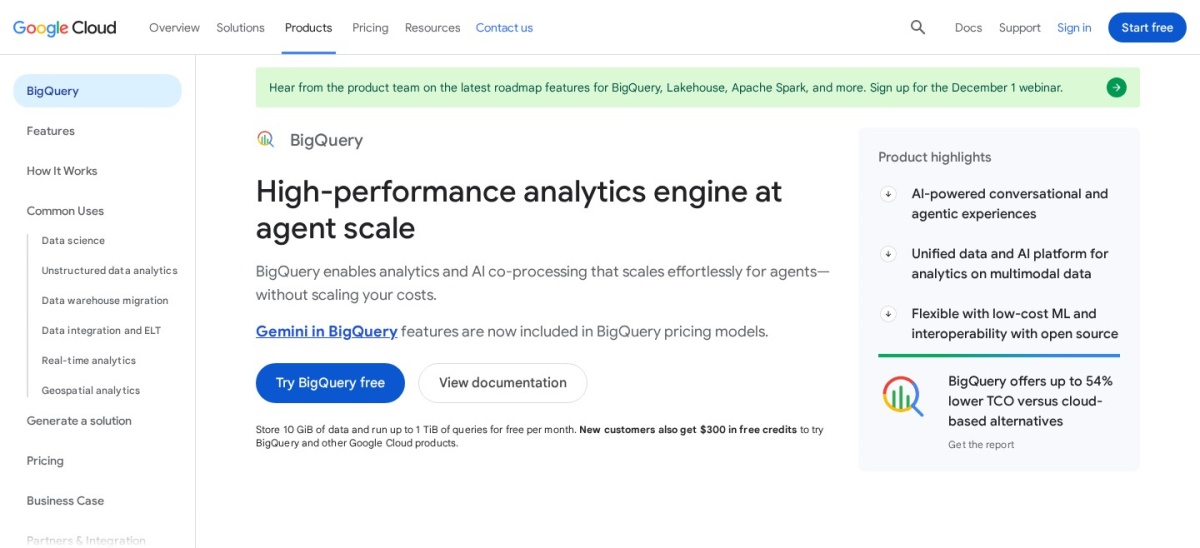
BigQuery is the simplest serverless option: $6.25 per TiB scanned with the first 1 TiB free each month.
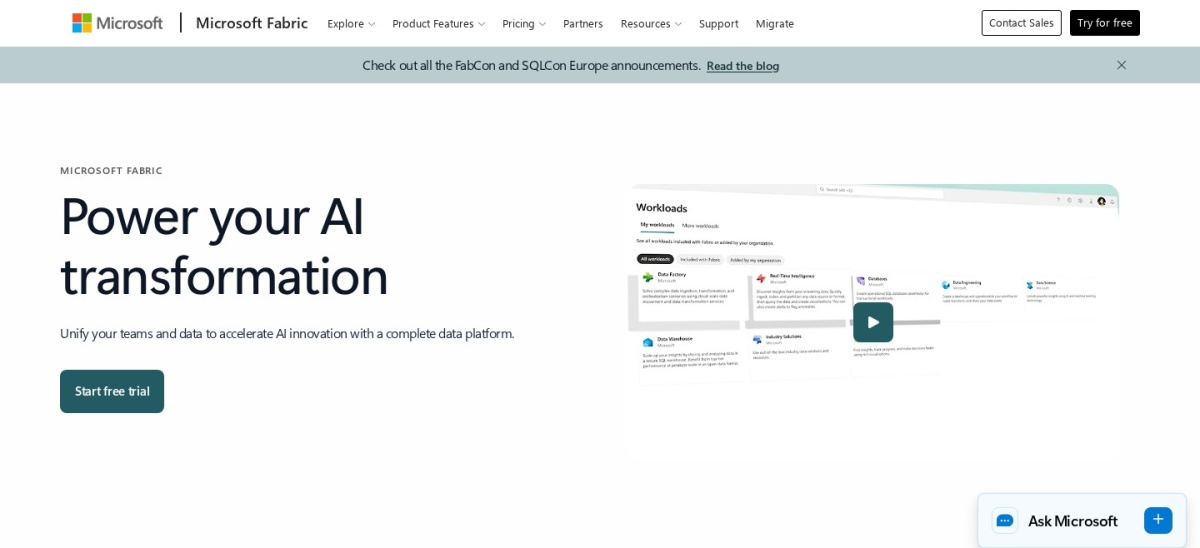
Microsoft Fabric is the pick for Microsoft shops, with OneLake, Power BI and notebooks on one F2 capacity from $262.80 a month.
Dremio and Starburst suit teams that want to query Iceberg data in place without moving it into a warehouse.
What to look for in a data lakehouse platform
A data lakehouse stores data in open formats in object storage, then adds warehouse features such as transactions, governance and fast SQL on top. One copy of the data serves pipelines, dashboards and machine learning without moving it between systems.
The billing unit is the hardest part of this comparison. Databricks bills DBUs, Snowflake bills credits, BigQuery bills TiB scanned, Dremio bills DCUs and Fabric bills capacity units. Price the same workload on each platform instead of comparing headline rates.
Open formats decide how locked in you are. Delta Lake and Apache Iceberg both let other engines read your tables, while the catalog, Unity Catalog, Polaris, Glue or Nessie, decides who governs them. Our guide to database software covers the warehouse side of the same decision.
Free tiers are real here. Databricks has a free edition, BigQuery gives 1 TiB of queries free each month and Starburst Galaxy keeps 3 clusters free forever. Start on a free tier and measure a real workload before signing anything.
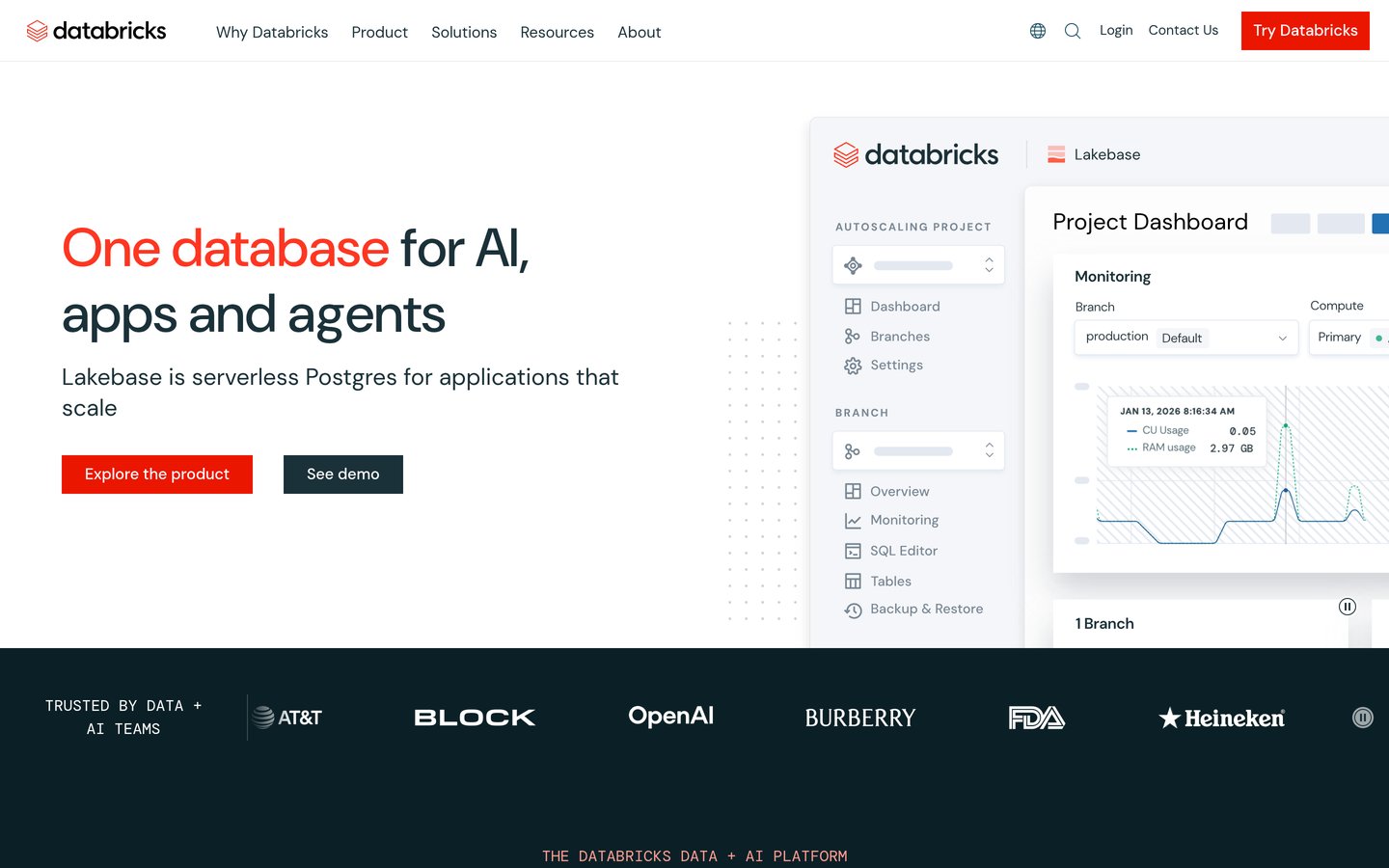
Databricks is the company that popularised the lakehouse, and it is still the fullest version of the idea. Raw files land in cloud object storage, Delta Lake tables add transactions, Spark and SQL engines process them, and Unity Catalog governs tables, files and models in one place.
The trade off is the bill. Jobs compute starts at $0.15 per DBU on Premium, interactive compute costs more, and classic clusters bill the cloud servers separately. It suits teams that build pipelines, run SQL and train models on the same data.
What we like
Fullest lakehouse: engineering, SQL and AI together
Snowflake is a cloud data platform that separates storage from compute, so reporting and data science teams work without blocking each other. Virtual warehouses start in seconds, auto-suspend when idle, and live data sharing lets partners query tables without copies.
The trade off is credit math. A credit costs $2 on Standard, $3 on Enterprise and $4 on Business Critical in AWS US East, and an X-Small warehouse uses 1 credit per hour. It suits SQL-first teams that want a managed warehouse with no infrastructure.
Google BigQuery is a serverless analytics platform that needs no clusters to size or manage. You pay for the data your queries scan, the first 1 TiB each month is free, and capacity pricing with slots suits teams that want predictable costs.
The trade off is the scan meter. On-demand queries cost $6.25 per TiB scanned, so a badly written query over a huge table is expensive. It suits Google Cloud teams that want analytics with no infrastructure at all.
Microsoft Fabric is a unified analytics platform that puts lakehouse storage in OneLake, pipelines, notebooks, real-time analytics and Power BI on one capacity. A dataset built once serves every workload, with the same identity and governance throughout.
The trade off is capacity billing. The smallest F2 capacity costs $262.80 a month pay-as-you-go whether you use it or not, and Power BI report publishers still need Pro licences below F64. It suits teams already on Microsoft 365 and Power BI.
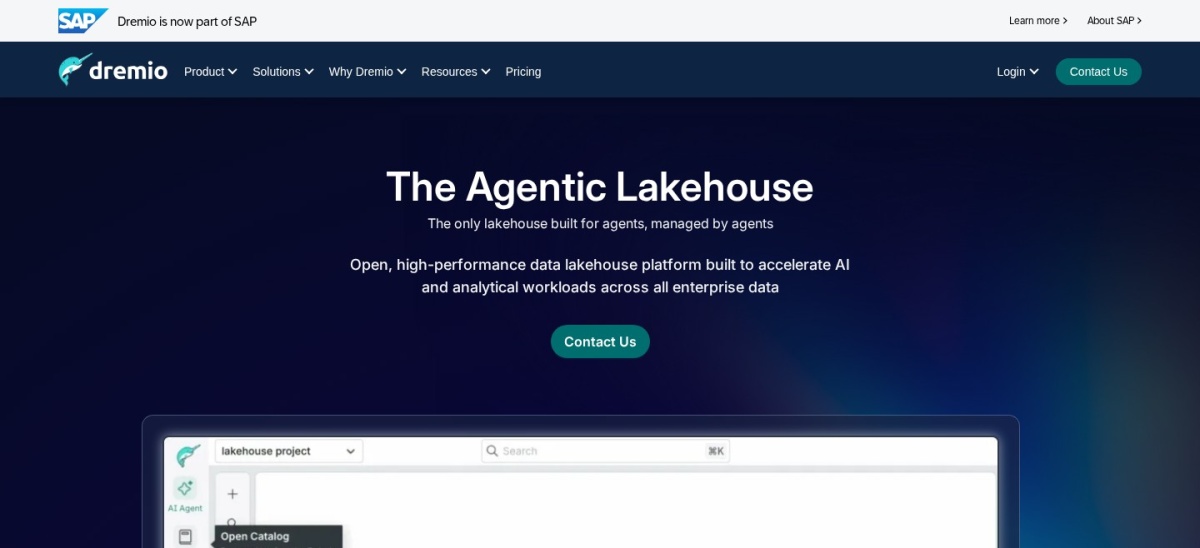
Dremio is a lakehouse query engine that runs SQL directly on Apache Iceberg tables in your own object storage. Autonomous Reflections accelerate slow queries, a semantic layer governs metrics, and your data never moves into proprietary storage.
The trade off is ownership change. SAP acquired Dremio in 2026, so buyers on multi-year contracts should ask about roadmap and pricing protection. It suits teams that want fast SQL on data they already own.
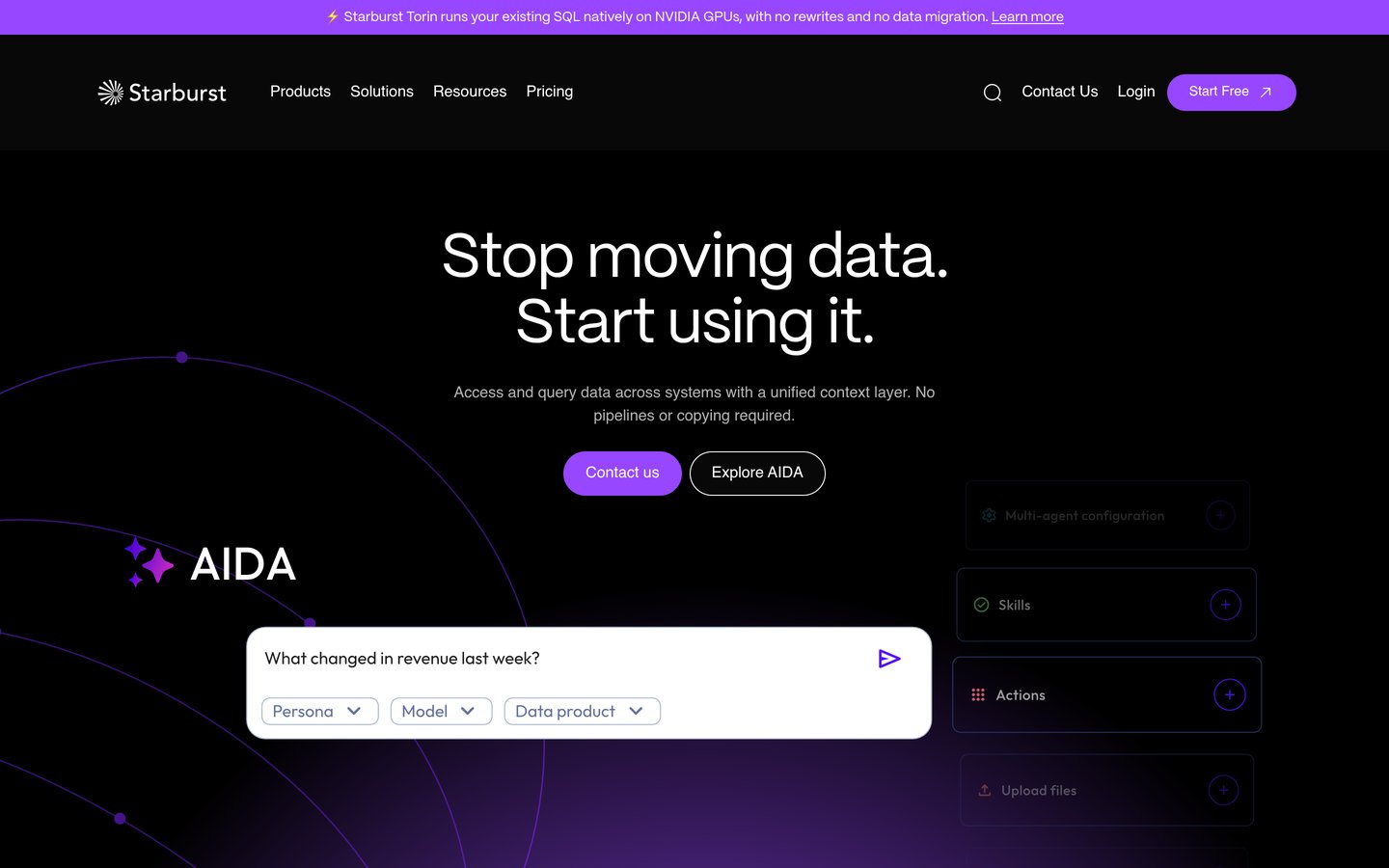
Starburst is a managed Trino platform that lets analysts query object storage, databases, warehouses and SaaS sources in one SQL statement. Data stays where it is, a unified context layer applies governed business definitions at query time, and Galaxy runs the clusters for you.
The trade off is credit pricing. Pricing is based on compute usage in credits, with no public dollar rate per credit, so sizing needs a trial. It suits teams whose data lives in many places and will not move.
AWS Lake Formation is the governance layer for an AWS lakehouse on S3. It manages fine-grained access controls over tables, works with the Glue Data Catalog, and pairs with S3 Tables for Iceberg-native buckets.
The trade off is that it is a governance layer, not a full platform. You still need an engine such as Athena, Redshift or EMR to query the data. It suits AWS-anchored teams that want governed access to data they already store in S3.
Every lakehouse meters work differently, so the same queries can cost very different amounts on each platform. Databricks charges per DBU, Snowflake per credit, BigQuery per TiB scanned and Fabric per capacity unit hour.
A cheap unit is not a cheap bill. Snowflake warehouses auto-suspend when idle, BigQuery charges only for data scanned, and Fabric capacity bills whether you use it or not.
Run one representative week of queries on two platforms before committing. Most vendors offer trials with credits, and the trial bill is the only honest price comparison.
How we chose
We started from the highest-rated lakehouse platforms on G2, then kept the seven with a verifiable rating, a published pricing page and a live product.
Prices come from each vendor's pricing page, checked on 25 November 2026, except where the vendor page hides rates behind a calculator or price list; those are flagged in our notes. Ratings and review counts come from G2 on the same day.
We left out open-source formats with no vendor product and tools with no verifiable rating. No vendor paid for a place, and we do not claim hands-on testing for this list.
How to choose a data lakehouse platform
Pick the open format first, then the engine that runs best on it.
Pick the open format first. Choose Delta Lake or Apache Iceberg before the engine. The format decides which tools can read your data later.
List the workloads. Note whether the team writes pipelines, runs BI dashboards, trains models or only writes SQL. Databricks covers all four; Snowflake and BigQuery cover SQL best.
Run a trial week. Use the free tier or trial credits to run real queries. Databricks, Snowflake and Dremio all offer trials with credits.
Price the same workload twice. Take one week of real queries and price it on two platforms. See our database software guide for the warehouse side of the same choice.
FAQ
What is the best data lakehouse platform?
Databricks is the best data lakehouse platform for most teams. It combines Spark, SQL and AI on open formats with Unity Catalog governance, and it is rated 4.6 out of 5 on G2 from 1,429 reviews. Snowflake is the best pick if you want managed SQL without a Spark team.
Is Databricks better than Snowflake?
It depends on the workload. Databricks suits teams that build pipelines and machine learning models on the same data, while Snowflake suits SQL-first teams that want a managed warehouse with no infrastructure. Both are rated 4.6 out of 5 on G2.
How much does a data lakehouse cost?
All seven platforms bill by usage. Databricks jobs compute starts at $0.15 per DBU, Snowflake credits start at $2 each, BigQuery on-demand queries cost $6.25 per TiB scanned and Fabric F2 capacity costs $262.80 a month. Storage is billed separately on every platform.
Is there a free data lakehouse?
Yes. Databricks has a free edition, BigQuery gives 1 TiB of queries free each month, and Starburst Galaxy keeps 3 clusters free forever. Snowflake and Dremio offer 30-day trials with $400 in credits instead of a permanent free tier.
What is the difference between a data lake and a lakehouse?
A data lake stores raw files with little structure, while a lakehouse adds transactions, governance and a SQL engine on top of the same storage. The lakehouse keeps the low cost of object storage and adds the reliability teams expect from a warehouse.
Do I need a data lakehouse or a warehouse?
Pick a lakehouse if your team also builds pipelines or machine learning models on the same data. Pick a warehouse if analysts only need fast SQL on governed tables. Many teams run both, with the lakehouse feeding the warehouse.
What is Apache Iceberg?
Apache Iceberg is an open table format for large analytic datasets in object storage. It adds transactions, schema evolution and time travel to plain files, and Databricks, Snowflake, Dremio and Starburst can all read Iceberg tables.
SaaS SEO and WordPress specialist with about 8 years of experience. Rakib compares WordPress plugins, themes, hosting and software using public pricing, documentation and user reviews. See how we rank.