Best AI Knowledge Management Tools in 2026: 8 Tools Compared
WLWPLegible EditorsLast verified 24 Nov 2026How we rank10 min read
★ Short answer
Guru is the best AI knowledge management tool for support and sales teams, surfacing verified answers where people already work, rated 4.7 out of 5 on G2. Pick Notion for a team wiki, and Document360 for customer-facing help centres.
How we make this list: we compare pricing pages, product documentation and public user reviews, then re-check every price before each update. No product paid for a place. Disclosure.
Guru is the best pick for support and sales teams, rated 4.7 out of 5 on G2 from 2,323 reviews.
Notion is the strongest wiki, with Plus at $12 a month and full AI on Business at $20.
Document360 leads for public help centres, but it is quote-only.
Tettra at $4 a month is the cheapest paid plan in this list.
Bloomfire and Glean were excluded: their G2 figures conflict or could not be verified.
What knowledge management tools do now
Knowledge management tools split into two jobs: answering questions while people work, and keeping a wiki people can search. Guru, Tettra and Slite answer questions; Notion, Slab, Nuclino and Confluence keep wikis.
AI search is now the headline feature. Every tool here offers AI answers or AI search, but the quality depends on how well the tool verifies sources, and stale answers are the most common complaint.
Pricing is mostly per user per month, with free tiers for small teams. Guru and Document360 are the exceptions, selling on custom quotes with no published price.
Most tools in this list integrate with Slack, and many with Salesforce and Zendesk. Our guide on best AI automation tools covers the wider automation picture.
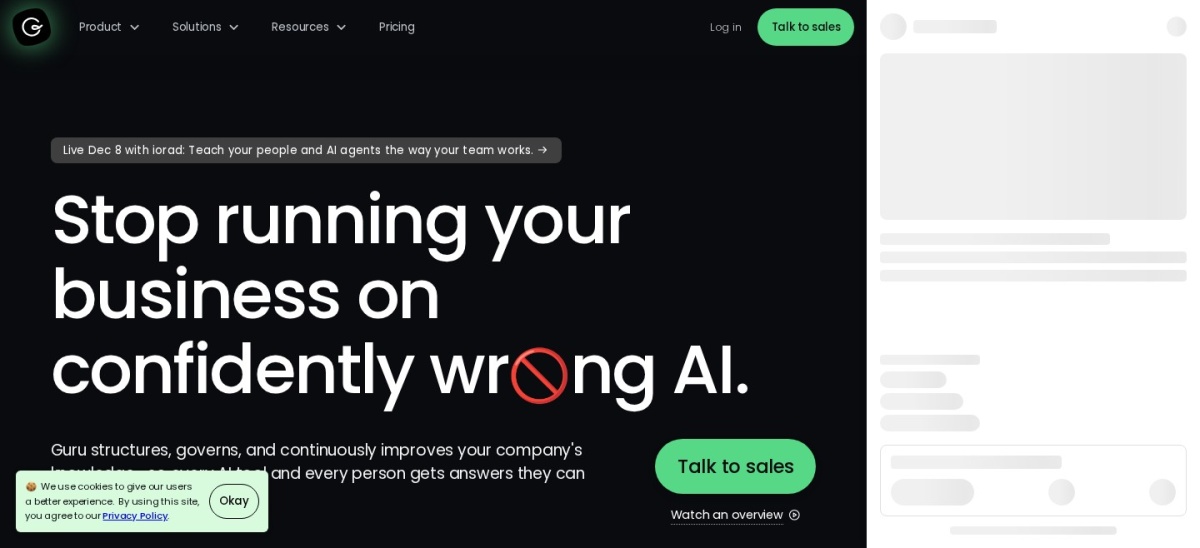
Guru is the best pick for support and sales teams. It verifies answers, surfaces them in Slack, Salesforce, the browser and a company wiki, and adds AI agents that answer questions with cited sources, so reps stop hunting through docs.
The trade off is pricing. Guru publishes no list price and the last published figure of $25 per user per month is stale, so budgeting starts with a sales call. It suits support, sales and enablement teams that need trusted answers at the point of work.
Notion is the most widely used wiki in this list, with pages, databases, docs and AI search in one workspace. Notion AI searches across pages and connected apps such as Slack, Google Drive and GitHub, and answers questions with citations.
The trade off is that full AI needs the Business plan at $20 per user per month. Plus at $12 a month includes limited AI, and Notion is not a help centre tool out of the box. It suits teams that want one workspace for docs, wikis and AI search.
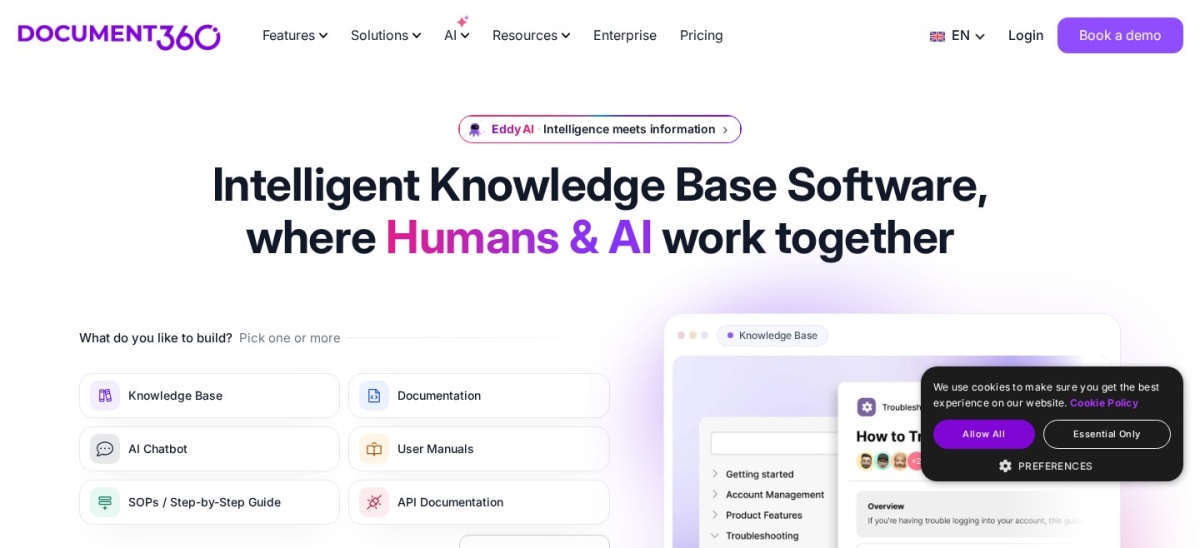
Document360 is a knowledge base platform built for public help centres and internal docs, with AI search that answers customer questions from your own content. It includes versioning, analytics and a branded portal, and it is rated 4.7 out of 5 on G2 from 542 reviews.
The trade off is pricing. Document360 publishes no list price and sells on custom quotes, so a small team cannot budget without a sales conversation. It suits SaaS teams that need a polished public help centre.
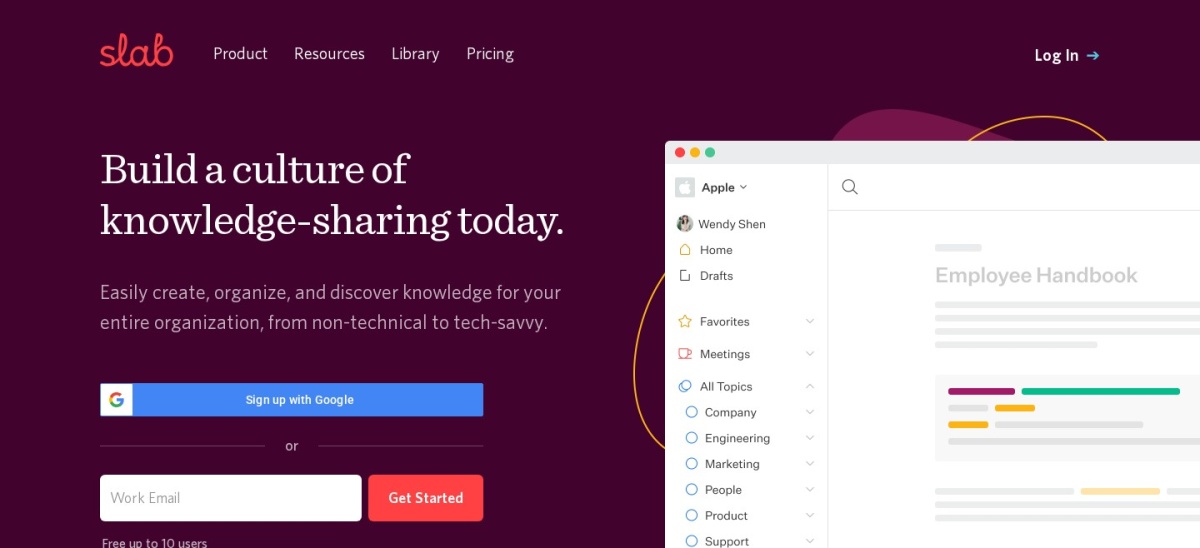
Slab is a wiki that keeps team knowledge in one searchable place, with AI search that answers questions from your docs and integrations with Slack, GitHub and Google Drive. The Startup plan costs $6.67 per user per month billed annually, and a free plan covers small teams.
The trade off is scope. Slab is a wiki, not a help centre or an answer engine, so it suits internal knowledge rather than customer-facing docs. It suits product and engineering teams that want a clean wiki with AI search.
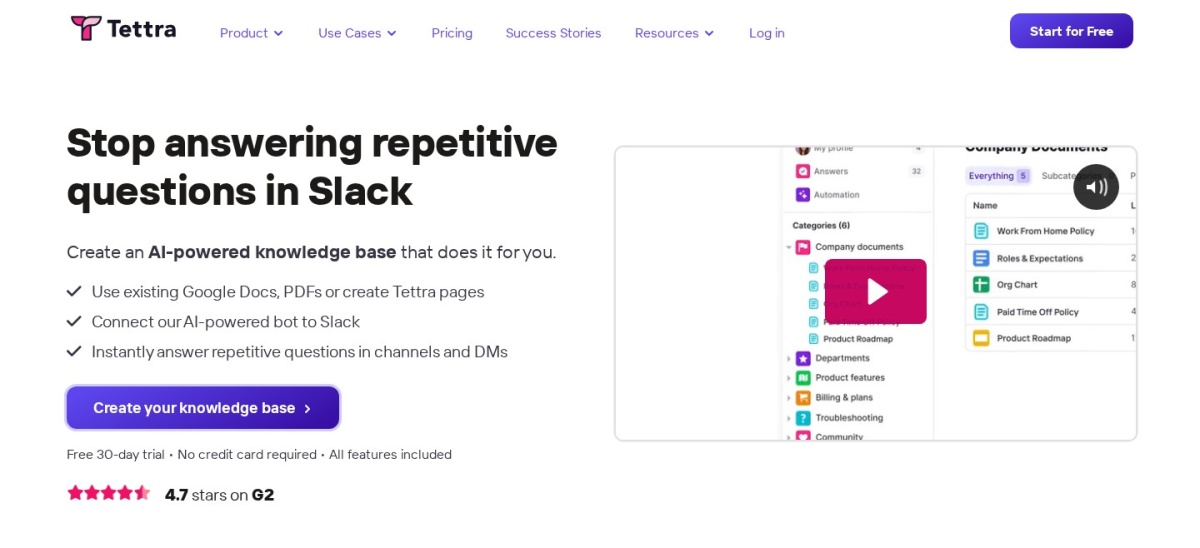
Tettra is a knowledge management tool that answers questions inside Slack, with AI that cites sources and flags stale answers for review. It is built for support and operations teams that live in Slack and want answers without opening another app.
The trade off is that Tettra is a Slack-first tool, so teams that do not use Slack get less from it. Basic costs $4 per user per month, and a free plan covers small teams. It suits Slack-heavy teams that want verified answers in the flow of work.
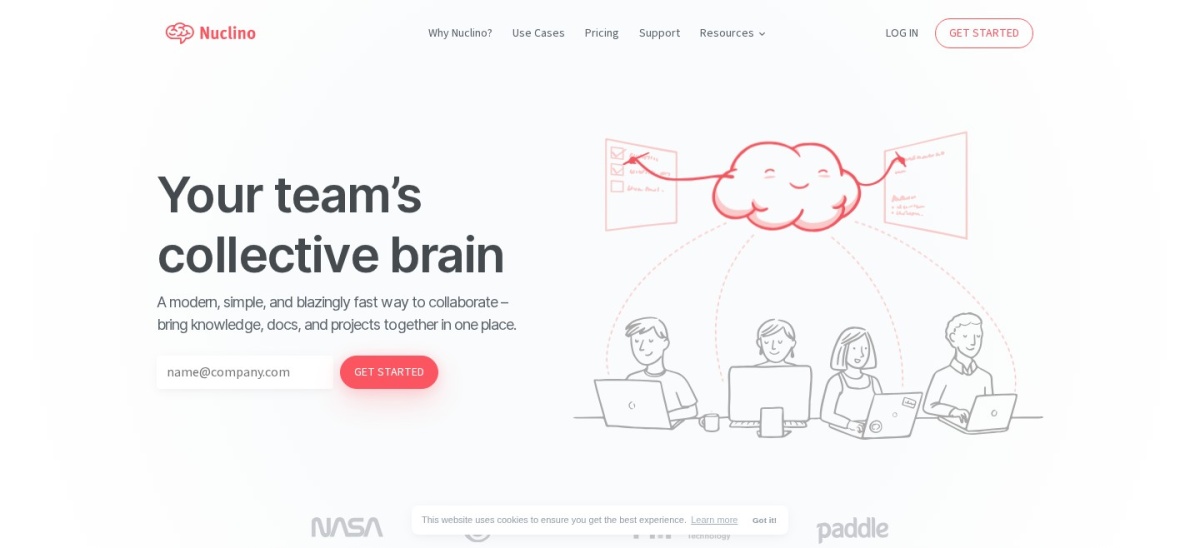
Nuclino is a lightweight wiki that combines docs, boards and graphs in one clean workspace, with AI search that answers questions from your content. It is fast, simple and cheap, with a free plan and Starter at $6 per user per month.
The trade off is depth. Nuclino has fewer integrations and less governance than Confluence or Guru, so it suits small teams that want a simple wiki rather than an enterprise knowledge platform.
Confluence is the Atlassian wiki that pairs with Jira, and it is the default choice for engineering-led organisations already on Atlassian tools. Pages, whiteboards and databases sit beside Jira issues, and Confluence AI answers questions across connected content.
The trade off is price and complexity. Standard costs $5.78 per user per month billed annually, and Confluence AI is a paid add-on or included only on Premium. It suits large teams already running Jira and the Atlassian stack.
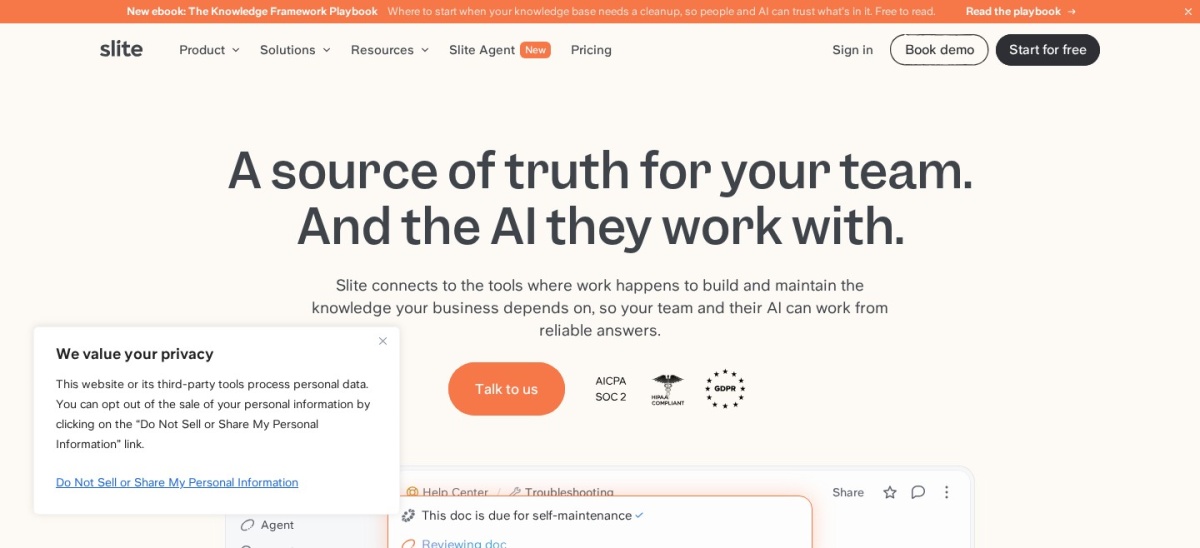
Slite is a knowledge base built for distributed teams, with AI that answers questions from docs and a shared memory that learns from team decisions. It suits remote teams that need answers in Slack and the browser, with 50 free AI responses a month on the free plan.
The trade off is the review record. Slite is rated 4.6 out of 5 on G2 from 275 reviews, and Basic costs $10 per user per month billed yearly. It suits remote-first teams that want AI answers without a heavy wiki setup.
Free tiers cover small teams well. Notion, Slab, Tettra, Nuclino and Confluence all offer free plans, and Slite gives 50 free AI responses a month.
Paid plans mostly add AI depth and administration. You get verified answers, analytics and permissions on paid tiers.
Custom quotes are the exception. Guru and Document360 do not publish prices, so expect a sales conversation before you know the cost.
How we chose
We started from the established knowledge management tools with a public G2 record, then kept those with a real product a team can buy today.
Prices come from each vendor's pricing page, checked on 24 November 2026. Ratings come from G2 on the same day. Where a vendor publishes no price, the list shows Custom.
We left out tools with no verifiable rating, including Glean, and Bloomfire, whose G2 score and review count conflict between sources. No vendor paid for a place, and we do not claim hands-on testing for this list.
How to choose an AI knowledge management tool
Start with where answers need to appear: inside Slack, in a wiki, or in a public help centre.
Name the place answers must appear. Slack, a wiki and a public help centre each point at a different tool, so pick the surface first.
Check AI verification. Answers are only useful if the tool marks stale sources, so ask how each tool keeps answers trustworthy.
Test with your own documents. Import a sample of real docs and ask the questions your team asks most, then check the answers.
Price per user per month. Most tools charge per user, so multiply by the team before you compare headline prices.
FAQ
What is the best AI knowledge management tool?
Guru is the best pick for support and sales teams. It surfaces verified answers in Slack, Salesforce and the browser, and is rated 4.7 out of 5 on G2 from 2,323 reviews.
Is Notion good for knowledge management?
Yes, for team wikis. Notion AI searches across pages and connected apps, and Plus costs $12 per user per month, but full AI needs the Business plan at $20 a month.
Which knowledge tool has AI search?
All eight do. Guru and Document360 lead on verified answers, while Notion, Slab, Tettra, Nuclino, Confluence and Slite all offer AI search or AI answers on paid plans.
What is the cheapest knowledge management tool?
Tettra Basic costs $4 per user per month, and Confluence Standard costs $5.78 a month billed annually. Both have free tiers for small teams.
Does Guru publish its pricing?
No. Guru sells on custom quotes, and the last published price of $25 per user per month is stale and no longer shown on its pricing page.
Which tool is best for a customer help centre?
Document360 is the best pick. It builds public help centres with AI search, and is rated 4.7 out of 5 on G2 from 542 reviews.