Best CrossFit Gym Software in 2026: 7 Tools Compared
WLWPLegible EditorsLast verified 22 Nov 2026How we rank11 min read
★ Short answer
PushPress is the best CrossFit gym software for most affiliates, offering a $0 forever Core tier and a 4.8/5 rating across 200 G2 reviews. Choose Gymdesk for predictable flat-rate pricing starting at $75/month, or TeamUp for high-volume class scheduling with built-in penalty rules.
How we make this list: we compare pricing pages, product documentation and public user reviews, then re-check every price before each update. No product paid for a place. Disclosure.
PushPress is the only major platform with a permanent $0 Core tier, though card fees drop from 4.99% to 2.89% on the $159/month Pro plan.
Gymdesk includes every core module—billing, scheduling, WOD tracking and website—starting at $75/month for up to 50 active members.
TeamUp scales cleanly from $119/month for up to 100 active customers, adding CrossFit PR logging via its $99/month TeamUp Perform add-on.
Zen Planner and GymMaster price strictly by active member count, starting at $99/month (45 members) and $89/month (100 members) respectively.
Enterprise tools like Mindbody ($79/month base) and Glofox ($275/month regular Essential rate) carry higher add-on costs for white-label apps.
What CrossFit gym software should cover
Running a CrossFit affiliate requires more than a generic calendar. Members book into capped group WODs, join automated waitlists and track benchmark scores alongside recurring monthly dues.
A capable platform combines class capacity caps, automated failed-payment retries and digital waivers in one member app so coaches spend less time chasing cards at the front desk.
Workout programming and PR leaderboards separate affiliate-ready tools from general studio software. Some platforms include basic WOD posting natively, while others charge extra for full performance tracking.
Watch total cost beyond the base subscription. Payment processing markups, SMS overages and custom-branded mobile apps often add $79 to $150 per month to your real bill.
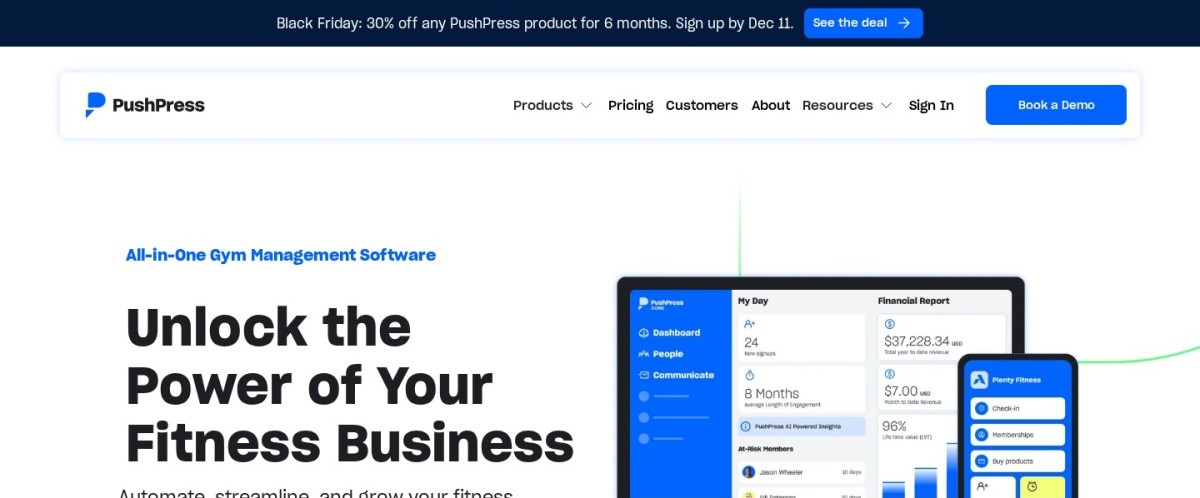
PushPress is a gym management platform built by former affiliate owners, serving over 5,000 gyms and studios. Its permanent $0 Core plan covers unlimited members, class waitlists, digital waivers, kiosk check-ins and basic workout programming through Train Lite.
The trade off is higher transaction fees on the free plan (4.99% + $0.30 per card charge) and modular add-on pricing. Upgrading to Core Pro costs $159/month regularly (promotional discounts occasionally apply) to cut card rates to 2.89%, while full workout logging in Train costs $79/month extra. It suits new and growing boxes that want a zero-subscription start.
What we like
Permanent $0 Core plan with unlimited members and staff
Includes basic workout programming and TV floor display app
Automated waitlists, pro-rated billing and Committed Club tracking
Free data migration from Mindbody, Wodify and Zen Planner
Watch out for
4.99% card processing rate on the free tier adds up quickly
Advanced PR tracking ($79/mo) and branded app ($97/mo) cost extra
Core Pro ($159/mo) drops card fees to 2.89% and adds live video support.Visit pushpress.com
02
Gymdesk
4.8/5on Capterra (148 reviews, checked Nov 2026)
Starts at$75/mo
Best for transparent flat-rate pricing
Entry plan30-day free trial
Cheapest paid$75/mo ($900/yr)
Member capUp to 50 active members
WOD trackingIncluded on every plan
gymdesk.com
Gymdesk homepage, captured Nov 2026.
Gymdesk is an all-in-one management platform used by over 4,500 gyms across 34 countries. Every tier unlocks the full feature set—class scheduling, automated billing, email and SMS marketing, a responsive gym website and built-in WOD tracking—starting at $75/month with Gymdesk Payments for up to 50 active members.
The trade off is that your monthly bill rises as your roster grows, reaching $150/month for 101–150 members, and its workout analytics are simpler than dedicated performance apps. Using an external payment processor also adds $25/month. It suits boxes that want predictable month-to-month software without feature gating.
What we like
All core features and website builder included at every tier
No contracts, setup fees or data-export penalties
Frozen members, prospects and visitors do not count toward tier limits
Fast front-desk check-in via kiosk, QR code or member app
Watch out for
Using your own processor increases monthly rates by $25 to $40
Custom branded app ($100/mo) and door access ($100/mo) are paid add-ons
Higher tiers scale member capacity up to 250+ active athletes.Visit gymdesk.com
03
TeamUp
4.8/5on Capterra (346 reviews, checked Nov 2026)
Starts at$119/mo
Best for flexible class and pack rules
Entry planFree trial available
Cheapest paid$119/mo ($1,428/yr)
Member capUp to 100 active customers
WOD trackingTeamUp Perform ($99/mo add-on)
goteamup.com
TeamUp homepage, captured Nov 2026.
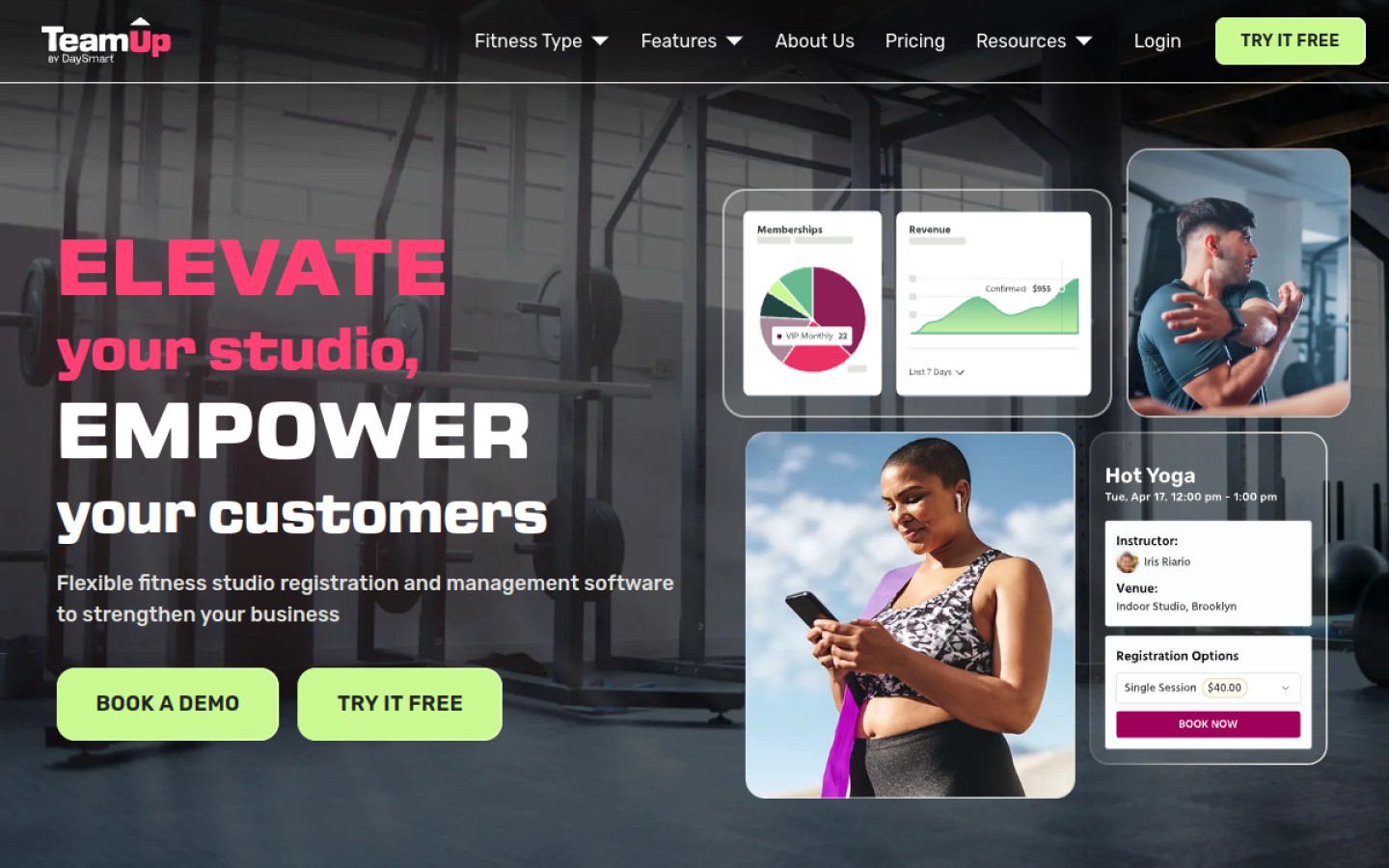
TeamUp is a group-fitness management system supporting over 20,000 venues worldwide. Its base plan starts at $119/month for up to 100 active customers and includes recurring memberships, class packs, automated waitlists, late-cancel penalty rules, digital waivers and Apple Pay or Google Pay checkout.
The trade off is that CrossFit-specific PR logging and leaderboards require the TeamUp Perform add-on at $99/month, and the Marketing Suite costs another $109/month. Your base tier also adjusts automatically if active attendance crosses 100 customers. It suits established affiliates that prioritize flexible class rules and family accounts.
What we like
Supports complex membership packs, holds, penalties and family billing
No setup fees or long-term contracts, with automatic downward tier adjustments
Includes free data import assistance and multi-location support
High marks on Capterra (4.8/5 across 346 reviews) for customer support
Watch out for
PR tracking and leaderboards require the $99/mo TeamUp Perform add-on
Full automated CRM marketing flows cost an extra $109/mo
TeamUp Perform ($99/mo) adds PR tracking, leaderboards and social feeds.Visit goteamup.com
04
GymMaster
4.7/5on Capterra (173 reviews, checked Nov 2026)
Starts at$89/mo
Best for 24/7 open-gym door access
Entry plan60-day money-back guarantee
Cheapest paid$89/mo ($1,068/yr)
Member capUp to 100 active members
Door accessNative add-on ($40/mo extra)
gymmaster.com
GymMaster homepage, captured Nov 2026.
GymMaster is a gym management system managing over 3 million memberships across 90 countries. Its Foundation plan costs $89/month per site for up to 100 active members (with a 10% annual billing discount) and includes class booking, automated billing, point-of-sale inventory, retention alerts and a member mobile app.
The trade off is that 24/7 Bluetooth door access raises the Foundation plan to $129/month plus separate reader hardware costs, and a custom-branded mobile app adds $150/month plus a $450 setup fee. It suits boxes offering unsupervised open-gym hours that want native hardware integration.
What we like
Native 24/7 Bluetooth and RFID door access without third-party middleware
All software features included across member tiers with no lock-in contracts
Built-in at-risk member alerts, custom badges and community leaderboards
60-day money-back guarantee with unlimited staff training
Watch out for
Access control hardware and branded app setup carry steep upfront fees
Lacks dedicated CrossFit benchmark programming compared to specialist tools
Advanced ($129/mo) raises the active member ceiling to 400 athletes.Visit gymmaster.com
05
Zen Planner
4.2/5on G2 (104 reviews, checked Nov 2026)
Starts at$99/mo
Best for established boxes wanting workout logging
Entry planDemo required
Cheapest paid$99/mo ($1,188/yr)
Member cap0–45 active members
WOD trackingIncluded in Studio plan
zenplanner.com
Zen Planner homepage, captured Nov 2026.
Zen Planner is a fitness and martial arts management platform by Daxko that includes workout tracking, class scheduling, automated billing, staff payroll and member apps in its base Studio tier. Pricing starts at $99/month for up to 45 active members and scales in brackets as attendance grows.
The trade off is steep tier jumps once a box passes 45 members—76 to 100 active members costs $189/month—and adding an SEO-optimized website or automated SMS marketing pushes Essentials to $198/month and Ultimate to $348/month. It suits smaller boxes that want built-in workout logging and payroll.
What we like
Includes workout tracking, leaderboards, billing and payroll in the Studio tier
Counts only active paying or attending members—never leads or staff
Customizable financial and retention reporting dashboards
Month-to-month billing with done-for-you data migration
Watch out for
Base $99/mo tier caps out at 45 active members
Marketing automation ($249/mo add-on) and branded app ($39/mo) cost extra
Essentials ($198/mo) bundles a custom website with the Studio platform.Visit zenplanner.com
06
WellnessLiving
4.4/5on Capterra (613 reviews, checked Nov 2026)
Starts at$69/mo
Best for equipment spot booking and loyalty rewards
Entry planDemo required
Cheapest paid$69/mo ($828/yr)
Staff limit1 staff on Starter
Spot bookingIncluded (Book-a-Spot)
wellnessliving.com
WellnessLiving homepage, captured Nov 2026.
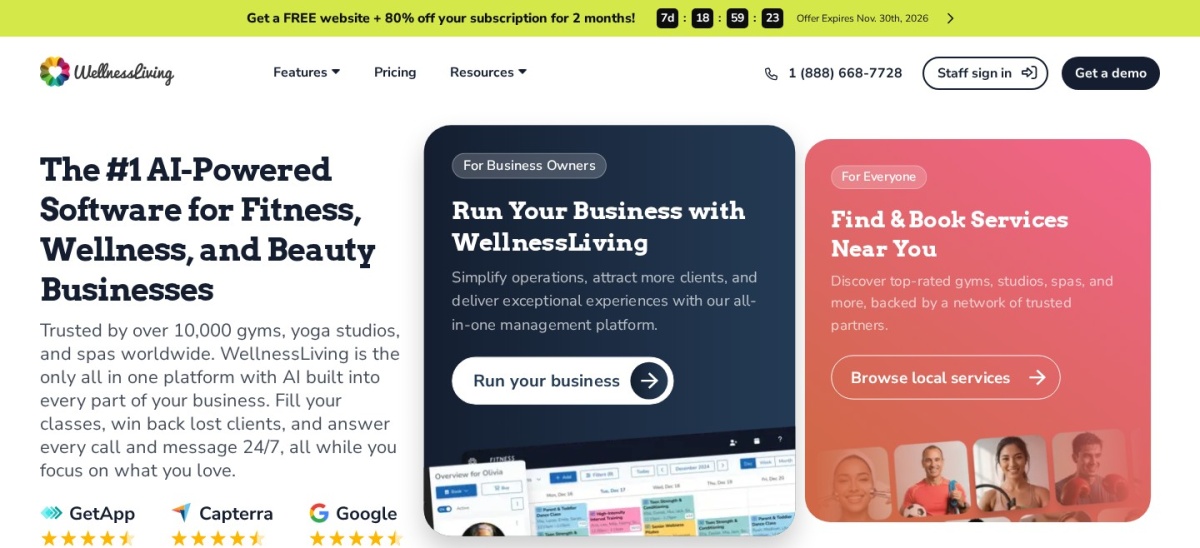
WellnessLiving is an all-in-one fitness management platform trusted by over 10,000 gyms and studios worldwide. Its Starter plan costs $69/month ($62/month billed annually) and includes class booking, Book-a-Spot station reservations, POS processing, the Achieve client app and free data migration.
The trade off is that Starter restricts you to a single staff login, meaning any box with multiple coaches must upgrade to the Business plan at $199/month regularly (often discounted for the first two months). It also lacks native CrossFit benchmark scoring. It suits solo-coach boxes or hybrid studios.
What we like
Book-a-Spot lets athletes reserve specific lifting platforms, rowers or bikes
Includes built-in loyalty rewards, gift cards and Reserve with Google
Free data migration and 10% discount on annual billing
24/7 customer support across live chat, email and phone
Watch out for
Starter plan allows only 1 staff member; unlimited staff requires $199/mo
No native CrossFit WOD or benchmark PR leaderboard module
Business ($199/mo) unlocks unlimited staff, loyalty rewards and SMS marketing.Visit wellnessliving.com
07
Mindbody
4/5on Capterra (3,033 reviews, checked Nov 2026)
Starts at$79/mo
Best for drop-in discovery via consumer marketplace
Entry planDemo required
Cheapest paid$79/mo ($948/yr)
User loginsUnlimited on all plans
Marketplace3M+ monthly app shoppers
mindbodyonline.com
Mindbody homepage, captured Nov 2026.
Mindbody is a global fitness and wellness software platform used by over 60,000 businesses. Starting at $79/month per location, the Starter plan includes unlimited staff logins, class scheduling, point-of-sale payments, a booking-ready website and a listing in the Mindbody consumer marketplace.
The trade off is that Pick-a-Spot reservations, advanced retention analytics and automated email or SMS campaigns sit in higher quote-only tiers (Accelerate and Ultimate), and the platform lacks native CrossFit WOD tracking. It suits multi-service gyms in busy metros that rely on drop-in traffic.
What we like
Exposes drop-in classes to over 3 million active Mindbody app users
Unlimited staff logins and custom booking website included on Starter
Deep financial reporting and multi-location corporate controls
Direct integration with ClassPass and 100+ third-party fitness tools
Watch out for
Higher tier prices require a sales call and frequently include add-on fees
No built-in WOD programming or CrossFit benchmark leaderboards
Accelerate and Ultimate add Pick-a-Spot, retention dashboards and AI front desk.Visit mindbodyonline.com
Hidden costs to check before signing
Headline monthly rates rarely reflect what a CrossFit box actually pays. Payment processing spreads between 2.7% and 4.99% can cost more than the software subscription itself on $15,000 in monthly dues.
Ask every vendor for itemized quotes covering SMS message bundles, custom-branded App Store listings ($79 to $150/month) and onboarding or data-migration fees before canceling your current system.
How we chose
We built this list by evaluating established gym management platforms actively used by CrossFit affiliates and functional fitness boxes, prioritizing transparent pricing, class capacity controls and athlete engagement tools.
Every price, feature limit and review score on this page was verified directly against official vendor pricing pages, G2 and Capterra on 22 Nov 2026.
We excluded standalone workout trackers without full membership billing (such as SugarWOD) and platforms that hide all entry pricing behind mandatory sales quotes (such as Wodify and Exercise.com). No vendor paid for a place, and we do not claim testing for this list.
How to choose CrossFit gym software
Compare platforms against your active roster size and coaching workflow before booking demos.
Calculate your true active member count. Platforms like Gymdesk, TeamUp and Zen Planner tier their pricing by active athletes. Exclude frozen accounts and leads so you compare accurate monthly brackets.
Decide between native WOD tracking or separate apps. If your members already love SugarWOD or btWB, choose an operations-first system like PushPress or TeamUp rather than paying twice for programming.
Compare card processing rates on your monthly volume. A free plan charging 4.99% on $10,000 in dues costs $499 in fees—more than a $159/month Pro plan with a 2.89% rate.
Verify data export and contract terms. Confirm you can export member profiles, payment tokens and attendance logs in standard CSV files without exit fees or multi-year lock-ins.
FAQ
What is the best free CrossFit gym software?
PushPress offers the strongest free plan for CrossFit boxes. Its permanent $0 Core tier covers unlimited members, class scheduling, automated waitlists, digital waivers and basic workout programming, though credit card processing costs 4.99% plus $0.30 per transaction until you upgrade.
How much does CrossFit gym software cost per month?
Entry-level plans for established CrossFit software typically run between $69 and $159 per month for a single location. Platforms that price by active member count, such as Gymdesk ($75/mo) and Zen Planner ($99/mo), increase as your roster passes 45 to 100 athletes.
Why is Wodify not ranked in the main list?
Wodify is a major CrossFit platform with 4.7/5 on G2, but its official pricing page no longer publishes regular monthly rates for Essentials, Accelerate or Ultimate, requiring a sales demo for quotes. We only rank tools with publicly verifiable pricing.
Do I need a custom-branded mobile app for my box?
Most CrossFit affiliates do not need a white-label app at launch. Every platform on this list includes a free member app for booking WODs and managing payments, whereas custom App Store listings add $39 to $150 per month plus developer account fees.
Can I switch gym software without losing member payment cards?
Yes. Established providers like PushPress, Gymdesk, TeamUp and WellnessLiving offer data migration tools or assisted imports that transfer member records, active memberships and saved Stripe or processor payment tokens with minimal downtime.