Best Asset Tracking Software for Small Business in 2026: 7 Tools Compared
WLWPLegible EditorsLast verified 22 Nov 2026How we rank12 min read
★ Short answer
Sortly is the best asset tracking software for most small businesses, with a free plan for 100 items and a 4.5 out of 5 Capterra rating from 900+ reviews. Pick EZOfficeInventory for unlimited users at $44.75 a month, or UpKeep when work orders matter as much as the asset list.
How we make this list: we compare pricing pages, product documentation and public user reviews, then re-check every price before each update. No product paid for a place. Disclosure.
Sortly is the easiest start: a free plan for 100 items, and $49 a month for 500 items and 2 users.
EZOfficeInventory charges by item count, not seats: $44.75 a month for 100 items with unlimited users.
UpKeep starts at $24 per user a month, with free requester seats for everyone who only submits requests.
Asset Panda is the priciest entry here at $250 a month, but it covers 1,000 assets with deep custom fields.
Cheqroom is the outlier on price: $184 per admin a month with a 3-admin minimum, so Core starts at $552 a month.
Limble and Fiix both offer free plans and are the picks when maintenance work orders matter as much as tracking.
What small-business asset tracking should cover
Most small businesses lose track of equipment in spreadsheets. Tools go missing, laptops change hands without a record, and nobody knows what is due for service.
A good tracker gives every item one record: what it is, where it is, who has it, and what it is worth. Barcode or QR scanning keeps that record honest, because a scan beats a typed note.
Watch the pricing unit before you compare prices. Sortly and EZOfficeInventory charge by item count, UpKeep and Limble charge per user, and Cheqroom charges per admin.
Free plans are real here, but they cap items or users. Sortly covers 100 items free, Limble covers one location free, and Fiix offers a free plan for small teams.
The 7 best asset tracking software for small business
01
Sortly
4.5/5on Capterra (900+ reviews, checked Nov 2026)
Paid from$49/mo
Best asset tracking software for most small businesses
Free plan100 items, 1 user
Paid planAdvanced, $49/mo
Barcode / QRYes
Mobile appiOS and Android, offline
sortly.com
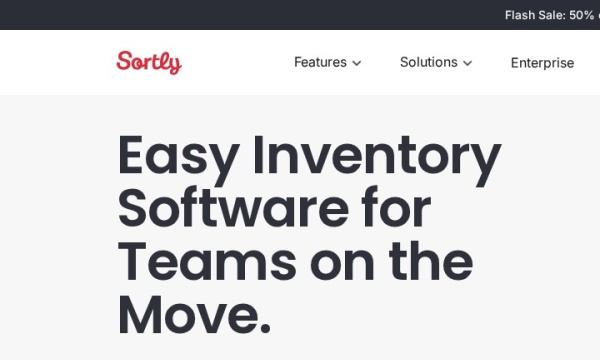
Sortly homepage, captured Nov 2026.
Sortly is a photo-first inventory and asset tracker built for small teams replacing spreadsheets. You photograph an item, put it in a folder, and print a QR label to scan when it moves, and the mobile app works offline. The free plan covers 100 items for one user, and Advanced costs $49 a month for 500 items and two users.
The trade off is the user cap. A five-person team needs Ultra at $149 a month, which also adds barcode labels, purchase orders, and stock counts. It suits small teams that want the fastest start and do not need maintenance scheduling or depreciation reports.
What we like
Free plan covers 100 items with no time limit
Photo-first records are fast to set up
Mobile app works offline
Watch out for
Advanced covers only 2 users and 500 items
No depreciation or maintenance scheduling
First-year annual discount does not repeat in full
Ultra adds barcode labels, purchase orders and stock countsVisit sortly.com
02
EZOfficeInventory
4.6/5on Capterra (1,546 reviews, checked Nov 2026)
Starts at$44.75/mo
Best for equipment-heavy teams that want unlimited users
Free planNo, 14-day trial
Paid planEssential, $44.75/mo
UsersUnlimited
Barcode / QR / RFIDYes
ezofficeinventory.com
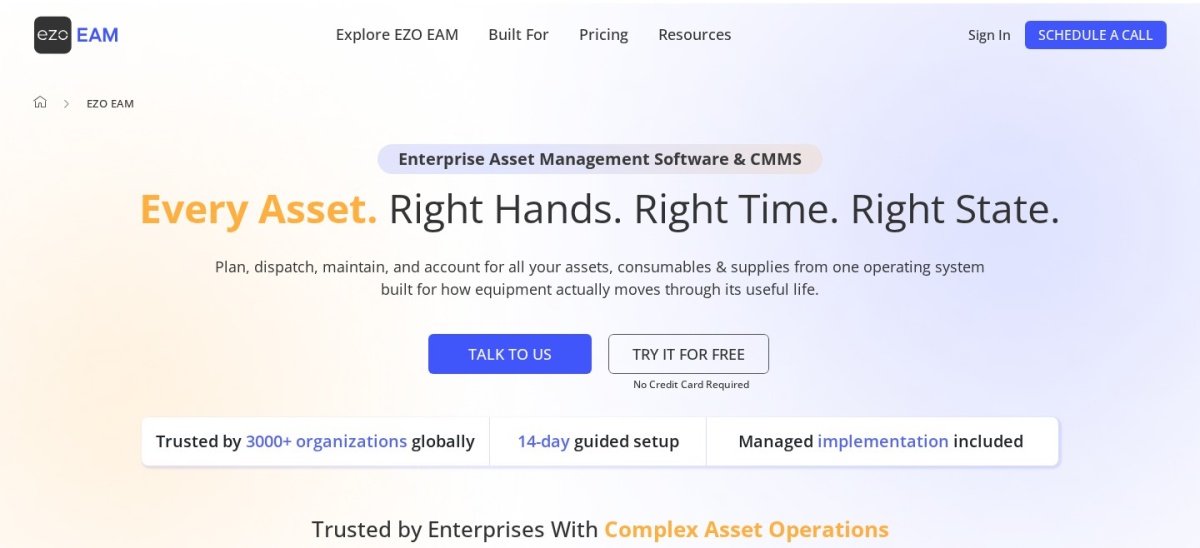
EZOfficeInventory homepage, captured Nov 2026.
EZOfficeInventory, now branded EZO, is a lifecycle tracker that follows an asset from purchase through reservations, service records, and retirement. Essential starts at $44.75 a month billed annually for 100 items, and every plan includes unlimited users, so the whole team can scan and check items out without buying more seats.
The trade off is the item count. The price rises as you track more: 500 items costs $81.41 a month billed annually, and 1,500 items costs $156.68. It suits teams with lots of equipment and many people sharing it, where per-user pricing would cost more.
What we like
Unlimited users on every plan
Covers reservations, maintenance and retirement
Highest Capterra review count in this list at 1,546
4.6/5on Capterra (1,330 reviews, checked Nov 2026)
Starts at$24/user/mo
Best for maintenance teams that need work orders too
Free planNo, free trial
Paid planEssential, $24/user/mo
Requester seatsFree, unlimited
Work ordersUnlimited
upkeep.com
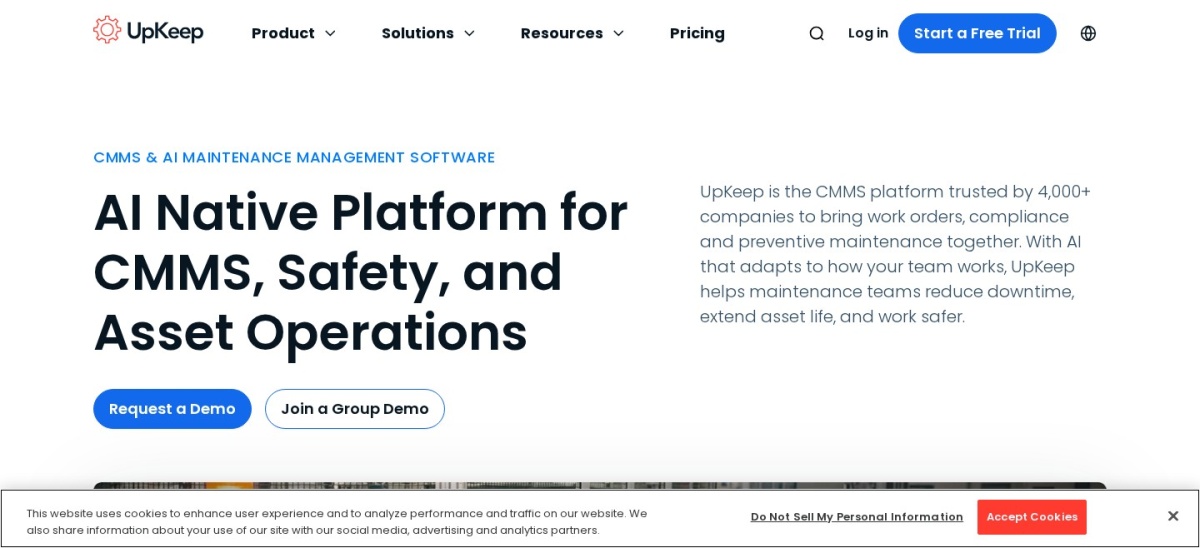
UpKeep homepage, captured Nov 2026.
UpKeep is a mobile-first maintenance platform with asset tracking built in, covering work orders, assets, and parts inventory in one app. Essential costs $24 per user a month and includes unlimited work orders, unlimited locations, asset management, and barcode scanning. Requester and view-only seats are free and unlimited.
The trade off is per-user pricing. Every technician and admin who touches work orders needs a paid license, so the bill grows with the team, and preventive maintenance scheduling starts on Premium at $55 per user a month. It suits maintenance teams where the asset list and the repair queue belong together.
What we like
Unlimited free requester seats lower the real cost
Strong mobile app for technicians in the field
Rated 4.6 out of 5 from 1,330 Capterra reviews
Watch out for
Per-user pricing climbs as the team grows
Preventive maintenance needs the $55 Premium plan
Implementation packages cost $500 to $5,000 extra
Premium adds preventive maintenance scheduling and parts costingVisit upkeep.com
04
Asset Panda
4.6/5on Capterra (1,368 reviews, checked Nov 2026)
Starts at$250/mo
Best for deep customisation of asset records
Free planNo, 14-day trial
Paid planStarter, $250/mo
AssetsUp to 1,000
Users5 included
assetpanda.com
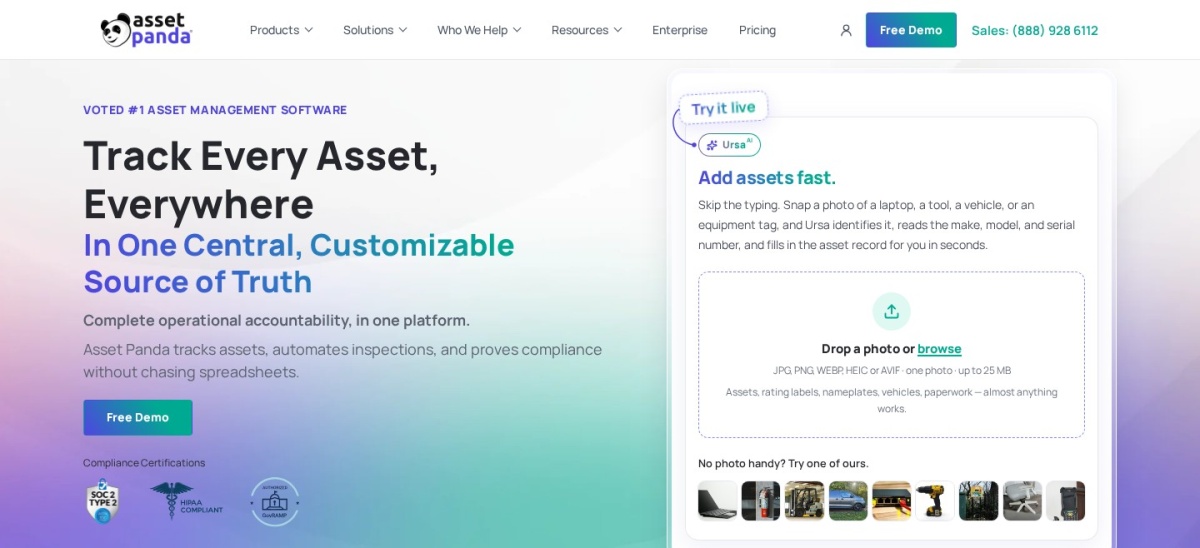
Asset Panda homepage, captured Nov 2026.
Asset Panda is a cloud asset platform built around configurable records, so a team can shape fields, workflows, notifications, and reports around unusual assets without code. Starter costs $250 a month billed annually, covers up to 1,000 assets, and includes 5 users, with barcode and QR scanning throughout.
The trade off is price and setup. It is the priciest entry in this list, and reviewers praise the support team but flag the learning curve for admins. It suits organisations with mixed asset types and audit needs that simpler trackers cannot model.
What we like
Custom fields and workflows without code
Strong audit trails and reporting
Rated 4.6 out of 5 from 1,368 Capterra reviews
Watch out for
Highest starting price in this list at $250 a month
Limble is a maintenance platform that pairs work orders with asset tracking, and it holds the highest G2 rating in this list at 4.8 out of 5 from 678 reviews. The free plan covers unlimited assets, unlimited users, and unlimited reactive work orders at one location, and Standard costs $28 per user a month billed annually.
The trade off is the same as any per-user tool. The bill grows past 15 technicians, and the free plan covers only one location. It suits manufacturing and facilities teams that run preventive maintenance alongside the asset register.
Best for preventive maintenance on a clean register
Free planYes
Paid planBasic, $45/user/mo
G2 rating4.6/5, 478 reviews
Preventive maintenanceYes
fiixsoftware.com
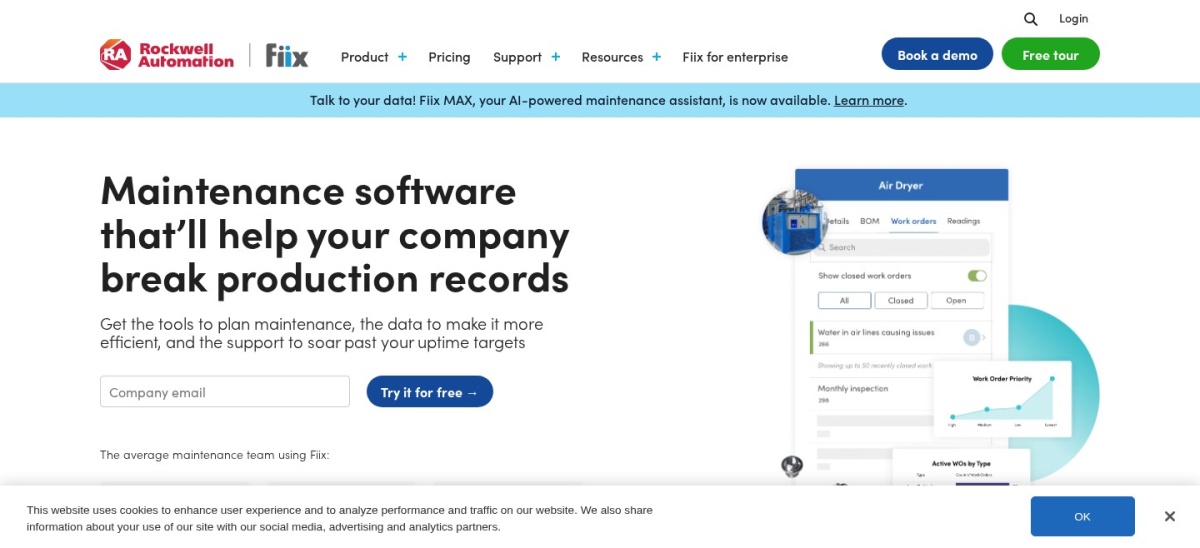
Fiix homepage, captured Nov 2026.
Fiix is a maintenance platform that keeps preventive maintenance on a clean asset register, with work orders, scheduled service, and parts tracking. Basic starts at $45 per user a month, and a free plan is available for small teams getting started. It is rated 4.6 out of 5 on G2 from 478 reviews.
The trade off is focus. Fiix is a maintenance tool first, so teams that only need check-in and check-out tracking will find simpler and cheaper options above. It suits teams that want service schedules tied to the assets they already track.
Cheqroom is built for teams that lend shared equipment: cameras, AV kit, lab gear, or tools that people book, collect, and return. Core costs $184 per admin a month billed annually and includes reservations, check-outs, unlimited kits, custody tracking, and long-term loans, with unlimited users and unlimited items.
The trade off is the admin minimum. Every plan starts at 3 admins, so Core really starts at $552 a month, or $6,624 a year, before a single item is borrowed. It suits media, AV, and education teams where bookings matter more than a simple list.
What we like
Reservations and check-outs built for shared gear
Unlimited users and unlimited items
Rated 4.8 out of 5 on G2 from 14 reviews
Watch out for
3-admin minimum makes Core $552 a month in practice
Most expensive entry cost in this list
No free plan, only a 7-day trial
Business adds multi-location support, audits and booking rulesVisit cheqroom.com
Price traps to avoid
Count the pricing unit, not just the headline. A $24 per user plan costs $1,440 a year for a five-person team, while a $44.75 flat plan costs $537.
Check the caps on the plan you would actually buy. Sortly Advanced stops at 500 items and 2 users, and EZOfficeInventory Essential stops at 100 items.
Ask about minimums. Cheqroom needs 3 admins, and Asset Panda Starter needs 5 users, so the real entry cost is higher than the per-seat figure suggests.
How we chose
We started from the asset tracking tools most often recommended for small business in 2026, then kept those with published pricing and a real entry plan a small team can buy without a sales call.
Prices come from each vendor's pricing page or from pages that quote it, checked on 22 November 2026. Ratings and review counts come from Capterra or G2 on the same day. Where a vendor shows a sale, the list shows the regular price.
We left out quote-only enterprise tools and tools without a small-business plan. No vendor paid for a place. This list is based on pricing, docs and reviews, not on using the tools ourselves.
How to choose asset tracking software for a small business
Count your items, your users, and your locations first, then match the pricing unit to the biggest number.
Count items, users and locations. A team with 500 items and 2 users pays less on an item-priced plan, while a team with 50 items and 20 users pays less on a flat plan.
Start with the free plan where one exists. Sortly covers 100 items free and Limble covers one location free, so you can learn the workflow before paying.
Check whether you need maintenance too. If service schedules and work orders matter, pick UpKeep, Limble or Fiix instead of a pure tracker.
Test check-out with the people who will scan. The fastest tool on paper fails if the mobile app is slow in the store room, so run a real check-out during the trial.
FAQ
What is the best asset tracking software for a small business?
Sortly is the best pick for most small businesses. Its free plan covers 100 items, the $49-a-month Advanced plan adds 500 items for two users, and it is rated 4.5 out of 5 on Capterra from 900+ reviews.
Is there free asset tracking software for small business?
Yes. Sortly is free for 100 items and one user, Limble is free for one location with unlimited assets, and Fiix offers a free plan. Snipe-IT is also free if you self-host it.
How much does asset tracking software cost?
Entry prices in this list run from $24 per user a month on UpKeep to $250 a month on Asset Panda. Flat plans such as EZOfficeInventory at $44.75 a month can cost less for teams with many users.
Do I need barcode or QR scanning?
Yes, for anything beyond a small list. Scanning keeps the record honest, because a scan records the item, the time, and the person. Sortly, EZOfficeInventory, UpKeep, and Asset Panda all include it.
What is the difference between asset tracking and a CMMS?
Asset tracking records what you own, where it is, and who has it. A CMMS such as UpKeep, Limble, or Fiix adds work orders and preventive maintenance on top of that record.
Can asset tracking software handle depreciation?
Some can. Asset Panda and EZOfficeInventory cover depreciation and lifecycle value, while Sortly and Cheqroom focus on location and check-out rather than book value, so check the specs before you buy.