Best CRM Software for Customer Service in 2026: 8 Tools Compared
WLWPLegible EditorsLast verified 22 Nov 2026How we rank11 min read
★ Short answer
Zendesk is our top pick for customer service CRM software in 2026, backed by 7,131 G2 reviews and starting at $19 per agent per month billed annually. Teams already using HubSpot CRM should consider HubSpot Service Hub, while budget-focused support desks will get more value from Zoho Desk at $7 per agent per month.
How we make this list: we compare pricing pages, product documentation and public user reviews, then re-check every price before each update. No product paid for a place. Disclosure.
Entry prices span $84/yr per agent (Zoho Desk Express) to $348/yr per seat (Intercom Essential) on annual billing.
Three tools include permanent free plans: HubSpot Service Hub (up to 2 users), Zoho Desk (up to 3 agents), and Help Scout (up to 5 users).
AI resolution fees sit outside base seat costs on most platforms, ranging from $0.50 per conversation in HubSpot Credits to $2.00 pay-as-you-go in Zendesk.
Zendesk holds the largest review base among dedicated help desks with 7,131 G2 reviews, while Salesforce Service Cloud leads CRM-native tools with 8,467.
Gorgias is the only platform on this list priced by monthly ticket volume ($40/mo for 50 tickets and 30 AI interactions) rather than per agent seat.
What to look for in customer service CRM software
Customer service CRM software connects incoming support tickets with full customer history, purchase records, and previous conversations. Unlike a basic shared inbox, a service CRM lets agents see open sales deals, past complaints, and account status before typing a reply.
Pay close attention to how each vendor structures seat tiers and AI billing. Many platforms advertise low entry prices per agent per month, yet lock knowledge bases, SLA tracking, or live chat behind mid-tier plans that cost three to five times more.
Usage-based AI charges also change the real monthly bill. Almost every major vendor now bills autonomous AI resolutions separately per conversation or session once a small monthly allowance runs out.
Omnichannel suiteStarts at Suite Team ($55/agent/mo annual)
AI billing5 resolutions/agent included; $1.50-$2.00 after
zendesk.com
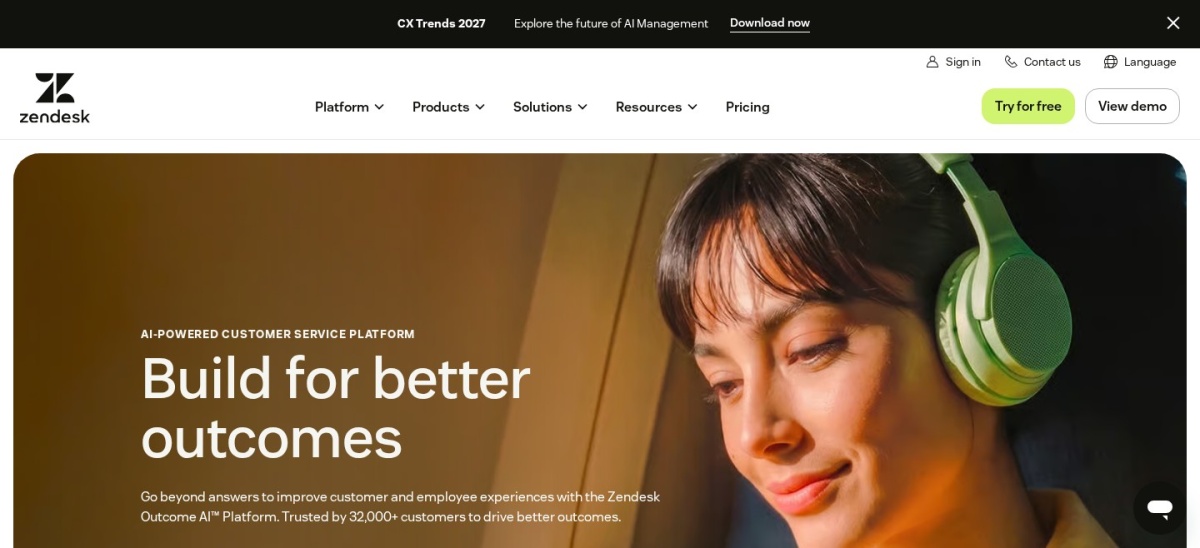
Zendesk homepage, captured Nov 2026.
Zendesk is an omnichannel customer service platform that combines email ticketing, live chat, voice, and a help center in one agent workspace. Its entry Support Team plan costs $19 per agent per month billed annually and includes email ticketing, routing rules, prebuilt analytics dashboards, macros, and 5 verified AI resolutions per agent each month.
The trade off is that live chat, messaging, telephony, and a knowledge base require upgrading to Suite Team at $55 per agent per month billed annually, and the Copilot agent-assist add-on costs another $50 per agent per month. It suits mid-sized and growing teams that need structured ticketing and deep workflow rules.
What we like
Mature ticketing engine with macros, views, and routing rules
Largest ecosystem of third-party integrations and trained admins
Includes AI agents on every plan with verified-only resolution billing
Scales from email-only queues to multi-brand global contact centers
Watch out for
Live chat and help center are locked behind the $55/agent Suite Team tier
Copilot add-on ($50/agent/mo) and AI overages raise total spend quickly
Advanced workflow configuration has a steeper setup curve
Suite Team ($55/agent/mo annual) unlocks live chat, messaging, voice, and a knowledge base.Visit zendesk.com
Onboarding fee$1,500 one-time mandatory on Professional
hubspot.com
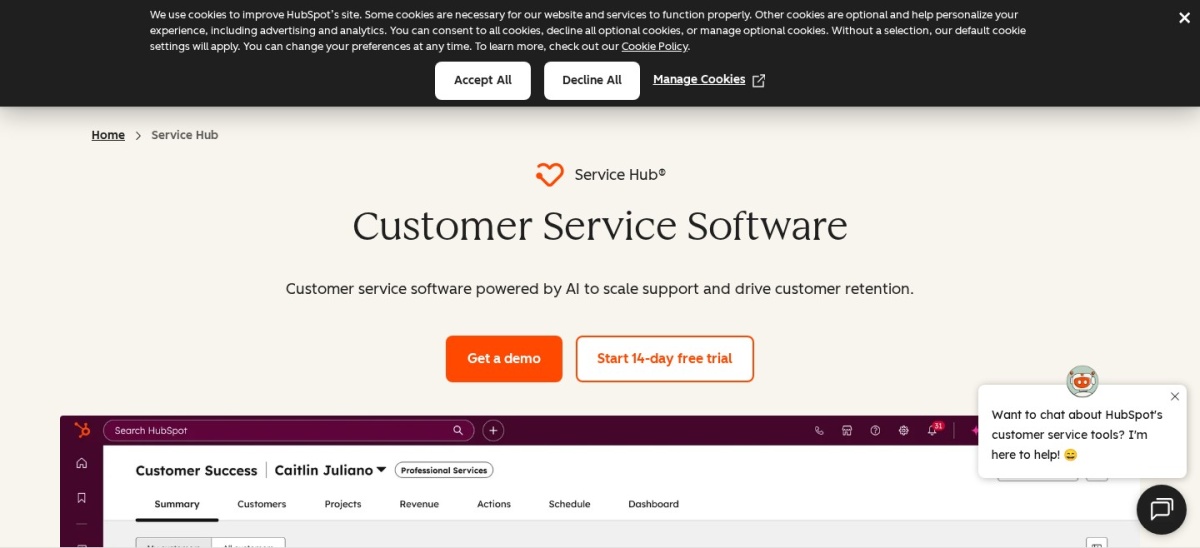
HubSpot Service Hub homepage, captured Nov 2026.
HubSpot Service Hub is a help desk built directly on top of HubSpot Smart CRM so every support ticket links to contact, company, and deal records. The permanent free plan supports up to 2 users with a shared inbox, live chat, basic bots, and central ticketing, while Starter at $20 per seat per month billed annually adds conversation routing, custom email templates, calling minutes, and 500 monthly HubSpot Credits.
The trade off is a steep jump to Professional at $90 to $100 per seat per month billed annually plus a mandatory $1,500 one-time onboarding fee to unlock SLA management, customer portals, feedback surveys, and Breeze Customer Agent. It suits B2B and SMB teams that already run sales or marketing on HubSpot.
What we like
Tickets share one unified timeline with sales deals and marketing emails
Permanent free tier for 2 users with live chat and basic ticketing
Clean interface that non-technical agents learn quickly
Free unlimited view-only seats on paid plans for cross-team visibility
Watch out for
Knowledge base, SLAs, and Breeze AI require the $90-$100/seat Professional tier
Mandatory $1,500 onboarding fee on Professional and $3,500 on Enterprise
Breeze Customer Agent consumes 50 credits (~$0.50) per resolved conversation
Public knowledge baseStarts at Standard ($14/agent/mo annual)
Zia AI assistantIncluded from Professional ($23/agent/mo annual)
zoho.com
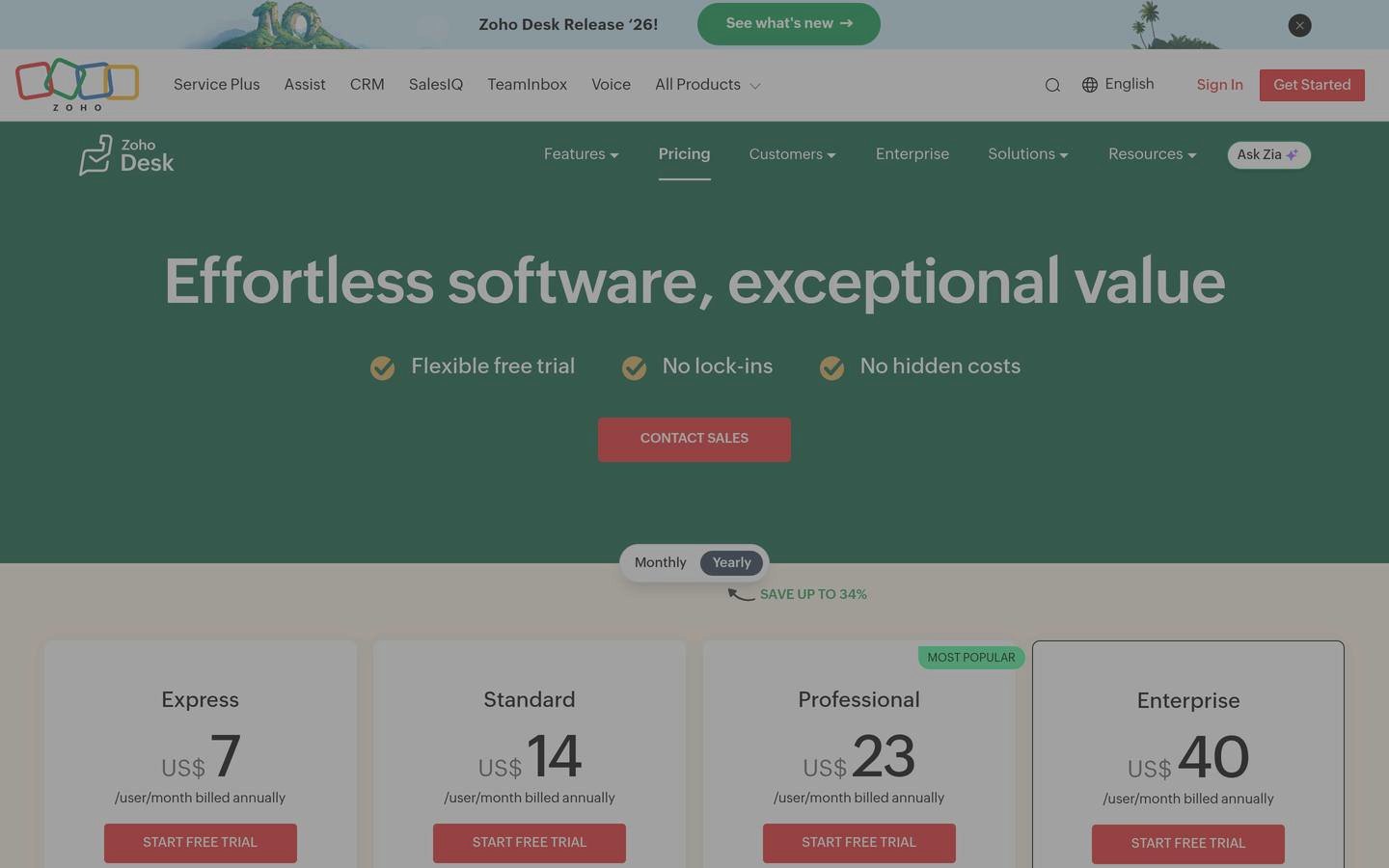
Zoho Desk homepage, captured Nov 2026.
Zoho Desk is a context-aware help desk that integrates natively with Zoho CRM and the broader Zoho business suite. Its permanent free tier covers up to 3 agents with email ticketing, macros, and a private knowledge base, while the entry Express plan costs $7 per agent per month billed annually ($9 monthly) for up to 5 agents and adds social media ticket intake, custom fields, and customer satisfaction ratings.
The trade off is feature gating across lower tiers, pushing teams to Standard ($14 per agent per month annual) for a public help center and live chat or Professional ($23 per agent per month annual) for Zia AI, round-robin routing, and telephony. It suits cost-conscious SMBs and teams already running Zoho CRM.
What we like
Lowest entry price on this list at $7/agent/mo billed annually
Permanent free tier for up to 3 support agents
Tight native sync with Zoho CRM customer and order records
Zia AI assistant is bundled on Professional without separate per-resolution fees
Watch out for
Express caps workspaces at 5 agents and excludes live chat and public docs
Interface feels dated compared to newer help desks
Standard vendor support can be slow on lower-tier plans
Express ($7/agent/mo annual) adds social channels, CSAT surveys, and basic automation.Visit zoho.com
Free tierTime-limited trial program (no standing free tier)
Included AI sessions500 one-time Freddy AI Agent sessions
Copilot add-on$29/agent/mo on Pro ($55) and Enterprise ($89)
freshworks.com
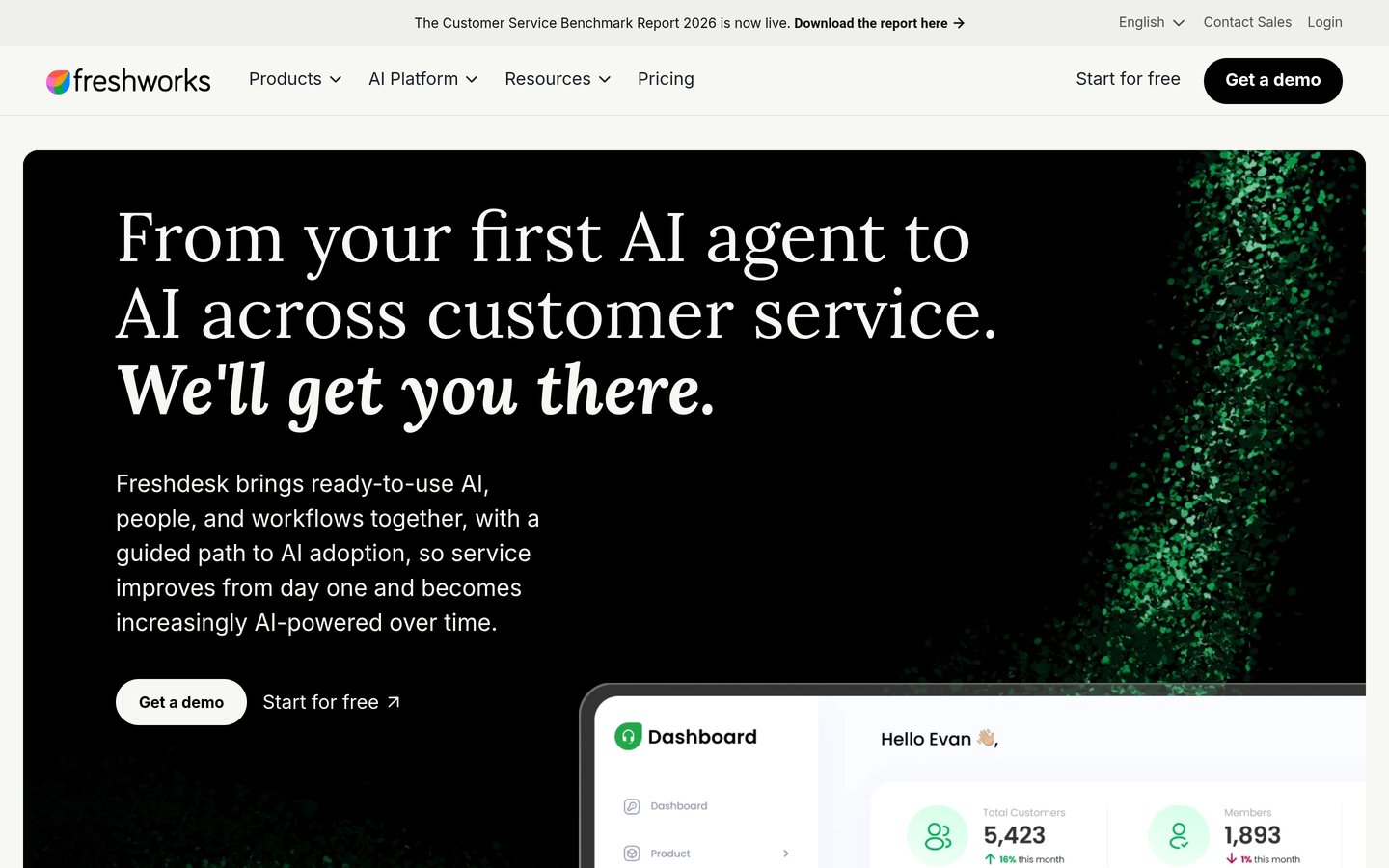
Freshdesk homepage, captured Nov 2026.
Freshdesk is a cloud help desk by Freshworks that pairs email ticketing with a customer portal, knowledge base, and Freddy AI. Its entry Growth plan costs $19 per agent per month billed annually and includes a shared inbox, self-service portal, out-of-the-box analytics, role permissions, and a one-time pool of 500 Freddy AI Agent sessions.
The trade off is that multiple SLA policies, intelligent routing, and access to the Freddy AI Copilot add-on ($29 per agent per month) require upgrading to Pro at $55 per agent per month billed annually, while extra AI Agent sessions cost $49 per 100 sessions. It suits small and mid-sized teams wanting fast setup and structured ticketing.
What we like
Includes a customer portal and knowledge base on the $19/agent Growth tier
Fast setup that small teams can configure without a dedicated admin
Connects natively to Freshsales CRM for shared customer context
Flexible day passes ($2 to $12/day) for seasonal support spikes
Watch out for
500 included Freddy AI Agent sessions are one-time per account, not monthly
Freddy AI Copilot ($29/agent/mo) is restricted to Pro and Enterprise plans
Native live chat and voice require the higher-priced Freshdesk Omni suite
Growth ($19/agent/mo annual) unlocks ticketing, a knowledge base, and 500 trial AI sessions.Visit freshworks.com
Included inboxes2 inboxes and 2 Docs sites on Standard
AI Answers billing$0.75 per resolved conversation after 3-mo trial
helpscout.com
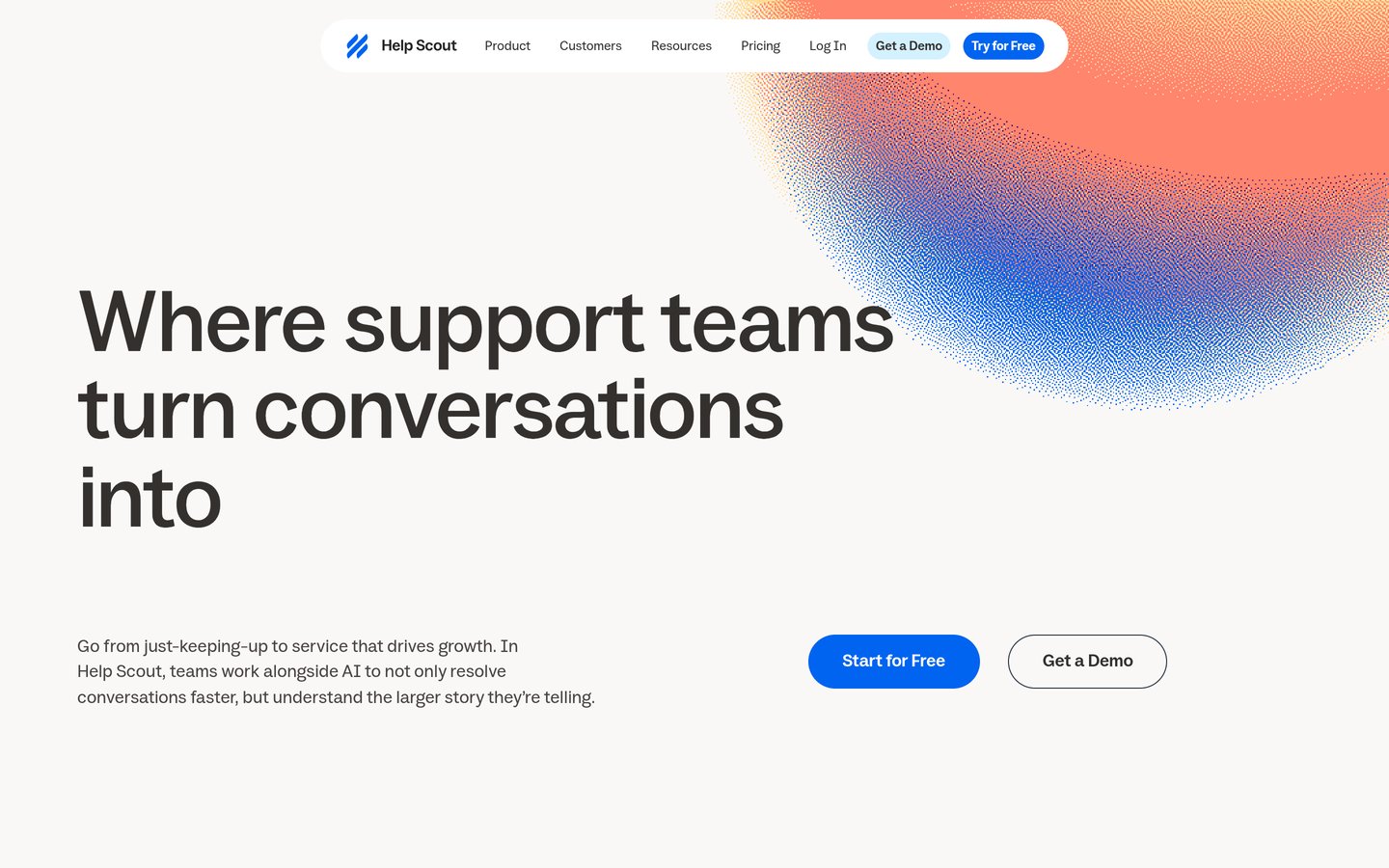
Help Scout homepage, captured Nov 2026.
Help Scout is a lightweight customer service platform built around a shared inbox that feels like regular email rather than a numbered ticket queue. Its free plan supports up to 5 users with 1 inbox, 1 Docs site, and 100 contacts monthly, while Standard ($25 per user per month billed annually, or $30 monthly) unlocks unlimited contacts, 2 inboxes, 2 Docs sites, live chat, and up to 25 users.
The trade off is that advanced workflows, HubSpot and Salesforce integrations, and light user seats require Plus at $45 per user per month billed annually, while AI Answers bills $0.75 per resolved conversation after a 3-month free trial. It suits small and mid-market teams that prioritize personal, email-led customer replies.
What we like
Clean, email-like interface with collision detection and internal notes
Generous permanent free tier for up to 5 users
Unlimited customer contacts on all paid per-user plans
AI Answers charges $0.75 only when a conversation resolves without escalation
Watch out for
Reporting and SLA policies are limited on Standard and Plus tiers
Extra inboxes ($10/mo) and Docs sites ($20/mo) add up for multi-brand teams
No native voice or telephony support without third-party integrations
Standard ($25/user/mo annual) removes the 100-contact cap and adds live chat and 2 inboxes.Visit helpscout.com
06
Salesforce Service Cloud
4.4/5on G2 (8,467 reviews, checked Nov 2026)
Starts at$25/mo
Best for enterprises standardized on Salesforce CRM
Full service tierEnterprise starts at $175/user/mo annual
Agentforce AI~$2/conversation or $0.10/action via Flex Credits
salesforce.com
Salesforce Service Cloud homepage, captured Nov 2026.
Salesforce Service Cloud (now branded alongside Agentforce Service) is an enterprise case management platform built directly inside the Salesforce CRM database. Its entry Starter Suite costs $25 per user per month billed annually and bundles basic case management, email integration, and a knowledge base for very small teams.
The trade off is that full service workflows, omnichannel routing, and Agentforce AI require upgrading to Enterprise at $175 per user per month billed annually, plus consumption fees of roughly $2 per AI conversation and ongoing admin setup. It suits large organizations that already run Salesforce CRM and have dedicated administrators.
What we like
True 360-degree customer console shared natively with Salesforce Sales Cloud
Unmatched workflow customization, permissions, and AppExchange ecosystem
Handles complex multi-department approvals and high-volume SLAs
Backed by 8,467 G2 reviews across mid-market and enterprise teams
Watch out for
Serious service features and AI start at Enterprise ($175/user/mo annual)
Requires an internal admin or implementation partner for configuration
Agentforce consumption billing and add-ons create unpredictable costs
Built-in call centerIncluded from Team ($29/agent/mo regular annual)
AI pricingBring-your-own API key (no per-resolution fee)
liveagent.com
LiveAgent homepage, captured Nov 2026.
LiveAgent is a multichannel help desk that combines email ticketing, real-time live chat, a knowledge base, and a built-in call center in one system. Its entry Starter plan carries a regular annual price of $15 per agent per month ($19 monthly, with promotional discounts sometimes offered for new signups) for up to 15 agents, 3 email accounts, 2 live chat buttons, 1 knowledge base, and 1 bring-your-own-key AI agent.
The trade off is a visibly dated desktop interface and weaker mobile apps, while analytics reports and built-in voice support require the Team plan at $29 per agent per month regular annual ($35 monthly). It suits budget-focused teams that want live chat and phone support without paying for a separate telephony vendor.
What we like
No per-resolution AI markup; connect your own AI provider API key
Built-in call center and IVR available on Team ($29/agent/mo regular annual)
Real-time typing view lets agents see live chat messages before they send
30-day free trial without a credit card
Watch out for
Analytics reporting is excluded from the $15 Starter tier
Interface design feels dated and mobile apps lag behind the desktop web app
Starter caps teams at 15 agents and 3 connected email addresses
Team ($29/agent/mo regular annual) adds built-in voice/IVR, reporting, and 5 AI agents.Visit liveagent.com
08
Intercom
4.5/5on G2 (3,958 reviews, checked Nov 2026)
Starts at$29/mo
Best for SaaS teams prioritizing AI chat resolution
Fin AI Agent$0.99 per resolved outcome on all plans
Copilot add-on$29/agent/mo annual ($35 monthly)
intercom.com
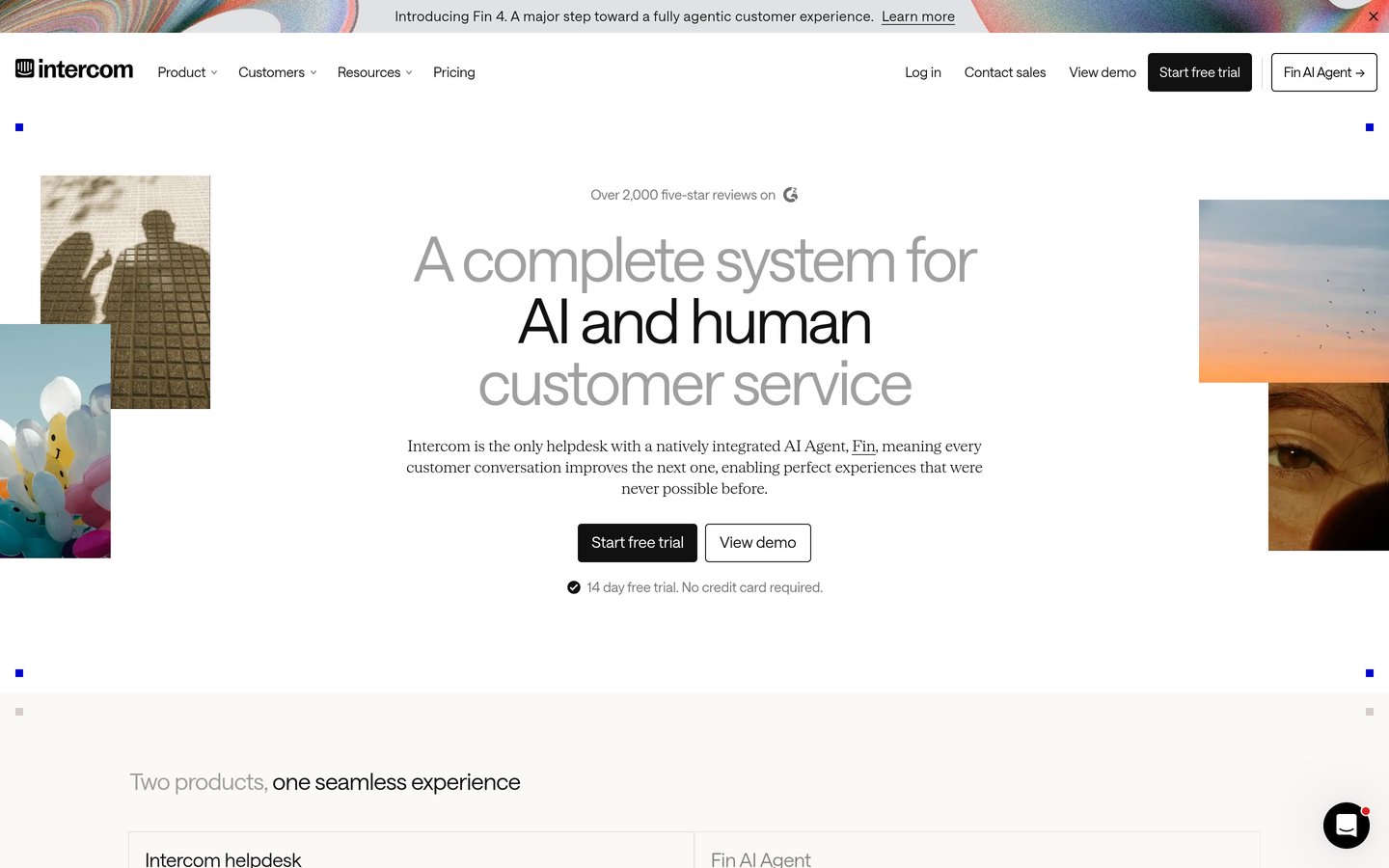
Intercom homepage, captured Nov 2026.
Intercom is a conversational customer service platform pairing an in-app messenger, shared inbox, and help center with Fin, its autonomous AI agent. The entry Essential plan costs $29 per seat per month billed annually ($39 monthly) and includes the shared inbox, live chat, basic automations, a public help center, and standard reporting.
The trade off is variable billing on top of seats: Fin AI Agent costs $0.99 per resolved outcome, the Copilot assistant costs $29 per agent per month annually, and multi-inbox workflows require Advanced at $85 per seat per month. It suits SaaS and product-led companies with high in-app chat volume.
What we like
Polished in-app messenger and product-led customer context
Fin AI Agent resolves complex multi-step queries across chat, email, and voice
Advanced ($85/seat/mo) includes 20 free Lite seats for cross-team collaboration
14-day free trial includes unlimited Fin AI outcomes for testing
Watch out for
Fin AI outcomes ($0.99 each) can cause sharp bill spikes during busy months
Workflows, multiple inboxes, and custom bots require the $85/seat Advanced plan
Copilot agent assist costs an extra $29/agent/mo on every tier
Advanced ($85/seat/mo annual) unlocks multi-inbox routing, Workflows, and 20 free Lite seats.Visit intercom.com
Watch out for per-resolution AI pricing in 2026
Almost every customer service CRM in 2026 uses hybrid pricing: a predictable per-agent monthly subscription paired with a variable meter for AI resolutions. Zendesk includes 5 verified AI resolutions per agent and bills $1.50 to $2.00 per resolution after that, Intercom charges $0.99 per Fin outcome, Help Scout bills $0.75 per AI Answers resolution, and HubSpot deducts 50 credits (~$0.50) per resolved conversation.
Before choosing a tier, estimate your monthly ticket volume and assume your AI agent will resolve 20% to 40% of repetitive questions. Multiply those resolutions by the vendor's per-outcome rate and add any agent-assist Copilot fees ($20 to $50 per seat) so you compare real annual spend rather than headline seat prices.
How we chose
We selected established customer service platforms that connect support ticketing directly with customer profiles, order history, or CRM records, covering both dedicated help desks and CRM-native service suites.
All pricing tiers, annual billing rates, AI usage fees, and G2 or Capterra review scores were verified on 22 Nov 2026 directly from official vendor pricing pages and public review listings.
We excluded legacy tools without active 2026 updates, enterprise-only vendors without transparent public pricing, and standalone live-chat widgets lacking ticket routing. No vendor paid for a place, and we do not claim testing for this list.
How to choose customer service CRM software
Match your existing CRM stack, channel mix, and ticket volume to the right pricing structure before committing to annual seats.
Check whether you need native CRM sync or a standalone help desk. If your sales team already lives in HubSpot CRM, Salesforce, or Zoho CRM, picking their matching service hub keeps deals and support tickets on one contact timeline without third-party sync connectors.
Verify which tier unlocks your required channels. Entry plans around $7 to $25 per agent often cover email ticketing only. Confirm whether live chat, WhatsApp, voice, and a public knowledge base sit on the starter plan or require a mid-tier upgrade.
Model your AI resolution and Copilot spend. Calculate your expected monthly AI resolutions and multiply by the vendor's per-outcome rate ($0.50 to $2.00), then check if agent-assist drafting tools require a separate $20 to $50 per-seat add-on.
Test seat limits and light-agent rules for non-support staff. If engineers, billing staff, or managers need to view tickets and leave internal notes, prioritize platforms like HubSpot, Help Scout, or Zoho Desk that offer free or low-cost view-only seats.
FAQ
What is the difference between a help desk and a customer service CRM?
A traditional help desk focuses on organizing incoming support tickets, SLAs, and agent queues. A customer service CRM links those support conversations directly to a central customer database showing purchase history, open sales deals, and account status.
Which customer service CRM has the best free plan?
Help Scout offers the highest free user cap at up to 5 users with 1 inbox and 1 knowledge base, though it limits volume to 100 contacts per month. HubSpot Service Hub (up to 2 users) and Zoho Desk (up to 3 agents) have no monthly contact caps.
What is the cheapest paid CRM for customer service?
Zoho Desk Express is the cheapest paid option on our list at $7 per agent per month billed annually ($84 per year), covering up to 5 agents with email ticketing, social media intake, and customer satisfaction ratings.
Why do customer service CRMs cost more than their starting price?
Vendors gate high-demand features like live chat, SLA policies, and knowledge bases behind mid-tier plans ($45 to $100 per seat), and bill autonomous AI resolutions separately per conversation on top of monthly seat licenses.
Is Zendesk or HubSpot Service Hub better for small businesses?
HubSpot Service Hub is better for small teams already using HubSpot CRM because contacts and tickets stay in one database with a free 2-user tier. Zendesk is better for support-led teams that need deeper ticket routing, macros, and high-volume queue controls.