Best Cost Management Software in 2026: 7 Tools Compared
WLWPLegible EditorsLast verified 22 Nov 2026How we rank13 min read
★ Short answer
Productive is the best cost management software for service businesses because its Essential plan combines budgeting, resource planning, expense tracking and reporting, with a listed monthly rate of $12 per user. Beebole is better for detailed timesheets and project costs, while Teamwork suits teams coordinating client delivery and billable work.
How we make this list: we compare pricing pages, product documentation and public user reviews, then re-check every price before each update. No product paid for a place. Disclosure.
Productive combines budgets, expenses and resource planning, with Essential listed at $12 per user per month.
Beebole starts at $9 per user per month billed annually, but full cost and profitability tracking is in its $18 Advanced plan.
Teamwork Basics costs $9.99 per user per month billed annually and supports up to 300 projects.
Clockify has a free plan for up to 5 users, while Basic costs $3.99 per seat per month billed annually.
Harvest Teams starts at $9 per seat per month billed annually, connecting time and expense tracking with invoicing.
Float Starter costs $7 per scheduled person per month, while Pro at $12 adds project cost estimation.
What cost management software should actually track
Cost management software helps businesses compare what they planned to spend with what work actually costs. The most useful systems connect budgets, labor hours, expenses and project progress rather than showing financial totals in isolation.
Start with budget versus actual reporting. A budget is useful only when recorded time, approved expenses and other charges update the remaining amount. Look for clear distinctions between planned costs, incurred costs and expected future spending.
Labor is often the largest variable cost for service businesses. Tools with employee cost rates, billable rates and timesheet approvals can explain why a project appears busy but earns less than expected.
Forecasting matters when several projects compete for the same people. Resource planning can reveal expensive overbooking, while profitability reports show whether revenue covers delivery costs.
The products in this comparison focus primarily on project and service-delivery costs. They are not substitutes for dedicated enterprise procurement, manufacturing cost accounting or cloud infrastructure cost optimization platforms.
Best overall for agency and service cost management
Entry planEssential
BudgetingIncluded
Expense managementIncluded
Free trial14 days
productive.io
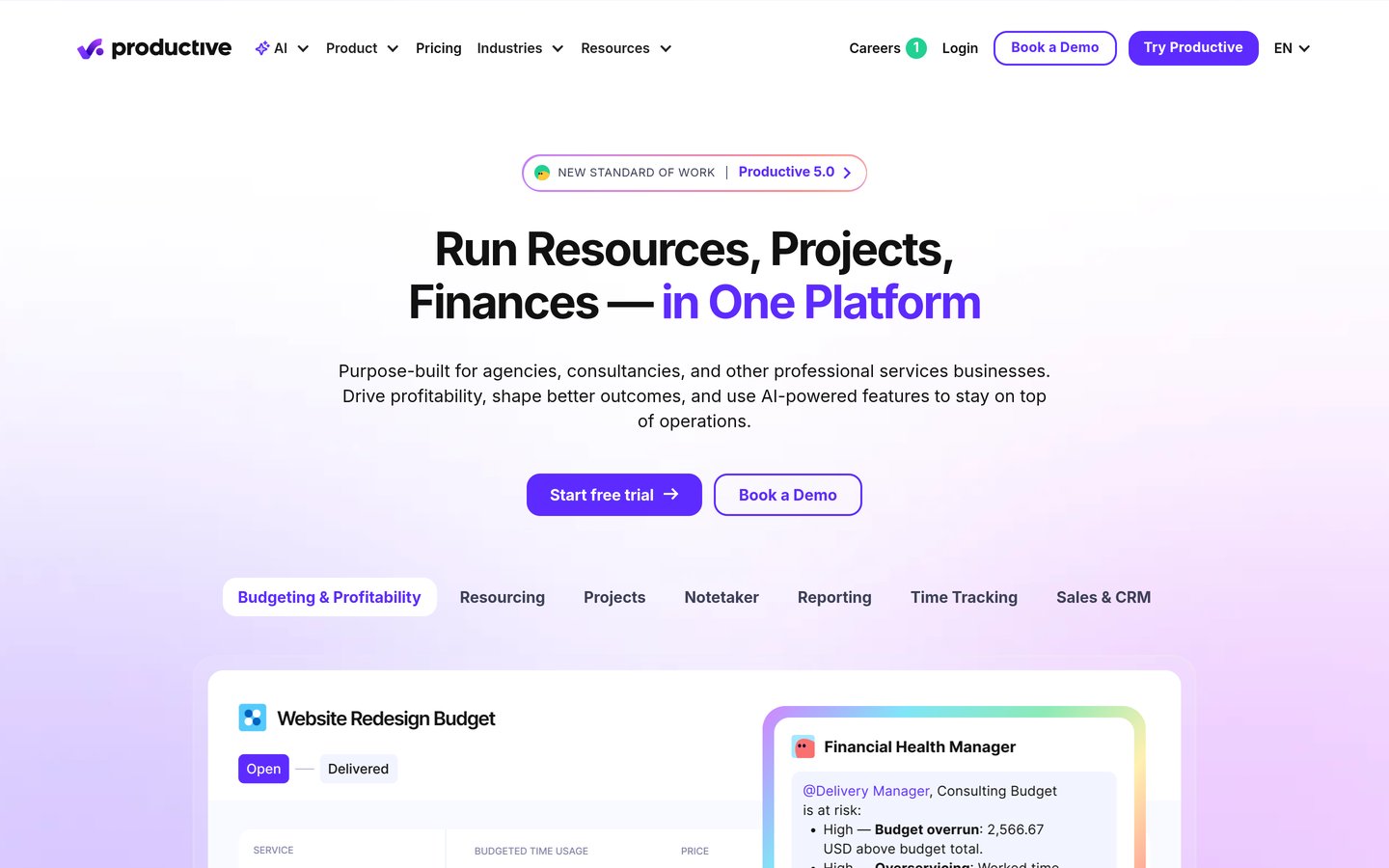
Productive homepage, captured Nov 2026.
Productive is an agency management platform that combines project budgets, resource planning, time tracking, expenses and financial reporting. Its Essential plan includes budgeting, project management, expense tracking, reporting and API access, plus 5 account-level custom fields. These connected records help managers understand delivery costs without maintaining separate tracking systems.
The trade off is a per-user subscription and additional costs for advanced reporting and financial workflows. Essential has a listed monthly rate of $12 per user, while Professional adds recurring budgets and advanced reporting. It suits agencies and consulting businesses that manage several clients and need costs connected to workload and project delivery.
Includes project management and financial reporting
Supports billable service operations
Advanced reporting available on higher tiers
Watch out for
No permanent free plan
Advanced financial reporting requires upgrading
Broader interface than a dedicated expense tracker
Professional adds recurring budgets, advanced reports and more integrations.Visit productive.io
02
Beebole
4.5/5on G2 (79 reviews, checked Nov 2026)
Paid from$9/mo
Best for detailed labor costs and profitability
Free usersUp to 5
Essential$9/user/mo annually
Advanced$18/user/mo annually
Trial30 days
beebole.com
Beebole homepage, captured Nov 2026.
Beebole is a project time tracking and resource management platform built to measure labor and delivery costs. Its free plan supports up to 5 users with project time tracking, resource planning and custom reports. Essential adds billing rates, multiple currencies and multi-level timesheet approvals, while Advanced introduces project budgets, expense tracking and profitability analysis.
The trade off is that its core cost management capabilities are concentrated in Advanced at $18 per user per month billed annually, rather than Essential at $9. Teams needing both labor and nonlabor expense analysis must budget for that higher tier. It suits consulting, engineering and professional services teams that need detailed cost allocations.
What we like
Detailed time tracking by project and task
Free resource planning for small teams
Flexible billing rates and timesheet approvals
Advanced plan tracks project budgets and profitability
Exports and integrations support finance workflows
Watch out for
Project cost and profitability reporting requires Advanced or add-ons
Free plan does not include full financial analysis
Less suited to managing purchase orders and suppliers
Best for managing client projects and billable delivery
Free plan5 users, 5 projects
Basics plan$9.99/user/mo annually
Paid projectsUp to 300 on Basics
Free trial14 days
teamwork.com
Teamwork homepage, captured Nov 2026.
Teamwork is a client project management platform that brings tasks, schedules, billable time and project reporting into one workspace. The free plan supports up to 5 users and 5 projects, with task, board, Gantt and table views. Basics expands project capacity to 300 and adds billable time reporting, templates and project health visibility.
The trade off is that entry-level project tracking is not the same as comprehensive financial management. Basics costs $9.99 per user per month billed annually, while more advanced delivery and profitability workflows require evaluating higher plans. It suits agencies that need coordinated client work alongside budget oversight.
What we like
Designed around client-facing projects
Free tier supports small project teams
Billable time reporting in Basics
Multiple project planning views
Supports project health and portfolio oversight
Watch out for
Advanced profitability features extend beyond Basics
Cost tracking depends on accurate team time entries
Not a replacement for full accounting software
Basics adds billable time, project health reports and more project capacity.Visit teamwork.com
04
Clockify
4.5/5on G2 (205 reviews, checked Nov 2026)
Paid from$3.99/mo
Best low-cost option for labor time visibility
Free usersUp to 5
Basic plan$3.99/seat/mo annually
Time estimatesBasic
Task ratesStandard
clockify.me
Clockify homepage, captured Nov 2026.
Clockify is a time tracking platform that helps businesses see where employee hours are spent. Its free plan supports up to 5 users, while Basic adds time estimates, historical rates, billable rates, project templates and time audits. These features help teams create a consistent record of labor used on client work.
The trade off is that comprehensive cost control needs more than the entry plan. Basic costs $3.99 per seat per month billed annually, while Standard at $5.49 adds task rates, invoicing and approvals, with further budgeting features available on higher tiers. It suits small teams starting with labor cost visibility.
What we like
Accessible free time tracking
Low-cost paid entry plan
Billable rates and historical rates
Time estimates support planning
Higher plans add approvals and invoicing
Watch out for
Basic is primarily a time administration plan
Advanced cost reporting requires higher tiers
Limited coverage of nonlabor business expenses
Basic adds estimates and time controls; higher plans add billing and budgeting.Visit clockify.me
05
Harvest
4.3/5on G2 (846 reviews, checked Nov 2026)
Paid from$9/mo
Best for connecting time, expenses and invoicing
Free plan1 seat, 2 projects
Teams plan$9/seat/mo annually
Expense trackingIncluded in Free
Free trial30 days
getharvest.com
Harvest homepage, captured Nov 2026.
Harvest is a time and expense tracking platform that connects project work with invoicing. Its free plan includes 1 seat, 2 projects, time tracking, expense recording and invoices. Teams adds multi-person reporting, capacity visibility and accounting integrations, helping service businesses compare work delivered with the revenue being billed.
The trade off is that Harvest emphasizes time-based financial visibility rather than advanced project cost forecasting. Teams starts at $9 per seat per month billed annually, with usage-based charges possible for additional records or services. It suits freelancers and service businesses that want to connect hours, expenses and client invoices.
Best for freelancers managing client project costs
Free users1
Free projects2
Solo plan$9.90/mo regular
Solo storage5 GB
paymoapp.com
Paymo homepage, captured Nov 2026.
Paymo is a project management and time tracking application with built-in invoicing. Its free plan supports 1 user and 2 projects, with unlimited time tracking, invoices and tasks. Solo increases the allowance to 5 projects and 3 clients, while adding flat-rate and retainer projects, guest access and calendar and Kanban views.
The trade off is that Solo is designed for individual operators, not detailed team profitability management. Its regular price is $9.90 per month, although a temporary offer reduces the first 3 months to $5.90. It suits freelancers who need organized client work and billing before moving to larger-team cost controls.
What we like
Free time tracking and invoicing
Flat-rate and retainer project support
Client and task management together
Affordable entry plan for individual users
Clear upgrade route for larger projects
Watch out for
Solo is limited to one user
Profitability features require higher plans
Advanced team financial controls are not included in Solo
Solo adds retainers and more projects; higher plans add profitability tools.Visit paymoapp.com
07
Float
4.2/5on G2 (2,248 reviews, checked Nov 2026)
Starts at$7/mo
Best for forecasting resource-related project costs
Entry planStarter
Starter price$7/person/mo
Pro price$12/person/mo
Trial30 days
float.com
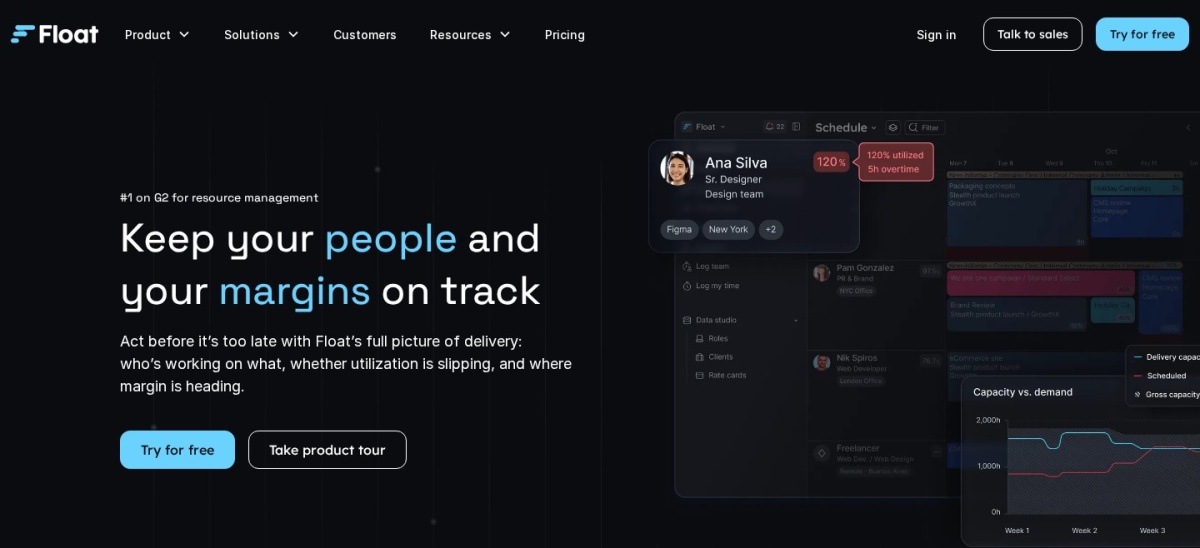
Float homepage, captured Nov 2026.
Float is a resource management platform for scheduling people and forecasting project capacity. Starter costs $7 per scheduled person per month and includes resource scheduling, capacity planning, time-off management and project scoping. Pro adds time tracking, client rate cards, project cost estimation and advanced reporting for teams needing financial visibility.
The trade off is that meaningful project costing starts with Pro at $12 per scheduled person per month rather than Starter. Float also focuses on resource expenses instead of providing a full accounting system. It suits delivery managers who need to understand staffing commitments before they become project cost overruns.
What we like
Clear visual resource scheduling
Helps identify capacity problems
Project scoping available in Starter
Pro adds project cost estimation
Advanced reporting links resources to delivery
Watch out for
No permanent free plan
Project cost estimation requires Pro
Not designed as a general ledger or purchasing system
Pro adds time tracking, rate cards, cost estimates and advanced dashboards.Visit float.com
Cost management software vs accounting software
Accounting software records financial transactions and prepares financial reports. Cost management software focuses on how money is being used across work, projects, teams and planned activities.
The difference matters when invoices arrive after the associated labor has already been performed. A project manager needs to see those accumulating costs before the accounting period closes.
Many service businesses use both categories. Time, expense and project records feed operational decisions, while accounting tools handle the formal financial books.
Check integration capabilities before committing. Exportable reports and connections to existing accounting systems can reduce duplicate entries and reconciliation work.
How to interpret the annual price comparison
The price ladder uses the cheapest published paid plan, converted to an annual per-seat equivalent when applicable. It does not imply that each entry plan includes the same financial features.
For example, Clockify Basic offers time administration capabilities, while more advanced cost workflows are available in higher tiers. Similarly, Beebole Advanced contains the project budgeting and profitability features missing from Essential.
Annualized entry prices do not represent the full subscription cost for teams. Multiply the relevant per-user amount by your required seats, then account for minimum commitments, optional modules and usage charges.
Where a vendor offers annual billing discounts or introductory promotions, compare the continuing subscription cost against your actual feature needs rather than choosing on the promotional figure alone.
How we chose
We reviewed established project cost management, resource planning and time-based financial tracking products. The shortlist prioritizes tools with publicly documented capabilities, transparent paid pricing and independent customer feedback from G2.
The comparison uses the requested November 2026 publication period. Vendor pricing pages and G2 review profiles were opened on 23 November 2026, rather than 22 November. Prices reflect published entry plans, with introductory promotions separated from regular rates and yearly equivalents calculated where necessary.
We excluded products without verifiable public entry pricing, standalone accounting systems without meaningful project cost controls, and specialist enterprise platforms that require a sales quotation. No vendor paid for a place, and we do not claim testing for this list.
How to choose cost management software
Identify your largest cost categories, then select software that records them at the level where managers make decisions.
Define which costs need tracking. Separate employee labor, contractor charges, project expenses, resources and overhead. A time tracking tool may be sufficient for labor-heavy consulting work, while operations with substantial purchasing need deeper expense controls.
Check whether budgeting is included in the entry plan. Do not assume a product offering time tracking can also forecast project costs. Confirm support for project budgets, cost rates, budget variance and profitability at the plan you intend to purchase.
Calculate the price for your actual team. Compare seat-based charges, billing terms, minimum purchase requirements and feature upgrades. Include every person who needs to record time, manage projects, approve work or access financial reports.
Validate your accounting and reporting workflow. Check integrations, export formats, approval controls and reporting detail. Choose a system that provides actionable project information without forcing finance staff to reenter transactions manually.
FAQ
What is the best cost management software for small businesses?
Productive is a strong choice for service businesses that need budgets, resource planning, expenses and project reporting in one application. Smaller teams focused mainly on time-based costs may prefer Clockify, while Harvest offers an accessible combination of time tracking, expense records and invoicing.
Is there free cost management software?
Yes. Clockify, Beebole, Harvest, Teamwork and Paymo offer free plans with different limits. However, free time tracking is not necessarily complete cost management. Features such as expense analysis, project budgets, profitability reports and advanced approvals may require paid subscriptions.
How does cost management software help reduce expenses?
It makes spending more visible before a project finishes. Managers can compare actual labor and expense records against budgets, identify resource allocation problems and investigate overruns. The software provides information for making decisions; savings depend on how the organization responds to those findings.
What is the difference between cost management and expense management?
Expense management focuses on recording, approving and reimbursing spending. Cost management includes a broader view of how resources contribute to projects, services and business activities. It may combine timesheets, expenses, cost rates, budget comparisons and profitability reporting to help managers understand financial performance.
Which cost management tool is best for project budgeting?
Productive is a useful option because budgeting connects to project work, resource planning and expenses. Beebole Advanced is another option for teams requiring detailed labor costs and budget monitoring. The better choice depends on whether you need broad project operations or granular time-based financial reporting.
Can cost management software integrate with accounting systems?
Several products support accounting integrations or data exports. Harvest offers connections with accounting platforms, while Beebole provides integrations that help transfer time and expenses. Confirm the exact sync direction, supported records and required subscription before assuming transactions will move automatically.
How much does cost management software cost?
Pricing depends on the features and seats required. The entry plans in this comparison include Clockify Basic at $3.99 per seat per month billed annually and Teamwork Basics at $9.99 per user per month billed annually. More extensive profitability and forecasting features can require higher tiers.
Is project cost management software the same as financial planning software?
No. Project cost management concentrates on planned and actual delivery costs, usually using resource schedules, time records and expenses. Financial planning software typically covers wider budgets, cash flow, scenarios and financial forecasts. Some businesses need both systems for operational and company-wide decisions.