Best Corporate Finance Automation Software in 2026: 7 Tools Compared
WLWPLegible EditorsLast verified 22 Nov 2026How we rank12 min read
★ Short answer
Ramp is our top corporate finance automation pick because its free plan combines unlimited corporate cards, invoice capture, bill payments, approval workflows and accounting integrations. Brex is a strong alternative for card-based spending controls, while BILL is better suited to companies prioritizing accounts payable and receivable automation.
How we make this list: we compare pricing pages, product documentation and public user reviews, then re-check every price before each update. No product paid for a place. Disclosure.
Ramp offers unlimited corporate cards, automated invoice extraction and bill payments on its free plan. Plus costs $15 per user monthly plus a platform fee.
Brex Essentials is free and supports bill pay, reimbursements and up to two entities. Premium costs $12 per user monthly.
BILL Essentials starts at $49 per user monthly, with Team at $65 and Corporate at $89.
Zoho Books offers a free accounting plan and paid Standard pricing of $20 monthly or $15 monthly with annual billing.
Xero Early has a regular price of $27 monthly, while QuickBooks Simple Start costs $38 monthly.
FreshBooks Lite costs $23 monthly at its regular rate and supports invoicing up to five clients.
What corporate finance automation software should handle
Corporate finance automation software reduces repetitive work across company spending, invoices, approvals, payments and accounting. The right platform depends on which processes consume the most finance team time.
For expense-heavy businesses, look for corporate cards, receipt matching, spending limits and approval rules. These controls help teams identify purchases before costs reach the accounting ledger.
For invoice-heavy operations, prioritize automated document capture, vendor management, payment scheduling and accounting synchronization. Check whether the entry plan includes the workflows your team actually needs.
Accounting platforms approach automation differently. They focus on bank reconciliation, recurring transactions, financial statements and reporting rather than controlling every employee purchase.
Compare the full cost carefully. A platform advertised at a per-user rate may also charge platform, payment, implementation or integration fees.
The 7 best corporate finance automation software tools
01
Ramp
2.7/5on Trustpilot (231 reviews, checked Nov 2026)
Paid from$15/mo
Best for corporate spending automation
Free planUnlimited corporate cards
Invoice processingAutomated OCR extraction
AccountingQuickBooks and Xero integrations
Paid upgradePlus, $15/user/mo + platform fee
ramp.com
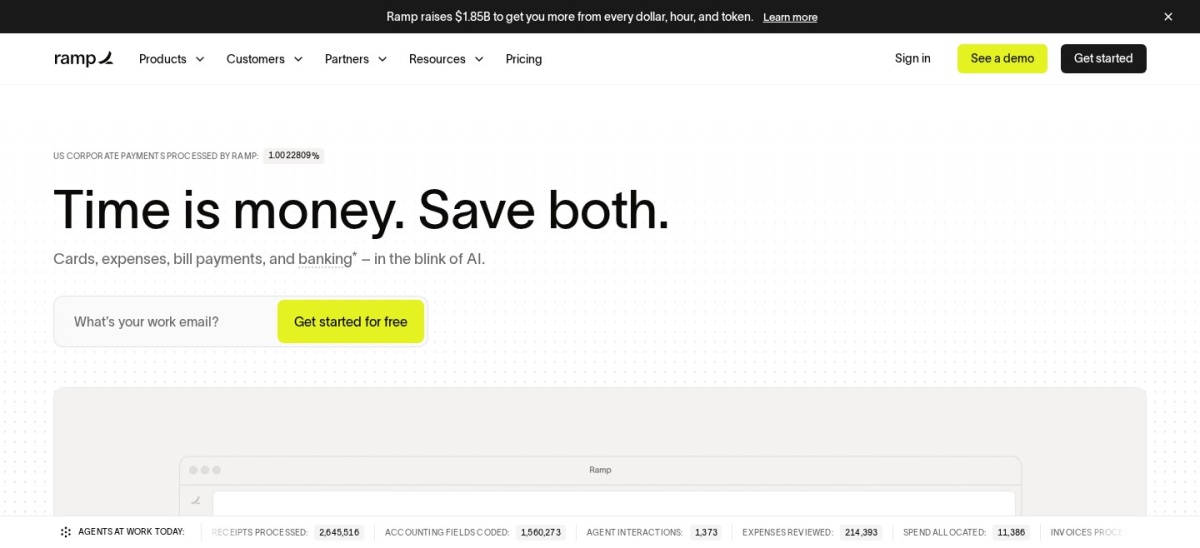
Ramp homepage, captured Nov 2026.
Ramp is a corporate finance platform combining cards, expenses, accounts payable and accounting automation. Its free plan includes unlimited cards, receipt matching, automated invoice extraction, configurable approvals, bill payments and integrations with QuickBooks Online and Xero. Teams can also create spending reports and manage vendors from the same platform.
The trade off is that advanced accounting automation, multi-entity support and more sophisticated approval capabilities require Plus at $15 per user monthly, with an additional platform fee based on team size. It suits businesses wanting spending controls and invoice workflows without purchasing separate systems.
What we like
Broad finance automation functionality on the free plan
Unlimited corporate cards with configurable controls
Automated invoice extraction and receipt matching
Bill payments and accounting integrations included
Advanced automation available through Plus
Watch out for
Plus has an additional platform fee
Enterprise pricing requires a custom quote
Advanced ERP integrations require an upgrade
Trustpilot feedback is mixed
Plus adds advanced accounting, multi-entity support and AI expense reviews.Visit ramp.com
02
Brex
4.8/5on G2 (1,665 reviews, checked Nov 2026)
Paid from$12/mo
Best for corporate cards and expense policies
Free planEssentials
Entity supportUp to 2 on Essentials
Core finance toolsCards, bill pay and reimbursements
Paid upgradePremium, $12/user/mo
brex.com
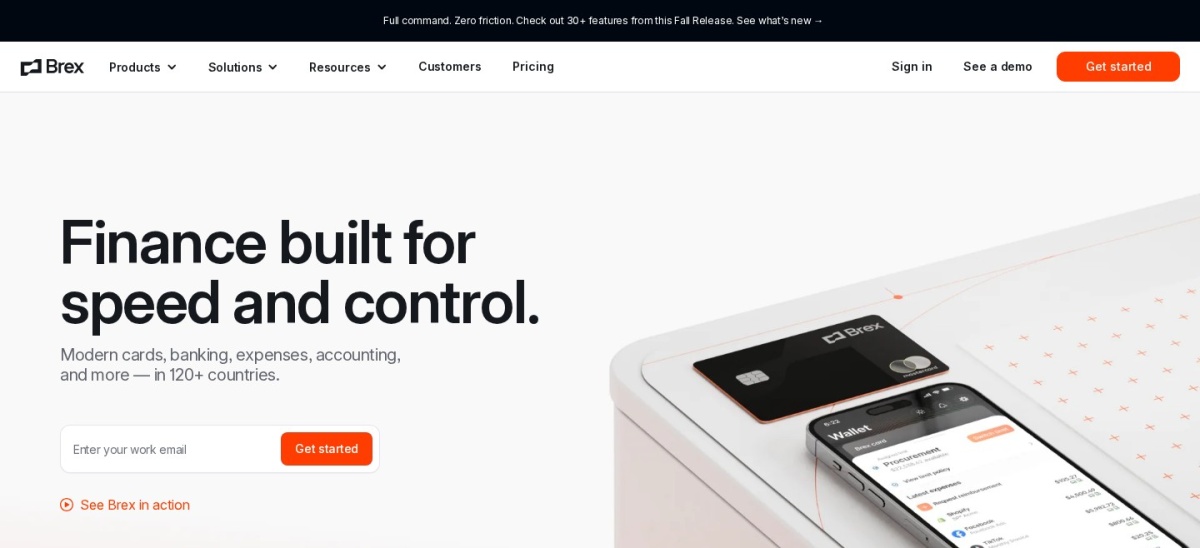
Brex homepage, captured Nov 2026.
Brex is a spend management platform covering corporate cards, employee expenses, reimbursements, travel and bill payments. Essentials is free and includes accounting integrations, real-time reporting, AI-assisted spending rules and support for up to two entities. Teams can issue cards and manage spending activity from a shared finance workspace.
The trade off is that customizable expense policies, dynamic approval chains and advanced compliance reviews require Premium at $12 per user monthly. It suits growing companies that want tighter control over employee purchases, reimbursements and travel spending.
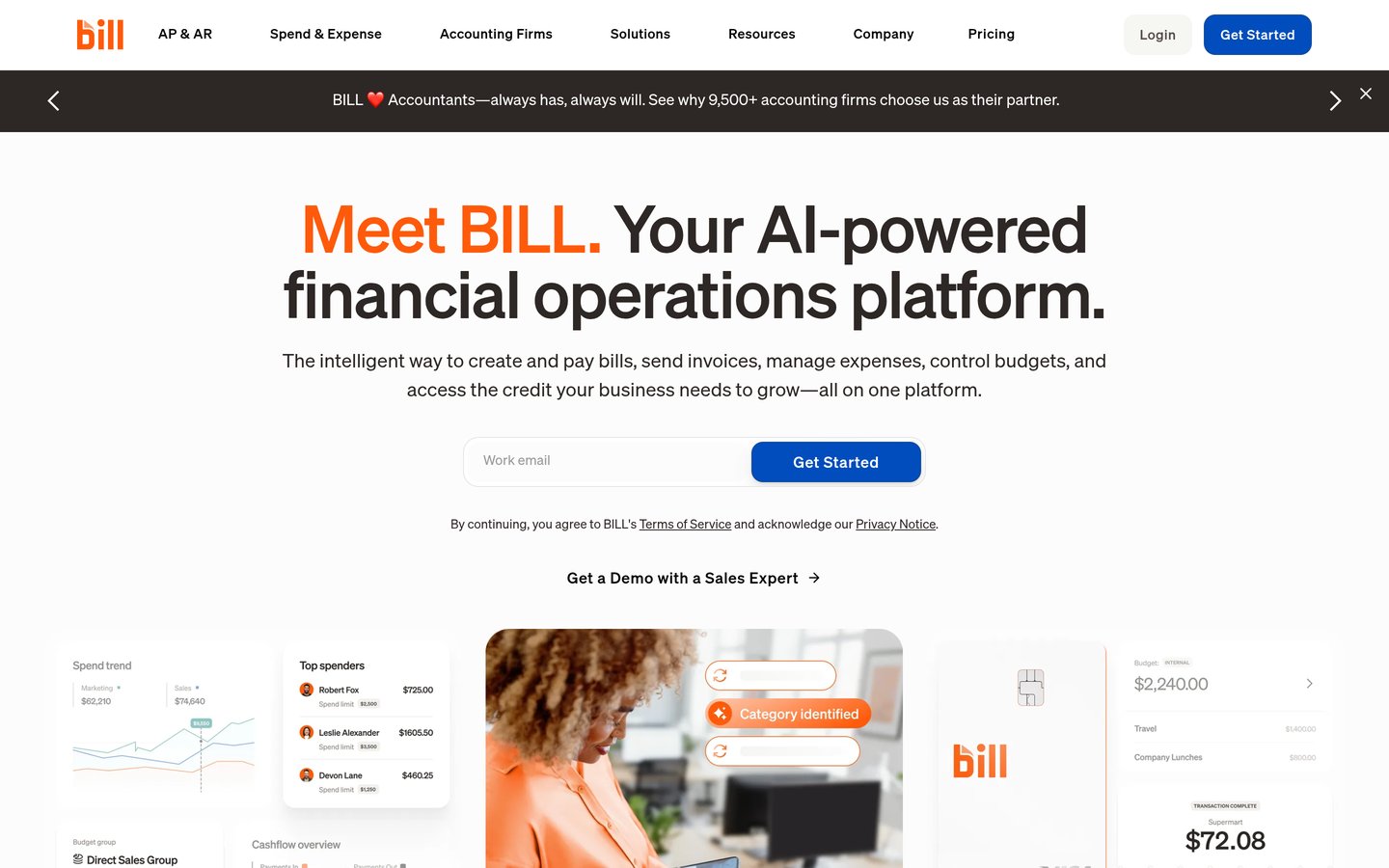
BILL is a finance automation platform focused on accounts payable, accounts receivable and business payments. Essentials starts at $49 per user monthly and supports bill management, standard approval policies, invoicing and payment reminders. BILL also provides access to its vendor network and centralized document storage.
The trade off is that automatic two-way accounting synchronization and more flexible approval controls require higher subscriptions, with Team costing $65 per user monthly. It suits finance departments that process frequent supplier invoices and customer payments.
What we like
Dedicated accounts payable and receivable workflows
Centralized invoice and bill management
Approval policies help control payments
Supports multiple business payment methods
Higher tiers add accounting synchronization
Watch out for
Subscription charges increase with users
Entry plan lacks automatic two-way sync
Payment processing can involve additional fees
Advanced procurement functionality costs more
Team adds automatic accounting sync and more granular financial controls.Visit bill.com
04
Zoho Books
4.4/5on G2 (333 reviews, checked Nov 2026)
Paid from$20/mo
Best for affordable accounting automation
Free plan1 user plus accountant
Paid entry planStandard, $20/mo
Annual billing$15/mo equivalent
Standard users3
zoho.com
Zoho Books homepage, captured Nov 2026.
Zoho Books is cloud accounting software for invoicing, expenses, bank reconciliation and financial reporting. Its free plan includes recurring invoices, automated payment reminders and more than 50 reports. Standard costs $20 monthly, supports three users and adds bank feeds, recurring expenses, custom reports and transaction period locking.
The trade off is that purchase approvals, inventory tracking and customizable workflows require higher plans, with Professional costing $50 monthly at the regular monthly rate. It suits smaller finance teams that need affordable bookkeeping automation before adopting a larger financial operations platform.
What we like
Free plan includes core accounting features
Affordable entry subscription
Recurring invoices and payment reminders
Bank reconciliation and reporting tools
Upgrade path for purchasing and approval workflows
Watch out for
Advanced approvals require higher tiers
Entry plans have user and transaction limits
Not a dedicated corporate card platform
Standard adds bank feeds, recurring expenses, custom reports and API access.Visit zoho.com
05
Xero
4.4/5on G2 (1,864 reviews, checked Nov 2026)
Starts at$27/mo
Best for automated bookkeeping and reconciliation
Entry planEarly, $27/mo regular
Invoice limit20 invoices
Bill limit5 bills
Cash flow forecast30 days
xero.com
Xero homepage, captured Nov 2026.
Xero is cloud accounting software covering invoices, bills, bank reconciliation and financial reporting. Early costs $27 monthly at its regular rate and includes document capture, basic reporting, cash flow forecasting and online bill payments. The entry plan supports up to 20 invoices and five bills.
The trade off is that the Early plan has transaction limits, while Growing costs $59 monthly at its regular rate and adds broader bill automation and reporting capabilities. It suits finance teams whose main priority is keeping accounting records current rather than issuing corporate cards.
What we like
Bank reconciliation and financial reporting
Document capture for accounting records
Cash flow forecasting included
Large accounting integration ecosystem
No per-user license fees
Watch out for
Entry plan restricts invoices and bills
Advanced automation requires higher plans
Not a complete corporate spending platform
Growing adds broader bill automation, dashboards and extended cash flow forecasting.Visit xero.com
06
QuickBooks Online
4/5on G2 (3,913 reviews, checked Nov 2026)
Starts at$38/mo
Best for established accounting workflows
Entry planSimple Start
Regular price$38/mo
Included users1 plus 2 accountants
Core automationBank transaction synchronization
intuit.com
QuickBooks Online homepage, captured Nov 2026.
QuickBooks Online is cloud accounting software for tracking business transactions, managing financial records and viewing profitability. Simple Start costs $38 monthly at its regular rate, includes one user with access for two accountants and connects bank transactions to accounting records. It also provides real-time profit and loss visibility.
The trade off is that Simple Start has limited user capacity and businesses needing more sophisticated accounting workflows must consider higher subscriptions. A temporary promotional discount does not change the regular $38 monthly price. It suits companies that prioritize conventional accounting processes and accountant collaboration.
What we like
Established accounting platform
Direct bank transaction synchronization
Real-time financial visibility
Accountant collaboration supported
Suitable foundation for additional finance workflows
Watch out for
Entry plan supports one primary user
More advanced workflows require upgrades
Not designed as a dedicated corporate card system
Regular cost is higher than some accounting alternatives
Higher plans expand user access and accounting capabilities.Visit intuit.com
07
FreshBooks
4.5/5on G2 (983 reviews, checked Nov 2026)
Starts at$23/mo
Best for service-business billing automation
Entry planLite
Regular price$23/mo
Client limit5
Extra team members$11/user/mo
freshbooks.com
FreshBooks homepage, captured Nov 2026.
FreshBooks is billing and accounting software for service-oriented companies managing client invoices, business expenses and payments. Lite costs $23 monthly at its regular rate and supports invoicing up to five clients. It includes expense tracking, estimates, online payment options, tax-time reports and bank transaction imports.
The trade off is that Lite has a small client limit and broader financial reporting and receipt scanning require Plus, normally $43 monthly. FreshBooks also offers a temporary promotional discount on subscriptions. It suits smaller service businesses needing billing automation more than centralized procurement controls.
What we like
Straightforward client invoicing
Multiple customer payment options
Expense tracking and bank imports
Estimates and tax-time reports
Paid upgrades for growing client volumes
Watch out for
Lite supports only five billable clients
Additional team members cost extra
Broader reporting requires Plus
Limited corporate procurement functionality
Plus expands client limits and adds receipt scanning and financial reports.Visit freshbooks.com
Spend management vs. accounting automation
Finance automation platforms often overlap, but they solve different operational problems. Spend management software controls purchases and approvals, while accounting software records transactions and produces financial reports.
Ramp and Brex concentrate on spending visibility, corporate cards, employee expenses and bill workflows. BILL places greater emphasis on supplier invoices, receivables and payments.
Zoho Books, Xero and QuickBooks focus on bookkeeping, reconciliation and financial reporting. FreshBooks emphasizes client billing and service-business accounting.
Choose the category that addresses your most time-consuming workflow first. Connecting complementary platforms may be more practical than expecting one product to handle every finance process.
How we chose
We selected established finance software products spanning corporate spending, accounts payable, accounts receivable, bookkeeping and billing. The comparison draws on publicly available product documentation, feature descriptions, official pricing and third-party customer reviews.
Pricing pages and public ratings were opened and checked on 23 Nov 2026. Listed prices use regular published rates rather than promotional discounts. For products with per-user, platform or transaction charges, the comparison distinguishes the published starting subscription from the potential total cost.
We excluded products whose official pricing could not be confirmed, along with quote-only platforms without a published entry price. Ratings reflect their stated public review sources rather than any independent product evaluation. No vendor paid for a place, and we do not claim testing for this list.
How to choose corporate finance automation software
Identify the financial workflows that create the most repetitive work, then compare platforms based on automation coverage, pricing and accounting compatibility.
Start with the process you need to automate. Determine whether your biggest bottleneck involves employee expenses, supplier invoices, customer billing, bank reconciliation or reporting. A spending platform will not necessarily replace accounting software, and an accounting platform may not provide advanced corporate card controls.
Check the entry plan carefully. Compare what the lowest-priced subscription actually includes. Look for limitations on users, invoices, entities, approval workflows, integrations and transaction volumes before assuming a feature is available.
Calculate the complete annual cost. Multiply monthly subscription charges by 12 and account for users, platform fees, payment processing, integrations and optional modules. Free plans may reduce subscription costs while still introducing payment-related charges.
Verify integrations and approval requirements. Confirm that the platform connects with your existing accounting environment and supports the approval chain your finance department needs. Pay particular attention to transaction synchronization, permissions, audit records and multi-entity requirements.
FAQ
What is corporate finance automation software?
Corporate finance automation software helps companies reduce manual work in expense tracking, payments, invoicing, approvals, reconciliation and reporting. Some platforms focus on controlling spending before purchases happen, while others automate accounting tasks after transactions are recorded.
Which corporate finance automation software is best overall?
Ramp is our overall pick for businesses primarily seeking spending automation because its free plan combines corporate cards, invoice capture, payments, approvals and accounting integrations. Brex is another strong option for card-based spending policies, while BILL is better suited to accounts payable and receivable.
Is there free corporate finance automation software?
Yes. Ramp and Brex offer free entry plans with company spending and finance workflow features. Zoho Books also provides a free accounting plan. Free subscriptions are not necessarily free to operate, since payment processing, financial services or advanced functionality may involve additional charges.
How much does finance automation software cost?
Pricing depends on the features and billing model. Brex Premium lists at $12 per user monthly, Ramp Plus at $15 per user monthly plus a platform fee, and BILL Essentials at $49 per user monthly. Accounting software may instead charge per organization or subscription.
Can finance automation software replace an accountant?
No. Finance automation reduces repetitive data entry, categorization, reminders and reconciliation work, but accountants remain important for reviewing financial statements, managing exceptions, exercising professional judgment and ensuring accurate reporting. Automation supports accounting teams rather than eliminating their responsibilities.
What is the difference between AP automation and expense management?
Accounts payable automation manages supplier invoices, approval routing and outgoing bill payments. Expense management focuses on employee purchases, receipts, reimbursements and spending policies. Some platforms cover both categories, but their entry plans and advanced workflows can differ substantially.
Does corporate finance automation software integrate with accounting tools?
Many platforms connect with accounting systems to synchronize transactions and reduce duplicate data entry. Ramp includes QuickBooks Online and Xero integrations on its free plan, while Brex provides accounting integrations through Essentials. More advanced ERP connections and automation may require paid subscriptions.
Which finance automation software works for multi-entity companies?
Brex supports up to two entities on Essentials and offers broader multi-entity features through Premium and Enterprise. Ramp places multi-entity business support in Plus. Companies with several legal entities should verify consolidation, access controls, approvals and accounting synchronization before choosing a plan.