Best Collaborative AI Platform for Teams in 2026: 7 Tools Compared
WLWPLegible EditorsLast verified 22 Nov 2026How we rank12 min read
★ Short answer
ChatGPT Business is the best collaborative AI platform for most teams, with shared workspace administration, connectors, custom agents and a $20 per-seat monthly price on annual billing. Claude Team is a strong alternative for document-heavy work, while Taskade offers shared AI agents and automations starting at $6 per month when billed annually.
How we make this list: we compare pricing pages, product documentation and public user reviews, then re-check every price before each update. No product paid for a place. Disclosure.
ChatGPT Business starts at $20 per user monthly with annual billing and supports teams of 2–200 employees.
Claude Team costs $20 per standard seat monthly on annual billing and supports organizations of 2–150 people.
Taskade Starter costs $6 per month annually for 3 users, including 10,000 monthly AI credits and 3 AI agents.
Notion Plus costs $10 per member monthly, but ongoing Notion Agent access requires Business at $20 per member monthly.
Miro Starter costs $8 per member monthly with annual billing and includes 25 AI credits per member each month.
Perplexity Enterprise Pro costs $400 per seat annually and focuses on AI research with organization-level administration.
What makes an AI platform collaborative?
A collaborative AI platform gives employees a shared environment for using artificial intelligence. Instead of keeping prompts, documents and AI-generated work in disconnected personal accounts, teams can organize knowledge, manage access and coordinate related tasks.
The right platform depends on the work involved. General-purpose AI assistants support writing, research, coding and analysis. AI workspaces connect those capabilities to projects, company documents, meetings and repeatable workflows.
Look closely at shared context and administration. Useful team features include centralized billing, access controls, shared projects, reusable agents, connected business applications and policies governing sensitive company information.
AI usage limits are equally important. A platform may charge per user, include a shared credit allowance or restrict specific models and agents to higher plans. Compare the amount of work your team can complete before needing upgrades.
Finally, remember that AI-generated content needs human review. Choose a platform that makes it easy for employees to inspect sources, revise outputs, maintain accountability and decide what information AI tools are allowed to access.
ChatGPT is a general-purpose AI assistant for writing, research, analysis, coding and business workflows. Its free personal plan offers basic AI access, while Business supports teams of 2–200 employees with centralized administration, company connectors, workspace agents and access to ChatGPT Work and Codex.
The trade off is that business administration and shared workspace features require paid seats. ChatGPT Business costs $20 per user monthly with annual billing or $25 with monthly billing. It suits teams that need a flexible AI assistant across departments rather than software dedicated to a single workflow.
What we like
Supports writing, research, coding and document analysis
Shared business administration and workspace agents
Connectors for common business applications
No training on business workspace data by default
Flexible standard and premium seat options
Watch out for
Business workspace requires paid seats
AI outputs still need factual verification
Some advanced usage requires premium seats or additional credits
Business adds centralized administration, company connectors, workspace agents and shared security controls.Visit openai.com
02
Claude
4.7/5on G2 (2,182 reviews, checked Nov 2026)
Paid from$20/mo
Best for collaborative writing and document-intensive work
Team size2–150 members
Seat optionsStandard and Premium
Team AI toolsClaude Code and Cowork
Paid team planTeam Standard, $20/seat/mo annually
claude.com
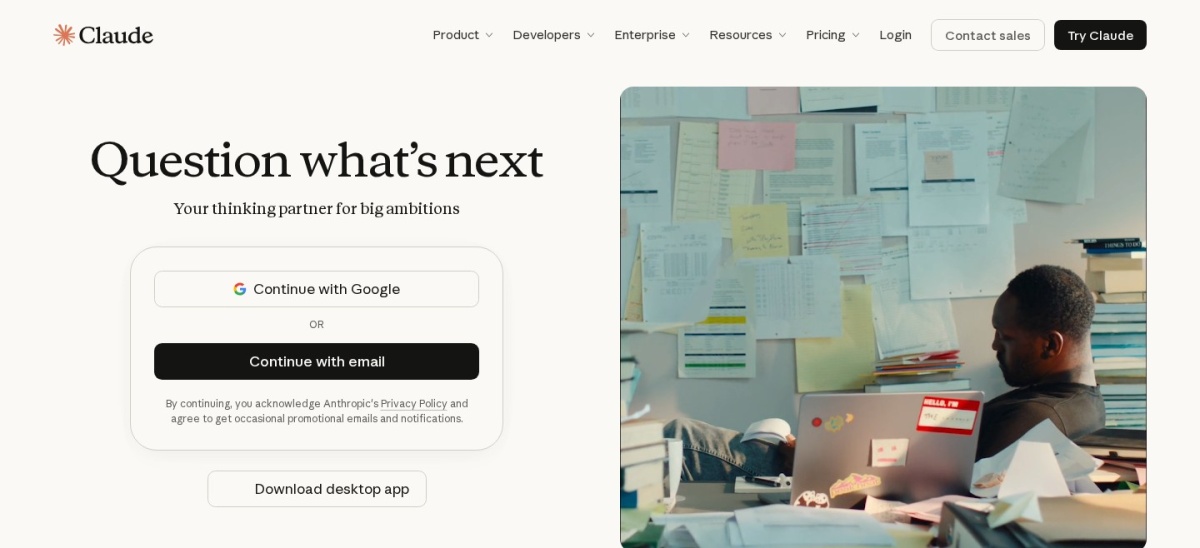
Claude homepage, captured Nov 2026.
Claude is an AI assistant designed for drafting documents, analyzing information, writing code and handling complex business requests. Its Team plan supports 2–150 members and includes Claude Code, Claude Cowork, organizational search, centralized billing and administration. Standard seats include more usage than the individual Pro plan.
The trade off is that usage allowances vary by seat type and workload. Team Standard costs $20 per seat monthly with annual billing or $25 monthly, while Premium seats cost more. It suits content teams, analysts, developers and businesses that regularly work with detailed documents.
What we like
Useful for long-form writing and document analysis
Claude Code and Cowork available on Team
Centralized billing and administration
Organizational search and connected workflows
Business content excluded from model training by default
Watch out for
Team usage remains subject to limits
Premium seats are substantially more expensive
Not a complete project management replacement
Team adds organizational search, administration, additional usage and collaborative business tools.Visit claude.com
03
Taskade
4.5/5on G2 (92 reviews, checked Nov 2026)
Paid from$6/mo
Best affordable AI workspace for agents and automation
Starter users3
Monthly AI credits10,000
Starter AI agents3
Paid planStarter, $6/mo annually
taskade.com
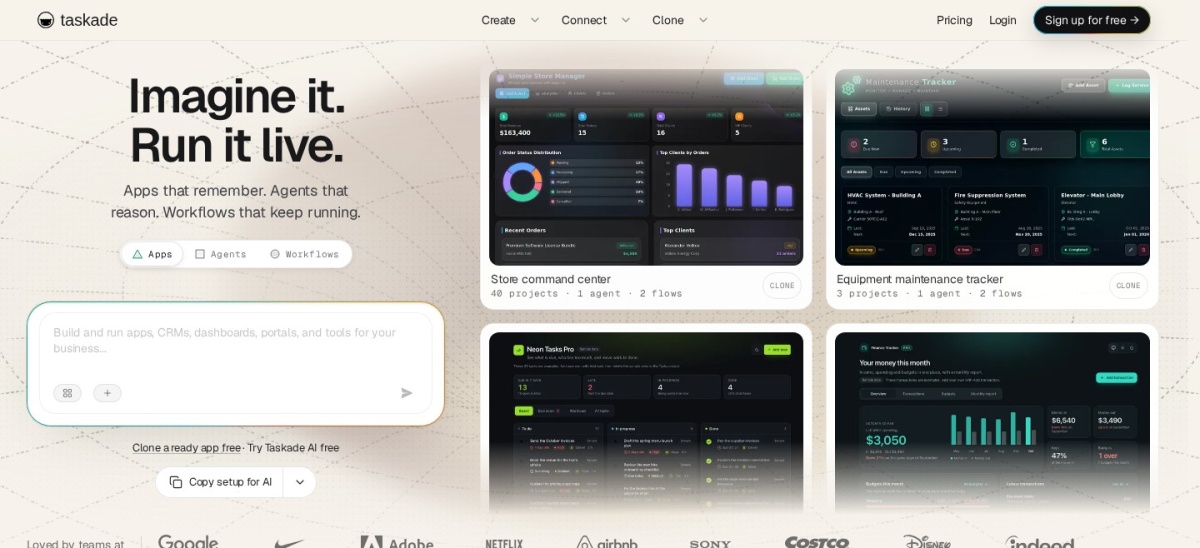
Taskade homepage, captured Nov 2026.
Taskade is an AI-native workspace combining team projects, custom AI agents, applications and workflow automation. Starter includes 3 users, 10,000 monthly AI credits, 3 agents, 5 GB of storage and 350 monthly automation runs. Team members share the included AI resources.
The trade off is that Starter limits agents, users and automation capacity. It costs $6 monthly with annual billing, while Pro starts at $10 monthly annually and expands to 10 users and unlimited agents. It suits small teams building repeatable AI workflows without paying separately for every included teammate.
What we like
Low entry price for small teams
Shared monthly AI credit allowance
Custom agents connected to project knowledge
Built-in automation and app building
Flat plan includes multiple team members
Watch out for
Starter limits users and AI agents
AI credits can run out during heavy usage
Advanced workflows require configuration and oversight
Starter adds shared AI credits, more agents, larger storage and expanded automation allowances.Visit taskade.com
04
Notion
4.6/5on G2 (14,021 reviews, checked Nov 2026)
Paid from$10/mo
Best for team knowledge bases and AI-assisted documentation
Workspace toolsDocs, databases and projects
Plus AI accessLimited trial
Full Notion AI planBusiness, $20/member/mo
Cheapest paid planPlus, $10/member/mo
notion.com
Notion homepage, captured Nov 2026.
Notion is a connected workspace for team documents, projects, knowledge bases and AI-assisted work. Its Free and Plus plans provide limited trials of Notion AI, while Business includes Notion Agent, AI Meeting Notes and Enterprise Search. Shared pages and databases give teams a common information source.
The trade off is that Plus costs $10 per member monthly but does not include ongoing full Notion AI access. Business costs $20 per member monthly and provides the broader AI capabilities. It suits teams that want AI connected directly to their internal documentation and everyday work.
What we like
Combines documentation, databases and project coordination
AI can work with information inside the workspace
Business includes Notion Agent and meeting notes
Flexible templates and shared knowledge bases
Useful for managing company procedures and project context
Plus expands collaboration; Business adds Notion Agent, AI Meeting Notes and connected search.Visit notion.com
05
Miro
4.6/5on G2 (13,828 reviews, checked Nov 2026)
Paid from$8/mo
Best for AI-assisted visual team collaboration
Free editable boards3
Starter AI credits25/member/month
Starter boardsUnlimited
Paid planStarter, $8/member/mo annually
miro.com
Miro homepage, captured Nov 2026.
Miro is a visual collaboration workspace for brainstorming, diagrams, workshops, prototypes and project planning. Its free plan provides 3 editable boards and limited AI access. Starter adds unlimited private boards, visitor editing and 25 AI credits per member monthly for generating diagrams, summaries and other board content.
The trade off is that AI credits are limited and the full range of AI workflows and agents requires Business. Starter costs $8 per member monthly with annual billing. It suits design, product, strategy and planning teams that work visually rather than through text conversations alone.
What we like
Shared visual canvas for team collaboration
AI-generated diagrams and summaries
Unlimited private boards on Starter
Visitor editing and meeting facilitation tools
Integrations with common project and communication software
Watch out for
Starter AI credit allowance is limited
Full AI workflows require Business
Complex boards may become difficult to organize
Starter adds private boards, visitor editing and 25 monthly AI credits per member.Visit miro.com
06
Perplexity
4.4/5on G2 (377 reviews, checked Nov 2026)
Paid from$400/yr
Best for collaborative AI research and source discovery
Primary purposeAI research and search
Team billingPer seat
Research outputAnswers with citations
Paid team planEnterprise Pro, $400/seat/yr
perplexity.ai
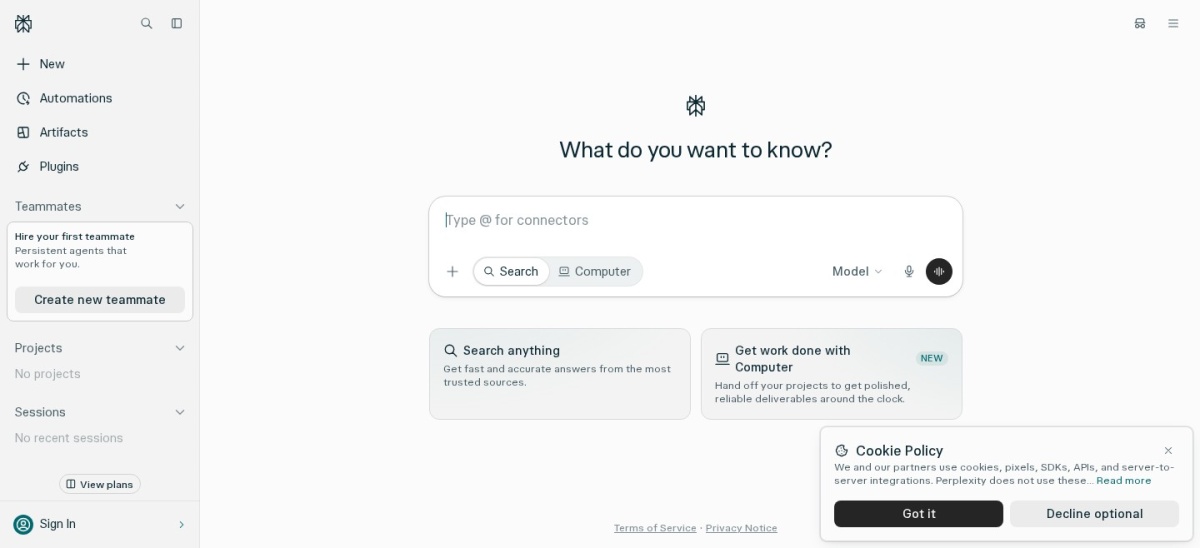
Perplexity homepage, captured Nov 2026.
Perplexity is an AI research and search platform that generates answers supported by source citations. Its free plan handles basic research, while Enterprise Pro provides organization-managed seats, extended usage limits and consolidated billing. Teams can use it to investigate topics, compare information and prepare research summaries.
The trade off is that the enterprise subscription costs more than several general AI workspaces. Enterprise Pro costs $400 per seat annually or $40 per month with monthly billing, and API usage is billed separately. It suits research-focused teams that prioritize sourced answers and centrally managed access.
What we like
Answers include source citations
Useful for competitive and market research
Enterprise seats can be reassigned
Consolidated organization billing
Access to advanced AI research capabilities
Watch out for
Higher entry price for organization-managed access
Sources and AI interpretations still require verification
API usage is billed separately
Enterprise Pro adds managed seats, extended research limits and consolidated billing.Visit perplexity.ai
07
Grammarly
4.7/5on G2 (14,154 reviews, checked Nov 2026)
Paid from$144/yr
Best for consistent AI-assisted team writing
Free writing helpGrammar and spelling
Team planGrammarly Pro
Pro seat capacityUp to 149
Paid planPro, $144/member/yr
grammarly.com
Grammarly homepage, captured Nov 2026.
Grammarly is an AI writing assistant for improving grammar, clarity, tone and business communication. Its free plan provides basic writing assistance, while Pro adds advanced rewriting, generative AI features and tools for consistent team communication. Pro supports up to 149 seats.
The trade off is its narrower focus compared with general-purpose AI assistants. Pro costs $144 per member annually, equivalent to $12 monthly, or $30 per member with monthly billing. It suits teams producing frequent emails, client communications, reports and branded written content.
What we like
Writing assistance across common work applications
AI rewriting and tone suggestions
Team brand voice features
Useful for customer-facing communication
Free writing assistance available
Watch out for
Not a general-purpose project management platform
AI suggestions may change the intended meaning
Team-wide subscriptions increase with member count
Pro adds advanced rewrites, generative AI assistance and team writing consistency features.Visit grammarly.com
AI assistants vs collaborative AI workspaces: which should teams choose?
General AI assistants such as ChatGPT and Claude support many types of work. Employees can draft documents, analyze information, write code and ask questions without creating a complicated project structure first.
Collaborative AI workspaces such as Notion and Taskade connect artificial intelligence to shared documents, tasks, databases and workflows. These are particularly useful when company knowledge must remain available to different employees.
Miro takes a visual approach, helping teams organize ideas, diagrams and planning sessions. Perplexity focuses on research, while Grammarly concentrates on written communication and consistent messaging.
Choose a general assistant when employees need varied AI help. Choose an AI workspace when the primary goal is maintaining shared context, automating repeatable tasks or organizing outputs that colleagues must reuse.
Security questions to ask before sharing company data with AI
Team AI platforms may process customer information, internal documents, business plans and confidential conversations. Before subscribing, check the provider's data retention, model-training, access control and administrative policies.
A dedicated business workspace may offer centralized administration and stronger organizational controls than individual accounts. However, available security features vary by subscription tier.
Review which connected applications an AI assistant can access and what permissions are granted. Employees should avoid sharing unnecessary sensitive information, and administrators should periodically review access to shared workspaces.
Establish a simple review process for AI-generated outputs. Assign responsibility for checking facts, approving external communications and verifying that automated actions follow company policies.
How we chose
We shortlisted established AI assistants and collaborative workspaces with published team features, active product development and meaningful public review histories. The comparison covers general AI assistance, shared knowledge, automation, visual collaboration, business research and team writing.
Official vendor pricing pages and G2 product review pages were reviewed against information available on 22 November 2026. We compared the cheapest confirmed paid plans and identified when important collaborative AI capabilities required higher subscriptions. Prices are normalized to annual USD costs per advertised billing unit.
We excluded products without verifiable paid pricing, insufficient public reviews or clearly established team collaboration features. We also avoided treating limited AI trials as unlimited paid AI access. No vendor paid for a place, and we do not claim testing for this list.
How to choose the right collaborative AI platform for your team
Identify your team's main AI use cases and the information employees need to share before selecting a platform.
Define the work AI should help your team complete. Choose ChatGPT or Claude for varied writing, research and analysis. Consider Taskade for automated workflows, Notion for knowledge management, Miro for visual planning, Perplexity for research or Grammarly for business writing.
Check how information moves between employees. Compare shared workspaces, project access, connected applications, document permissions and reusable AI agents. A useful platform should make important work accessible to authorized teammates without requiring employees to repeat information.
Calculate the real cost of team AI usage. Compare seat prices, minimum team sizes, included AI credits, model limits and annual commitments. Taskade includes multiple users in its Starter subscription, while several other platforms charge for every member.
Review security and introduce AI gradually. Read vendor privacy policies, configure access permissions and establish rules for handling company data. Begin with a limited set of approved workflows, review AI-generated results and expand usage when the team sees a clear operational benefit.
FAQ
What is the best collaborative AI platform for teams?
ChatGPT Business is the best overall option for teams needing a general AI assistant across writing, research, analysis and coding. It combines business administration, company connectors and workspace agents. Claude Team is a strong alternative for document-heavy work, while Taskade is particularly useful for shared AI agents and automation.
Which collaborative AI platform is the most affordable?
Taskade Starter is among the most affordable paid options in this comparison at $6 per month with annual billing. It includes three users and 10,000 monthly AI credits. Miro Starter costs $8 per member monthly annually, while Notion Plus costs $10 per member but includes only trial AI access.
Can multiple employees use the same AI workspace?
Yes. Business-oriented AI platforms allow organizations to invite multiple employees and manage access centrally. ChatGPT Business, Claude Team, Notion, Taskade and Miro support team collaboration in different ways. Check whether pricing is per seat or per workspace and whether documents, agents or usage allowances can be shared.
What is the difference between ChatGPT Business and Claude Team?
Both provide general-purpose AI assistance, business administration and connected workflows. ChatGPT Business emphasizes access to ChatGPT, Work, Codex and workspace agents, while Claude Team includes Claude Code, Cowork and organizational search. Both list standard seats at $20 monthly with annual billing, so workflow fit is an important deciding factor.
Is Notion AI included in Notion Plus?
Notion Plus includes a limited trial of Notion AI rather than ongoing access to its full AI capabilities. Notion Business costs $20 per member monthly on the published pricing page and includes Notion Agent, AI Meeting Notes and connected search features. Teams planning regular AI use should account for that higher subscription.
Which AI platform is best for teams building automated workflows?
Taskade is a useful option for combining custom agents, shared projects and workflow automation. Its Starter subscription includes 10,000 monthly AI credits and 350 automation runs, while higher plans expand those allowances. ChatGPT Business also includes workspace agents, making it worth comparing for broader business workflows.
Which collaborative AI tool is best for brainstorming?
Miro is particularly well suited to visual brainstorming, diagrams and collaborative workshops. Its Starter plan includes unlimited private boards and 25 AI credits per member monthly. ChatGPT and Claude can help generate and organize ideas in text, but Miro provides a shared visual canvas for group planning.
Are collaborative AI platforms safe for confidential company information?
Security depends on the platform, subscription and workspace configuration. Review data retention, model-training policies, authentication, access permissions and connected applications before uploading confidential material. Business subscriptions may offer administrative controls that personal plans lack, but organizations should still maintain internal data-handling rules and review automated actions.
Do AI collaboration platforms replace project management software?
Some AI workspaces include project management capabilities, but they do not all replace dedicated planning systems. Taskade and Notion combine AI with tasks and shared documentation, while Miro supports visual planning. ChatGPT, Claude, Perplexity and Grammarly are primarily assistants for particular types of work and may complement existing project tools.