WLWPLegible EditorsLast verified 22 Nov 2026How we rank11 min read
★ Short answer
MaintainX is the best CMMS software for most maintenance teams, offering unlimited work orders on its free plan and paid plans from $20 per user monthly with annual billing. UpKeep suits teams prioritizing mobile asset operations, while Click Maint offers straightforward preventive maintenance at $35 per user monthly.
How we make this list: we compare pricing pages, product documentation and public user reviews, then re-check every price before each update. No product paid for a place. Disclosure.
MaintainX ranks first for mobile maintenance teams, with a free plan and Essential pricing at $20 per user monthly when billed annually.
UpKeep starts at $24 per user monthly, but preventive maintenance scheduling and inventory management require its $55 Premium plan.
Click Maint charges $35 per user monthly for work orders, preventive maintenance, asset management and unlimited requesters.
Maintainly offers the lowest published entry price here at $12 per user monthly, with a free plan for basic maintenance tracking.
Fiix includes 25 active preventive maintenance tasks on its free plan; unlimited PM tasks require Basic at $45 per user monthly.
MPACT starts at $29 per user monthly with annual billing and a three-user minimum, making minimum team size important when comparing costs.
What matters when choosing CMMS software
A computerized maintenance management system, or CMMS, organizes equipment maintenance, service requests, work orders, inspections and repair history. It helps maintenance teams replace scattered spreadsheets, paper forms and email chains with a central record of work.
Start with work order management and preventive maintenance. Technicians should be able to receive assignments, record labor, attach photos and close tasks. Supervisors need schedules that generate recurring maintenance work before equipment fails.
Asset management is another important difference. A useful CMMS connects maintenance history to individual machines, buildings or vehicles. More advanced plans may add spare-parts inventory, meter-based schedules, purchasing and downtime analysis.
Compare the actual licensing model before selecting a product. Some vendors charge for each technician, while others distinguish paid maintenance users from free requesters. Also check whether the advertised entry plan includes preventive scheduling, offline mobile access, reporting and integrations.
Finally, consider implementation. Moving to a CMMS means organizing asset records, maintenance frequencies, equipment locations and technician responsibilities. A lower subscription price may offer less value if important workflows require expensive upgrades.
4.8/5on Capterra (1,085 reviews, checked Nov 2026)
Paid from$20/mo
Best CMMS software overall
Free work ordersUnlimited
Free repeating work orders2 active
Paid entryEssential, $20/user/mo annually
Capterra rating4.8/5 from 1,085 reviews
getmaintainx.com
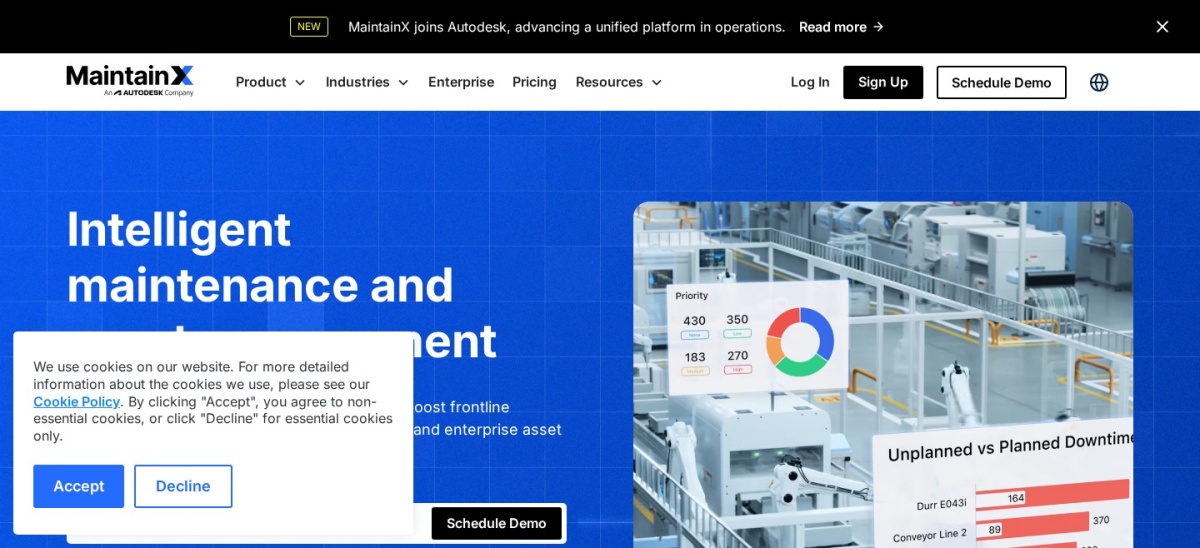
MaintainX homepage, captured Nov 2026.
MaintainX is a mobile-first CMMS for managing equipment, work orders and frontline maintenance communication. Its free Basic plan includes unlimited work orders, unlimited procedures, unlimited requesters, real-time messaging and 2 active repeating work orders. Technicians can document maintenance activity while managers track jobs centrally.
The trade off is that the free plan limits recurring work, while Essential costs $20 per user monthly with annual billing and Premium rises to $65 for inventory, purchasing and deeper analytics. It suits maintenance teams wanting an accessible starting point with room to expand.
What we like
Free plan includes unlimited work orders
Mobile-friendly interface for technicians
Real-time team communication
Unlimited requester accounts
Watch out for
Free recurring maintenance is limited
Inventory and purchasing require Premium
Per-user costs increase with technician headcount
Essential adds unlimited repeating work orders; Premium adds inventory, purchasing and advanced analytics.Visit getmaintainx.com
02
UpKeep
4.6/5on Capterra (1,337 reviews, checked Nov 2026)
Starts at$24/mo
Best for mobile asset operations
Entry planEssential, $24/user/mo
Work ordersUnlimited on Essential
PM schedulingPremium plan
Capterra rating4.6/5 from 1,337 reviews
upkeep.com
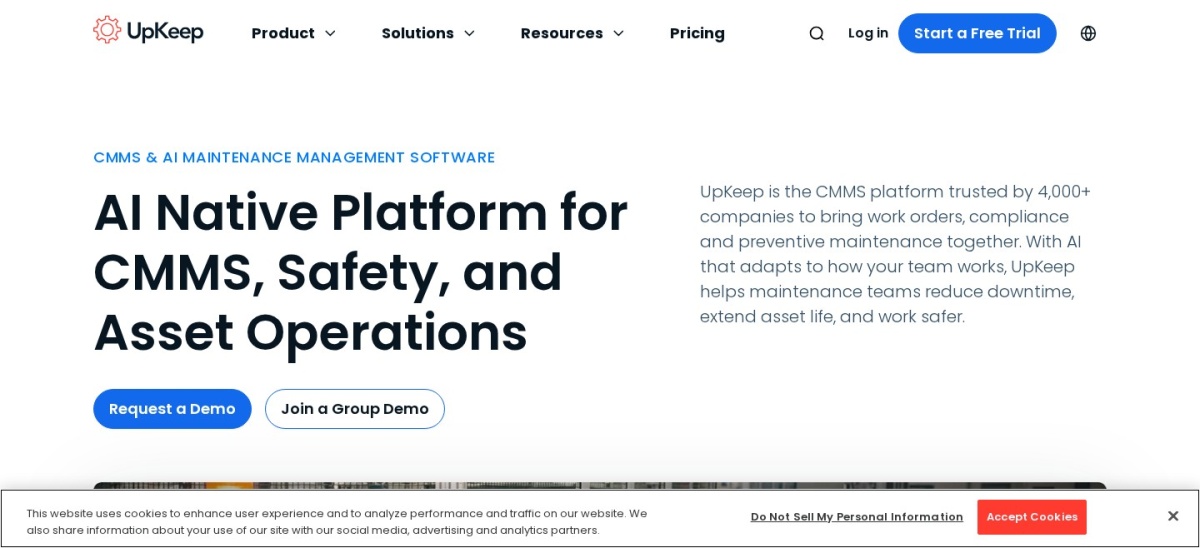
UpKeep homepage, captured Nov 2026.
UpKeep is a maintenance and asset operations platform for teams managing equipment across facilities and operational locations. Its Essential plan costs $24 per user monthly and includes unlimited work orders, unlimited locations and Nova AI credits. The mobile application supports work updates and maintenance history access.
The trade off is that preventive maintenance scheduling, custom checklists and parts inventory are reserved for Premium at $55 per user monthly. Offline mobile mode requires a higher quoted plan. It suits teams focused on mobile work order coordination that can budget for advanced maintenance features.
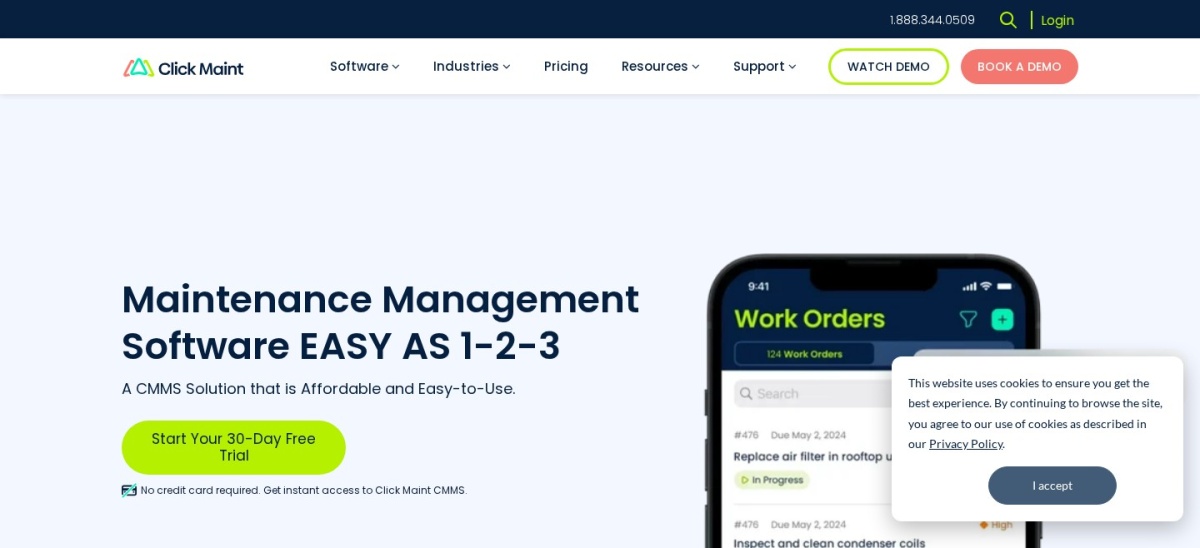
Click Maint is a CMMS designed around work order requests, preventive maintenance, equipment records and technician coordination. Its Professional plan costs $35 per user monthly and includes unlimited requesters, request portals, configurable forms, preventive maintenance schedules and mobile access. Teams can also use QR codes to submit maintenance requests.
The trade off is that Click Maint does not advertise a permanent free plan, and its reporting and asset lifecycle capabilities may not satisfy every complex operation. It suits small and midsize maintenance departments seeking essential features without comparing numerous subscription tiers.
What we like
Simple published per-user pricing
Unlimited requesters and request portals
Preventive maintenance included
QR code maintenance requests
Watch out for
No permanent free plan
Advanced reporting may need improvement
Less suitable for highly complex asset operations
Professional includes preventive maintenance, work orders, mobile access and asset tracking.Visit clickmaint.com
04
Fiix
4.5/5on Capterra (629 reviews, checked Nov 2026)
Paid from$45/mo
Best for structured preventive maintenance
Free preventive maintenance25 active PMs
Entry paid planBasic, $45/user/mo
Paid PM schedulingUnlimited
Capterra rating4.5/5 from 629 reviews
fiixsoftware.com
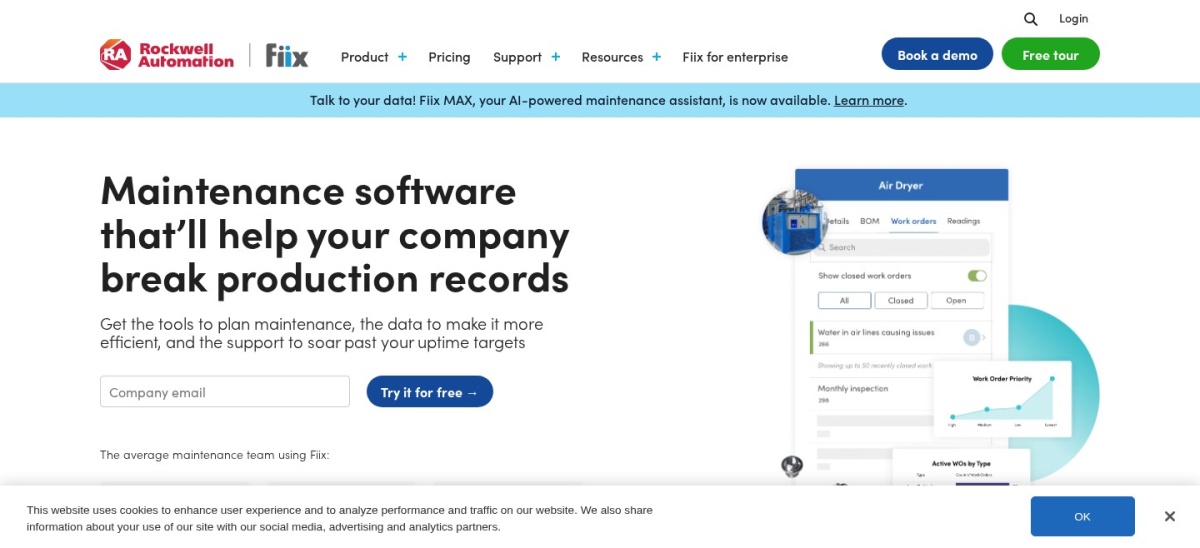
Fiix homepage, captured Nov 2026.
Fiix is a computerized maintenance management platform focused on equipment records, preventive maintenance and maintenance performance tracking. Its free plan supports work orders, asset hierarchies, inventory records, mobile access and up to 25 active preventive maintenance tasks. Basic adds unlimited PM tasks, reports and resource-based scheduling.
The trade off is that Basic costs $45 per user monthly, and advanced features such as deeper integrations and enterprise workflows require higher plans. It suits maintenance departments that need organized asset histories and structured preventive maintenance without starting with a large deployment.
What we like
Free tier includes preventive maintenance
Asset hierarchies and downtime tracking
Mobile maintenance application
Unlimited PM tasks on Basic
Watch out for
Free plan has user and PM limits
Entry paid plan costs more than several alternatives
MPACT CMMS is a cloud maintenance management system from MPulse Software for work orders, preventive schedules, asset records and operational reporting. Professional costs $29 per user monthly with annual billing and a three-user minimum. It includes unlimited work orders, unlimited preventive maintenance scheduling, unlimited requesters and configurable dashboards.
The trade off is that the minimum subscription requires multiple paid users, while inventory costing, failure analysis and downtime tracking are available in Advanced at $79 per user monthly. It suits established maintenance departments needing consistent reporting, detailed maintenance histories and structured planning.
What we like
Unlimited work orders and PM scheduling
Unlimited free maintenance requesters
Custom dashboards and reporting
Published role-based licensing
Watch out for
Three-user minimum increases starting commitment
Advanced inventory and downtime features cost more
Maintainly is a cloud CMMS for teams wanting basic maintenance coordination without a large software budget. Its free plan includes unlimited work orders, repeating tasks, checklists, meter readings, asset QR labels and unlimited request users. Small Business costs $12 per user monthly and expands workflow controls and recordkeeping.
The trade off is that advanced preventive maintenance, unlimited reports and API access require Enterprise at $24 per user monthly, while inventory costs another $7 per user monthly. It suits smaller maintenance teams prioritizing affordability and gradual adoption.
What we like
Permanent free plan
Low published paid entry price
Unlimited work orders on the free tier
Asset QR labels and mobile access
Watch out for
Advanced PM functionality requires Enterprise
Inventory management costs extra
Smaller public review base than major competitors
Small Business adds approvals, custom fields and expanded audit and request capabilities.Visit maintainly.com
07
Q Ware CMMS
4.6/5on Capterra (60 reviews, checked Nov 2026)
Starts at$22/mo
Best for facility maintenance teams
Entry planTeam, $22/user/mo
Free versionNo
Core functionsWork orders and scheduling
Capterra rating4.6/5 from 60 reviews
qwarecmms.com
Q Ware CMMS homepage, captured Nov 2026.
Q Ware CMMS is a facility maintenance platform for organizing service requests, work orders, preventive schedules and asset information. Its Team plan has been listed at $22 per user monthly, with additional capabilities available in higher tiers. The software also supports facility-oriented workflows, including event booking and inventory management.
The trade off is that published third-party pricing differs between sources, so the current subscription amount needs confirmation before purchasing. It suits facilities departments that want maintenance requests and building operations managed through a common interface.
CMMS subscription costs depend on paid users, included modules and billing commitments. Maintainly starts at $12 per user monthly, MaintainX Essential is $20 with annual billing, UpKeep starts at $24 and Fiix Basic costs $45.
The starting subscription does not always include the workflows a maintenance department needs. UpKeep requires Premium for preventive maintenance scheduling, while MaintainX reserves inventory and purchase orders for its Premium plan.
Calculate costs using everyone who needs paid access, not only supervisors. Check technician licensing, free requesters, onboarding, asset migration, support and any required inventory or reporting modules before committing.
CMMS vs EAM: which system do you need?
CMMS software focuses on maintaining assets through work orders, inspections, service histories and preventive maintenance. Enterprise asset management, or EAM, usually covers a wider asset lifecycle, including acquisition, utilization, financial records and retirement.
Choose a CMMS when the immediate problem is missed maintenance, disorganized repair requests or limited visibility into technician activity. Consider broader EAM capabilities when asset investments, depreciation and lifecycle planning are equally important.
Some platforms offer overlapping functions. Evaluate the actual features in the subscription rather than relying on whether a vendor describes its product as CMMS, EAM or asset operations software.
How we chose
We built this list from established maintenance management software providers with active products, public documentation and meaningful customer review histories. The comparison focuses on work order management, preventive maintenance, asset tracking, mobile usability and subscription transparency.
Official pricing pages and Capterra review listings were checked on 22 Nov 2026 for the article's editorial snapshot. Publicly displayed regular entry prices are used where available, with monthly subscription amounts converted to annual per-user equivalents. Q Ware's conflicting published prices require additional confirmation.
We excluded products without enough verified pricing evidence for a dependable comparison, including several quote-only enterprise platforms. We also excluded discontinued products and avoided treating a free trial as a permanent free plan. No vendor paid for a place, and we do not claim testing for this list.
How to choose the right CMMS software
Identify your maintenance workflows before comparing subscriptions, then use these steps to narrow the options.
Map your maintenance process. Document how requests arrive, who approves work, how technicians receive assignments and where repair histories are stored. Prioritize work order management if you are replacing paper forms or spreadsheets.
Define your preventive maintenance requirements. Check whether the entry plan supports recurring tasks, checklists, asset-based schedules and automated work order generation. For equipment-heavy operations, investigate meter-based scheduling and downtime tracking.
Calculate your full subscription cost. Count paid technicians, supervisors and administrators separately from free requesters. Add necessary modules, implementation, inventory management and reporting upgrades before comparing annual totals.
Validate workflows before committing. Use a demo or trial to check request submission, technician assignment, mobile access, preventive scheduling and maintenance reporting. Confirm data export and cancellation terms before signing a longer subscription.
FAQ
What is the best CMMS software for small businesses?
MaintainX is a strong starting point because its free plan includes unlimited work orders, unlimited procedures and unlimited requesters. Maintainly is another option for tighter budgets, offering free maintenance tracking and a Small Business plan at $12 per user monthly.
Is there any free CMMS software?
Yes. MaintainX, Fiix and Maintainly offer permanent free plans. MaintainX includes unlimited work orders but limits active repeating work orders. Fiix supports up to 25 active preventive maintenance tasks on its free tier. Compare those limits before deciding whether a free plan is sufficient.
How much does CMMS software cost?
Entry subscription prices vary by provider and included features. Maintainly starts at $12 per user monthly, MaintainX Essential costs $20 with annual billing, UpKeep starts at $24 and Fiix Basic costs $45. The total can increase when teams need inventory, analytics, integrations or more licensed users.
What is the difference between CMMS and preventive maintenance software?
Preventive maintenance software primarily schedules recurring service tasks and inspections. A CMMS usually provides a broader set of functions, including work orders, asset histories, technician assignments and reporting. Many CMMS platforms include preventive maintenance, although the feature may require a paid subscription.
Can CMMS software manage inventory?
Yes, many CMMS platforms support spare-parts inventory, stock quantities and purchasing workflows. However, inventory is not included in every entry plan. MaintainX places inventory management in Premium, while Maintainly sells an inventory add-on. Check whether parts can be connected directly to work orders.
Is CMMS software suitable for manufacturing?
Yes. Manufacturing maintenance teams use CMMS platforms to schedule equipment inspections, record breakdowns, organize repairs and track machine maintenance history. More advanced manufacturing operations may need meter-based maintenance, downtime analysis, inventory costing and integrations with production or enterprise systems.
What features should a CMMS include?
Look for work order creation, technician assignments, asset records, preventive maintenance schedules, inspection checklists and maintenance history. Mobile access is important for technicians working away from desks. Inventory, purchasing, custom reports and system integrations become more important as operations grow.
Do all employees need paid CMMS accounts?
No. Licensing depends on the vendor. MaintainX includes unlimited free requester accounts, while MPACT also offers unlimited maintenance requesters. Technicians and managers who create, update or administer work may require paid licenses. Confirm role permissions and licensing rules before estimating subscription costs.
How do I move maintenance records into a CMMS?
Start by organizing asset names, locations, equipment details, service intervals and existing work orders. Remove duplicate records and define consistent naming conventions. During implementation, verify import options and test a small set of assets before moving the complete maintenance database.